







What is this?
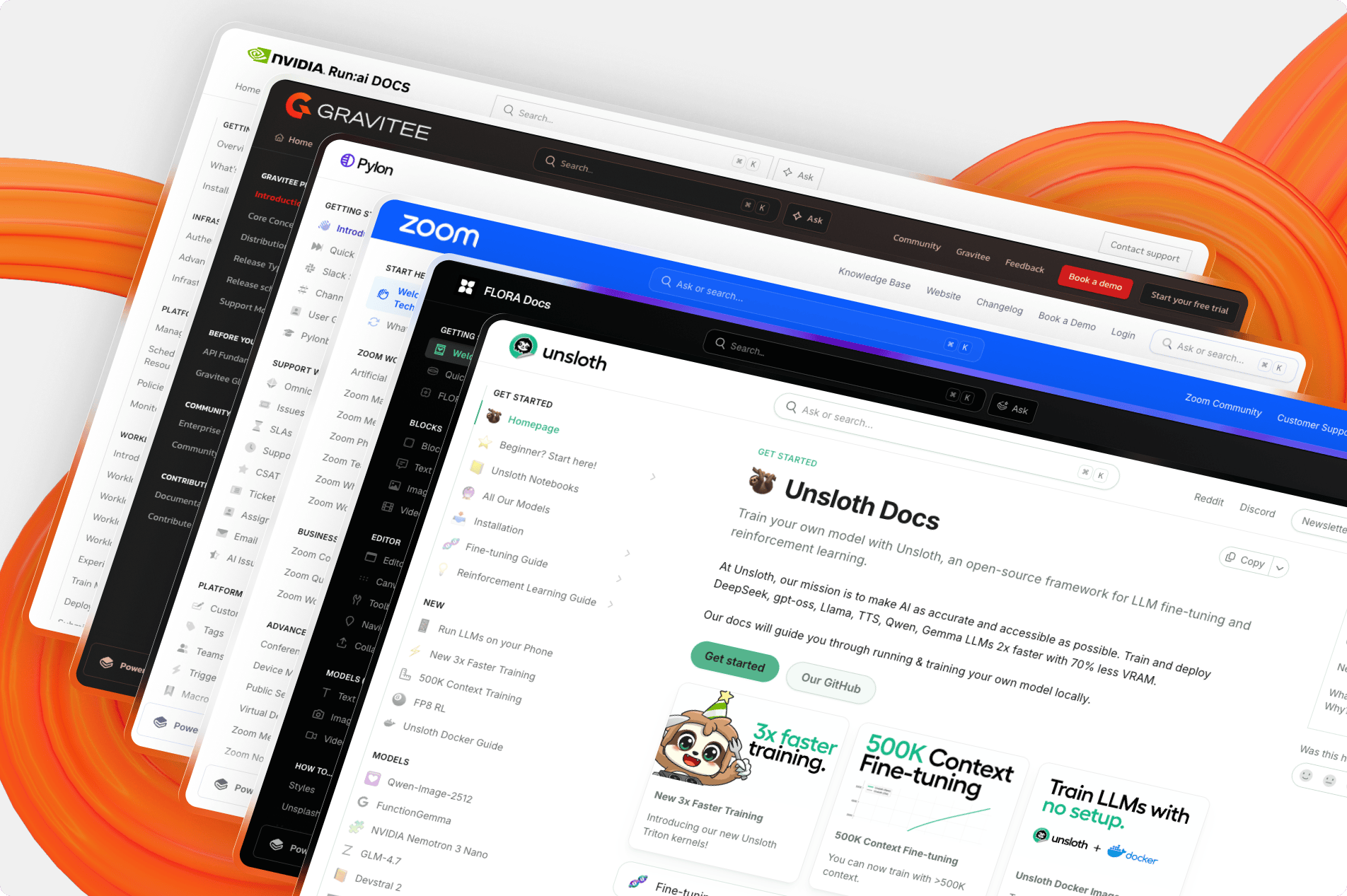
 The open source frontend that renders GitBook doc sites: this repo contains the code GitBook uses to render published content, while authoring stays on the GitBook platform.
The open source frontend that renders GitBook doc sites: this repo contains the code GitBook uses to render published content, while authoring stays on the GitBook platform.So is this all of GitBook, or just the part readers see?Just the rendering side — the web frontend built on Next.js that displays published GitBook content. You can self-host only this rendering portion, not the whole product.
Just the rendering side — the web frontend built on Next.js that displays published GitBook content. You can self-host only this rendering portion, not the whole product.How do I run it locally?Clone the repo, run nvm use to get the right Node, install dependencies with Bun, start the dev server, then open any published GitBook site prefixed with examples: — your code changes show up live in the browser.
Clone the repo, run nvm use to get the right Node, install dependencies with Bun, start the dev server, then open any published GitBook site prefixed with examples: — your code changes show up live in the browser.What do I need installed before that?Node.js >= 22.3 (nvm is recommended for managing it) and Bun >= 1.2.15, because the project uses a text-based lockfile that older Bun versions can't read.
Node.js >= 22.3 (nvm is recommended for managing it) and Bun >= 1.2.15, because the project uses a text-based lockfile that older Bun versions can't read.Can I just self-host my docs with this and skip GitBook's hosting?Technically yes, but GitBook explicitly discourages it: you become responsible for reliability, maintenance and merging future updates, with no guaranteed support for self-hosted instances.
Technically yes, but GitBook explicitly discourages it: you become responsible for reliability, maintenance and merging future updates, with no guaranteed support for self-hosted instances.Anything tricky about the license?It's GNU GPLv3: if you distribute the code you must keep your source public, and cloning it into a private repository requires acquiring a commercial license.
It's GNU GPLv3: if you distribute the code you must keep your source public, and cloning it into a private repository requires acquiring a commercial license.Why did GitBook open-source the renderer but discourage forks?So the community improves the product directly: forking or self-hosting puts the burden of merging future updates on you, and GitBook can't guarantee support or maintenance for those instances.
So the community improves the product directly: forking or self-hosting puts the burden of merging future updates on you, and GitBook can't guarantee support or maintenance for those instances.Are there restrictions on fonts and icons when self-hosting?Yes: GitBook Open uses Font Awesome, and for licensing reasons local and self-hosted setups should only use icons from the free version.
Yes: GitBook Open uses Font Awesome, and for licensing reasons local and self-hosted setups should only use icons from the free version.How do they keep the renderer from regressing?Every pull request is automatically run through both visual and performance testing before it lands, to catch rendering and speed regressions early.
Every pull request is automatically run through both visual and performance testing before it lands, to catch rendering and speed regressions early.Which topics is it in?gitbook, documentation-tool, bun, tailwindcss, monorepo, knowledge-base, nextjs, git, documentation, gplv3, markdown, react
gitbook, documentation-tool, bun, tailwindcss, monorepo, knowledge-base, nextjs, git, documentation, gplv3, markdown, react