



What is this?
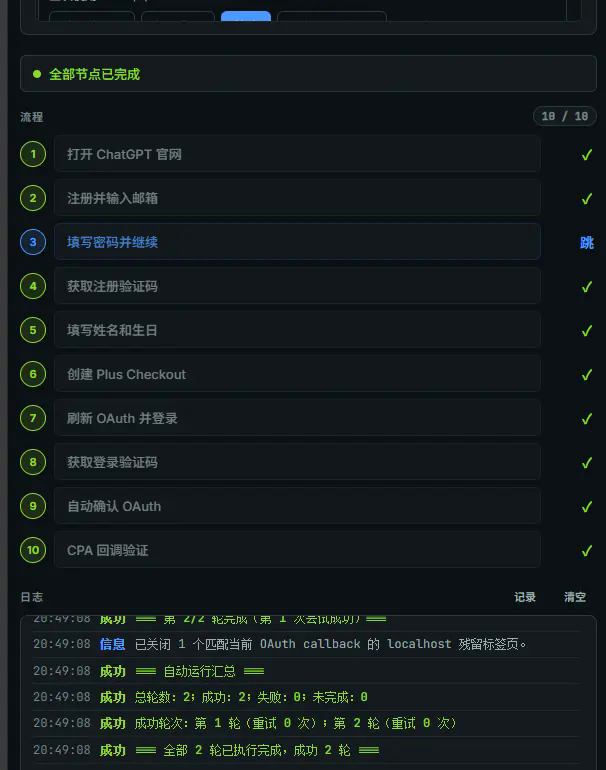
 GuJumpgate is an archived Chrome extension that automated account registration and payment flows for a target platform - creating a Free account, upgrading it to Plus through a PayPal-via-Stripe billing chain, and managing Hotmail/Outlook email aliases. It stopped being maintained on 2026-07-11.
GuJumpgate is an archived Chrome extension that automated account registration and payment flows for a target platform - creating a Free account, upgrading it to Plus through a PayPal-via-Stripe billing chain, and managing Hotmail/Outlook email aliases. It stopped being maintained on 2026-07-11.Is this just a Chrome extension, or does it need something else running too?It loads as an unpacked Chrome extension (incognito-enabled), but it also depends on local companion scripts - a Hotmail Helper and an optional PPBoom helper - running on your machine to export JSON and drive the PayPal flow.
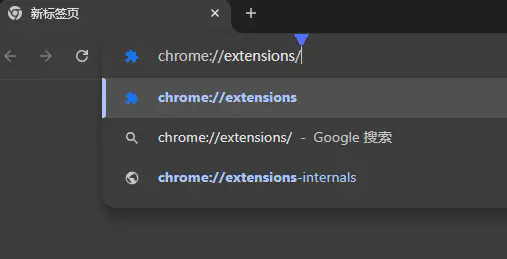
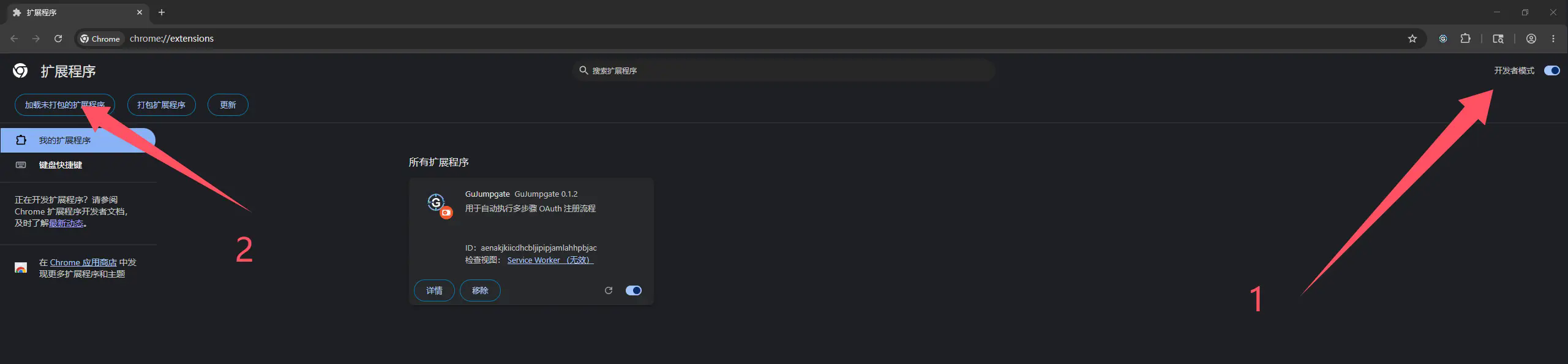
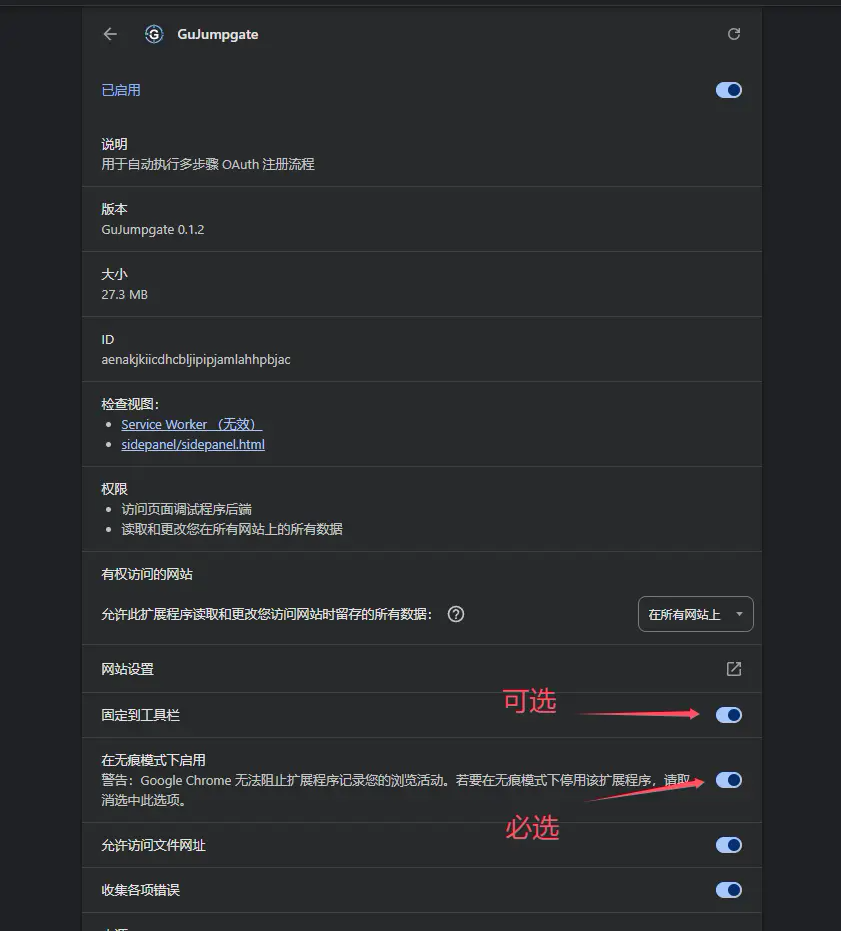
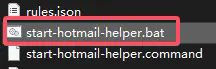
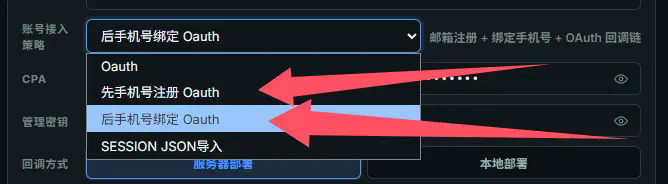
It loads as an unpacked Chrome extension (incognito-enabled), but it also depends on local companion scripts - a Hotmail Helper and an optional PPBoom helper - running on your machine to export JSON and drive the PayPal flow.How do I get it running?Download the zip from the repo's Releases page, unzip it, enable Developer mode at chrome://extensions, load the unpacked folder, enable 'Allow in incognito', then run the bundled start-hotmail-helper script and configure the extension's sidebar before starting.
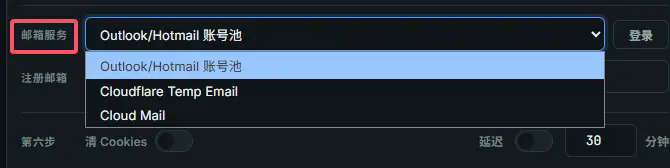
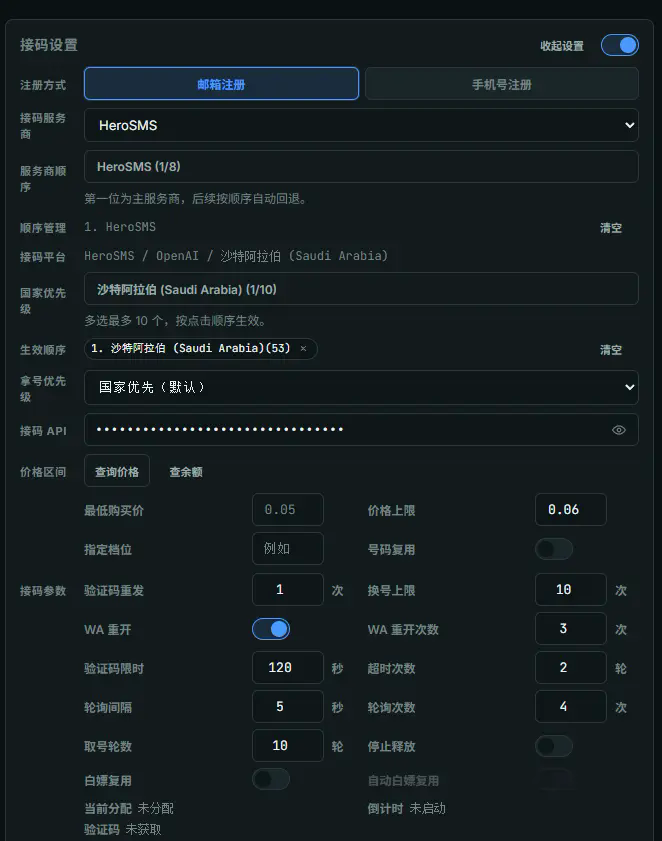
Download the zip from the repo's Releases page, unzip it, enable Developer mode at chrome://extensions, load the unpacked folder, enable 'Allow in incognito', then run the bundled start-hotmail-helper script and configure the extension's sidebar before starting.What do I need before I can actually use it?A Japanese +81 SMS-capable phone number with API access for PayPal verification codes, one or more IMAP/Graph-enabled Outlook mailboxes (or a self-hosted edu-prefixed temp mail domain), a clean Japan-based proxy, and a funded SMS platform account with an API key.
A Japanese +81 SMS-capable phone number with API access for PayPal verification codes, one or more IMAP/Graph-enabled Outlook mailboxes (or a self-hosted edu-prefixed temp mail domain), a clean Japan-based proxy, and a funded SMS platform account with an API key.Does it still work?No guarantee - the repo was archived because the target platform keeps changing its registration, payment, and anti-fraud rules, so parts or all of the flow may already be broken, and no fixes or compatibility updates are provided anymore.
No guarantee - the repo was archived because the target platform keeps changing its registration, payment, and anti-fraud rules, so parts or all of the flow may already be broken, and no fixes or compatibility updates are provided anymore.Which OS do the required helper scripts support?The extension itself is just Chrome, but the mandatory local helper ships as .bat scripts for Windows and .command scripts for macOS.
The extension itself is just Chrome, but the mandatory local helper ships as .bat scripts for Windows and .command scripts for macOS.What is FlowPilot and how does this relate to it?GuJumpgate is a modified fork of the open-source QLHazyCoder/FlowPilot project (with some early code shared with whwh1233/StepFlow-Duck), adapting its OAuth callback flow and adding new PayPal/Hotmail automation on top.
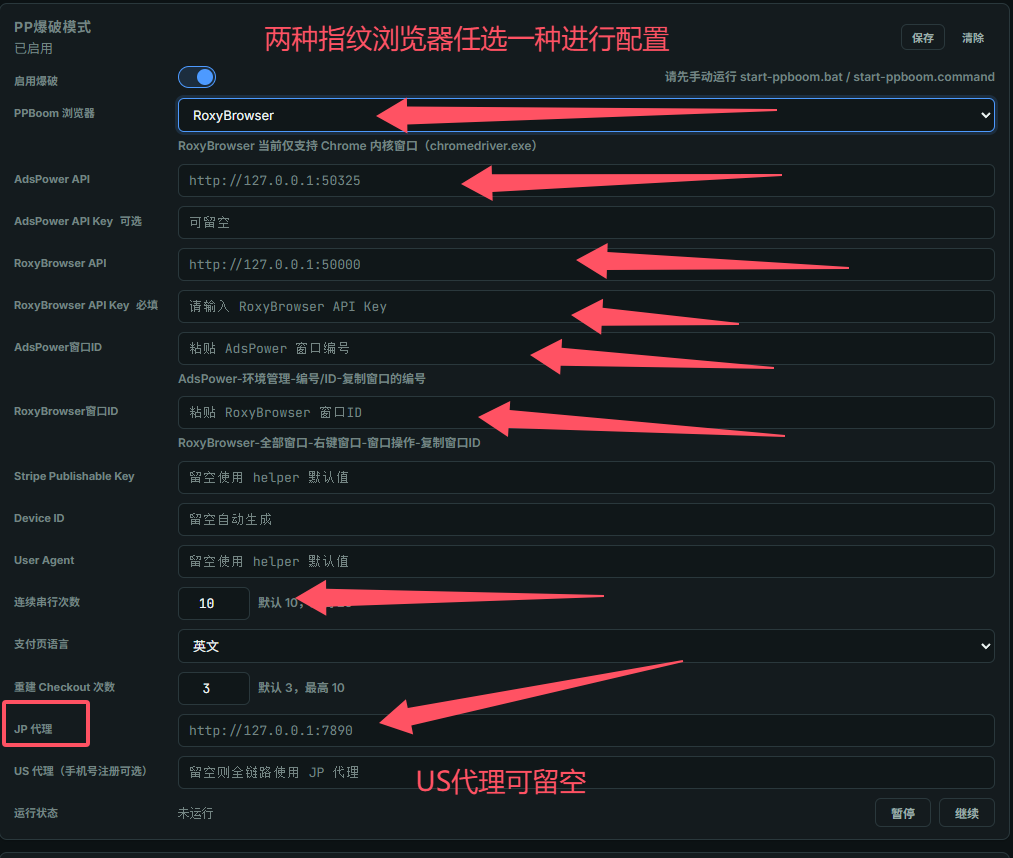
GuJumpgate is a modified fork of the open-source QLHazyCoder/FlowPilot project (with some early code shared with whwh1233/StepFlow-Duck), adapting its OAuth callback flow and adding new PayPal/Hotmail automation on top.What is the PPBoom / PP brute-force mode?An optional mode meant to run inside a fingerprint browser like RoxyBrowser or AdsPower with a dynamic residential proxy, requiring its own local helper script plus separate API key and profile configuration.
An optional mode meant to run inside a fingerprint browser like RoxyBrowser or AdsPower with a dynamic residential proxy, requiring its own local helper script plus separate API key and profile configuration.Why does the temp email need an edu prefix?The self-hosted Cloudflare temp-mail path only qualifies for the target platform's trial offer if the mailbox domain uses an edu. prefix, such as edu.openai.com.
The self-hosted Cloudflare temp-mail path only qualifies for the target platform's trial offer if the mailbox domain uses an edu. prefix, such as edu.openai.com.Should I use this with a real account or real payment method?The maintainer explicitly warns not to, since the anti-fraud bypass paths are unverified post-deprecation and could violate the target platform's terms of service.
The maintainer explicitly warns not to, since the anti-fraud bypass paths are unverified post-deprecation and could violate the target platform's terms of service.What are similar projects?github-farm, FlowPilot, freepp, grok-register, outlook-auto-register, cloudflare_temp_email, nopecha-extension, Mocreak
github-farm, FlowPilot, freepp, grok-register, outlook-auto-register, cloudflare_temp_email, nopecha-extension, MocreakWhich topics is it in?registration, sms-api, account-manager, activation-tools, fake, imap, stripe, bypass, bot, oauth2, email, chrome-extension
registration, sms-api, account-manager, activation-tools, fake, imap, stripe, bypass, bot, oauth2, email, chrome-extension