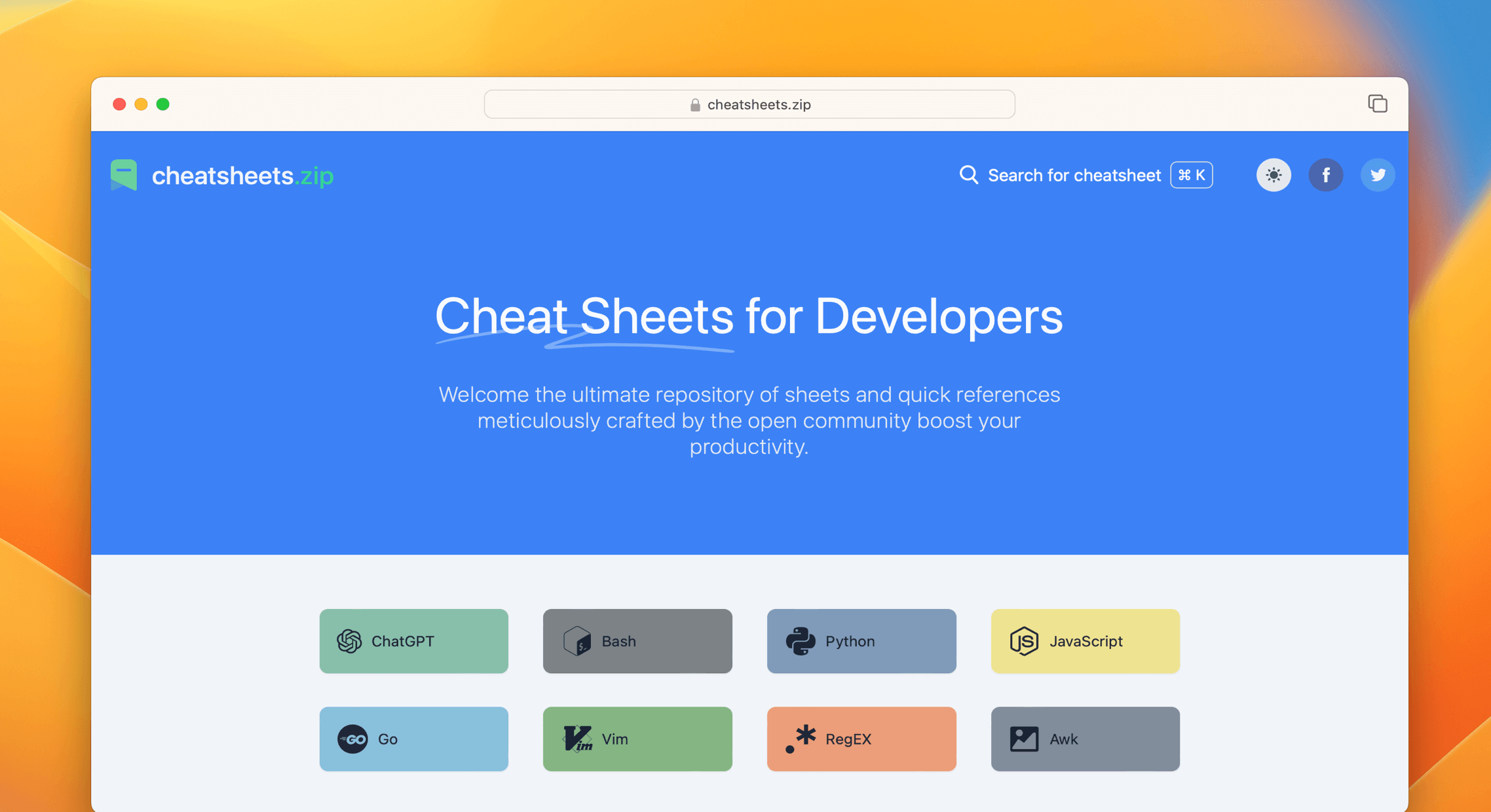
📖 Reference - Cheat Sheets for Developers



Reference is a collection of cheat sheets contributed by open source angels. It shares a quick reference cheat sheet for
developers in a nice layout. [ 中文版 | ... ]
We encourage you to share your own cheat sheets with the community and make Reference even better. If you notice a cheat
sheet that could be improved, feel free to submit a pull request.
👀 Live Demonstration
Note: The original domain for this project was quickref.me, which was acquired by a US-based company. Since then,
cheatsheets.zip is the primary and maintained domain (All within the bounds of the agreements).
You can view the most up-to-date cheat sheets live at https://cheatsheets.zip.
📚 Cheat Sheets List
Reference provides cheat sheets for the following:
Programming
- Bash: This is a quick reference cheat sheet to getting started with Linux bash
shell scripting.
- C: C quick reference cheat sheet that provides basic syntax and methods.
- C++: C++ quick reference cheat sheet that provides basic syntax and methods.
- C#: C# quick reference cheat sheet that provides basic syntax and methods.
- CSS 3: This is a quick reference cheat sheet for CSS goodness, listing selector
syntax, properties, units and other useful bits of information.
- Dart: A Dart cheat sheet with the most important concepts, functions, methods,
and more. A complete quick reference for beginners.
- Docker: This is a quick reference cheat sheet for
Docker. And you can find the most common Docker commands here.
- ES6: A quick reference cheat sheet of what’s new in JavaScript for ES2015, ES2016,
ES2017, ES2018 and beyond
- Go: This cheat sheet provided basic syntax and methods to help you using
Go.
- GraphQL: This quick reference cheat sheet provides a brief overview of
GraphQL.
- Hook: The Hook cheat sheet is a one-page
reference sheet for the Hook programming language.
- HTML: This HTML quick reference cheat sheet lists the common HTML and HTML5 tags
in readable layout.
- INI: This is a quick reference cheat sheet for understanding and writing
INI-format configuration files.
- Java: This cheat sheet is a crash course for Java beginners and help review the
basic syntax of the Java language.
- JavaScript: A JavaScript cheat sheet with the most important concepts,
functions, methods, and more. A complete quick reference for beginners.
- jQuery: This jQuery cheat sheet is a great reference for
both beginners and experienced developers.
- Kubernetes: This page contains a list of commonly used kubectl commands and
flags.
- LaTeX: This cheat sheet summarizes a reference list of
LaTeX commonly used display math notation and some application examples of
KaTeX.
- Laravel: Laravel is an expressive and
progressive web application framework for PHP. This cheat sheet provides a reference for common commands and features
for Laravel 8.
- MATLAB: This quick reference cheat sheet provides an example introduction to
using the MATLAB scientific computing language to get started quickly
- Markdown: This is a quick reference cheat sheet to the Markdown syntax.
- PHP: This PHP cheat sheet provides a reference
for quickly looking up the correct syntax for the code you use most frequently.
- Python: The Python cheat sheet is a one-page
reference sheet for the Python 3 programming language.
- Rust: The Rust quick reference cheat sheet that aims at providing help on writing
basic syntax and methods.
- Sass: This is a quick reference cheat sheet that lists the most useful features
of SASS.
- TOML: This is a quick reference cheat sheet to the TOML format configuration file
syntax.
- VHDL: VHDL (VHSIC Hardware Description Language) cheat sheet - A comprehensive reference for digital hardware design and simulation.
- YAML: This is a quick reference cheat sheet for understanding and writing YAML
format configuration files.
Toolkit
- ChatGPT: This cheat sheet lists out prompts and tips from all over the world
on how to use ChatGPT effectively
- VSCode: This VSCode (Visual Studio Code) quick reference cheat sheet shows its
keyboard shortcuts and commands.
- Mitmproxy: Mitmproxy is a free and open source
interactive HTTPS proxy. This is a quick reference cheat sheet to the Mitmproxy.
- XPath: This is an XPath selectors cheat
sheet, which lists commonly used XPath positioning methods and CSS selectors
- Emacs: Emacs is the extensible,
customizable, self-documenting real time display text editor. This reference was made for Emacs 27.
- Emmet: Emmet is a web-developer’s toolkit for boosting HTML
& CSS code writing, which allows you to write large HTML code blocks at speed of light using well-known CSS selectors.
- RegEX: A quick reference for regular expressions (regex), including symbols,
ranges, grouping, assertions and some sample patterns to get you started.
- Vim: A useful collection of Vim 8.2 quick reference cheat
sheets to help you learn vim editor faster.
Linux Command
- Curl: This Curl cheat sheet contains commands and
examples of some common Curl tricks.
- PM2: [PM2] is a daemon process manager that will help you manage and keep your
application online. Getting started with PM2 is straightforward, it is offered as a simple and intuitive CLI.
- Chmod: This quick reference cheat sheet provides a brief overview of file
permissions, and the operation of the chmod command
- Tmux: The tmux cheat sheet quick reference of most commonly used shortcuts and
commands
- Lsof: This quick reference cheat sheet provides various for using lsof command.
- SSH: This quick reference cheat sheet provides various for using SSH.
- Netstat: This quick reference cheat sheet provides various for using netstat
command.
- Screen: This is a quick reference guide cheat sheet for the screen command.
- Awk: This is a one page quick reference cheat sheet to the
GNU awk, which covers commonly used awk expressions and
commands.
- Find: This is a quick reference list of cheat sheet for Linux find command,
contains common options and examples.
- Sed: Sed is a stream editor,
this sed cheat sheet contains sed commands and some common sed tricks.
- Cron: Cron is most suitable for scheduling
repetitive tasks. Scheduling one-time tasks can be accomplished using the associated at utility.
- Git: This cheat sheet summarizes commonly used Git command line instructions for
quick reference.
- Grep: This cheat sheet is intended to be a quick reminder for the main concepts
involved in using the command line program grep and assumes you already understand its usage.
- Netcat: This cheat sheet provides various for using netcat on both Linux and Unix.
- Taskset: This quick reference cheat sheet for tasket command.
- GnuPG: A cheatsheet for GnuPG, the encryption and signing software.
Python
- NumPy: NumPy is the fundamental package for scientific
computing with Python. This cheat sheet is a quick reference for NumPy beginners.
- Pandas: Pandas is a powerful data analysis and
manipulation library for Python. This quick reference cheat sheet provides an overview of essential Pandas functions,
methods, and DataFrame operations.
Database
- MySQL: The SQL cheat sheet provides you with the most commonly used SQL
statements for your reference.
- Neo4j: A Neo4j cheat sheet with getting started resources and information on how
to query the database with Cypher.
- PostgreSQL: The PostgreSQL cheat
sheet provides you with the common PostgreSQL commands and statements.
- Redis: This is a Redis quick reference cheat sheet that
lists examples of redis commands
Keyboard Shortcuts
- Adobe Photoshop: A visual cheat-sheet for the 283 keyboard shortcuts
found in Adobe Photoshop
- Apex Legends: A visual cheat-sheet for the 27 default keyboard shortcuts
found in Apex Legends
- Figma: A visual cheat-sheet for the 119 keyboard shortcuts found in Figma
- Microsoft Teams: A visual cheat-sheet for the 38 keyboard shortcuts
found in Microsoft Teams
- TablePlus: A visual cheat-sheet for the 34 keyboard shortcuts found in
TablePlus
- Bear: A visual cheat-sheet for the 66 keyboard shortcuts found in Bear.
This application is MacOS-only.
- Feedly: A visual cheat-sheet for the 25 keyboard shortcuts found on the Feedly
app
- FileZilla: A visual cheat-sheet for the 30 keyboard shortcuts found on the
FileZilla program
- Reddit: A visual cheat-sheet for the 17 keyboard shortcuts found on Reddit.com
- Slack: A visual cheat-sheet for the 62 keyboard shortcuts found in Slack
- SoundCloud: A visual cheat-sheet for the 22 keyboard shortcuts found on
SoundCloud
- Twitter: A visual cheat-sheet for the 26 keyboard shortcuts found on Twitter
- Android Studio: A visual cheat-sheet for the 130 keyboard shortcuts
found in the Android Studio software
- GitHub: A visual cheat-sheet for the 80 keyboard shortcuts found on GitHub.com
- Shopify: A visual cheat-sheet for the 50 keyboard shortcuts found on the
Shopify website
- Zoom: A visual cheat-sheet for the 32 keyboard shortcuts found in Zoom. These
shortcuts are for MacOS, for Windows visit /zoom-windows.
- Adobe XD: A visual cheat-sheet for the 97 keyboard shortcuts found in Adobe
XD
- Firefox: A visual cheat-sheet for the 116 keyboard shortcuts found in Firefox
- PhpStorm: A visual cheat-sheet for the 96 keyboard shortcuts found in
JetBrains PhpStorm
- Postman: A visual cheat-sheet for the 23 keyboard shortcuts found in Postman
- Webflow: A visual cheat-sheet for the 41 keyboard shortcuts found in Webflow
- Adobe Lightroom CC: A visual cheat-sheet for the 251 keyboard
shortcuts found in Adobe Lightroom CC
- 1Password: A cheat sheet for 1password's keyboard shortcuts in Mac, Windows,
iOS, Linux.
- Affinity Designer: A visual cheat-sheet for the 108 keyboard
shortcuts found in Affinity Designer
- Pocket: A visual cheat-sheet for the 36 keyboard shortcuts found on Pocket for
Web
- Trello: A visual cheat-sheet for the 29 keyboard shortcuts found on Trello
- Audacity: A visual cheat-sheet for the 135 default keyboard shortcuts found
in Audacity
- Framer X: A visual cheat-sheet for the 45 keyboard shortcuts found in Framer
X. This application is MacOS-only.
- Google Drive: A visual cheat-sheet for the 54 keyboard shortcuts found in
Google Drive on the web
- PuTTy: A visual cheat-sheet for the 32 keyboard shortcuts found on the PuTTy app
- Sequel Pro: A visual cheat-sheet for the 71 keyboard shortcuts found in
Sequel Pro. This application is MacOS-only.
- Apple Music: A visual cheat-sheet for the 62 keyboard shortcuts found in
the Apple Music app. This application is MacOS-only.
- Blender: A visual cheat-sheet for the 187 keyboard shortcuts found in Blender
- Obsidian: A visual cheat-sheet for the 17 keyboard shortcuts found in the
Obsidian knowledge base app.
- Telegram Desktop: A visual cheat-sheet for the 37 keyboard shortcuts found on
the Telegram Desktop app
- YouTube: A visual cheat-sheet for the 18 keyboard shortcuts found on
YouTube.com
- Airtable: A visual cheat-sheet for the 36 keyboard shortcuts found in
Airtable
- Bitbucket: A visual cheat-sheet for the 35 keyboard shortcuts found on
Bitbucket
- Fortnite: A visual cheat-sheet for the 26 default keyboard shortcuts found in
Fortnite
- Gmail: A visual cheat-sheet for the 90 keyboard shortcuts found on Gmail
- Sketch: A visual cheat-sheet for the 149 keyboard shortcuts found in Sketch.
This application is MacOS-only.
- Spotify: A visual cheat-sheet for the 23 keyboard shortcuts found in Spotify
- Brave Browser: A visual cheat-sheet for the 64 keyboard shortcuts found in the
Brave browser
- KanbanMail: A visual cheat-sheet for the 29 keyboard shortcuts found in
KanbanMail
- Microsoft Outlook: A visual cheat-sheet for the 210 keyboard shortcuts found
in Microsoft Outlook
- Principle: A visual cheat-sheet for the 30 keyboard shortcuts found in
Principle. This application is MacOS-only.
- Skype: A visual cheat-sheet for the 31 keyboard shortcuts found in Skype
- Arduino IDE: A visual cheat-sheet for the 12 keyboard shortcuts found in the
Arduino IDE
- Asana: A visual cheat-sheet for the 40 keyboard shortcuts found in Asana
- Code Editor for iOS: A visual cheat-sheet for the 43 keyboard
shortcuts found in the Code Editor for iOS app. This application is MacOS-only.
- Jira: A visual cheat-sheet for the 44 keyboard shortcuts found in Jira
- Quip.com: A visual cheat-sheet for the 52 keyboard shortcuts found in Quip
- WordPress: A visual cheat-sheet for the 34 keyboard shortcuts found in the
WordPress visual editor
- Chrome Developer Tools: A visual cheat-sheet for the 56 keyboard
shortcuts found in Chrome's Developer Tools
- GIMP: A visual cheat-sheet for the 97 keyboard shortcuts found in GIMP
- Google Chrome: A visual cheat-sheet for the 65 keyboard shortcuts found
in Google Chrome
- Todoist: A visual cheat-sheet for the 37 keyboard shortcuts found in Todoist
- TickTick: A visual cheat-sheet for the 25 keyboard shortcuts found in the
TickTick desktop app
- VLC Player: A visual cheat-sheet for the 82 keyboard shortcuts found in VLC Player
- Missive: A visual cheat-sheet for the 83 keyboard shortcuts found in Missive
- Origami Studio: A visual cheat-sheet for the 71 keyboard shortcuts found in
Origami Studio. This application is MacOS-only.
- Sublime Text: A visual cheat-sheet for the 49 keyboard shortcuts found in
Sublime Text
- Transmit: A visual cheat-sheet for the 62 keyboard shortcuts found in
Transmit. This application is MacOS-only.
- Affinity Photo: A visual cheat-sheet for the 177 keyboard shortcuts
found in Affinity Photo

 Reference - это сборник справочных шпаргалок для разработчиков по языкам программирования, командам Linux, базам данных и горячим клавишам, собранных на одном аккуратном сайте, где всё легко просмотреть.