






524 ·GitHub
What is this?
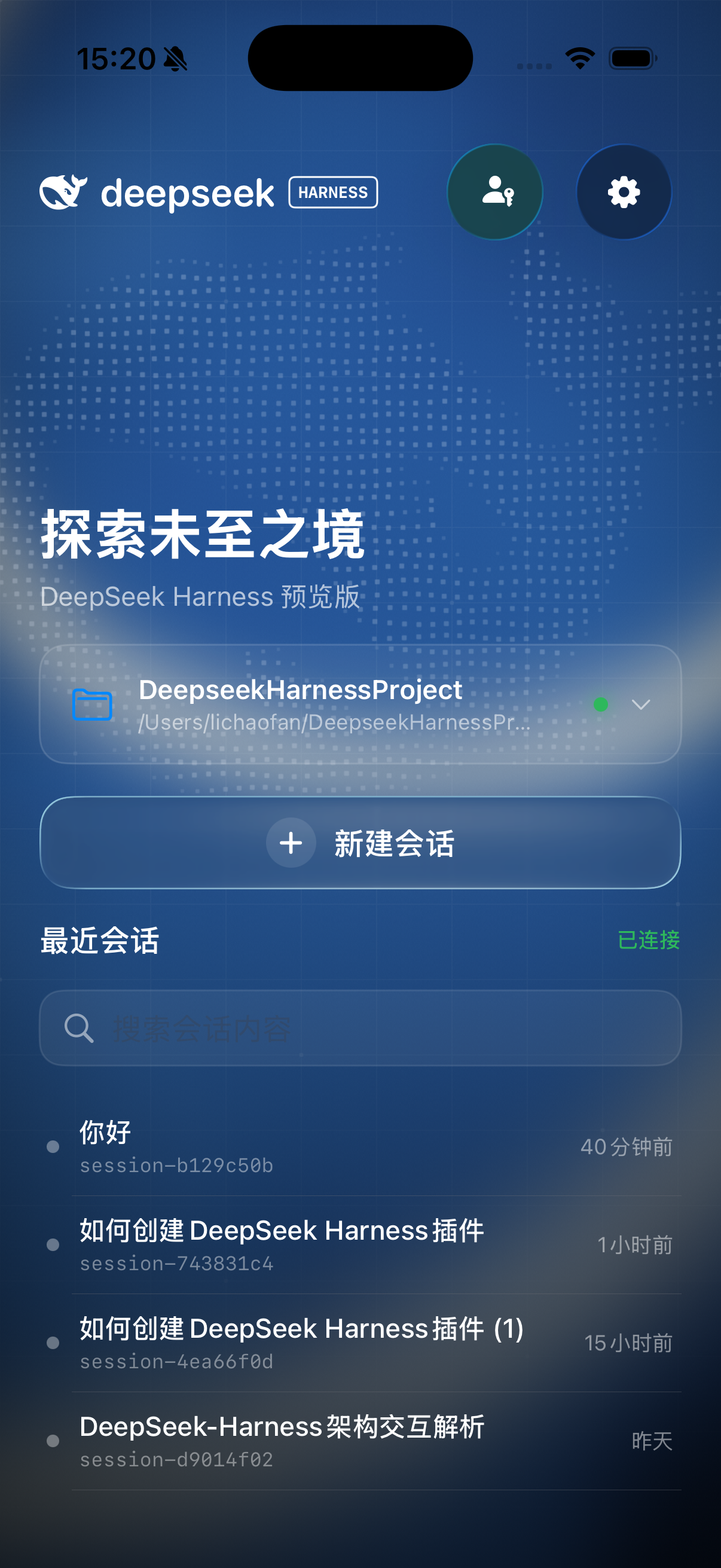
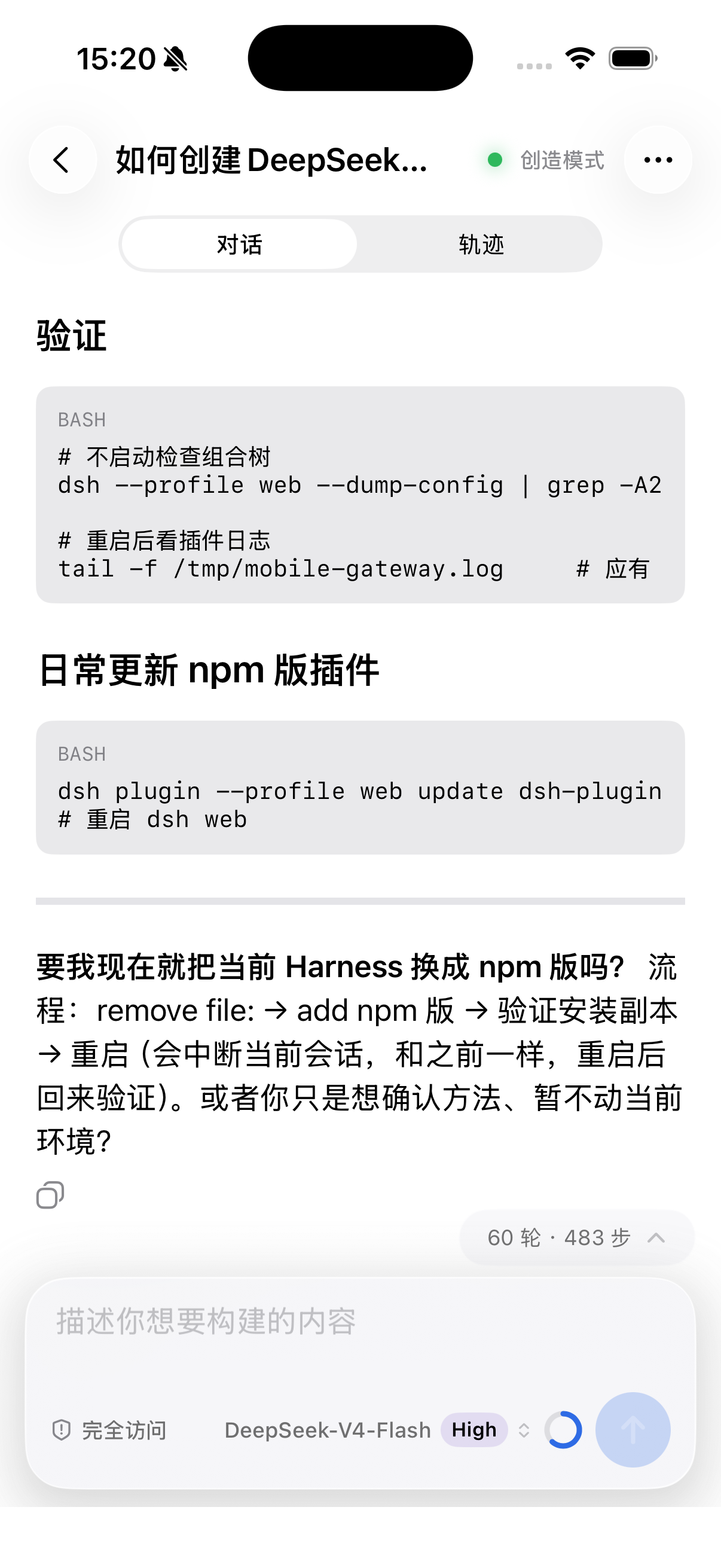
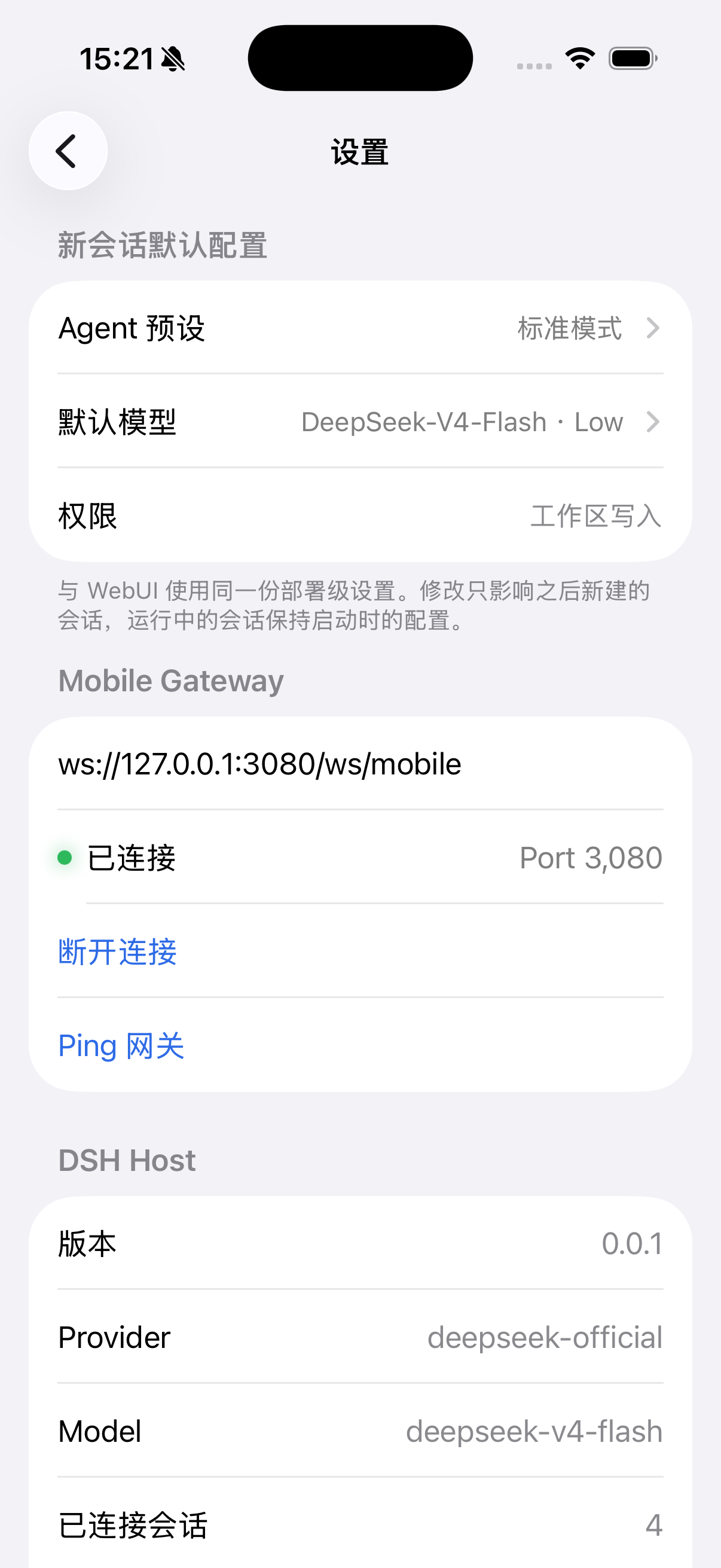
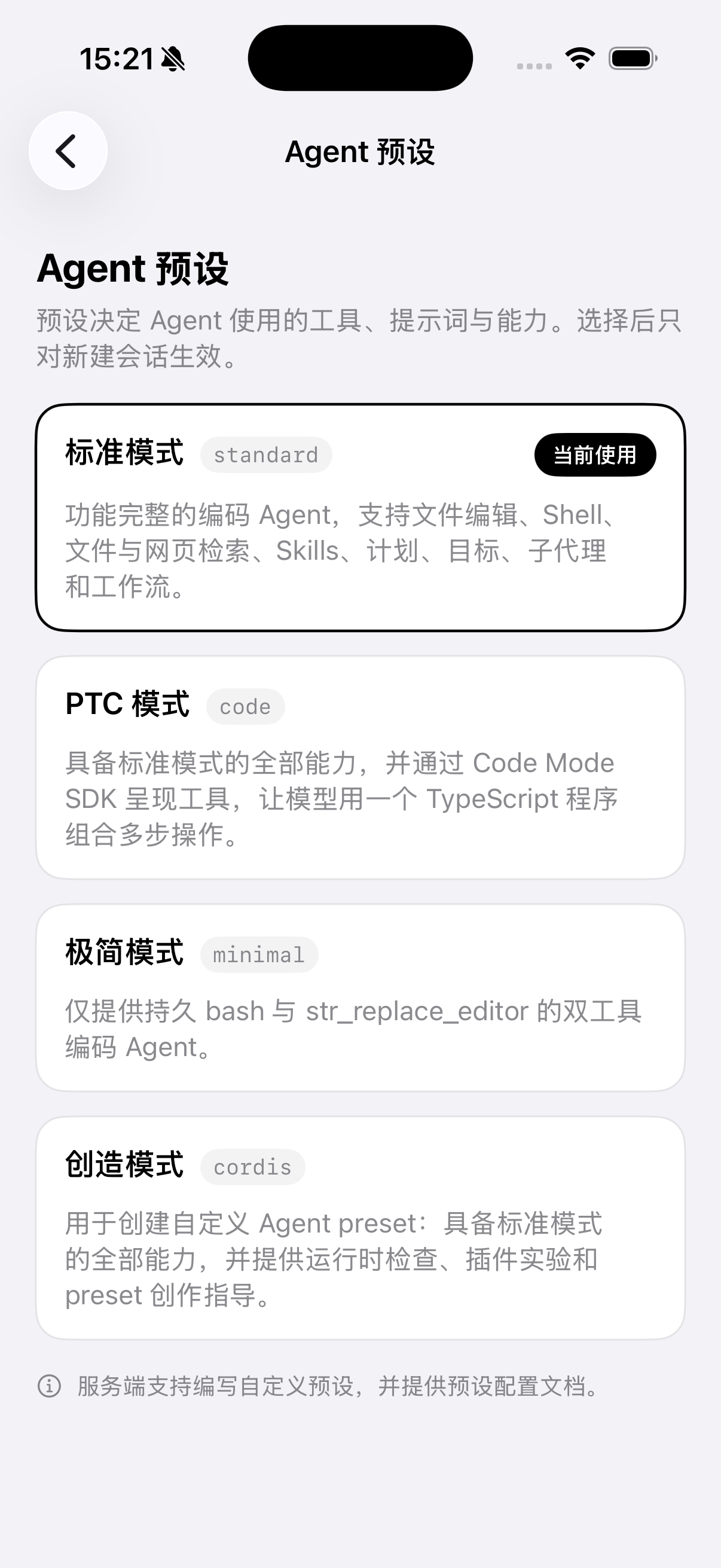
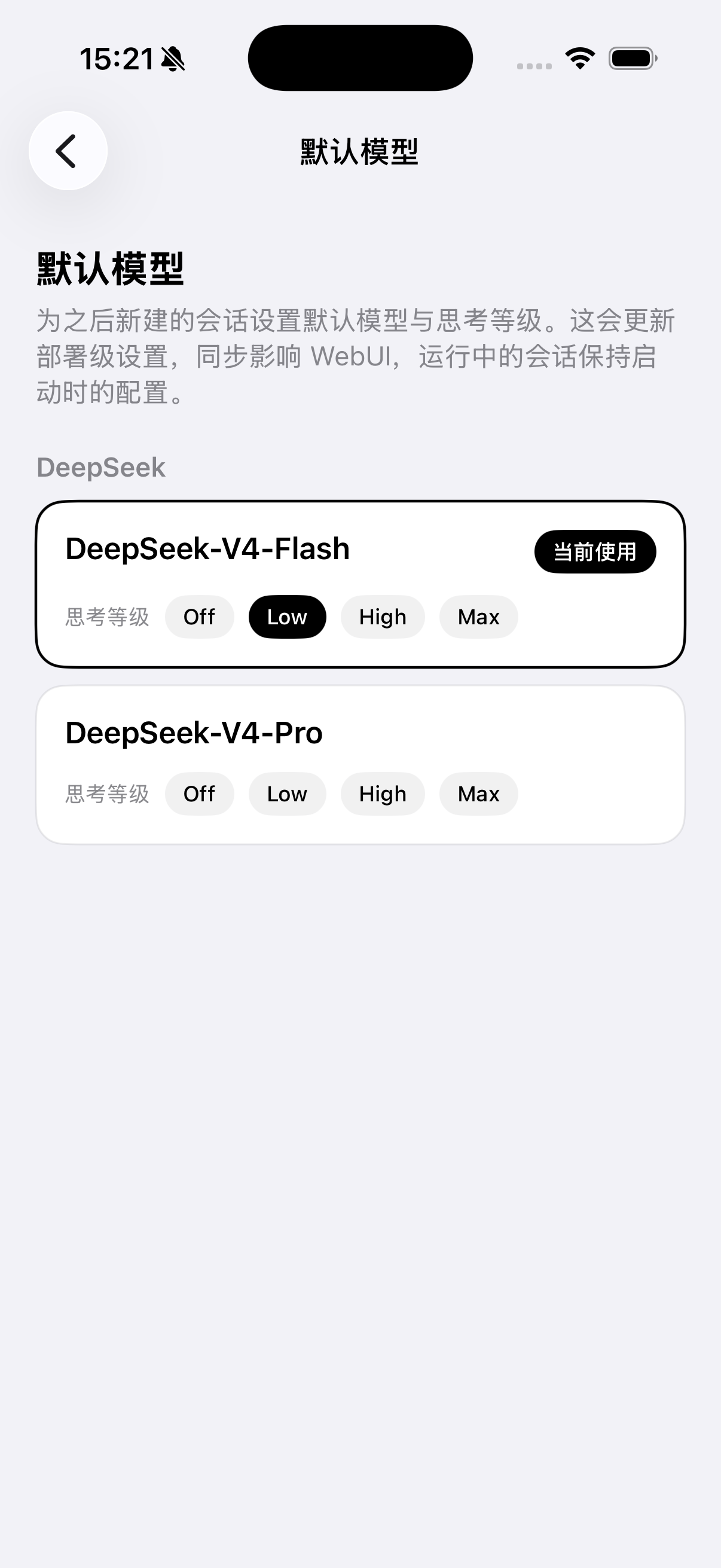
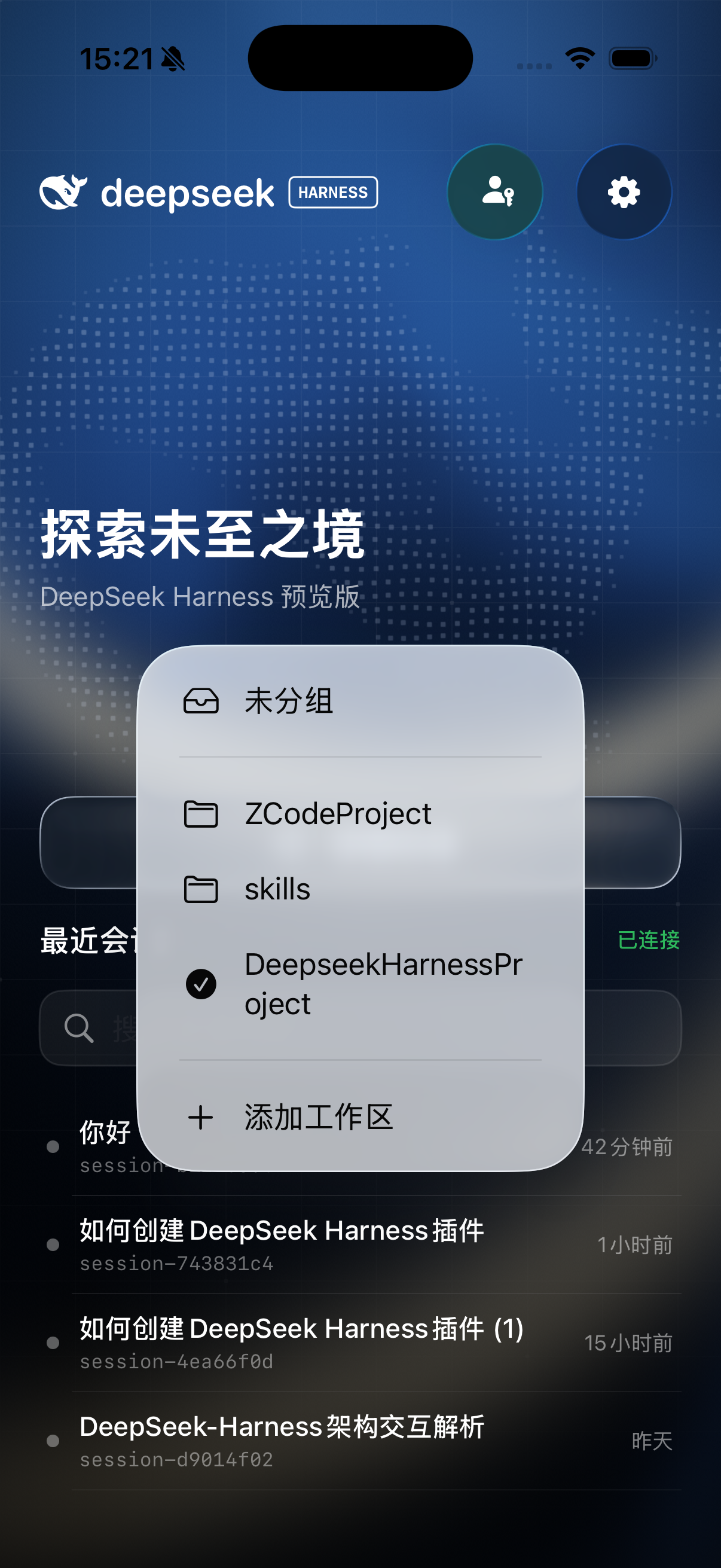
 DeepSeek Harness Mobile (dsh-mobile) is a native mobile client for DeepSeek Harness, bringing your Harness workspaces, sessions, live agent replies and execution trajectories to an Android or iOS phone.
DeepSeek Harness Mobile (dsh-mobile) is a native mobile client for DeepSeek Harness, bringing your Harness workspaces, sessions, live agent replies and execution trajectories to an Android or iOS phone.Is this a native app or a mobile web wrapper?It is a true native Android and iOS app built with Kotlin Multiplatform: a shared Kotlin core (protocol, state machine, sync) is used by both, while Android renders with Jetpack Compose and iOS with SwiftUI/UIKit — there is no shared UI layer.
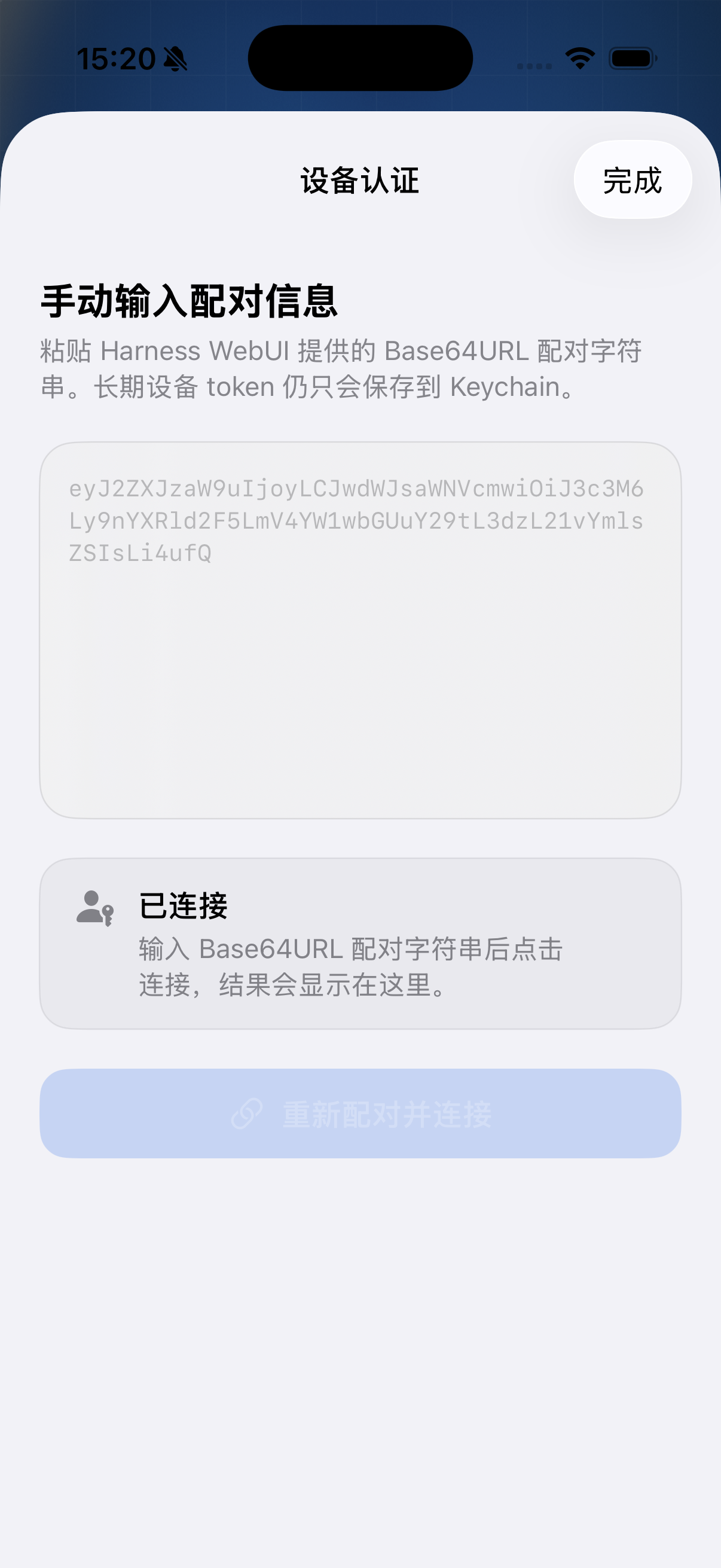
It is a true native Android and iOS app built with Kotlin Multiplatform: a shared Kotlin core (protocol, state machine, sync) is used by both, while Android renders with Jetpack Compose and iOS with SwiftUI/UIKit — there is no shared UI layer.How do I get it running on my phone?Build and install the Android debug APK via Gradle from the repo root, or open DeepSeekHarnessMobile.xcodeproj in Xcode for iOS, then launch the app and scan the pairing QR code shown in the Harness WebUI (or enter the pairing info manually).
Build and install the Android debug APK via Gradle from the repo root, or open DeepSeekHarnessMobile.xcodeproj in Xcode for iOS, then launch the app and scan the pairing QR code shown in the Harness WebUI (or enter the pairing info manually).What do I need on the Harness side before connecting?You need a running DeepSeek Harness instance with the dsh-plugin-mobile-gateway enabled, plus Java 17 and either Android SDK/Studio for the Android build or macOS + Xcode for the iOS build.
You need a running DeepSeek Harness instance with the dsh-plugin-mobile-gateway enabled, plus Java 17 and either Android SDK/Studio for the Android build or macOS + Xcode for the iOS build.Does the connection stay alive if I background the app?On Android a foreground service keeps the WebSocket open while an agent turn is running, but iOS only gets limited system-granted background execution time, so a continuous WebSocket connection is not guaranteed.
On Android a foreground service keeps the WebSocket open while an agent turn is running, but iOS only gets limited system-granted background execution time, so a continuous WebSocket connection is not guaranteed.What Android and iOS versions does it support?Android requires 7.0 (API 24) or newer, and iOS requires 17.0 or newer, built with Xcode on macOS.
Android requires 7.0 (API 24) or newer, and iOS requires 17.0 or newer, built with Xcode on macOS.Is it safe to pair over a public network?Use wss:// with proper TLS and device authentication for any public or untrusted network; plain ws:// is only meant for trusted local development, and the one-time pairing token must never be logged or shared.
Use wss:// with proper TLS and device authentication for any public or untrusted network; plain ws:// is only meant for trusted local development, and the one-time pairing token must never be logged or shared.What is DeepSeek Harness?DeepSeek Harness is the coding-agent backend this app connects to; dsh-mobile is an unofficial community client that surfaces its workspaces, sessions and agent activity on mobile, and is not an official DeepSeek release.
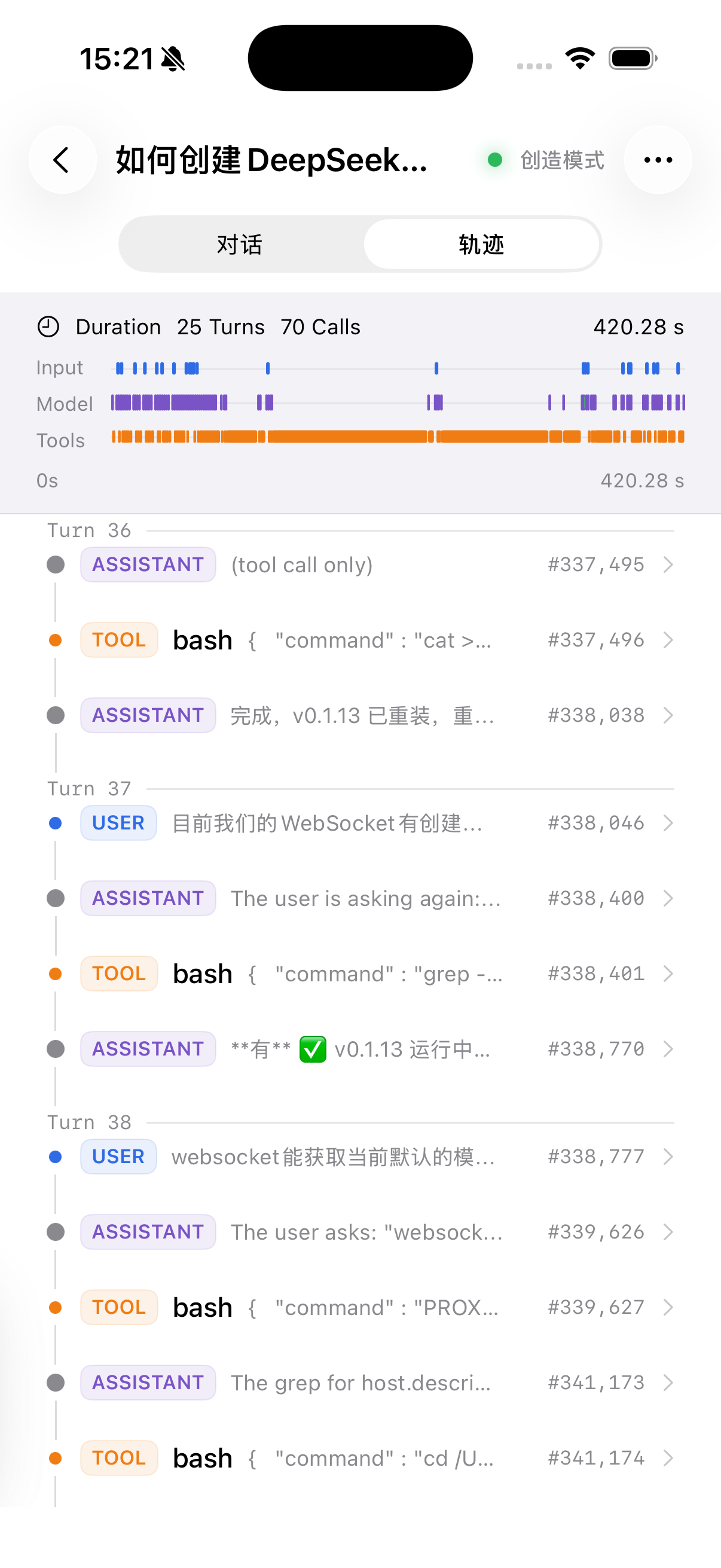
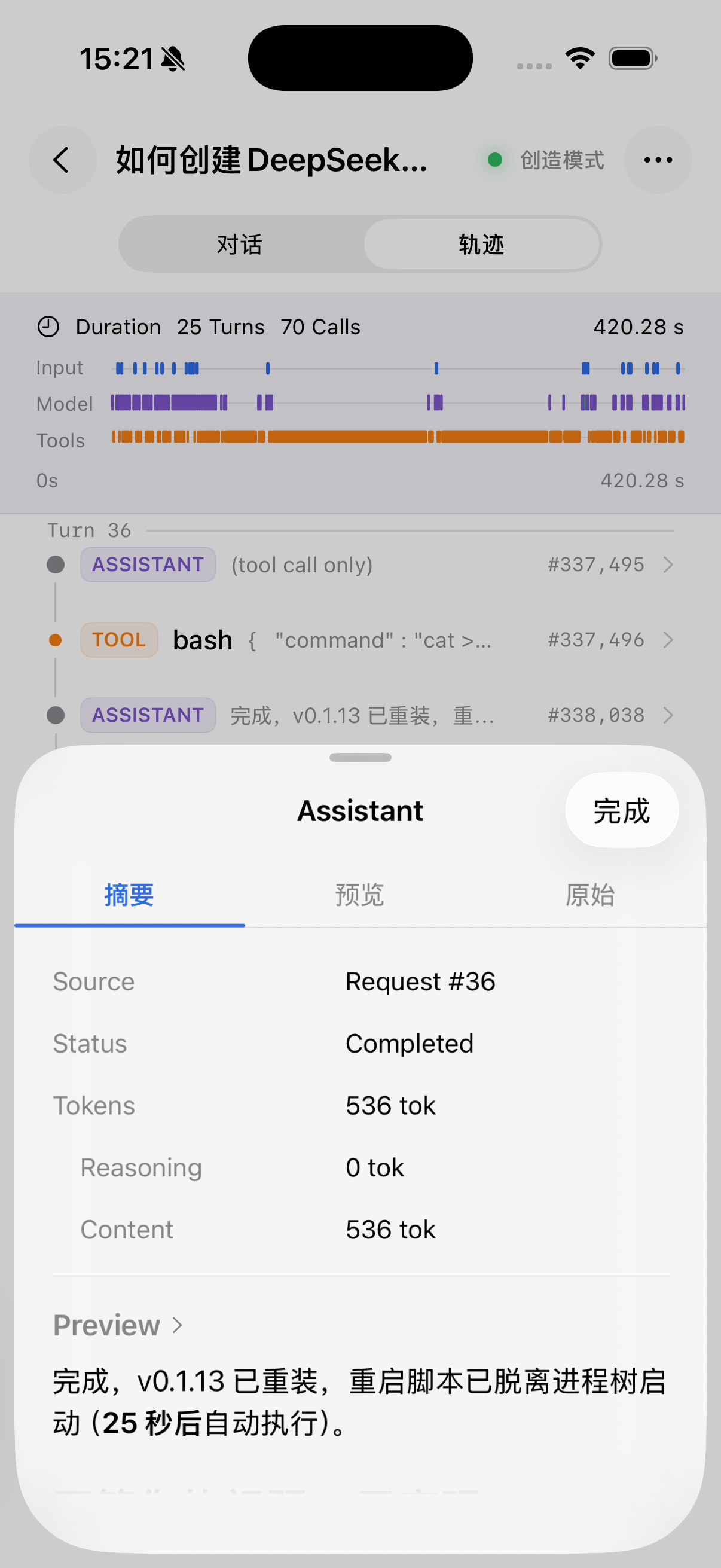
DeepSeek Harness is the coding-agent backend this app connects to; dsh-mobile is an unofficial community client that surfaces its workspaces, sessions and agent activity on mobile, and is not an official DeepSeek release.Can I see what the agent is doing step by step?Yes — the app displays the full agent trajectory, including user/assistant/tool events, call arguments, results, schemas, token counts and timing.
Yes — the app displays the full agent trajectory, including user/assistant/tool events, call arguments, results, schemas, token counts and timing.Do I need to approve agent actions manually?Yes, it surfaces Human Question and tool-approval requests so you can submit, cancel, reject or allow-once directly from your phone.
Yes, it surfaces Human Question and tool-approval requests so you can submit, cancel, reject or allow-once directly from your phone.How do I pair my phone with Harness?Enable dsh-plugin-mobile-gateway in Harness, open the WebUI's mobile devices panel, generate a one-time pairing QR code, and scan it (or enter the info manually) in the app.
Enable dsh-plugin-mobile-gateway in Harness, open the WebUI's mobile devices panel, generate a one-time pairing QR code, and scan it (or enter the info manually) in the app.What are similar projects?deepseek-harness-desktop, dsh-mobile, Mobile-Harness, dsh-pocket, gkd, animeko, DSHA, deepseek-harness-for-vscode
deepseek-harness-desktop, dsh-mobile, Mobile-Harness, dsh-pocket, gkd, animeko, DSHA, deepseek-harness-for-vscodeWhich topics is it in?ios-swift, kotlin-multiplatform, deepseek-harness-plugin, uikit, jetpack-compose, ui-design, qr-code, ios-app, swiftui, tls, android-app, dsh-plugin
ios-swift, kotlin-multiplatform, deepseek-harness-plugin, uikit, jetpack-compose, ui-design, qr-code, ios-app, swiftui, tls, android-app, dsh-plugin