




What is this?
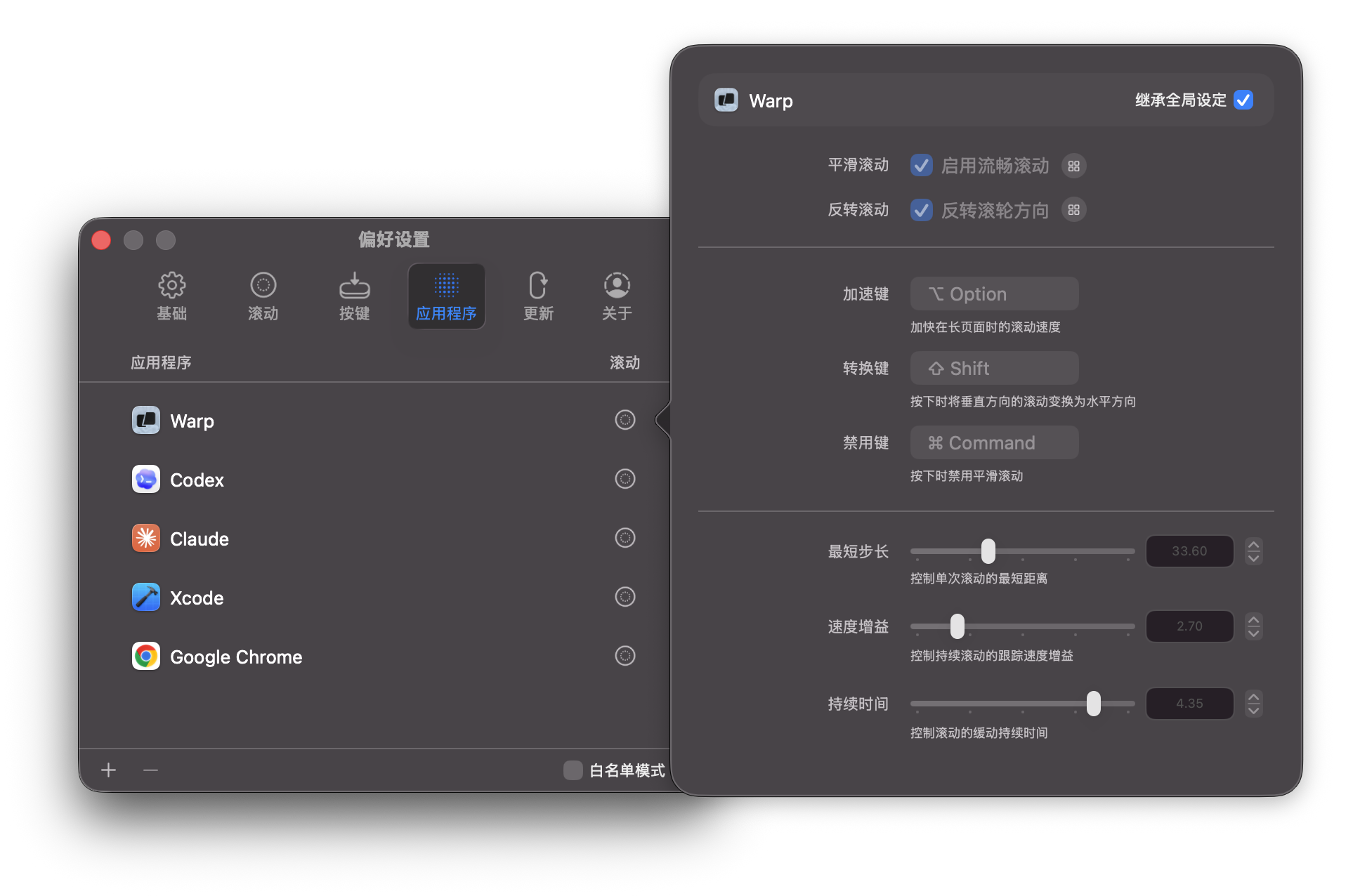
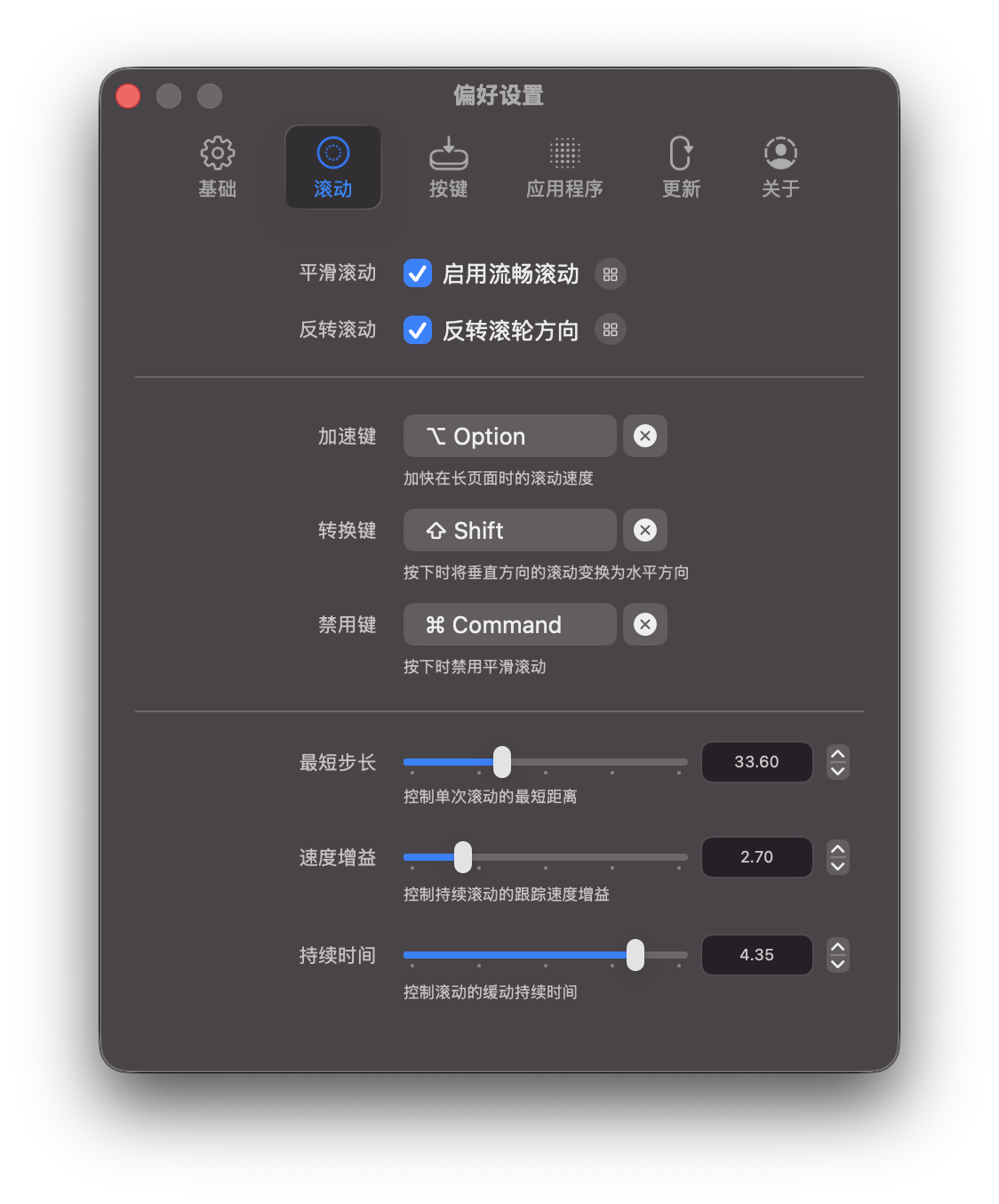
 Mos is a free, open-source macOS menu bar tool that smooths mouse wheel scrolling and lets you set scroll direction independently — making a plain wheel feel like a trackpad.
Mos is a free, open-source macOS menu bar tool that smooths mouse wheel scrolling and lets you set scroll direction independently — making a plain wheel feel like a trackpad.Is this a menu bar app, or something deeper like a driver?It is a lightweight menu bar app. It intercepts your mouse wheel events and interpolates them into smoother scrolling, while keeping control per app, per axis and per button.
It is a lightweight menu bar app. It intercepts your mouse wheel events and interpolates them into smoother scrolling, while keeping control per app, per axis and per button.Does it need any special permissions to work?Yes — Mos needs the Accessibility permission to read and rewrite scroll events, so smoothing will not work without it. If it still misbehaves after granting, the Wiki has permission troubleshooting.
Yes — Mos needs the Accessibility permission to read and rewrite scroll events, so smoothing will not work without it. If it still misbehaves after granting, the Wiki has permission troubleshooting.Which macOS versions does it support?macOS 10.13 and later.
macOS 10.13 and later.Is it free to use for anything?It is free and open source, but licensed under CC BY-NC 4.0 — non-commercial only — and the author asks that Mos not be uploaded to the App Store.
It is free and open source, but licensed under CC BY-NC 4.0 — non-commercial only — and the author asks that Mos not be uploaded to the App Store.What is the simulated trackpad mode?An alternative smoothing style: instead of manually tuning step, speed and duration, Mos makes your wheel scroll with the continuous, fluid feel of a trackpad.
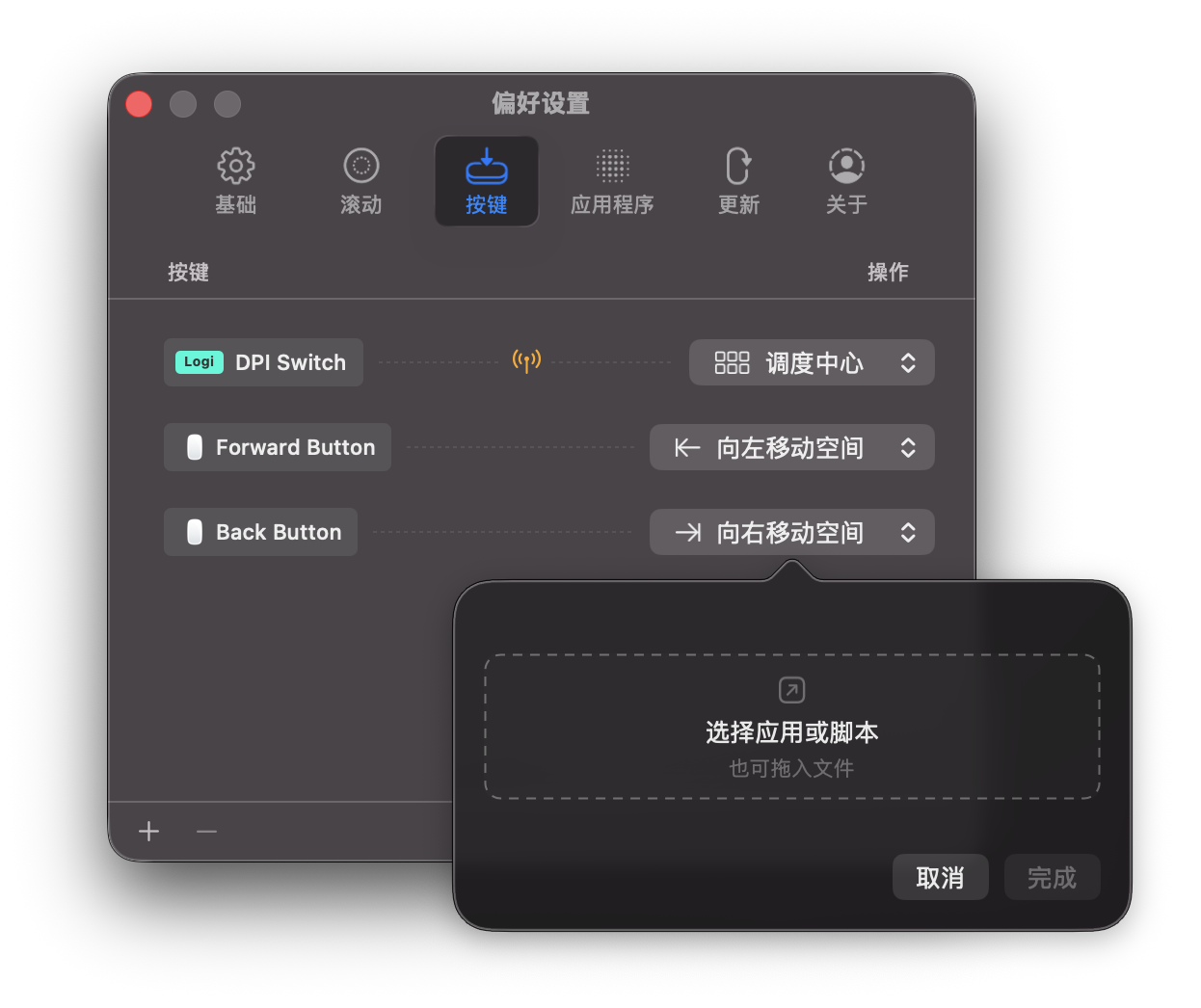
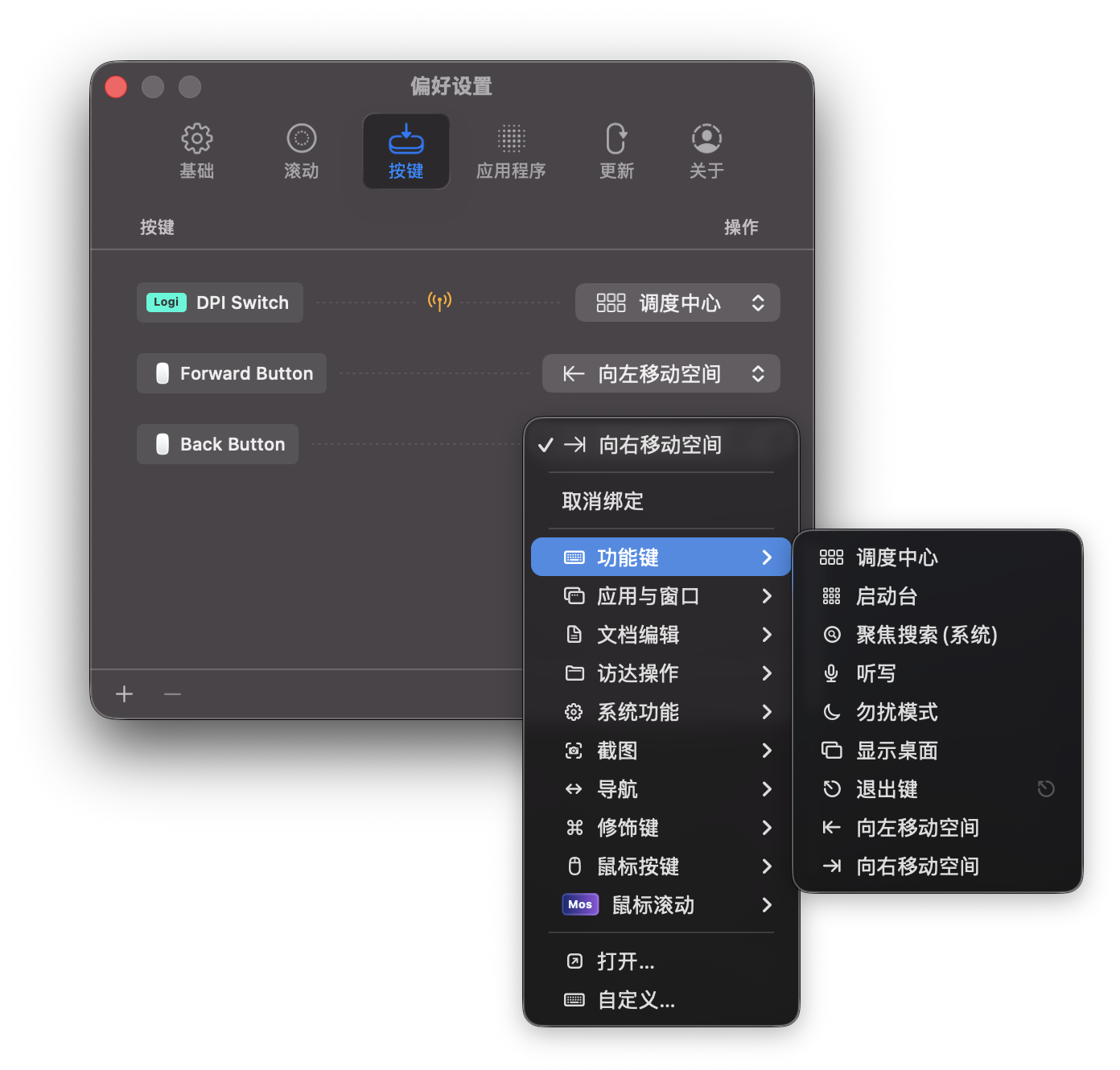
An alternative smoothing style: instead of manually tuning step, speed and duration, Mos makes your wheel scroll with the continuous, fluid feel of a trackpad.Does it work with Logitech mice?Yes — Mos reads Logi/HID++ button events from devices on Bolt or Unifying receivers or connected via Bluetooth, and can handle Logi-specific actions too.
Yes — Mos reads Logi/HID++ button events from devices on Bolt or Unifying receivers or connected via Bluetooth, and can handle Logi-specific actions too.Why does a normal wheel feel bad on macOS anyway?Per the author, wheels feel stiff on macOS because of their low precision — Mos compensates by taking over wheel events and interpolating them into smoother scrolling.
Per the author, wheels feel stiff on macOS because of their low precision — Mos compensates by taking over wheel events and interpolating them into smoother scrolling.What are similar projects?mac-mouse-fix, Mouser, Karabiner-Elements, Doll, BetterDisplay, Maccy, boring.notch, macos-sysdata
mac-mouse-fix, Mouser, Karabiner-Elements, Doll, BetterDisplay, Maccy, boring.notch, macos-sysdata