






Что это такое?
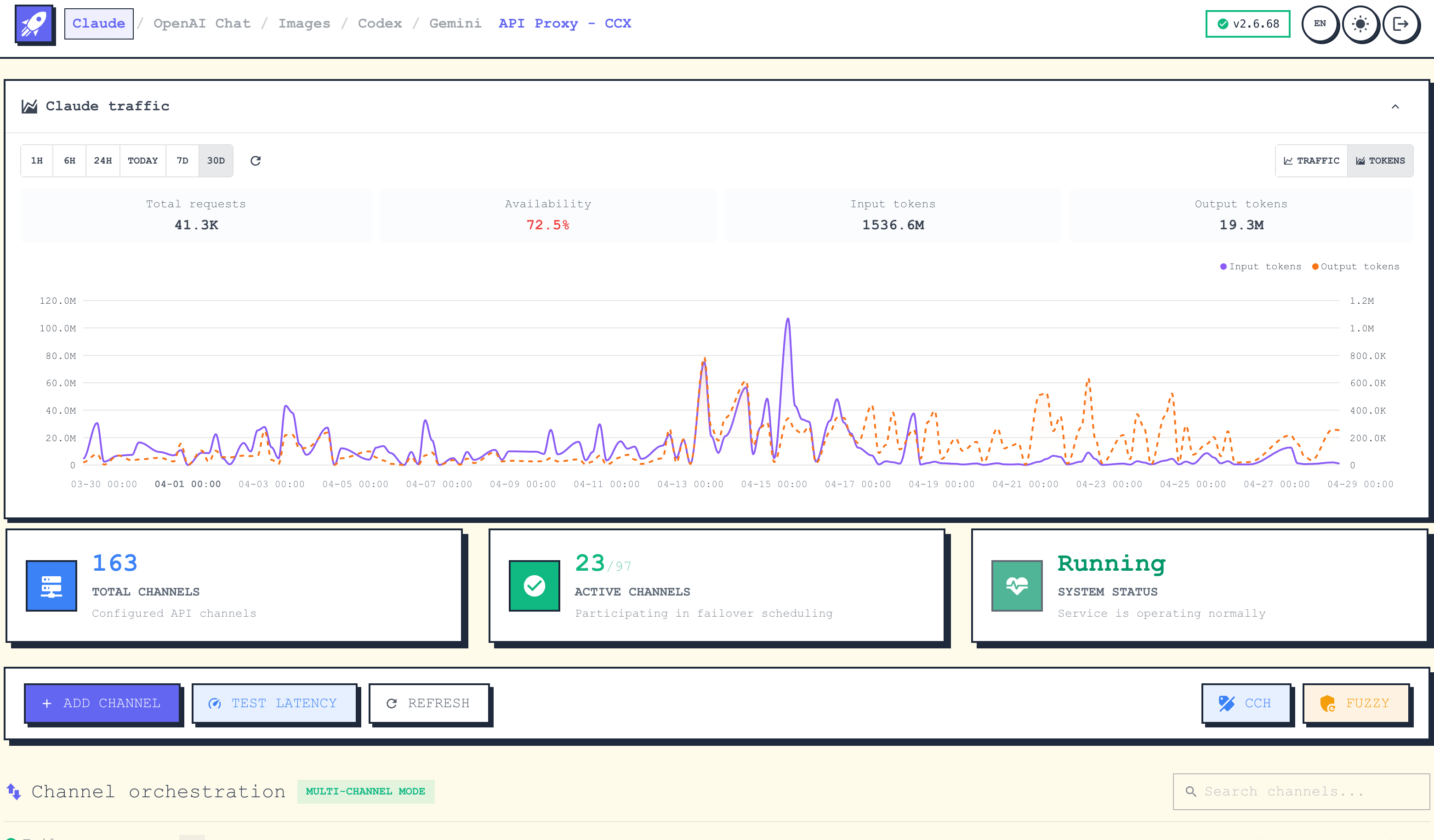
 CCX — это высокопроизводительный прокси для AI API и шлюз трансляции протоколов, который стоит перед API Claude, OpenAI Chat, OpenAI Images, OpenAI Embeddings, Codex Responses и Gemini, давая единый вход для всех них.
CCX — это высокопроизводительный прокси для AI API и шлюз трансляции протоколов, который стоит перед API Claude, OpenAI Chat, OpenAI Images, OpenAI Embeddings, Codex Responses и Gemini, давая единый вход для всех них.Это просто обратный прокси или он умеет больше, чем пересылать запросы?Это шлюз с трансляцией протоколов: помимо пересылки запросов он выполняет оркестрацию каналов, failover, ротацию нескольких ключей и маршрутизацию моделей, а также имеет встроенную веб-консоль администратора для управления всем этим.
Это шлюз с трансляцией протоколов: помимо пересылки запросов он выполняет оркестрацию каналов, failover, ротацию нескольких ключей и маршрутизацию моделей, а также имеет встроенную веб-консоль администратора для управления всем этим.Как его запустить?Проще всего через CCX Desktop (Microsoft Store на Windows, Homebrew cask или .dmg на macOS, .AppImage на Linux). Как вариант — скачайте бинарник из релизов, создайте рядом файл .env и запустите его либо разверните через Docker Compose.
Проще всего через CCX Desktop (Microsoft Store на Windows, Homebrew cask или .dmg на macOS, .AppImage на Linux). Как вариант — скачайте бинарник из релизов, создайте рядом файл .env и запустите его либо разверните через Docker Compose.Нужны ли установленные Go или Docker просто для запуска?Нет, готовые бинарники и десктопное приложение работают сами по себе; Go 1.25+, Bun и Make нужны только если вы решите собирать из исходников.
Нет, готовые бинарники и десктопное приложение работают сами по себе; Go 1.25+, Bun и Make нужны только если вы решите собирать из исходников.Есть ли подвох при подключении к нему из Docker или WSL на Windows?Если вы запускаете CCX и клиент в разных окружениях Windows (cmd, PowerShell, WSL, Docker), localhost может не достучаться до сервера; вместо него нужно использовать IPv4-адрес хоста Windows.
Если вы запускаете CCX и клиент в разных окружениях Windows (cmd, PowerShell, WSL, Docker), localhost может не достучаться до сервера; вместо него нужно использовать IPv4-адрес хоста Windows.Какие платформы поддерживает CCX Desktop?CCX Desktop доступен на Windows (Microsoft Store или setup.exe), macOS (Homebrew cask или .dmg для arm64/amd64) и Linux (.AppImage).
CCX Desktop доступен на Windows (Microsoft Store или setup.exe), macOS (Homebrew cask или .dmg для arm64/amd64) и Linux (.AppImage).Зачем ему два отдельных ключа доступа?CCX поддерживает аутентификацию по двум ключам: PROXYACCESSKEY для клиентов, обращающихся к прокси, и опциональный ADMINACCESSKEY для веб-консоли администратора, чтобы потребители API и администраторы были разделены.
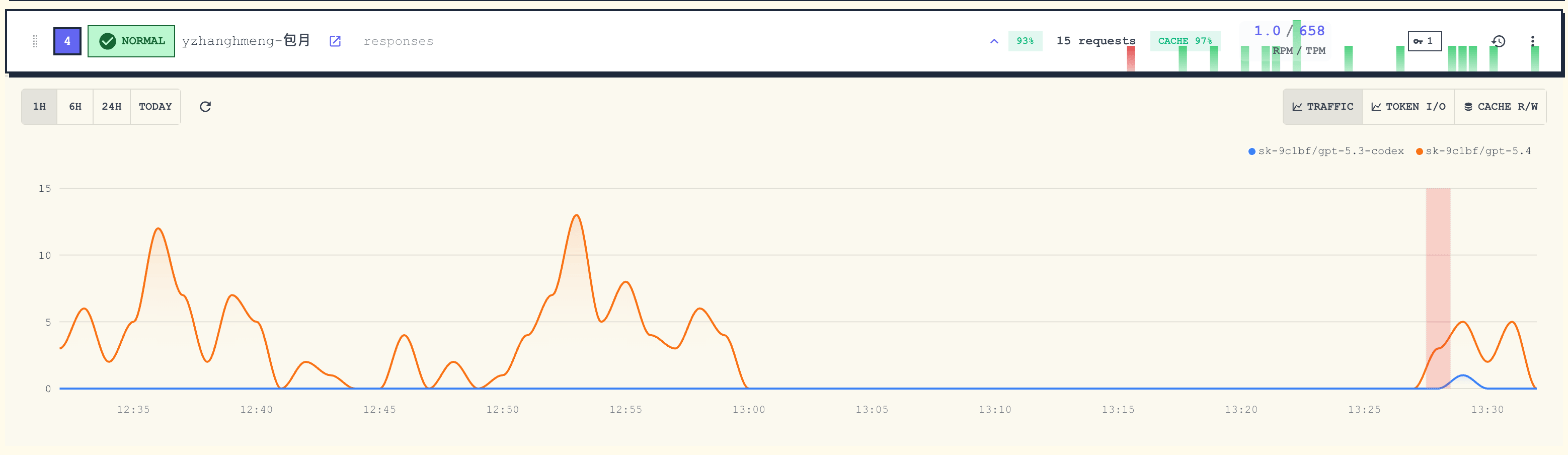
CCX поддерживает аутентификацию по двум ключам: PROXYACCESSKEY для клиентов, обращающихся к прокси, и опциональный ADMINACCESSKEY для веб-консоли администратора, чтобы потребители API и администраторы были разделены.Чем именно управляет оркестрация каналов?Она позволяет зарегистрировать несколько апстрим-ключей/провайдеров API как «каналы» с приоритетами, окнами продвижения, проверками здоровья и автоматическим failover, плюс маршрутизацию с учётом контекста, которая выбирает канал по контекстному окну модели и максимальной возможности вывода.
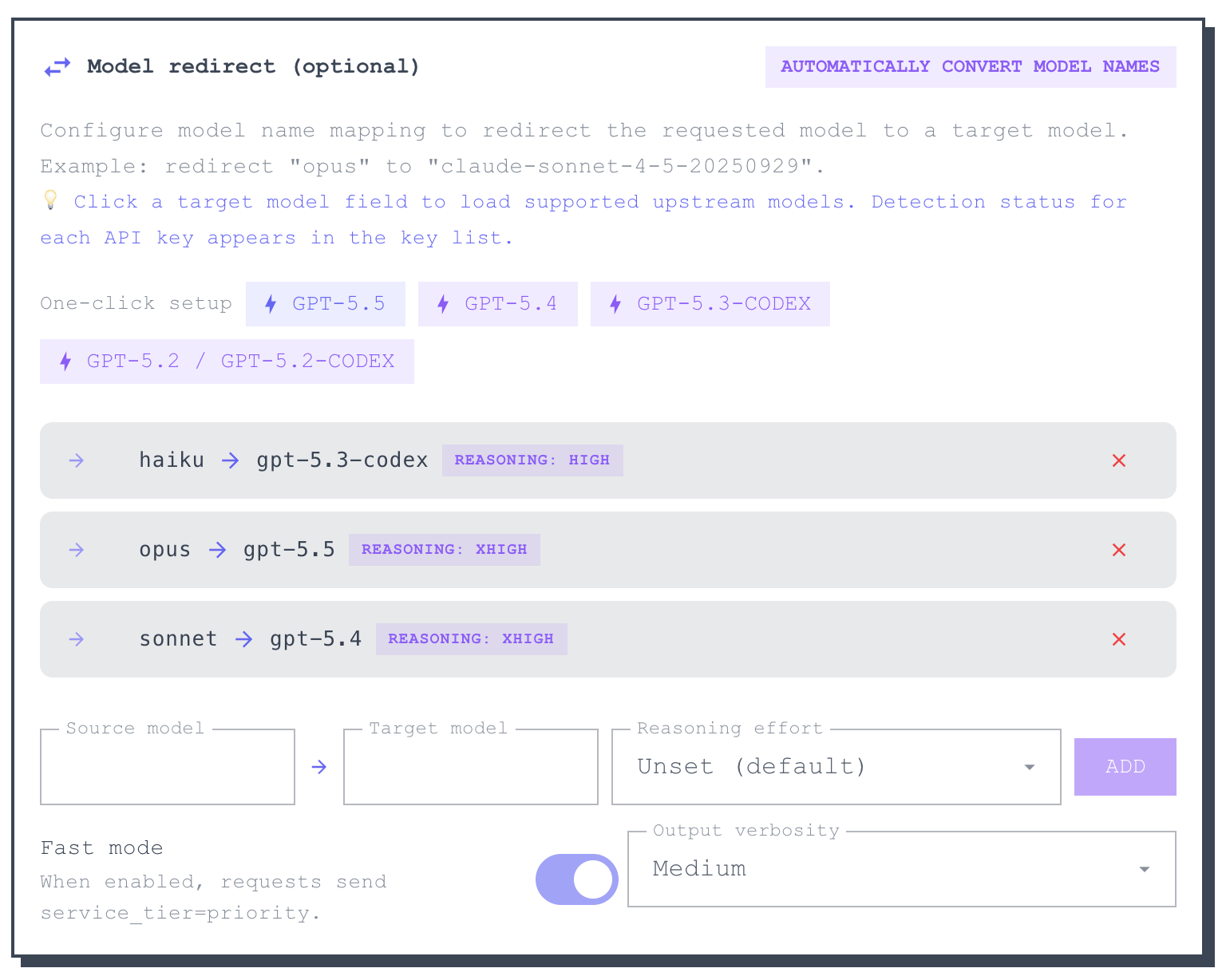
Она позволяет зарегистрировать несколько апстрим-ключей/провайдеров API как «каналы» с приоритетами, окнами продвижения, проверками здоровья и автоматическим failover, плюс маршрутизацию с учётом контекста, которая выбирает канал по контекстному окну модели и максимальной возможности вывода.Какие эндпоинты CCX открывает после запуска?Он открывает Claude Messages (/v1/messages), OpenAI Chat (/v1/chat/completions), Codex Responses (/v1/responses), OpenAI Images/Embeddings и эндпоинт generateContent от Gemini, плюс API Models и проверку здоровья, и всё это за одним портом.
Он открывает Claude Messages (/v1/messages), OpenAI Chat (/v1/chat/completions), Codex Responses (/v1/responses), OpenAI Images/Embeddings и эндпоинт generateContent от Gemini, плюс API Models и проверку здоровья, и всё это за одним портом.Можно ли обновлять развёртывание в Docker автоматически?Да, настройка Docker Compose в CCX поддерживает Watchtower для автоматического обновления образов, либо после настройки можно вручную скачивать последний образ.
Да, настройка Docker Compose в CCX поддерживает Watchtower для автоматического обновления образов, либо после настройки можно вручную скачивать последний образ.What are similar projects?casbin-gateway, bifrost, gpt-load, router, workbuddy2api-panel, ThinkWatch-Lite, busbar, OmniRoute
casbin-gateway, bifrost, gpt-load, router, workbuddy2api-panel, ThinkWatch-Lite, busbar, OmniRouteWhich topics is it in?model-router, ai-gateway, llm-gateway, api-gateway, reverse-proxy, openai-compatible, authentication, gemini, proxy, docker-compose, monitoring, claude
model-router, ai-gateway, llm-gateway, api-gateway, reverse-proxy, openai-compatible, authentication, gemini, proxy, docker-compose, monitoring, claude