

What is this?
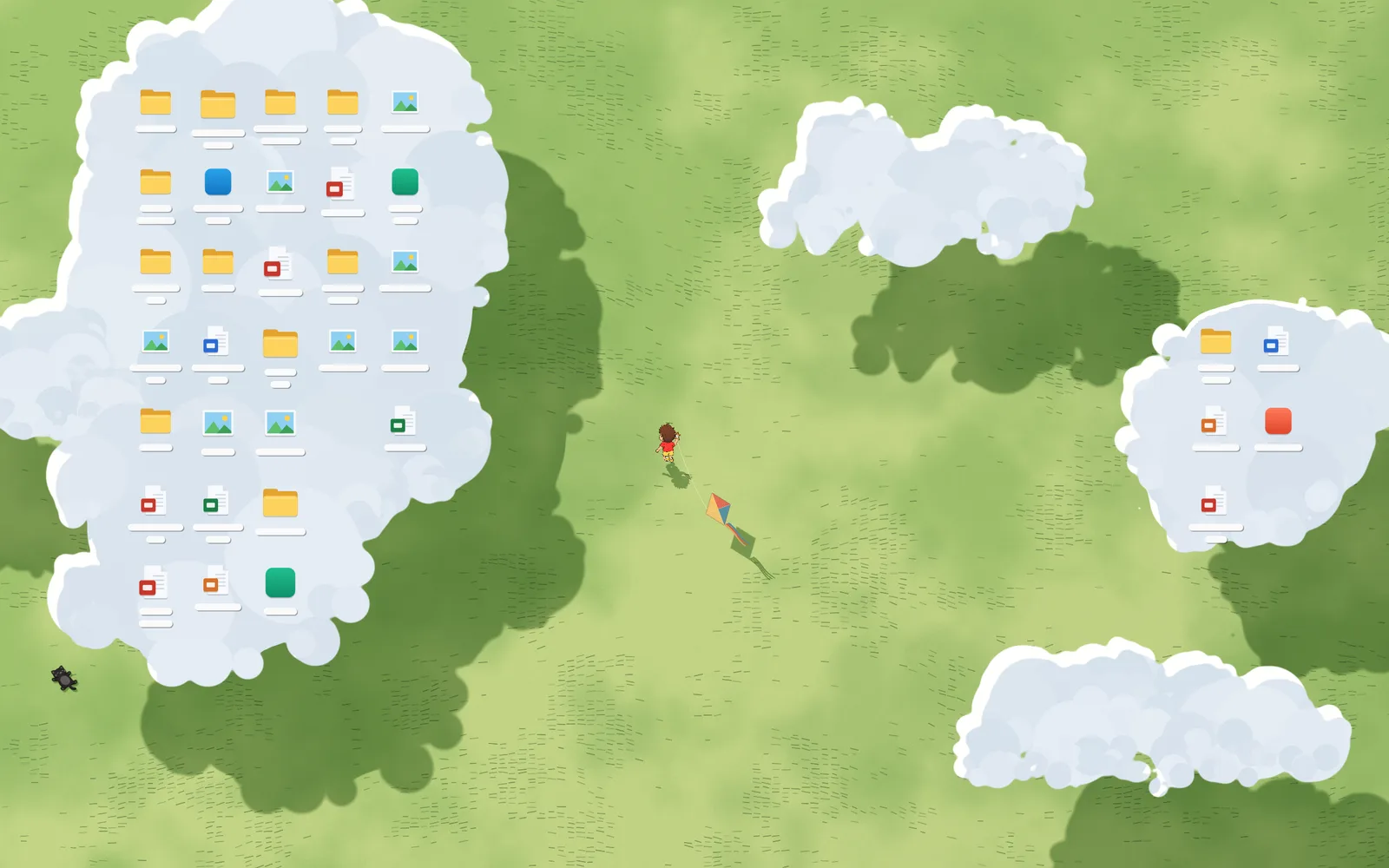
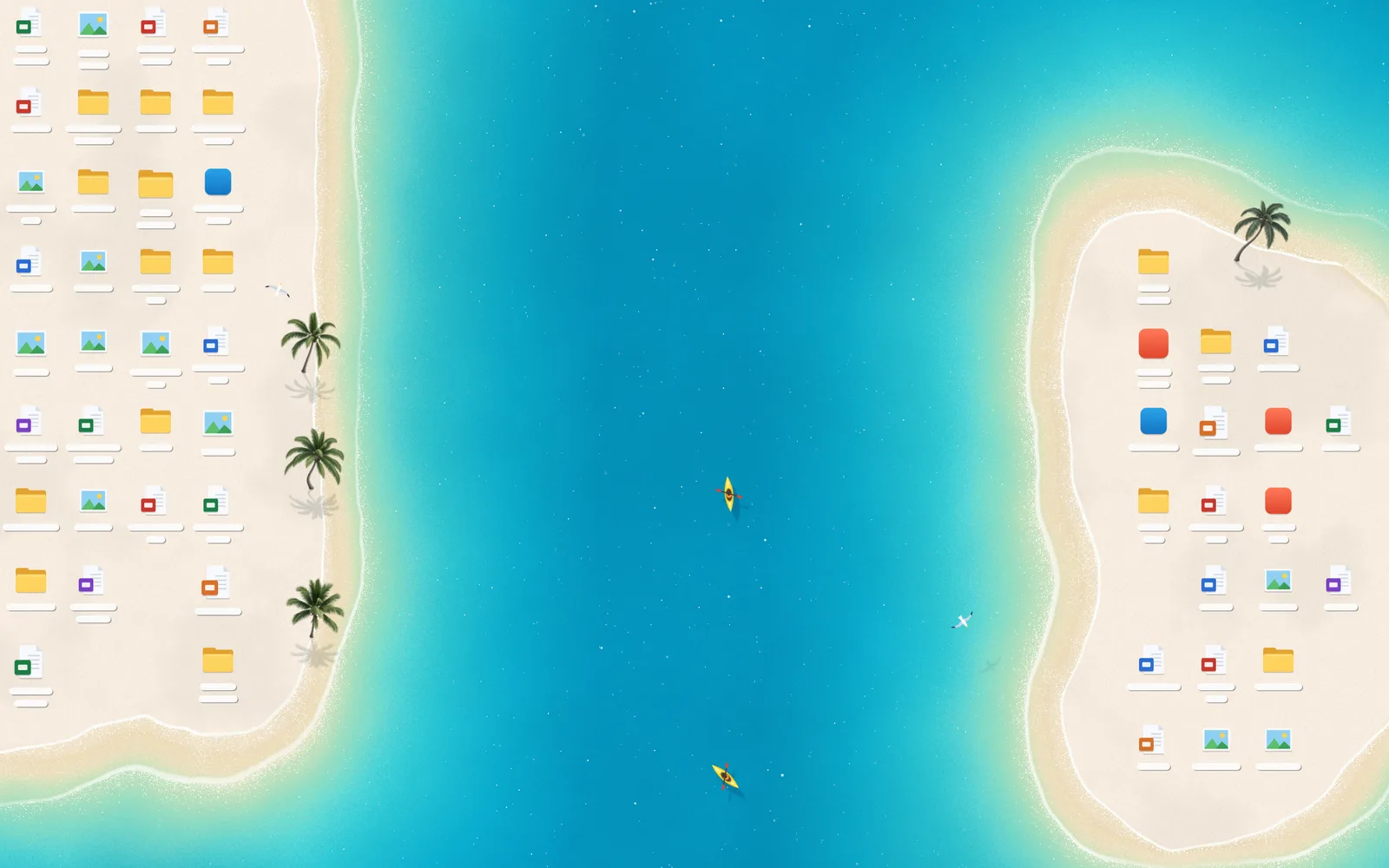
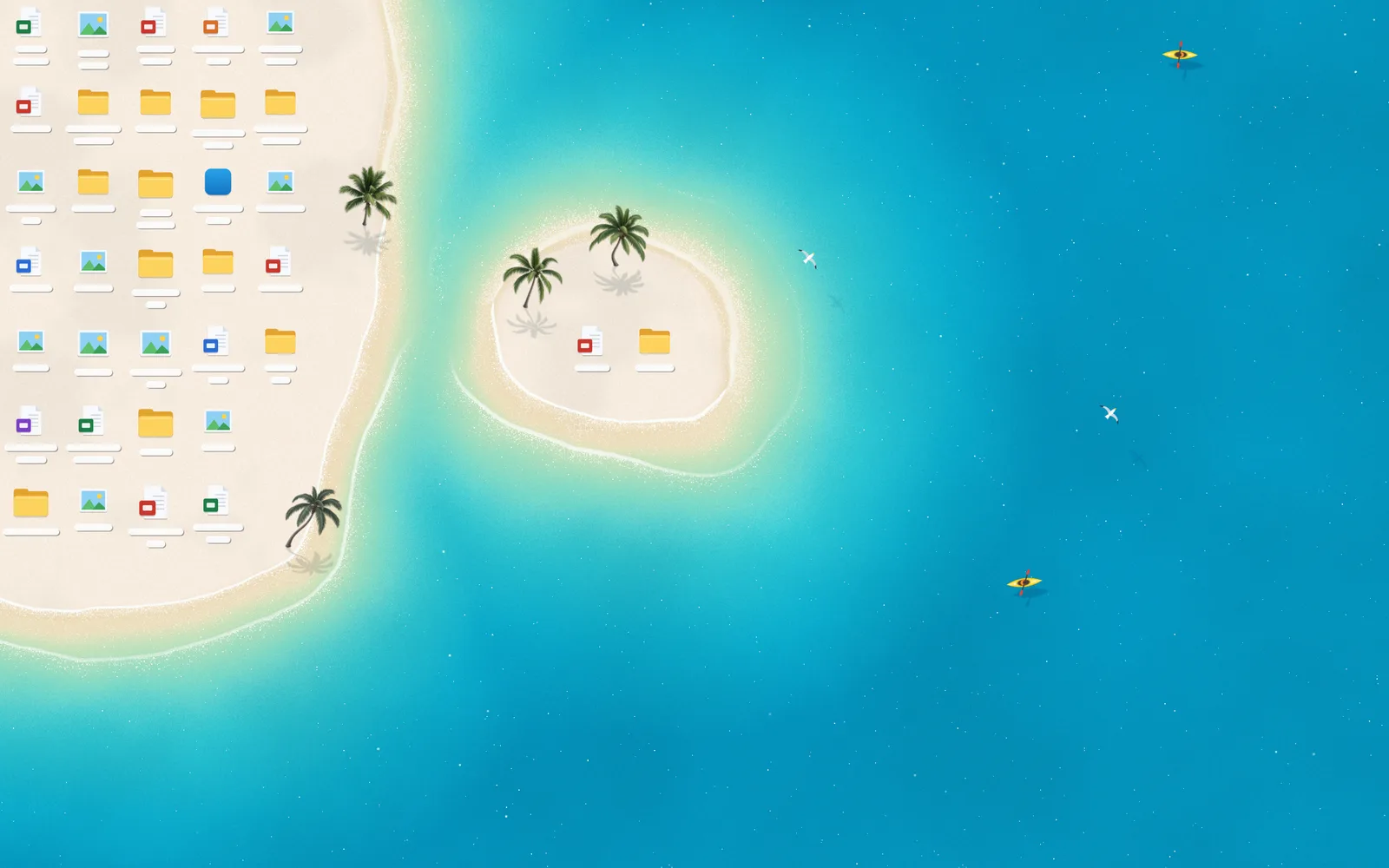
 A Windows wallpaper that makes your desktop icons part of the scenery. Beach and meadow scenes reshape around your icons in real time when you move, add or remove them.
Is it a wallpaper picture or a program that keeps running?It is a running Windows program with a host app, tray controls and a settings window. It reads the real positions of your desktop icons, so it is not a static image.
It is a running Windows program with a host app, tray controls and a settings window. It reads the real positions of your desktop icons, so it is not a static image.How do I get it running?Download the Windows installer for Deskland Preview, or build from source by running the build in PowerShell from the repo root (output goes to host/bin/). The installer goes into your user's Programs folder and needs no admin rights.
Download the Windows installer for Deskland Preview, or build from source by running the build in PowerShell from the repo root (output goes to host/bin/). The installer goes into your user's Programs folder and needs no admin rights.What do I need installed first?Windows 10 or 11 (64-bit) and the Microsoft Edge WebView2 Runtime. No .NET SDK is needed, and Node.js is only required for the browser preview.
Windows 10 or 11 (64-bit) and the Microsoft Edge WebView2 Runtime. No .NET SDK is needed, and Node.js is only required for the browser preview.Any catches I should know about?Only the primary monitor is supported. Windows Spotlight or a wallpaper slideshow can also flash briefly when Windows changes the background image.
Only the primary monitor is supported. Windows Spotlight or a wallpaper slideshow can also flash briefly when Windows changes the background image.Does it work on macOS or Linux?No, it is Windows-only. The browser preview uses sample icons, so adapting to your real desktop icons requires the Windows host.
No, it is Windows-only. The browser preview uses sample icons, so adapting to your real desktop icons requires the Windows host.Do I need internet to use it?Only for the first build, which downloads the WebView2 development library, and when WebView2 is missing from your system. The wallpaper itself runs locally.
Only for the first build, which downloads the WebView2 development library, and when WebView2 is missing from your system. The wallpaper itself runs locally.Does it send my data anywhere?Sharing exports use sample icons and colour blocks, not your desktop. The Preview has no sign-in, update service or store API, and the scenes are computed locally without AI or an account.
Sharing exports use sample icons and colour blocks, not your desktop. The Preview has no sign-in, update service or store API, and the scenes are computed locally without AI or an account.Do I need a good graphics card?The stated target is 30 fps on integrated graphics, so the project aims to be light on hardware.
The stated target is 30 fps on integrated graphics, so the project aims to be light on hardware.Is this just a time-limited trial?No. The Preview is free and open-source, not a trial. It includes the full Beach and Meadow themes, settings, tray controls and sharing tools.
No. The Preview is free and open-source, not a trial. It includes the full Beach and Meadow themes, settings, tray controls and sharing tools.Can I keep it alongside other Deskland versions?Yes. Preview has its own install folder, settings, startup entry and instance identity, so it can coexist with other Deskland builds.
Yes. Preview has its own install folder, settings, startup entry and instance identity, so it can coexist with other Deskland builds.Does it pause when I maximize a window or play a game?Yes. It pauses automatically when a window is maximized or full-screen, so it stays out of the way while you work or play.
Yes. It pauses automatically when a window is maximized or full-screen, so it stays out of the way while you work or play.How do I remove it and get my old wallpaper back?Exit through the tray menu, which restores the original Windows wallpaper. Uninstalling keeps your user settings, and Preview settings and logs are stored separately in %LOCALAPPDATA%.
Exit through the tray menu, which restores the original Windows wallpaper. Uninstalling keeps your user settings, and Preview settings and logs are stored separately in %LOCALAPPDATA%.What are similar projects?lively, Winhance, WallpaperMachine, Transub-Player, ibm-spss-desktop-suite, coreldraw-desktop-installer, pump-fun-desktop, reason-14-installer
lively, Winhance, WallpaperMachine, Transub-Player, ibm-spss-desktop-suite, coreldraw-desktop-installer, pump-fun-desktop, reason-14-installerWhich topics is it in?webview2, wallpaper, bilingual, powershell, windows-10, windows-11, installer, csharp, real-time, customization, html, desktop
webview2, wallpaper, bilingual, powershell, windows-10, windows-11, installer, csharp, real-time, customization, html, desktop