






Documentation ·
Report a Bug ·
Examples .
Request Feature ·
Send a Pull Request
Doc:
English |
Français |
Español |
繁體中文 |
简体中文 |
日本語 |
FTXUI
Functional Terminal (X) User interface
A simple cross-platform C++ library for terminal based user interfaces!
Feature
- Functional style. Inspired by
1
and React
- Simple and elegant syntax (in my opinion)
- Keyboard & mouse navigation.
- Support for UTF8 and fullwidth chars (→ 测试)
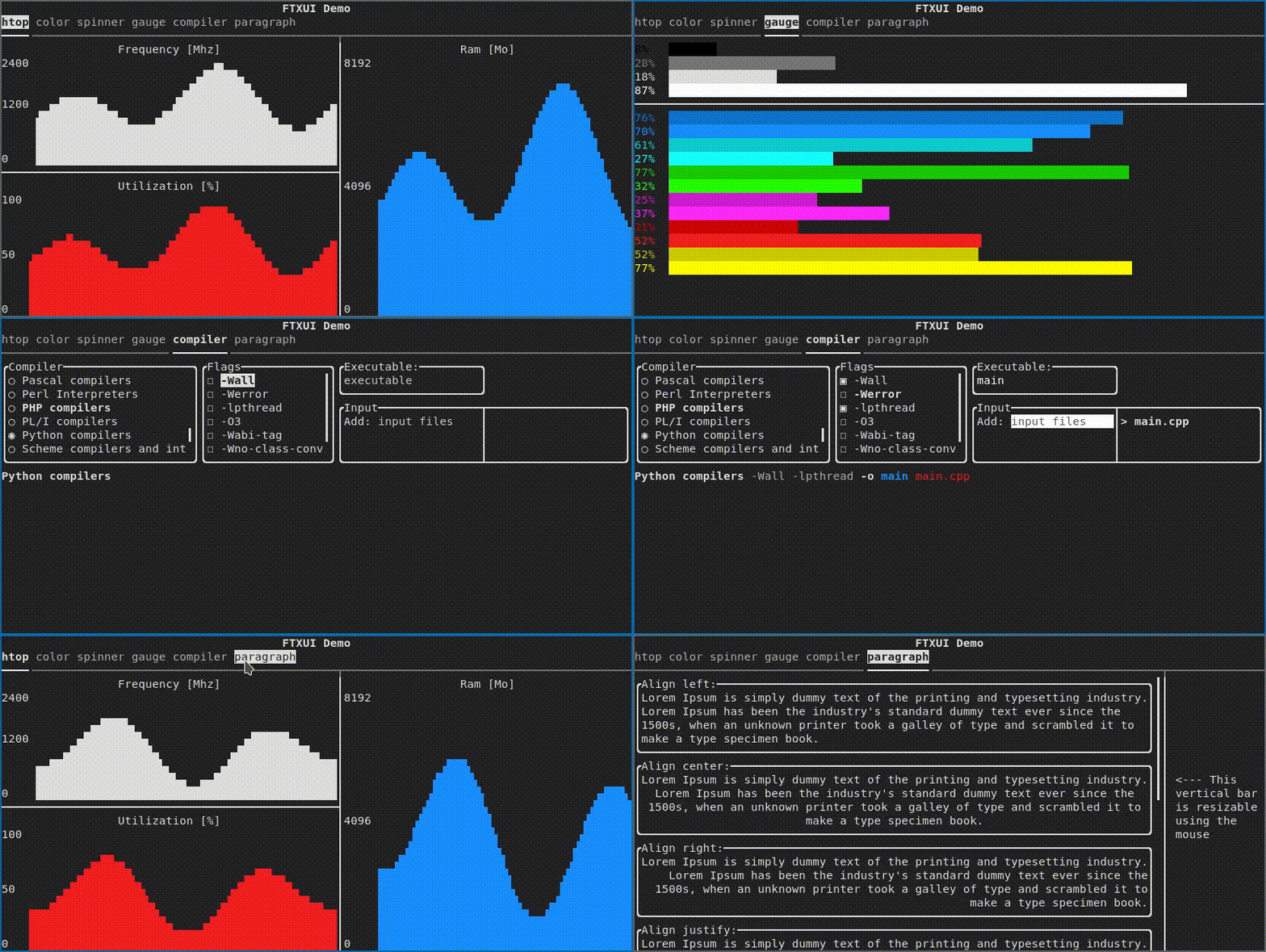
- Support for animations. Demo 1, Demo 2
- Support for drawing. Demo
- No dependencies.
- C++20 Module support
- Cross platform: Linux/MacOS (main target), WebAssembly, Windows (Thanks to contributors!).
- Learn by examples, and tutorials
- Multiple packages:
- Good practices: documentation, tests, fuzzers, performance tests, automated CI, automated packaging, etc...
Documentation
Example
#include <ftxui/ftxui.hpp>
using namespace ftxui;

int main() {
  auto document =
    vbox({
      hbox({
        text("one") | border,
        text("two") | border | flex,
        text("three") | border | flex,
      }),

      gauge(0.25) | color(Color::Red),
      gauge(0.50) | color(Color::White),
      gauge(0.75) | color(Color::Blue),
    });

  auto screen = Screen::Create(Dimension::Full());
  Render(screen, document);
  screen.Print();

  return 0;
}

Short gallery
FTXUI is organized into three modules:
- screen: Low-level rendering (colors, pixels, terminal)
- dom: Layout and composition (hierarchical elements)
- component: User interaction (widgets, events, main loop)
For most users, including everything at once is the simplest way to start:
- Header:
#include <ftxui/ftxui.hpp>
- CMake target:
ftxui::ftxui
- Bazel target:
@ftxui//:ftxui
DOM
This module defines a hierarchical set of Element. An Element manages layout and can be responsive to the terminal dimensions.
They are declared in <ftxui/dom/elements.hpp>
Layout
Element can be arranged together:
- horizontally with
hbox
- vertically with
vbox
- inside a grid with
gridbox
- wrap along one direction using the
flexbox.
Element can become flexible using the flex decorator.
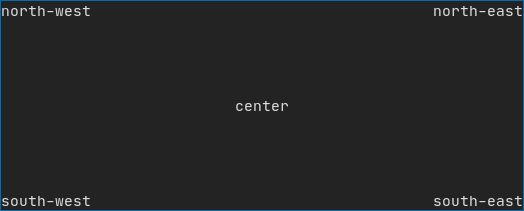
Example using hbox, vbox and filler.
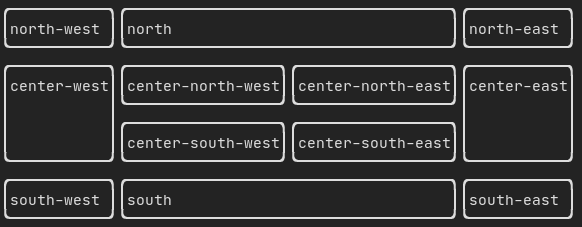
Example using gridbox:
Example using flexbox:
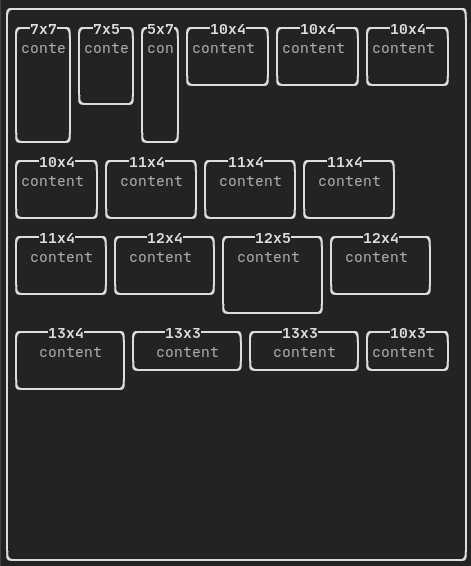
See also this demo.
Style
An element can be decorated using the functions:
bolditalicdiminvertedunderlinedunderlinedDoubleblinkstrikethroughcolorbgcolorhyperlink
Example

FTXUI supports the pipe operator. It means: decorator1(decorator2(element)) and element | decorator1 | decorator2 can be used.
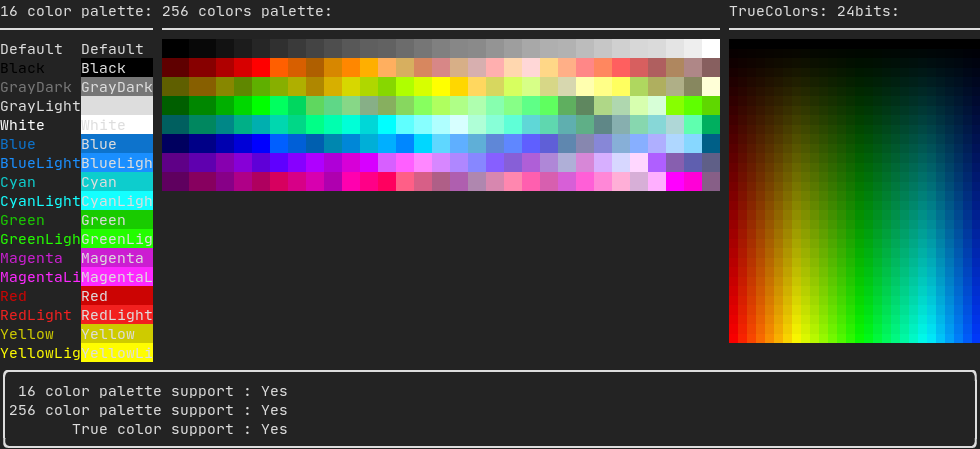
Colors
FTXUI supports every color palette:
Color gallery:
Border and separator
Use decorator border and element separator() to subdivide your UI:
Element document = vbox({
    text("top"),
    separator(),
    text("bottom"),
}) | border;
Demo:

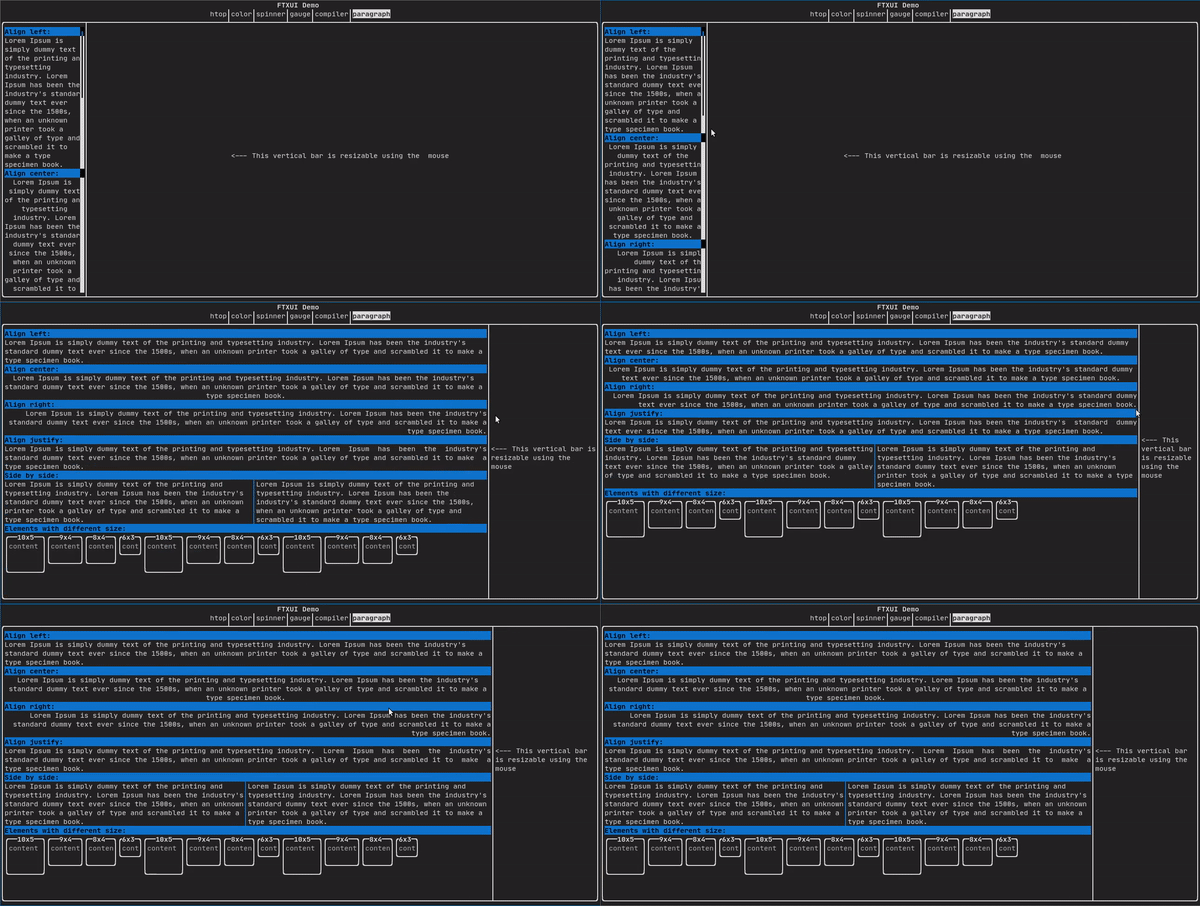
Text and paragraph
A simple piece of text is represented using text("content").
To support text wrapping following spaces the following functions are provided:
Element paragraph(string text);
Element paragraphAlignLeft(string text);
Element paragraphAlignRight(string text);
Element paragraphAlignCenter(string text);
Element paragraphAlignJustify(string text);
Paragraph example
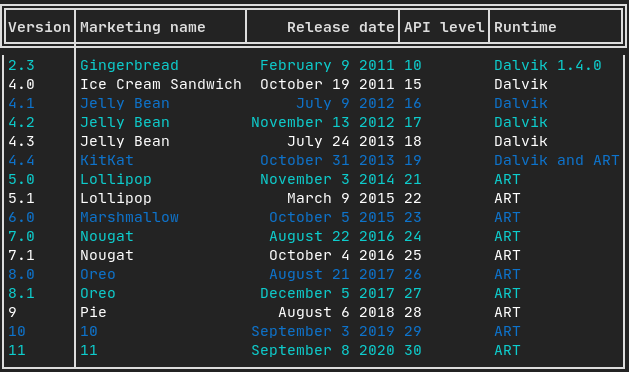
Table
A class to easily style a table of data.
Example:
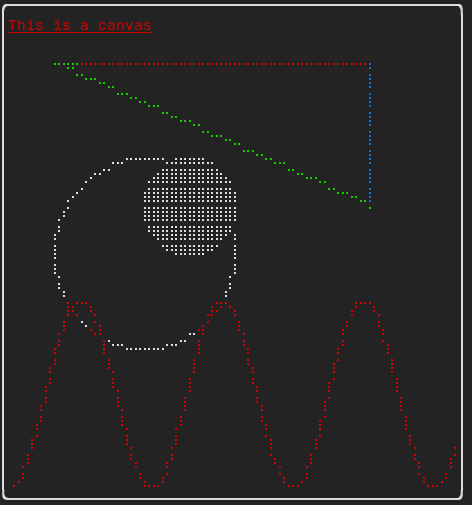
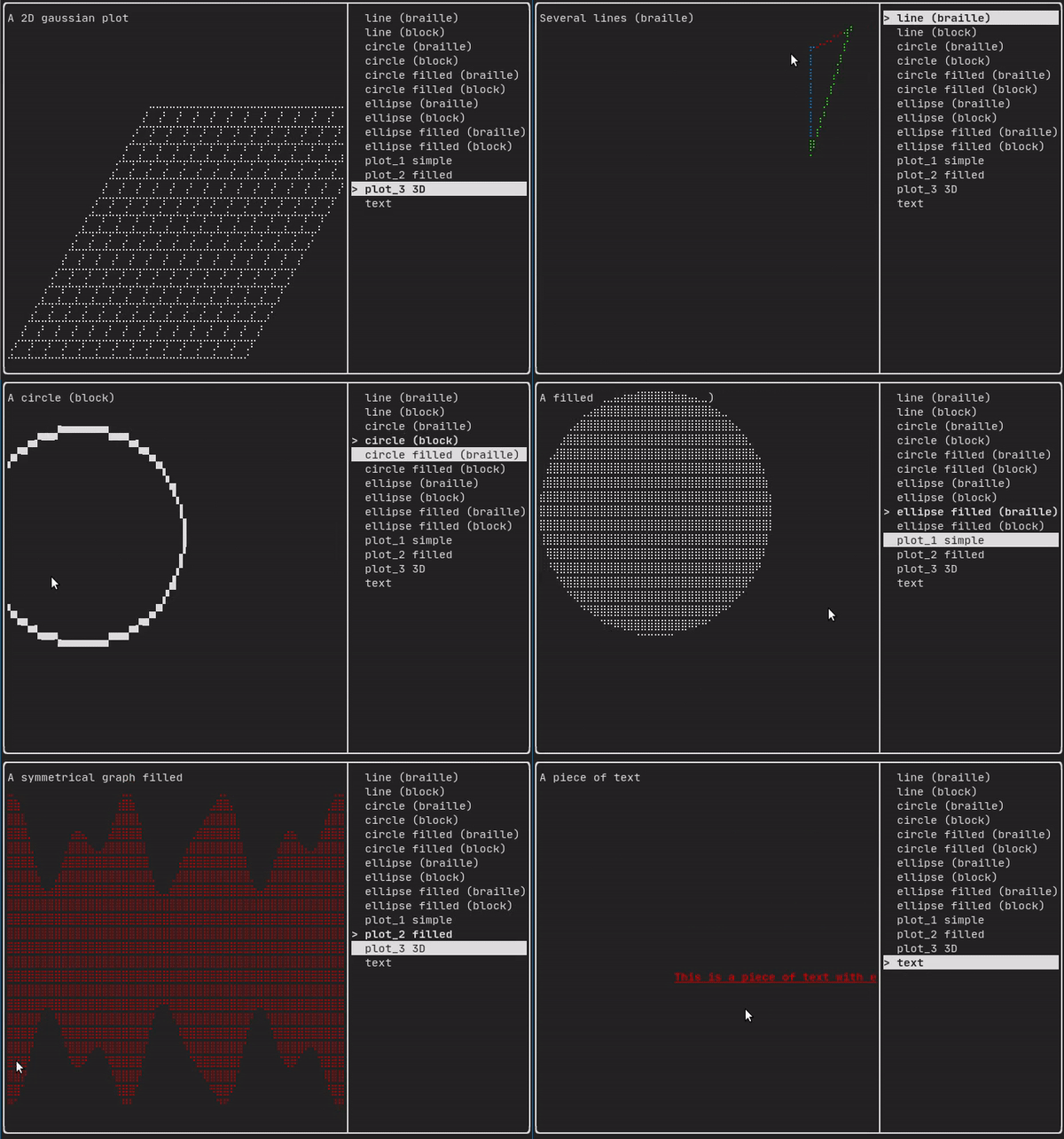
Canvas
Drawing can be made on a Canvas, using braille, block, or simple characters:
Simple example:
Complex examples:
Component
ftxui/component produces dynamic UI, reactive to the user's input. It defines a set of ftxui::Component. A component reacts to Events (keyboard, mouse, resize, ...) and Renders as an Element (see previous section).
Prebuilt components are declared in <ftxui/component/component.hpp>
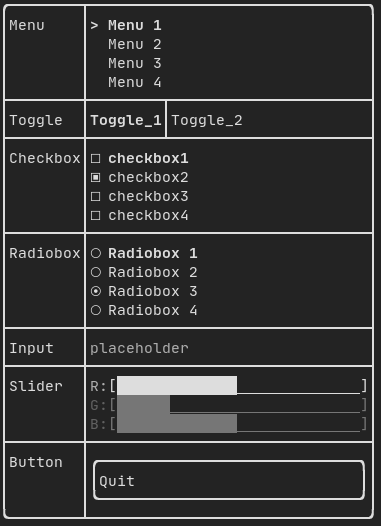
Gallery
Gallery of multiple components. (demo)
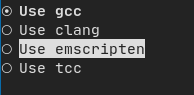
Radiobox
Example:
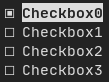
Checkbox
Example:
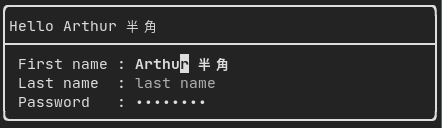
Input
Example:
Toggle
Example:

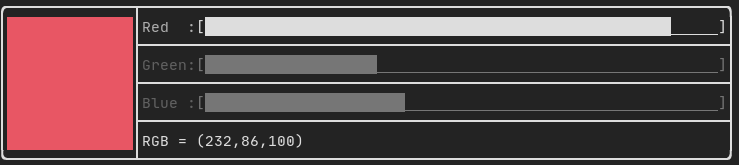
Slider
Example:
Menu
Example:

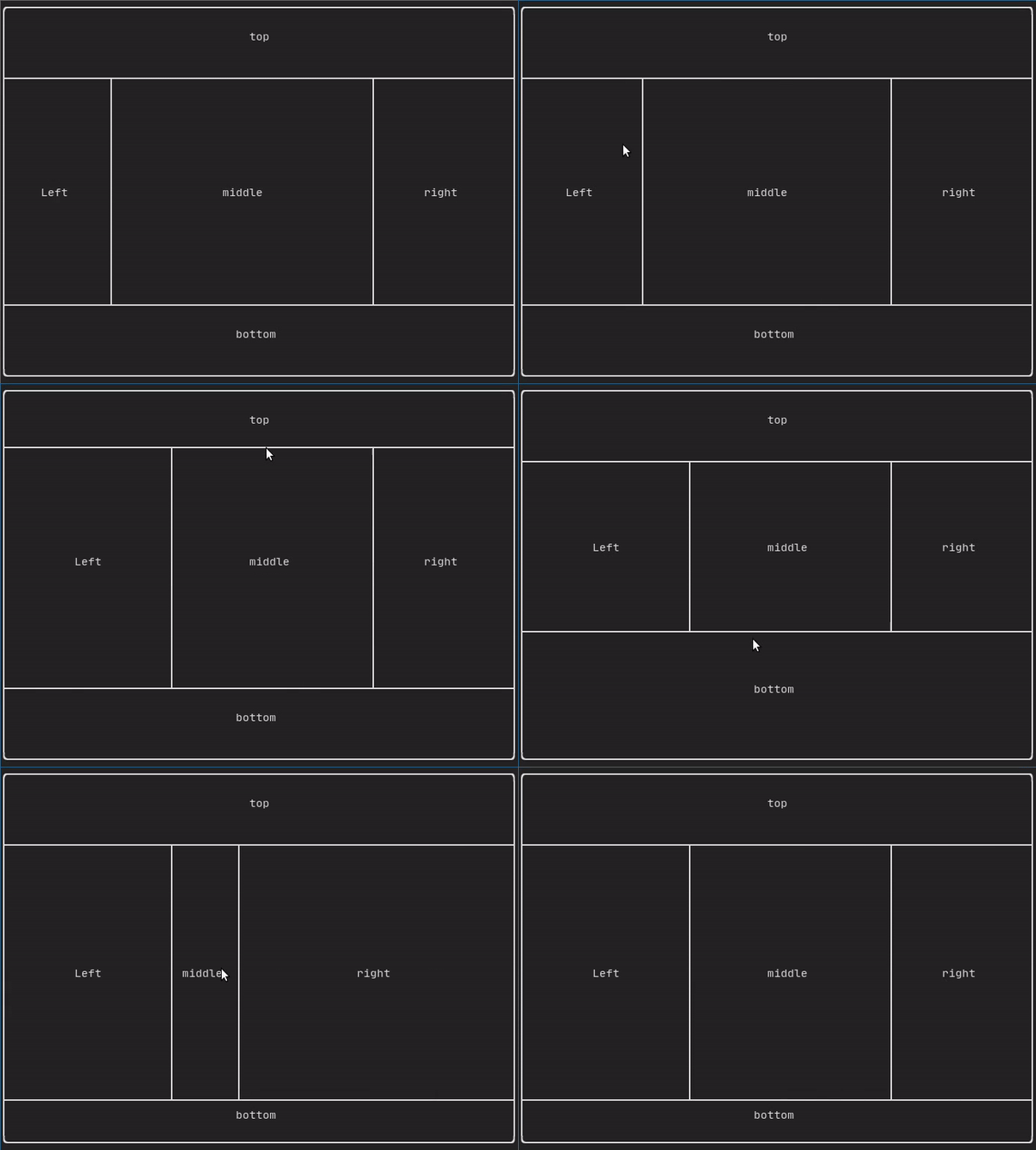
ResizableSplit
Example:
Dropdown
Example:

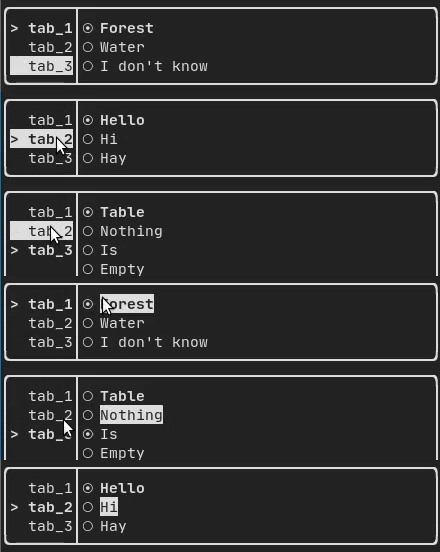
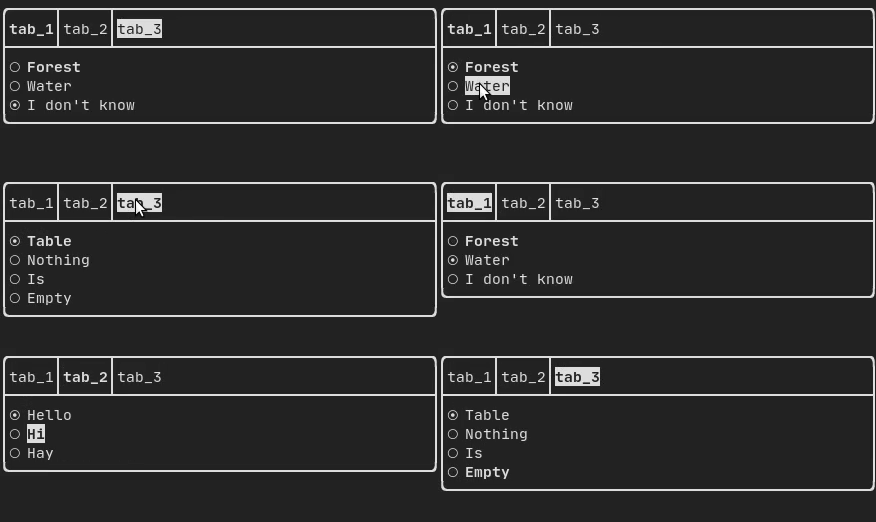
Tab
Vertical:
Horizontal:
Libraries for FTXUI
Project using FTXUI
Feel free to add your projects here:
Several games using the FTXUI have been made during the Game Jam:
Build using CMake
It is highly recommended to use CMake FetchContent to depend on FTXUI so you may specify which commit you would like to depend on.
include(FetchContent)
FetchContent_Declare(ftxui
  GIT_REPOSITORY https://github.com/ArthurSonzogni/ftxui
  GIT_TAG v7.0.3
)
FetchContent_MakeAvailable(ftxui)

target_link_libraries(your_target PRIVATE
    # Use the umbrella target (recommended)
    ftxui::ftxui

    # Or chose a submodule
    # ftxui::component
    # ftxui::dom
    # ftxui::screen
)
Build using Bazel
MODULE.bazel
bazel_dep(
    name = "ftxui",
    version = "7.0.3",
)
BUILD.bazel
cc_binary(
    name = "your_target",
    srcs = ["your_source.cc"],
    deps = [
        # Choose submodules
        "@ftxui//:component",
        "@ftxui//:dom",
        "@ftxui//:screen",

        # Or use the single ftxui target (includes all modules)
        # "@ftxui//:ftxui",
    ],
)
Build using Meson
FTXUI can also be built using Meson. See doc/installation_meson.md for detailed instructions.
meson setup builddir
ninja -C builddir
To use FTXUI as a subproject in your Meson project, create a subprojects/ftxui.wrap file or use it as a dependency:
ftxui_dep = dependency('ftxui-component')
Build with something else:
If you don't, FTXUI may be used from the following packages:

If you choose to build and link FTXUI yourself, ftxui-component must be first in the linking order relative to the other FTXUI libraries, i.e.
g++ . . . -lftxui-component -lftxui-dom -lftxui-screen . . .
To build FTXUI with modules, check documentation
Contributors

 FTXUI 是一个简单易用的跨平台 C++ 库,用来构建终端用户界面——也就是带颜色、布局、各种控件以及键盘和鼠标输入的全屏文字应用。