Overview & Vision
Human movement is inherently transient. Whether an athlete sprinting, a dancer executing a spin, a gymnast mid-air, or a child jumping, fleeting physical motion unfolds and vanishes within fractions of a second.
MotionShot bridges high-speed mobile computer vision with human kinetic expression. Inspired by Sony's legacy Motion Shot technology, MotionShot captures dynamic action bursts and synthesizes a single, multi-pose stroboscopic composite image directly on-device in real time.
Operating entirely offline with zero cloud latency and zero reliance on heavy AI neural networks, MotionShot renders motion as an aligned visual trajectory: sharp, stabilized, and captured in full sensor resolution.
Visual Showcase
| Camera Viewfinder |
Hardware Sliders |
Step 1 Raw Gallery |
Composite Result |
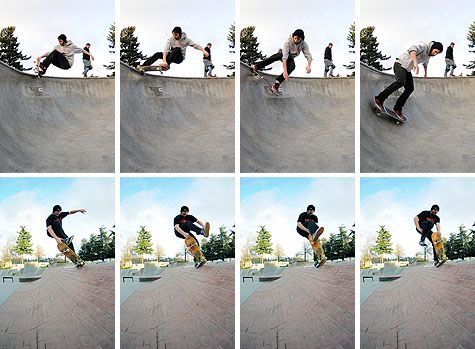 |
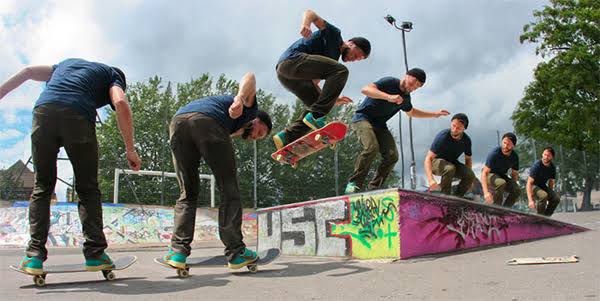 |
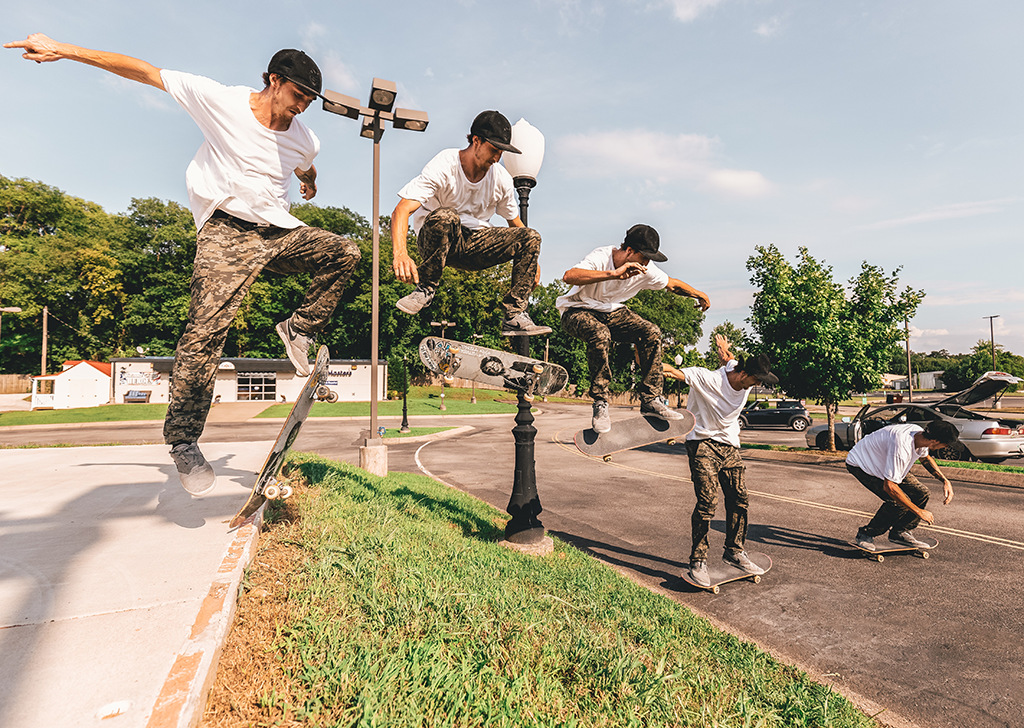 |
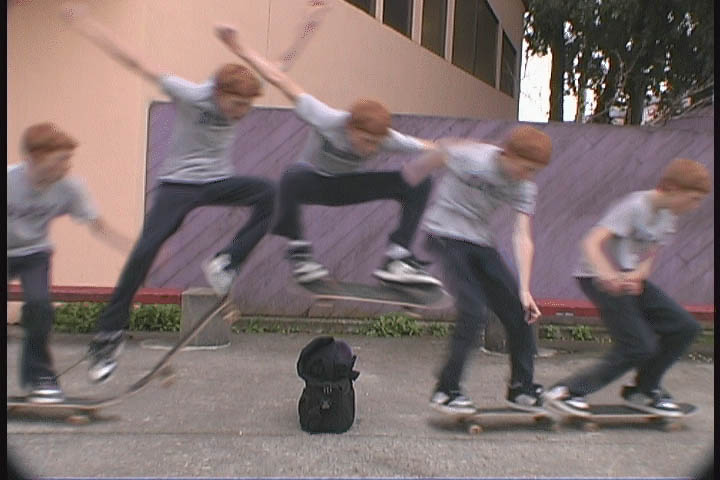 |
Technical Specifications
| Parameter |
Specification & Range |
Engineering Function |
| Timer Window |
1s, 2s, 5s, Custom (1–60s) |
Dynamic sequence capture deadline |
| Frame Count |
5, 15, 25, Custom (2–50) |
Trajectory density sampling points |
| Shutter Speed |
Auto, 1/30s to 1/8000s |
Logarithmic hardware motion-freeze slider |
| ISO Sensitivity |
Auto, ISO 50 to ISO 102,400 |
Continuous sensor gain boost |
| Stabilization |
$\pm 16\text{px}$ 2D translation search |
Sub-5ms background micro-jitter alignment |
| Blending Engine |
PorterDuff.Mode.SRC_OVER |
Sequential alpha layer compositing |
| Persistence |
SharedPreferences |
Automatic parameter restoration across sessions |
Key Features
- Pixel-to-Pixel Handheld Image Stabilization: The 2D translation alignment engine (
ImageStabilizer) correlates background grid pixels across frames, locking static elements in place to eliminate camera shake.
- Normalized Chromaticity Motion Differencing: Evaluates $r, g$ color space ratios alongside BT.601 luminance separation, making motion detection 100% immune to camera exposure shifts and shadows.
- High Shutter Speed Freeze-Frame Control: Manual shutter speed control down to
1/8000s ($125,\mu\text{s}$ exposure) freezes ultra-fast movement without motion blur.
- Extended ISO Gain Boost: Manual ISO control scaling up to ISO 102,400 maintains crisp image brightness even under high shutter speeds in low light.
- Fast Motion Slide & Auto-Play Flipbook Preview: Interactive touch-drag preview and a
▶ Play button (15 FPS flipbook) allow instant sequence verification before finalizing.
- Pluggable Engine Architecture: Decoupled
MotionEngine interface and MotionEngineFactory allow instant engine swapping without modifying UI state logic.
Architecture Overview
MotionShot follows a strict Contract-Based Clean Architecture, decoupling UI presentation, state orchestration, image processing algorithms, and Camera2 hardware controls.
graph TD
    subgraph Presentation["Presentation Layer (Jetpack Compose)"]
        MA[MainActivity] --> CS[CameraScreen]
        CS --> CP[CameraPreview Viewfinder]
        CS --> CC[CaptureControls Sheet & Sliders]
        CS --> RV[Step1ResultView Flipbook Gallery]
    end

    subgraph Domain["Domain Contracts & Storage"]
        VM[MotionShotViewModel] --> |Preferences| PR[PreferencesRepository]
        VM --> |Pluggable Contract| ME[MotionEngine Interface]
    end

    subgraph Engine["Image Processing Realizations"]
        ME --> FDEM[FastDifferenceMotionEngine]
        FDEM --> STAB[ImageStabilizer Engine]
        FDEM --> DIFF[FrameDifferencer Engine]
        FDEM --> MORPH[MorphologyOps Engine]
        FDEM --> CCMP[CanvasCompositor Engine]
    end

    subgraph Hardware["Hardware Capture Layer (CameraX / Camera2)"]
        VM --> FA[FrameAnalyzer]
        FA --> YR[Native C++ YuvToRgb]
        VM --> C2[Camera2Interop Control]
        C2 --> CP
    end
Technical Processing Pipeline
Each captured frame sequence moves through a zero-allocation processing pipeline:
flowchart TD
    A["Raw Frame Burst (N Frames)"] --> B["1. 2D Translation Alignment (ImageStabilizer)"]
    B --> C["2. Normalized Chromaticity Differencing (FrameDifferencer)"]
    C --> D["3. 3x3 Morphological Opening (MorphologyOps)"]
    D --> E["4. Soft Contour Edge Feathering"]
    E --> F["5. Sequence Alpha Decay (CanvasCompositor)"]
    F --> G["Final Stroboscopic Composite Image"]
Request Lifecycle & Frame Acquisition
sequenceDiagram
    autonumber
    actor User
    participant UI as CameraScreen / Controls
    participant VM as MotionShotViewModel
    participant Analyzer as FrameAnalyzer
    participant Engine as MotionEngine

    User->>UI: Tap Capture Button
    UI->>VM: onCaptureToggle()
    VM->>VM: Lock Start Time & Set Hard Deadline (T seconds)

    loop Dynamic Time Window (T / N-1)
        VM->>Analyzer: shouldCapture.set(true)
        Analyzer-->>VM: frameChannel.receive() [Time-Bounded Timeout Guard]
    end

    VM->>Engine: process(capturedFrames)
    Engine->>Engine: 2D Translation Alignment
    Engine->>Engine: Normalized Chromaticity Masking
    Engine->>Engine: 3x3 Morphological Noise Removal
    Engine->>Engine: Native Canvas PorterDuff Stamping
    Engine-->>VM: Return Composite Bitmap
    VM->>UI: Phase = Done (Show Result & Interactive Flipbook)
Technical Deep-Dives
1. Handheld 2D Translation Alignment Mathematics
Camera micro-jitter causes static background edges to shift between frames. MotionShot computes an optimal $(\Delta x, \Delta y)$ alignment vector over a $\pm 16\text{px}$ search window using a 4x grid subsampling strategy:
$$\Delta x, \Delta y = \arg\min_{dx, dy} \sum_{y, x} \left| \text{Base}(x, y) - \text{Curr}(x + dx, y + dy) \right|$$
Target frame pixels are shifted by $(\Delta x, \Delta y)$ prior to motion differencing, locking static background elements 100% in place.
2. Normalized Chromaticity Color Space (r, g)
Camera auto-exposure shifts brightness across frames. Simple RGB subtraction fails under exposure drift. MotionShot converts pixels to Normalized Chromaticity:
$$r = \frac{R}{R + G + B + 1}, \quad g = \frac{G}{R + G + B + 1}$$
Combining chromaticity distance $\Delta_{\text{chroma}} = |r_1 - r_0| + |g_1 - g_0|$ with BT.601 luminance separation ($\Delta_Y = |Y_1 - Y_0|$) ensures lighting fluctuations and shadows are 100% ignored.
3. Camera2 Hardware Exposure & ISO Interop
High shutter speeds (1/500s to 1/8000s) eliminate subject motion blur. CameraX parameters are applied directly to the Camera2 HAL via Camera2CameraControl:
CaptureRequest.CONTROL_AE_MODE: Set to OFF for manual exposure control.CaptureRequest.SENSOR_EXPOSURE_TIME: Configured in nanoseconds via logarithmic slider.CaptureRequest.SENSOR_SENSITIVITY: Configured up to ISO 102,400 for low-light gain compensation.
Repository Structure
bted.app.motionshot/
├── capture/
│   ├── FrameAnalyzer.kt       # CameraX ImageAnalysis analyzer
│   └── YuvToRgb.kt            # Native C++ accelerated ImageProxy to Bitmap
├── data/
│   └── PreferencesRepository.kt # SharedPreferences persistence (Timer, Count, Shutter, ISO)
├── engine/
│   ├── MotionEngine.kt        # Pluggable engine interface contract
│   ├── FastDifferenceMotionEngine.kt  # Math & Differencing engine
│   ├── MotionEngineFactory.kt # Engine registry & factory
│   └── DebugPipelineConfig.kt # Step-by-step pipeline config
├── processing/
│   ├── FrameDifferencer.kt    # Normalized chromaticity & luminance differencer
│   ├── ImageStabilizer.kt     # Pixel-to-pixel 2D handheld stabilizer
│   ├── MorphologyOps.kt       # 3x3 Erode, Dilate, and Morphological Opening
│   └── CanvasCompositor.kt    # Native Canvas PorterDuff compositing
├── ui/
│   ├── components/
│   │   ├── CaptureControls.kt # Sliders, custom input, tap-to-record button
│   │   └── LoadingOverlay.kt  # Pulsing progress overlay
│   ├── state/
│   │   ├── MotionShotUiState.kt # UI state holder & CameraParameterUtils
│   │   └── CapturePhase.kt    # Capture phase lifecycle
│   ├── theme/                 # Dark aesthetic color, typography, theme
│   ├── CameraPreview.kt       # CameraX preview + Camera2Interop hardware controls
│   └── CameraScreen.kt        # Root camera & result flipbook gallery screen
└── viewmodel/
    └── MotionShotViewModel.kt # StateFlow, preferences, capture loop, engine dispatcher
Building & Requirements
System Requirements
- Android Studio: Ladybug / Jellyfish or newer
- Android SDK: Compile SDK 37 (Min SDK 24)
- Kotlin: 2.2.10
- Gradle: 8.13+
Local Build Commands
# Clone the repository
git clone https://github.com/AhmadHassan-BTed/MotionShot.git
cd MotionShot

# Execute unit tests
./gradlew test

# Build Debug APK
./gradlew assembleDebug
Engineered and maintained by Ahmad Hassan (B-Ted)
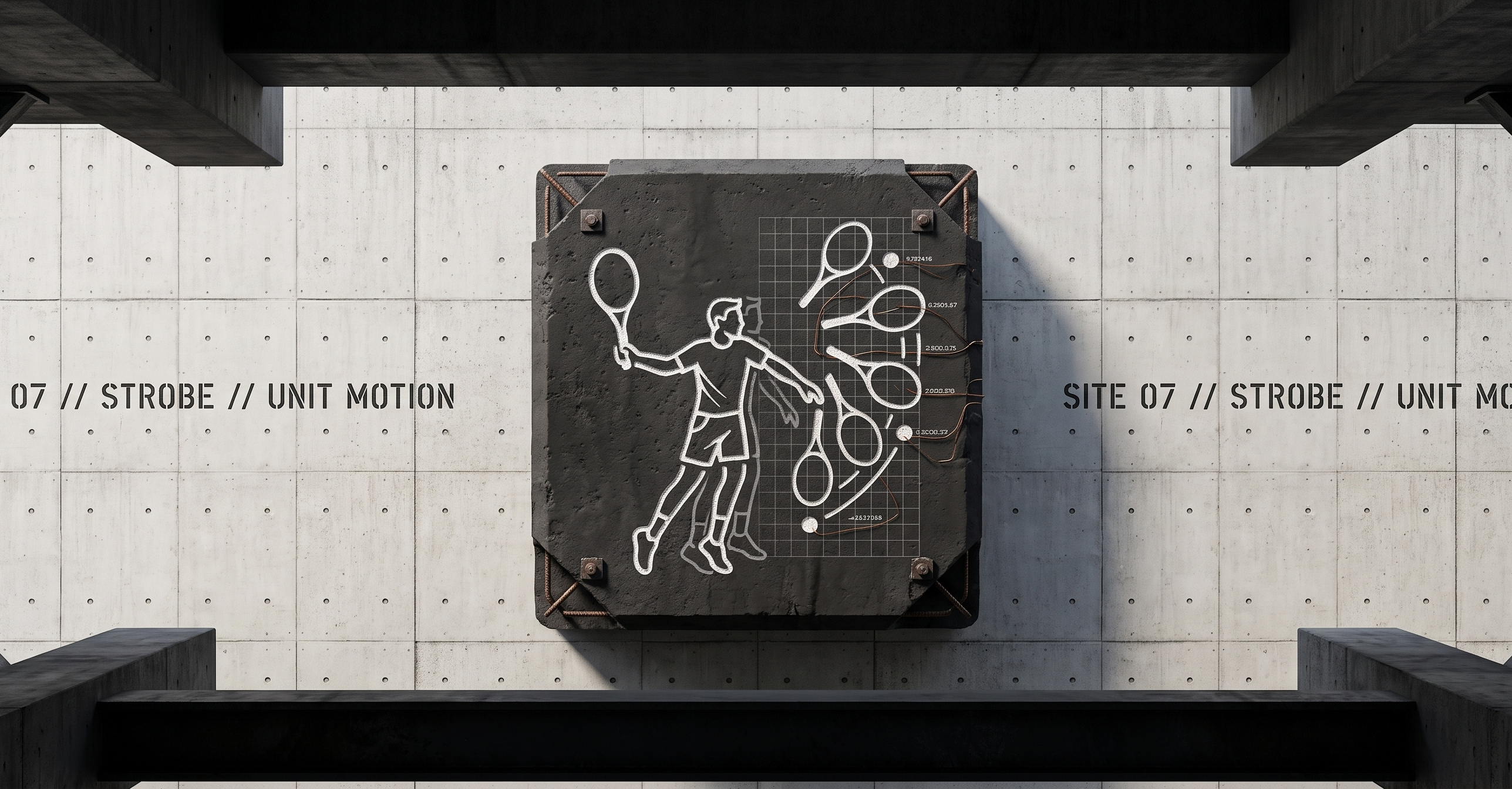






 MotionShot 是一款 Android 相机应用,它会拍摄一段快速运动的连续画面,并将这些帧合并成一张频闪照片,在同一张照片中展示主体在多个时间点的位置。整个过程依靠设备端的计算机视觉完成。