
263 ·GitHub
What is this?
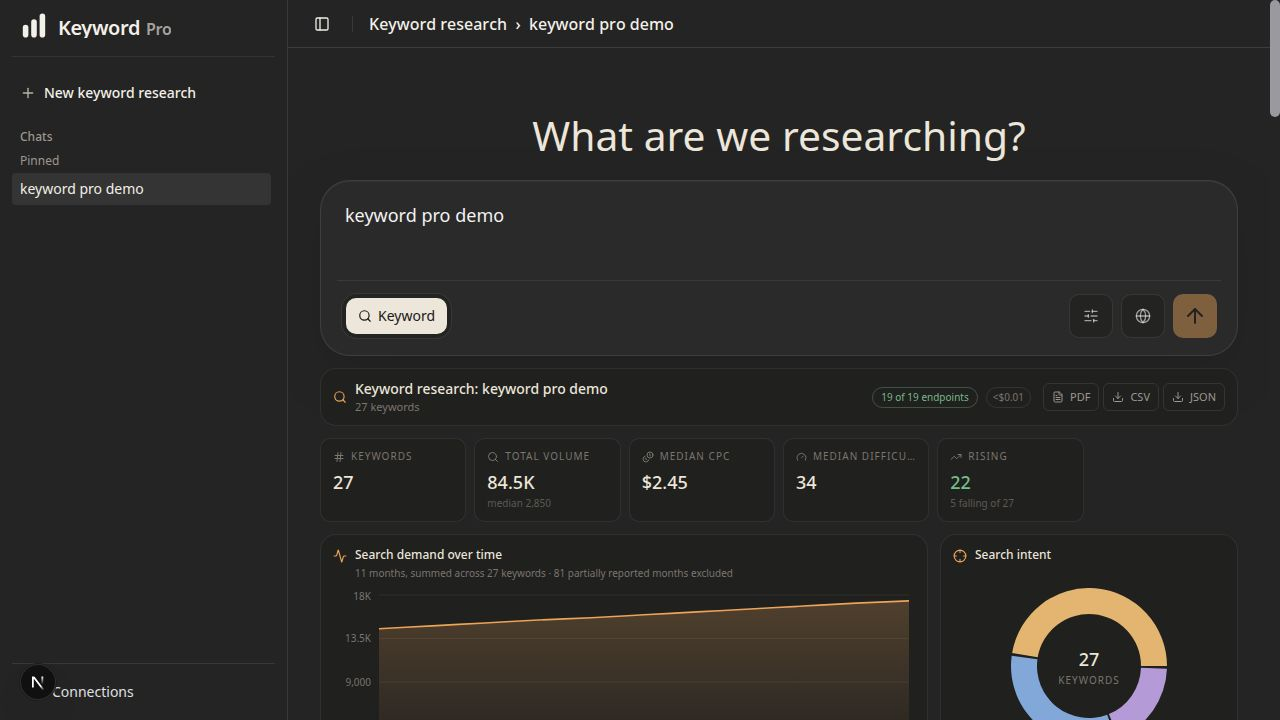
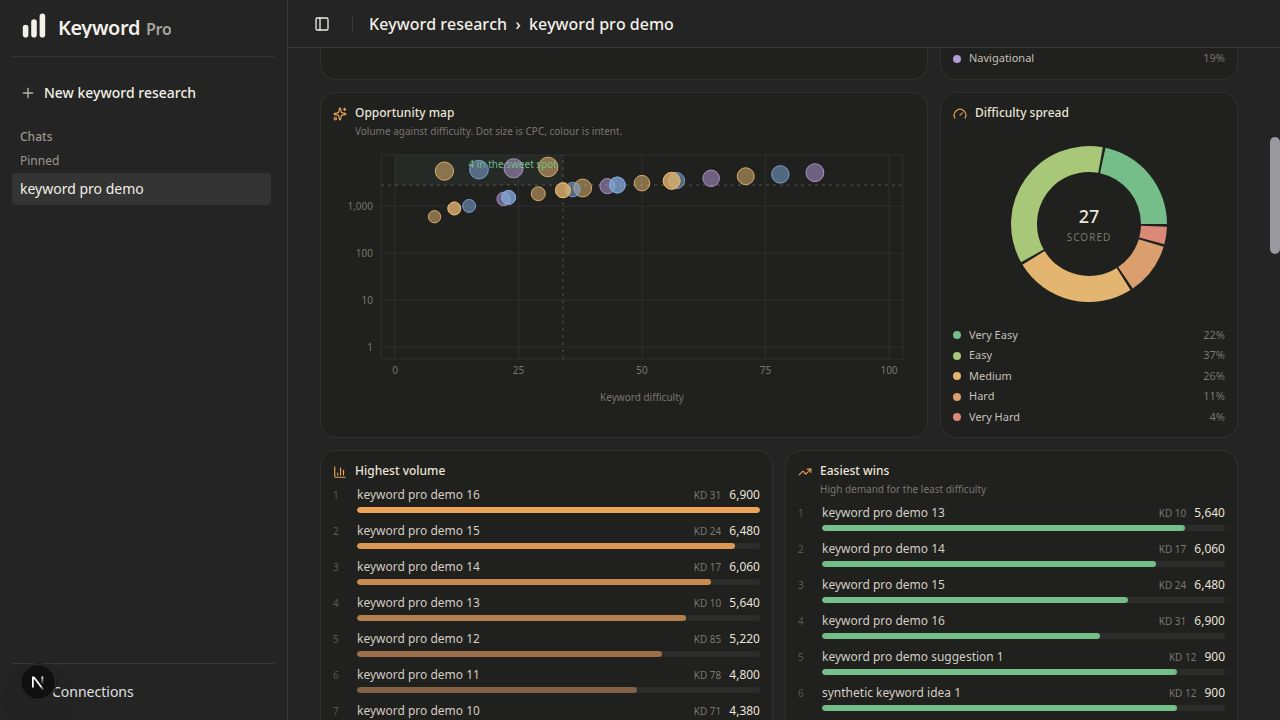
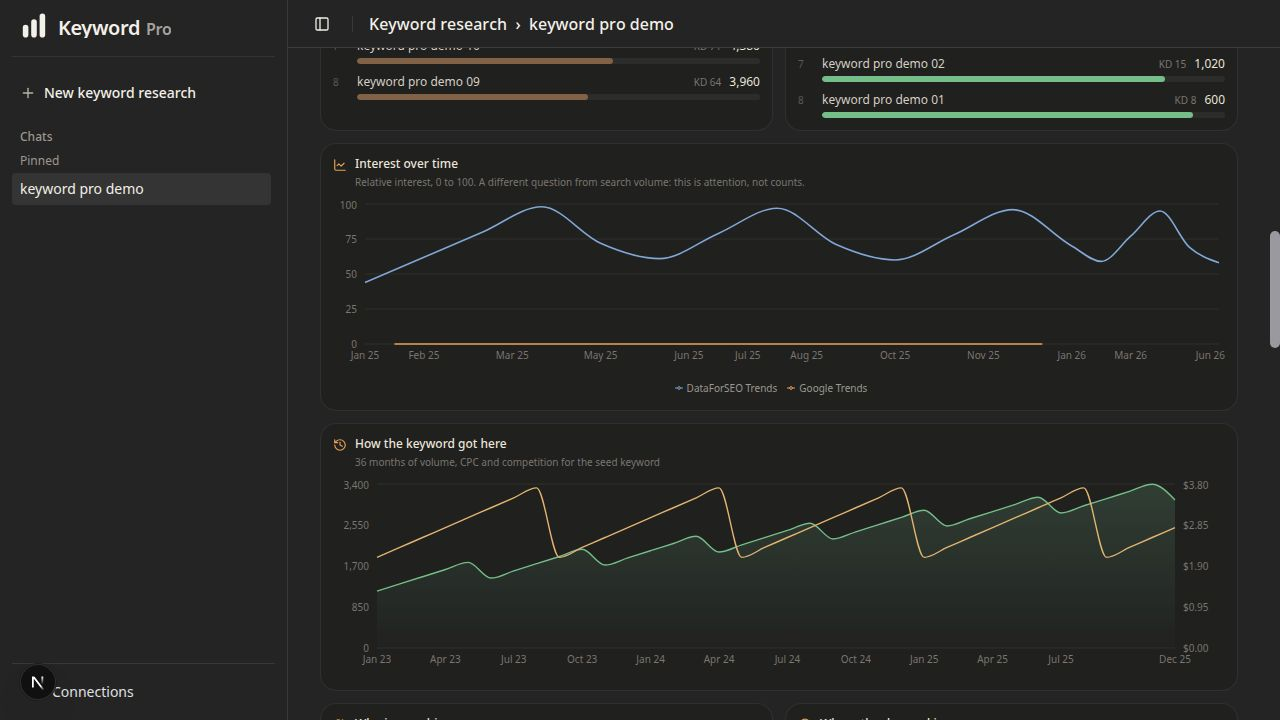
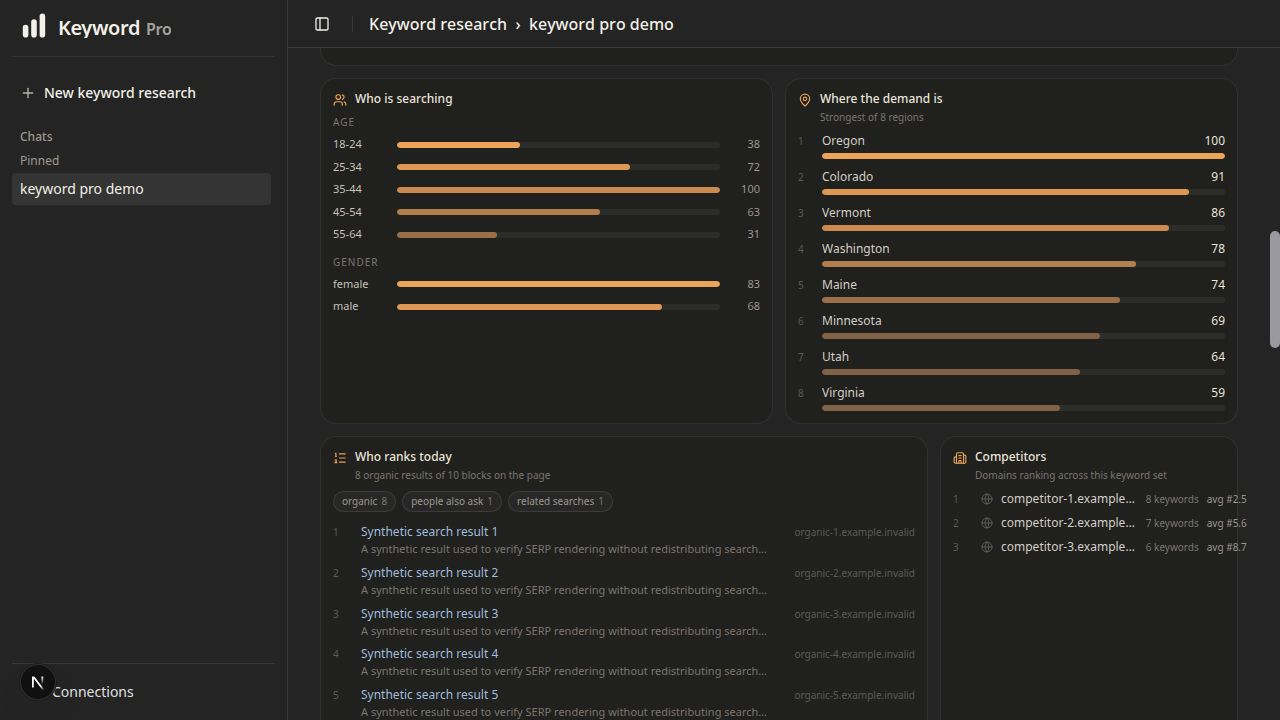
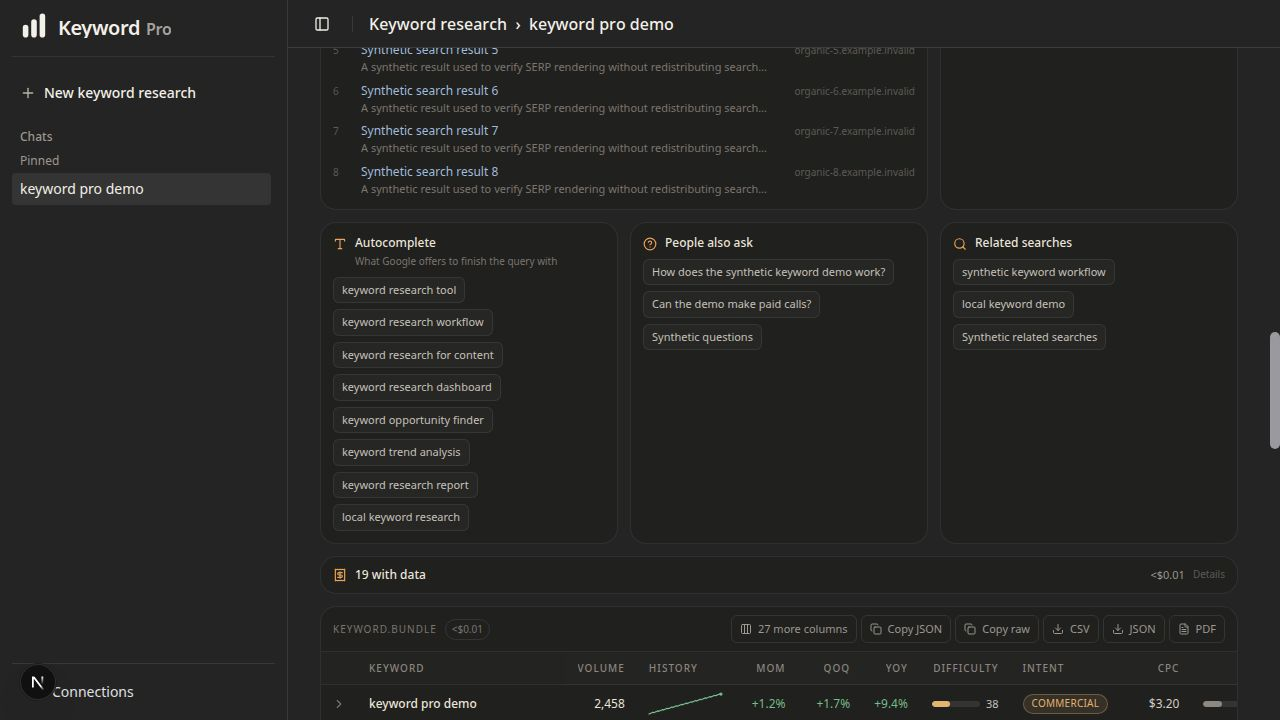
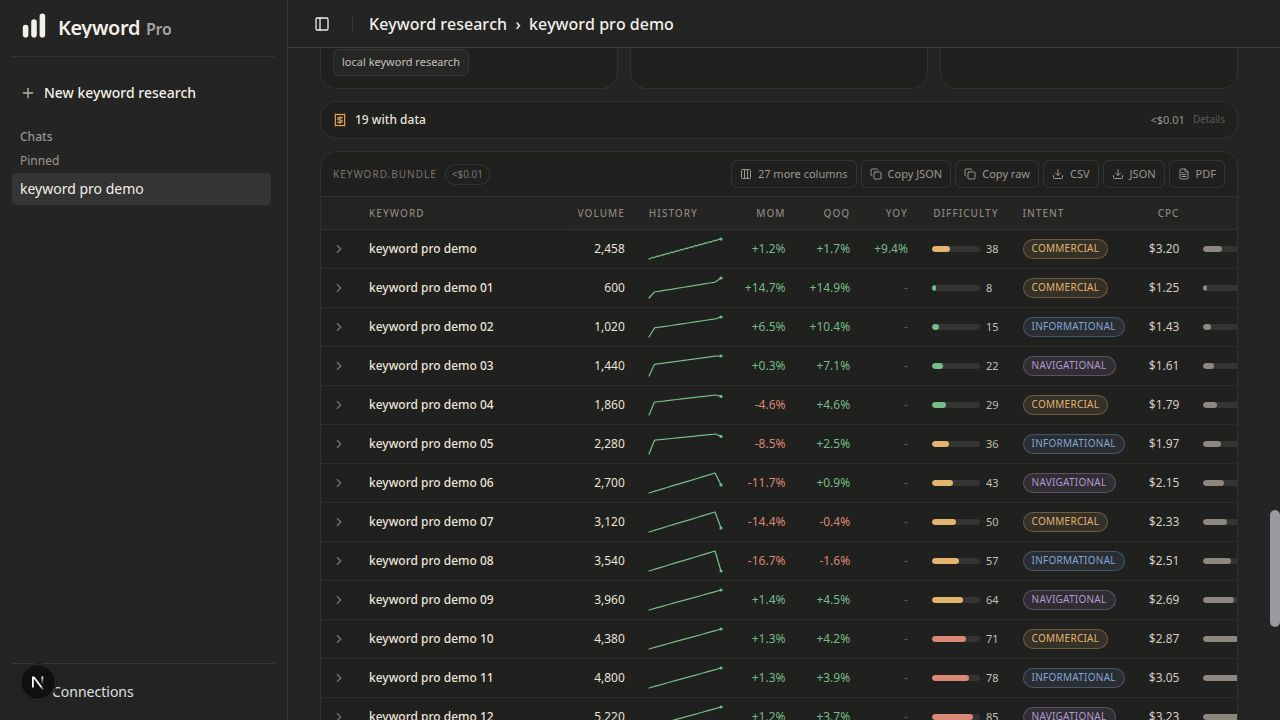
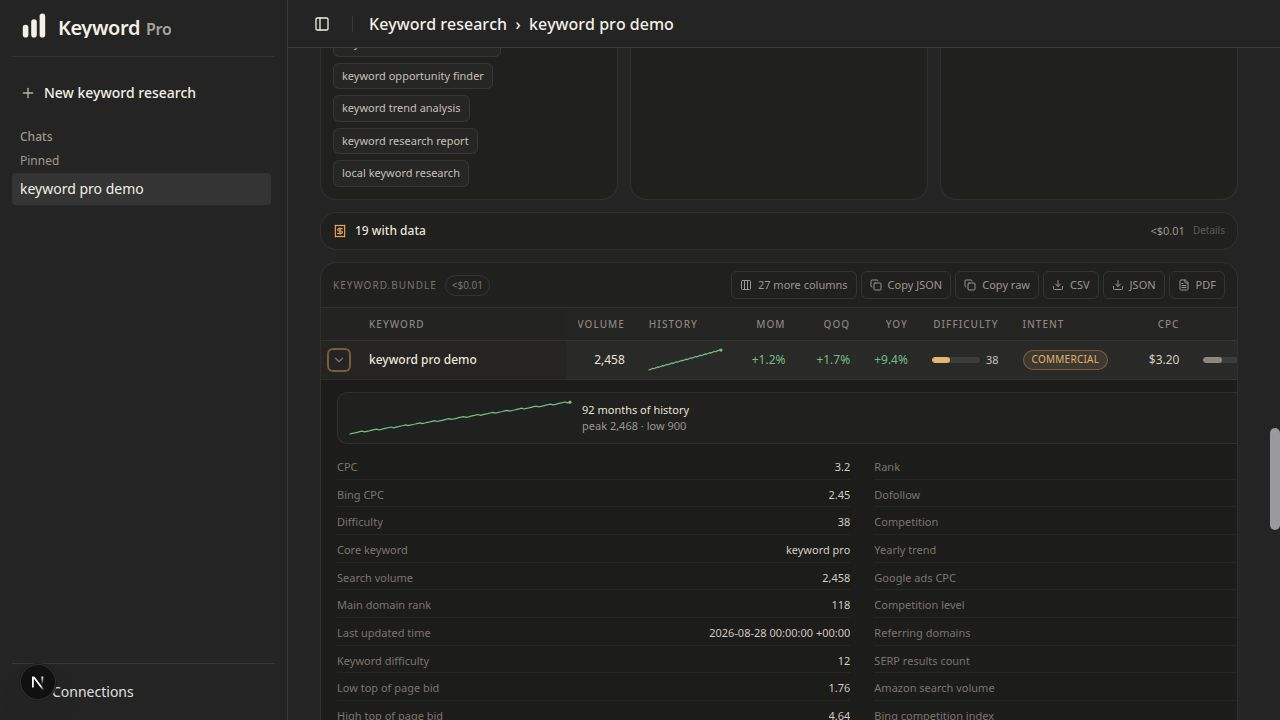
 Keyword Pro is a standalone, local keyword research console that runs a guided report alongside an advanced DataForSEO endpoint explorer, with saved sessions, charts, and PDF, CSV, and JSON exports.
Keyword Pro is a standalone, local keyword research console that runs a guided report alongside an advanced DataForSEO endpoint explorer, with saved sessions, charts, and PDF, CSV, and JSON exports.Is this a hosted SEO service or something I run myself?It is a local, single-user application with no signup, billing, or hosted account system — you run it on your own machine and supply your own DataForSEO credentials.
It is a local, single-user application with no signup, billing, or hosted account system — you run it on your own machine and supply your own DataForSEO credentials.How do I get it running?Generate an OpenSSL key, put it in KEYWORDPROENCRYPTIONKEY inside .env, start the local services with Podman or Docker, then run the db:migrate script to initialize the database on first run.
Generate an OpenSSL key, put it in KEYWORDPROENCRYPTIONKEY inside .env, start the local services with Podman or Docker, then run the db:migrate script to initialize the database on first run.What do I need installed before trying it?Node.js 24, pnpm 9, OpenSSL, and Podman or Docker, plus your own DataForSEO API credentials since the app ships none.
Node.js 24, pnpm 9, OpenSSL, and Podman or Docker, plus your own DataForSEO API credentials since the app ships none.Can I just expose this to my team over the network?No — it binds to 127.0.0.1 by default and is built as a single-user tool; exposing it to a LAN or the internet means you have to add your own authentication and run a security review first.
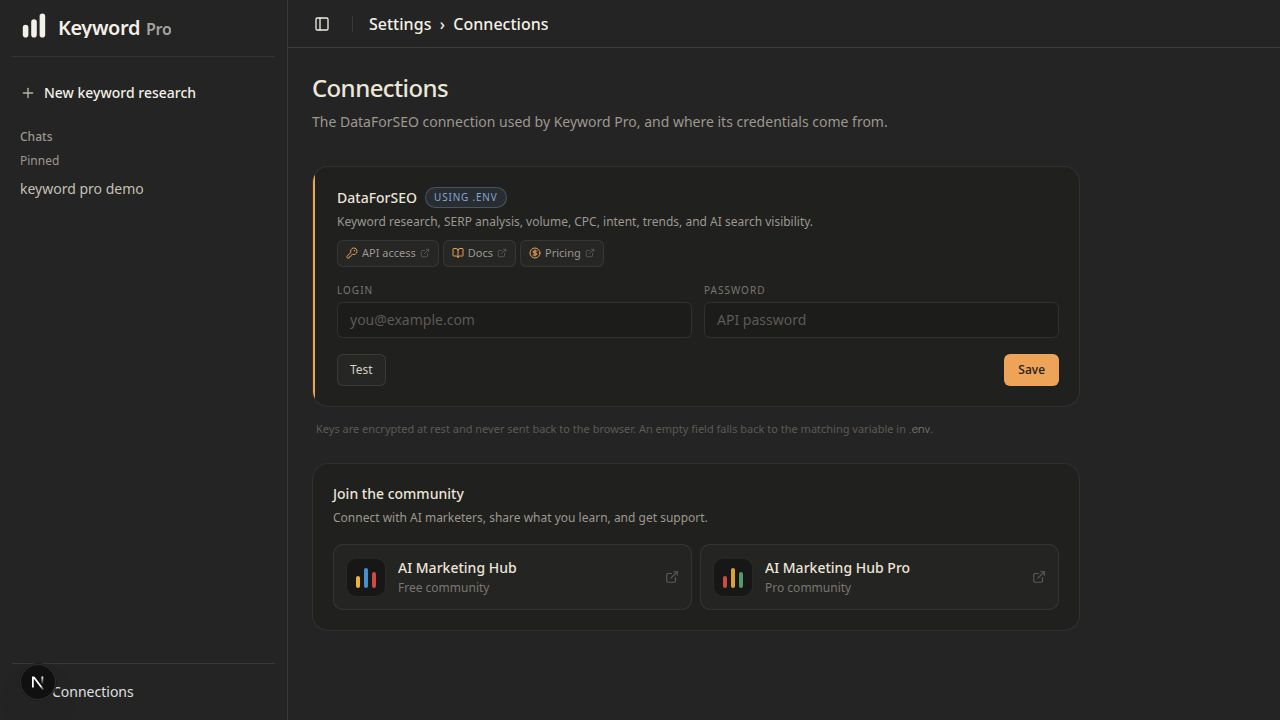
No — it binds to 127.0.0.1 by default and is built as a single-user tool; exposing it to a LAN or the internet means you have to add your own authentication and run a security review first.Where are my DataForSEO credentials stored?They are entered under Settings/Connections or via .env and stored encrypted locally with AES-256-GCM, and they are never sent back to the browser in plaintext.
They are entered under Settings/Connections or via .env and stored encrypted locally with AES-256-GCM, and they are never sent back to the browser in plaintext.Does using Keyword Pro cost money?The app itself is free and open source, but live research calls spend money from your connected DataForSEO account; it shows the estimated cost before any paid run begins.
The app itself is free and open source, but live research calls spend money from your connected DataForSEO account; it shows the estimated cost before any paid run begins.How many markets and languages does the guided report cover?It supports 94 markets and all 46 languages available in the guided keyword report, and it blocks invalid country-language pairs before they can spend money.
It supports 94 markets and all 46 languages available in the guided keyword report, and it blocks invalid country-language pairs before they can spend money.What's different about Advanced mode?Advanced mode exposes 332 keyword-oriented DataForSEO endpoint definitions, but Keyword Pro only admits keyword endpoints — Website, Social, and Commerce modes aren't available.
Advanced mode exposes 332 keyword-oriented DataForSEO endpoint definitions, but Keyword Pro only admits keyword endpoints — Website, Social, and Commerce modes aren't available.Do I get charged again for opening an old report?No, completed reports are saved locally, so reopening a saved report never triggers another paid API call.
No, completed reports are saved locally, so reopening a saved report never triggers another paid API call.What are similar projects?rankme.fast, trade-journal, Zero, documenso, OpenStock, open-glean, searchmirror, chatbot
rankme.fast, trade-journal, Zero, documenso, OpenStock, open-glean, searchmirror, chatbotWhich topics is it in?keyword-research, radix-ui, drizzle-orm, csv, seo, byok, charts, data-visualization, nextjs, json, encryption, pdf
keyword-research, radix-ui, drizzle-orm, csv, seo, byok, charts, data-visualization, nextjs, json, encryption, pdf