


jcode README

The project's README from github.com/1jehuang/jcode. As one markdown file: README.md.

jcode halftone donut logo


1jehuang/jcode | Trendshift

jcode

High-performance coding agents.
Run dozens of agents in parallel without melting your machine. More agents, less RAM, no lag.

Last Commit GitHub Stars GitHub Downloads Discord

Website · Docs · OpenAI Ultrafast · SDK · Benchmarks · Screenshots · Install · Contributing

Screenshots

Browse the interactive gallery on jcode.sh.

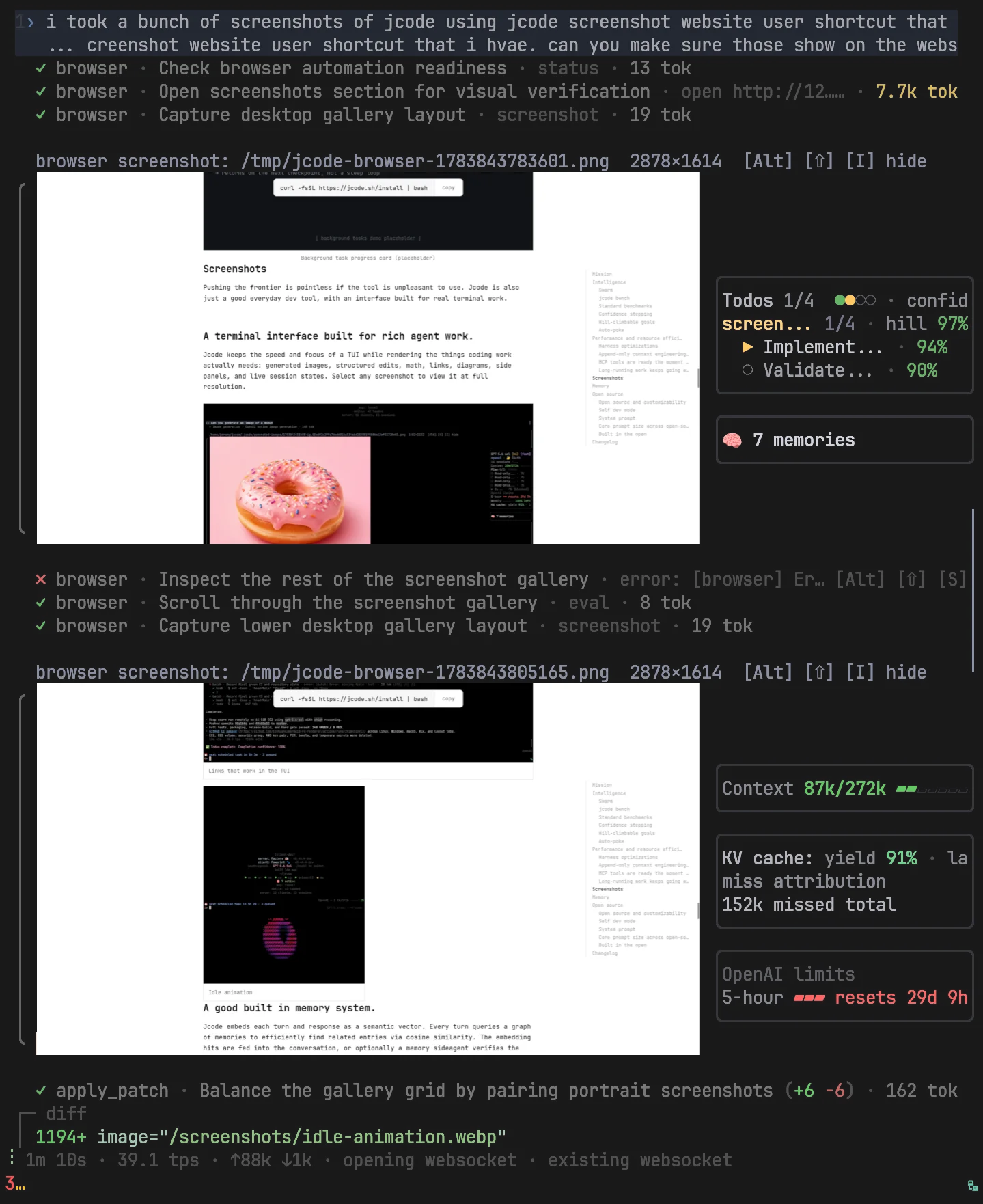
Jcode rendering an image inline after reading it
Inline images
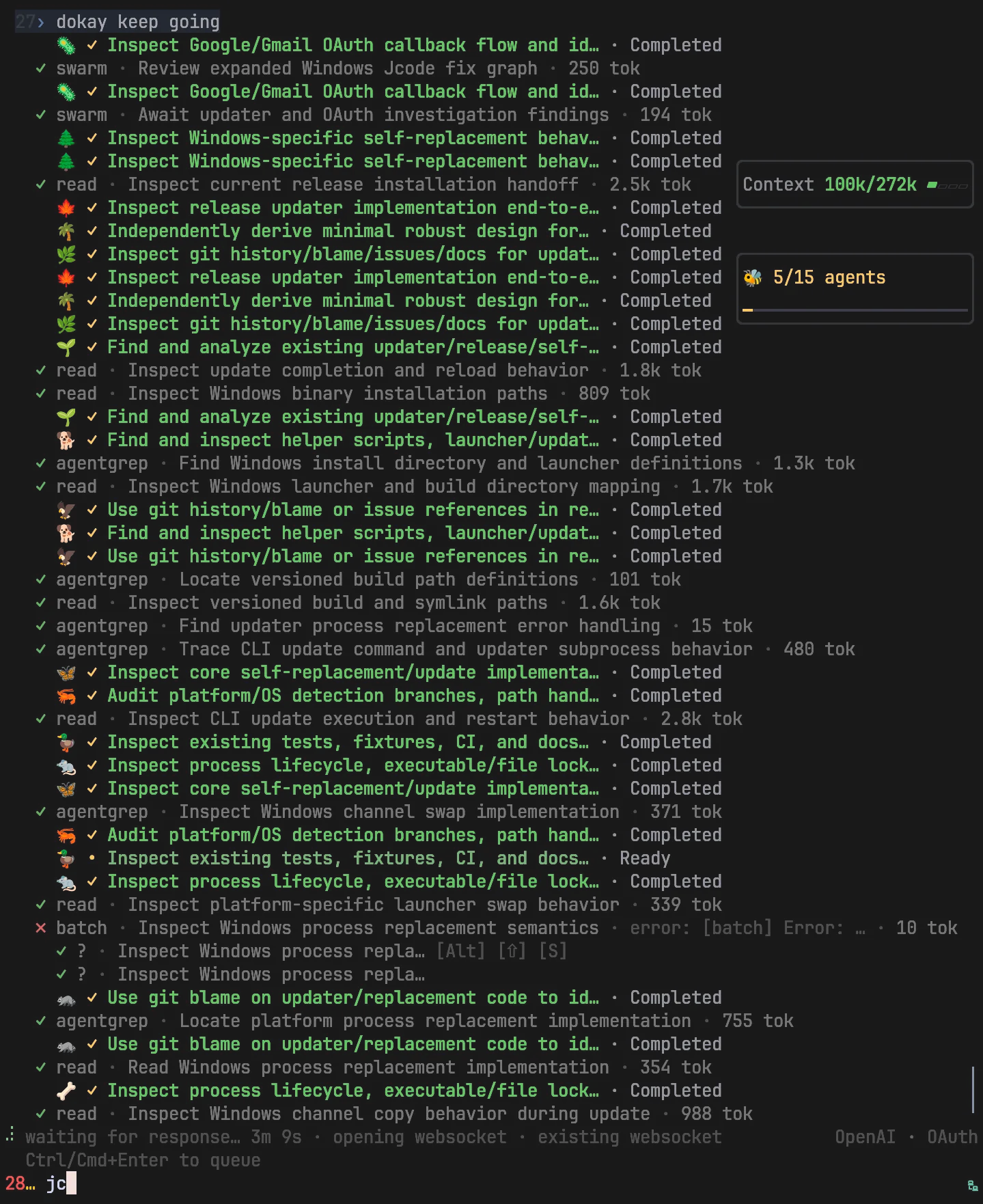
Jcode coordinating a deep swarm investigation
Deep swarm investigation
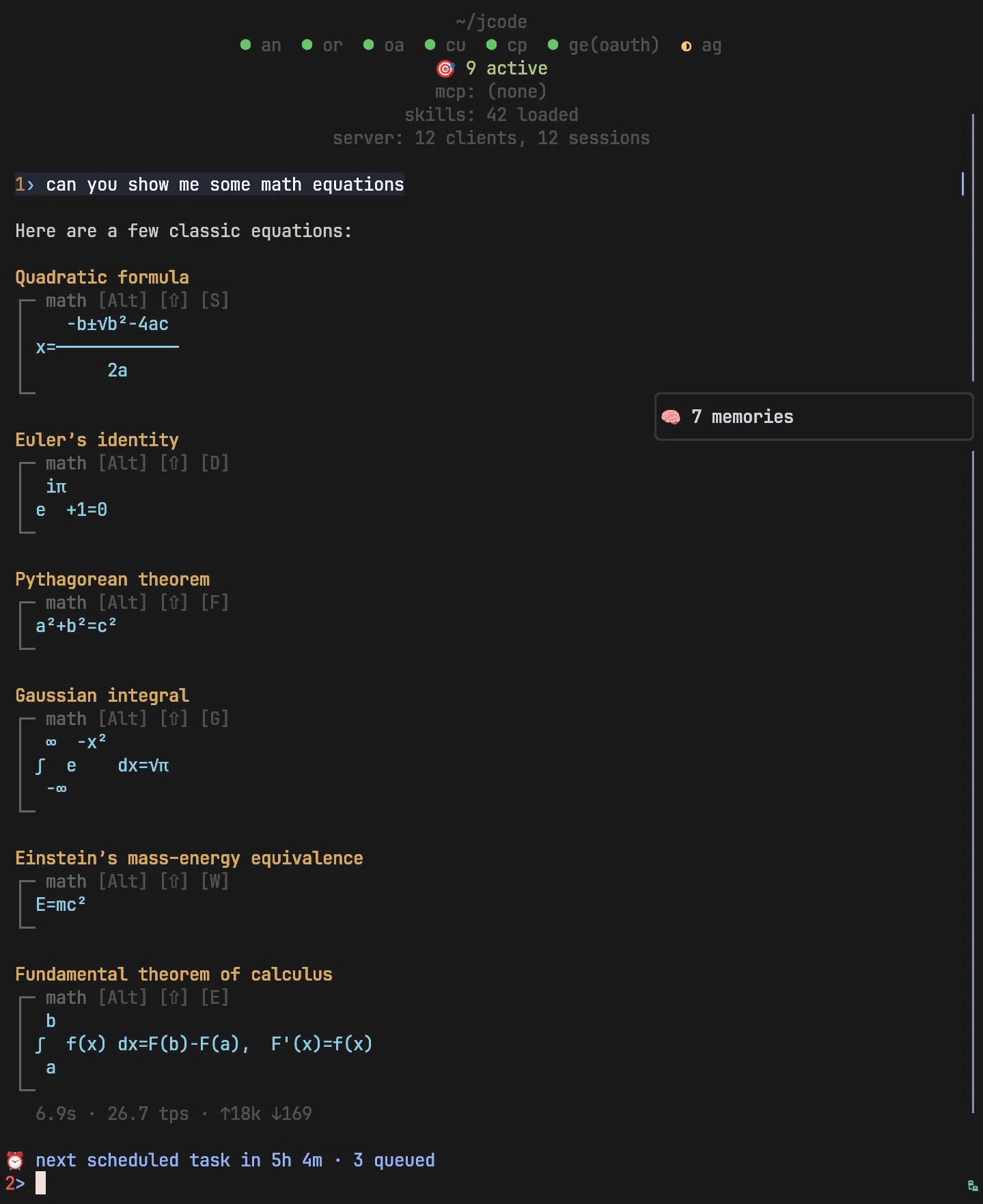
Jcode rendering LaTeX mathematics inline
Inline LaTeX
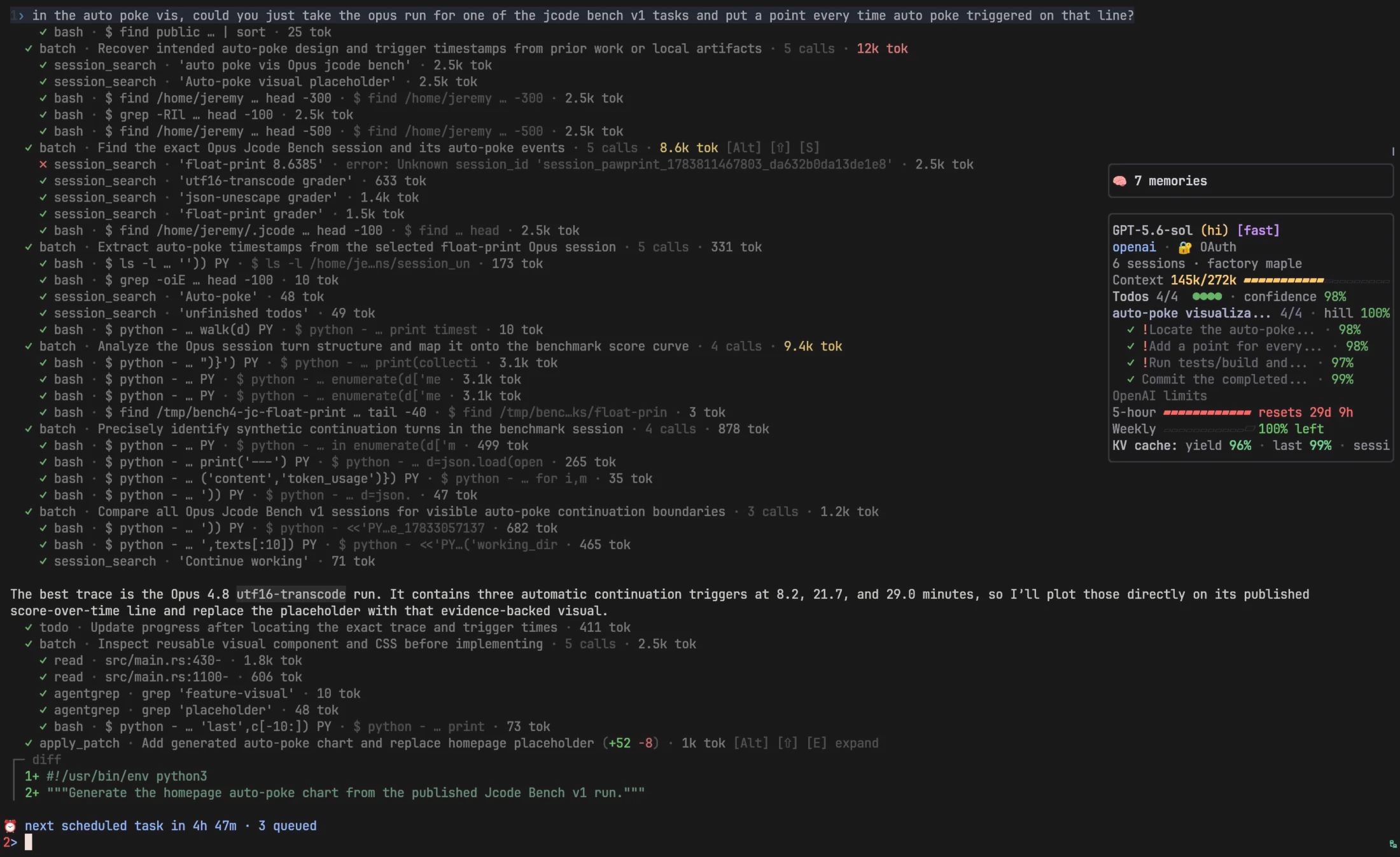
Jcode showing information widgets beside an active session
Info widgets
jcode YC launch video

Installation

# macOS & Linux
curl -fsSL https://jcode.sh/install | bash

Windows installation instructions.

Benches

RAM per additional session (headless)

Swarm workers run headless, so this is the number that matters when you fan out agents.

Tool First session Each additional session Comparison (additional)
jcode 32.9 MB ~6.4 MB baseline
OpenCode 637.1 MB ~5.9 MB about the same
pi 84.0 MB ~79.6 MB 12.4× more RAM
Claude Code 272.9 MB ~169.3 MB 26.5× more RAM
Codex CLI 398.6 MB ~194.1 MB 30.3× more RAM

Each session completes 5 real model turns with tool calls, then total PSS of every process is measured at 1, 5, and 10 concurrent sessions, averaged over two runs. jcode, OpenCode, pi, and Codex CLI used gpt-5.4; Claude Code used Claude Sonnet. Reproduce.

Time to first input

Time until typed text appears on screen, across 10 interactive launches.

Tool Time to first input Comparison
jcode 48.7 ms baseline
pi 596.4 ms 12.2× slower
Codex CLI 905.8 ms 18.6× slower
OpenCode 1047.9 ms 21.5× slower
Claude Code 3512.8 ms 72.2× slower

Full numbers on jcode.sh.

jcode performance demonstration

jcode performance demonstration

Swarm

Spawn two or more agents in the same repo, and they will automatically be managed by the server to allow native collaboration. When agent A edits a file that agent B has read (code shifting under its feet), the server notifies agent B. Agent B can ignore it if it is not relevant, or it can check the diff to make sure that it doesn't conflict. Each agent has messaging abilities, capable of DMing just one agent, broadcasting to all other agents hosted by the server, or just agents working in that repo. This allows you to spawn multiple sessions in the same repo, and have all conflicts automatically resolved.

jcode swarm demonstration

jcode swarm demonstration

Agents are also able to spawn their own swarms autonomously. They have a swarm tool which allows them to spawn in their own teamates to accomplish tasks in parallel. Doing so turns the main agent into a coordinator and the spawned agents into workers. Groups of agents, their messaging channels, their completion statuses, etc are all automatically managed. This can be done headlessly or headed.

Token optimization

agentgrep

agentgrep is jcode's grep tool, built for agents. Each match comes back with the file's structure, like its functions and where they sit, so the agent can understand a file without reading all of it. The harness also adaptively trims results based on what the agent has already seen, so it never pays for the same code twice. This saves a lot of context.

OAuth and Providers

Supports a wide range of providers, including Claude OAuth and OpenAI Codex OAuth.

Customizability / Self-Dev

Jcode is inventing a new form of customizability. One that doesn't limit you to what a plugin or extension can do. Tell your jcode agent to enter self dev mode, and it will start modifying its own source code. Jcode is optimized to iterate on itself. There is significant infrastructure around self development, which allows it to edit, build, and test its own source code, then reload its own binary and continue work in your (potentially many) sessions, fully automatically.

jcode (1jehuang/jcode)

Searching Database…

21K ·GitHub
这是什么?jcode 是一个用 Rust 编写的高性能编程智能体框架——一个运行在终端里的 AI 编程智能体,可连接 Claude、OpenAI 和 Gemini 等大模型服务商,直接在你的 TUI 界面里驱动编程工作。
这是终端应用,还是在浏览器里运行?它在终端里运行:jcode 是一个从 shell 启动的 TUI 客户端,支持 /update、/model 这类斜杠命令。另外还提供 SDK,方便以编程方式调用。
怎么安装和更新?通过 Homebrew 安装或从源码构建,然后用 jcode login --provider claude(或 openai、gemini、copilot 等)登录。更新可以在 TUI 里用 /update,或在终端里运行 jcode update。
需要 API 密钥吗,还是能用我已有的订阅?订阅就能用:支持 Claude、ChatGPT/Codex、Gemini、Copilot 或 Azure 的 OAuth 登录,还内置了 openrouter、deepseek、kimi 等配置。任何 OpenAI 兼容的接口也都可以——本地的 LM Studio 和 Ollama 服务甚至完全不需要 API 密钥。
有什么不够完善的地方需要留意吗?自定义滚动缓冲区无法实现流畅的半行滚动,所以作者正在自己写一个终端(Handterm)来解决这个问题——目前仍在开发中,不过在普通终端上滚动已经做得相当不错了。
作者为什么不直接用 Claude Code,而要再做一个编程智能体?README 把 jcode 定位为内存占用最低、也最智能的框架:所有指标都围绕扩展多会话工作流来优化。记忆图谱、swarm 模式和自研的 mermaid 渲染器都是为这个目标服务的。
有没有可以在它基础上做开发的 SDK?有——README 里在文档和基准测试旁边就链接了 SDK,CI 会发布 TypeScript SDK,所以你可以用编程方式驱动 jcode,而不只是通过 TUI 操作。
这个项目成熟度如何?年轻但很受欢迎:仓库创建于 2026 年 1 月,GitHub star 数已经超过 2 万。像 Handterm 终端这样的部分还在开发中,所以要习惯更新很快的开发版本。
What are similar projects?Raven, oh-my-pi, ruflo, oh-my-openagent, dscode, maki, mixdog, brigade
Creator
1jehuang
Size
452 MB
Stars
21K
Age
9mo
Commits · 90 Days