


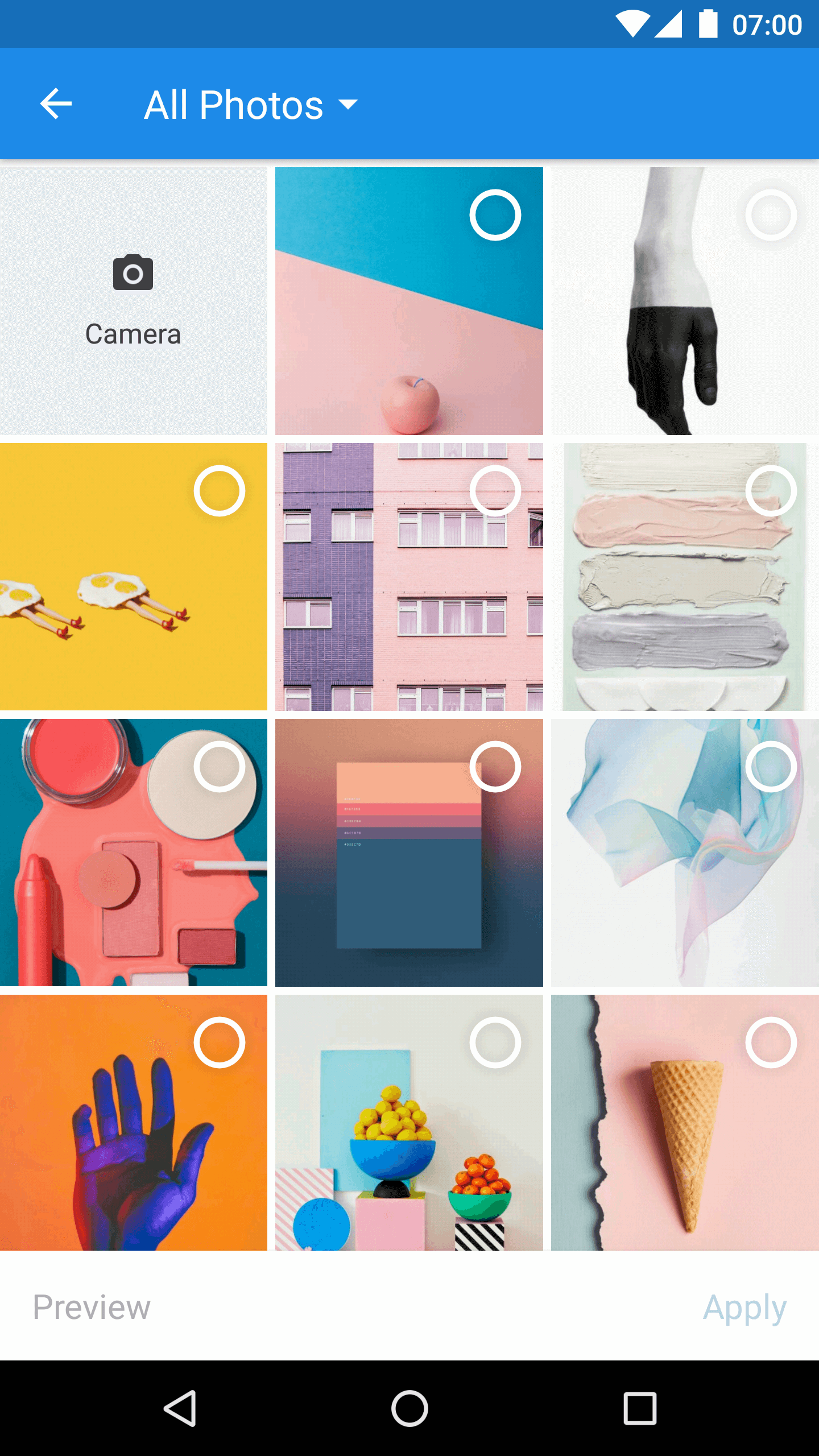
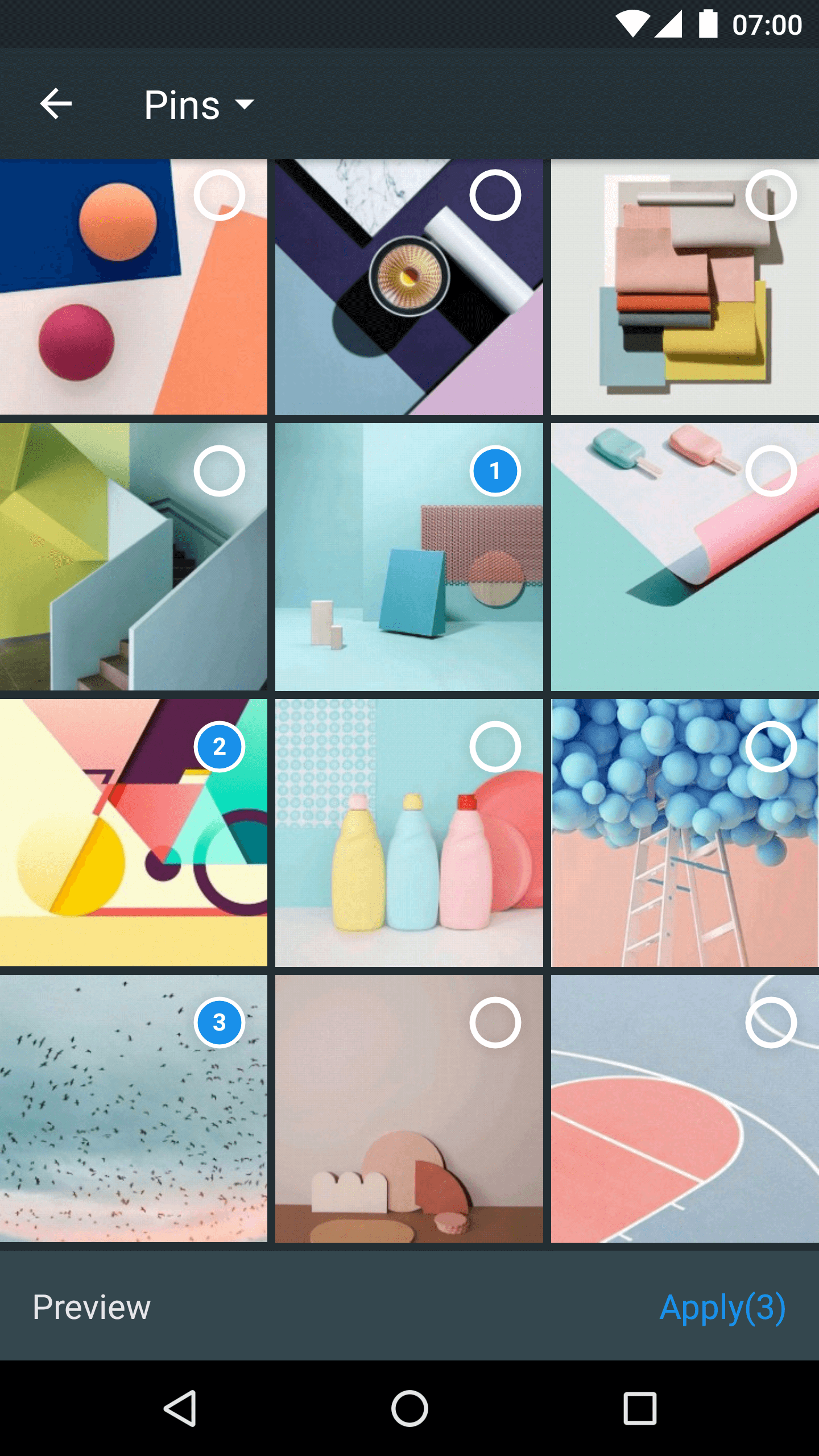
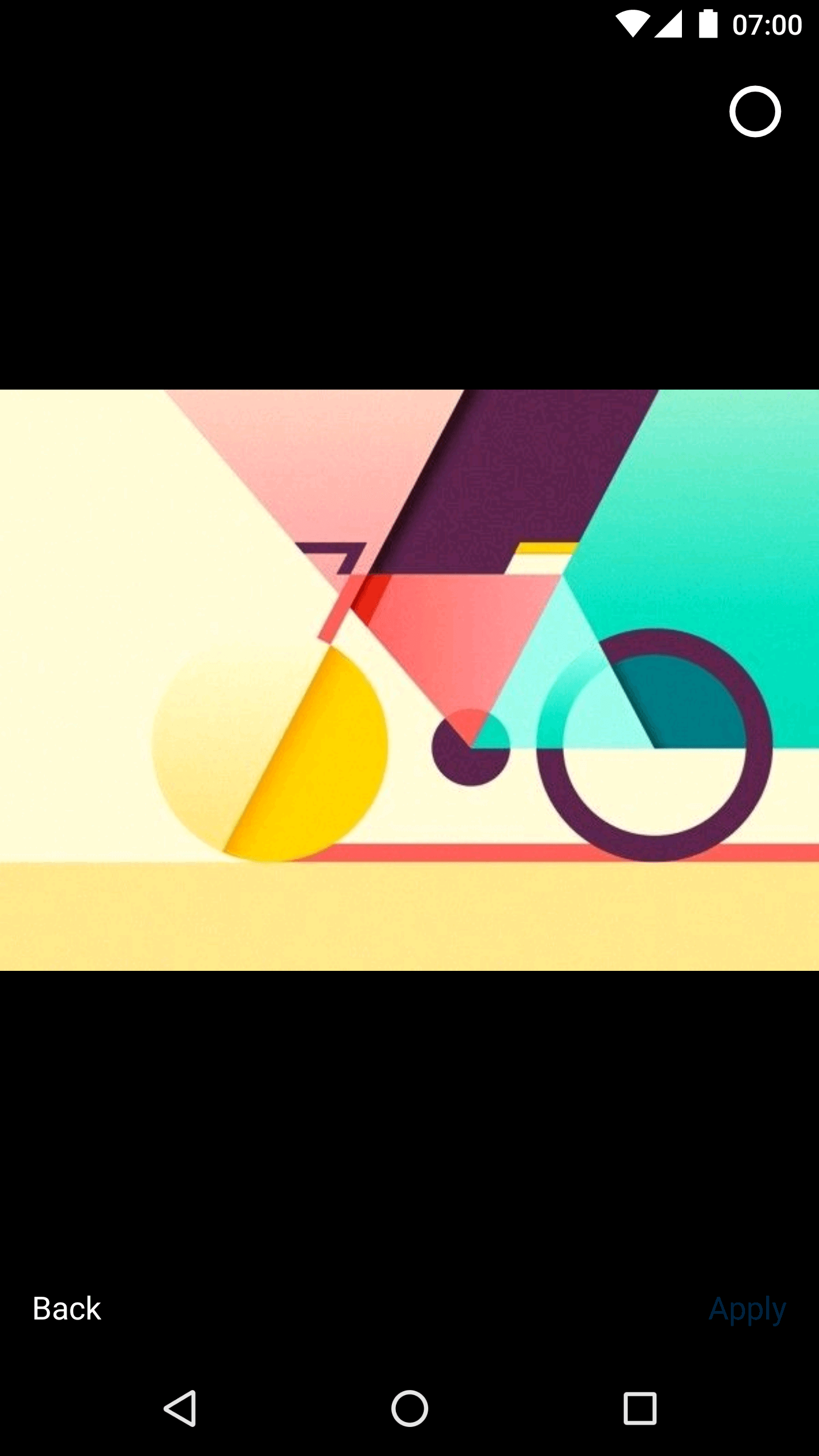
这是什么?
 Matisse 是一个 Android 库,能为你的应用提供设计精良的本地图片和视频选择器,因此你无需自己开发相册选择界面。
Matisse 是一个 Android 库,能为你的应用提供设计精良的本地图片和视频选择器,因此你无需自己开发相册选择界面。它是独立应用,还是我可以加到项目里的库?它是一个可以嵌入你自己应用中的 Android 库;通过在 Activity 或 Fragment 中启动,它以 Activity 的形式运行,而不是一个单独的应用。
它是一个可以嵌入你自己应用中的 Android 库;通过在 Activity 或 Fragment 中启动,它以 Activity 的形式运行,而不是一个单独的应用。我该怎么把它添加到我的 Android 项目里?通过 Gradle 将其作为依赖项添加,在 Releases 页面查看版本信息,然后从你的 Activity 或 Fragment 启动 MatisseActivity,并在 onActivityResult() 中处理返回结果。
通过 Gradle 将其作为依赖项添加,在 Releases 页面查看版本信息,然后从你的 Activity 或 Fragment 启动 MatisseActivity,并在 onActivityResult() 中处理返回结果。使用前还需要做别的设置吗,比如权限或 ProGuard 规则?需要。该库需要 READ_EXTERNAL_STORAGE 和 WRITE_EXTERNAL_STORAGE 权限(在 Android 6.0 及以上版本中需在运行时申请);如果你使用 Glide 或 Picasso 作为图片加载器,还必须添加它们各自的 ProGuard 规则,外加一条额外规则。
需要。该库需要 READ_EXTERNAL_STORAGE 和 WRITE_EXTERNAL_STORAGE 权限(在 Android 6.0 及以上版本中需在运行时申请);如果你使用 Glide 或 Picasso 作为图片加载器,还必须添加它们各自的 ProGuard 规则,外加一条额外规则。它到底支持哪些文件类型和自定义功能?它支持选择 JPEG、PNG、GIF 图片以及 MPEG、MP4 视频,内置两种主题(知乎浅色、Dracula 深色),支持自定义主题、可替换的图片加载器以及自定义过滤规则。
它支持选择 JPEG、PNG、GIF 图片以及 MPEG、MP4 视频,内置两种主题(知乎浅色、Dracula 深色),支持自定义主题、可替换的图片加载器以及自定义过滤规则。它内置的两个主题叫什么?R.style.MatisseZhihu 为浅色模式,R.style.MatisseDracula 为深色模式;你也可以定义自己的自定义主题。
R.style.MatisseZhihu 为浅色模式,R.style.MatisseDracula 为深色模式;你也可以定义自己的自定义主题。它支持哪些图片加载库?它支持可插拔的图片加载引擎,并分别给出了 Glide 和 Picasso 的 ProGuard 配置说明。
它支持可插拔的图片加载引擎,并分别给出了 Glide 和 Picasso 的 ProGuard 配置说明。Matisse 为什么要开发?它由知乎开发,旨在为 Android 开发者提供一个成熟、现成的本地媒体选择器,免得大家都从零开始自己做。
它由知乎开发,旨在为 Android 开发者提供一个成熟、现成的本地媒体选择器,免得大家都从零开始自己做。What are similar projects?PictureSelector, Android-Universal-Image-Loader, GSYVideoPlayer, material-components-android, CircleImageView, AndroidAutoSize, Android-PickerView, banner
PictureSelector, Android-Universal-Image-Loader, GSYVideoPlayer, material-components-android, CircleImageView, AndroidAutoSize, Android-PickerView, bannerWhich topics is it in?android-library, image-processing, video, java, mobile, ui, android, gui, apache-2.0, library, open-source
android-library, image-processing, video, java, mobile, ui, android, gui, apache-2.0, library, open-source