


What is this?
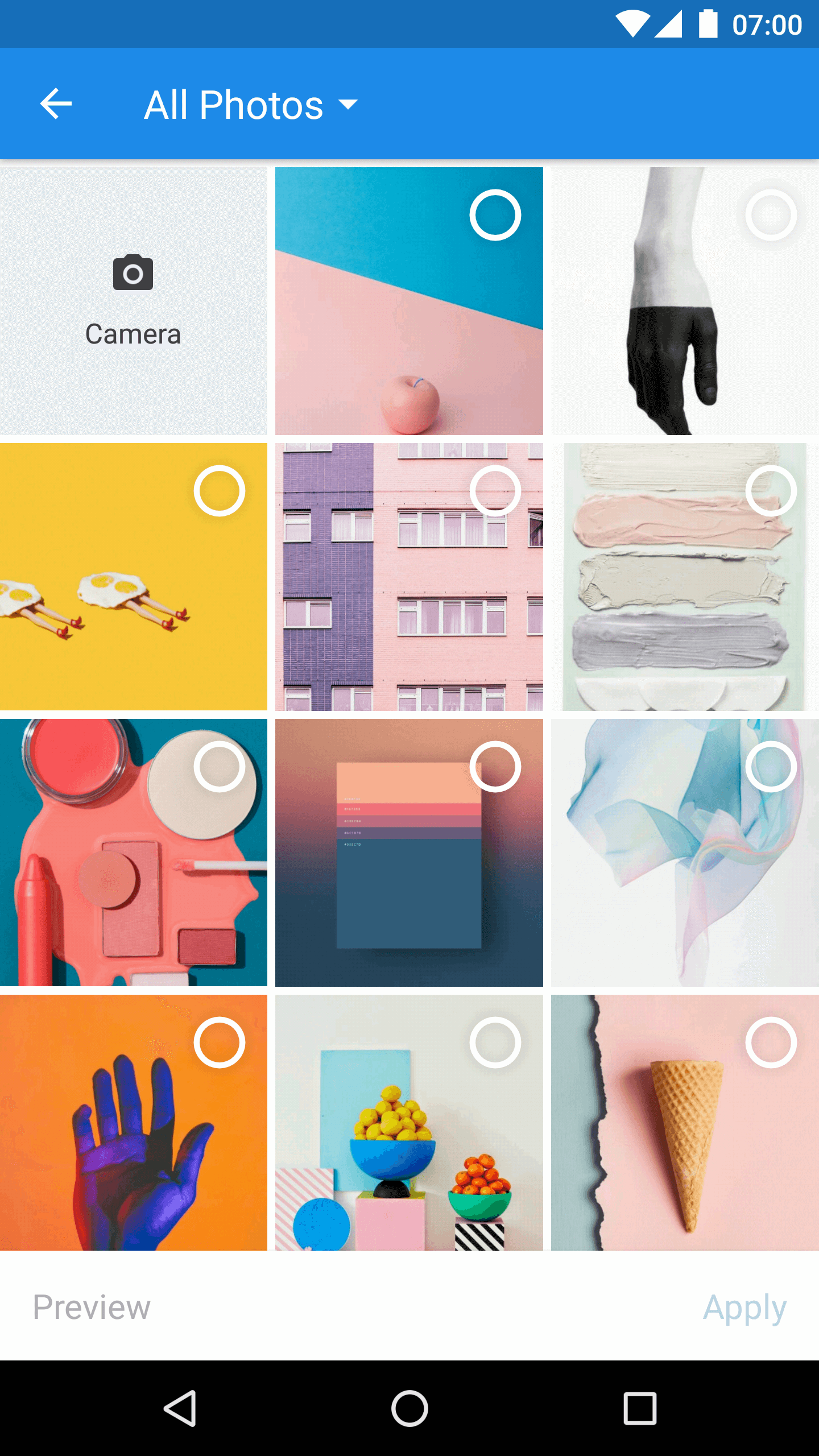
 Matisse is an Android library that gives your app a well-designed local image and video picker, so you do not need to build your own gallery selection screen.
Matisse is an Android library that gives your app a well-designed local image and video picker, so you do not need to build your own gallery selection screen.Is it a standalone app or a library I add to my project?It is an Android library you embed in your own app; it is launched as an Activity from your Activity or Fragment, not a separate app.
It is an Android library you embed in your own app; it is launched as an Activity from your Activity or Fragment, not a separate app.How do I add it to my Android project?Add it via Gradle as a dependency, check the releases page for versions, then start MatisseActivity from your Activity or Fragment and handle the result in onActivityResult().
Add it via Gradle as a dependency, check the releases page for versions, then start MatisseActivity from your Activity or Fragment and handle the result in onActivityResult().Do I need to set up anything else before using it, like permissions or ProGuard rules?Yes: the library needs READ_EXTERNAL_STORAGE and WRITE_EXTERNAL_STORAGE permissions (handled at runtime on Android 6.0+), and if you use Glide or Picasso as the image loader you must add their specific ProGuard rules plus one extra rule.
Yes: the library needs READ_EXTERNAL_STORAGE and WRITE_EXTERNAL_STORAGE permissions (handled at runtime on Android 6.0+), and if you use Glide or Picasso as the image loader you must add their specific ProGuard rules plus one extra rule.What file types and customization does it actually support?It supports selecting JPEG, PNG, GIF images and MPEG, MP4 videos, with two built-in themes (Zhihu light, Dracula dark), custom theme support, swappable image loaders, and custom filter rules.
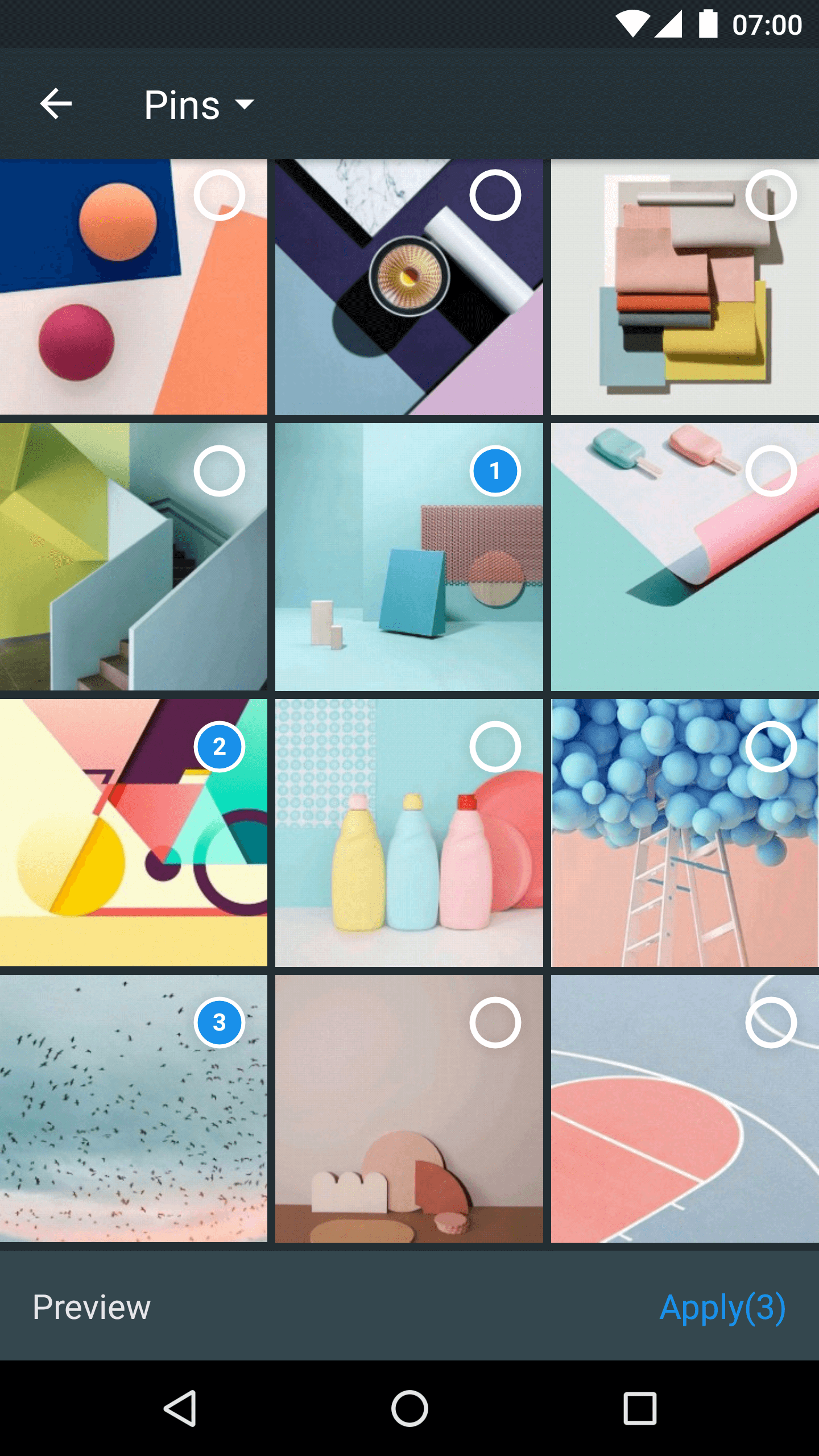
It supports selecting JPEG, PNG, GIF images and MPEG, MP4 videos, with two built-in themes (Zhihu light, Dracula dark), custom theme support, swappable image loaders, and custom filter rules.What are the two built-in themes called?R.style.MatisseZhihu for a light mode and R.style.MatisseDracula for a dark mode; you can also define your own custom theme.
R.style.MatisseZhihu for a light mode and R.style.MatisseDracula for a dark mode; you can also define your own custom theme.Which image loading libraries does it work with?It supports pluggable image engines, with explicit ProGuard setup instructions given for both Glide and Picasso.
It supports pluggable image engines, with explicit ProGuard setup instructions given for both Glide and Picasso.Why was Matisse built?It was created by Zhihu to give Android developers a polished, ready-made local media picker instead of everyone building their own from scratch.
It was created by Zhihu to give Android developers a polished, ready-made local media picker instead of everyone building their own from scratch.What are similar projects?PictureSelector, Android-Universal-Image-Loader, GSYVideoPlayer, material-components-android, CircleImageView, AndroidAutoSize, Android-PickerView, banner
PictureSelector, Android-Universal-Image-Loader, GSYVideoPlayer, material-components-android, CircleImageView, AndroidAutoSize, Android-PickerView, bannerWhich topics is it in?android-library, image-processing, video, java, mobile, ui, android, gui, apache-2.0, library, open-source
android-library, image-processing, video, java, mobile, ui, android, gui, apache-2.0, library, open-source