


What is this?
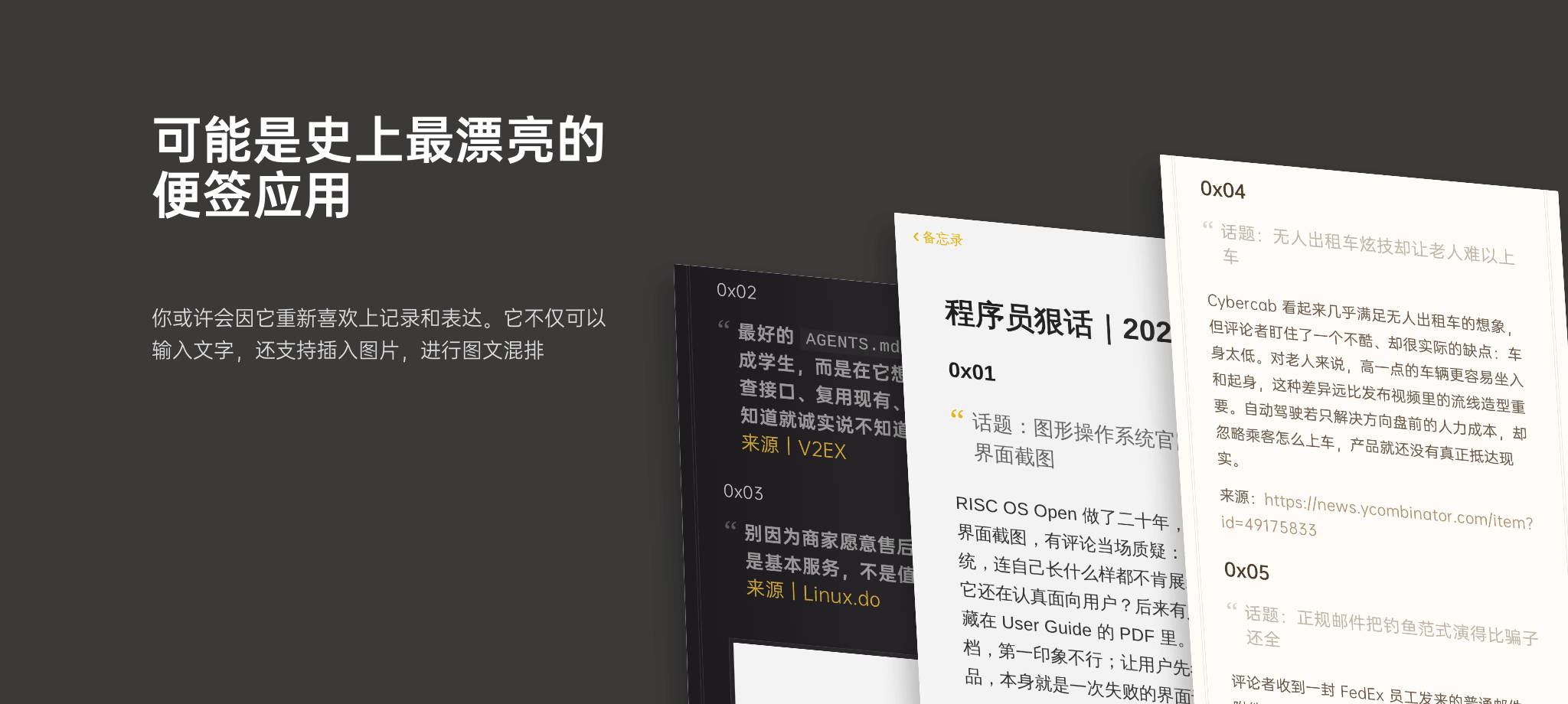
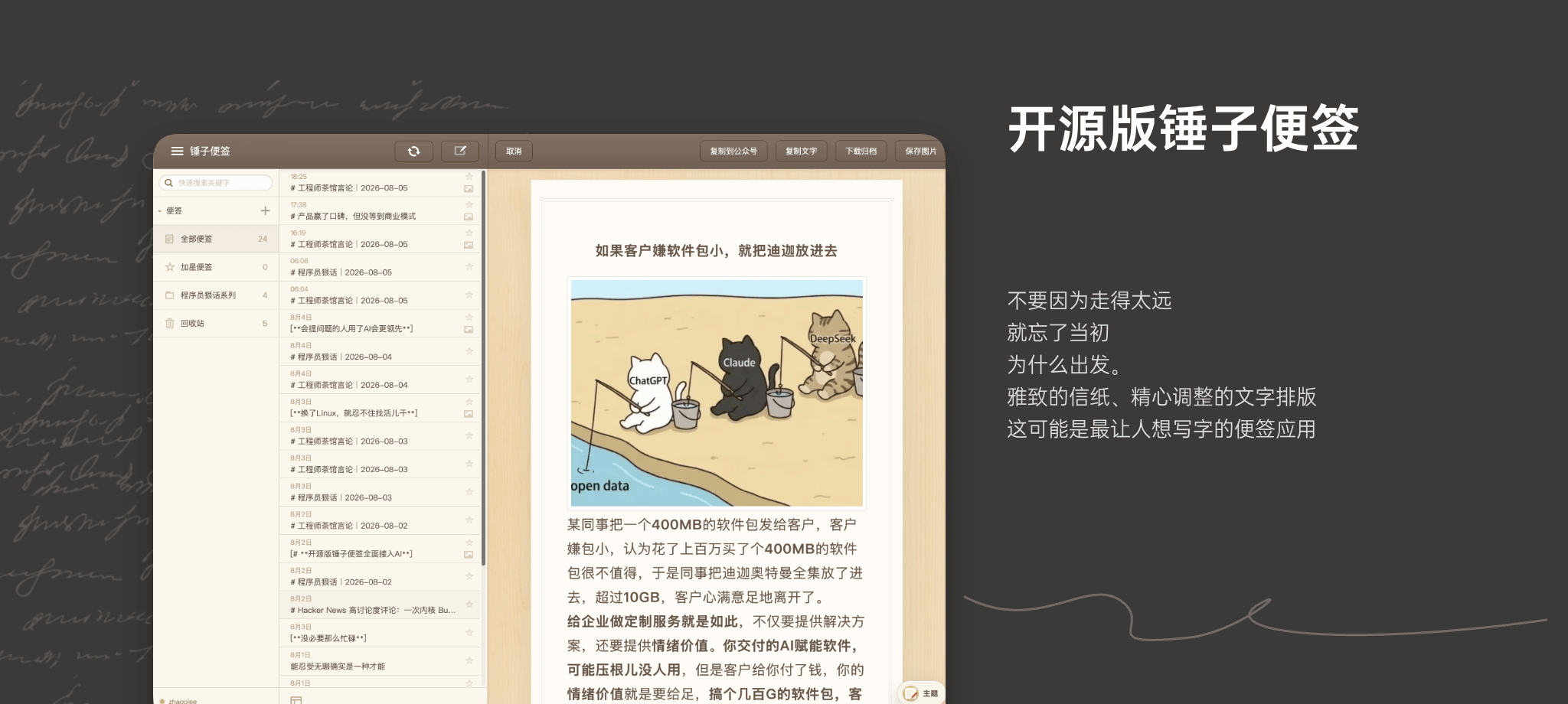
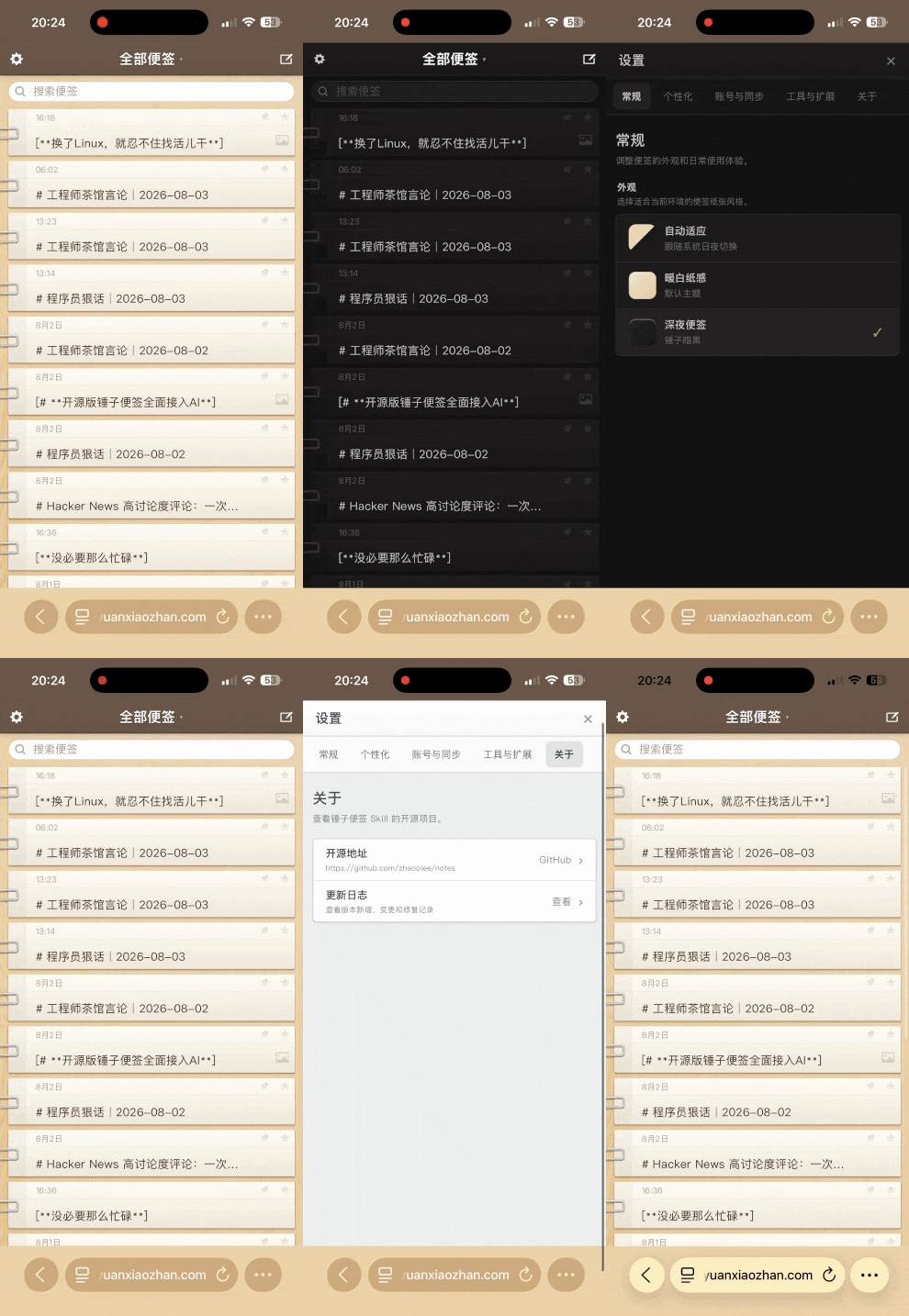
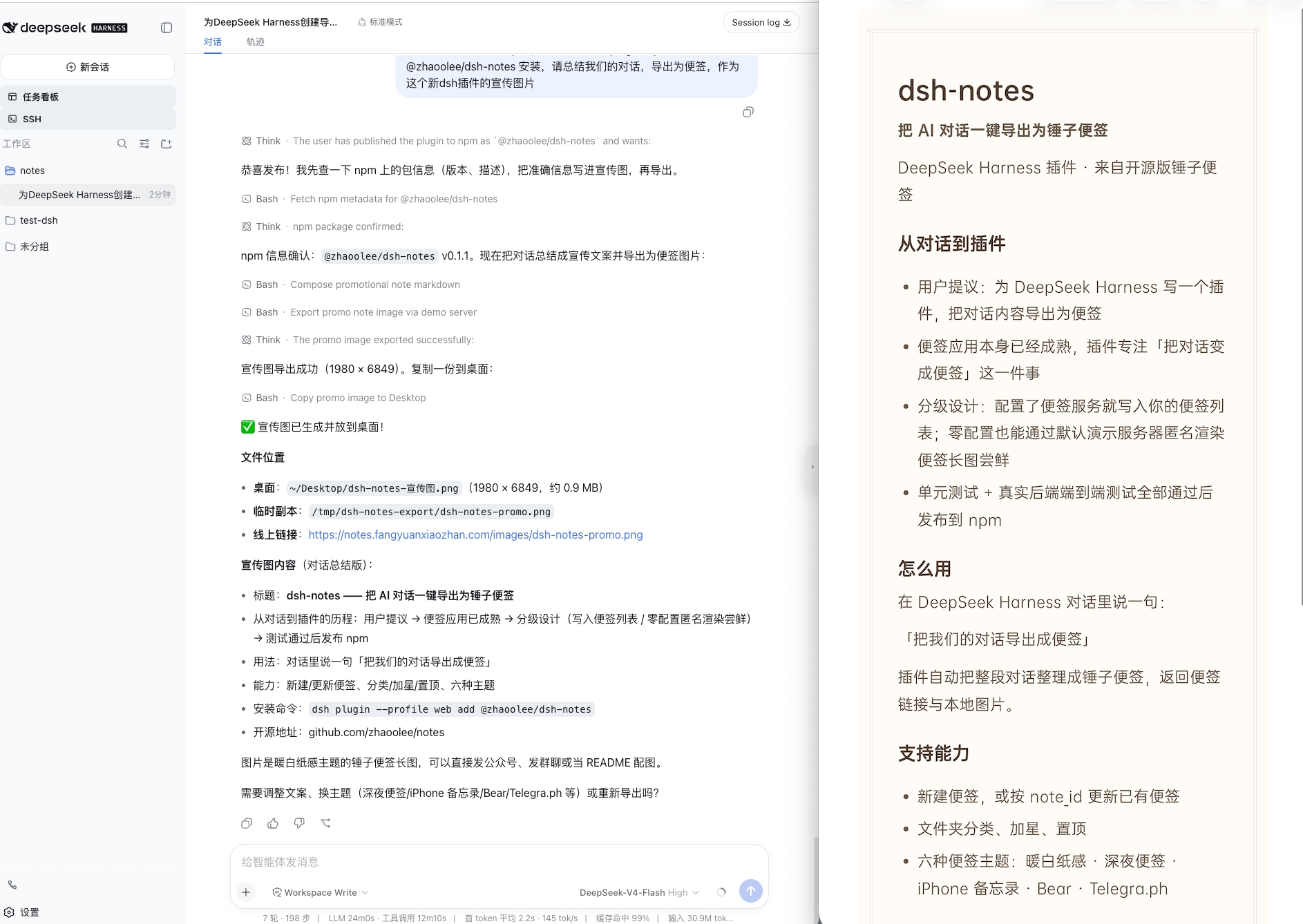
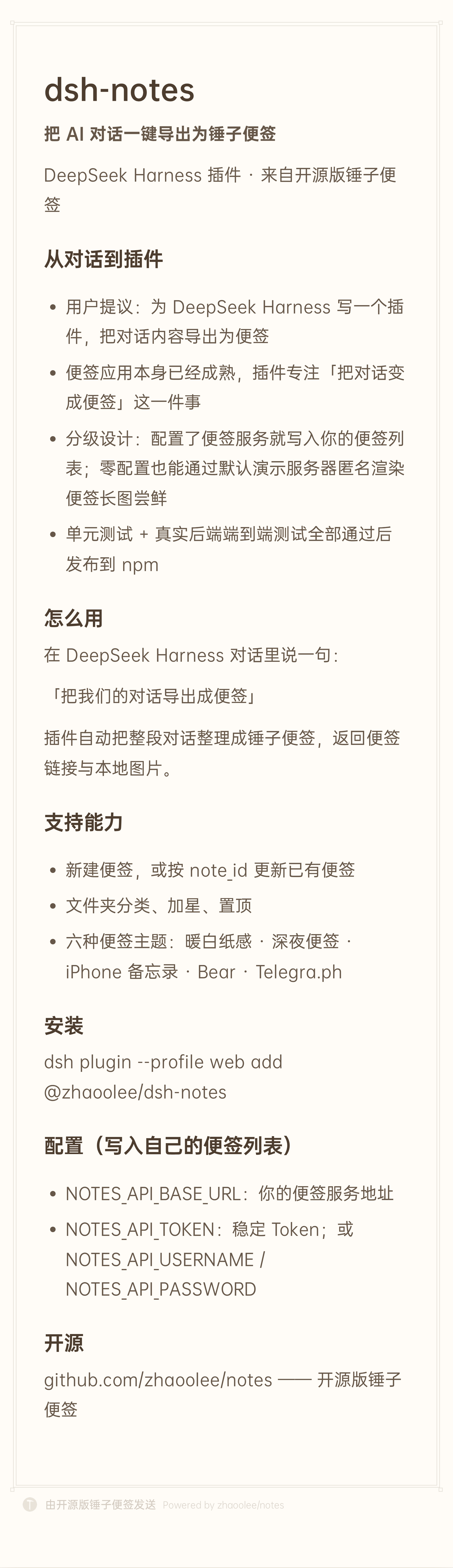
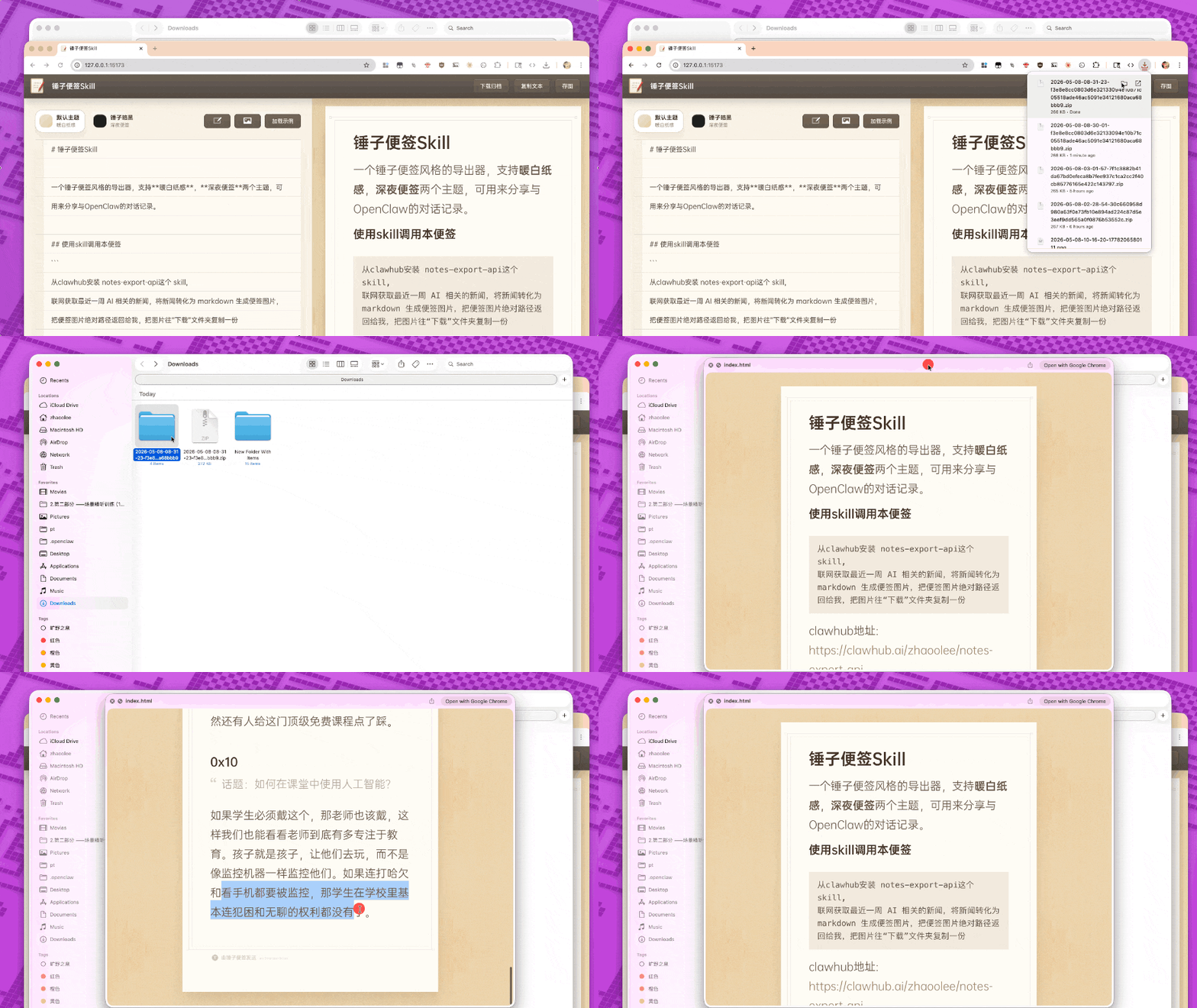
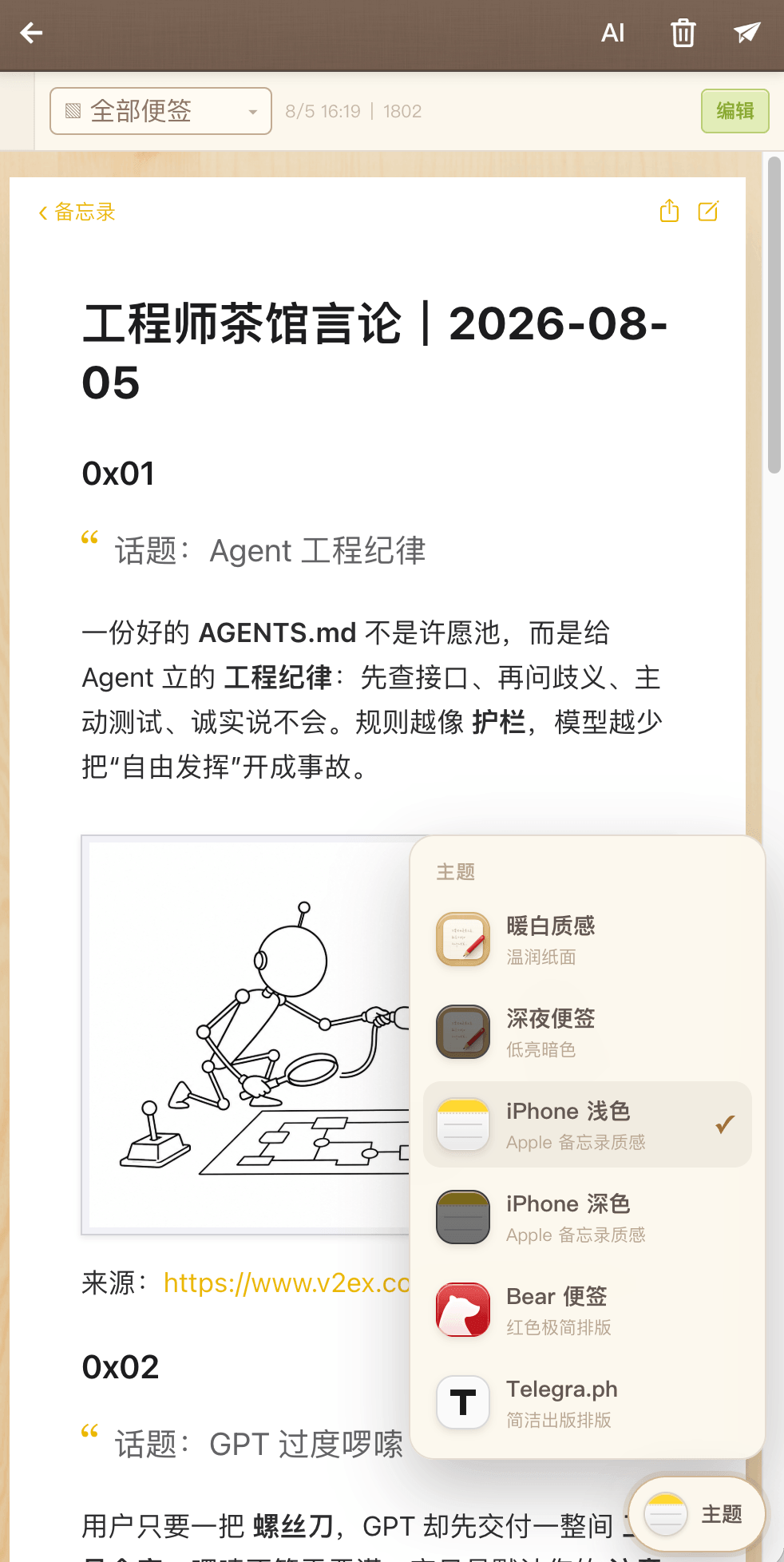
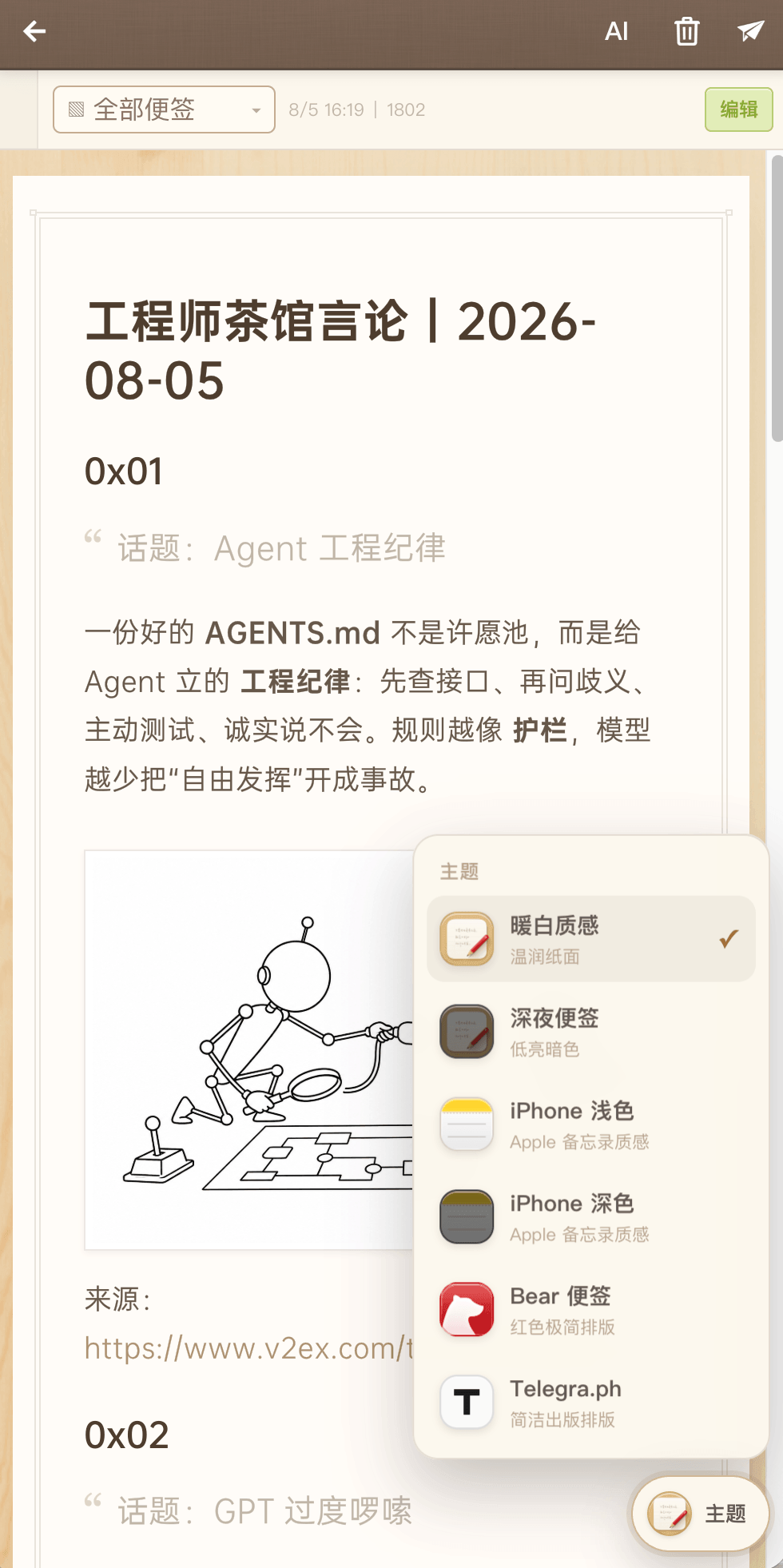
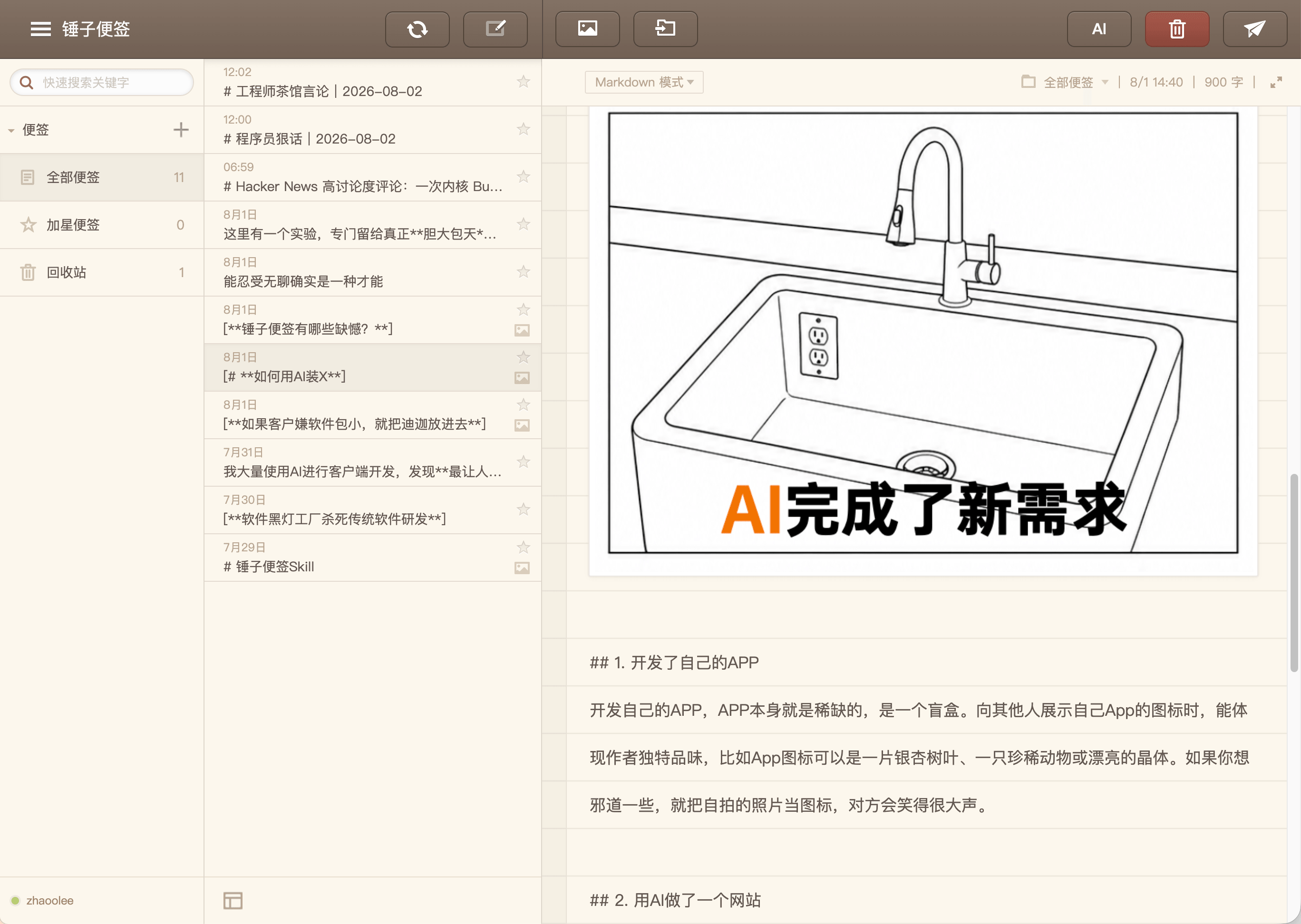
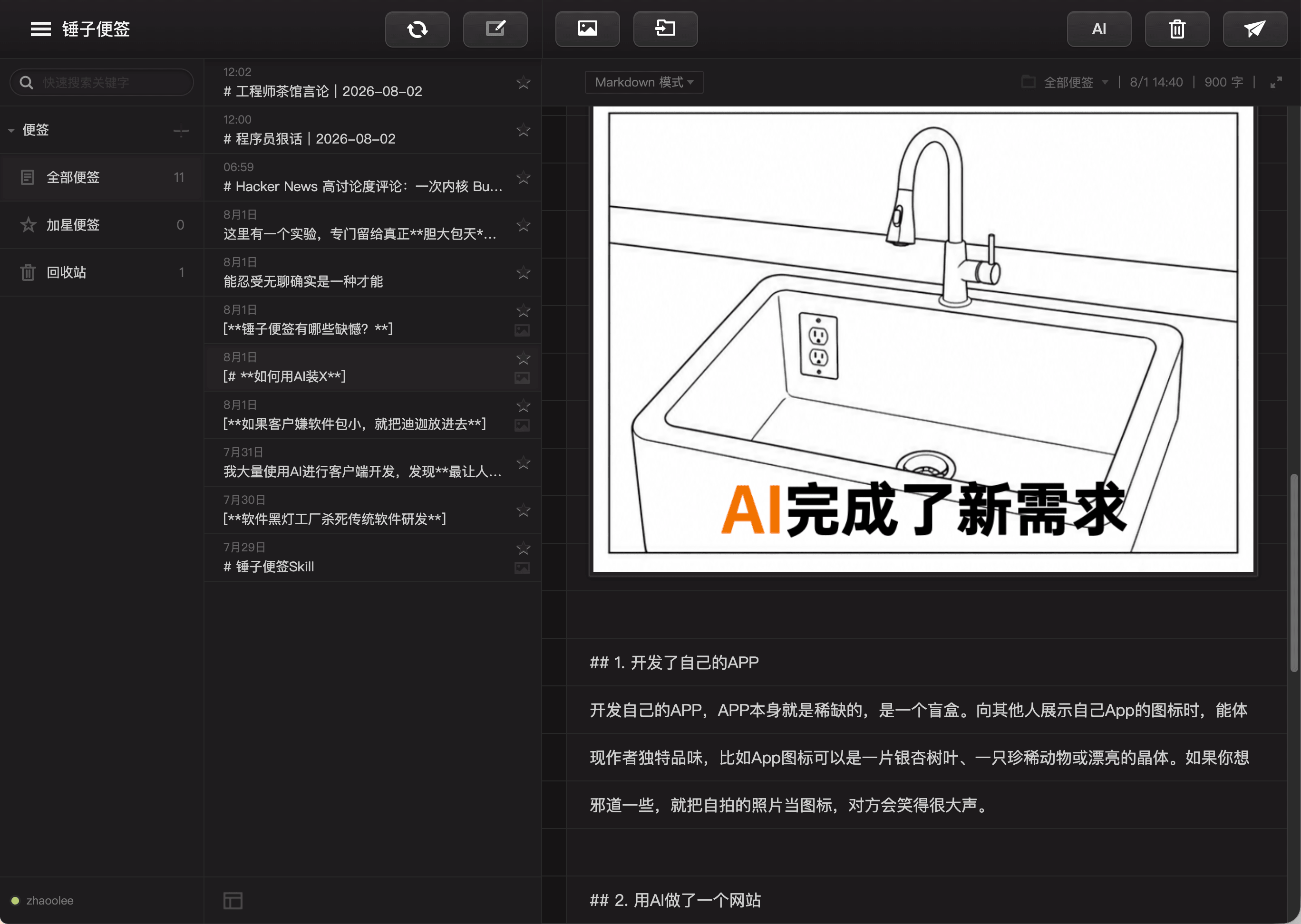
 This is an open-source clone of Smartisan's (锤子便签) famous notes app, recreating its design with multiple notes, categorized storage, and export styles that mimic warm paper, dark-night notes, iPhone Notes and Bear's minimal layout.
This is an open-source clone of Smartisan's (锤子便签) famous notes app, recreating its design with multiple notes, categorized storage, and export styles that mimic warm paper, dark-night notes, iPhone Notes and Bear's minimal layout.Is this an app I install, or something I just open in a browser?It is a pure web app — no installation is needed, you just open it in a browser on PC or mobile, with data syncing across devices.
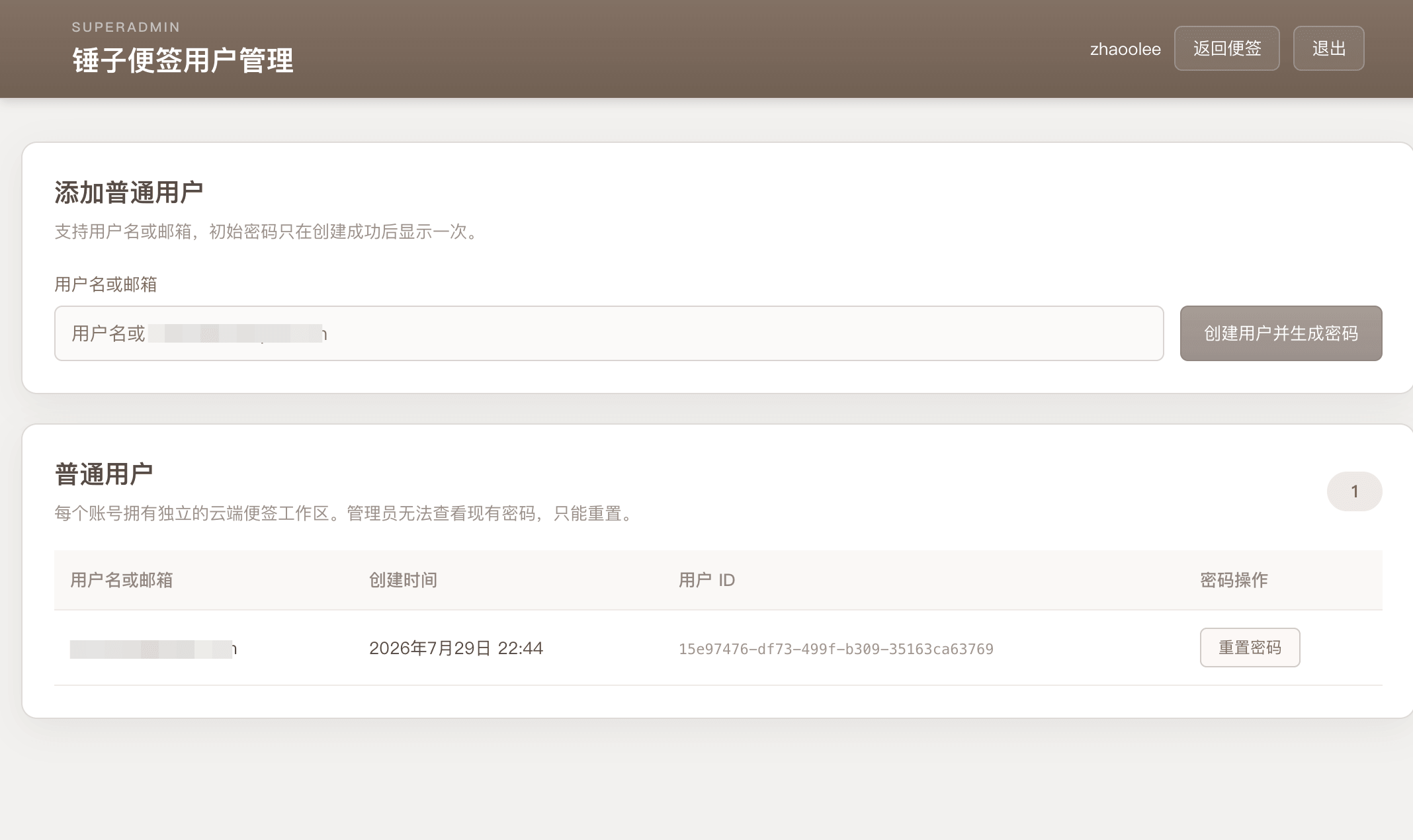
It is a pure web app — no installation is needed, you just open it in a browser on PC or mobile, with data syncing across devices.How do I deploy this?Pull the Docker Hub image, which bundles both the web frontend and backend into a single container for local use. For login, multi-device sync or Skill workspace management, copy .env.example and configure SUPERADMIN, SUPERADMINPASSWORD and a high-entropy SESSIONSECRET before starting.
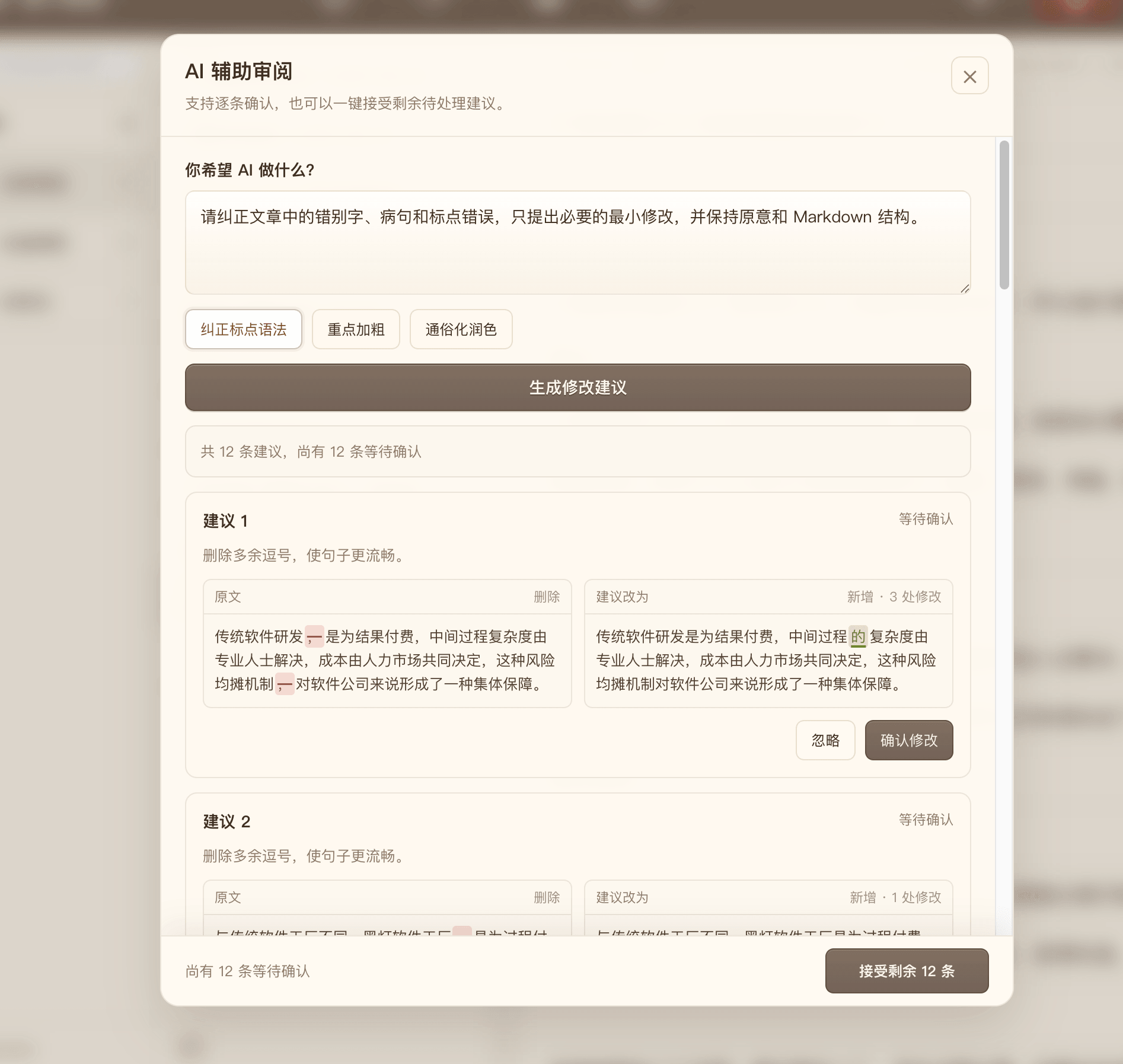
Pull the Docker Hub image, which bundles both the web frontend and backend into a single container for local use. For login, multi-device sync or Skill workspace management, copy .env.example and configure SUPERADMIN, SUPERADMINPASSWORD and a high-entropy SESSIONSECRET before starting.Do I need anything besides Docker to run it?Docker is the only requirement for anonymous editing and export; adding .env is only needed for login, LAN/public access or AI polishing features.
Docker is the only requirement for anonymous editing and export; adding .env is only needed for login, LAN/public access or AI polishing features.Is there anything extra to set up before exposing it on the public internet?Yes — public deployment should sit behind an HTTPS reverse proxy, and both the storage/data folder (accounts, workspaces) and the saved images directory need to be persisted and backed up.
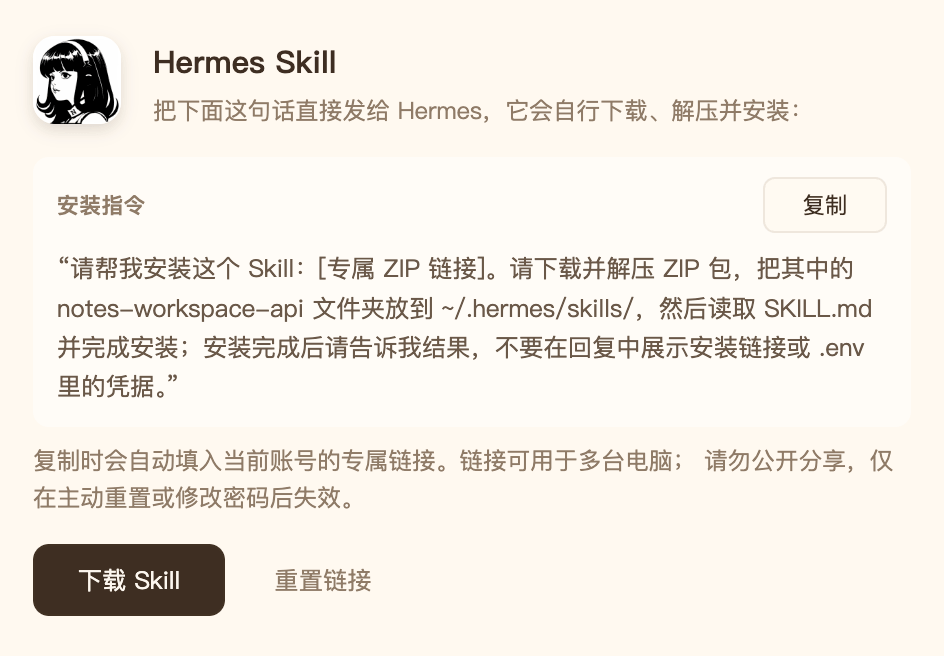
Yes — public deployment should sit behind an HTTPS reverse proxy, and both the storage/data folder (accounts, workspaces) and the saved images directory need to be persisted and backed up.How does an AI agent like OpenClaw actually create notes through this?After logging in, you copy a personal link with embedded authentication and give it to Hermes Agent or OpenClaw; this grants the agent a signed Skill package so it can call the API directly, e.g. to export a chat as a note.
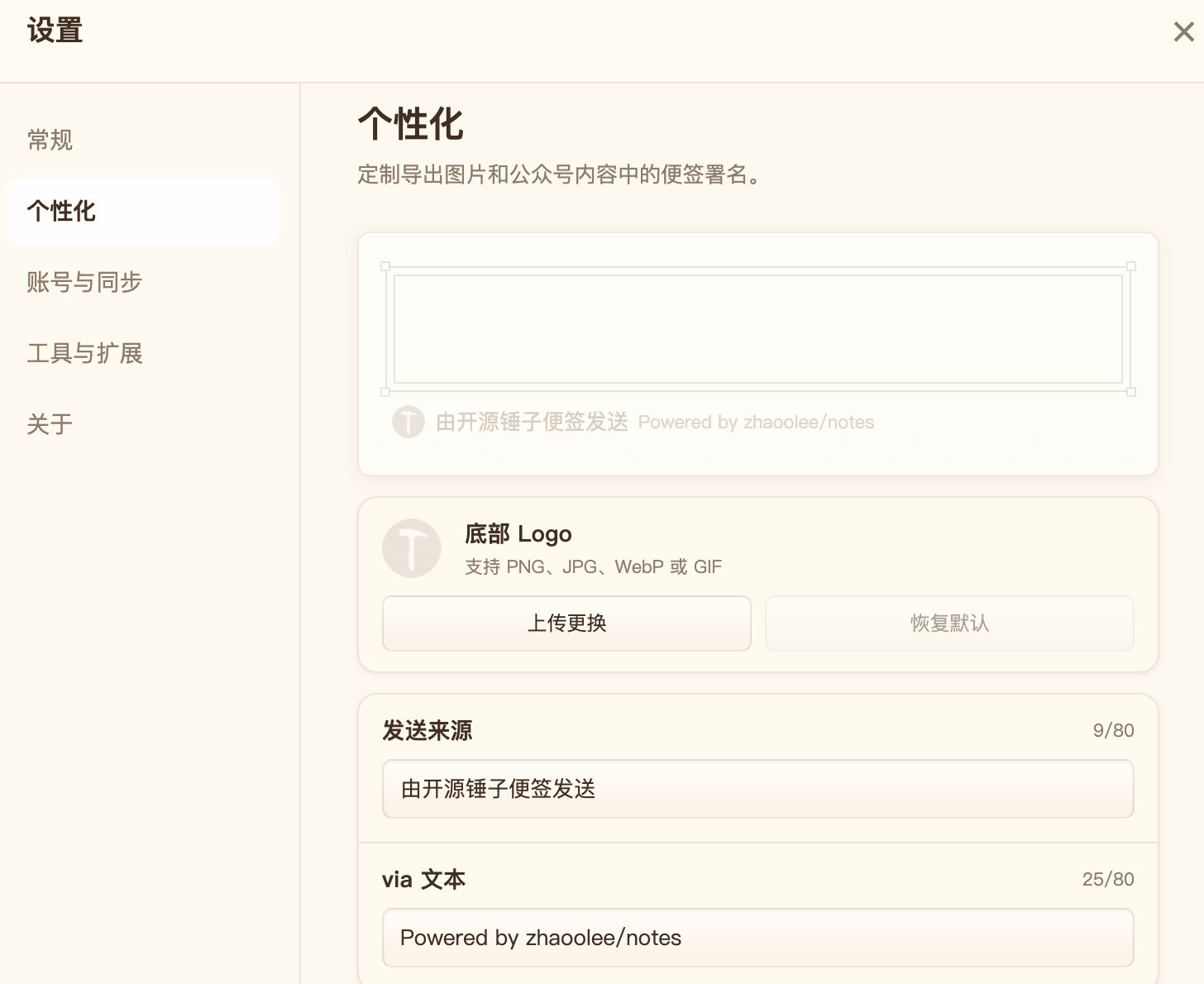
After logging in, you copy a personal link with embedded authentication and give it to Hermes Agent or OpenClaw; this grants the agent a signed Skill package so it can call the API directly, e.g. to export a chat as a note.Can I change the 'Smartisan Notes' branding?Yes, the footer brand text is editable with a single click, so you can rename it to anything you like.
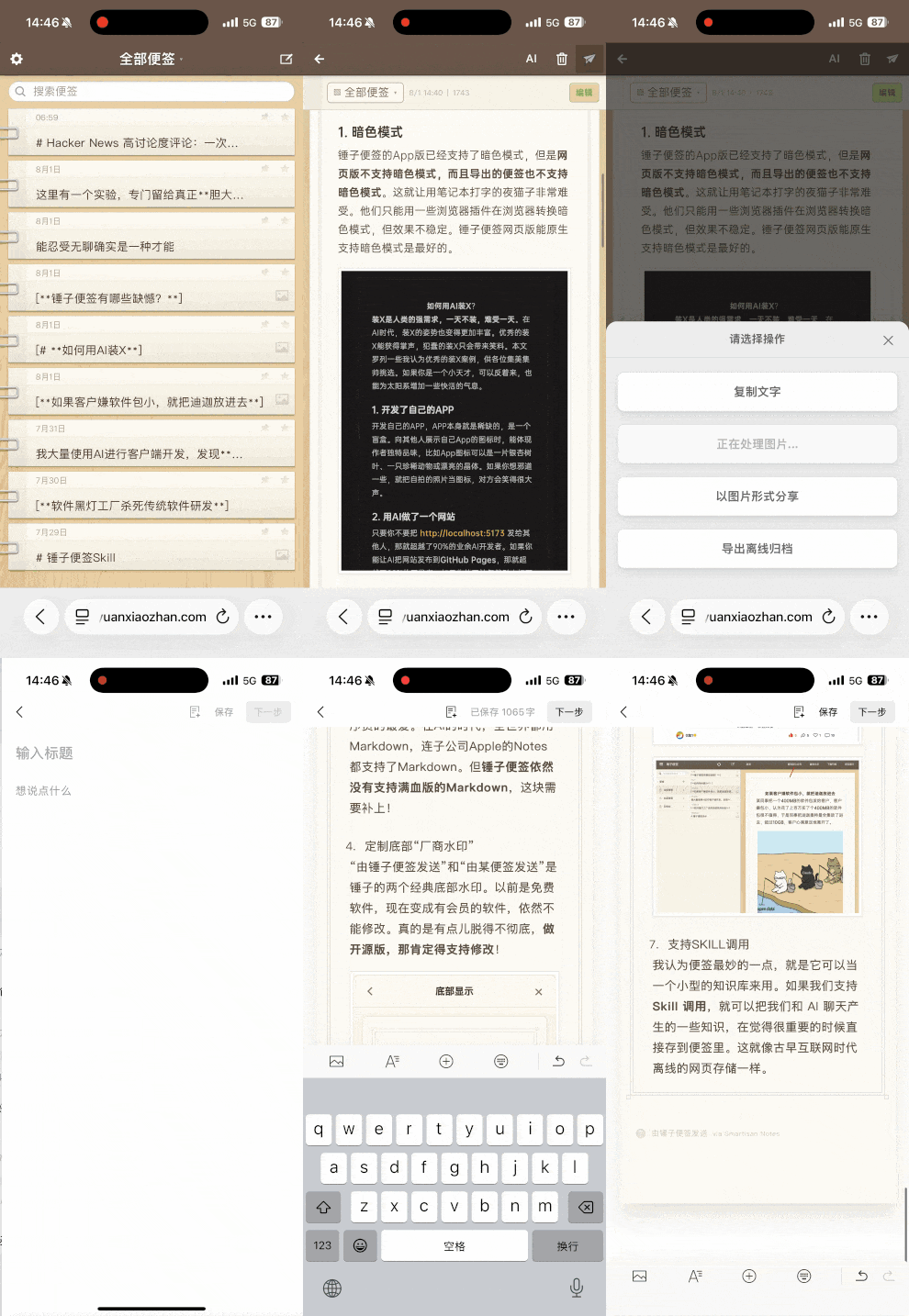
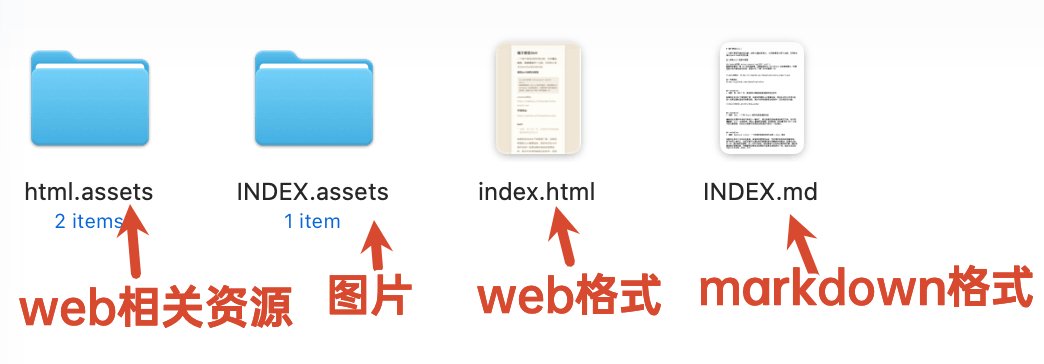
Yes, the footer brand text is editable with a single click, so you can rename it to anything you like.What formats can a note be exported to?Notes can be exported as PNG images, copied as Markdown, downloaded as an offline HTML page, or bundled into a Markdown resource package that includes the images.
Notes can be exported as PNG images, copied as Markdown, downloaded as an offline HTML page, or bundled into a Markdown resource package that includes the images.Can an AI and a human share the same workspace safely?No — the app supports multi-tenant isolation, so you can give the AI one account and a human another with strictly separated data.
No — the app supports multi-tenant isolation, so you can give the AI one account and a human another with strictly separated data.What are similar projects?open-design, awesome-deepseek-harness-plugins, univer-workspace, EverOS, dsh-top100, html-anything, dsh-Mimir-Academic-research, skill
open-design, awesome-deepseek-harness-plugins, univer-workspace, EverOS, dsh-top100, html-anything, dsh-Mimir-Academic-research, skillWhich topics is it in?multi-tenant, notes, hermes-agent, image, note-taking, wechat, openclaw, dsh-plugin, deepseek-harness, authentication, skill, deepseek
multi-tenant, notes, hermes-agent, image, note-taking, wechat, openclaw, dsh-plugin, deepseek-harness, authentication, skill, deepseek