English | 中文
Release history · Changelog
fireworks-tech-graph
Stop drawing diagrams by hand. Describe your system in English or Chinese — get geometry-safe SVG, PNG, focused SVG-to-GIF motion, and offline interactive technical diagrams.






Output quality
The current checkout adds complete-text reporting and stronger supporting text across the default themes. Add "text_policy": "strict" to reject visible truncation before output is written; reports preserve the full source label and explain how to recover. Chinese descriptions use the available second line. See visual quality for theme-specific guidance and measurement limits.
python3 "$SKILL_ROOT/scripts/fireworks.py" version
python3 "$SKILL_ROOT/scripts/fireworks.py" export-png diagram.svg diagram.png --width 1920
version reports the package, actual Skill root and Git state when available. doctor distinguishes SVG/HTML support from optional PNG/GIF dependencies. PNG export checks the root canvas, bounds image size, writes atomically and reads the resulting pixel dimensions back. The browser PNG exporter remains available for Chromium fidelity. The showcase GIFs below are the published 1.2.0 references; this unreleased upgrade preserves their motion contracts.
Overview
fireworks-tech-graph is one Agent Skill that works unchanged in Codex and Claude Code. It turns natural language descriptions into polished, geometry-checked SVG diagrams, high-resolution PNGs, validated SVG-to-GIF semantic motion, and offline interactive HTML. The focused animation path accepts a generated semantic SVG and emits one compact, probed GIF. It ships with 11 generator-backed styles and 1 AI-authored style (Dark Luxury). Four engineering-first styles add executable contracts for C4 reviews, cloud deployments, event streams, and reliability investigations, alongside deep AI/Agent domain patterns and all 14 UML diagram types.
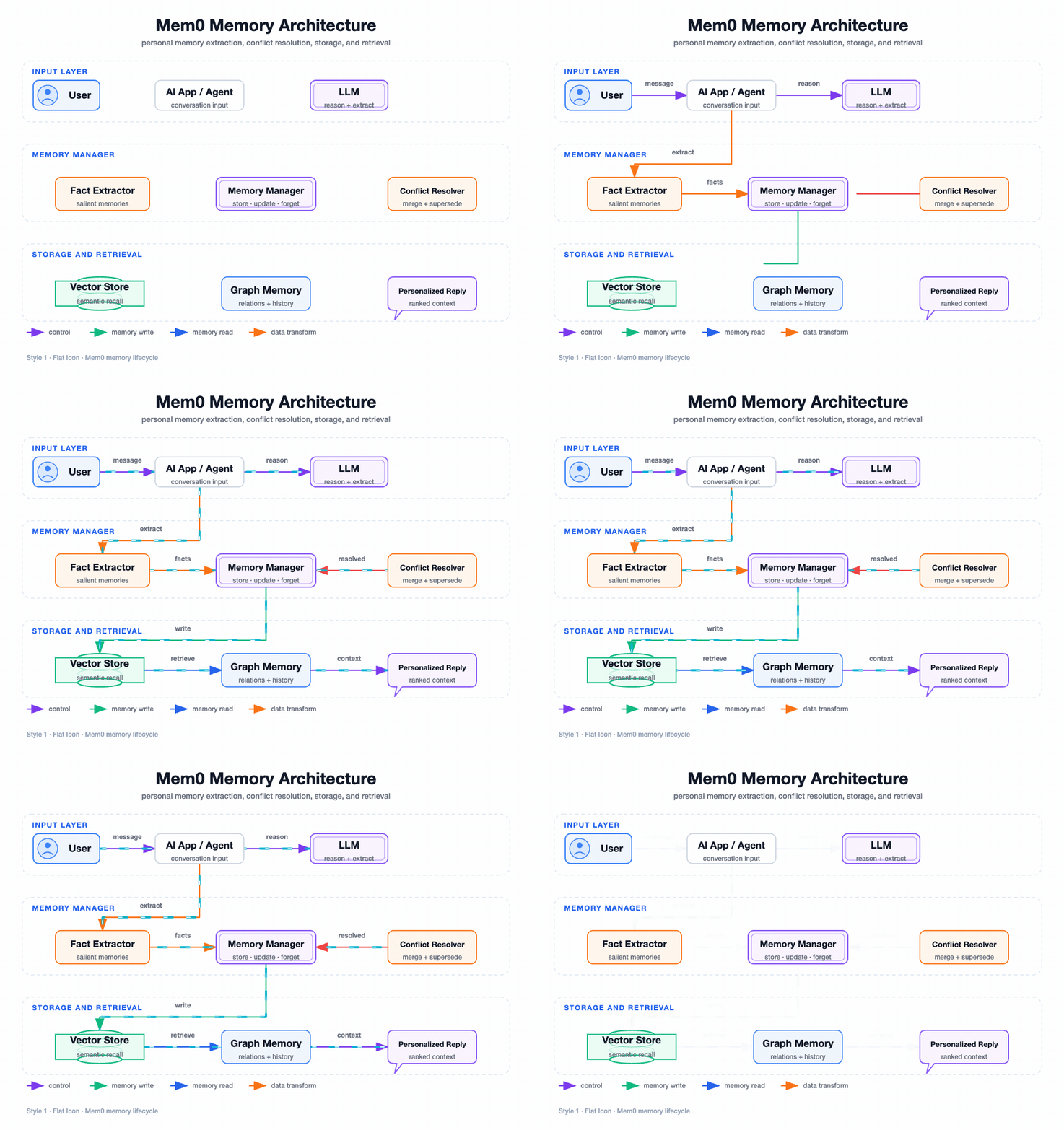
User: "Generate a Mem0 memory architecture diagram, dark style"
  → Skill classifies: Memory Architecture Diagram, Style 2
  → Generates SVG with swim lanes, cylinders, semantic arrows
  → Exports 1920px PNG
  → Reports: mem0-architecture.svg / mem0-architecture.png
 |
Thanks to AIGoCode for sponsoring this project! AIGoCode is an all-in-one platform that integrates Claude Code, Codex, and the latest Gemini models, providing you with stable, efficient, and highly cost-effective AI coding services. The sponsor advertises flexible subscriptions and direct access without a VPN; availability and account conditions follow its own service terms. AIGoCode has prepared a special benefit for fireworks-tech-graph users: if you register via this link, you'll receive an extra 10% bonus credit on your first top-up! |
 |
Thanks to APIMart for sponsoring this project! APIMart is a low-cost API platform for AI image & video generation — GPT-Image-2 from $0.006/image, 160+ images per dollar. One async API covers both image and video: submit a task, get an ID, fetch results via polling or callback. Batch tens of thousands of images without timeouts, switch models without changing code. Pay-as-you-go with no monthly fee — sign up here to get started. |
Interested in becoming a sponsor? Contact: [email protected]
Work With the Builder
This project is also a proof surface for a broader capability: turning vague AI/devtool workflows into constrained, reusable systems with validation, documentation, export paths, and product-facing polish.
If you are building agent infrastructure, AI IDEs, internal copilots, developer tools, technical documentation systems, or applied AI workflow products, I am open to scoped paid sprints, design-partner work, and founding engineer conversations.
Showcase
The animated previews use the user-approved 5.75-second settled-flow timeline: routes draw in first, then the final topology keeps live data moving for two additional seconds. Each full-size GIF is 960px wide at 20fps / 115 frames; the 3×4 overview is an optimized 1200px preview. Lossless 1920px PNGs remain in assets/samples/ as static regression baselines.
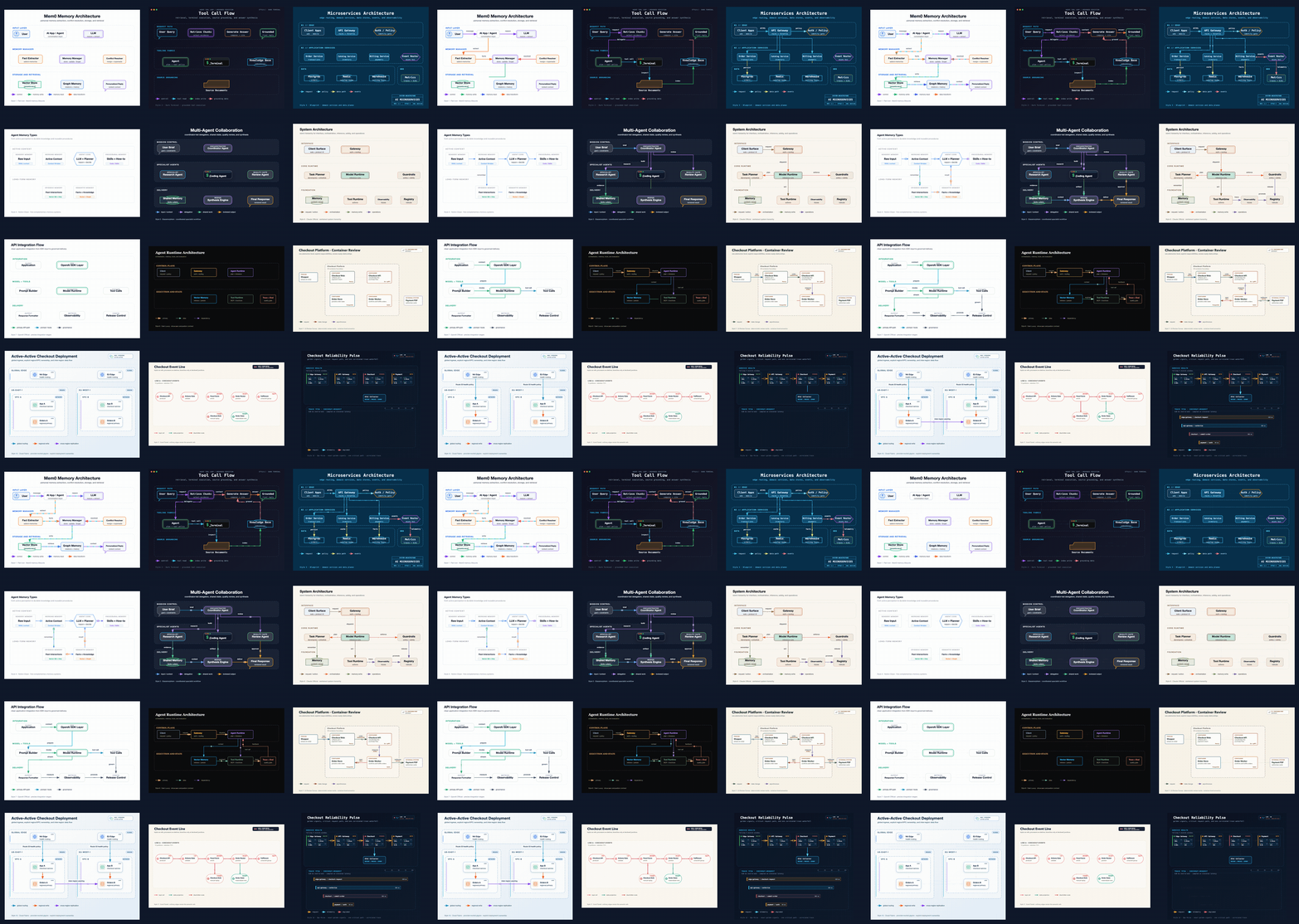
The v1.2.0 overview above and every full-size animated sample below come from the approved regression set. Each style keeps a distinct scenario while sharing the same geometry, text-fit, wire-routing, and semantic-motion quality gates.
Style 1 — Flat Icon (default)
Mem0 Memory Architecture — personal-memory extraction, conflict resolution, storage, and retrieval
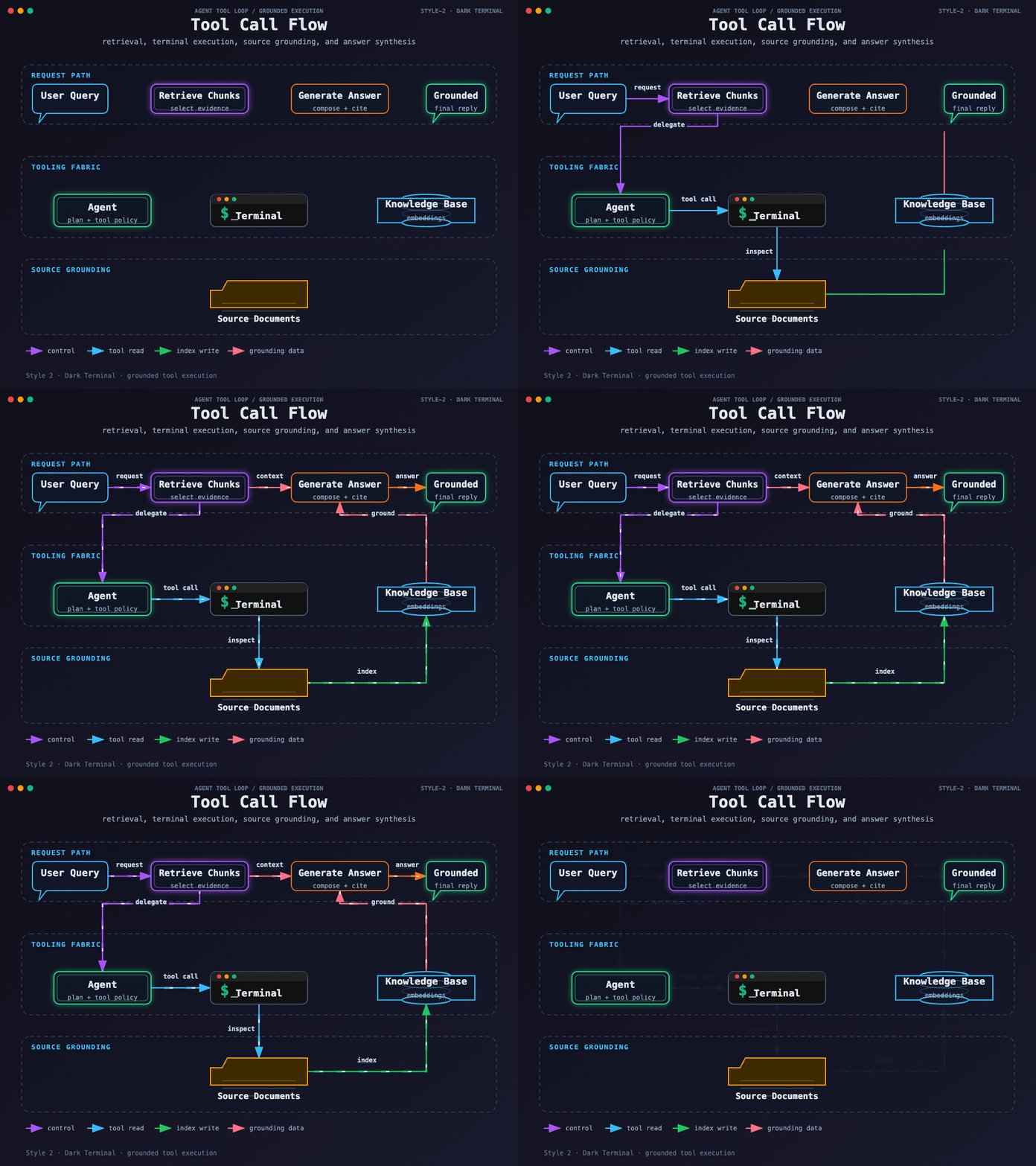
Style 2 — Dark Terminal
Tool Call Flow — dark terminal execution, source grounding, retrieval, and answer synthesis
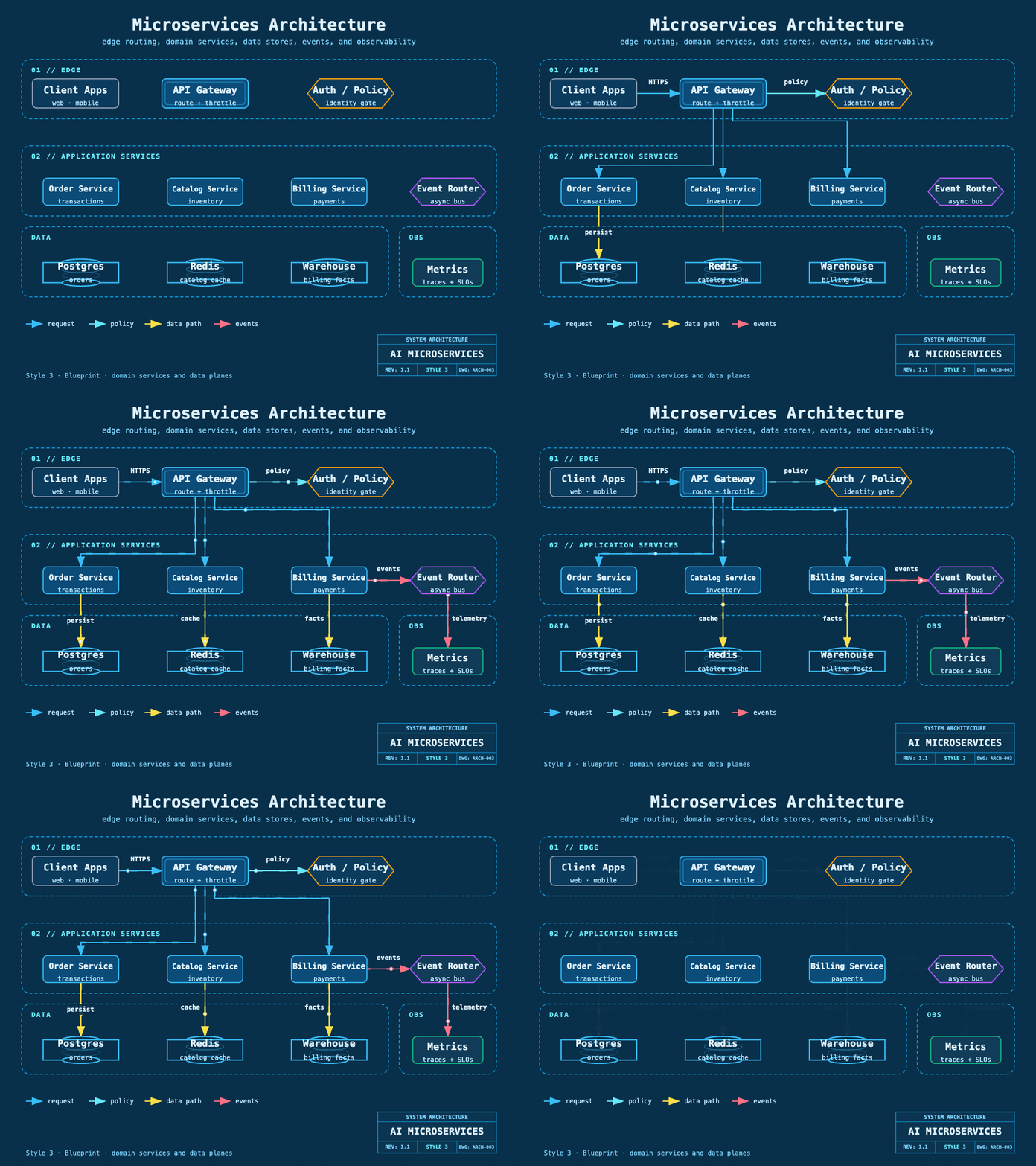
Style 3 — Blueprint
Microservices Architecture — engineering grid, domain services, data stores, events, and telemetry
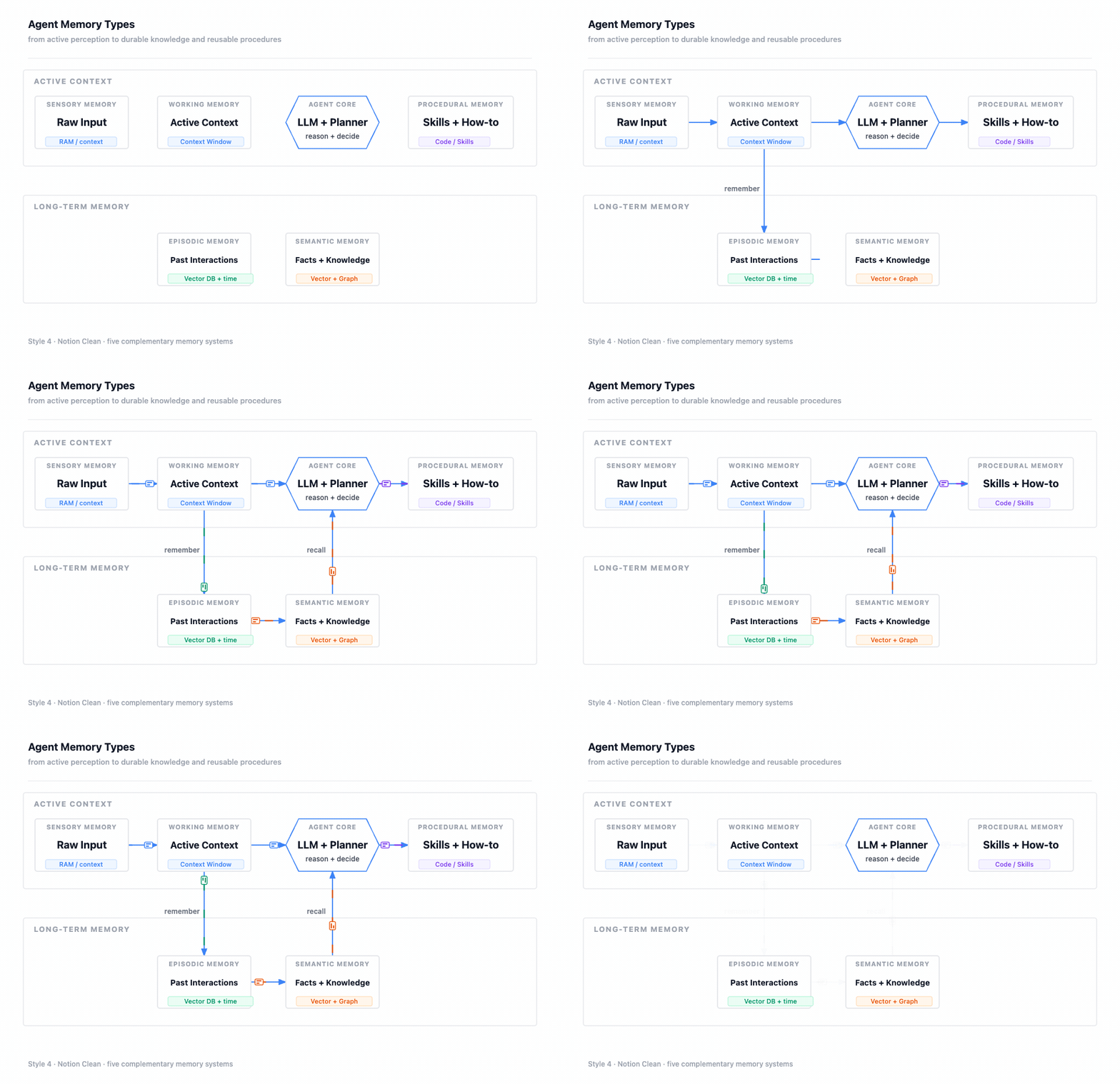
Style 4 — Notion Clean
Agent Memory Types — minimal hierarchy from sensory and working context to durable memory
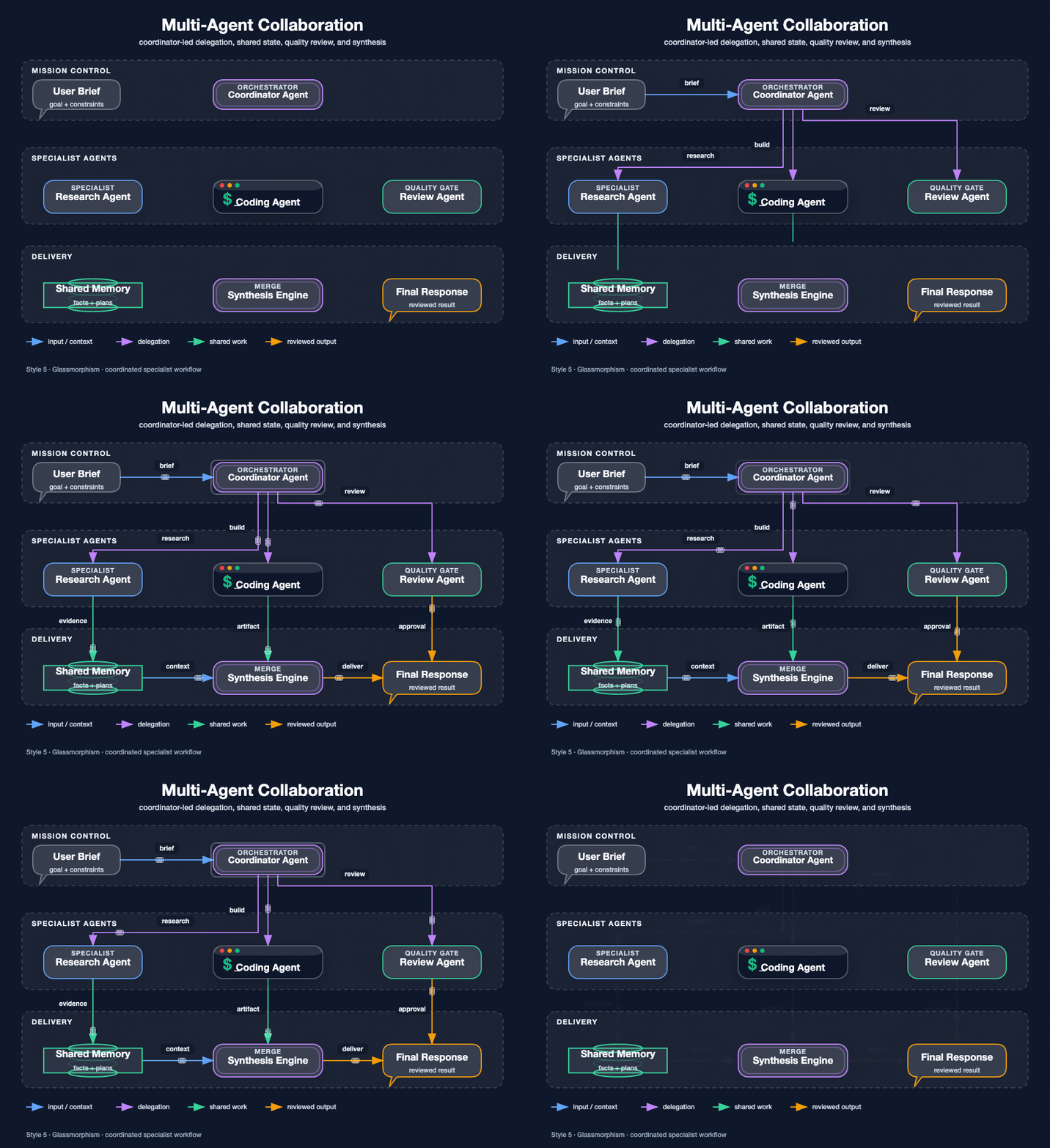
Style 5 — Glassmorphism
Multi-Agent Collaboration — coordinator, specialists, shared state, review, and synthesis
Style 6 — Claude Official
System Architecture — warm interface, runtime, safety, memory, tools, and operations layers
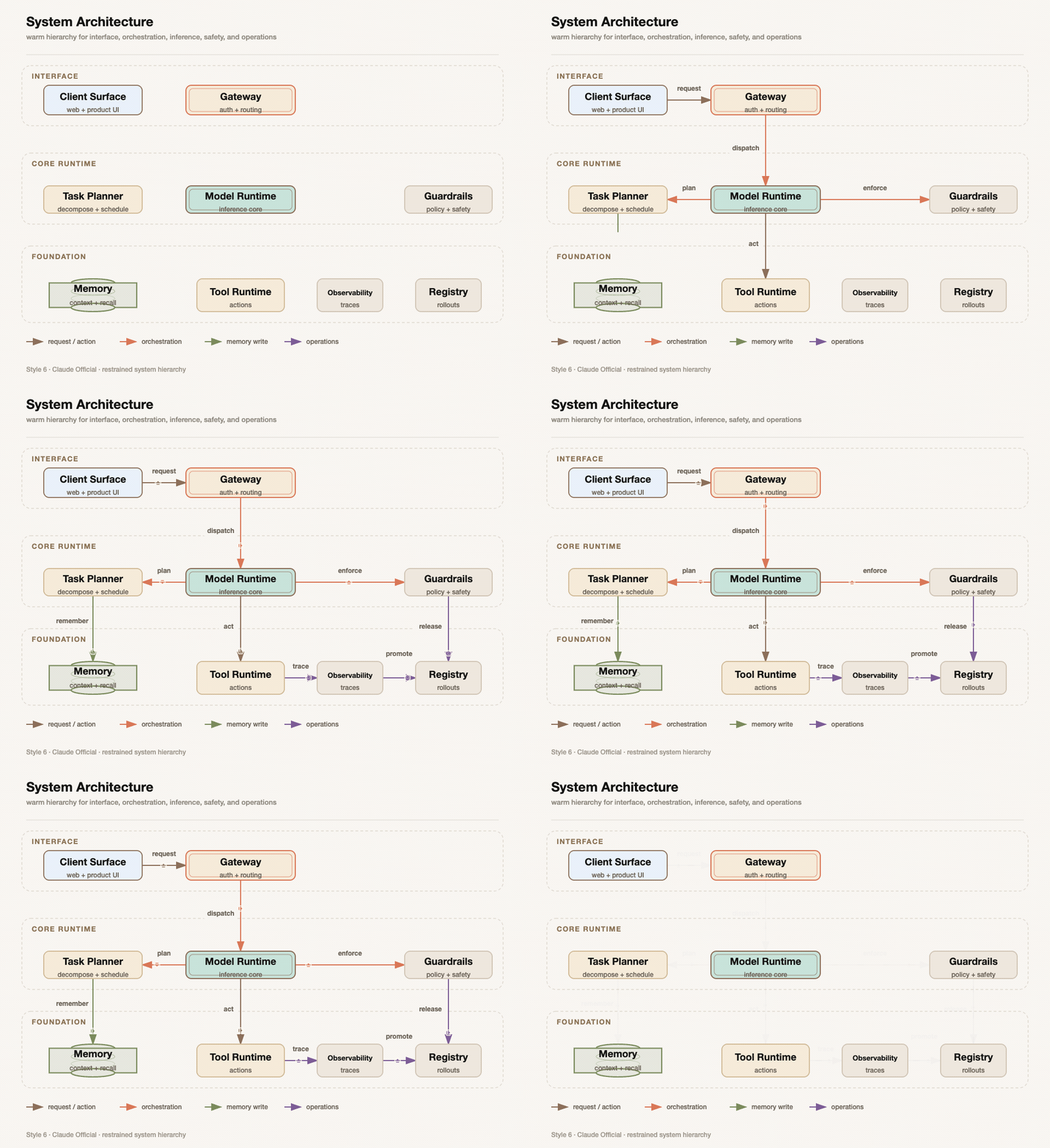
Style 7 — OpenAI Official
API Integration Flow — clean SDK, prompt, model, tool, delivery, and release stages
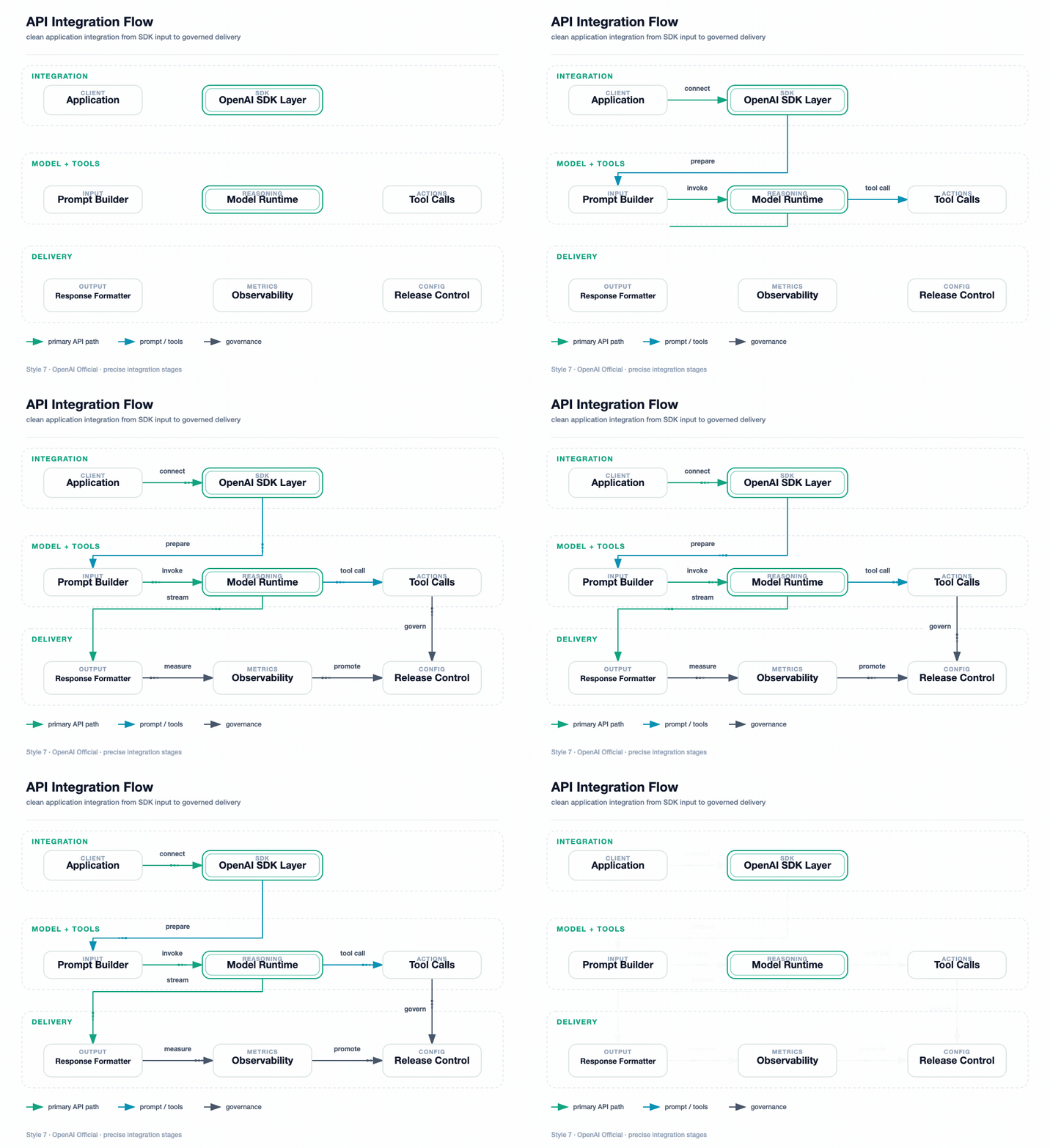
Style 8 — Dark Luxury (AI-authored)
Agent Runtime Architecture — control plane, execution and state layers, champagne-gold structure, semantic color buckets
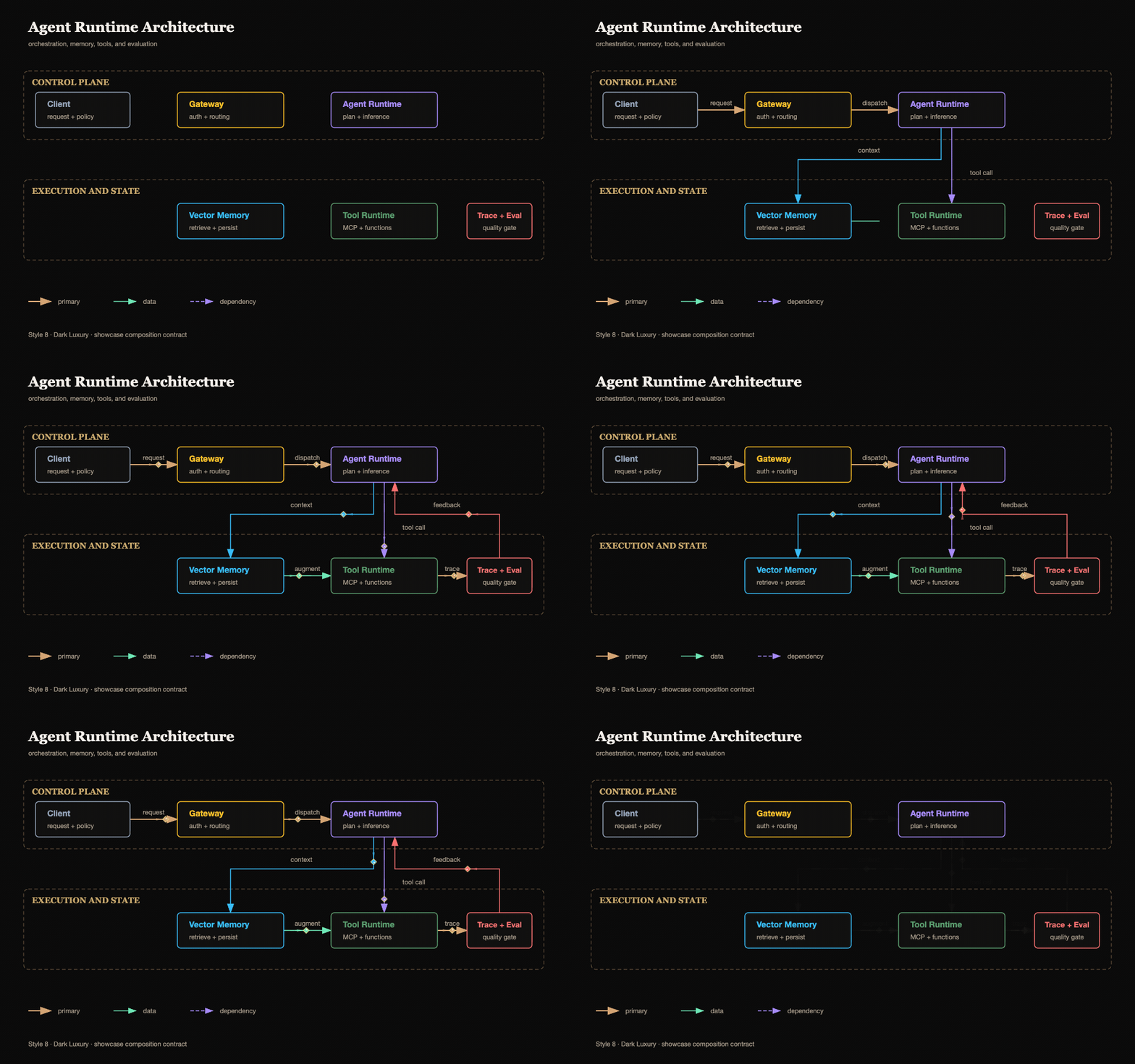
Style 9 — C4 Review Canvas
Checkout Container Review — one abstraction level, explicit responsibilities, technologies, and protocols
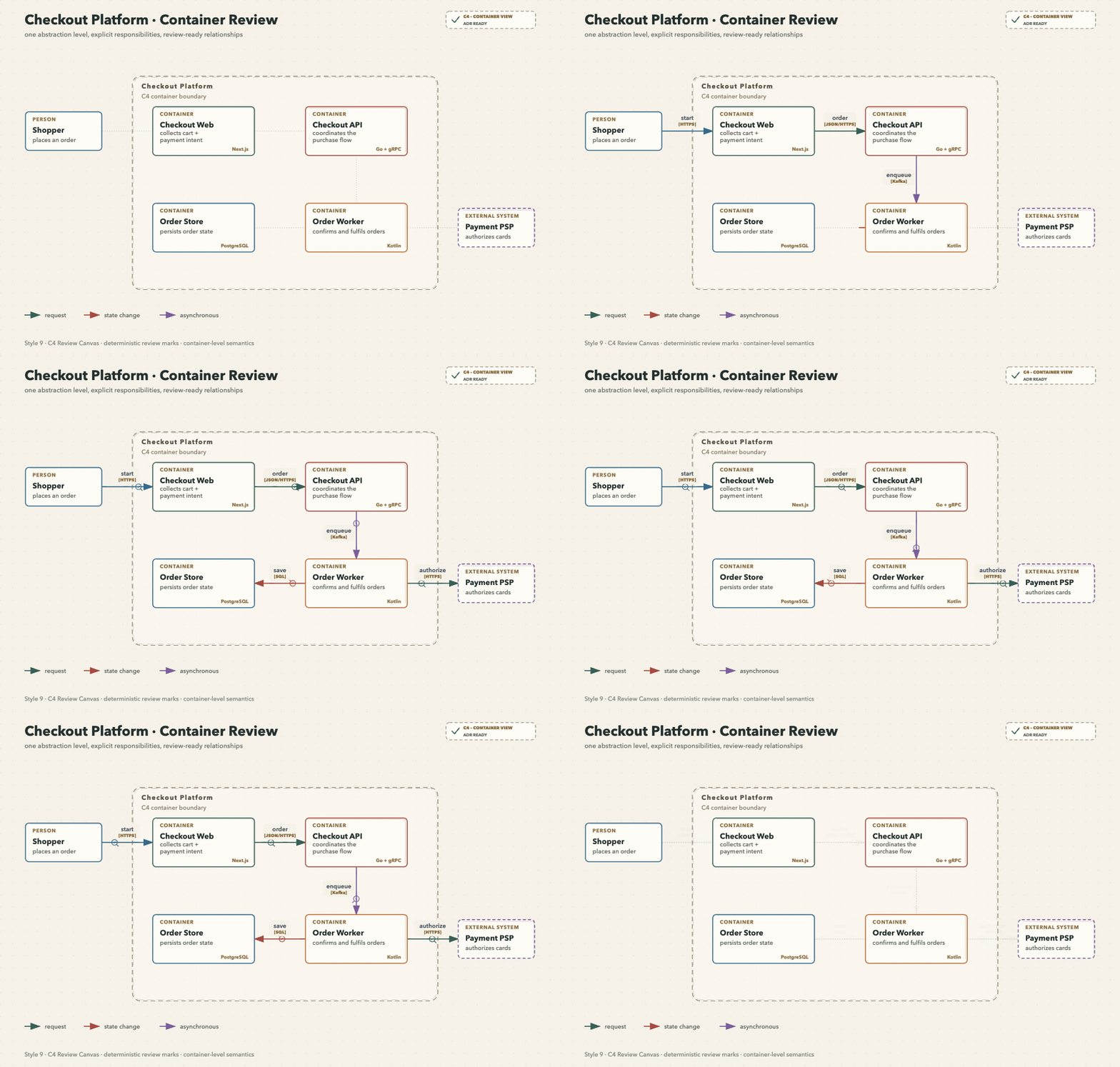
Style 10 — Cloud Fabric
Active–Active Checkout Deployment — global ingress, regions, VPC ownership, and cross-region replication
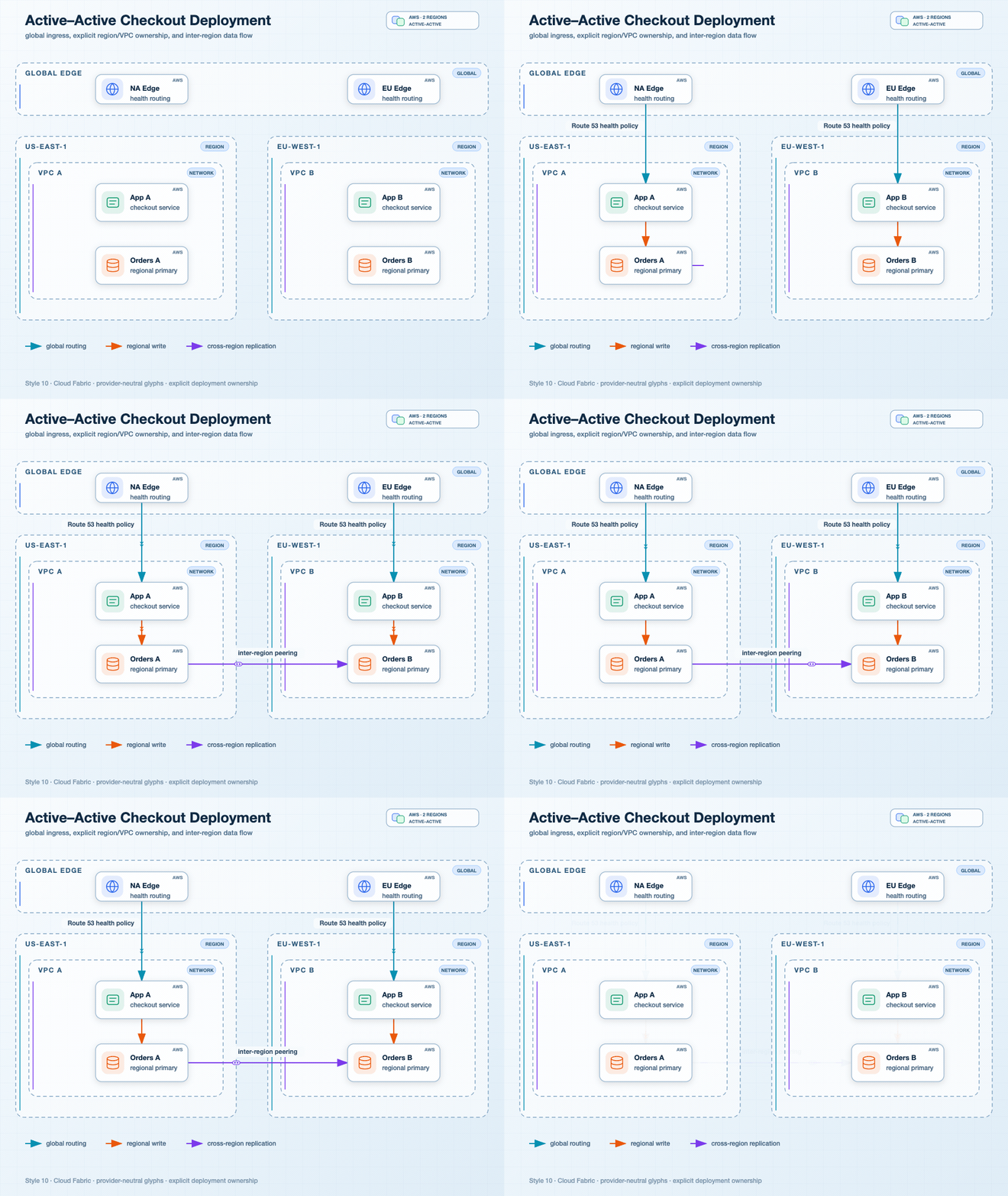
Style 11 — Event Transit
Checkout Event Line — topics as rails, processors as stations, a declared junction, DLQ, and state projection
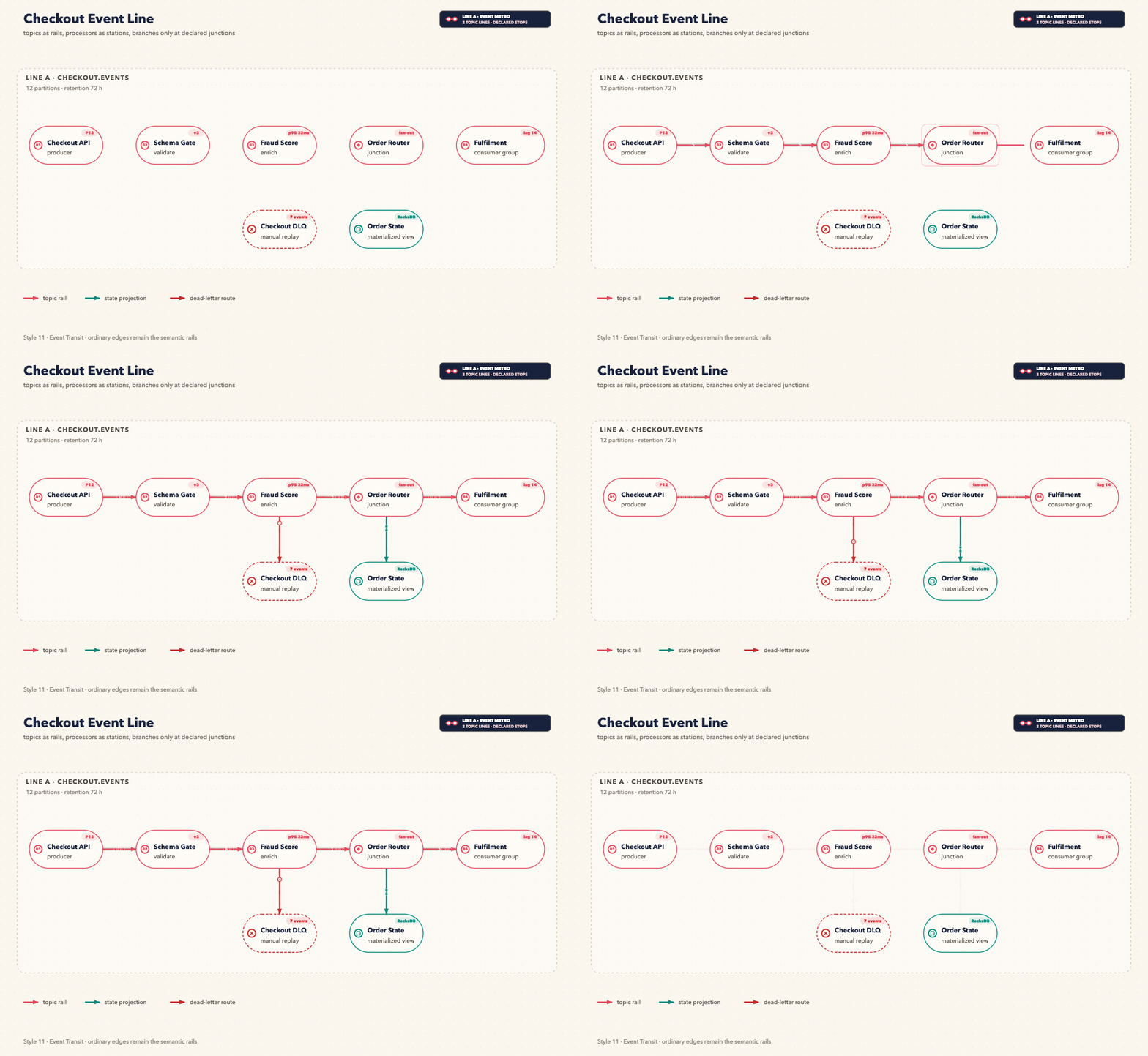
Style 12 — Ops Pulse
Checkout Reliability Pulse — golden signals, one critical path, OTel export, and a correlated trace
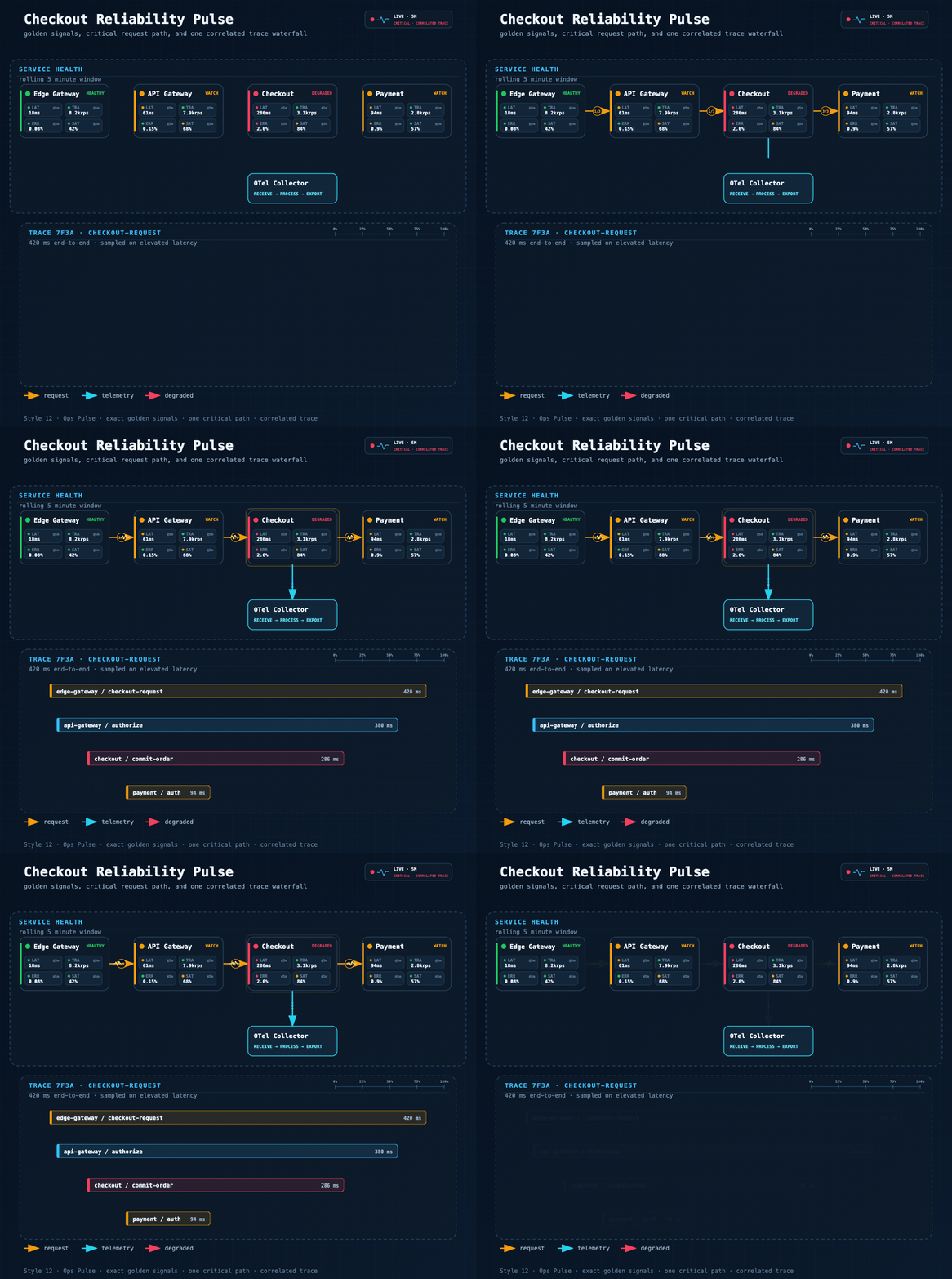
Stable Prompt Recipe
The public showcase keeps a distinct domain scene for every style. They remain comparable because every fixture passes the same executable composition contract. A same-topology regression set remains internal under fixtures/quality-baseline/.
Draw the scenario assigned to style N:
1 Mem0 Memory Architecture; 2 Tool Call Flow; 3 Microservices Architecture;
4 Agent Memory Types; 5 Multi-Agent Collaboration; 6 System Architecture;
7 API Integration Flow; 8 Agent Runtime Architecture; 9 C4 Checkout Review;
10 Active–Active Cloud Deployment; 11 Checkout Event Line; 12 Checkout Reliability Pulse.
Preserve the scenario-specific nodes, sections, and reading direction.
Apply the showcase composition contract: zero crossings, zero bridge jumps, at most two bends per edge,
at most eight bends overall, at least 40px between nodes, at least 20px container gutter,
short orthogonal segments, and labels kept clear of nodes, routes, and section headers.
Preserve the selected style's typography, palette, card material, and brand details.
For the four engineering-first styles, use one of these prompt fingerprints so
the router selects the domain contract as well as the visual theme:
Style 9 · C4 review board: show one C4 level, responsibilities, technologies, review state, and relationship protocols.
Style 10 · Multi-region deployment map: show global ingress, Region/VPC ownership, neutral cloud glyphs, deployment mode, and named boundary mechanisms.
Style 11 · Event metro map: show thin topic rails, numbered processor stations, declared junctions, consumer groups, DLQ, and state projections.
Style 12 · Reliability pulse: show one observation window, four golden signals per service, numbered critical hops, telemetry export, and one correlated trace.
Replace N with 1–12. Style 8 remains AI-authored and loads references/style-8-dark-luxury.md; Styles 9–12 also enforce their engineering semantic contract. All styles load references/composition-quality-contract.md.
Features
- 12 visual styles — 11 generator-backed profiles + 1 AI-authored style (Dark Luxury)
- Engineering semantic contracts — C4 abstraction levels, deployment ownership, event-rail topology, and exact golden signals fail closed before rendering
- Executable style system — style guides are encoded into the generator, not only documented in markdown
- Shared composition-quality contract — every official style enforces zero crossings/bridges, ≤2 bends per edge, route-stretch, spacing, gutter, micro-segment, and label-clearance budgets
- 14 diagram types — Full UML support (Class, Component, Deployment, Package, Composite Structure, Object, Use Case, Activity, State Machine, Sequence, Communication, Timing, Interaction Overview, ER Diagram) plus AI/Agent domain diagrams
- AI/Agent domain patterns — RAG, Agentic Search, Mem0, Multi-Agent, Tool Call, and more built-in
- Semantic shape vocabulary — LLM = double-border rect, Agent = hexagon, Vector Store = ringed cylinder
- Semantic arrow system — color + dash pattern encode meaning (write vs read vs async vs loop)
- Geometry-safe routing — deterministic orthogonal routes, exact waypoints, distinct ports, automatic legend relocation, labels kept inside the canvas, and verified bridge jumps for unavoidable crossings
- Versioned diagram IR — legacy JSON normalizes to schema v1; duplicate IDs, dangling references, malformed waypoints, and non-finite geometry fail before rendering
- Structured SVG validation — XML and marker integrity plus semantic node, reserved-region, label, canvas, edge-overlap, and edge-crossing checks
- Unified CLI + interactive export — render, validate, inspect, and export one offline HTML file with pan/zoom, themes, copy, and SVG/PNG/JPEG/WebP output up to 4×
- Focused semantic GIF motion — generated SVG in, validated GIF out; connectors begin absent and draw in semantic order. All twelve style contracts are user-approved. The shared
+2s-settled-flow timing revision is also user-approved, so the default 5.75s/115-frame loop holds full settled flow on frames 38–109, then resets on 110–114
- Visual review gate — exported PNGs are inspected for clipping, overlap, label placement, and routing regressions before delivery
- Product icons — 40+ products with brand colors: OpenAI, Anthropic, Pinecone, Weaviate, Kafka, PostgreSQL…
- Swim lane grouping — automatic layer labeling for complex architectures
- SVG + PNG output — SVG for editing, 1920px PNG for embedding
- Renderer-friendly — pure inline SVG, no external font fetching; renders cleanly in cairosvg, rsvg-convert, and headless Chrome
Loop Engineering
The first render is treated as a candidate, not an automatic final result. fireworks-tech-graph uses an agent-driven, bounded validation feedback loop to move each diagram toward a verified deliverable:
Prompt
  → Diagram Contract
  → Semantic IR
  → Style Spec
  → Route Planner
  → SVG Build
  → Structural Validation
  → PNG Visual Readback
  → Targeted Revision
  → Verified SVG + PNG
The loop follows five design principles:
- Evaluate, don't assert — completion is backed by validator and render evidence, not by the model saying the diagram looks correct.
- Deterministic checks first — XML structure, marker integrity, path geometry, arrow-component collisions, and renderability are checked before visual judgment.
- Perceptual validation second — the exported PNG is read back to inspect clipping, label collisions, hierarchy, whitespace, and routing quality that syntax checks cannot see.
- Targeted correction — each pass changes only the diagnosed labels, coordinates, corridors, or spacing, then reruns validation and rendering.
- Bounded convergence — visual review allows at most two focused correction passes by default, preventing an unbounded self-editing loop.
The loop is observable in the final status:
validation: passed
visual_review: passed
If the runtime cannot read images, the skill reports visual_review: skipped (image reader unavailable) explicitly. The workflow remains bounded and auditable; it does not claim visual verification without image evidence.
Installation
Recommended: install the complete skill for both runtimes
Use the real nested skill path. The final /skills/fireworks-tech-graph segment is required because a bare repository install can select only the root SKILL.md in current versions of skills CLI.
npx -y [email protected] add \
  yizhiyanhua-ai/fireworks-tech-graph/skills/fireworks-tech-graph \
  --agent codex claude-code -g -y --copy
This creates complete copies at ~/.agents/skills/fireworks-tech-graph for Codex and ~/.claude/skills/fireworks-tech-graph for Claude Code, including scripts, schemas, fixtures, templates, tests, references, and metadata.
Editable Git checkout for Codex
mkdir -p ~/.agents/skills
git clone https://github.com/yizhiyanhua-ai/fireworks-tech-graph.git ~/.agents/skills/fireworks-tech-graph
Codex discovers personal skills from ~/.agents/skills and reads the optional agents/openai.yaml metadata included in this repository.
Editable Git checkout for Claude Code
mkdir -p ~/.claude/skills
git clone https://github.com/yizhiyanhua-ai/fireworks-tech-graph.git ~/.claude/skills/fireworks-tech-graph
Claude Code discovers personal skills from ~/.claude/skills and ignores the Codex-only UI metadata.
One editable checkout shared by Codex and Claude Code
For a fresh install with Claude Code 2.1.203 or newer, keep one checkout and link both discovery paths to it. Move any existing destinations aside before creating the links.
mkdir -p ~/.local/share/agent-skills ~/.agents/skills ~/.claude/skills
git clone https://github.com/yizhiyanhua-ai/fireworks-tech-graph.git ~/.local/share/agent-skills/fireworks-tech-graph
ln -s ~/.local/share/agent-skills/fireworks-tech-graph ~/.agents/skills/fireworks-tech-graph
ln -s ~/.local/share/agent-skills/fireworks-tech-graph ~/.claude/skills/fireworks-tech-graph
This keeps SKILL.md, references, scripts, templates, and future updates identical in both agents. The npm registry is a separate distribution channel and may lag GitHub Releases. For the current Skill version, use the nested GitHub path above; the npm page remains available for package metadata:
https://www.npmjs.com/package/@yizhiyanhua-ai/fireworks-tech-graph
Update
For a skills CLI copy, rerun the recommended nested-path command. For Git installations, update whichever checkout you installed:
git -C ~/.agents/skills/fireworks-tech-graph pull
# or
git -C ~/.claude/skills/fireworks-tech-graph pull
# or, for the shared checkout
git -C ~/.local/share/agent-skills/fireworks-tech-graph pull
After the first install, restart Codex and Claude Code so both discover the skill. Later SKILL.md edits are detected automatically; restart the runtime after changing bundled scripts or references if the update is not visible.
The shell commands above target macOS, Linux, WSL, and Git Bash. On native Windows, use the equivalent %USERPROFILE%\.agents\skills and %USERPROFILE%\.claude\skills paths. Python 3.9+ is required; the optional Puppeteer path requires Node.js 22.12+.
Unified CLI
SKILL_ROOT="${CLAUDE_SKILL_DIR:-$HOME/.agents/skills/fireworks-tech-graph}"

python3 "$SKILL_ROOT/scripts/fireworks.py" doctor
python3 "$SKILL_ROOT/scripts/fireworks.py" validate architecture "$SKILL_ROOT/fixtures/api-flow-style7.json"
python3 "$SKILL_ROOT/scripts/fireworks.py" render architecture "$SKILL_ROOT/fixtures/api-flow-style7.json" diagram.svg --report layout.json
python3 "$SKILL_ROOT/scripts/fireworks.py" check diagram.svg
python3 "$SKILL_ROOT/scripts/fireworks.py" export-html diagram.svg diagram.html --title "Agent Runtime Architecture"
python3 "$SKILL_ROOT/scripts/fireworks.py" animate diagram.svg diagram.gif
The HTML export is one offline file. It sanitizes the SVG, adds pan/zoom/reset, light and dark themes, SVG source copy, and SVG/PNG/JPEG/WebP downloads at 1×–4×.
For motion, say “Generate a GIF”, “Animate this diagram”, 生成 GIF, 制作 GIF, or 让这张图动起来. The command accepts a generated semantic SVG that carries one of the twelve approved motion contracts. Exact source bytes are not pinned, so validated title and content variants of a supported topology work; missing or changed role/stage/order coverage, route direction, required colors, or geometry fails closed. GIF is the only motion media format, and the default command also writes <output>.motion.json as its verification report. The approved default is 960px, 5.75 seconds, 20fps, and 115 frame-center samples. All twelve scenes start connector-free, draw routes on frames 1–36, fade live flow on 36–38, hold full settled flow on 38–109, and reset on 110–114. Their approved identities include the packet heads, terminal evidence trace, Blueprint registration beads, 14×10 Notion memory cards, and the eight scene-specific signatures listed below. Default packages re

 fireworks-tech-graph is an Agent Skill that turns natural-language system descriptions into polished technical diagrams: geometry-checked SVG, high-resolution PNG, SVG-to-GIF motion, and offline interactive HTML, with 12 visual styles and full UML support.