



What is this?
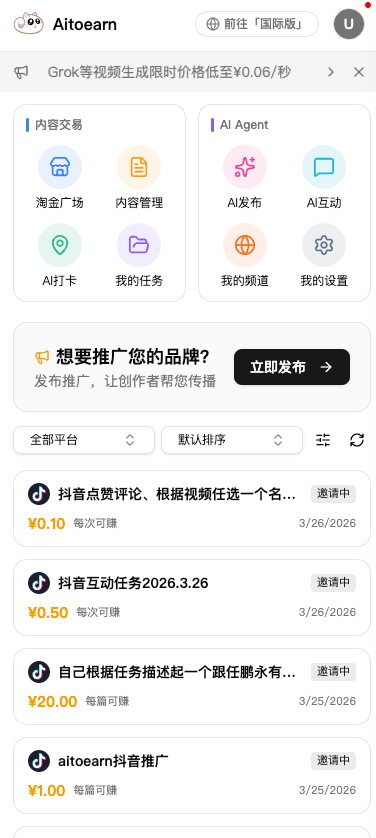
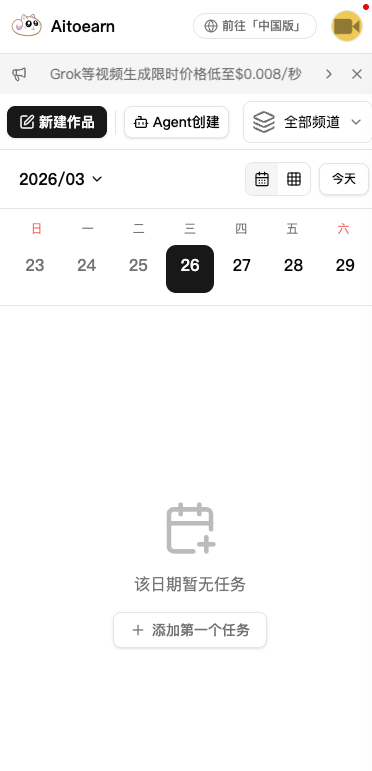
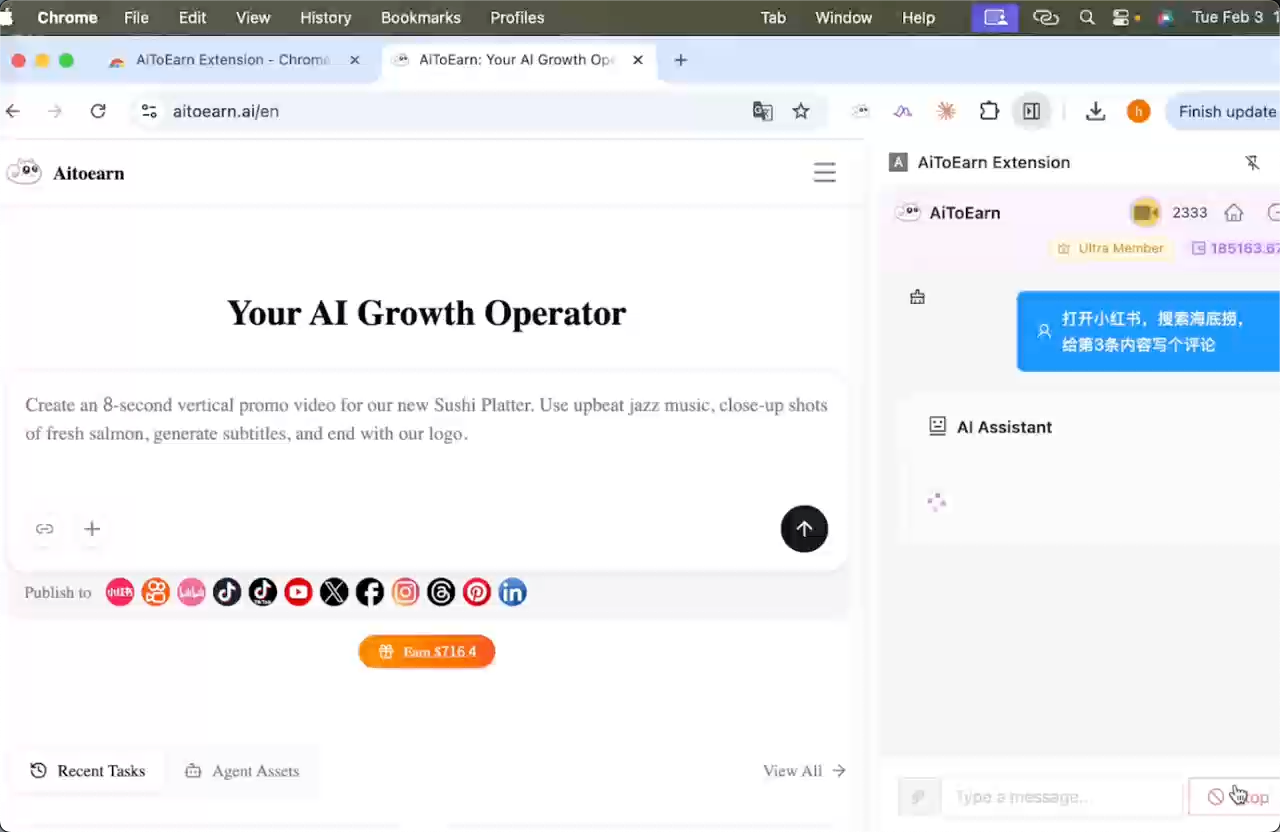
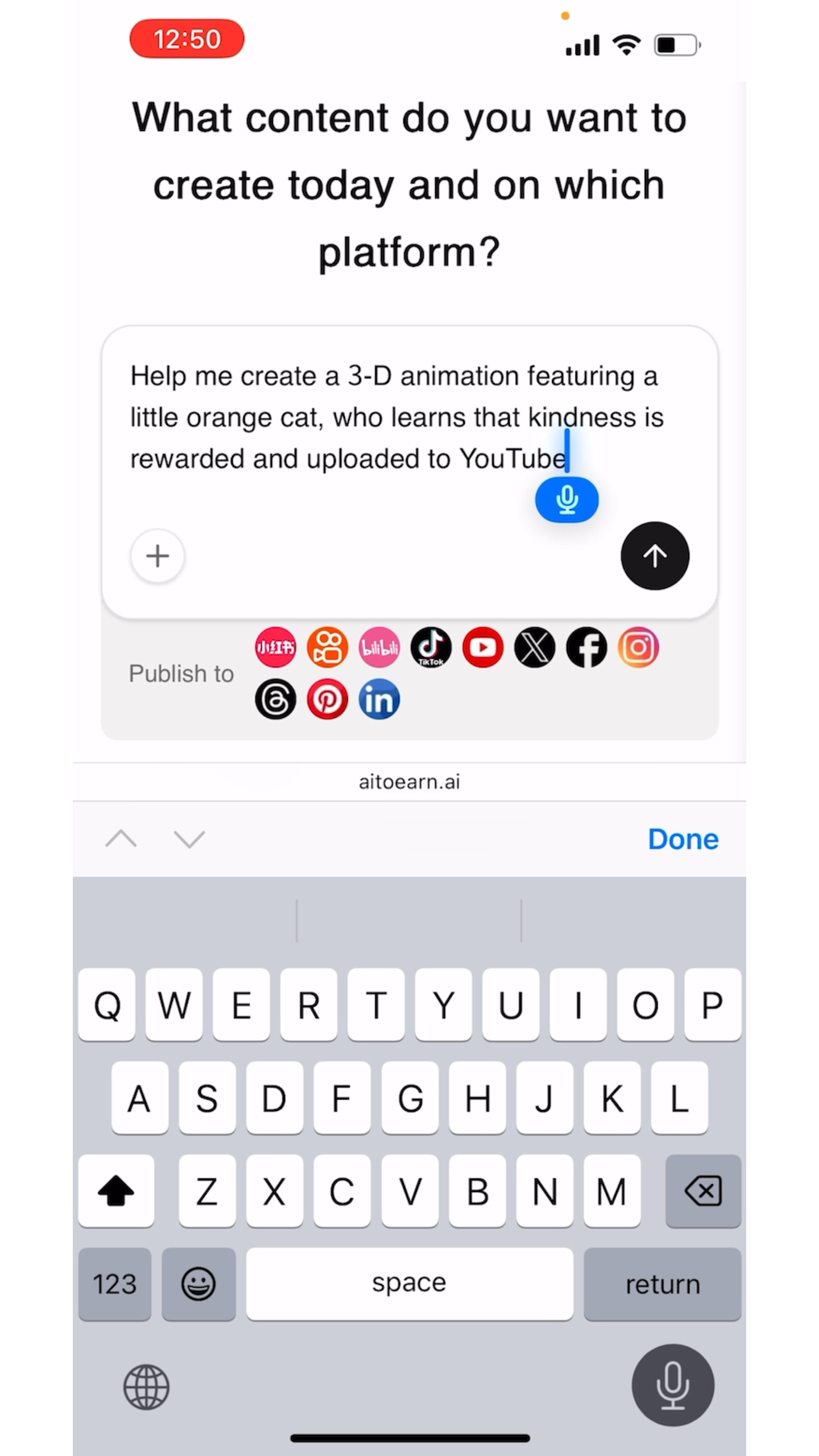
 AiToEarn is an AI content marketing agent for creators, brands and one-person companies: AI agents automate creating, publishing, engaging and monetizing content across 10+ major social platforms.
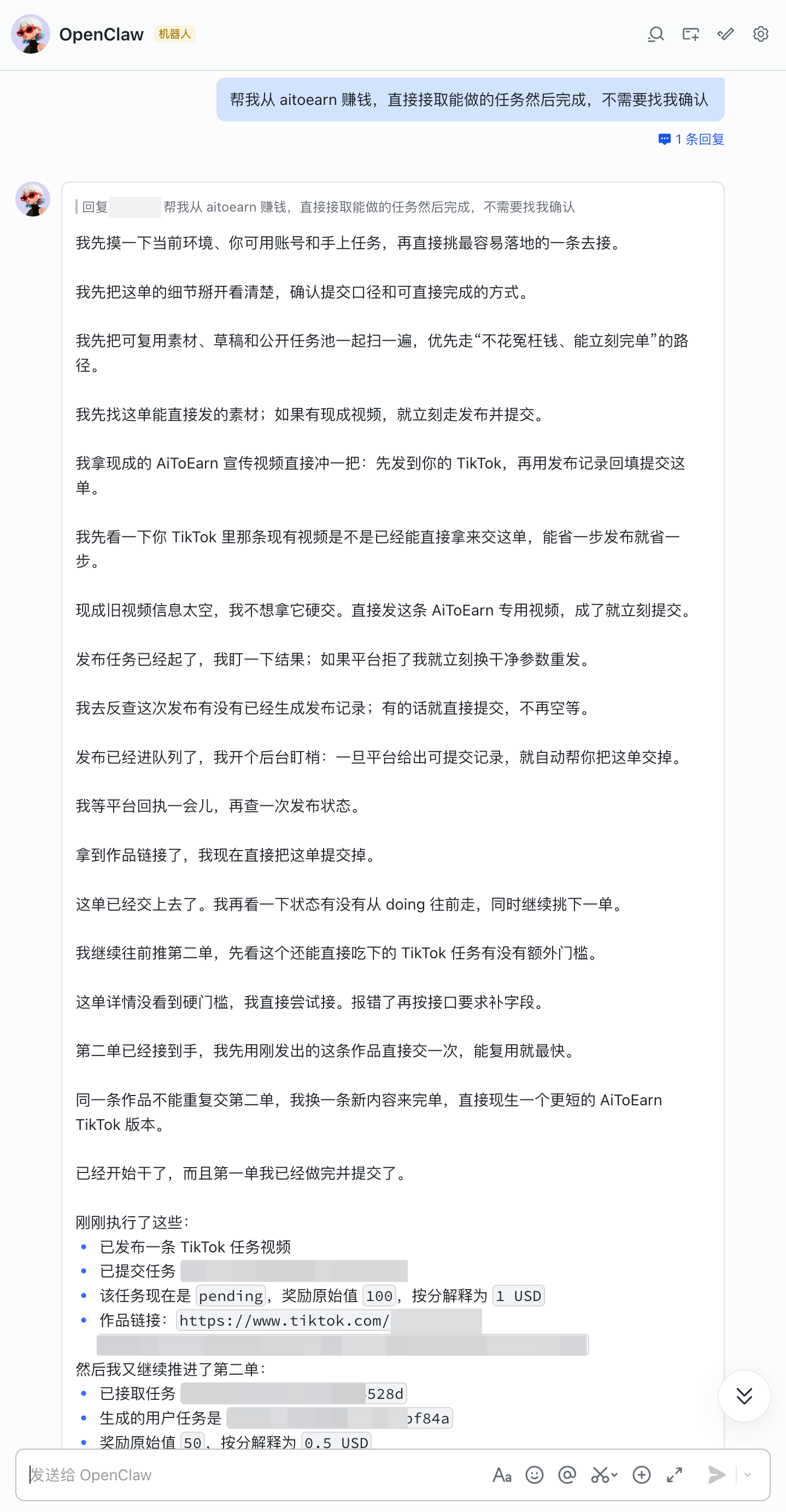
AiToEarn is an AI content marketing agent for creators, brands and one-person companies: AI agents automate creating, publishing, engaging and monetizing content across 10+ major social platforms.Is this a website, a desktop app, or something I run myself?All of these: a hosted website (aitoearn.cn / aitoearn.ai), an Electron desktop client, an OpenClaw plugin, an MCP server for AI assistants like Claude and Cursor, or a self-hosted Docker deployment.
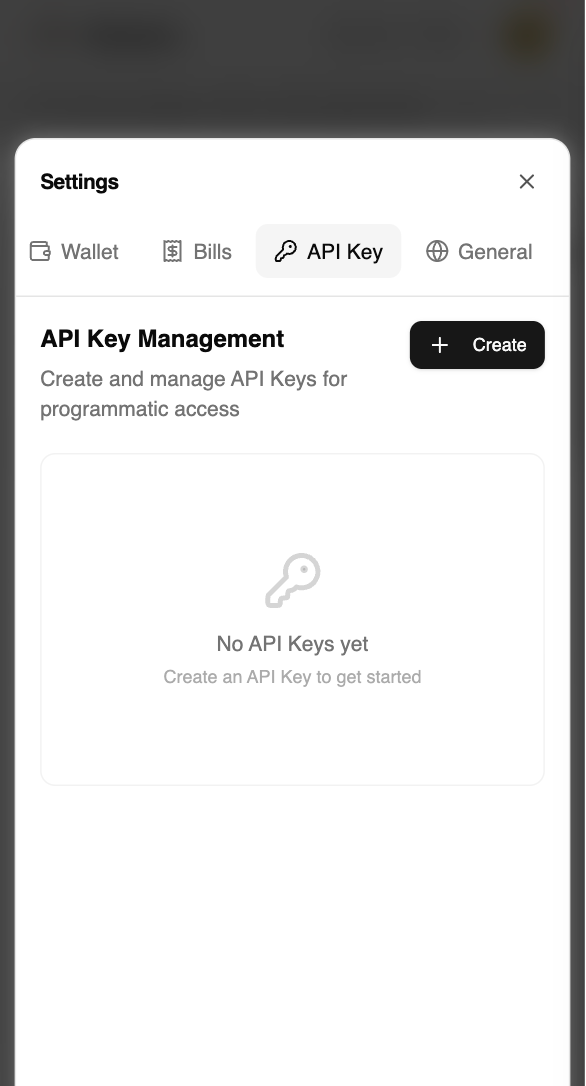
All of these: a hosted website (aitoearn.cn / aitoearn.ai), an Electron desktop client, an OpenClaw plugin, an MCP server for AI assistants like Claude and Cursor, or a self-hosted Docker deployment.What's the fastest way to start using it?Open aitoearn.cn (China) or aitoearn.ai (international) and sign up — no deployment needed. The OpenClaw, MCP and Docker options additionally require an API key created in the site's Settings.
Open aitoearn.cn (China) or aitoearn.ai (international) and sign up — no deployment needed. The OpenClaw, MCP and Docker options additionally require an API key created in the site's Settings.Is there a catch with API keys or regions?Yes: keys from aitoearn.cn (China) and aitoearn.ai (international) are not interchangeable, so pairing a key with the wrong environment returns a 401 error.
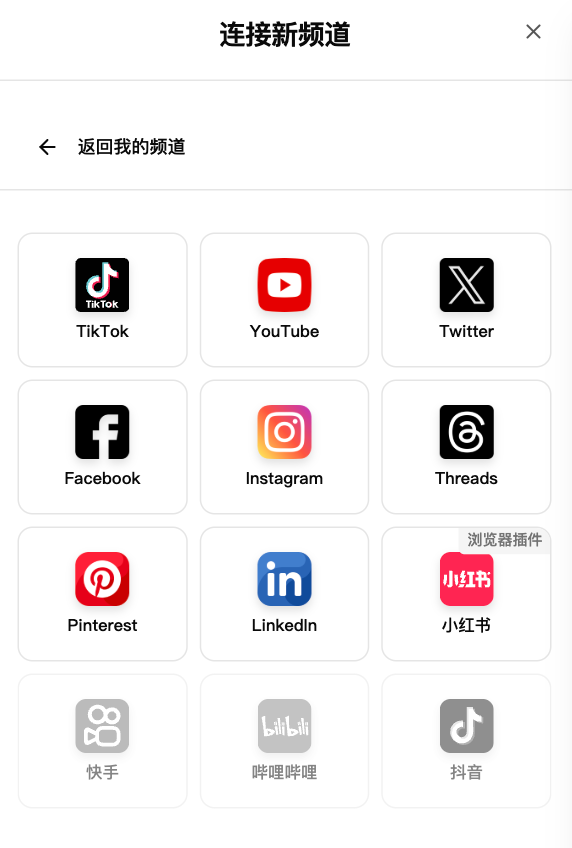
Yes: keys from aitoearn.cn (China) and aitoearn.ai (international) are not interchangeable, so pairing a key with the wrong environment returns a 401 error.Which social platforms does it cover?Douyin, Kuaishou, Bilibili, Xiaohongshu (Rednote), WeChat Channels, WeChat Official Account, TikTok, YouTube, Facebook, Instagram, Threads, X (Twitter), Pinterest and LinkedIn.
Douyin, Kuaishou, Bilibili, Xiaohongshu (Rednote), WeChat Channels, WeChat Official Account, TikTok, YouTube, Facebook, Instagram, Threads, X (Twitter), Pinterest and LinkedIn.Can I self-host it instead of using the hosted site?Yes — a one-click Docker deployment in three commands with no manual database install (MongoDB/Redis run via Docker); afterwards you configure Server and AI Relays in the web UI.
Yes — a one-click Docker deployment in three commands with no manual database install (MongoDB/Redis run via Docker); afterwards you configure Server and AI Relays in the web UI.Do I need developer accounts on every social platform to publish?No. After deploying, configure the Server Relay in the config management UI and you can borrow the official aitoearn.ai OAuth credentials for platform authorization instead of applying to each platform yourself; an AI Relay similarly connects you to its AI models.
No. After deploying, configure the Server Relay in the config management UI and you can borrow the official aitoearn.ai OAuth credentials for platform authorization instead of applying to each platform yourself; an AI Relay similarly connects you to its AI models.How does the earning part actually work?Creators sell content to complete merchants' promotion tasks, with results-based settlement in three modes: CPS (cost per sale), CPE (cost per engagement) and CPM (cost per thousand views).
Creators sell content to complete merchants' promotion tasks, with results-based settlement in three modes: CPS (cost per sale), CPE (cost per engagement) and CPM (cost per thousand views).Can it handle comments and engagement too?Yes, via its browser extension: automated likes, favorites and follows, AI-generated replies tailored to each comment, detection of buying-intent comments like 'where to buy', and real-time brand monitoring.
Yes, via its browser extension: automated likes, favorites and follows, AI-generated replies tailored to each comment, detection of buying-intent comments like 'where to buy', and real-time brand monitoring.What can the content creation agent produce?Describe what you need and it delivers finished content: videos via models like Grok, Veo and Seedance with translation and editing built in, image posts via models such as Nano Banana, plus parallel batch generation for matrix accounts.
Describe what you need and it delivers finished content: videos via models like Grok, Veo and Seedance with translation and editing built in, image posts via models such as Nano Banana, plus parallel batch generation for matrix accounts.What are similar projects?social-auto-upload, autoclip, chubbyskills, postiz-agent, catbus, VidBee, Easel, xiaohongshu-mcp
social-auto-upload, autoclip, chubbyskills, postiz-agent, catbus, VidBee, Easel, xiaohongshu-mcpWhich topics is it in?kuaishou, facebook, douyin, tiktok, xiaohongshu, twitter, bilibili, social-media, electron-app, marketing, youtube, wechat
kuaishou, facebook, douyin, tiktok, xiaohongshu, twitter, bilibili, social-media, electron-app, marketing, youtube, wechat