


What is this?
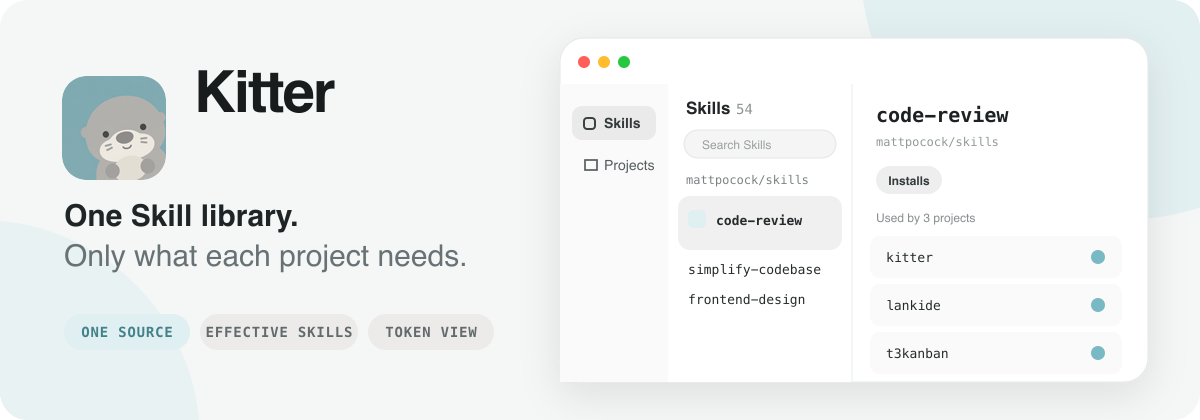
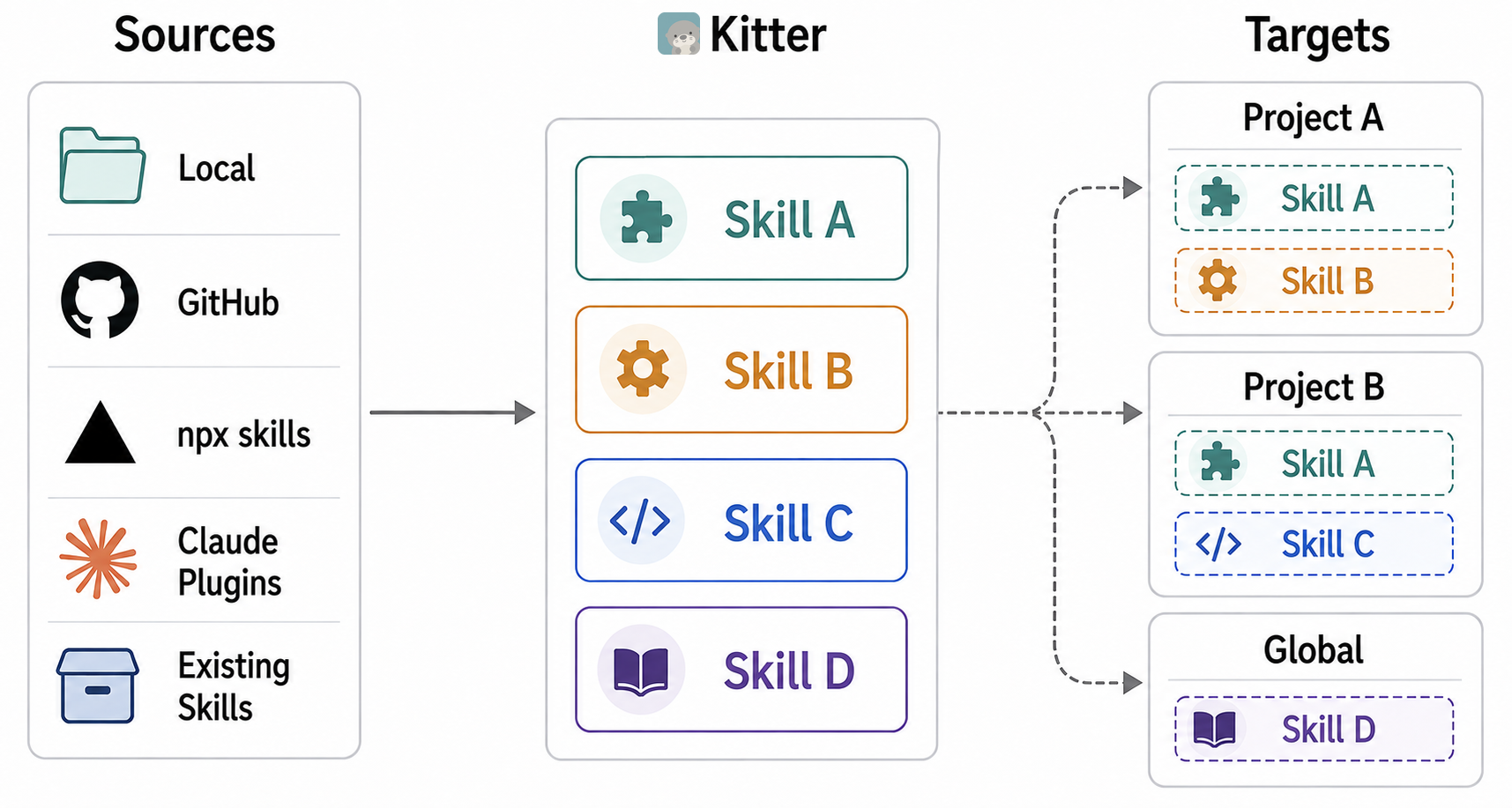
 Kitter is a desktop app and CLI for managing Agent Skills across multiple projects: you keep skills in one library and install only the combination each project needs, updating them all from one place.
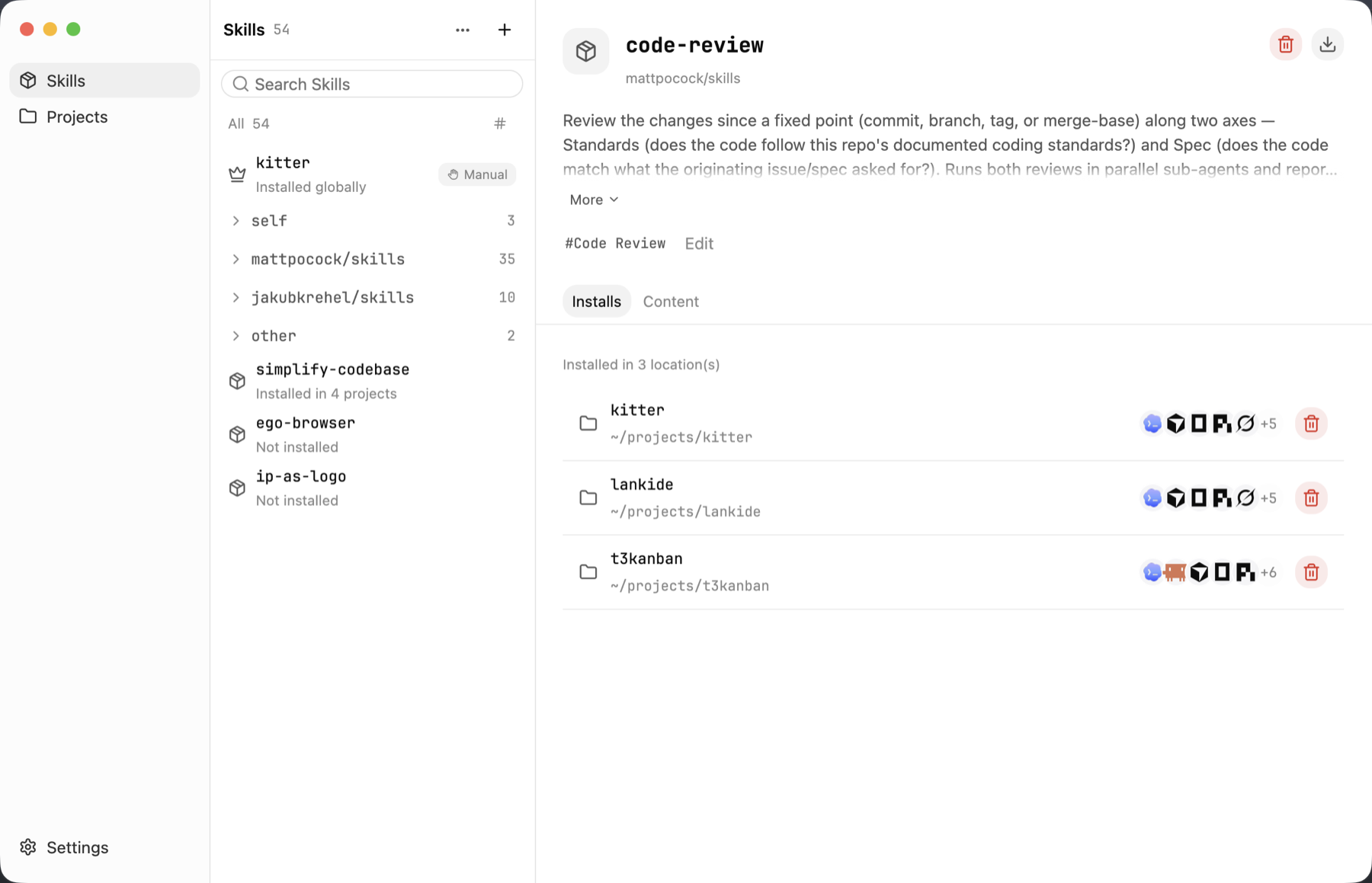
Kitter is a desktop app and CLI for managing Agent Skills across multiple projects: you keep skills in one library and install only the combination each project needs, updating them all from one place.Is Kitter a desktop app or a command-line tool?Both — it ships as a native desktop app (built in Rust with GPUI) and a separate standalone CLI built from the same core, so you can use either one on its own.
Both — it ships as a native desktop app (built in Rust with GPUI) and a separate standalone CLI built from the same core, so you can use either one on its own.How do I install Kitter?Download the release for your OS from GitHub Releases: a macOS .dmg (Apple Silicon or Intel), a Windows x64 .exe, or a Linux x64 .tar.gz, then run the app or extract and run the './Kitter' binary.
Download the release for your OS from GitHub Releases: a macOS .dmg (Apple Silicon or Intel), a Windows x64 .exe, or a Linux x64 .tar.gz, then run the app or extract and run the './Kitter' binary.Do I need anything besides the downloaded binary to use it?No — the desktop app and CLI are self-contained; for CLI-only use just put the 'kitter' binary on your PATH and install the built-in $kitter skill.
No — the desktop app and CLI are self-contained; for CLI-only use just put the 'kitter' binary on your PATH and install the built-in $kitter skill.Does Kitter work the same on every platform?Not fully yet — the macOS build isn't signed with an Apple Developer ID so Gatekeeper may block the first launch, and the Linux desktop app 'still needs validation on real systems' even though the CLI is stable there.
Not fully yet — the macOS build isn't signed with an Apple Developer ID so Gatekeeper may block the first launch, and the Linux desktop app 'still needs validation on real systems' even though the CLI is stable there.Where does Kitter store my skills and settings?Everything stays local: configuration and source records go in the OS application-data directory, and skill contents live in a library folder (e.g. '~/Library/Application Support/Kitter/skills' on macOS), which you can relocate with 'kitter library --set'.
Everything stays local: configuration and source records go in the OS application-data directory, and skill contents live in a library folder (e.g. '~/Library/Application Support/Kitter/skills' on macOS), which you can relocate with 'kitter library --set'.What exactly is a Skill in Kitter?A Skill is a reusable capability an agent can discover and use; you can add them from a local folder, GitHub, a skills.sh-compatible source, or a Claude plugin source, and Kitter keeps one maintained copy per skill.
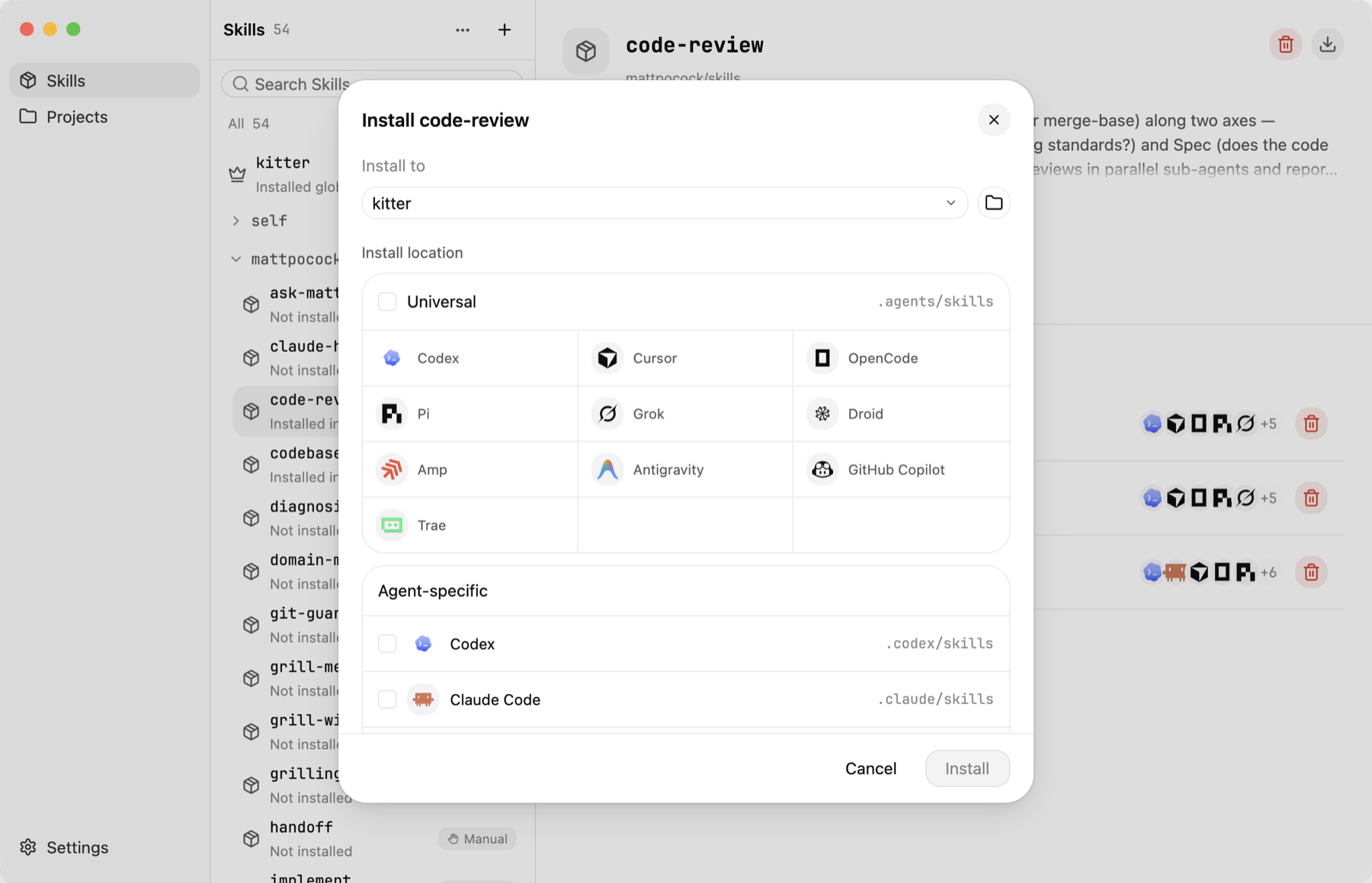
A Skill is a reusable capability an agent can discover and use; you can add them from a local folder, GitHub, a skills.sh-compatible source, or a Claude plugin source, and Kitter keeps one maintained copy per skill.How do I update skills across all my projects at once?Run 'Check for updates' in the desktop app or use 'kitter check' and 'kitter update' from the CLI — since projects link to a shared source via managed links rather than copies, one update reaches every linked installation.
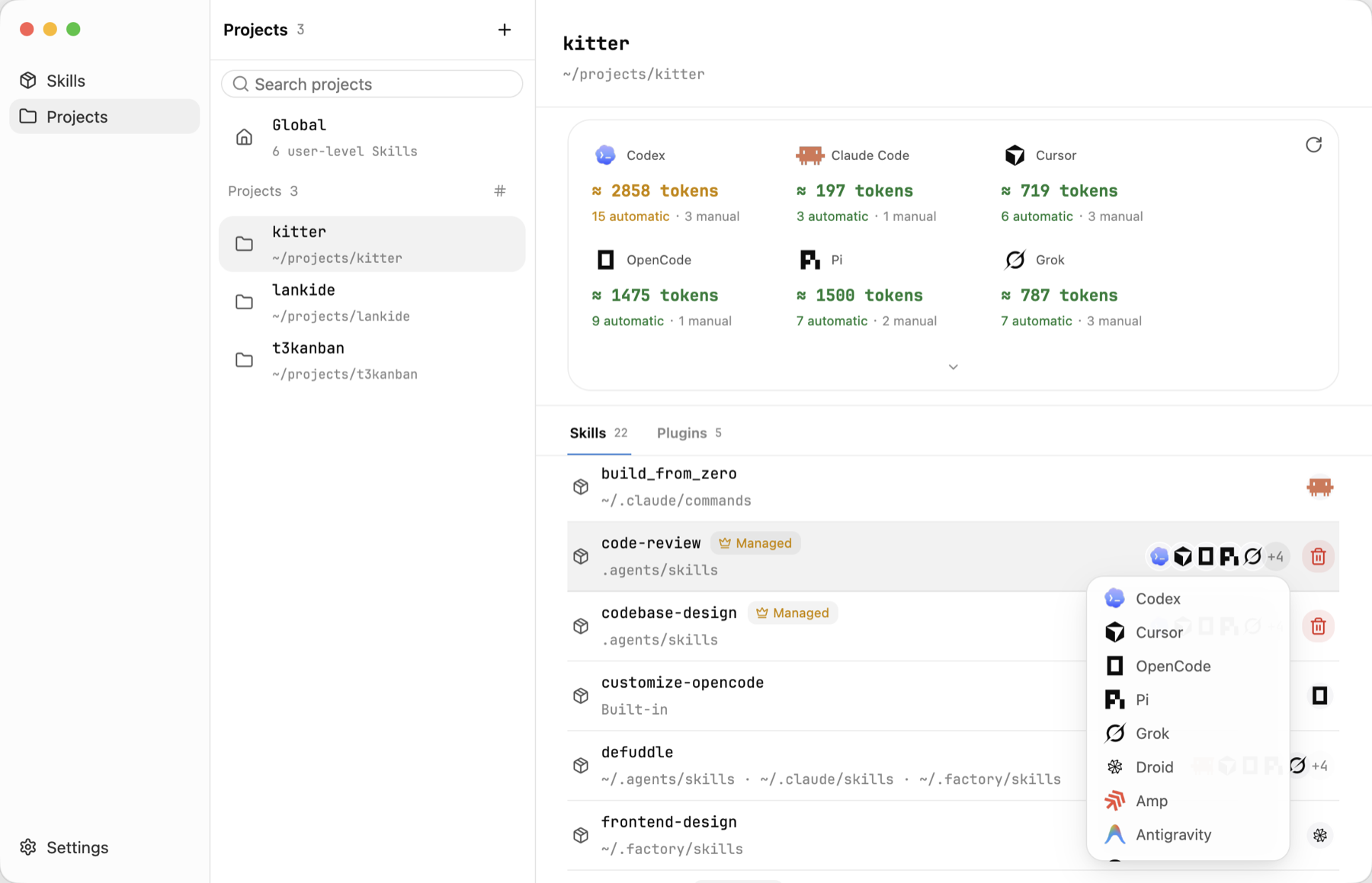
Run 'Check for updates' in the desktop app or use 'kitter check' and 'kitter update' from the CLI — since projects link to a shared source via managed links rather than copies, one update reaches every linked installation.Can I see which skills an agent can actually use right now?Yes, the Projects view shows the complete effective skill set per agent, including installs made outside Kitter, their sources, and an estimated per-agent token/context cost.
Yes, the Projects view shows the complete effective skill set per agent, including installs made outside Kitter, their sources, and an estimated per-agent token/context cost.Can I bring skills I already scattered across projects into Kitter?Yes — choose 'Existing installations' to inspect and adopt already-installed skills without moving or disturbing their original source directories.
Yes — choose 'Existing installations' to inspect and adopt already-installed skills without moving or disturbing their original source directories.What are similar projects?evondevKit, asd-ste100-skill, aichat, leviathan, aos-ce, coral, open-knowledge, pdfcraft
evondevKit, asd-ste100-skill, aichat, leviathan, aos-ce, coral, open-knowledge, pdfcraftWhich topics is it in?package-manager, skills, plugin, claude, agent-skills, rust, command-line-tool, gui, desktop-app, terminal, tool, ai-agents
package-manager, skills, plugin, claude, agent-skills, rust, command-line-tool, gui, desktop-app, terminal, tool, ai-agents