WebTorrent Desktop
The streaming torrent app. For Mac, Windows, and Linux.





Install
Recommended Install
Download the latest version of WebTorrent Desktop from
the official website:
Advanced Install
Download specific installer files from the GitHub releases page.
Use Homebrew-Cask to install from the command line:
$ brew install --cask webtorrent
Try the (unstable) development version by cloning the Git repository. See the
"How to Contribute" instructions.
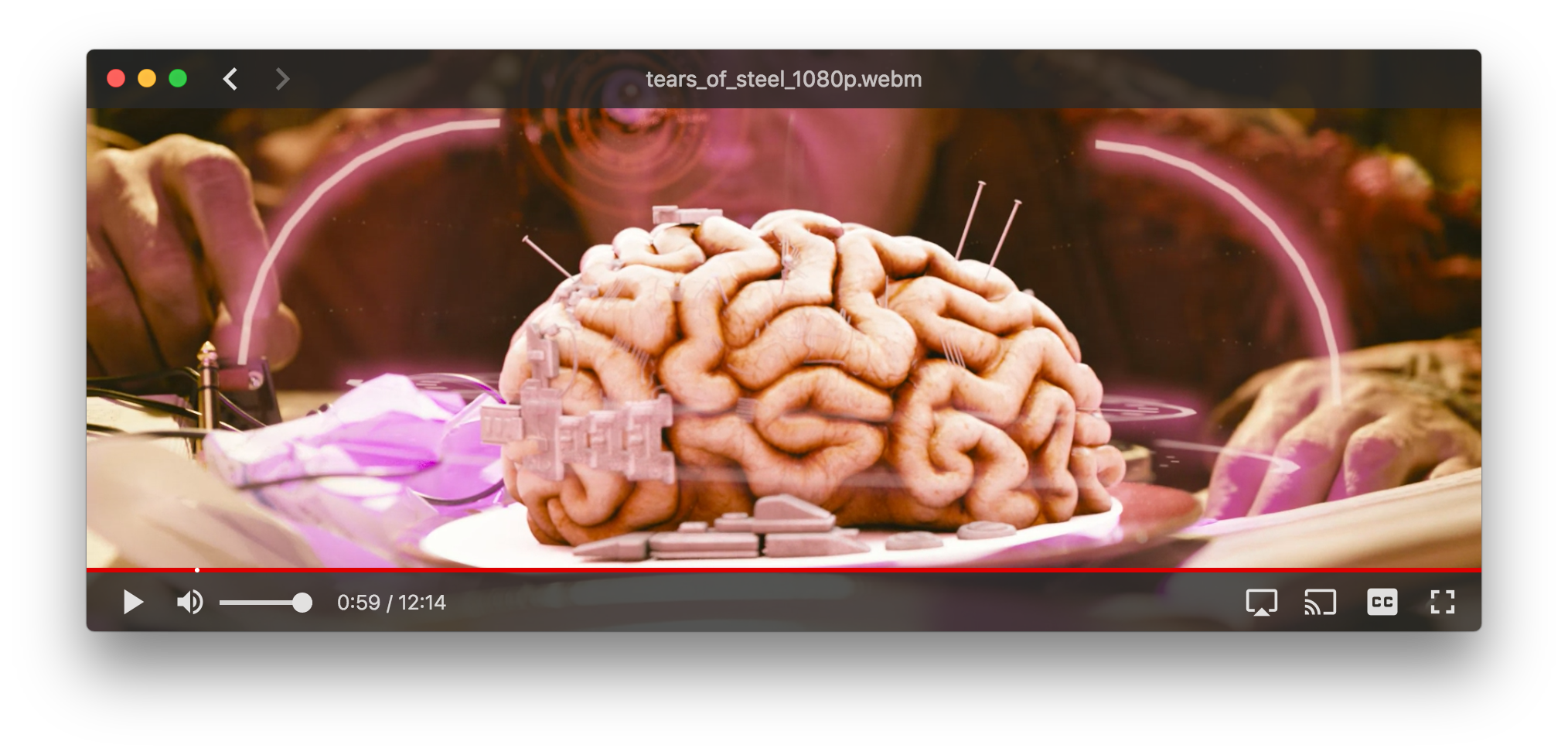
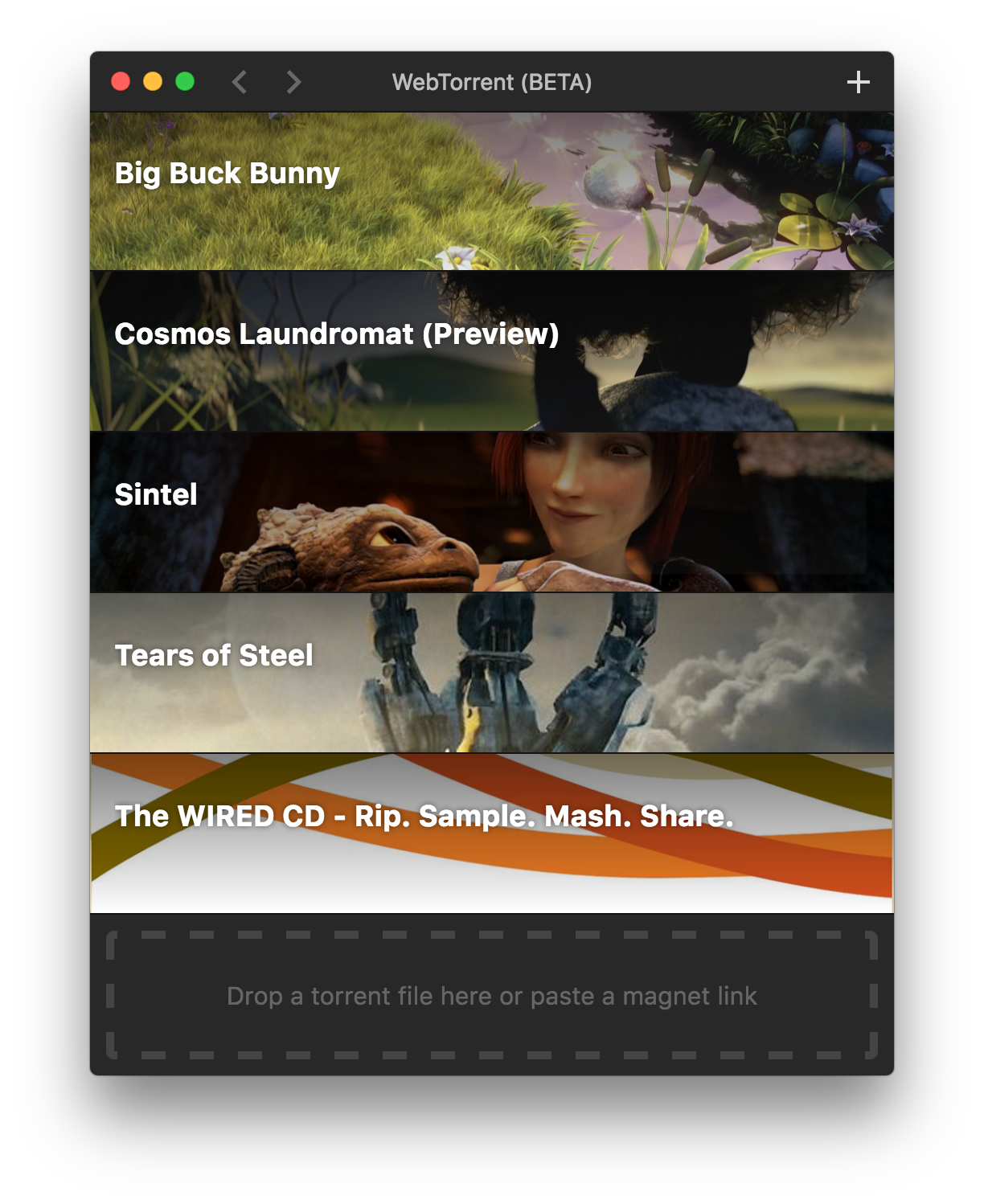
Screenshots
How to Contribute
Get the code
$ git clone https://github.com/webtorrent/webtorrent-desktop.git
$ cd webtorrent-desktop
$ npm install
Run the app
$ npm start
Watch the code
Restart the app automatically every time code changes. Useful during development.
$ npm run watch
Run linters
$ npm test
Run integration tests
$ npm run test-integration
The integration tests use Spectron and Tape. They click through the app, taking screenshots and
comparing each one to a reference. Why screenshots?
- Ad-hoc checking makes the tests a lot more work to write
- Even diffing the whole HTML is not as thorough as screenshot diffing. For example, it wouldn't
catch an bug where hitting ESC from a video doesn't correctly restore window size.
- Chrome's own integration tests use screenshot diffing iirc
- Small UI changes will break a few tests, but the fix is as easy as deleting the offending
screenshots and running the tests, which will recreate them with the new look.
- The resulting Github PR will then show, pixel by pixel, the exact UI changes that were made! See
https://github.com/blog/817-behold-image-view-modes
For MacOS, you'll need a Retina screen for the integration tests to pass. Your screen should have
the same resolution as a 2018 MacBook Pro 13".
For Windows, you'll need Windows 10 with a 1366x768 screen.
When running integration tests, keep the mouse on the edge of the screen and don't touch the mouse
or keyboard while the tests are running.
Package the app
Builds app binaries for Mac, Linux, and Windows.
$ npm run package
To build for one platform:
$ npm run package -- [platform] [options]
Where [platform] is darwin, linux, win32, or all (default).
The following optional arguments are available:
--sign - Sign the application (Mac, Windows)--package=[type] - Package single output type.
deb - Debian packagerpm - RedHat packagezip - Linux zip filedmg - Mac disk imageexe - Windows installerportable - Windows portable appall - All platforms (default)
Note: Even with the --package option, the auto-update files (.nupkg for Windows,
-darwin.zip for Mac) will always be produced.
Windows build notes
The Windows app can be packaged from any platform.
Note: Windows code signing only works from Windows, for now.
Note: To package the Windows app from non-Windows platforms,
Wine and Mono need
to be installed. For example on Mac, first install
XQuartz, then run:
$ brew install wine mono
(Requires the Homebrew package manager.)
Mac build notes
The Mac app can only be packaged from macOS.
Linux build notes
The Linux app can be packaged from any platform.
If packaging from Mac, install system dependencies with Homebrew by running:
npm run install-system-deps
Recommended readings to start working in the app
Electron (Framework to make native apps for Windows, OSX and Linux in Javascript):
https://electronjs.org/docs/tutorial/quick-start
React.js (Framework to work with Frontend UI):
https://reactjs.org/docs/getting-started.html
Material UI (React components that implement Google's Material Design.):
https://material-ui.com/getting-started/installation
Privacy
WebTorrent Desktop collects some basic usage stats to help us make the app better.
For example, we track how well the play button works. How often does it succeed?
Time out? Show a missing codec error?
The app never sends any personally identifying information, nor does it track which
torrents you add.
License
MIT. Copyright (c) WebTorrent, LLC.

 WebTorrent Desktop 是一款免费开源的流媒体 BT 下载工具,支持 Mac、Windows 和 Linux——下载还没完成,视频就能开始播放。