





10.1K ·GitHub
Что это такое?
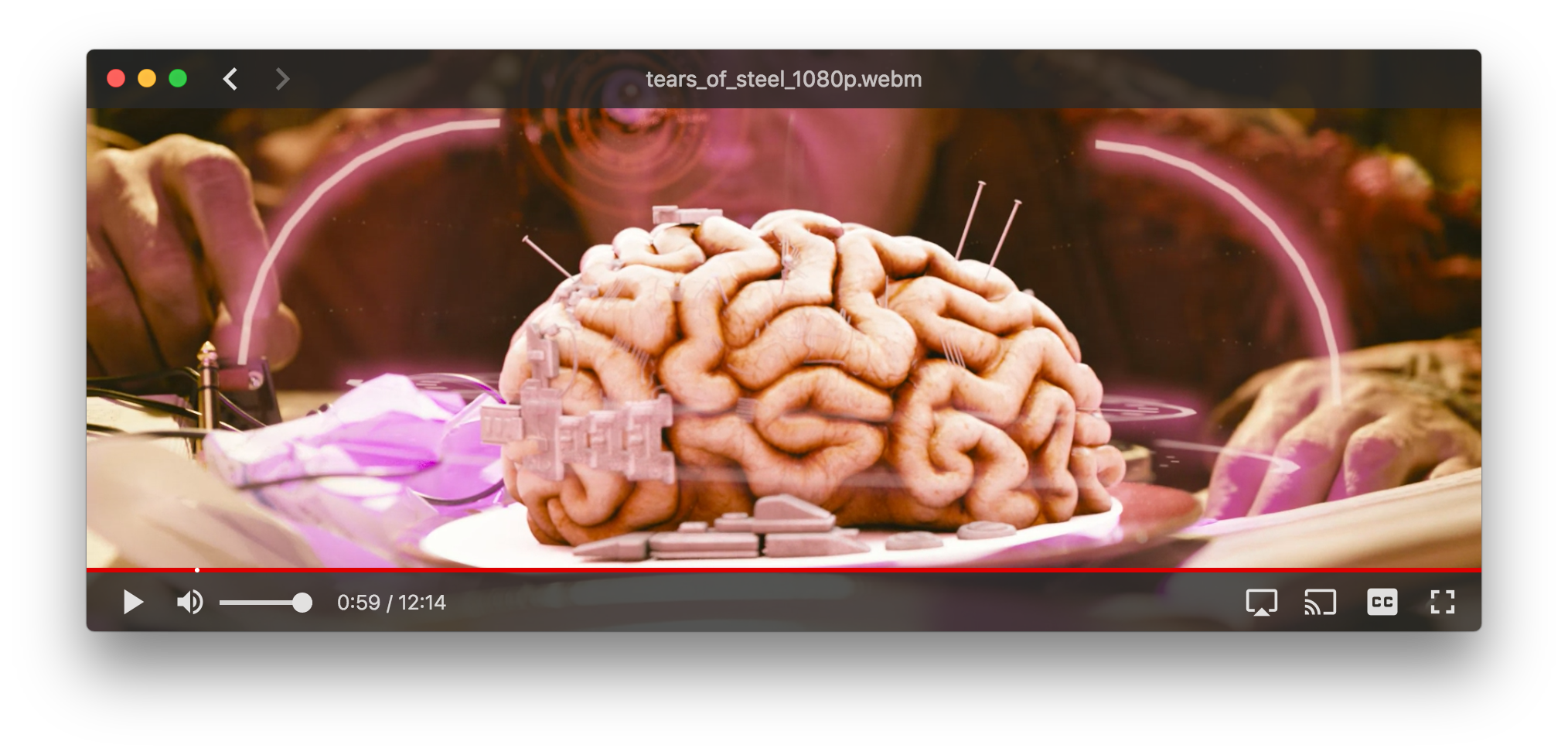
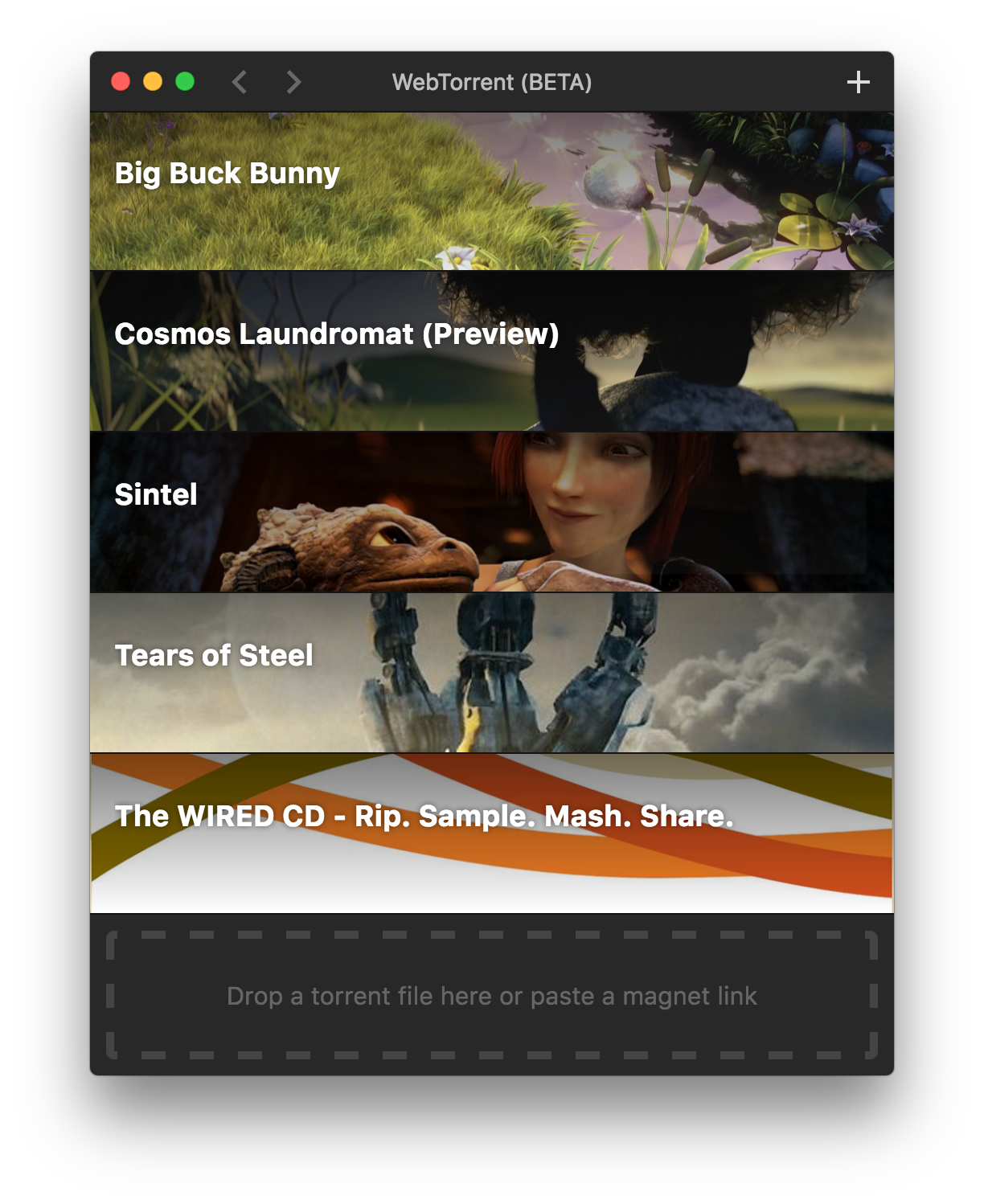
 WebTorrent Desktop — бесплатный торрент-клиент с открытым исходным кодом и поддержкой стриминга для Mac, Windows и Linux: видео начинает проигрываться, ещё пока загрузка идёт.
WebTorrent Desktop — бесплатный торрент-клиент с открытым исходным кодом и поддержкой стриминга для Mac, Windows и Linux: видео начинает проигрываться, ещё пока загрузка идёт.Это приложение для компьютера или оно работает в браузере?Это обычное приложение для компьютера, а не браузерное — оно построено на Electron с интерфейсом на React и Material UI и распространяется в виде установщиков для каждой платформы.
Это обычное приложение для компьютера, а не браузерное — оно построено на Electron с интерфейсом на React и Material UI и распространяется в виде установщиков для каждой платформы.Нужно ли сначала установить Node.js или что-то ещё?Обычным пользователям достаточно только установщика. Node.js ^16 или ^18 с npm 7-10 нужны лишь тем, кто собирает проект из исходников.
Обычным пользователям достаточно только установщика. Node.js ^16 или ^18 с npm 7-10 нужны лишь тем, кто собирает проект из исходников.А не будет ли программа следить за тем, что я скачиваю?Она собирает базовую анонимную статистику использования (например, как часто нажатие кнопки воспроизведения срабатывает, а сколько раз завершается тайм-аутом), но не отправляет никаких личных данных и не отслеживает, какие торренты вы добавляете.
Она собирает базовую анонимную статистику использования (например, как часто нажатие кнопки воспроизведения срабатывает, а сколько раз завершается тайм-аутом), но не отправляет никаких личных данных и не отслеживает, какие торренты вы добавляете.Оно бесплатное?Да — приложение полностью бесплатное, распространяется по лицензии MIT, авторские права принадлежат WebTorrent, LLC.
Да — приложение полностью бесплатное, распространяется по лицензии MIT, авторские права принадлежат WebTorrent, LLC.Могу ли я вывести видео на телевизор или другое устройство?Да — в приложении уже есть поддержка стриминга на приёмники Chromecast, DLNA и AirPlay (модули chromecasts, dlnacasts и airplayer входят в его зависимости).
Да — в приложении уже есть поддержка стриминга на приёмники Chromecast, DLNA и AirPlay (модули chromecasts, dlnacasts и airplayer входят в его зависимости).Какие форматы установщиков можно выбрать?Для Mac — файл .dmg, для Windows — установщик .exe или портативная версия, для Linux — пакеты .deb, .rpm или .zip. Скрипт сборки также всегда создаёт файлы автообновления (.nupkg для Windows, -darwin.zip для Mac).
Для Mac — файл .dmg, для Windows — установщик .exe или портативная версия, для Linux — пакеты .deb, .rpm или .zip. Скрипт сборки также всегда создаёт файлы автообновления (.nupkg для Windows, -darwin.zip для Mac).What are similar projects?webtorrent, ivideo, deskreen, qBittorrent, trystero, WebRTC-Experiment, awesome-zhuiju-free, streambert
webtorrent, ivideo, deskreen, qBittorrent, trystero, WebRTC-Experiment, awesome-zhuiju-free, streambertWhich topics is it in?webtorrent, material-ui, bittorrent, media-player, file-sharing, video-player, video-streaming, webrtc, p2p, downloader, electron, streaming
webtorrent, material-ui, bittorrent, media-player, file-sharing, video-player, video-streaming, webrtc, p2p, downloader, electron, streaming