






Что это такое?
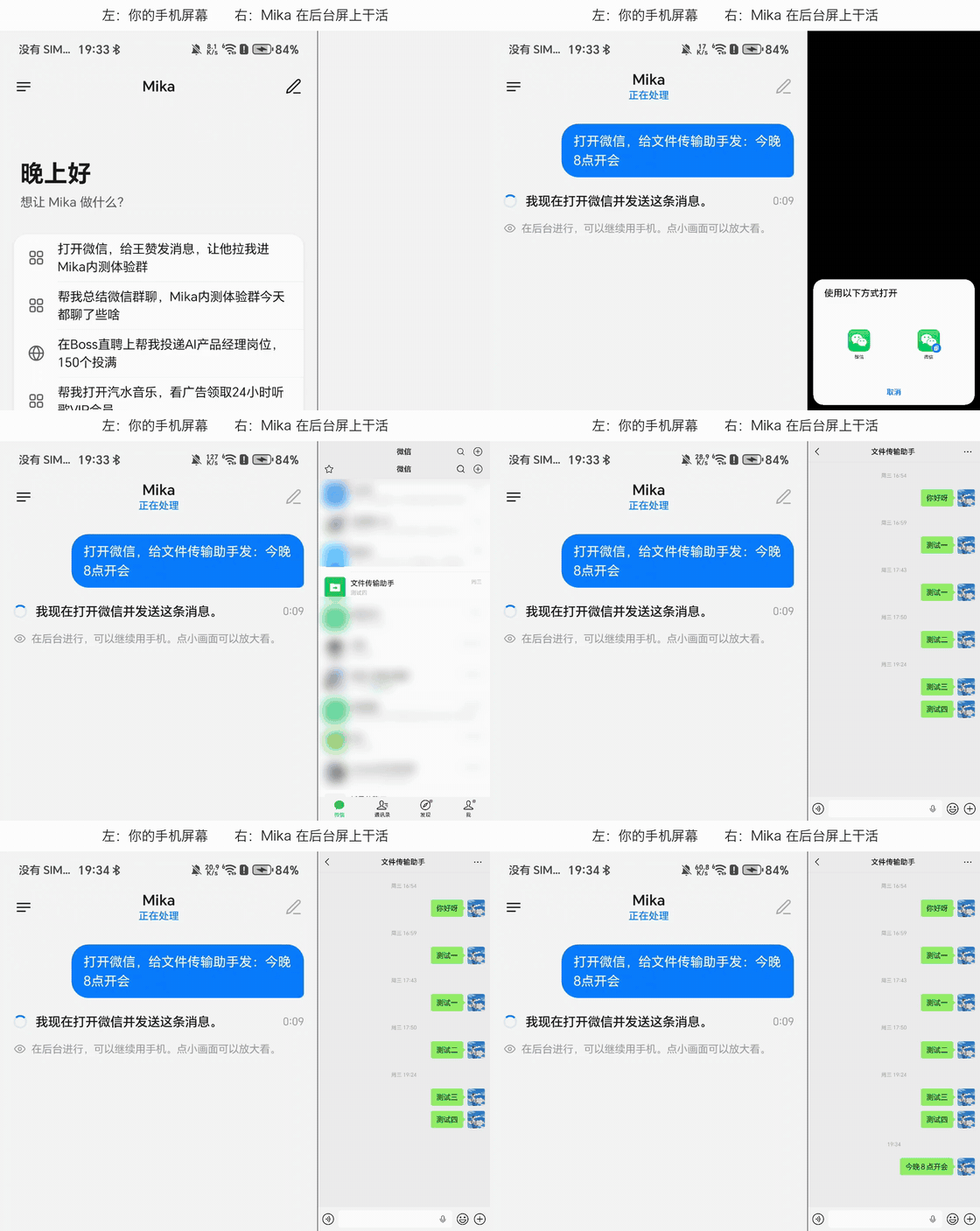
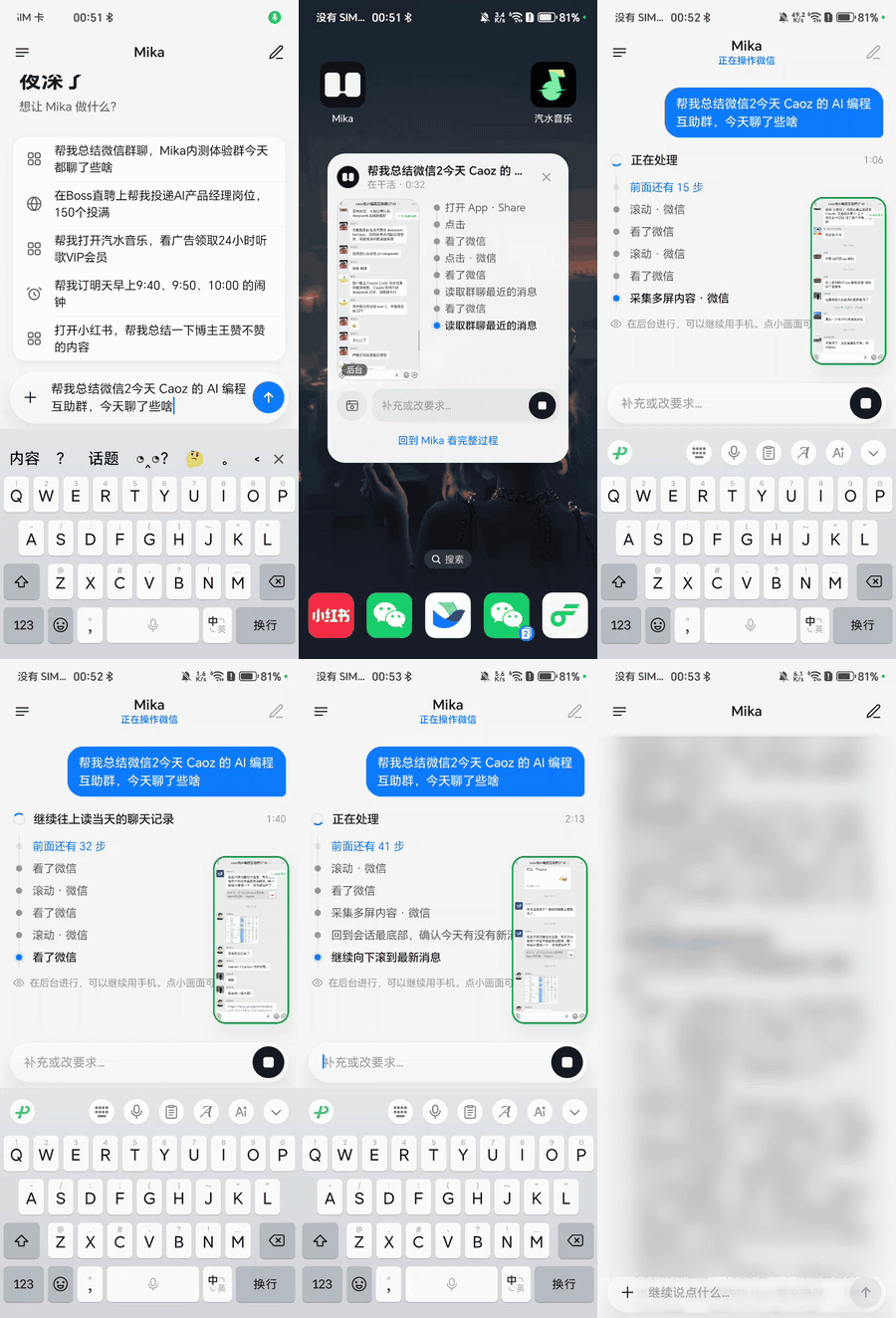
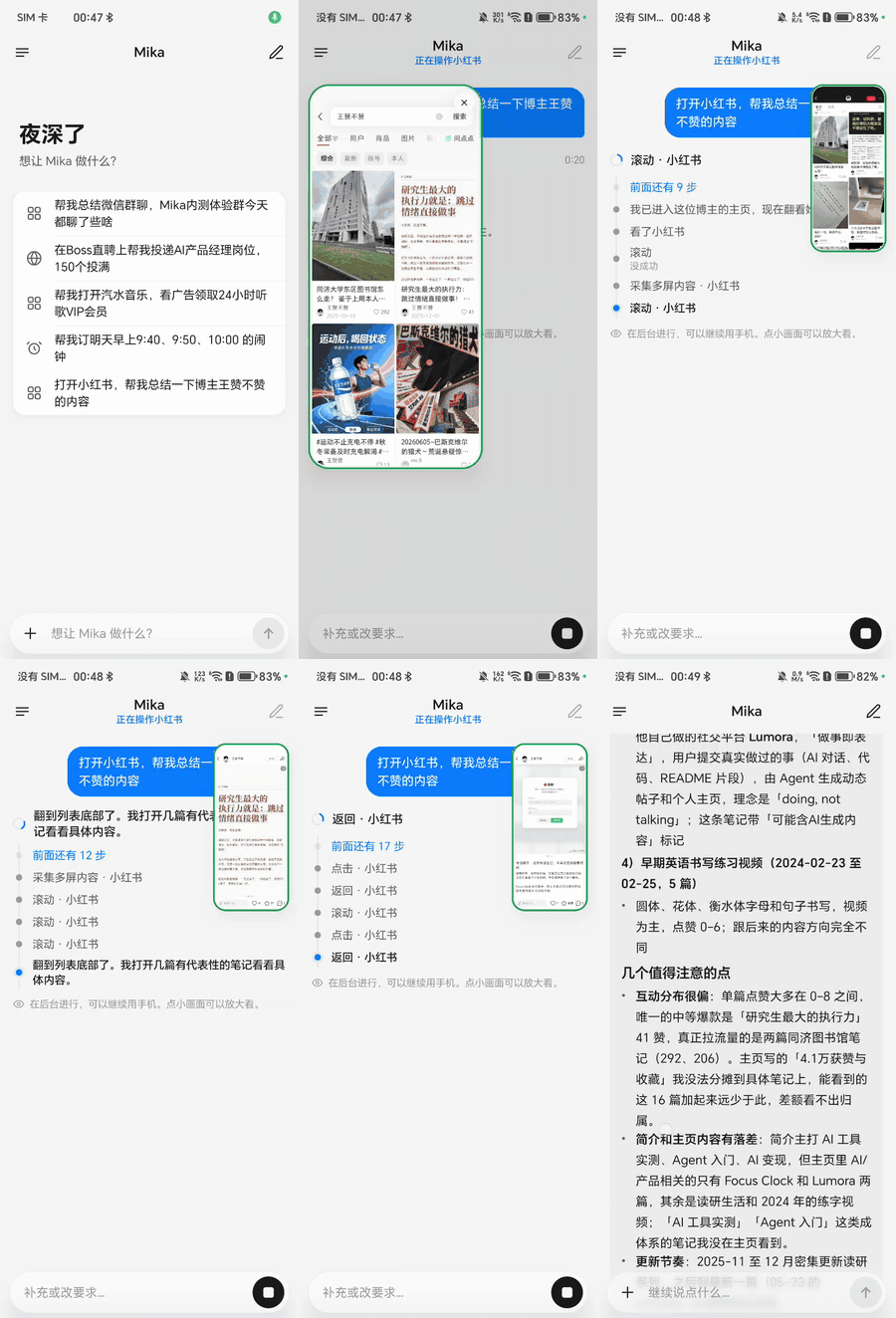
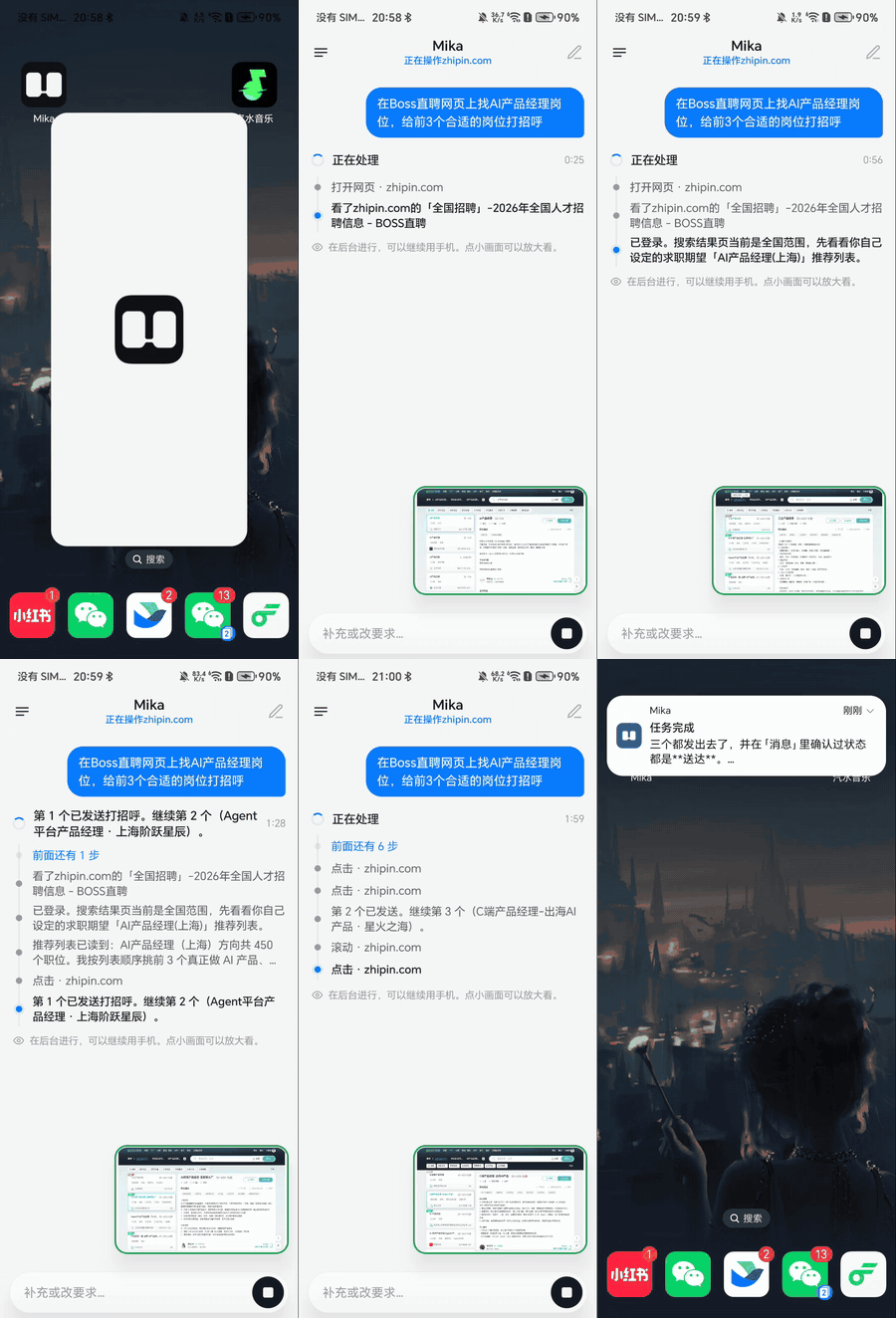
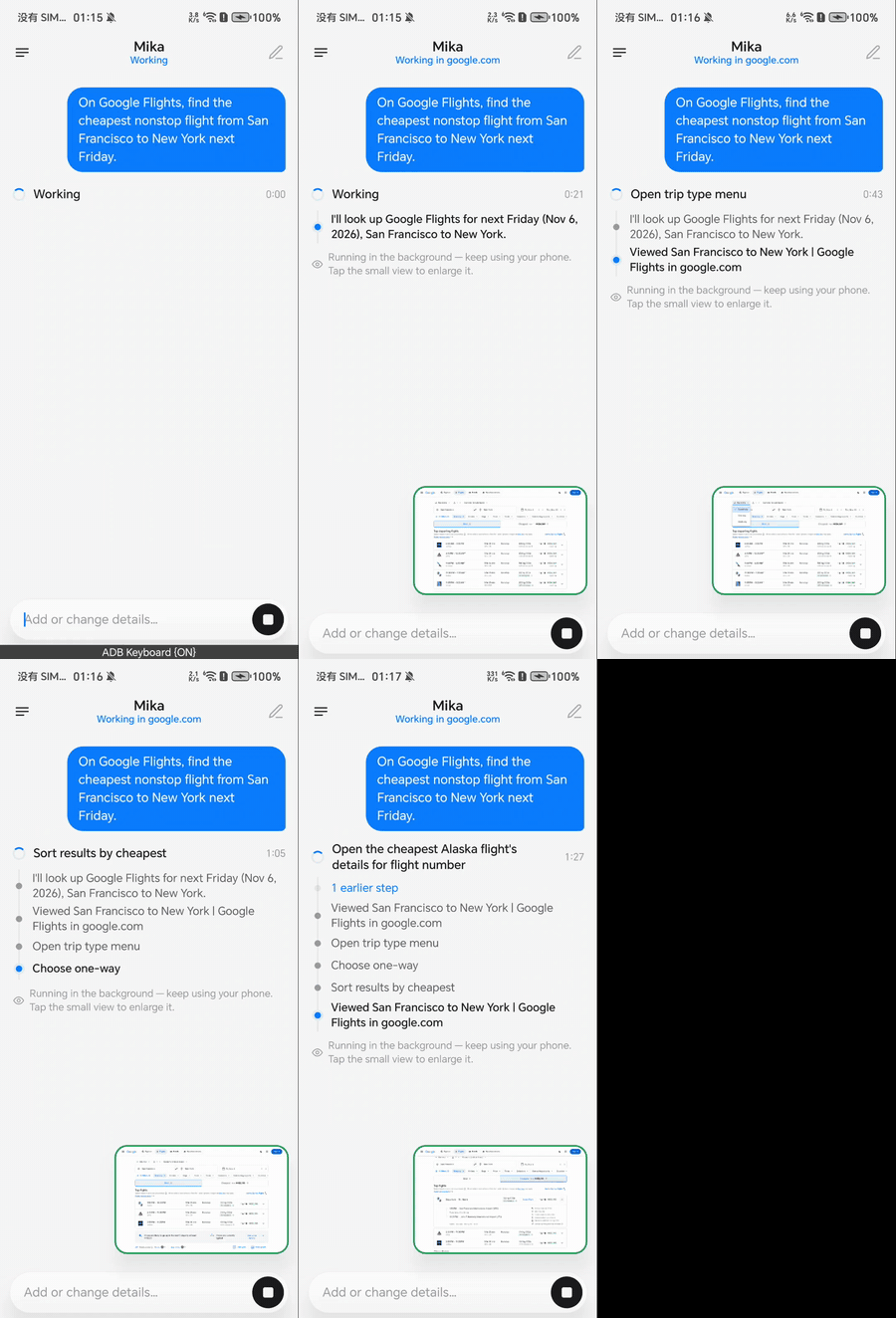
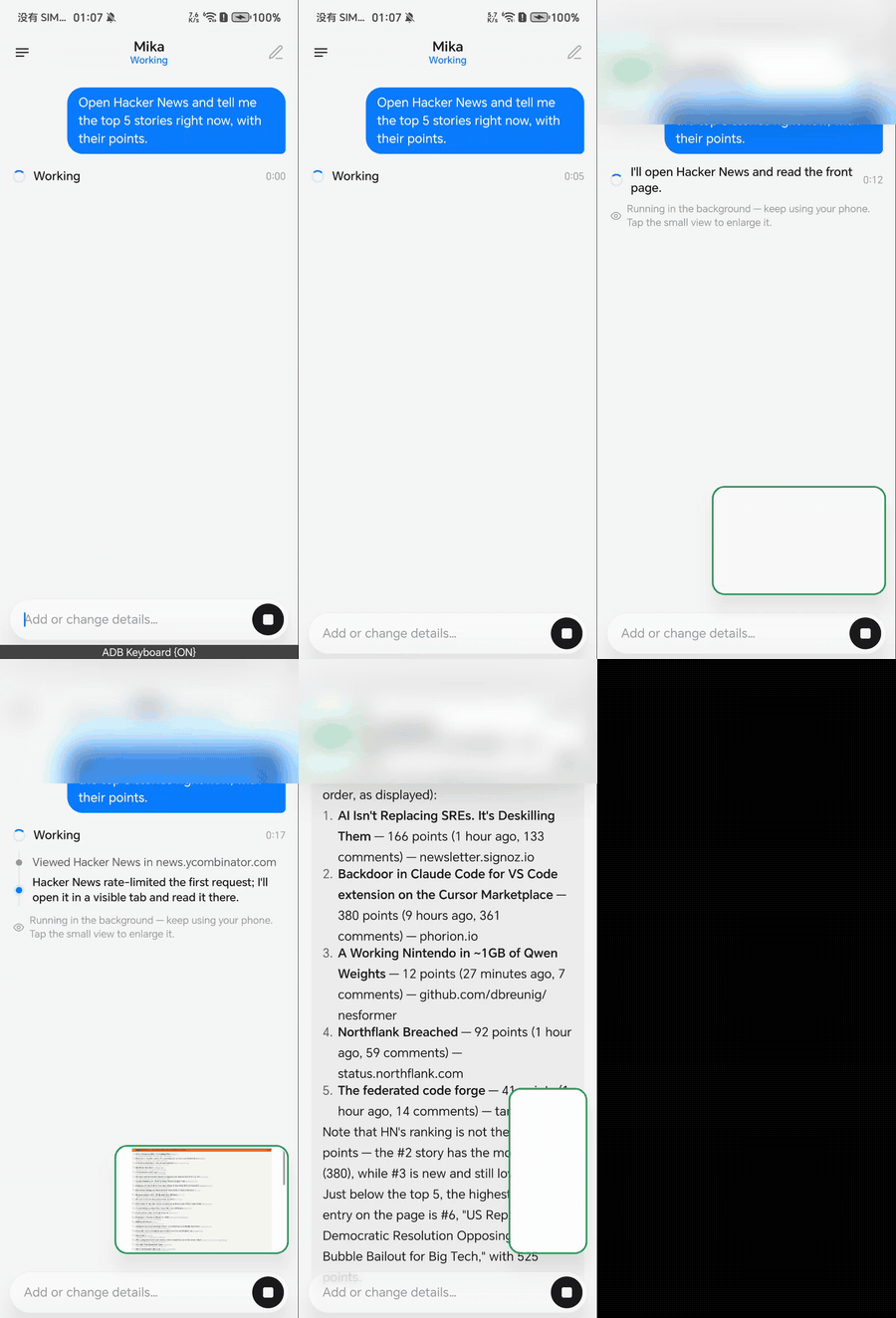
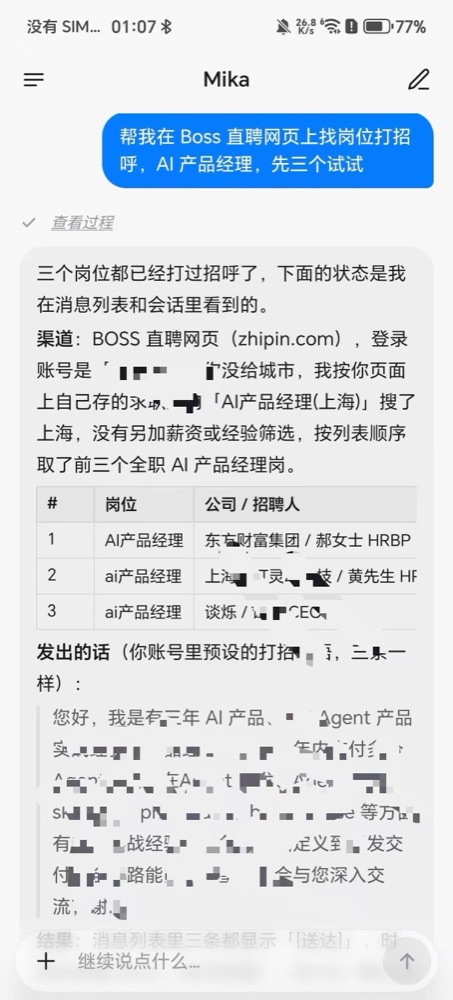
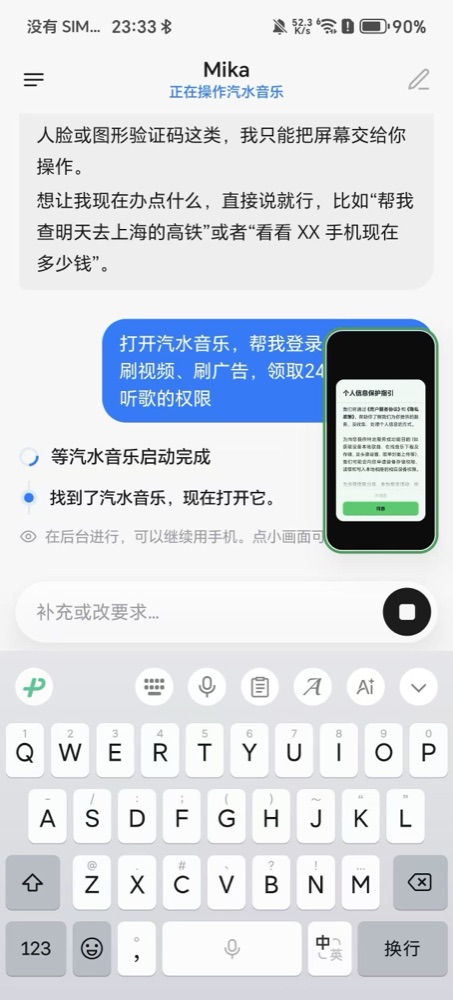
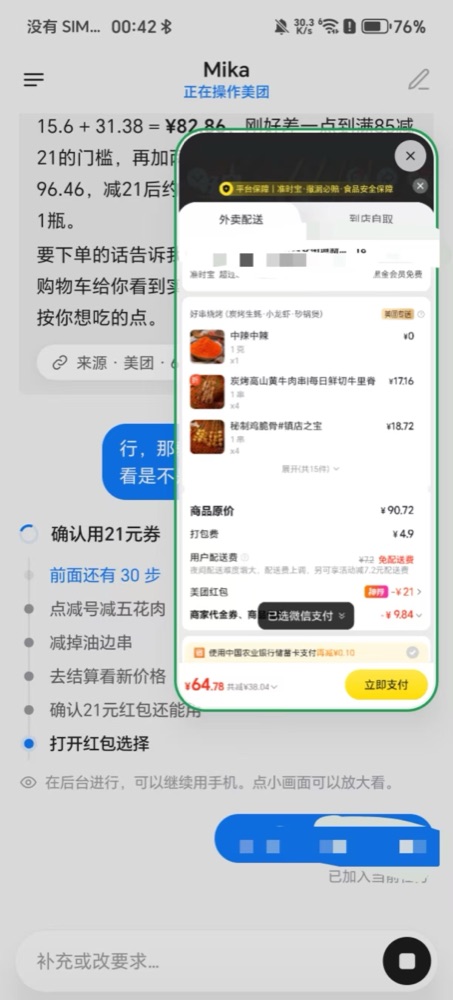
 Mika — это ИИ-агент для Android, который работает прямо на устройстве. Вы формулируете задачу одним предложением, а он выполняет её на телефоне: управляет другими приложениями на скрытом фоновом экране, открывает сайты во встроенном браузере в версии для компьютера и запускает скрипты в локальной песочнице Linux.
Он только общается или на самом деле управляет другими приложениями на моём телефоне?Он действительно управляет установленными приложениями, как это делал бы человек: читает экран, нажимает на кнопки и печатает текст. Всё происходит на скрытом фоновом виртуальном экране, так что вы можете спокойно пользоваться телефоном, пока Mika работает.
Он действительно управляет установленными приложениями, как это делал бы человек: читает экран, нажимает на кнопки и печатает текст. Всё происходит на скрытом фоновом виртуальном экране, так что вы можете спокойно пользоваться телефоном, пока Mika работает.Как всё запустить?Скачайте последний APK со страницы GitHub Releases и установите его. Затем откройте мастер «Настройка управления телефоном» в Настройках и один раз свяжите беспроводную отладку. После этого добавьте провайдера моделей и его API-ключ (или войдите через ChatGPT) в разделе Настройки > Модели.
Скачайте последний APK со страницы GitHub Releases и установите его. Затем откройте мастер «Настройка управления телефоном» в Настройках и один раз свяжите беспроводную отладку. После этого добавьте провайдера моделей и его API-ключ (или войдите через ChatGPT) в разделе Настройки > Модели.С какими провайдерами ИИ он работает и нужен ли мне собственный API-ключ?Нужен свой ключ поддерживаемого провайдера: DeepSeek, Qwen, Kimi, OpenRouter, Anthropic, Gemini, OpenAI, xAI, Mistral, Groq, Ollama, LM Studio и другие, которые уже есть в виде готовых пресетов, а также любые эндпоинты, совместимые с OpenAI, Anthropic, Gemini или OpenAI Responses. Вместо ключа можно войти в аккаунт ChatGPT Plus или Pro.
Нужен свой ключ поддерживаемого провайдера: DeepSeek, Qwen, Kimi, OpenRouter, Anthropic, Gemini, OpenAI, xAI, Mistral, Groq, Ollama, LM Studio и другие, которые уже есть в виде готовых пресетов, а также любые эндпоинты, совместимые с OpenAI, Anthropic, Gemini или OpenAI Responses. Вместо ключа можно войти в аккаунт ChatGPT Plus или Pro.Работает ли он на любом телефоне Android?Чат, веб-функции и песочница требуют Android 11 или новее, а управление другими приложениями — Android 12 или новее (возможны проблемы с фокусом на 12 и 13). Рекомендуется Android 14 и новее. Песочница Linux работает только на устройствах arm64. Это программа в публичной бета-версии, которую пока в основном тестировали на одном телефоне с Android 14.
Чат, веб-функции и песочница требуют Android 11 или новее, а управление другими приложениями — Android 12 или новее (возможны проблемы с фокусом на 12 и 13). Рекомендуется Android 14 и новее. Песочница Linux работает только на устройствах arm64. Это программа в публичной бета-версии, которую пока в основном тестировали на одном телефоне с Android 14.Может ли десктопный ИИ-инструмент вроде Claude или Codex тоже использовать Mika?Да. Когда телефон подключён к компьютеру, десктопные ИИ-инструменты могут подключаться по MCP или через встроенный CLI (mika connect, mika task run), чтобы передавать Mika задачи и получать результаты. Работает это только по USB-кабелю с токеном, но не через Wi-Fi.
Да. Когда телефон подключён к компьютеру, десктопные ИИ-инструменты могут подключаться по MCP или через встроенный CLI (mika connect, mika task run), чтобы передавать Mika задачи и получать результаты. Работает это только по USB-кабелю с токеном, но не через Wi-Fi.Как он находит кнопки в приложениях, где элементы интерфейса не подписаны?В этом случае он использует встроенное в APK распознавание текста (OCR), чтобы читать текст на экране. Если вы настроили модель с поддержкой изображений, она также может анализировать скриншоты и находить кнопки и поля ввода.
В этом случае он использует встроенное в APK распознавание текста (OCR), чтобы читать текст на экране. Если вы настроили модель с поддержкой изображений, она также может анализировать скриншоты и находить кнопки и поля ввода.Mika запоминает обо мне что-нибудь?Он может сохранять факты, предпочтения и повторяющиеся сценарии, если вы прямо ему об этом сказали (для сценариев нужно ваше одобрение). Данные шифруются и хранятся только на устройстве. Пароли, коды подтверждения и номера карт он не запоминает никогда.
Он может сохранять факты, предпочтения и повторяющиеся сценарии, если вы прямо ему об этом сказали (для сценариев нужно ваше одобрение). Данные шифруются и хранятся только на устройстве. Пароли, коды подтверждения и номера карт он не запоминает никогда.В чём разница между режимами Ask и Autonomous?В режиме по умолчанию Ask Mika ставит паузу и ждёт вашего подтверждения только перед тратой денег (оформлением заказа или оплатой). В режиме Autonomous это подтверждение тоже отключено. При этом пакетные действия в любом режиме всё равно делают случайные паузы между повторами.
В режиме по умолчанию Ask Mika ставит паузу и ждёт вашего подтверждения только перед тратой денег (оформлением заказа или оплатой). В режиме Autonomous это подтверждение тоже отключено. При этом пакетные действия в любом режиме всё равно делают случайные паузы между повторами.Какие есть похожие проекты?DSH-Android, Baize, Operit, casbin-gateway, opensquilla, holaOS, nomily-app, rikkahub
DSH-Android, Baize, Operit, casbin-gateway, opensquilla, holaOS, nomily-app, rikkahubВ каких он темах?ui-automation, mobile-automation, adb, on-device, jetpack-compose, token-usage, byok, arm64, accessibility, agent-memory, memory, qwen
ui-automation, mobile-automation, adb, on-device, jetpack-compose, token-usage, byok, arm64, accessibility, agent-memory, memory, qwen- Автор
- wangzan101
- Размер
- 167.5 MB
- Звёзды
- 9K
- Обновлён
- КоммитNov 17Релизv0.1.45Nov 16
- Возраст
- 20 д
- Коммиты · 90 дней