






40.2K ·GitHub
What is this?
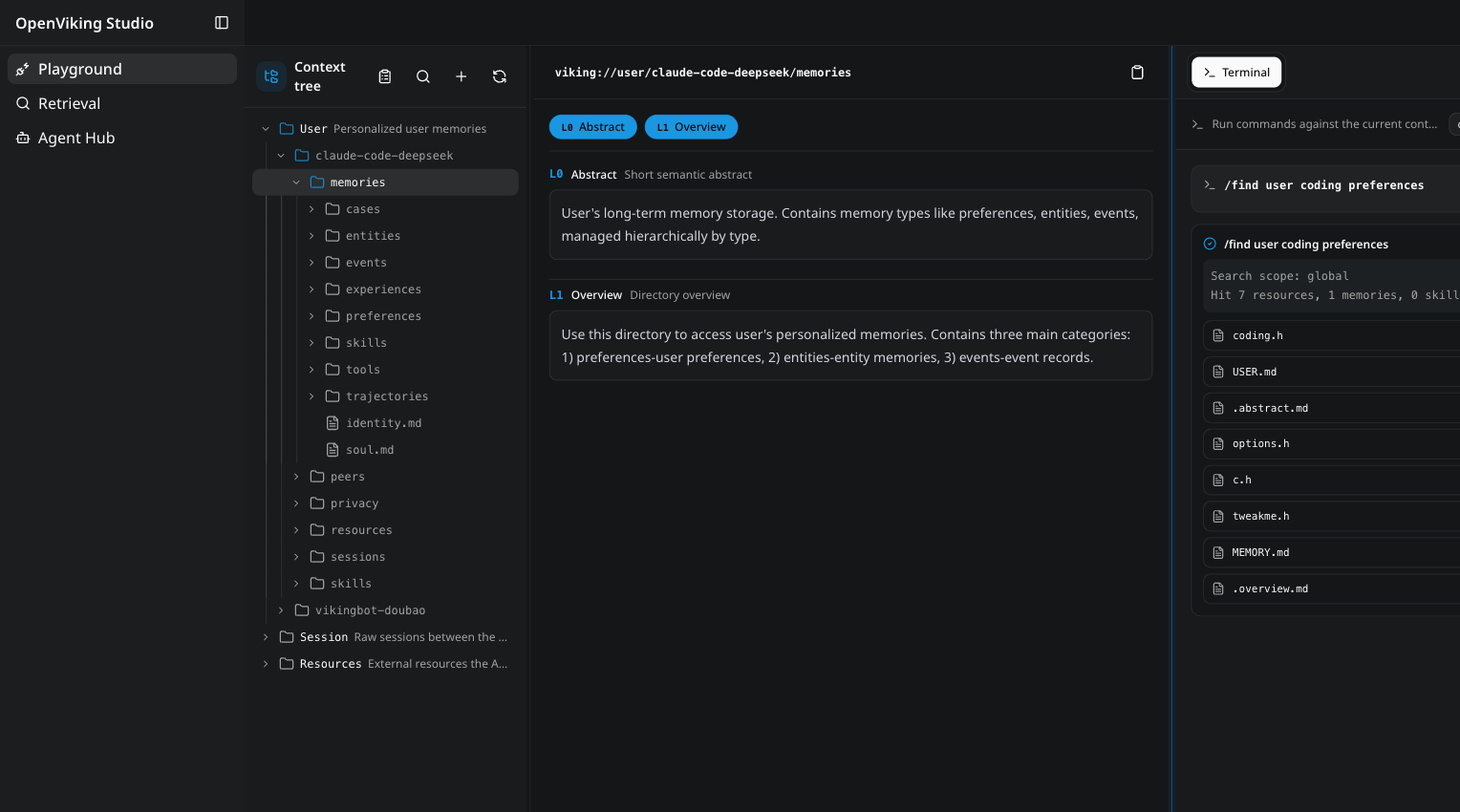
 An open-source context database for AI agents: memories, resources, and skills live in one virtual filesystem under the viking:// protocol, so the agent browses its own context with ls, tree, and find instead of querying a black-box vector store.
An open-source context database for AI agents: memories, resources, and skills live in one virtual filesystem under the viking:// protocol, so the agent browses its own context with ls, tree, and find instead of querying a black-box vector store.Is it a library my agent imports, or something I run separately?You run it: a server with the bundled 'ov' client CLI, and in production a standalone HTTP service. Agents connect through integrations, MCP clients, or LangChain/LangGraph.
You run it: a server with the bundled 'ov' client CLI, and in production a standalone HTTP service. Agents connect through integrations, MCP clients, or LangChain/LangGraph.How do I get it running?Install with Python 3.10+ and run 'ov init' — it walks you through provider setup and writes ~/.openviking/ov.conf; 'ov doctor' prechecks the config without a server. A Docker image is ready too, and OpenViking Studio runs in the browser with no installation.
Install with Python 3.10+ and run 'ov init' — it walks you through provider setup and writes ~/.openviking/ov.conf; 'ov doctor' prechecks the config without a server. A Docker image is ready too, and OpenViking Studio runs in the browser with no installation.Which coding agents does it plug into?Claude Code, Codex, OpenClaw, Hermes, Cursor, TRAE, OpenCode, pi, any MCP client, and LangChain/LangGraph. Integrations inject recall into the agent's context and auto-commit session memory.
Claude Code, Codex, OpenClaw, Hermes, Cursor, TRAE, OpenCode, pi, any MCP client, and LangChain/LangGraph. Integrations inject recall into the agent's context and auto-commit session memory.Is the open-source edition hobbled compared to the paid plans?Nothing is gated: the AGPLv3 edition has no feature gates, no account requirement, and no activation key. Paid editions only change who operates it and where it runs.
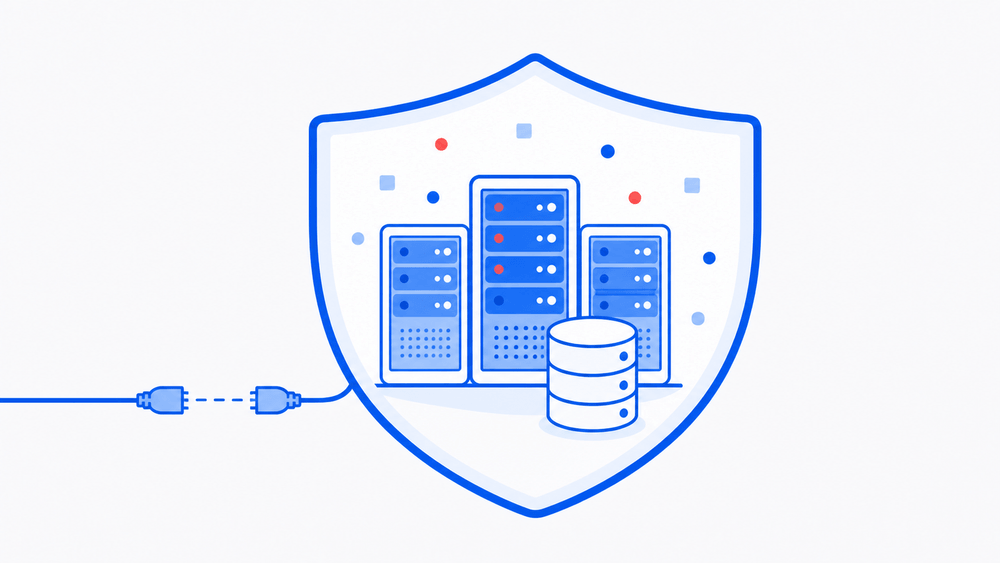
Nothing is gated: the AGPLv3 edition has no feature gates, no account requirement, and no activation key. Paid editions only change who operates it and where it runs.Does my context data have to leave my infrastructure?No — self-managed deployments run in your own cloud account or VPC, and there is an offline edition for fully air-gapped environments with no internet access.
No — self-managed deployments run in your own cloud account or VPC, and there is an offline edition for fully air-gapped environments with no internet access.What are the L0, L1 and L2 context layers?Every entry is processed on write into L0 (a one-sentence abstract), L1 (core info and use scenarios) and L2 (the full original data), then loaded only as deep as the task requires. Directories carry their own L0/L1, so relevance is judged before any full file is read.
Every entry is processed on write into L0 (a one-sentence abstract), L1 (core info and use scenarios) and L2 (the full original data), then loaded only as deep as the task requires. Directories carry their own L0/L1, so relevance is judged before any full file is read.Does it remember things between sessions?Yes. After a session commits, OpenViking asynchronously extracts user preferences and agent experience into long-term memory — on tau2-bench this lifted task success by +6.87pp (retail) and +11.87pp (airline) over the same LLM without memory.
Yes. After a session commits, OpenViking asynchronously extracts user preferences and agent experience into long-term memory — on tau2-bench this lifted task success by +6.87pp (retail) and +11.87pp (airline) over the same LLM without memory.How much does it improve an agent, measurably?On the LoCoMo long-conversation memory benchmark, three agent integrations reached 80–83% accuracy with OpenViking versus 24–57% on their native memory, while input tokens dropped 34.3–91.0% and query latency 58.45–66.10%.
On the LoCoMo long-conversation memory benchmark, three agent integrations reached 80–83% accuracy with OpenViking versus 24–57% on their native memory, while input tokens dropped 34.3–91.0% and query latency 58.45–66.10%.Can I try it without installing anything?Yes — OpenViking Studio is a hosted live demo with a context playground, semantic search, and a multi-agent hub that opens in the browser.
Yes — OpenViking Studio is a hosted live demo with a context playground, semantic search, and a multi-agent hub that opens in the browser.What are similar projects?MemOS, EverOS, ruflo, m_flow, LongMemory, mem0, cognee, memory-lancedb-pro
MemOS, EverOS, ruflo, m_flow, LongMemory, mem0, cognee, memory-lancedb-proWhich topics is it in?agentic-rag, token-optimization, self-evolving, memory-management, long-term-memory, context-engineering, agplv3, vector-database, agent-memory, memory, dsh-plugin, local-llm
agentic-rag, token-optimization, self-evolving, memory-management, long-term-memory, context-engineering, agplv3, vector-database, agent-memory, memory, dsh-plugin, local-llm