Key Features of V
- Simplicity: the language can be learned over the course of a weekend
- Fast compilation: ≈110k loc/s with a Clang backend,
≈500k loc/s with native and tcc backends (Intel i5-7500, SSD, no
optimization) (demo video)
- Easy to develop: V compiles itself in less than a second
- Performance: as fast as C (V's main backend compiles to human-readable C)
- Safety: no null, no globals, no undefined behavior (wip), immutability by default
- C to V translation (Translating DOOM demo video)
- Hot code reloading
- Flexible memory management. GC by default, manual via
v -gc none,
arena allocation via v -prealloc, autofree via v -autofree
(autofree demo video).
- Cross-platform UI library
- Built-in graphics library
- Easy cross-compilation
- REPL
- Built-in ORM
- Built-in web framework
- C and JavaScript backends
- Great for writing low-level software (Vinix OS)
Stability, future changes, post 1.0 freeze
Despite being at an early development stage, the V language is relatively stable, and doesn't
change often. But there will be changes before 1.0.
Most changes in the syntax are handled via vfmt automatically.
The V core APIs (primarily the os module) will also have minor changes until
they are stabilized in V 1.0. Of course, the APIs will grow after that, but without breaking
existing code.
After the 1.0 release V is going to be in the "feature freeze" mode. That means no breaking changes
in the language, only bug fixes and performance improvements. Similar to Go.
Will there be V 2.0? Not within a decade after 1.0, perhaps not ever.
To sum it up, unlike many other languages, V is not going to be always changing, with new features
introduced and old features modified. It is always going to be a small and simple
language, very similar to the way it is right now.
Installing V from source
This is the preferred method.
Linux, macOS, Windows, *BSD, Solaris, WSL, etc.
Usually, installing V is quite simple if you have an environment that already has a
functional git installation.
Note: On Windows, run makev.bat instead of make in CMD, or ./makev.bat in
PowerShell.
Note: On FreeBSD, OpenBSD, NetBSD, DragonFly, and Solaris, install GNU make and run it as
gmake.
Note: On Ubuntu/Debian, you may need to run sudo apt install git build-essential make first.
To get started, execute the following in your terminal/shell:
git clone --depth=1 https://github.com/vlang/v
cd v
make
That should be it, and you should find your V executable at [path to V repo]/v.
[path to V repo] can be anywhere.
(Like the note above says, on Windows, use makev.bat, instead of make.)
Now try running ./v run examples/hello_world.v (or v run examples/hello_world.v in cmd shell).
Note: V is being constantly updated. To update V to its latest version, simply run:
v up
This also refreshes the bundled TCC binaries used for fast C compilation.
[!NOTE]
If you run into any trouble, or you have a different operating
system or Linux distribution that doesn't install or work immediately, please see
Installation Issues
and search for your OS and problem.
If you can't find your problem, please add it to an existing discussion if one exists for
your OS, or create a new one if a main discussion doesn't yet exist for your OS.
Void Linux
# xbps-install -Su base-devel
# xbps-install libatomic-devel
$ git clone --depth=1 https://github.com/vlang/v
$ cd v
$ make
Docker
git clone --depth=1 https://github.com/vlang/v
cd v
docker build -t vlang .
docker run --rm -it vlang:latest
Docker with Alpine/musl
git clone --depth=1 https://github.com/vlang/v
cd v
docker build -t vlang_alpine - < Dockerfile.alpine
alias with_alpine='docker run -u 1000:1000 --rm -it -v .:/src -w /src vlang_alpine:latest'
Compiling static executables, ready to be copied to a server, that is running
another linux distro, without dependencies:
with_alpine v -skip-unused -prod -cc gcc -cflags -static -compress examples/http_server.v
with_alpine v -skip-unused -prod -cc gcc -cflags -static -compress -gc none examples/hello_world.v
ls -la examples/http_server examples/hello_world
file   examples/http_server examples/hello_world
examples/http_server: ELF 64-bit LSB executable, x86-64, version 1 (SYSV), statically linked, no section header
examples/hello_world: ELF 64-bit LSB executable, x86-64, version 1 (SYSV), statically linked, no section header
You should see something like this:
-rwxr-xr-x 1 root root  16612 May 27 17:07 examples/hello_world
-rwxr-xr-x 1 root root 335308 May 27 17:07 examples/http_server
FreeBSD
On FreeBSD, V needs boehm-gc-threaded and GNU make packages preinstalled. After installing
them, use gmake to build V:
pkg install boehm-gc-threaded gmake
git clone --depth=1 https://github.com/vlang/v
cd v
gmake
OpenBSD
On OpenBSD (release 7.8), V needs boehm-gc and openssl-3.5 packages preinstalled. After
installing them, use GNU make (installed with gmake package), to build V.
pkg_add boehm-gc openssl%3.5 gmake
git clone --depth=1 https://github.com/vlang/v
cd v
gmake
Termux/Android
On Termux, V needs some packages preinstalled - a working C compiler, also libexecinfo,
libgc and libgc-static. After installing them, you can use the same script, like on
Linux/macos:
pkg install clang libexecinfo libgc libgc-static tcc make git
pkg update
git clone --depth=1 https://github.com/vlang/v
cd v
make
./v symlink
Note: there is no need for sudo ./v symlink on Termux (and sudo is not installed by default).
For faster development builds, keep the Termux tcc package installed; V will use it by default
when no compatible bundled thirdparty/tcc binary is available on the host.
C compiler
The Tiny C Compiler (tcc) is downloaded for you by make if
there is a compatible version for your system, and installed under the V thirdparty directory.
On macOS, -cc tcc -gc boehm uses a persistent bundled libgc.dylib store when the physical V
installation path contains a comma. The store is under $XDG_DATA_HOME/v-tcc-libgc-v1, or
$HOME/.local/share/v-tcc-libgc-v1 when the XDG variable is unset or empty. V creates the fallback
directories with private permissions. An explicit XDG_DATA_HOME must already be absolute,
user-owned, not group/world-writable, and have a safe, comma-free canonical path. Compiled binaries
can depend on this store at runtime, so do not delete it while they are in use.
This compiler is very fast, but does almost no optimizations. It is best for development builds.
For production builds (using the -prod option to V), it's recommended to use clang, gcc, or
Microsoft Visual C++. If you are doing development, you most likely already have one of those
installed.
Otherwise, follow these instructions:
Symlinking
[!NOTE]
It is highly recommended, that you put V on your PATH. That saves
you the effort to type in the full path to your v executable every time.
V provides a convenience v symlink command to do that more easily.
On Unix systems, it creates a v symlink in /usr/local/bin by
default. To do that, run:
sudo ./v symlink
You can also pass a different directory, for example:
./v symlink ~/.local/bin
On Windows, start a new shell with administrative privileges, for example by pressing the
Windows Key, then type cmd.exe, right-click on its menu entry, and choose Run as administrator. In the new administrative shell, cd to the path where you have compiled V, then
type:
v symlink
(or .\v symlink in PowerShell)
You can pass a different directory there too, for example
v symlink C:\Users\you\bin.
That will make V available everywhere, by adding it to your PATH. Please restart your
shell/editor after that, so that it can pick up the new PATH variable.
[!NOTE]
There is no need to run v symlink more than once - v will still be available, even after
v up, restarts, and so on. You only need to run it again if you decide to move the V repo
folder somewhere else.
Editor/IDE Plugins
To bring IDE functions for the V programming languages to your editor, check out
v-analyzer. It provides language server capabilities.
Testing and running the examples
Make sure V can compile itself:
$ v self
$ v
V 0.3.x
Use Ctrl-C or `exit` to exit

>>> println('hello world')
hello world
>>>
v self defaults to -gc none. Pass -gc <mode> if you need a different GC mode.
On macOS and Linux, v -prod self uses a single production build instead of the three-pass
PGO cycle.
cd examples
v hello_world.v && ./hello_world    # or simply
v run hello_world.v                 # this builds the program and runs it right away

v run word_counter/word_counter.v word_counter/cinderella.txt
v run news_fetcher.v
v run tetris/tetris.v
When a project has a .vvmrc file, v <project> and v run <project> try
to use the requested V binary (for example v0.4.6) before falling back to
the current compiler.
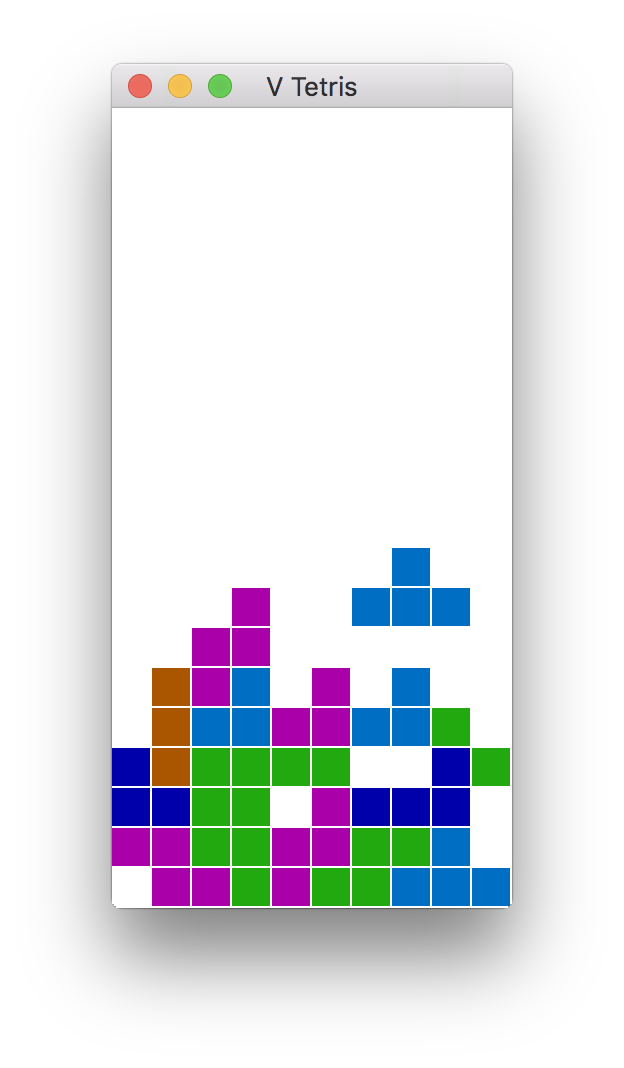
Sokol and GG GUI apps/games:
In order to build Tetris or 2048 (or anything else using the sokol or gg graphics modules),
you will need to install additional development libraries for your system.
| System |
Installation method |
| Debian/Ubuntu based |
Run sudo apt install libxi-dev libxcursor-dev libgl-dev libxrandr-dev libasound2-dev |
| Fedora/RH/CentOS |
Run sudo dnf install libXi-devel libXcursor-devel libX11-devel libXrandr-devel libglvnd-devel |
|
|
| NixOS |
Add xorg.libX11.dev xorg.libXcursor.dev xorg.libXi.dev xorg.libXrandr.dev libGL.dev to |
|
to environment.systemPackages |
V net.http, net.websocket, v install
The net.http module, the net.websocket module, and the v install command may all use SSL.
V comes with a version of mbedtls, which should work on all systems. If you find a need to
use OpenSSL instead, you will need to make sure that it is installed on your system, then
use the -d use_openssl switch when you compile.
Note: Mbed-TLS is smaller and easier to install on windows too (V comes with it), but if you
write programs, that do lots of http requests to HTTPS/SSL servers, in most cases, it is best
to compile with -d use_openssl, and do so on a system, where you do have OpenSSL installed
(see below). Mbed-TLS is slower, and can have more issues, especially when you are doing parallel
http requests to multiple hosts (for example in web scrapers, REST API clients, RSS readers, etc).
On windows, it is better to run such programs in WSL2.
To install OpenSSL on non-Windows systems:
| System |
Installation command |
| macOS |
brew install openssl |
| Debian/Ubuntu based |
sudo apt install libssl-dev |
| Arch/Manjaro |
openssl is installed by default |
| Fedora/CentOS/RH |
sudo dnf install openssl-devel |
On Windows, OpenSSL is simply hard to get working correctly. The instructions
here may (or may not) help.
V sync
V's sync module and channel implementation uses libatomic.
It is most likely already installed on your system, but if not,
you can install it, by doing the following:
| System |
Installation command |
| macOS |
already installed |
| Debian/Ubuntu based |
sudo apt install libatomic1 |
| Fedora/CentOS/RH |
sudo dnf install libatomic-static |
V UI
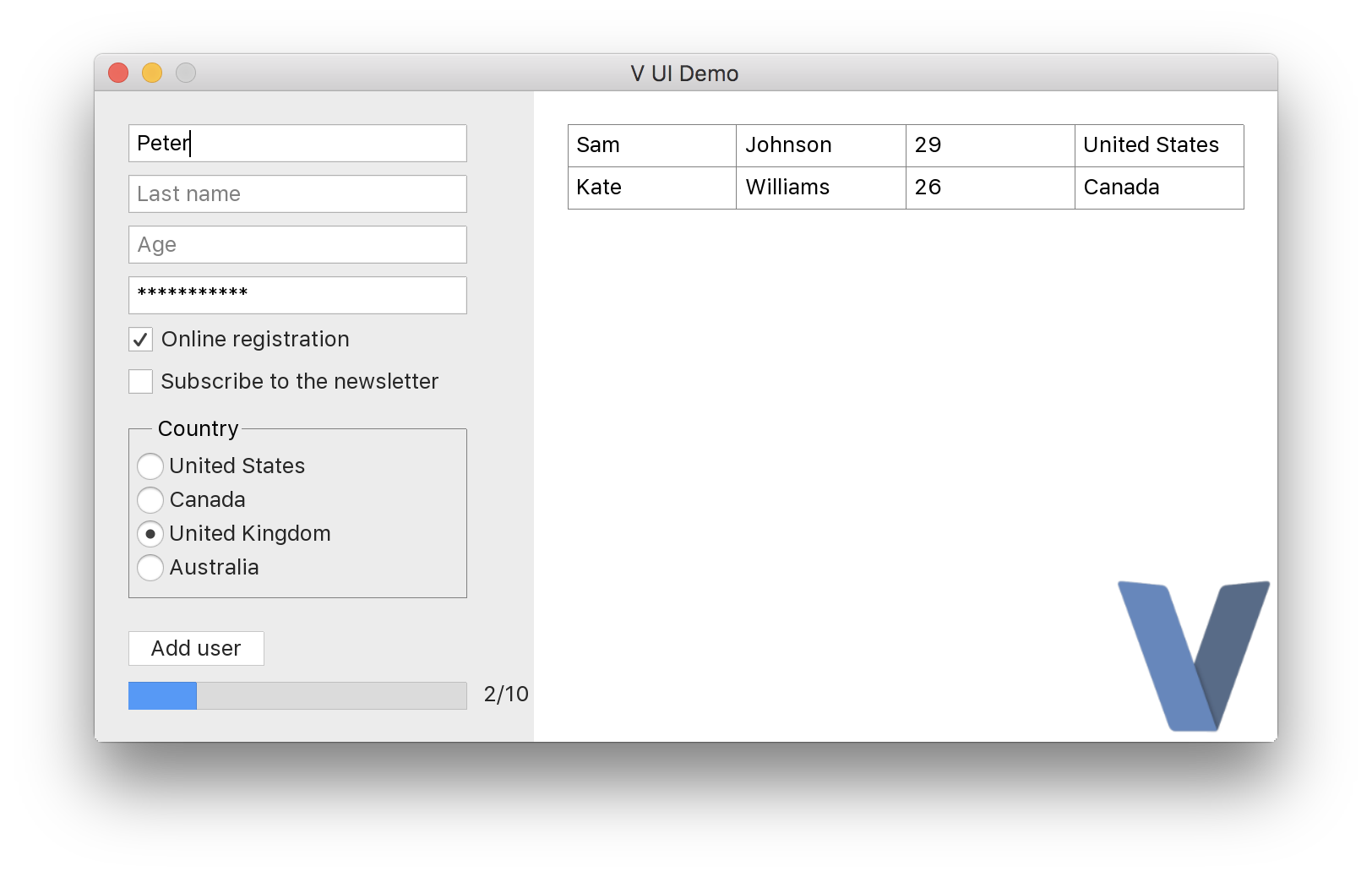
https://github.com/vlang/ui
Android graphical apps
With V's vab tool, building V UI and graphical apps for Android can become as easy as:
./vab /path/to/v/examples/2048
https://github.com/vlang/vab.

Developing web applications
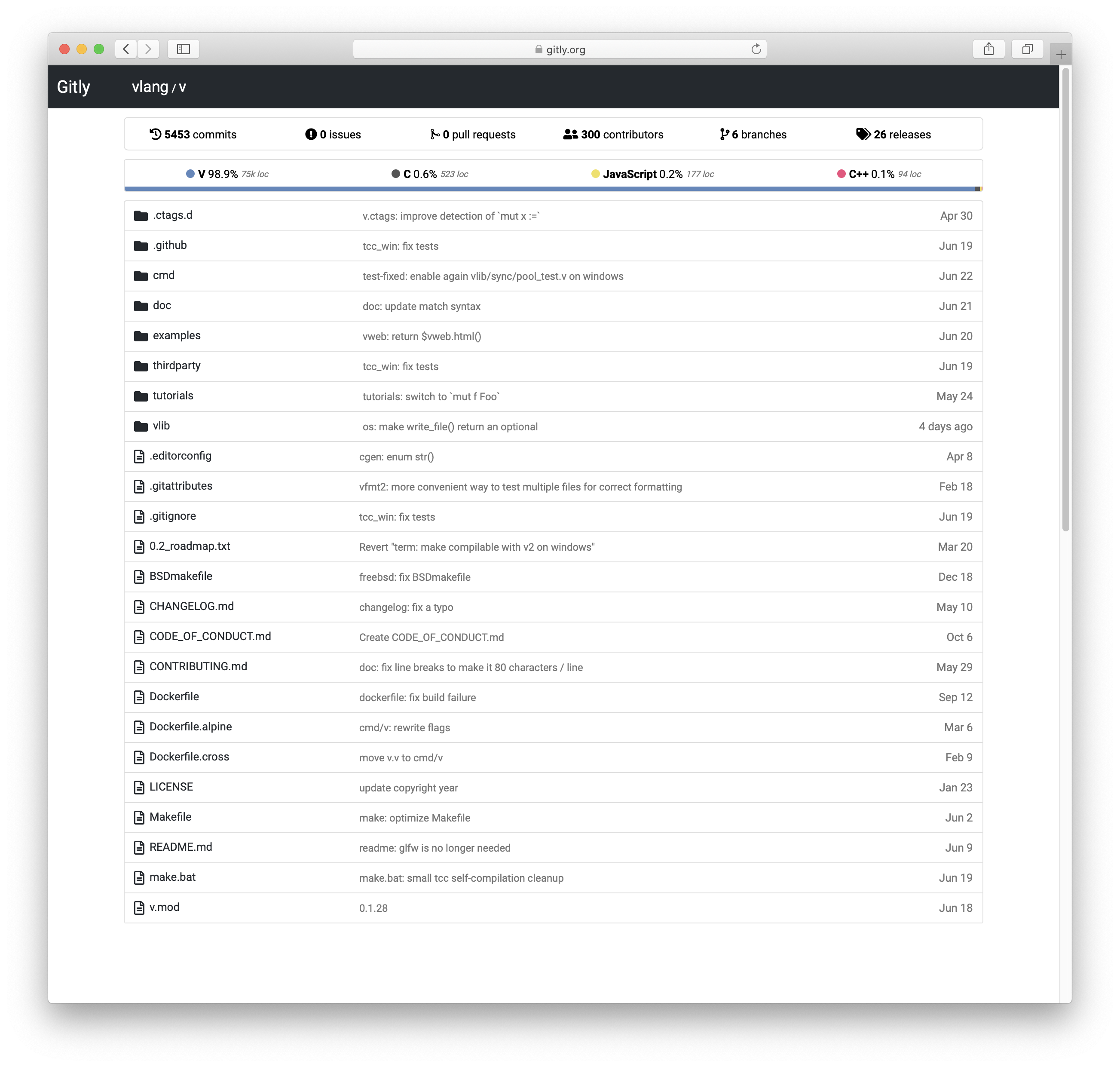
Check out the
Building a simple web blog
tutorial and Gitly, a light and fast alternative to GitHub/GitLab:
https://github.com/vlang/gitly
Vinix, an OS/kernel written in V
V is great for writing low-level software like drivers and kernels.
Vinix is an OS/kernel that already runs bash, GCC, V, and nano.
https://github.com/vlang/vinix


Acknowledgement
TCC
V thanks Fabrice Bellard for his original work on the
TCC - Tiny C Compiler.
Note the TCC website is old; the current TCC repository can be found
here.
V utilizes pre-built TCC binaries located at
https://github.com/vlang/tccbin/.
On Linux, make retries the portable thirdparty-linuxmusl-* TCC bundle when
the host-specific bundle does not run on the current system.
To rebuild the bundled thirdparty/tcc in place from upstream TinyCC on the
platforms that have an in-tree build script, run make latest_tcc_source.
Pass TCC_COMMIT=<hash-or-branch> to pin a specific upstream revision.
PVS-Studio
PVS-Studio - static analyzer for C, C++, C#, and Java code.
Troubleshooting
Please see the
Troubleshooting
section on our
wiki page.







 V 是一门开源的静态类型编译型编程语言,刻意保持小巧:一个周末就能学会,编译自身不到一秒,运行速度和 C 一样快。