






6.9K ·GitHub
What is this?
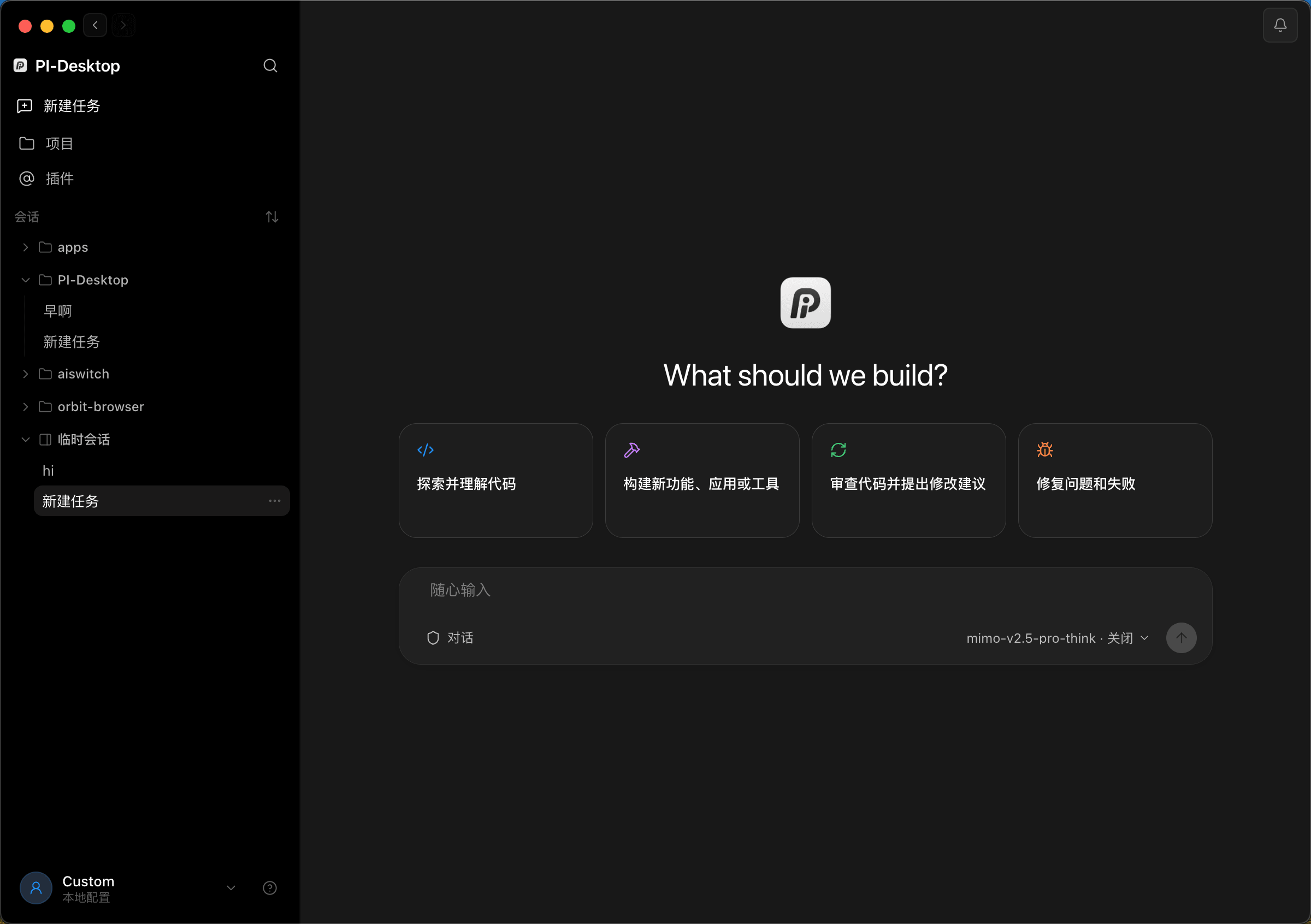
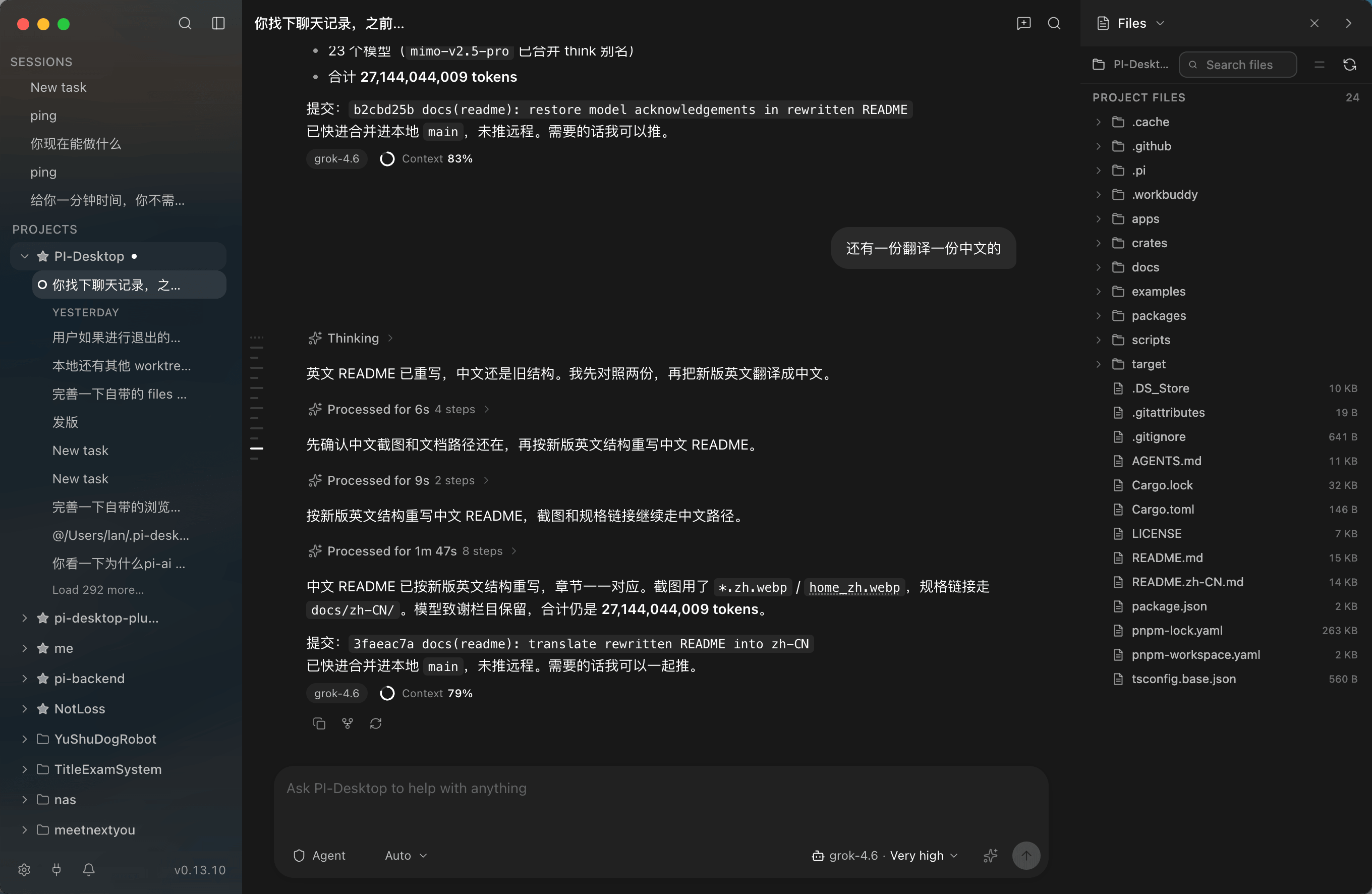
 PI-Desktop is a local-first desktop workspace for AI coding agents, built with Electron and a Rust host core on top of the pi Agent Harness, where projects, models, sessions and plugins all live together instead of in disposable chat windows.
PI-Desktop is a local-first desktop workspace for AI coding agents, built with Electron and a Rust host core on top of the pi Agent Harness, where projects, models, sessions and plugins all live together instead of in disposable chat windows.Is this just a chat wrapper around one AI model or an IDE plugin?Neither — it is a standalone desktop platform for agent workflows, not tied to a single model and not living inside an editor; the whole workspace (panels, tools, MCP servers, themes) is extended through plugins.
Neither — it is a standalone desktop platform for agent workflows, not tied to a single model and not living inside an editor; the whole workspace (panels, tools, MCP servers, themes) is extended through plugins.How do I install and start using it?Download the prebuilt app for macOS, Windows, or Linux, connect a model provider, and open a local project to start an Agent/Plan/Goal session. Building from source instead requires Node.js, pnpm, and a Rust toolchain.
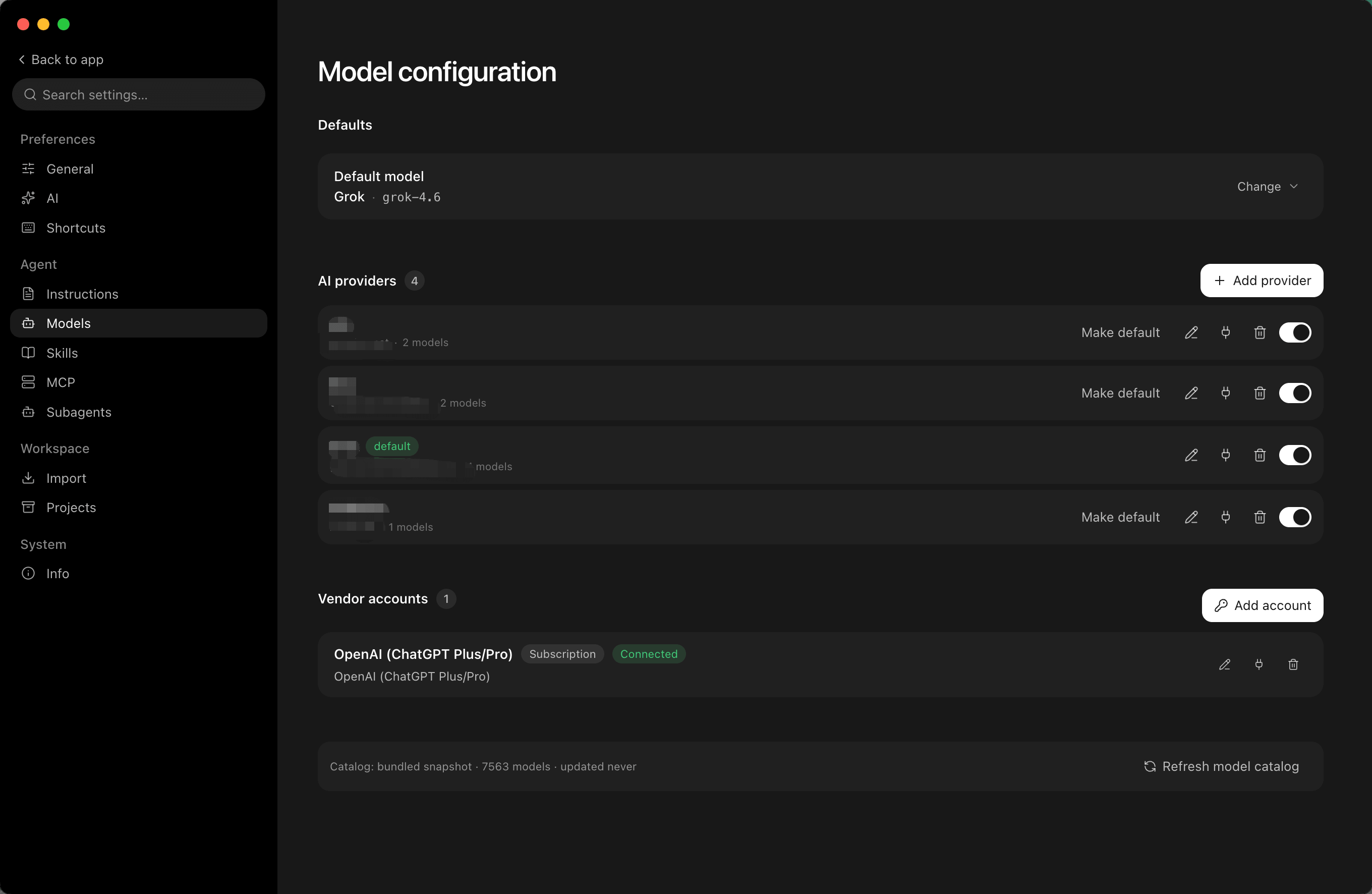
Download the prebuilt app for macOS, Windows, or Linux, connect a model provider, and open a local project to start an Agent/Plan/Goal session. Building from source instead requires Node.js, pnpm, and a Rust toolchain.Do I need an Anthropic or OpenAI API key, or can I run local models?Neither is mandatory: you can plug in OpenAI, Anthropic, OpenAI-compatible APIs, custom gateways, Ollama, LM Studio, or fully local models, and each session can use a different one.
Neither is mandatory: you can plug in OpenAI, Anthropic, OpenAI-compatible APIs, custom gateways, Ollama, LM Studio, or fully local models, and each session can use a different one.Any install pitfalls or maturity concerns before trying it?It's still an Early Preview (0.15.x release line), so expect rough edges; Linux builds also require glibc 2.35+ (Ubuntu 22.04+, Debian 12+, or Fedora 36+).
It's still an Early Preview (0.15.x release line), so expect rough edges; Linux builds also require glibc 2.35+ (Ubuntu 22.04+, Debian 12+, or Fedora 36+).Where does my code and data go?Projects, sessions, settings and logs stay local by default, API credentials go into the OS keychain, there's no mandatory PI-Desktop account or telemetry, and model requests are sent directly to whichever provider you configured.
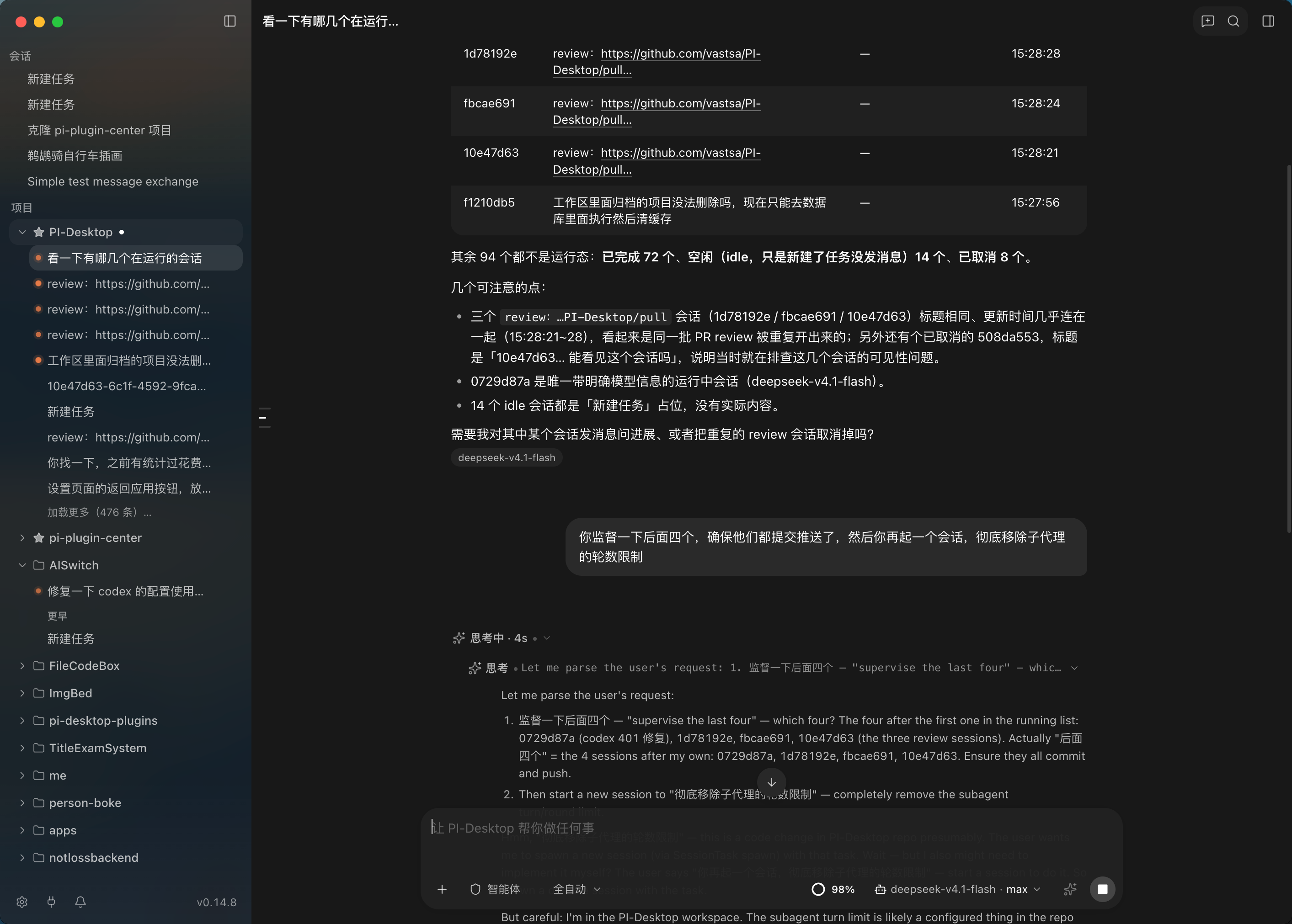
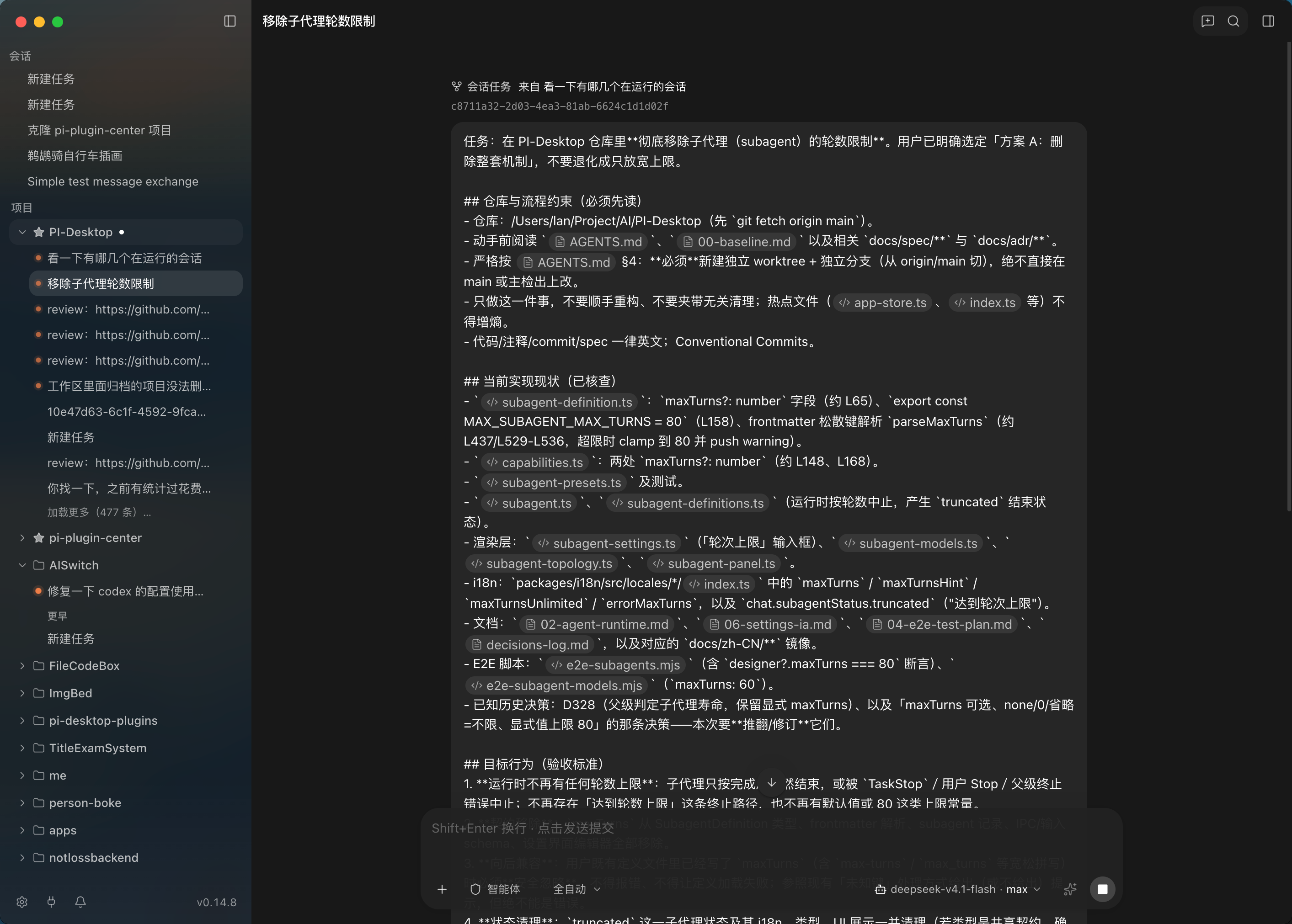
Projects, sessions, settings and logs stay local by default, API credentials go into the OS keychain, there's no mandatory PI-Desktop account or telemetry, and model requests are sent directly to whichever provider you configured.What's the difference between a Subagent and a Worker Session?Subagents handle quick background tasks like code exploration or review and report results back to the parent agent, while Worker Sessions are full, independent PI-Desktop sessions with their own inspectable context that can be coordinated together for longer-running work.
Subagents handle quick background tasks like code exploration or review and report results back to the parent agent, while Worker Sessions are full, independent PI-Desktop sessions with their own inspectable context that can be coordinated together for longer-running work.Can I bring over sessions from the coding agent I already use?Yes, PI-Desktop can import local sessions from Claude Code, Codex, OpenCode, and Pi so you don't lose existing work.
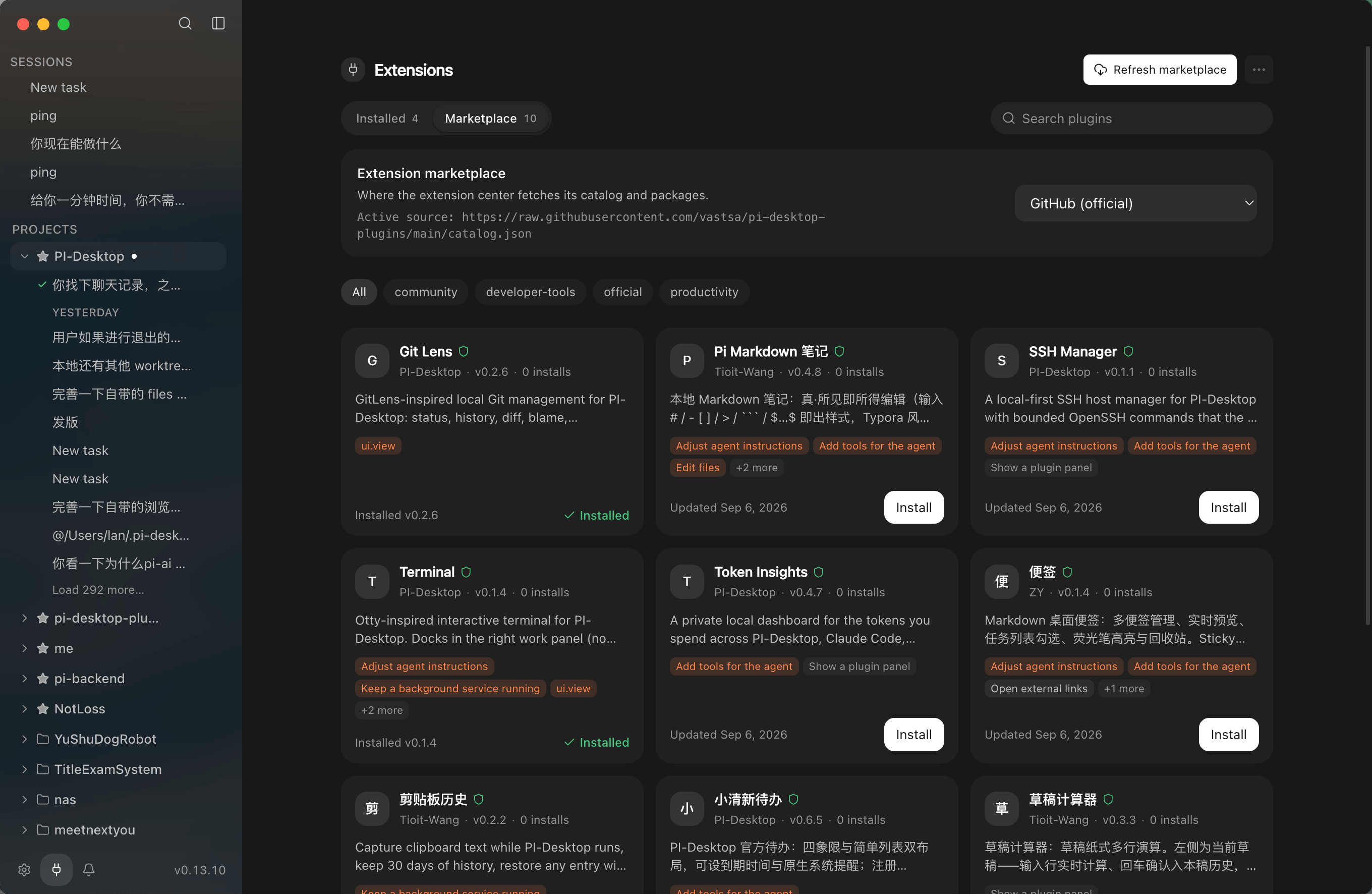
Yes, PI-Desktop can import local sessions from Claude Code, Codex, OpenCode, and Pi so you don't lose existing work.What can a plugin actually add to the workspace?Plugins can add commands, panels, floating widgets, work-panel views, agent tools, completions, skills, themes, MCP servers, and background services, and can even ship as full products via .piplug packages or the marketplace.
Plugins can add commands, panels, floating widgets, work-panel views, agent tools, completions, skills, themes, MCP servers, and background services, and can even ship as full products via .piplug packages or the marketplace.What are the Agent, Plan, and Goal modes?Agent mode lets the AI act directly on a task, Plan mode has it draft an implementation plan for your review before executing, and Goal mode lets it choose its own path to a defined outcome and acceptance criteria.
Agent mode lets the AI act directly on a task, Plan mode has it draft an implementation plan for your review before executing, and Goal mode lets it choose its own path to a defined outcome and acceptance criteria.What are similar projects?pi-harness, codex-host, ruflo, Kun, evenfire, 1code, CodePilot, holaOS
pi-harness, codex-host, ruflo, Kun, evenfire, 1code, CodePilot, holaOSWhich topics is it in?pi-agent, pi, lgpl, plugins, autonomous-agents, i18n, model-context-protocol, agent-orchestration, ollama, electron, multi-agent, local-first
pi-agent, pi, lgpl, plugins, autonomous-agents, i18n, model-context-protocol, agent-orchestration, ollama, electron, multi-agent, local-first