







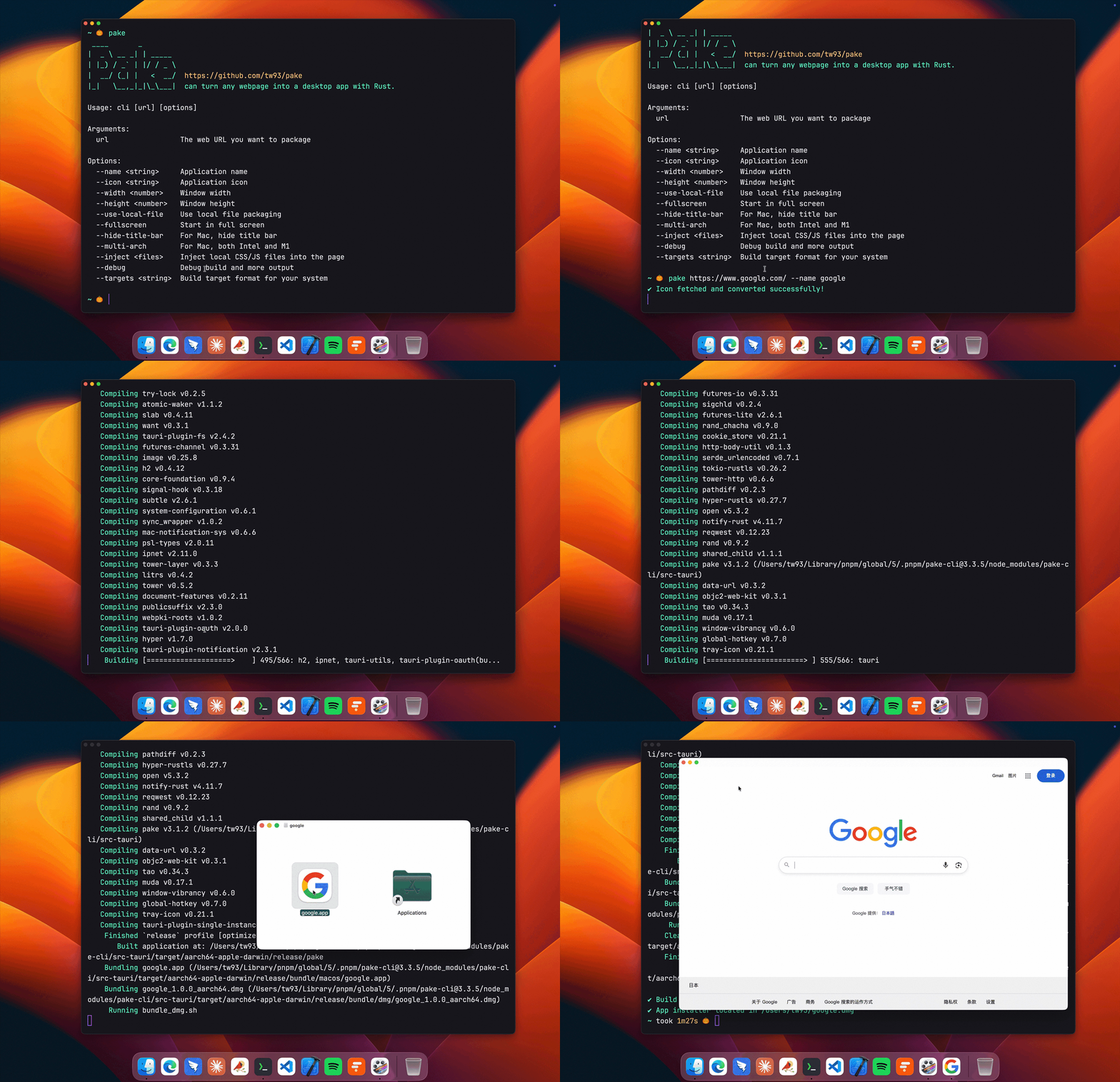


这是干什么的?
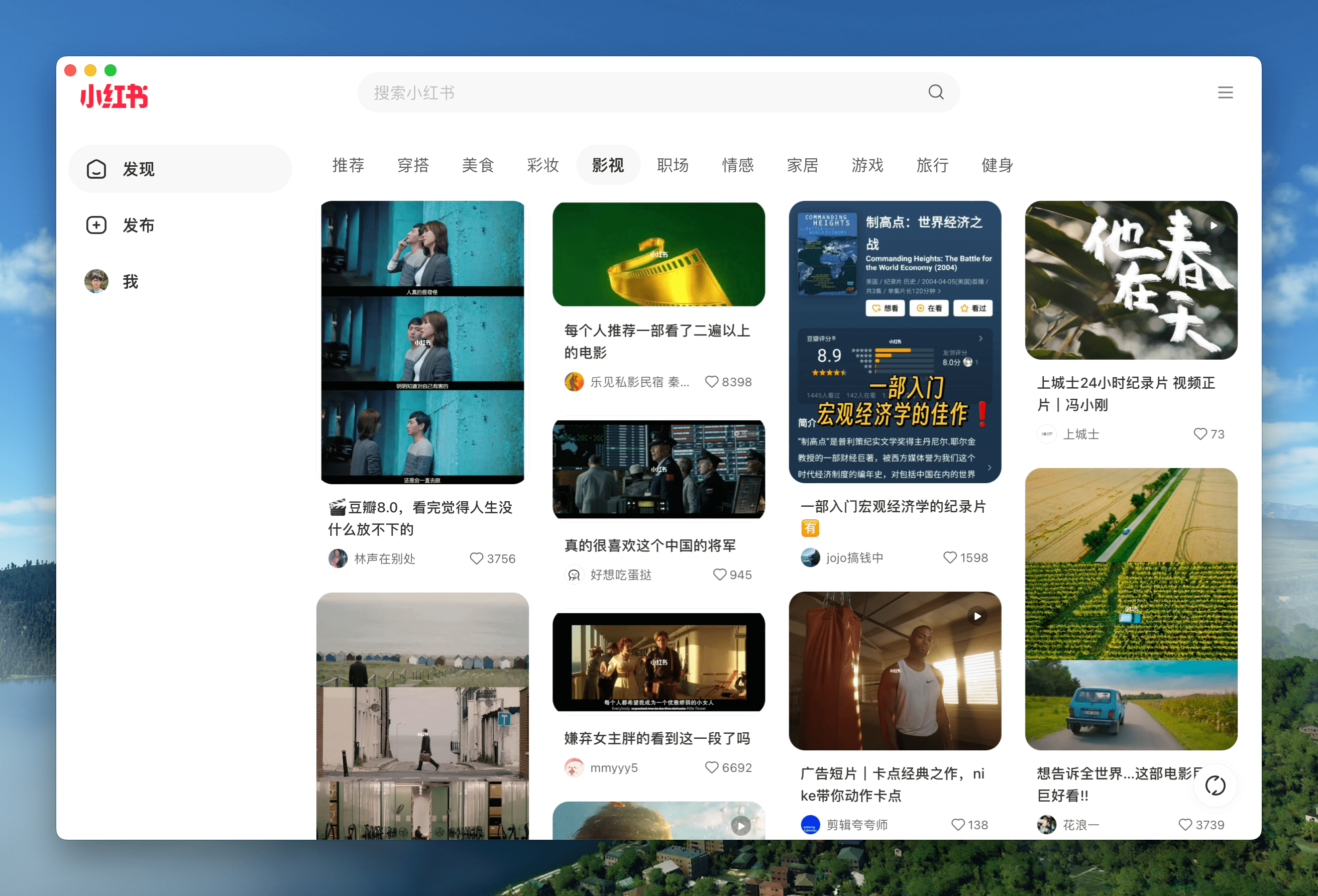
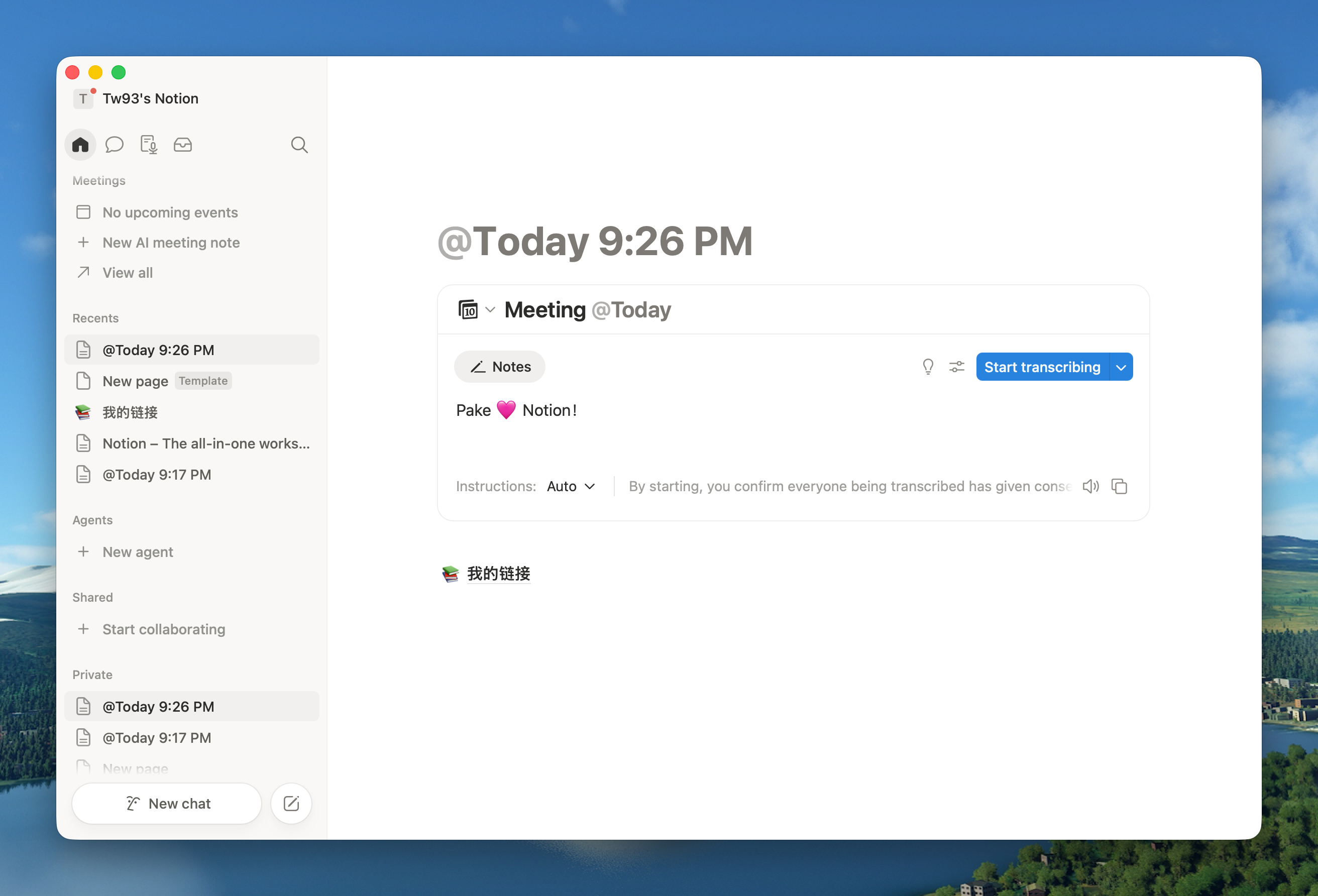
 Pake 只需要一条命令,就能把任意网页变成一个体积小、速度快桌面应用——ChatGPT、YouTube、Notion,你日常用什么都行。
Pake 只需要一条命令,就能把任意网页变成一个体积小、速度快桌面应用——ChatGPT、YouTube、Notion,你日常用什么都行。它是我要基于它开发的框架,还是帮我打包网站的工具?是一个打包工具:你给它一个网址,它就用 Rust Tauri(而不是 Electron)把这个页面打包成一个独立的桌面应用,所以安装包通常不到 10M。
是一个打包工具:你给它一个网址,它就用 Rust Tauri(而不是 Electron)把这个页面打包成一个独立的桌面应用,所以安装包通常不到 10M。具体怎么把一个网站变成应用?有三条路:直接下载现成的 Popular Package;不用配置任何环境,通过 GitHub Actions 在线构建;或者安装命令行工具(npm i -g pake-cli),一条命令就能打包任意网址。
有三条路:直接下载现成的 Popular Package;不用配置任何环境,通过 GitHub Actions 在线构建;或者安装命令行工具(npm i -g pake-cli),一条命令就能打包任意网址。我的电脑上需要装什么才能打包?在线构建什么都不用装。用命令行打包需要一个 Node 环境(该包要求 Node >=20.9)。从克隆的仓库做自定义开发则需要 Rust >=1.85 和 Node >=22。
在线构建什么都不用装。用命令行打包需要一个 Node 环境(该包要求 Node >=20.9)。从克隆的仓库做自定义开发则需要 Rust >=1.85 和 Node >=22。第一次打包会比以后慢吗?会——第一次打包需要进行一次性的环境准备,可能比较慢;之后的构建就很快了。
会——第一次打包需要进行一次性的环境准备,可能比较慢;之后的构建就很快了。它打包出来的应用在三大桌面系统上都能用吗?可以——支持 macOS、Windows 和 Linux。快捷键因平台而异,在 Windows/Linux 上,--hide-window-decorations 可以得到无边框窗口,并在顶部保留可拖拽区域。
可以——支持 macOS、Windows 和 Linux。快捷键因平台而异,在 Windows/Linux 上,--hide-window-decorations 可以得到无边框窗口,并在顶部保留可拖拽区域。我用 Pake 做出来的应用也会受 GPL-3.0 约束吗?不会——Pake 本身是 GPL-3.0,但多亏了 Pake Output Exception,你用它构建的应用完全可以由你自己使用和分发。不过 Pake 本身的分支(fork)应该换一个名字,并注明来自 Pake。
不会——Pake 本身是 GPL-3.0,但多亏了 Pake Output Exception,你用它构建的应用完全可以由你自己使用和分发。不过 Pake 本身的分支(fork)应该换一个名字,并注明来自 Pake。打包出来的应用除了加载网页,还能干什么?它们支持键盘快捷键、沉浸式窗口、拖拽、样式自定义和去除广告;进阶的样式和功能调整可以看 Advanced Usage 文档。
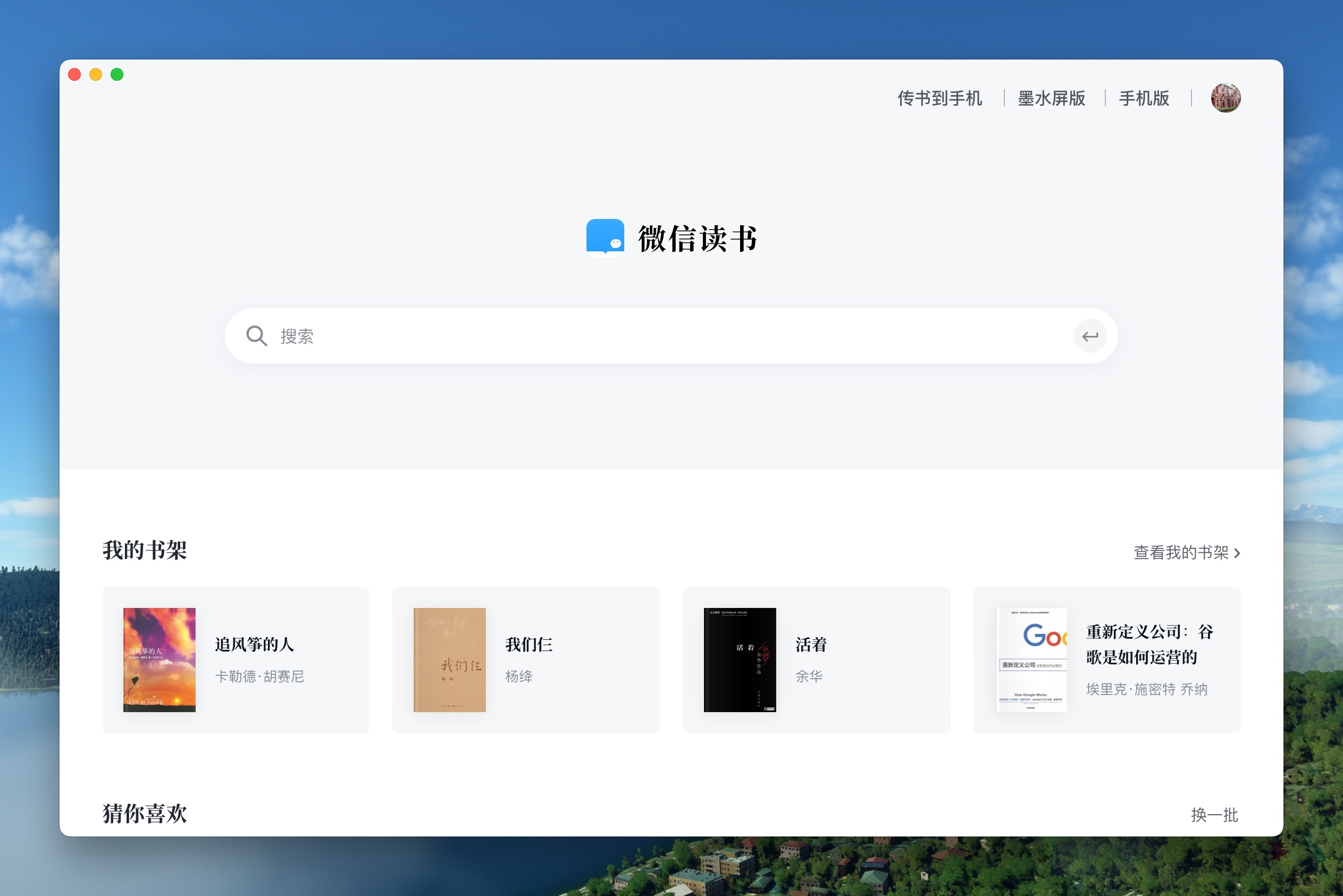
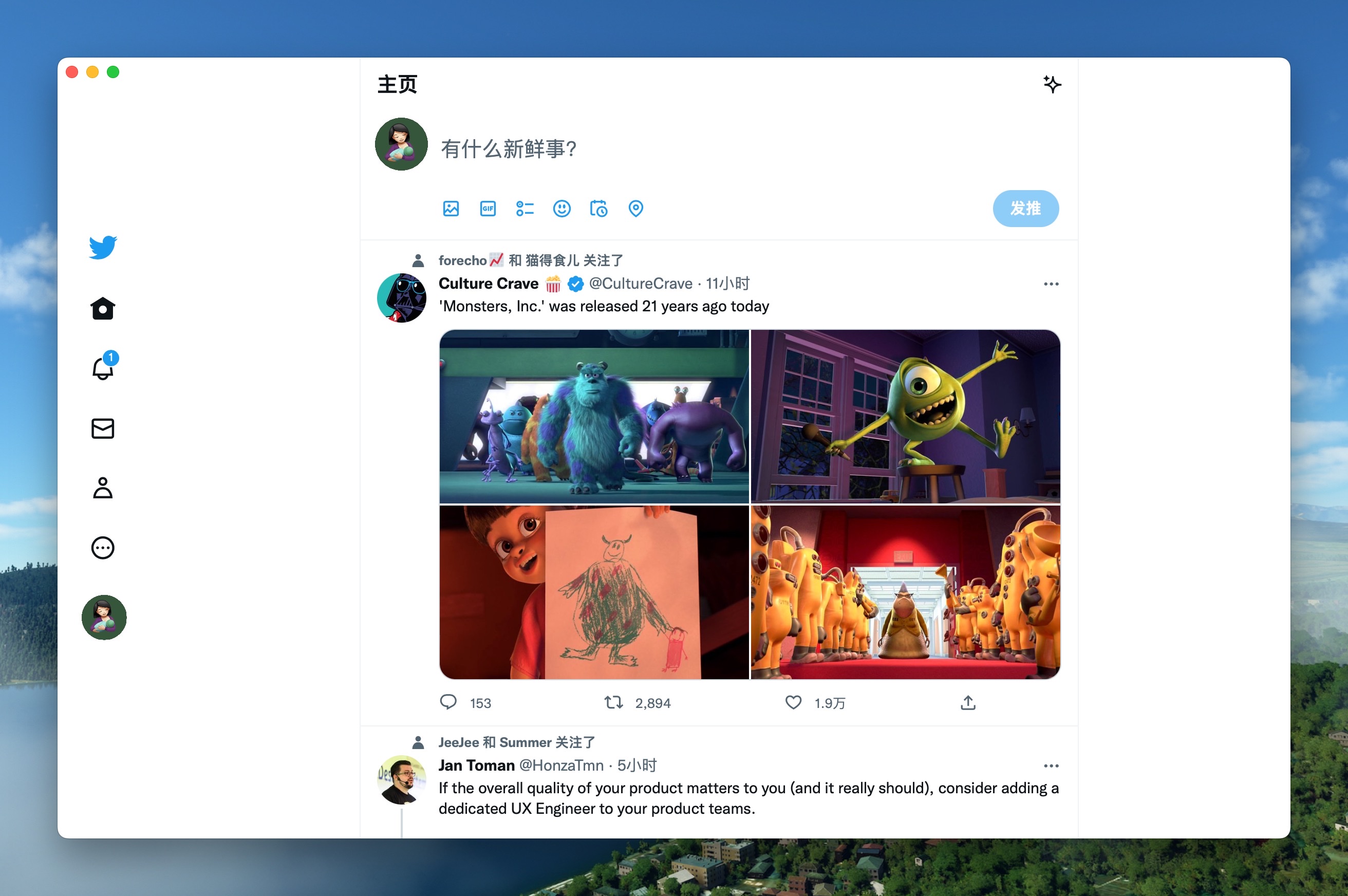
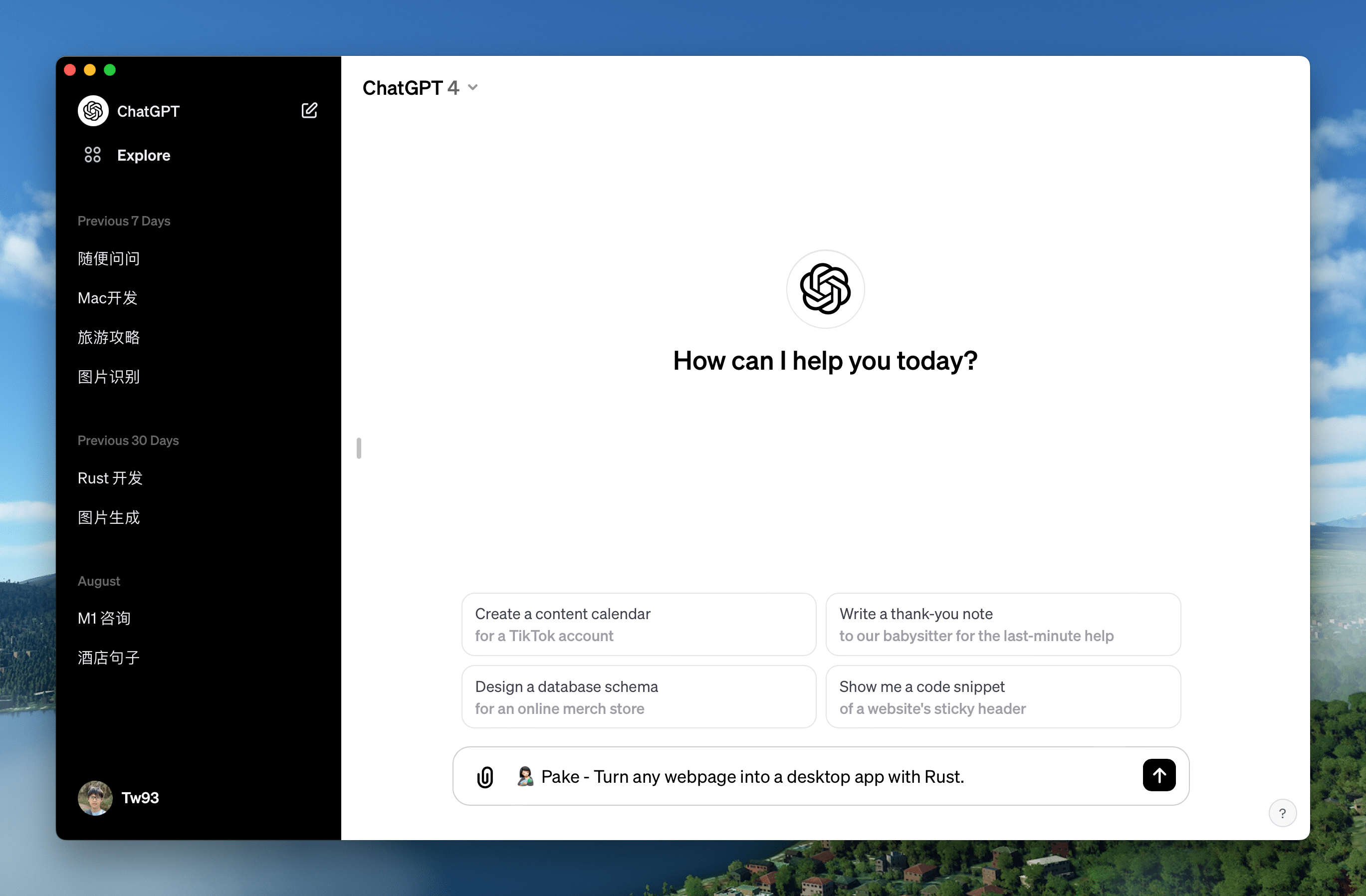
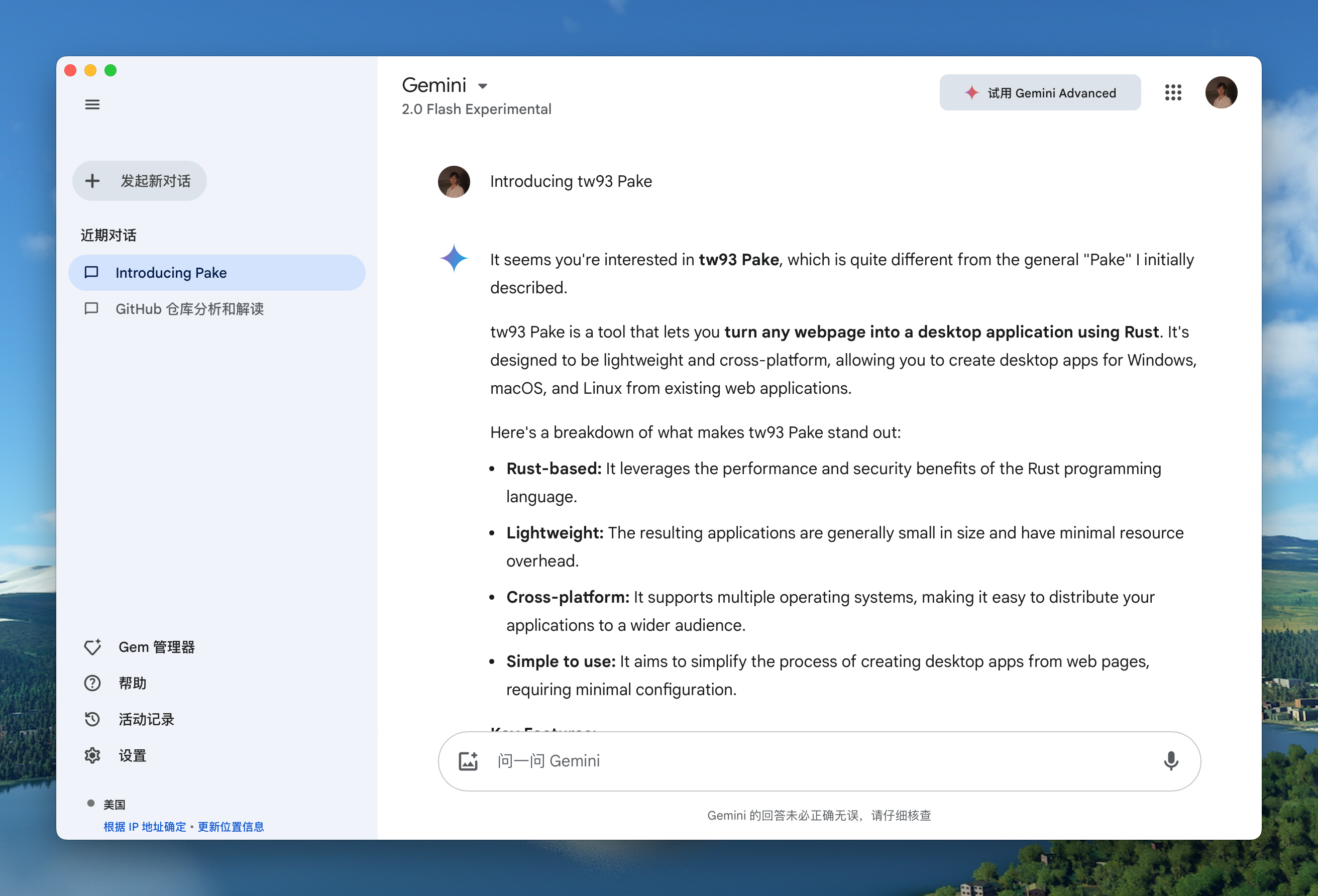
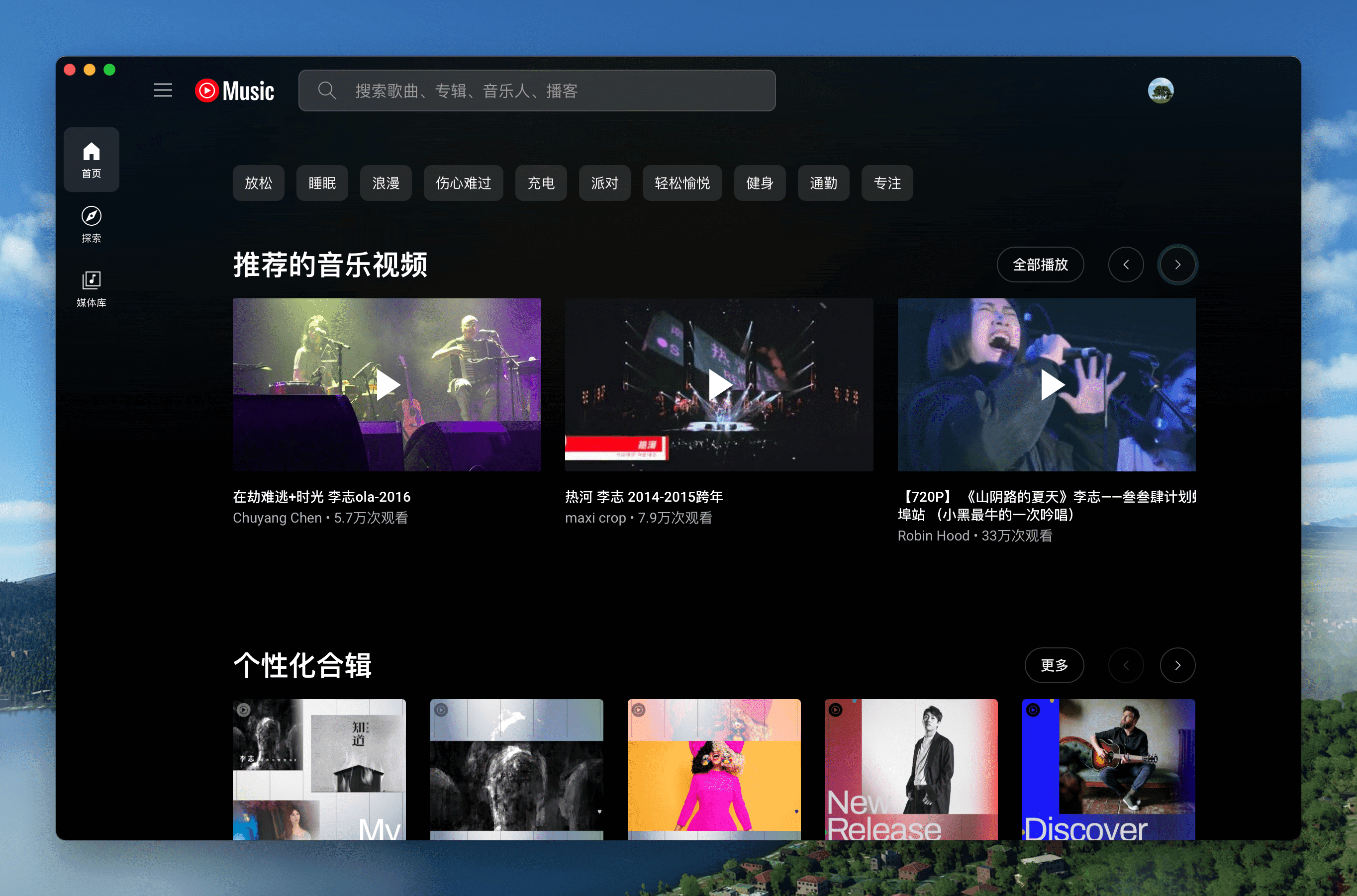
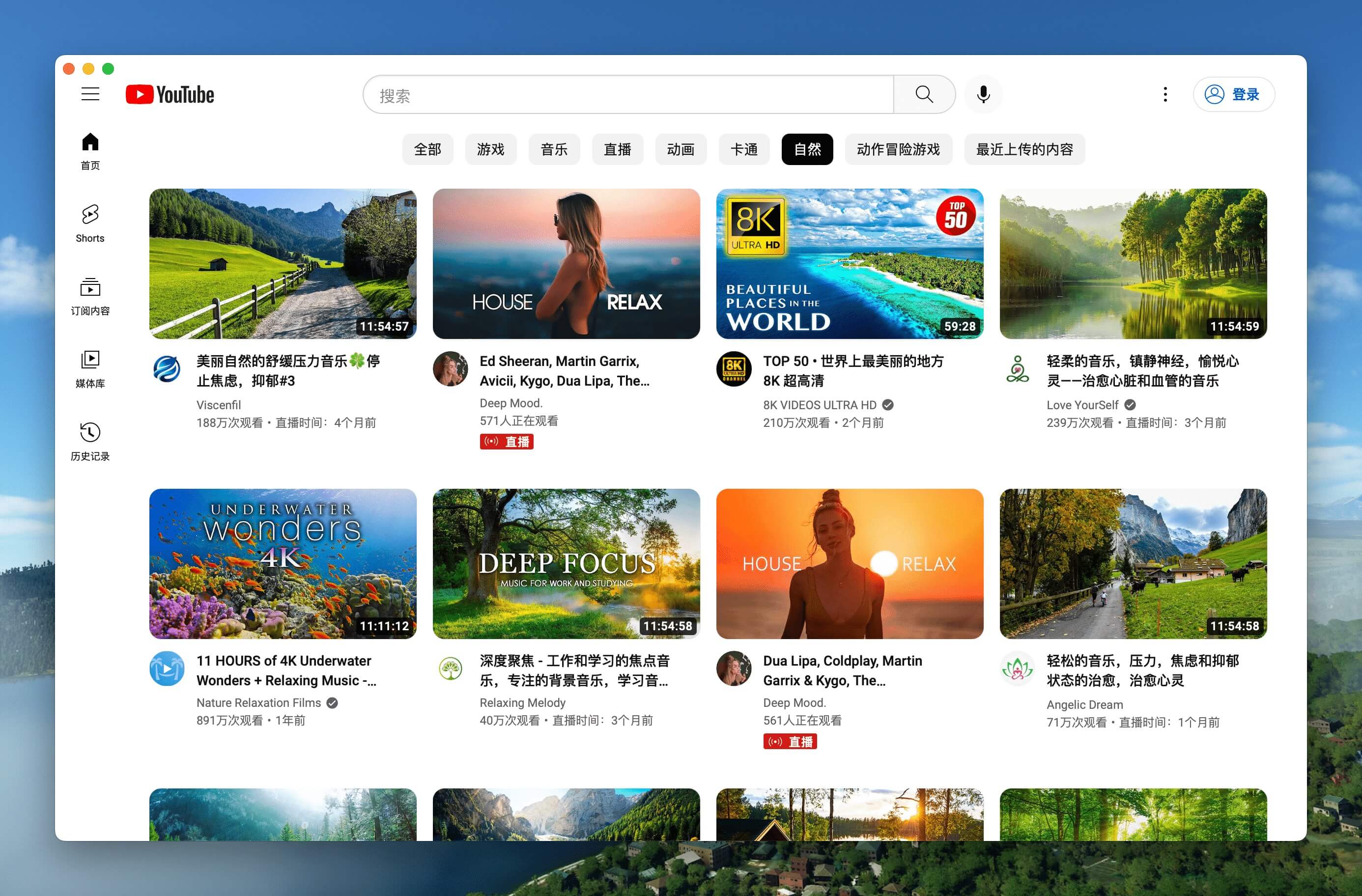
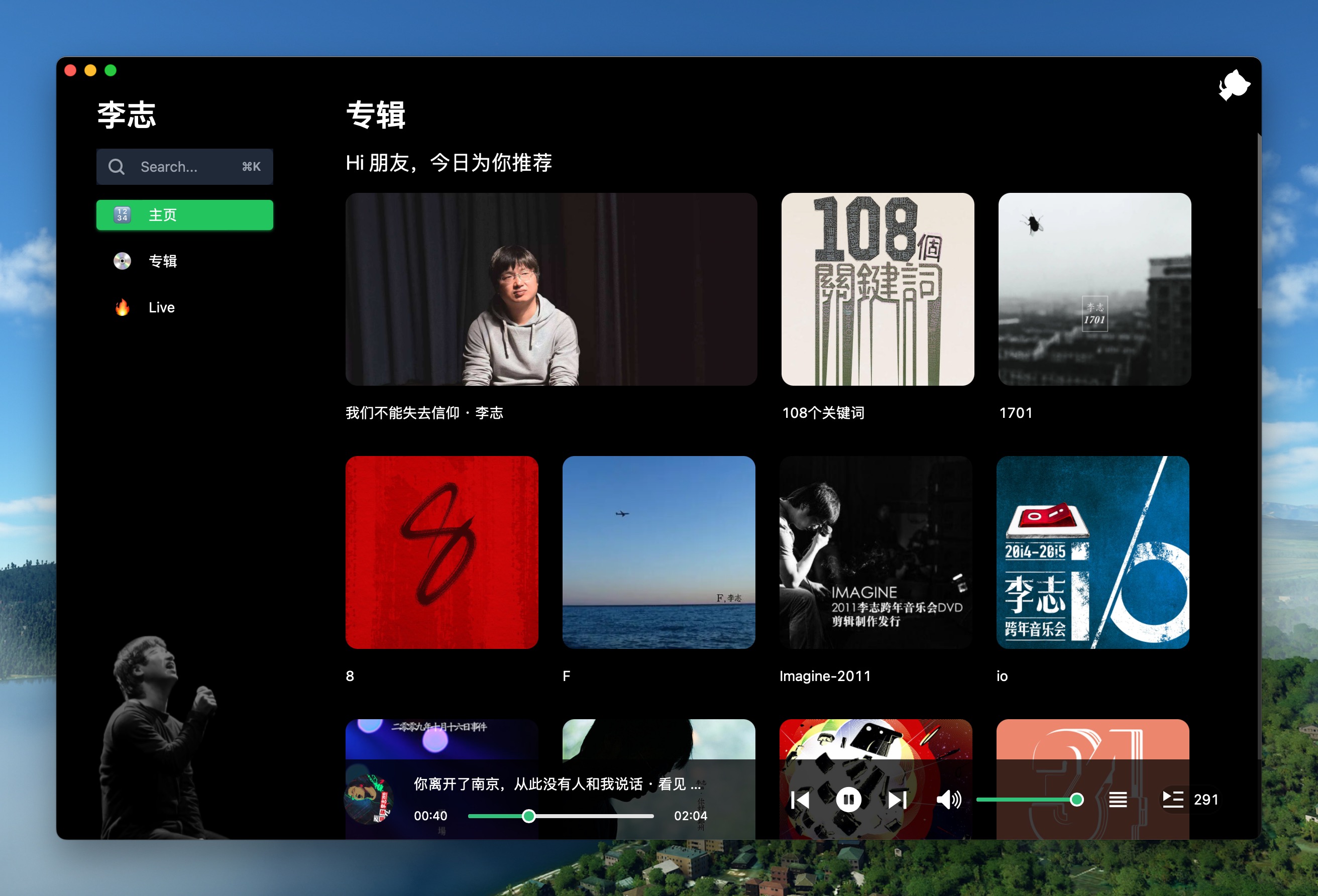
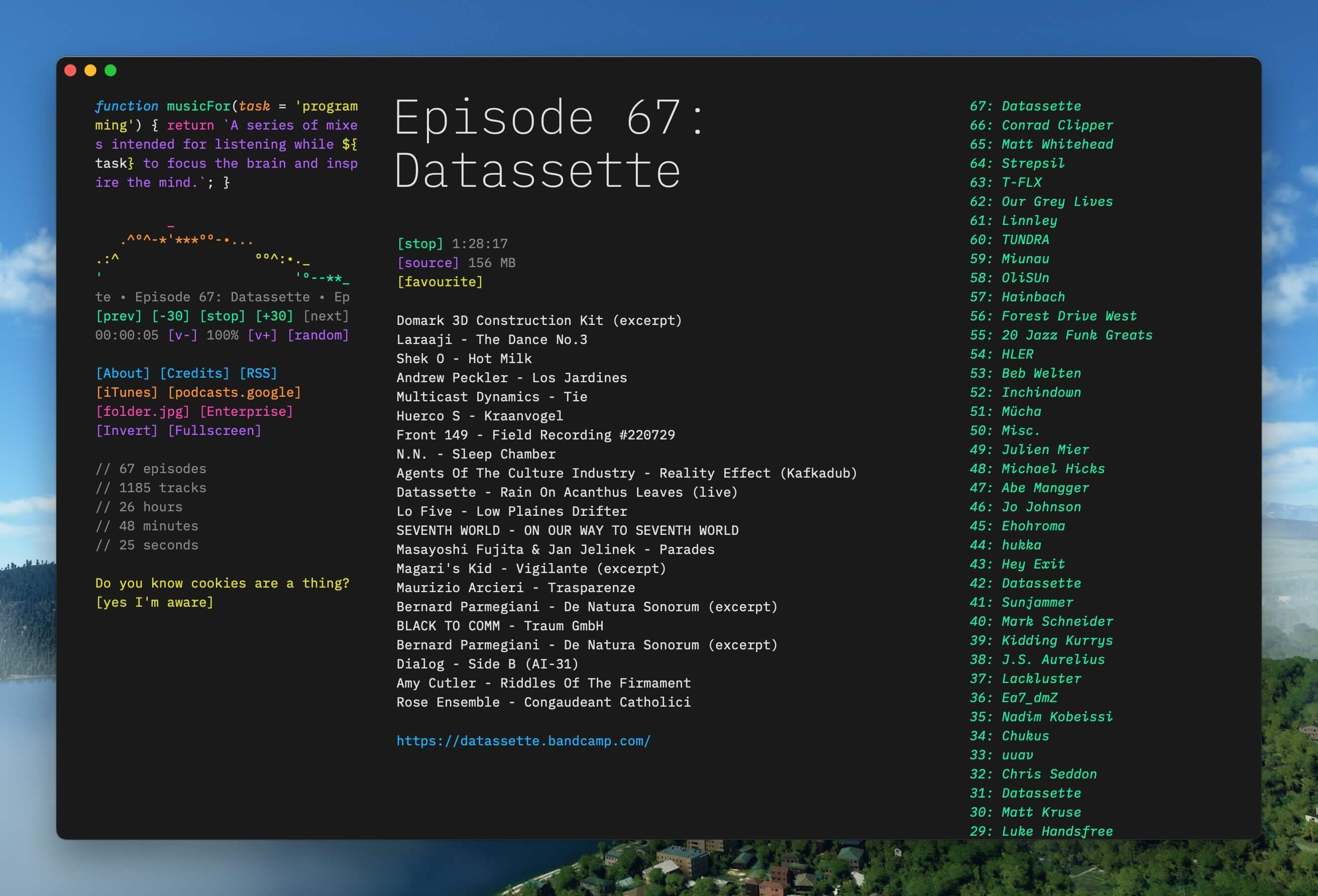
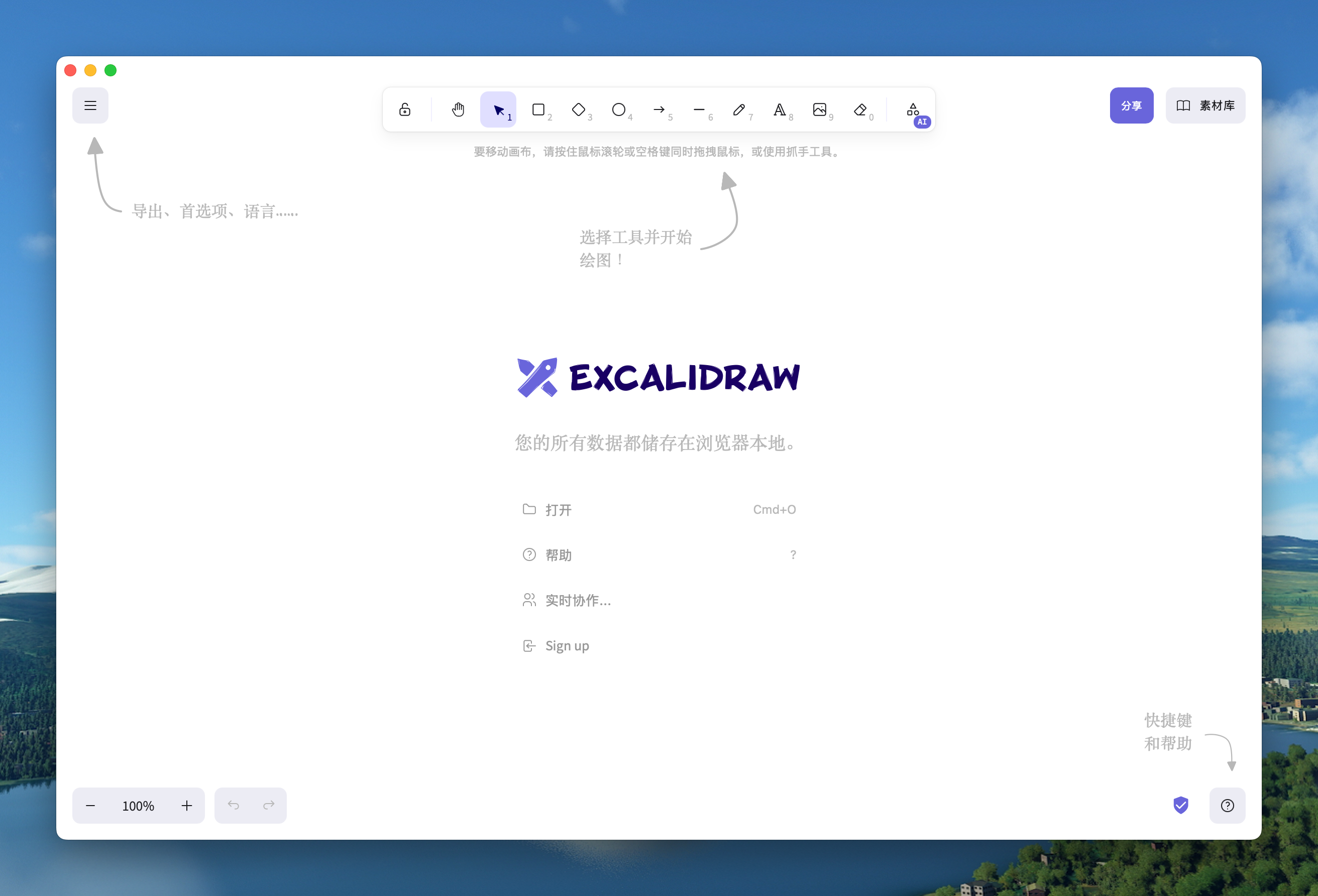
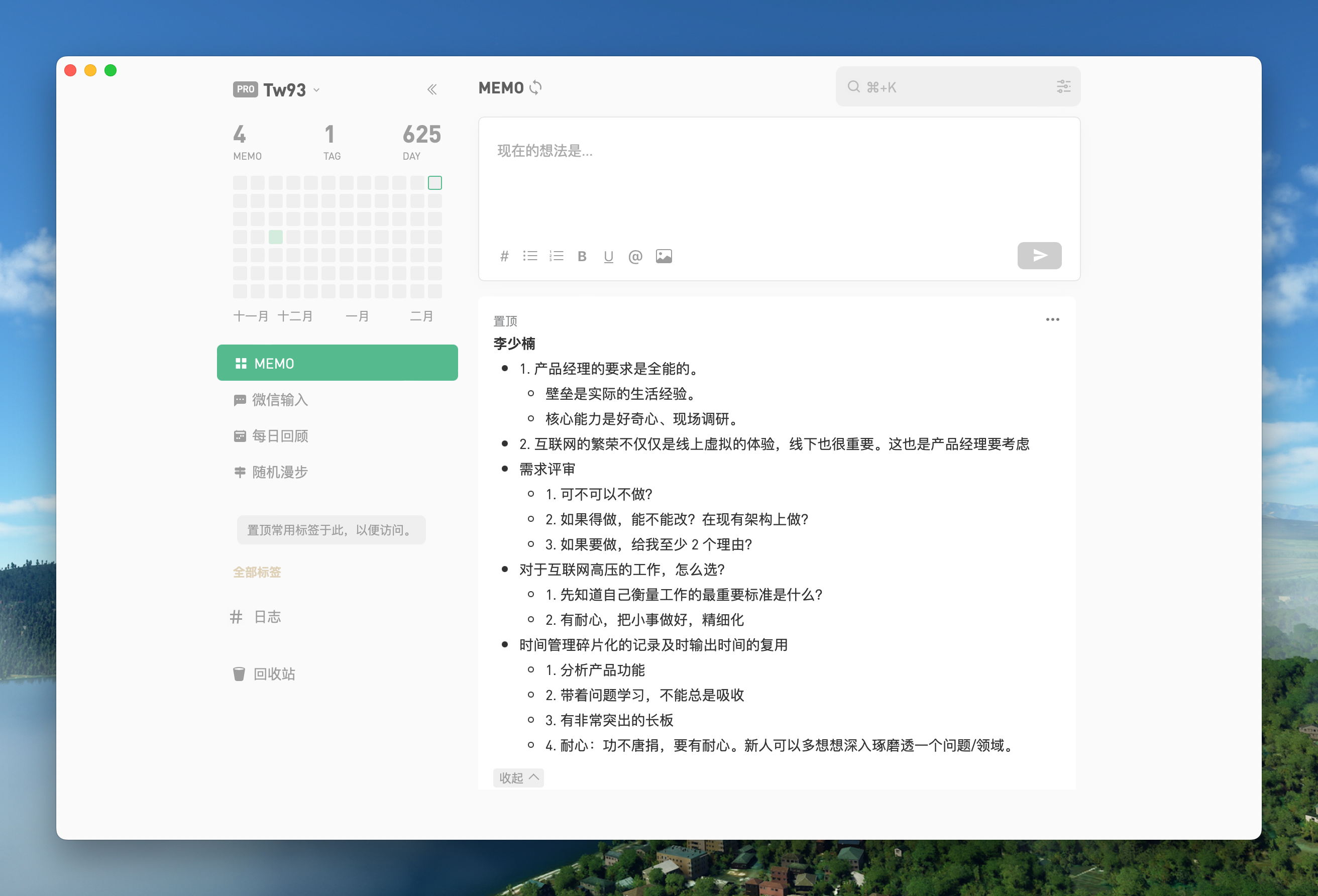
它们支持键盘快捷键、沉浸式窗口、拖拽、样式自定义和去除广告;进阶的样式和功能调整可以看 Advanced Usage 文档。有没有现成的应用可以直接下载,不用自己打包?有——热门包包括 WeRead、Twitter、Grok、DeepSeek、ChatGPT、Gemini、YouTube Music、Excalidraw、Notion 和 Flomo,列表之外还有更多可以下载。
有——热门包包括 WeRead、Twitter、Grok、DeepSeek、ChatGPT、Gemini、YouTube Music、Excalidraw、Notion 和 Flomo,列表之外还有更多可以下载。我能通过脚本或 AI 智能体来用 Pake 吗?可以——--json 输出机器可读的结果,--config app.json 用声明式方式描述应用,pake ./dist 可以打包本地构建产物,Claude Code 用户还能安装官方插件(pake@pake)。
可以——--json 输出机器可读的结果,--config app.json 用声明式方式描述应用,pake ./dist 可以打包本地构建产物,Claude Code 用户还能安装官方插件(pake@pake)。按 Cmd+W / Ctrl+W 会彻底关掉应用吗?不会——它只是隐藏窗口,应用仍在后台运行。Cmd+L 可以复制当前页面网址,有专门的快捷键可以清空缓存并重启,双击标题栏可以切换全屏。
不会——它只是隐藏窗口,应用仍在后台运行。Cmd+L 可以复制当前页面网址,有专门的快捷键可以清空缓存并重启,双击标题栏可以切换全屏。What are similar projects?PakePlus-Win7, ChatGPT, golutra, tauri, dsh_desktop, NextChat, Codex-X, quickscan
PakePlus-Win7, ChatGPT, golutra, tauri, dsh_desktop, NextChat, Codex-X, quickscanWhich topics is it in?webview, packaging, adblock, drag-and-drop, lightweight, youtube, tauri, github-actions, chatgpt, gemini, customization, desktop
webview, packaging, adblock, drag-and-drop, lightweight, youtube, tauri, github-actions, chatgpt, gemini, customization, desktop