







Что это такое?
 Набор инструментов с открытым исходным кодом для ИИ-агентов, работающих с компьютером: драйверы автоматизации рабочего стола, изолированные облачные десктопы, локальные виртуальные машины на macOS, небольшие специализированные модели для принятия решений, а также бенчмарки для обучения, оценки и генерации данных.
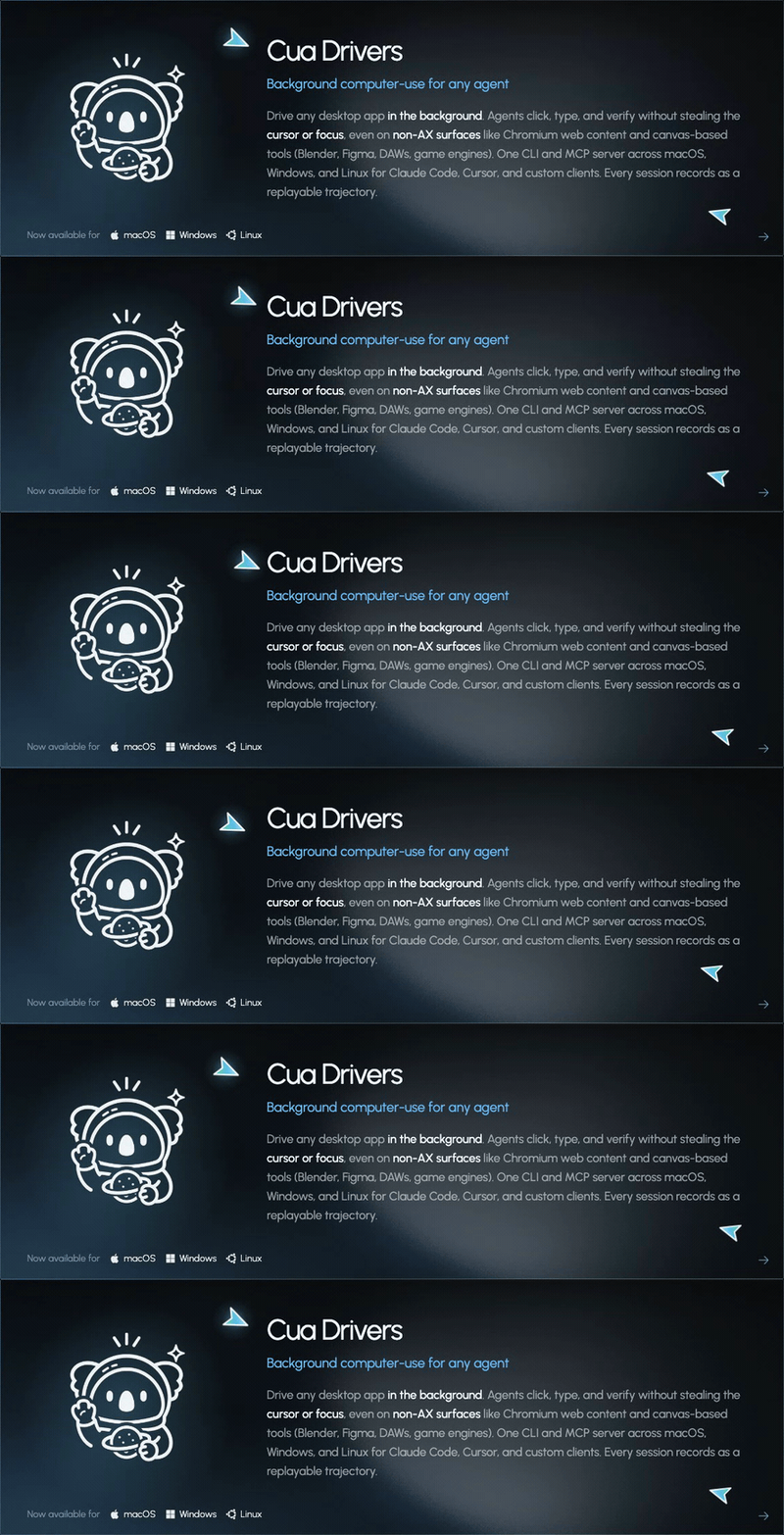
Набор инструментов с открытым исходным кодом для ИИ-агентов, работающих с компьютером: драйверы автоматизации рабочего стола, изолированные облачные десктопы, локальные виртуальные машины на macOS, небольшие специализированные модели для принятия решений, а также бенчмарки для обучения, оценки и генерации данных.Это один продукт или набор отдельных инструментов?Это набор из пяти частей, из которых вы выбираете нужные: Cua Fleets (облачные десктопы), Cua Driver (автоматизация рабочего стола), CUA-S1 (модели для принятия решений), Lume (локальные виртуальные машины) и Cua Bench (создание задач и их оценка).
Это набор из пяти частей, из которых вы выбираете нужные: Cua Fleets (облачные десктопы), Cua Driver (автоматизация рабочего стола), CUA-S1 (модели для принятия решений), Lume (локальные виртуальные машины) и Cua Bench (создание задач и их оценка).С чего мне начать?Для каждого варианта есть своё руководство: Fleets разворачиваются на run.cua.ai, а Cua Driver подключается через CLI, MCP или типизированные SDK после установки под свою операционную систему.
Для каждого варианта есть своё руководство: Fleets разворачиваются на run.cua.ai, а Cua Driver подключается через CLI, MCP или типизированные SDK после установки под свою операционную систему.Мне нужен какой-то конкретный ИИ-агент или API-ключ?Нет — вы используете своего агента и свою модель. Есть готовые интеграции с Claude Code, Codex, Cursor и OpenClaw.
Нет — вы используете своего агента и свою модель. Есть готовые интеграции с Claude Code, Codex, Cursor и OpenClaw.Агент забирает себе управление моей мышью и клавиатурой, пока работает?Не обязательно: благодаря фоновому режиму агенты могут работать, не двигая ваш указатель и не перехватывая фокус, но лишь там, где это поддерживают приложение и платформа — на странице platform support в документации перечислены все ограничения.
Не обязательно: благодаря фоновому режиму агенты могут работать, не двигая ваш указатель и не перехватывая фокус, но лишь там, где это поддерживают приложение и платформа — на странице platform support в документации перечислены все ограничения.Какими операционными системами он может управлять?Cua Driver изучает нативные десктоп-приложения и браузеры и управляет ими на macOS, Windows и Linux; локальные виртуальные машины Lume работают только на Apple Silicon.
Cua Driver изучает нативные десктоп-приложения и браузеры и управляет ими на macOS, Windows и Linux; локальные виртуальные машины Lume работают только на Apple Silicon.Может ли всё работать полностью локально, или придётся пользоваться их облаком?Возможны оба варианта: Lume создаёт локальные виртуальные машины с macOS и Linux на Apple Silicon через Apple Virtualization.Framework, а локальные песочницы используют тот же Sandbox SDK, что и облачные Fleets.
Возможны оба варианта: Lume создаёт локальные виртуальные машины с macOS и Linux на Apple Silicon через Apple Virtualization.Framework, а локальные песочницы используют тот же Sandbox SDK, что и облачные Fleets.Всё распространяется под лицензией MIT, или есть нюансы?Ядро — под MIT, но необязательный пакет cua-agent[omni] подтягивает ultralytics под AGPL-3.0, OmniParser распространяется под CC-BY-4.0, а веса моделей CUA-S1 и датасеты на Hugging Face имеют собственные лицензии.
Ядро — под MIT, но необязательный пакет cua-agent[omni] подтягивает ultralytics под AGPL-3.0, OmniParser распространяется под CC-BY-4.0, а веса моделей CUA-S1 и датасеты на Hugging Face имеют собственные лицензии.Что значит Computer-Use 2.0?Это описание агента, который в рамках одной задачи переключается между кодом, API и графическими интерфейсами, вместо того чтобы только кликать по GUI. Cua предоставляет для этого сам компьютер и инструменты автоматизации.
Это описание агента, который в рамках одной задачи переключается между кодом, API и графическими интерфейсами, вместо того чтобы только кликать по GUI. Cua предоставляет для этого сам компьютер и инструменты автоматизации.Что такое CUA-S1?Семейство небольших специализированных моделей System 1 для быстрых и ограниченных по объёму решений при работе с компьютером — первый исследовательский профиль ориентирован на формы: модель оценивает варианты по структурированным элементам интерфейса и значениям из документов. Это ранняя исследовательская версия, доступная только в виде исходного кода: код под MIT на GitHub, веса моделей на Hugging Face.
Семейство небольших специализированных моделей System 1 для быстрых и ограниченных по объёму решений при работе с компьютером — первый исследовательский профиль ориентирован на формы: модель оценивает варианты по структурированным элементам интерфейса и значениям из документов. Это ранняя исследовательская версия, доступная только в виде исходного кода: код под MIT на GitHub, веса моделей на Hugging Face.Есть ли что-то, что можно попробовать без виртуальной машины и API-ключей?Да — первая симулированная задача в Cua Bench не требует ни виртуальной машины, ни Docker, ни API-ключа для модели: установив Python 3.12 или 3.13 и uv, вы создаёте небольшую задачу, запускаете её эталонное решение и проверяете, что оценщик выдаёт награду 1.0.
Да — первая симулированная задача в Cua Bench не требует ни виртуальной машины, ни Docker, ни API-ключа для модели: установив Python 3.12 или 3.13 и uv, вы создаёте небольшую задачу, запускаете её эталонное решение и проверяете, что оценщик выдаёт награду 1.0.Облачная часть платная?Код открыт, но Fleets предполагают платные мощности — пулы могут удерживать оплаченную ёмкость и после завершения клейма, поэтому в руководстве отдельно разбирается очистка облачных ресурсов.
Код открыт, но Fleets предполагают платные мощности — пулы могут удерживать оплаченную ёмкость и после завершения клейма, поэтому в руководстве отдельно разбирается очистка облачных ресурсов.What are similar projects?Agent-S, midscene, fara, agent-desktop, bytebot, tart, vphone-cli, magentic-ui
Agent-S, midscene, fara, agent-desktop, bytebot, tart, vphone-cli, magentic-uiWhich topics is it in?cua, manus, gui-agent, containerization, computer-use-agent, desktop-automation, vm, computer-use, virtualization, apple, apple-silicon, swift
cua, manus, gui-agent, containerization, computer-use-agent, desktop-automation, vm, computer-use, virtualization, apple, apple-silicon, swift