



8K ·GitHub
What is this?
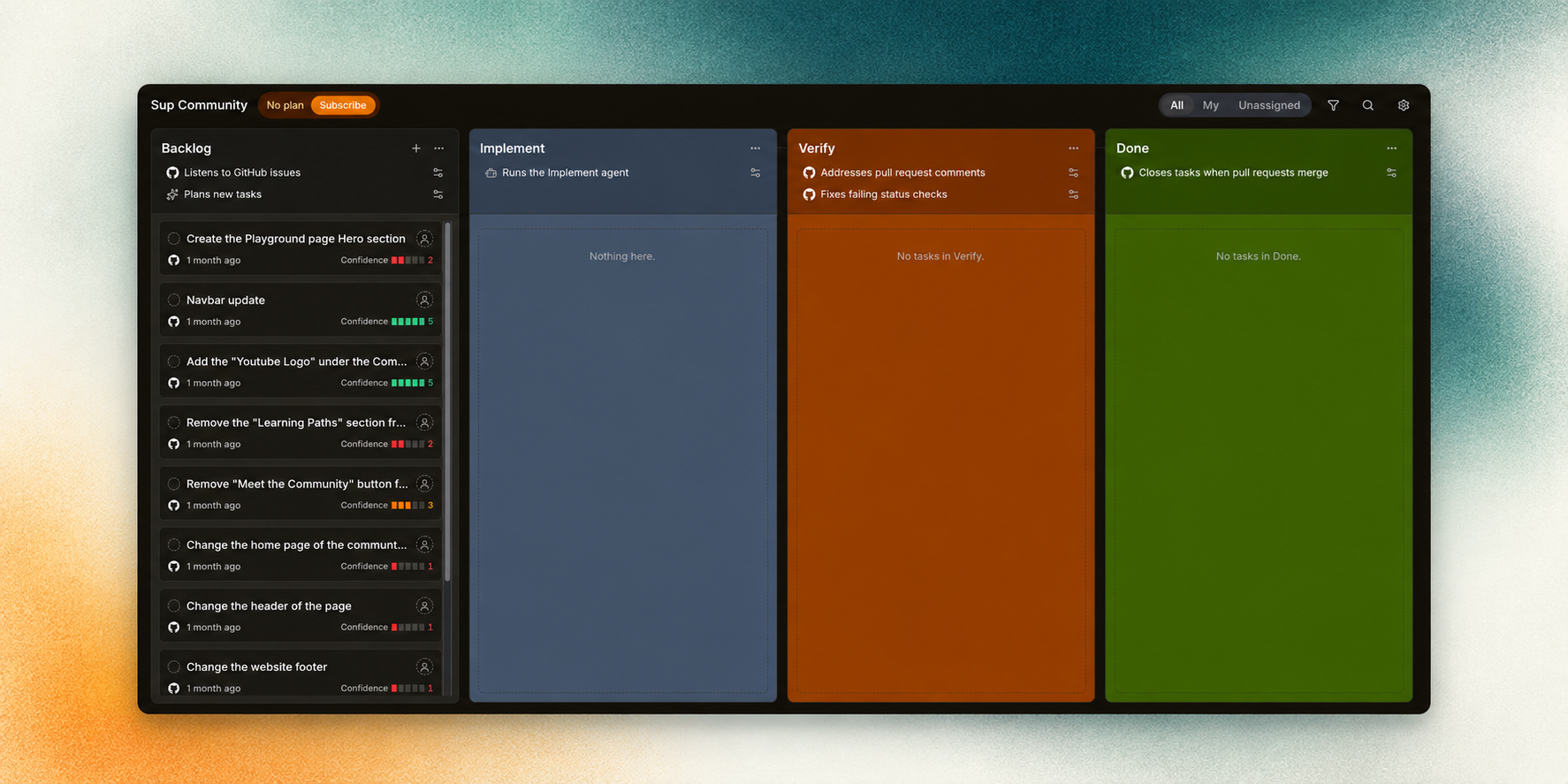
 SuperPlane is an open source factory that turns high-confidence backlog issues into verified, review-ready pull requests by coordinating AI coding agents, source control, CI, review and approvals in one visible system.
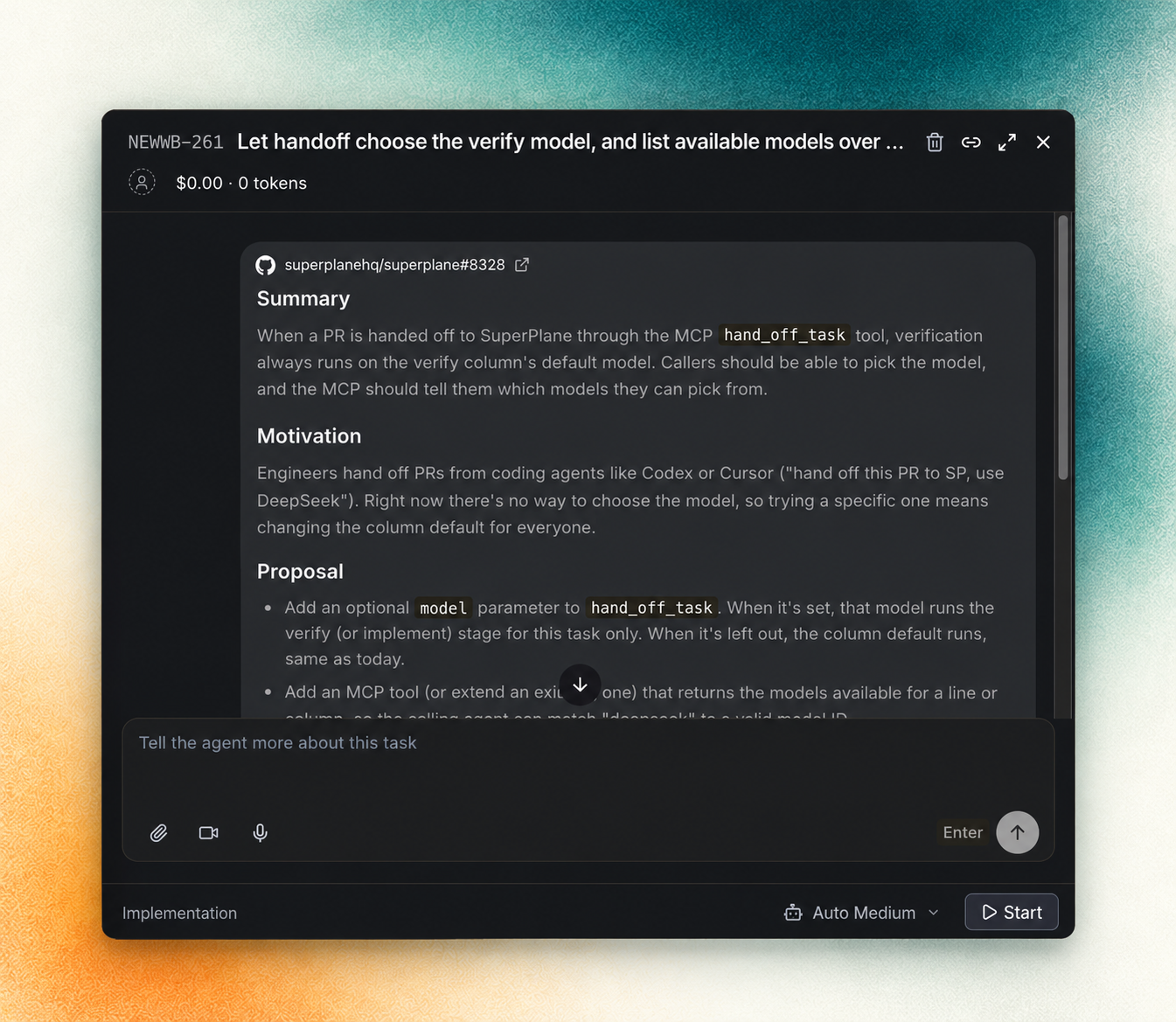
SuperPlane is an open source factory that turns high-confidence backlog issues into verified, review-ready pull requests by coordinating AI coding agents, source control, CI, review and approvals in one visible system.Is this a single coding agent or an orchestration system?It is an orchestration engine, not a coding agent itself: a Factory holds work orders that move through automation lines, where each step can run an agent, call a tool, wait for an event or require human approval via a Canvas-backed app.
It is an orchestration engine, not a coding agent itself: a Factory holds work orders that move through automation lines, where each step can run an agent, call a tool, wait for an event or require human approval via a Canvas-backed app.How do I get it running?Contributor setup is Docker-based: start from the instructions in AGENTS.md and the development section of CONTRIBUTING.md in the repository.
Contributor setup is Docker-based: start from the instructions in AGENTS.md and the development section of CONTRIBUTING.md in the repository.Which coding agents and dev tools does it integrate with?It plugs into AI/coding agents like Claude, Cursor, OpenAI, OpenRouter and Perplexity, plus source control and CI tools like GitHub, GitLab, Bitbucket, Semaphore, CircleCI and Harness, along with cloud, observability, incident management and chat integrations.
It plugs into AI/coding agents like Claude, Cursor, OpenAI, OpenRouter and Perplexity, plus source control and CI tools like GitHub, GitLab, Bitbucket, Semaphore, CircleCI and Harness, along with cloud, observability, incident management and chat integrations.Does it fully automate development, or does a human still need to step in?No, ambiguous work and decisions that need human judgment stay with your team; SuperPlane only hands off backlog issues it evaluates as high-confidence, applies guardrails to every run, and sends failures back to the agent with actionable context.
No, ambiguous work and decisions that need human judgment stay with your team; SuperPlane only hands off backlog issues it evaluates as high-confidence, applies guardrails to every run, and sends failures back to the agent with actionable context.What is a Canvas in SuperPlane?Canvas is the visual workspace where you wire up event triggers and actions from your integrations (GitHub, Slack, Datadog, etc.) into the automation lines that process work orders.
Canvas is the visual workspace where you wire up event triggers and actions from your integrations (GitHub, Slack, Datadog, etc.) into the automation lines that process work orders.What does a Run track in SuperPlane?A Run tracks the durable execution of one automation step, including its inputs, outputs, retries and cost.
A Run tracks the durable execution of one automation step, including its inputs, outputs, retries and cost.What happens to work orders when a step fails?SuperPlane preserves event history, execution state and artifacts across retries, so a failed run can resume without needing custom glue code or losing context.
SuperPlane preserves event history, execution state and artifacts across retries, so a failed run can resume without needing custom glue code or losing context.What are similar projects?open-swe, evenfire, grok-ship, turnstone, relay, github-mcp-server, factory, moyai
open-swe, evenfire, grok-ship, turnstone, relay, github-mcp-server, factory, moyaiWhich topics is it in?agentic-workflows, pull-request, ci-cd, slack, discord, ai-coding, github, workflow-automation, orchestration, agent-orchestration, monitoring, agents
agentic-workflows, pull-request, ci-cd, slack, discord, ai-coding, github, workflow-automation, orchestration, agent-orchestration, monitoring, agents