







Что это такое?
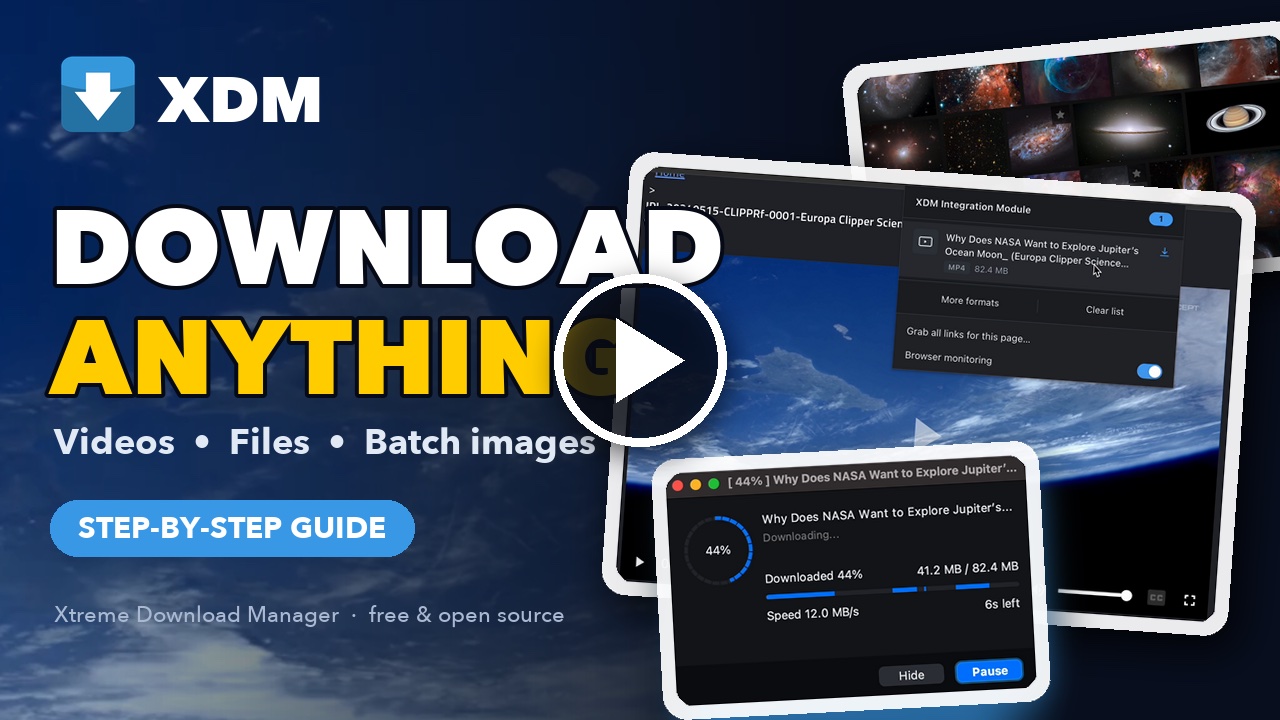
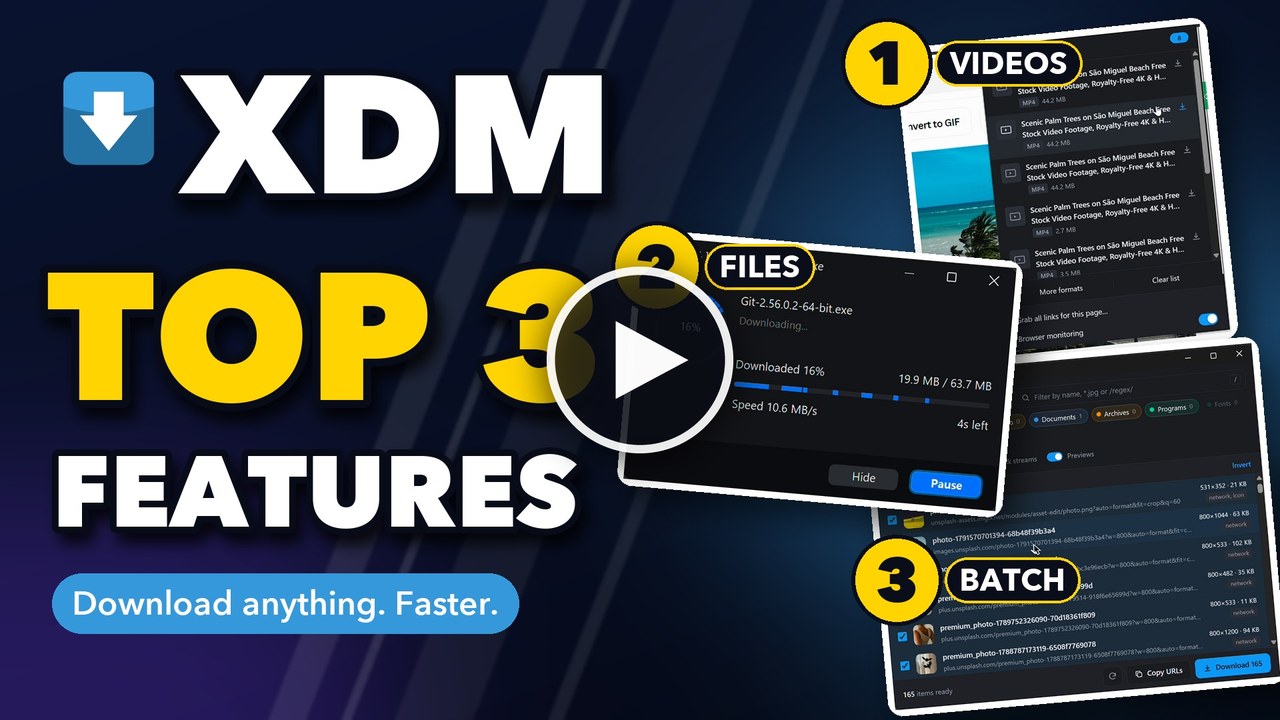
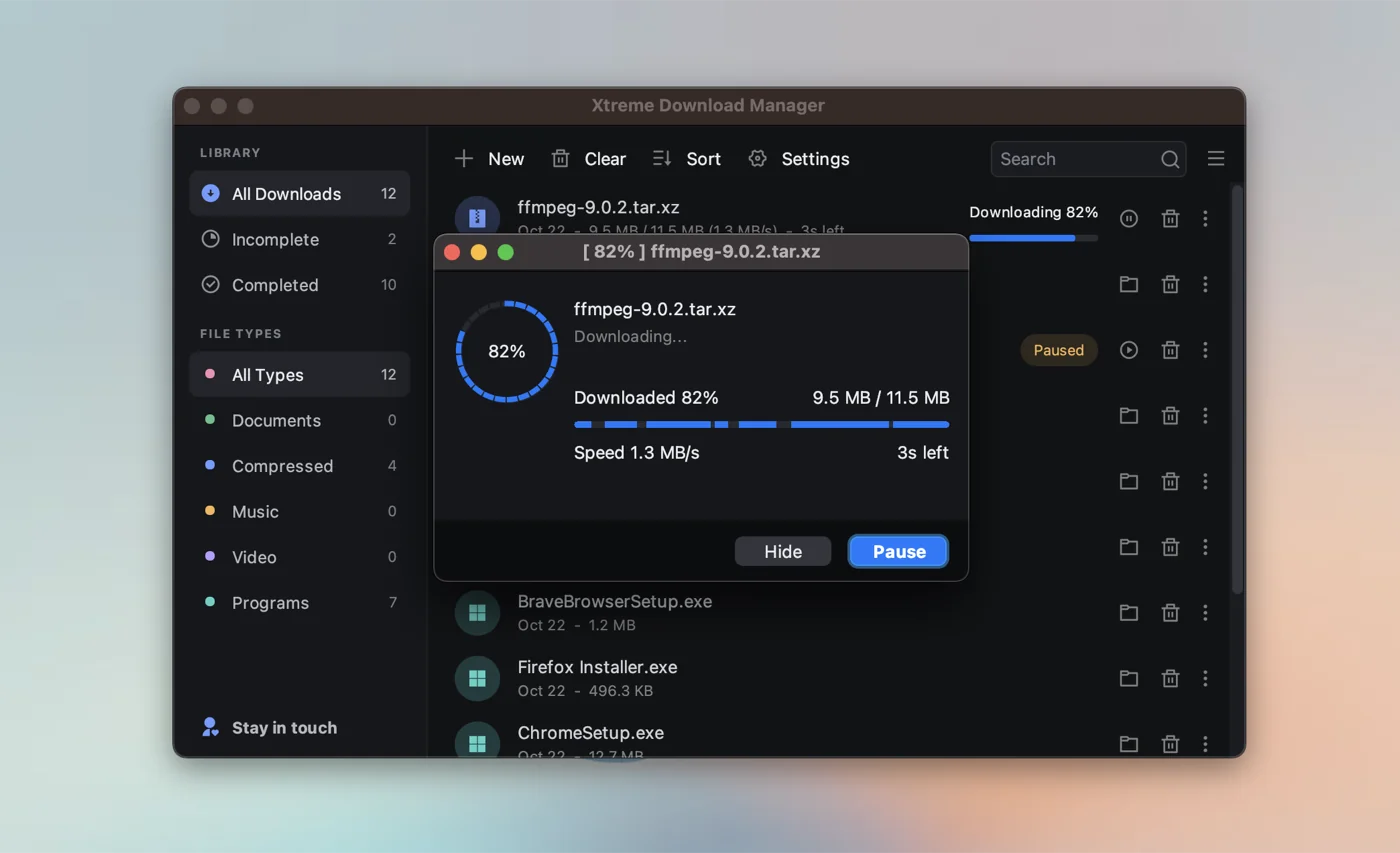
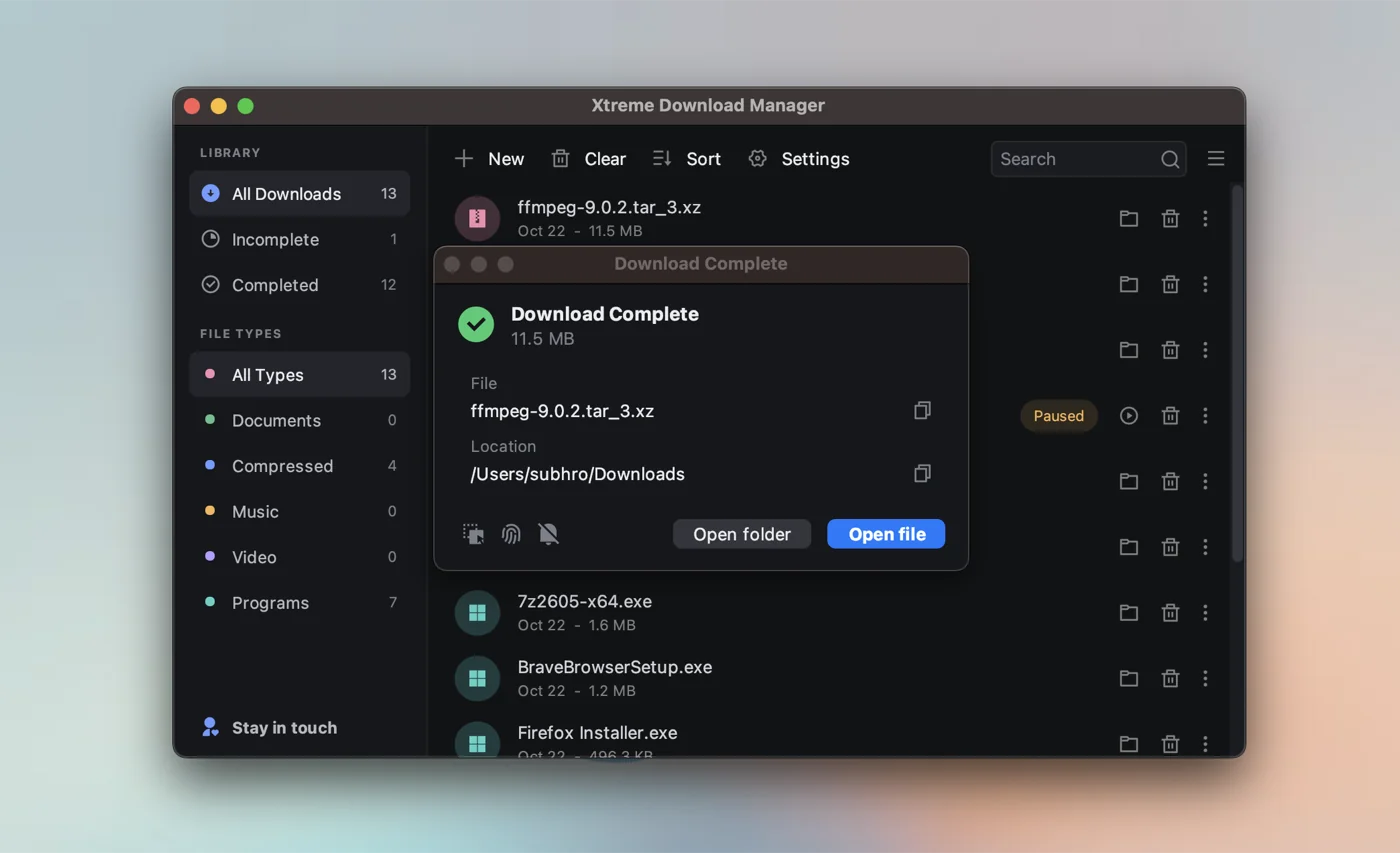
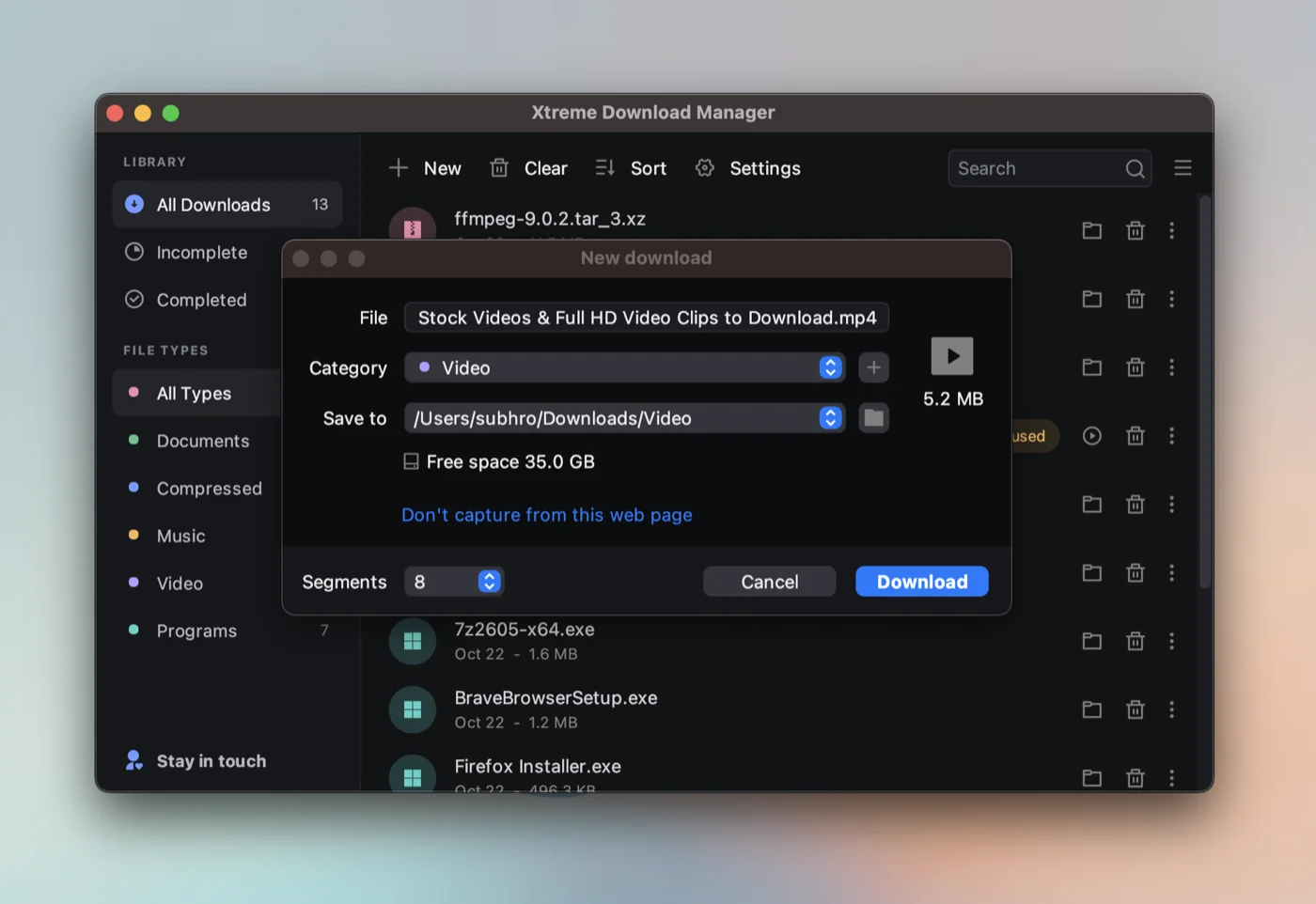
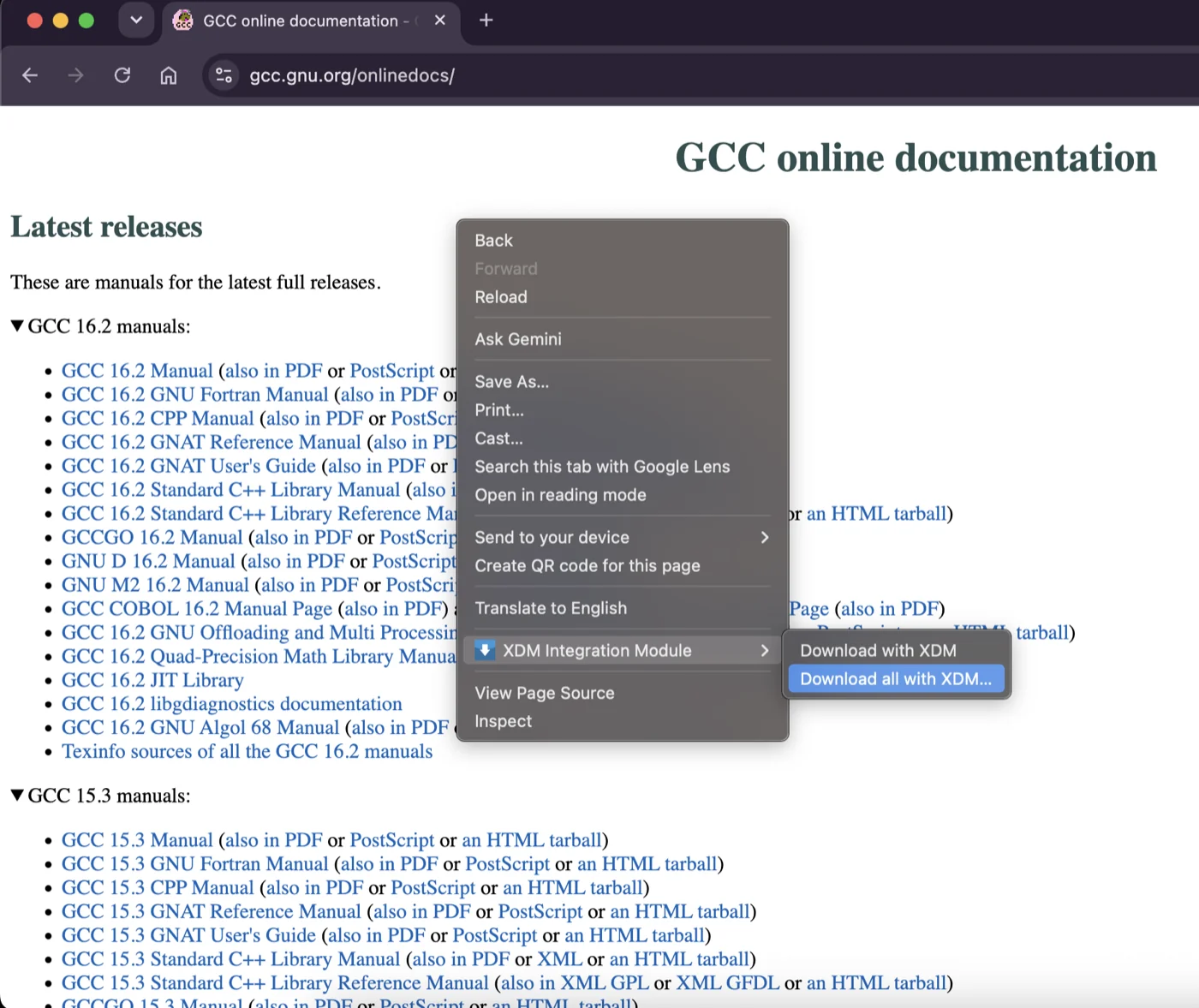
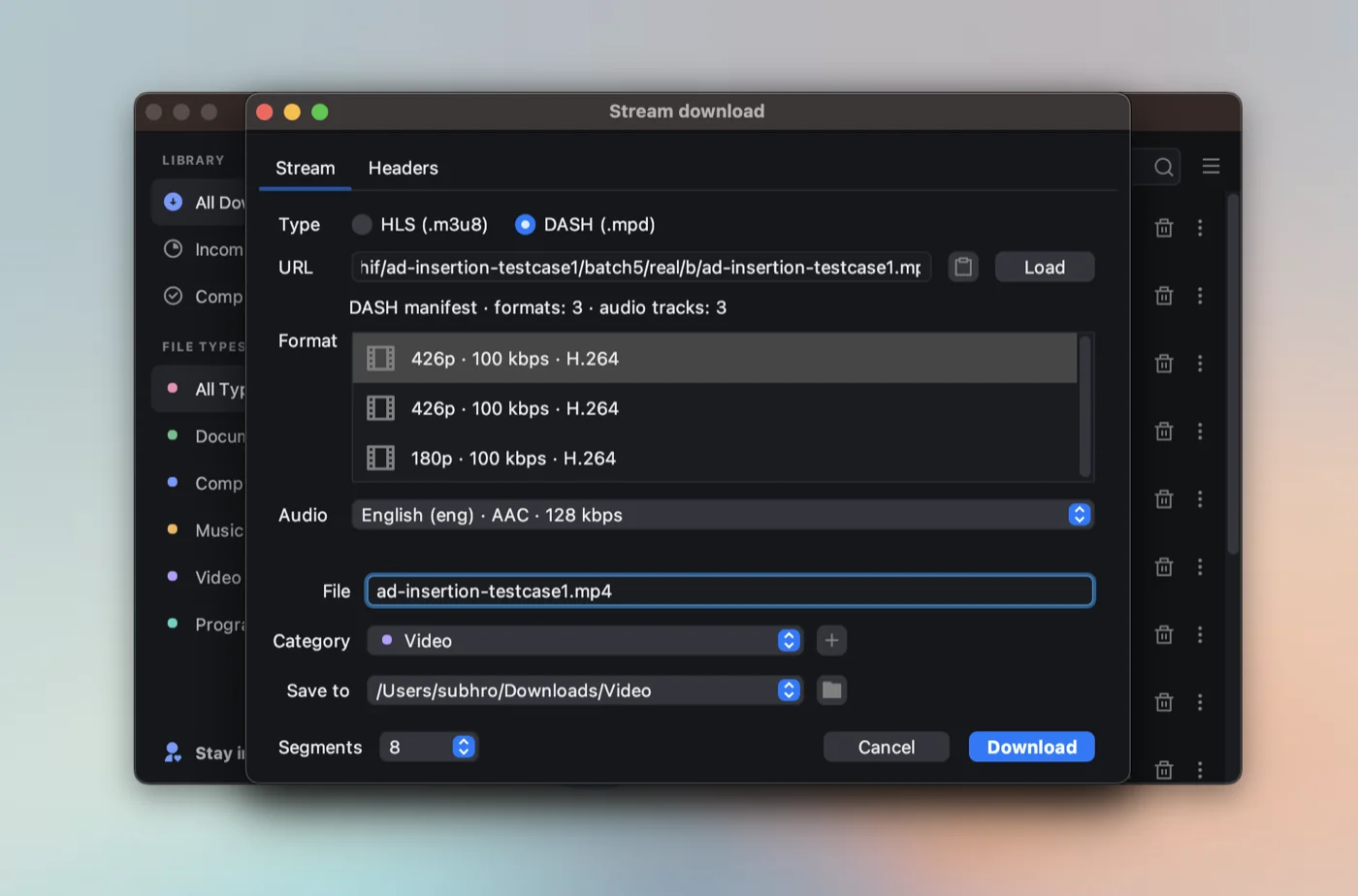
 XDM (Xtreme Download Manager) — это ускоритель загрузок и загрузчик видео: он ускоряет скачивание, разбивая его на несколько соединений, и может сохранять видео с потоковых сайтов, включая потоки HLS и MPEG-DASH.
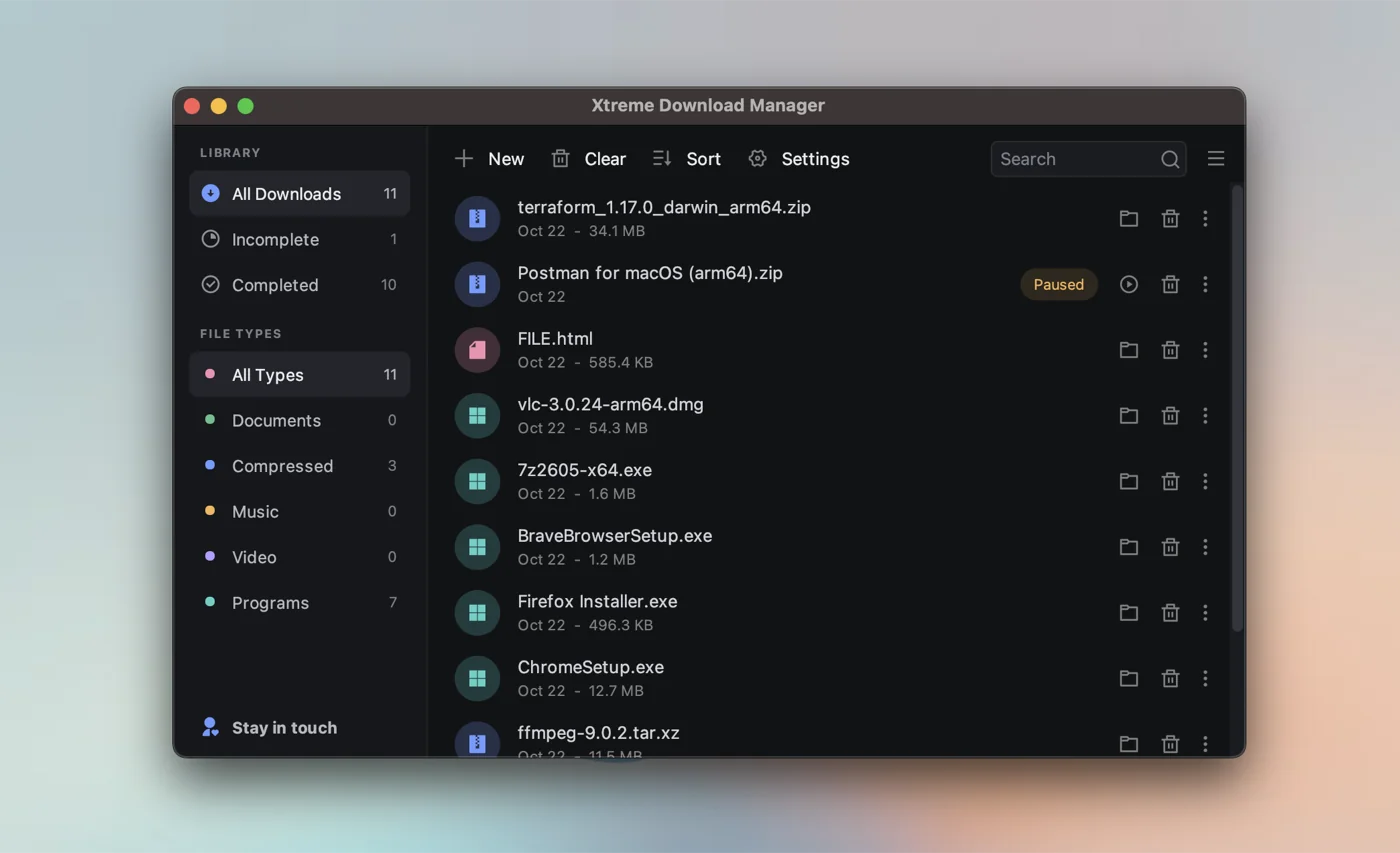
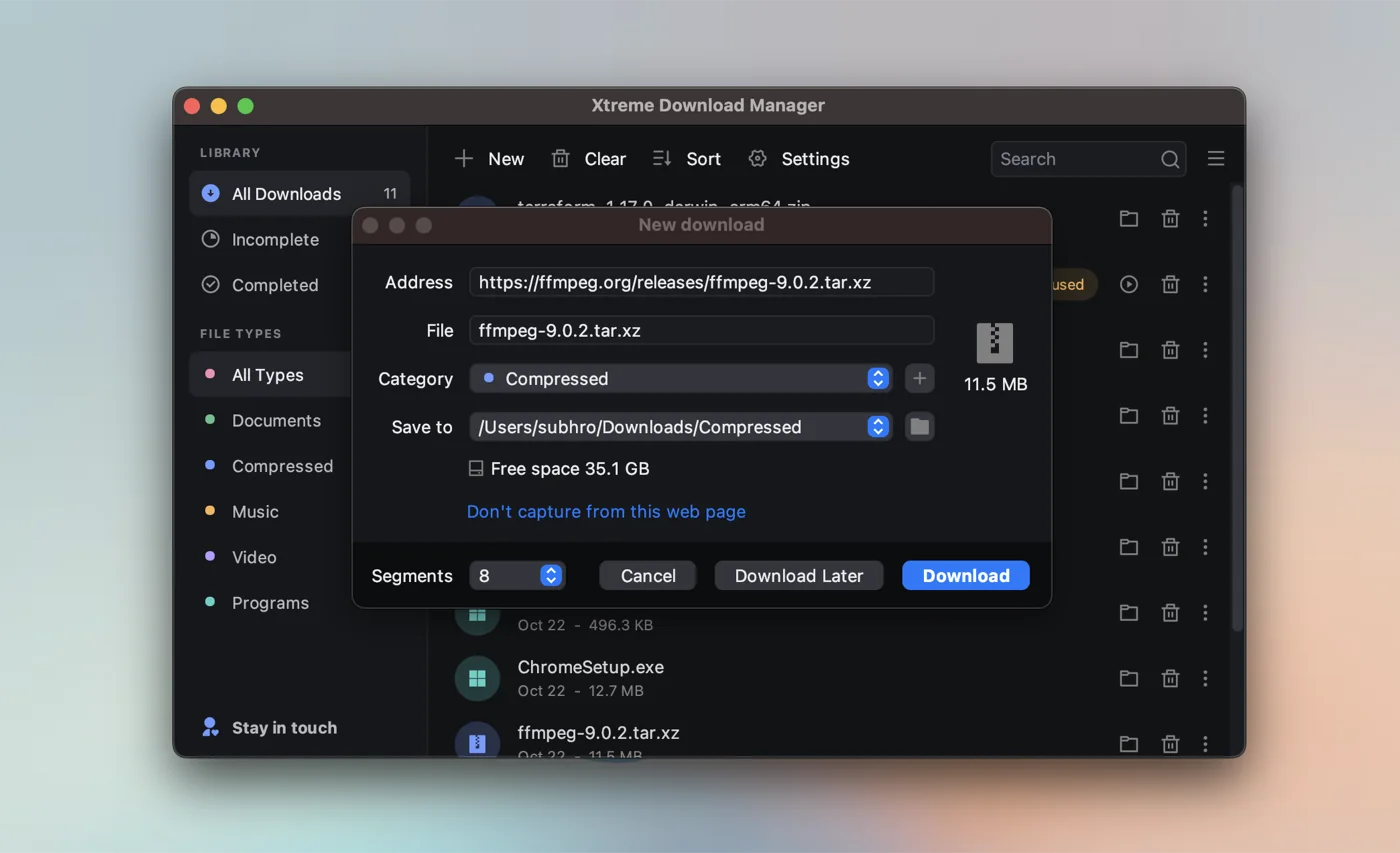
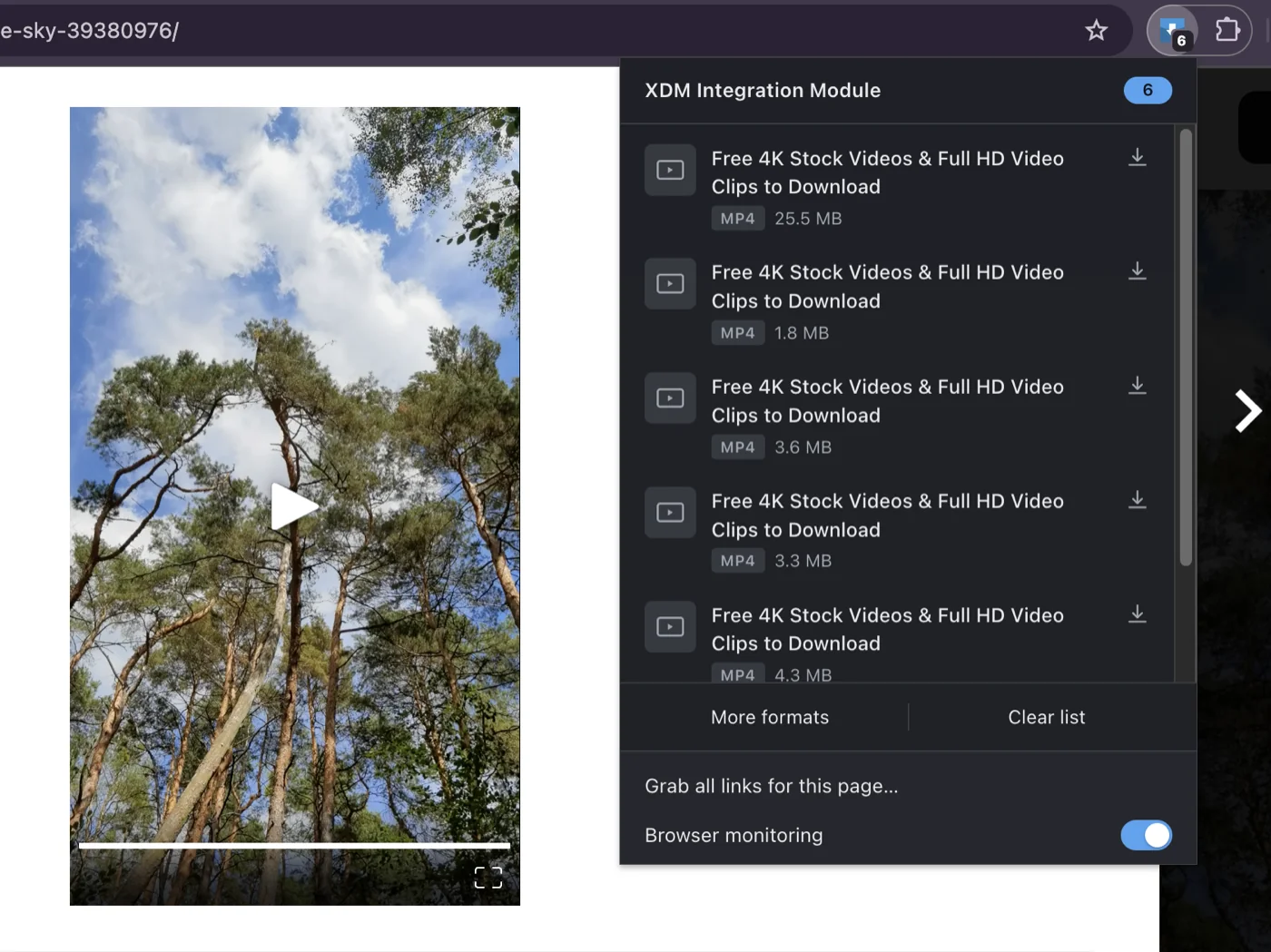
Это только расширение для браузера или ещё и отдельное приложение?Это нативное настольное приложение для Windows, macOS и Linux, которое работает в паре с расширением для браузера Chrome или Firefox. Расширение передаёт загрузки и найденные в браузере видео в приложение по локальному соединению, доступному только на вашем компьютере.
Это нативное настольное приложение для Windows, macOS и Linux, которое работает в паре с расширением для браузера Chrome или Firefox. Расширение передаёт загрузки и найденные в браузере видео в приложение по локальному соединению, доступному только на вашем компьютере.Как всё запустить?Установите настольное приложение XDM для своей ОС, затем установите расширение для браузера (Chrome или Firefox), чтобы загрузки и найденные видео передавались в приложение автоматически. Также есть режим работы без окна через командную строку: xdm-app --headless.
Установите настольное приложение XDM для своей ОС, затем установите расширение для браузера (Chrome или Firefox), чтобы загрузки и найденные видео передавались в приложение автоматически. Также есть режим работы без окна через командную строку: xdm-app --headless.Его сейчас активно разрабатывают и работает ли он со всеми сайтами?XDM сейчас проходит полную переработку с нуля (XDM 9), поэтому код часто меняется, и PR-ы могут потребовать доработки. Кроме того, прямо указано, что загрузка с YouTube и защищённого DRM контента не поддерживается.
XDM сейчас проходит полную переработку с нуля (XDM 9), поэтому код часто меняется, и PR-ы могут потребовать доработки. Кроме того, прямо указано, что загрузка с YouTube и защищённого DRM контента не поддерживается.Работает ли он на всех трёх основных настольных ОС?Да, он работает нативно на Windows (в том числе ARM64), macOS (Apple Silicon и Intel) и Linux (в том числе с нативной поддержкой Wayland).
Да, он работает нативно на Windows (в том числе ARM64), macOS (Apple Silicon и Intel) и Linux (в том числе с нативной поддержкой Wayland).Он собирает данные о моём использовании или отправляет мои загрузки куда-то?Нет, в XDM нет учётных записей, аналитики и отслеживания, все данные хранятся на вашем компьютере.
Нет, в XDM нет учётных записей, аналитики и отслеживания, все данные хранятся на вашем компьютере.Что будет, если соединение оборвётся во время загрузки?XDM возобновляет прерванные загрузки с того места, где они остановились, после обрывов сети, сбоев или отключения питания, и может обновлять истёкшие ссылки, не начиная загрузку заново.
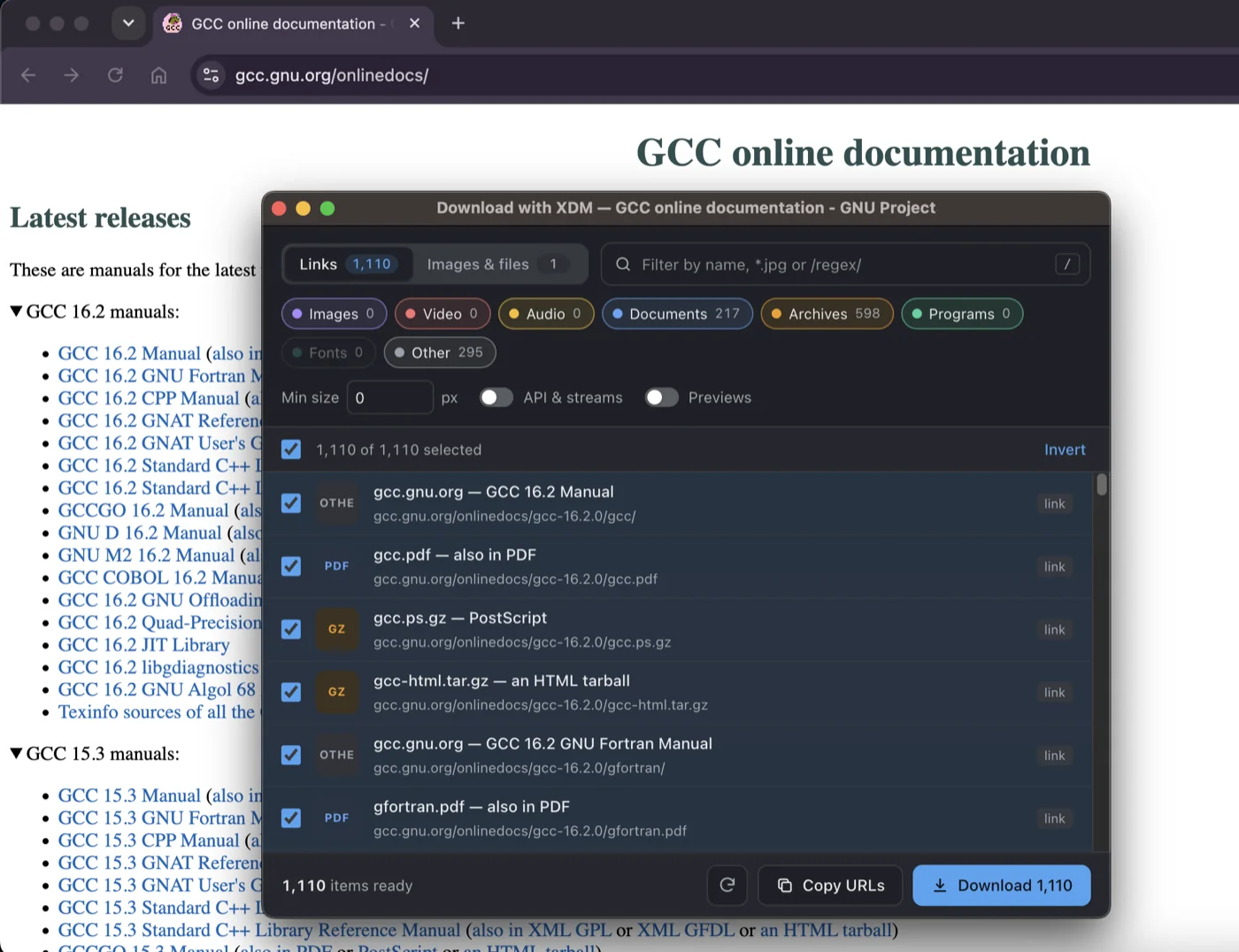
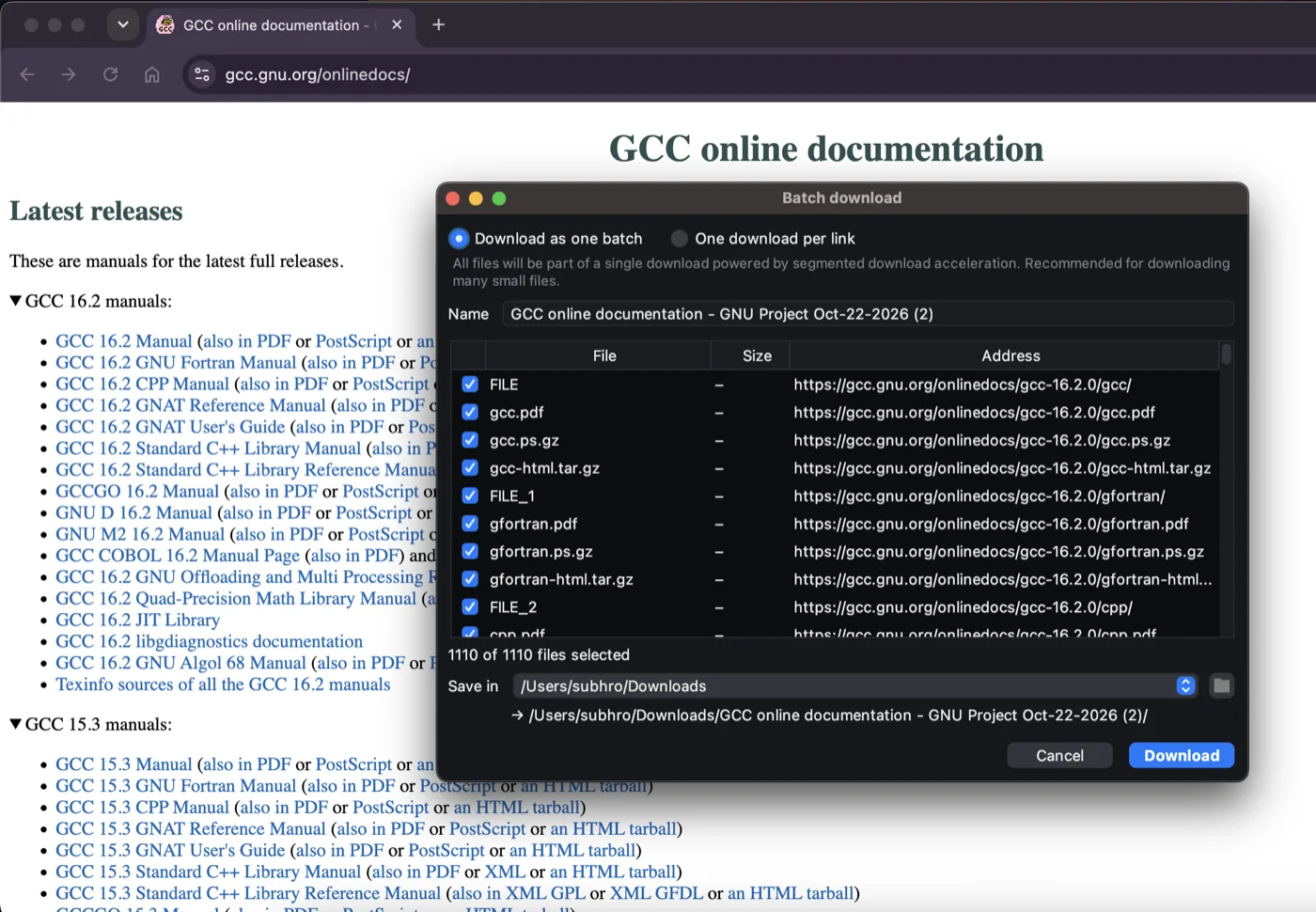
XDM возобновляет прерванные загрузки с того места, где они остановились, после обрывов сети, сбоев или отключения питания, и может обновлять истёкшие ссылки, не начиная загрузку заново.Может ли он скачать сразу всё со страницы в соцсети?Да, XDM может одним кликом пакетно скачать все видео и изображения из профиля в соцсети, объединяя видео и аудио в готовые к воспроизведению MP4 и пропуская рекламу.
Да, XDM может одним кликом пакетно скачать все видео и изображения из профиля в соцсети, объединяя видео и аудио в готовые к воспроизведению MP4 и пропуская рекламу.Нужен ли ffmpeg для видеопотоков?Нет, XDM 9 сам преобразует потоки HLS и DASH в MP4 без отдельной установки ffmpeg, а также может загружать подходящие субтитры в виде файлов .srt.
Нет, XDM 9 сам преобразует потоки HLS и DASH в MP4 без отдельной установки ffmpeg, а также может загружать подходящие субтитры в виде файлов .srt.Как удалить XDM с компьютера?Удалите его стандартным способом для вашей ОС: в Параметрах Windows, перетащив в Корзину на macOS или через менеджер пакетов вашей системы Linux. Настройки сохранятся, если вы не удалите папку с данными приложения.
Удалите его стандартным способом для вашей ОС: в Параметрах Windows, перетащив в Корзину на macOS или через менеджер пакетов вашей системы Linux. Настройки сохранятся, если вы не удалите папку с данными приложения.Какие есть похожие проекты?swiftdl, streamfirefly, cat-catch, Telegram-Media-Downloader, ab-download-manager, libreget, FileCentipede, Ketch
swiftdl, streamfirefly, cat-catch, Telegram-Media-Downloader, ab-download-manager, libreget, FileCentipede, KetchВ каких он темах?macosx, streaming-video, hls, download-manager, video-downloader, firefox, firefox-extension, chrome, downloader, chrome-extension, browser-extension, kotlin
macosx, streaming-video, hls, download-manager, video-downloader, firefox, firefox-extension, chrome, downloader, chrome-extension, browser-extension, kotlin- Автор
- subhra74
- Размер
- 307.1 MB
- Звёзды
- 8.6K
- Обновлён
- КоммитNov 16Релиз9.0.11Nov 15
- Возраст
- 8 г
- Коммиты · 90 дней