This is a "junior developer" agent (aka smol dev) that either:
scaffolds an entire codebase out for you once you give it a product spec
gives you basic building blocks to have a smol developer inside of your own app.
Instead of making and maintaining specific, rigid, one-shot starters, like create-react-app, or create-nextjs-app, this is basically is or helps you make create-anything-app where you develop your scaffolding prompt in a tight loop with your smol dev.
After the successful initial v0 launch, smol developer was rewritten to be even smol-ler, and importable from a library!
Basic Usage
In Git Repo mode
# install
git clone https://github.com/smol-ai/developer.git
cd developer
poetry install # install dependencies. pip install poetry if you need

# run
python main.py "a HTML/JS/CSS Tic Tac Toe Game" # defaults to gpt-4-0613
# python main.py "a HTML/JS/CSS Tic Tac Toe Game" --model=gpt-3.5-turbo-0613

# other cli flags
python main.py --prompt prompt.md # for longer prompts, move them into a markdown file
python main.py --prompt prompt.md --debug True # for debugging
This lets you develop apps as a human in the loop, as per the original version of smol developer.
engineering with prompts, rather than prompt engineering
The demo example in prompt.md shows the potential of AI-enabled, but still firmly human developer centric, workflow:
Human writes a basic prompt for the app they want to build
main.py generates code
Human runs/reads the code
Human can:
simply add to the prompt as they discover underspecified parts of the prompt
manually runs the code and identifies errors
paste the error into the prompt just like they would file a GitHub issue
for extra help, they can use debugger.py which reads the whole codebase to make specific code change suggestions
Loop until happiness is attained. Notice that AI is only used as long as it is adding value - once it gets in your way, just take over the codebase from your smol junior developer with no fuss and no hurt feelings. (we could also have smol-dev take over an existing codebase and bootstrap its own prompt... but that's a Future Direction)
In this way you can use your clone of this repo itself to prototype/develop your app.
In Library mode
This is the new thing in smol developer v1! Add smol developer to your own projects!
pip install smol_dev
Here you can basically look at the contents of main.py as our "documentation" of how you can use these functions and prompts in your own app:
from smol_dev.prompts import plan, specify_file_paths, generate_code_sync

prompt = "a HTML/JS/CSS Tic Tac Toe Game"

shared_deps = plan(prompt) # returns a long string representing the coding plan

# do something with the shared_deps plan if you wish, for example ask for user confirmation/edits and iterate in a loop

file_paths = specify_file_paths(prompt, shared_deps) # returns an array of strings representing the filenames it needs to write based on your prompt and shared_deps. Relies on OpenAI's new Function Calling API to guarantee JSON.

# do something with the filepaths if you wish, for example display a plan

# loop through file_paths array and generate code for each file
for file_path in file_paths:
    code = generate_code_sync(prompt, shared_deps, file_path) # generates the source code of each file

    # do something with the source code of the file, eg. write to disk or display in UI
    # there is also an async `generate_code()` version of this
from agent_protocol_client import AgentApi, ApiClient, TaskRequestBody

...

prompt = "Write simple script in Python. It should write 'Hello world!' to hi.txt"

async with ApiClient() as api_client:
    # Create an instance of the API class
    api_instance = AgentApi(api_client)
    task_request_body = TaskRequestBody(input=prompt)

    task = await api_instance.create_agent_task(
        task_request_body=task_request_body
    )
    task_id = task.task_id
    response = await api_instance.execute_agent_task_step(task_id=task_id)

...
examples/prompt gallery
6 minute video demo - (sorry for sped up audio, we were optimizing for twitter, bad call)
this was the original smol developer demo - going from prompt to full chrome extension that requests and stores and apikey, generates a popup window, reads and transmits page content, and usefully summarizes any website with Anthropic Claude, switching models up to the 100k one based on length of input
I'm actively seeking more examples, please PR yours!
sorry for the lack of examples, I know that is frustrating but I wasnt ready for so many of you lol
major forks/alternatives
please send in alternative implementations, and deploy strategies on alternative stacks!
JS/TS: https://github.com/PicoCreator/smol-dev-js A pure JS variant of smol-dev, allowing even smoler incremental changes via prompting (if you dun want to do the whole spec2code thing), allowing you to plug it into any project live (for better or worse)
Please subscribe to https://latent.space/ for a fuller writeup and insights and reflections
Markdown is all you need - Markdown is the perfect way to prompt for whole program synthesis because it is easy to mix english and code (whether variable_names or entire ``` code fenced code samples)
turns out you can specify prompts in code in prompts and gpt4 obeys that to the letter
Copy and paste programming
teaching the program to understand how to code around a new API (Anthropic's API is after GPT3's knowledge cutoff) by just pasting in the curl input and output
pasting error messages into the prompt and vaguely telling the program how you'd like it handled. it kind of feels like "logbook driven programming".
Debugging by cating the whole codebase with your error message and getting specific fix suggestions - particularly delightful!
Tricks for whole program coherence - our chosen example usecase, Chrome extensions, have a lot of indirect dependencies across files. Any hallucination of cross dependencies causes the whole program to error.
We solved this by adding an intermediate step asking GPT to think through shared_dependencies.md, and then insisting on using that in generating each file. This basically means GPT is able to talk to itself...
... but it's not perfect, yet. shared_dependencies.md is sometimes not comperehensive in understanding what are hard dependencies between files. So we just solved it by specifying a specific name in the prompt. felt dirty at first but it works, and really it's just clear unambiguous communication at the end of the day.
see prompt.md for SOTA smol-dev prompting
Low activation energy for unfamiliar APIs
we have never really learned css animations, but now can just say we want a "juicy css animated red and white candy stripe loading indicator" and it does the thing.
ditto for Chrome Extension Manifest v3 - the docs are an abject mess, but fortunately we don't have to read them now to just get a basic thing done
the Anthropic docs (bad bad) were missing guidance on what return signature they have. so just curl it and dump it in the prompt lol.
Modal is all you need - we chose Modal to solve 4 things:
solve python dependency hell in dev and prod
parallelizable code generation
simple upgrade path from local dev to cloud hosted endpoints (in future)
fault tolerant openai api calls with retries/backoff, and attached storage (for future use)
Please subscribe to https://latent.space/ for a fuller writeup and insights and reflections
caveats
We were working on a Chrome Extension, which requires images to be generated, so we added some usecase specific code in there to skip destroying/regenerating them, that we haven't decided how to generalize.
We dont have access to GPT4-32k, but if we did, we'd explore dumping entire API/SDK documentation into context.
The feedback loop is very slow right now (time says about 2-4 mins to generate a program with GPT4, even with parallelization due to Modal (occasionally spiking higher)), but it's a safe bet that it will go down over time (see also "future directions" below).
future directions
things to try/would accept open issue discussions and PRs:
specify .md files for each generated file, with further prompts that could finetune the output in each of them
so basically like popup.html.md and content_script.js.md and so on
bootstrap the prompt.md for existing codebases - write a script to read in a codebase and write a descriptive, bullet pointed prompt that generates it
done by smol pm, but its not very good yet - would love for some focused polish/effort until we have quine smol developer that can generate itself lmao
ability to install its own dependencies
this leaks into depending on the execution environment, which we all know is the path to dependency madness. how to avoid? dockerize? nix? web container?
 Morph
Morph
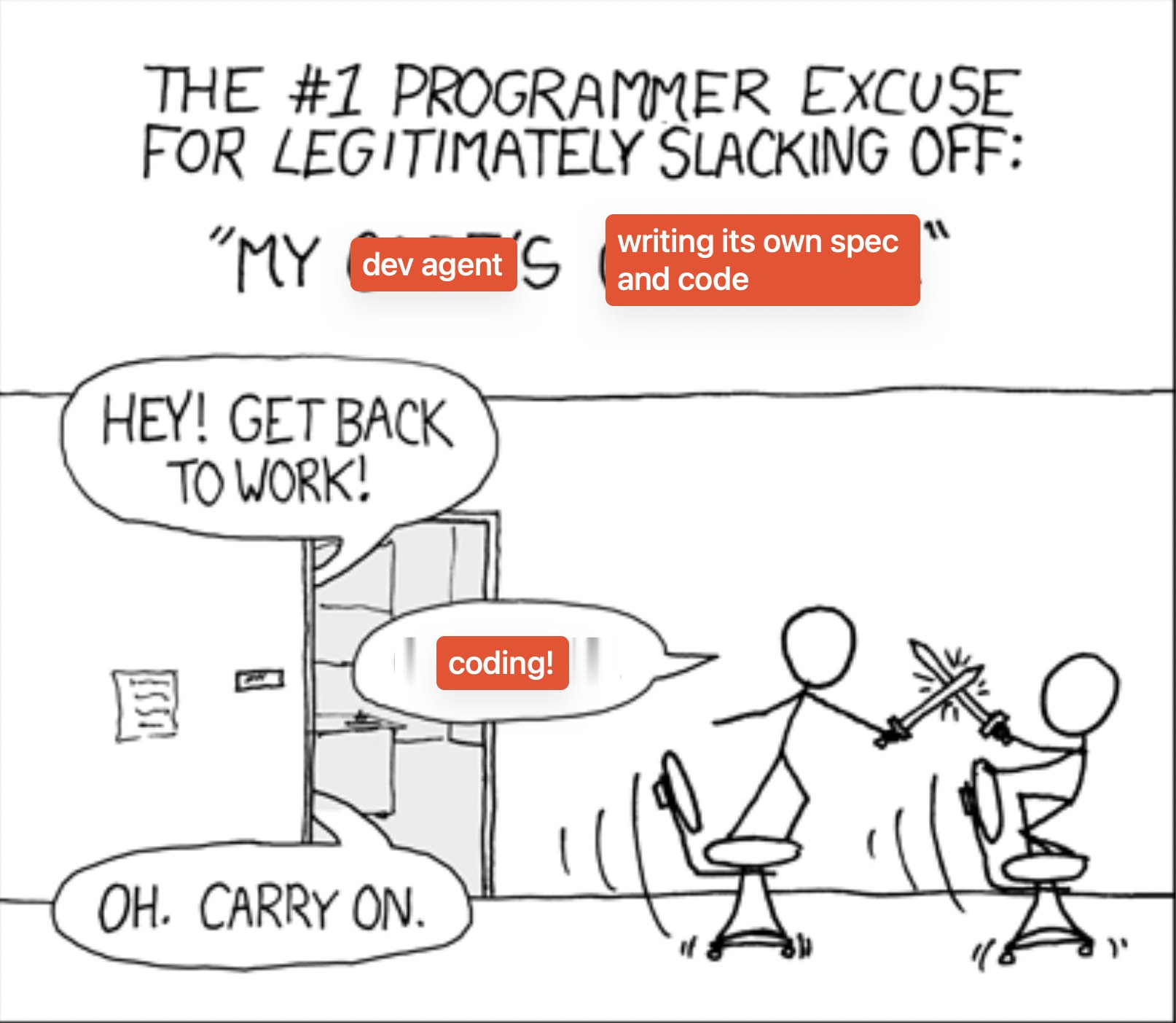

 smol developer 是一个“初级开发者”AI 智能体,它可以根据产品规格从头搭建整个代码库,也可以作为库嵌入你自己的应用中来生成代码。