



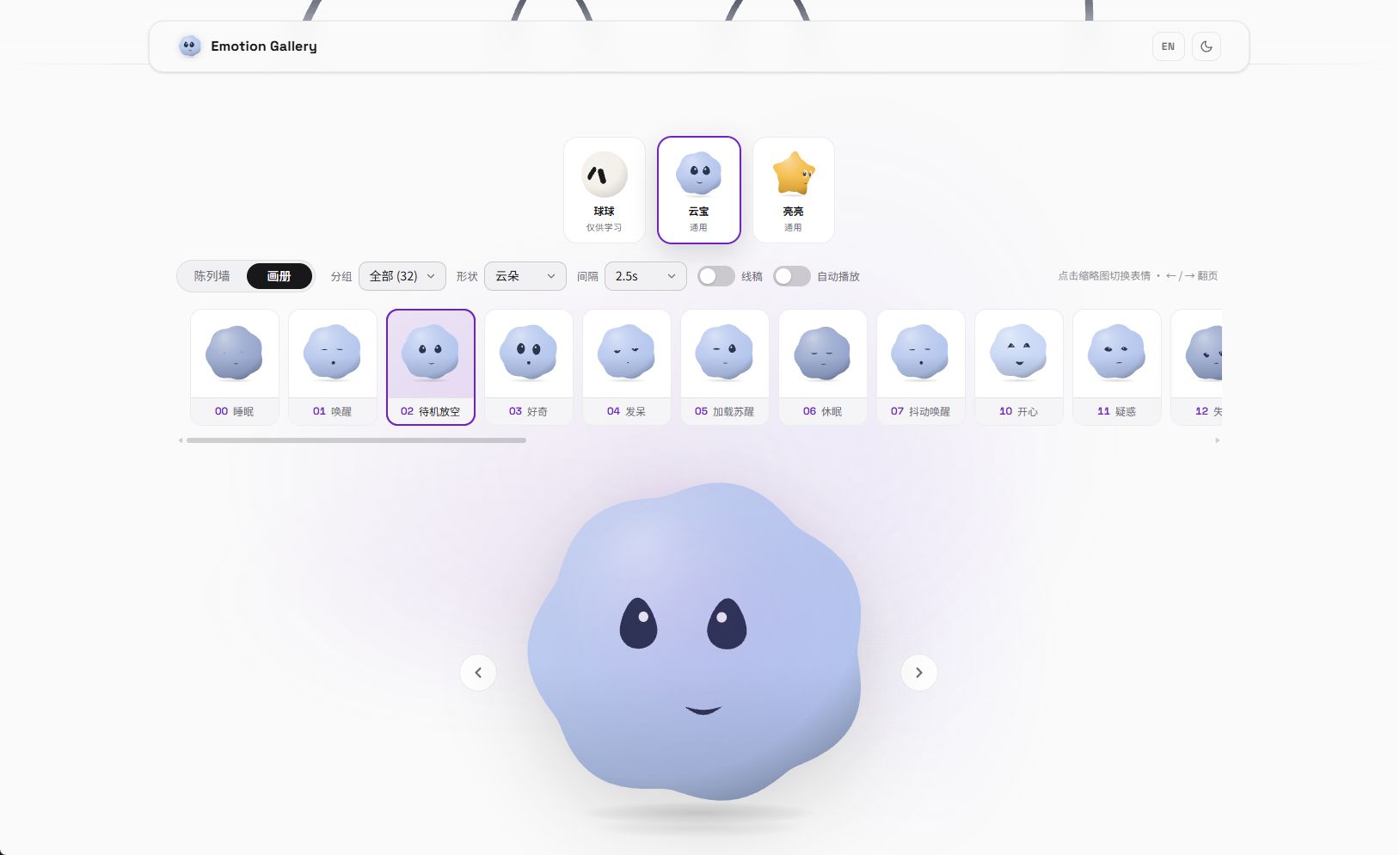
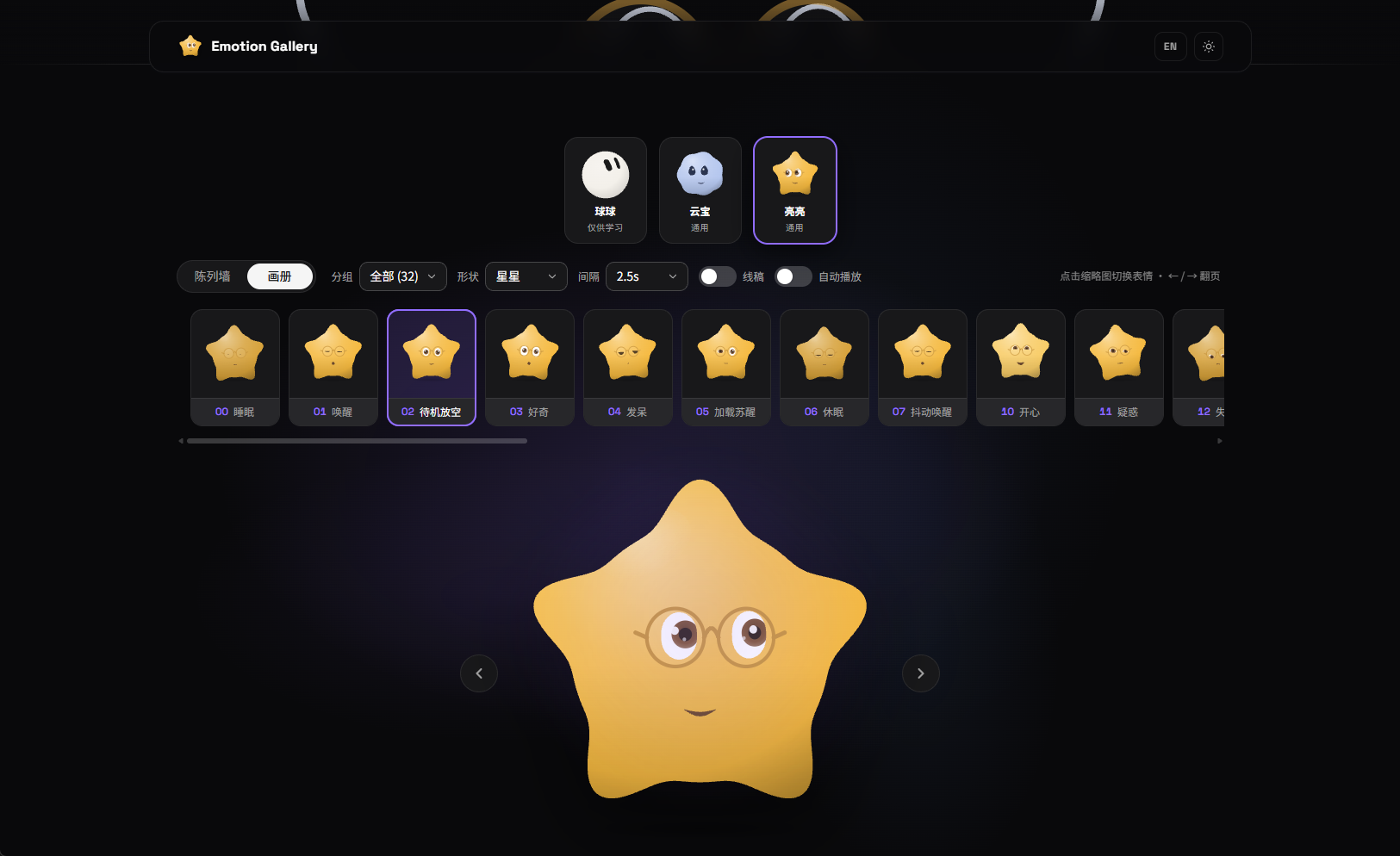
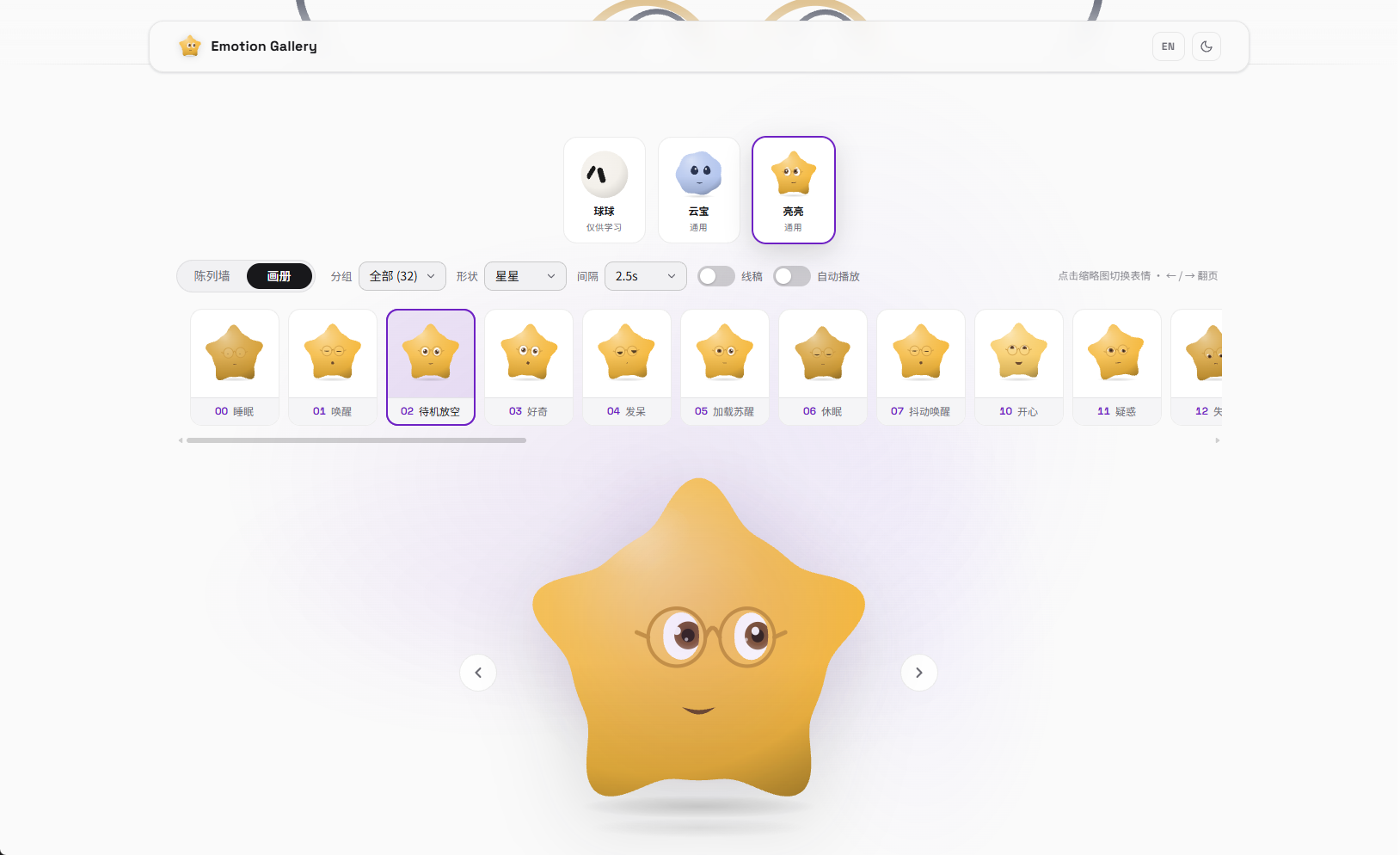
What is this?
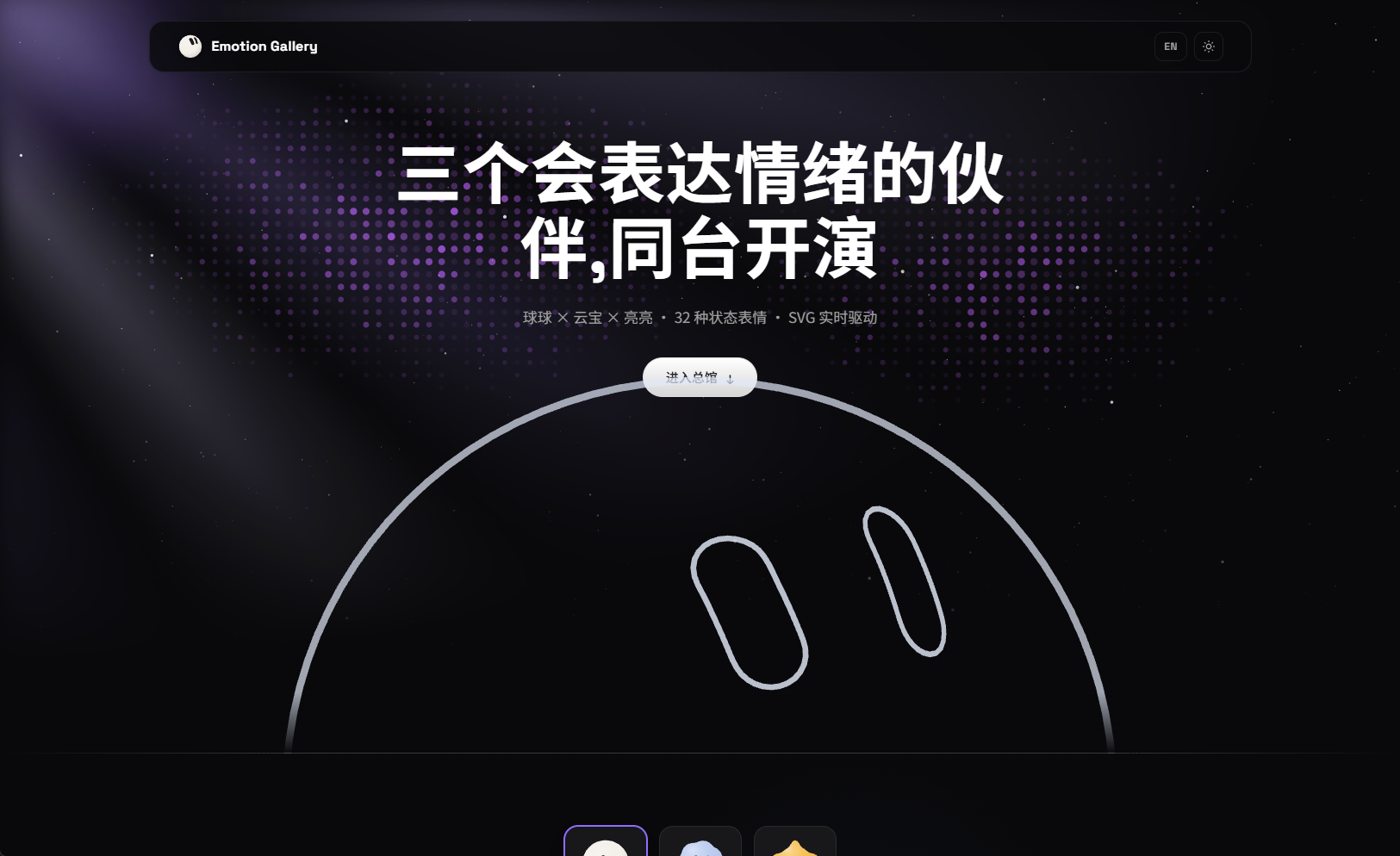
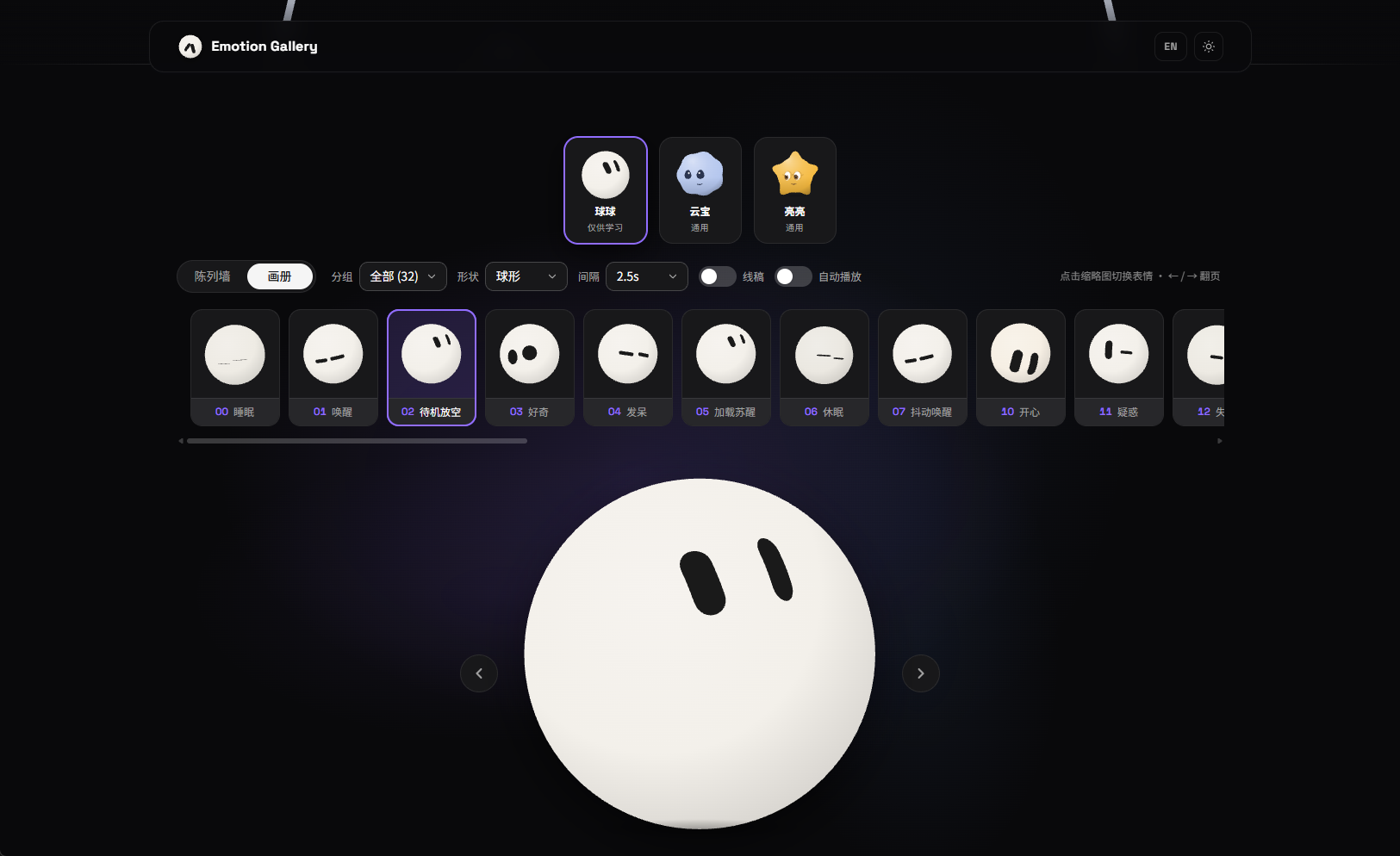
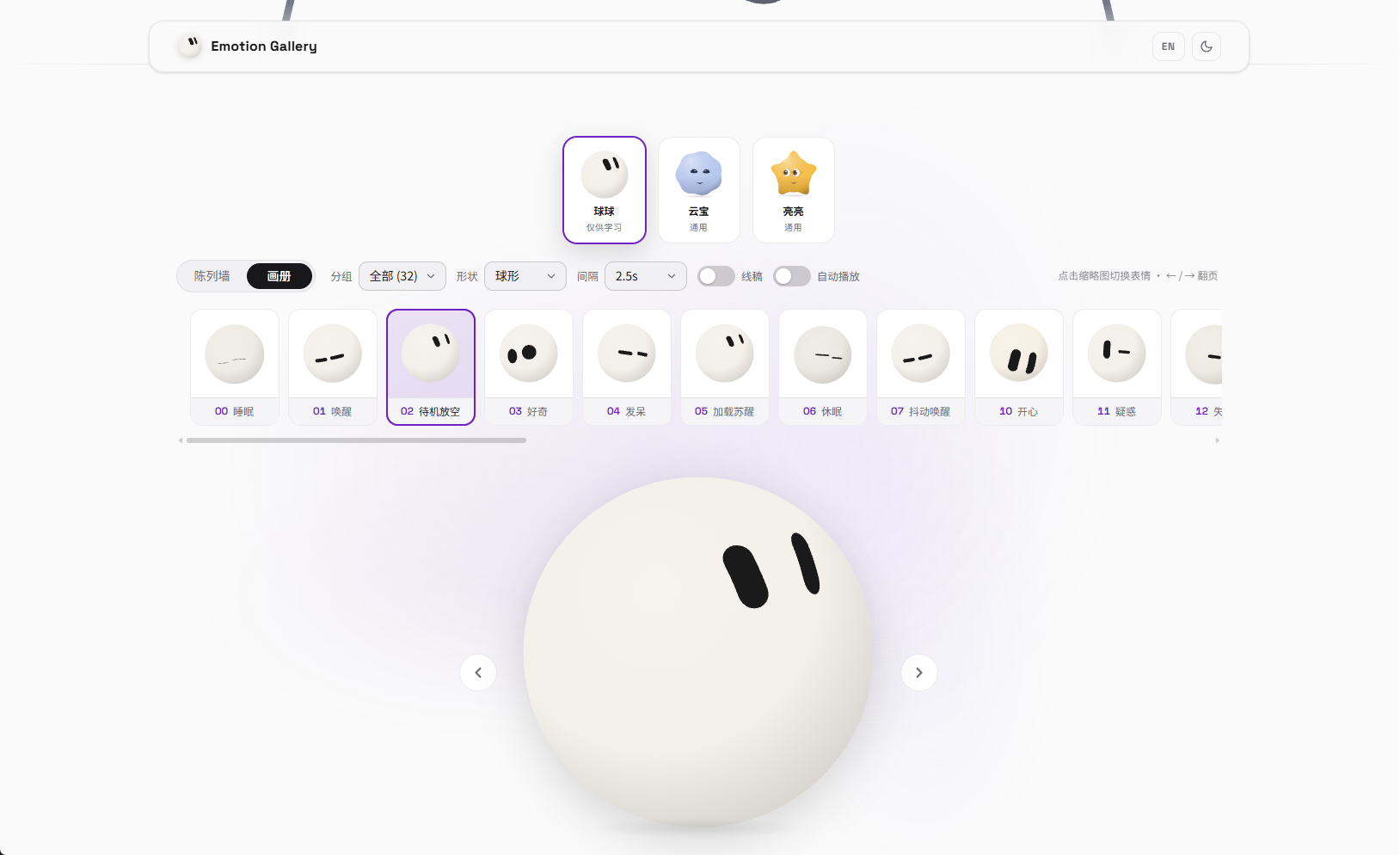
 Emotion Ball is a facial-expression engine for AI assistants: 32 state-based expressions driven entirely by pure SVG and vanilla JavaScript, with zero frameworks and zero image assets. The AI side just outputs an emotionId and the ball switches to the matching expression.
Emotion Ball is a facial-expression engine for AI assistants: 32 state-based expressions driven entirely by pure SVG and vanilla JavaScript, with zero frameworks and zero image assets. The AI side just outputs an emotionId and the ball switches to the matching expression.Is this a standalone app or something I embed into my own project?It is a lightweight embeddable widget library — just HTML, SVG and vanilla JS with no build step — meant to be dropped into chatbots, desktop pets, or floating assistants, not run as a standalone app.
It is a lightweight embeddable widget library — just HTML, SVG and vanilla JS with no build step — meant to be dropped into chatbots, desktop pets, or floating assistants, not run as a standalone app.How do I get it running?Include the engine's core script files in order to create a ball instance, or just open index.html directly (ideally through a local server so Google Fonts load correctly).
Include the engine's core script files in order to create a ball instance, or just open index.html directly (ideally through a local server so Google Fonts load correctly).Do I need a build tool or framework to use it?No — it has zero dependencies and no build step; it's plain HTML, SVG and vanilla JavaScript that can be dropped straight into an Electron floating window.
No — it has zero dependencies and no build step; it's plain HTML, SVG and vanilla JavaScript that can be dropped straight into an Electron floating window.What happens if the AI sends a bad or unknown emotionId?The engine automatically falls back to the idle expression and fires an 'error' event — unknown IDs, JSON parse failures, or missing fields never leave the ball blank.
The engine automatically falls back to the idle expression and fires an 'error' event — unknown IDs, JSON parse failures, or missing fields never leave the ball blank.Can I run this as a desktop pet in Electron?Yes — the README gives explicit Electron integration settings: a transparent, frameless, always-on-top window with mouse-event passthrough so clicks go through while the ball still reacts to gaze.
Yes — the README gives explicit Electron integration settings: a transparent, frameless, always-on-top window with mouse-event passthrough so clicks go through while the ball still reacts to gaze.What are the license terms?The engine source code and expression data are dual-licensed: free for personal/non-commercial use, with a paid commercial license available. The ball-shaped character visuals (blob/wedge/gem body designs) are for personal study only and will never get a commercial license.
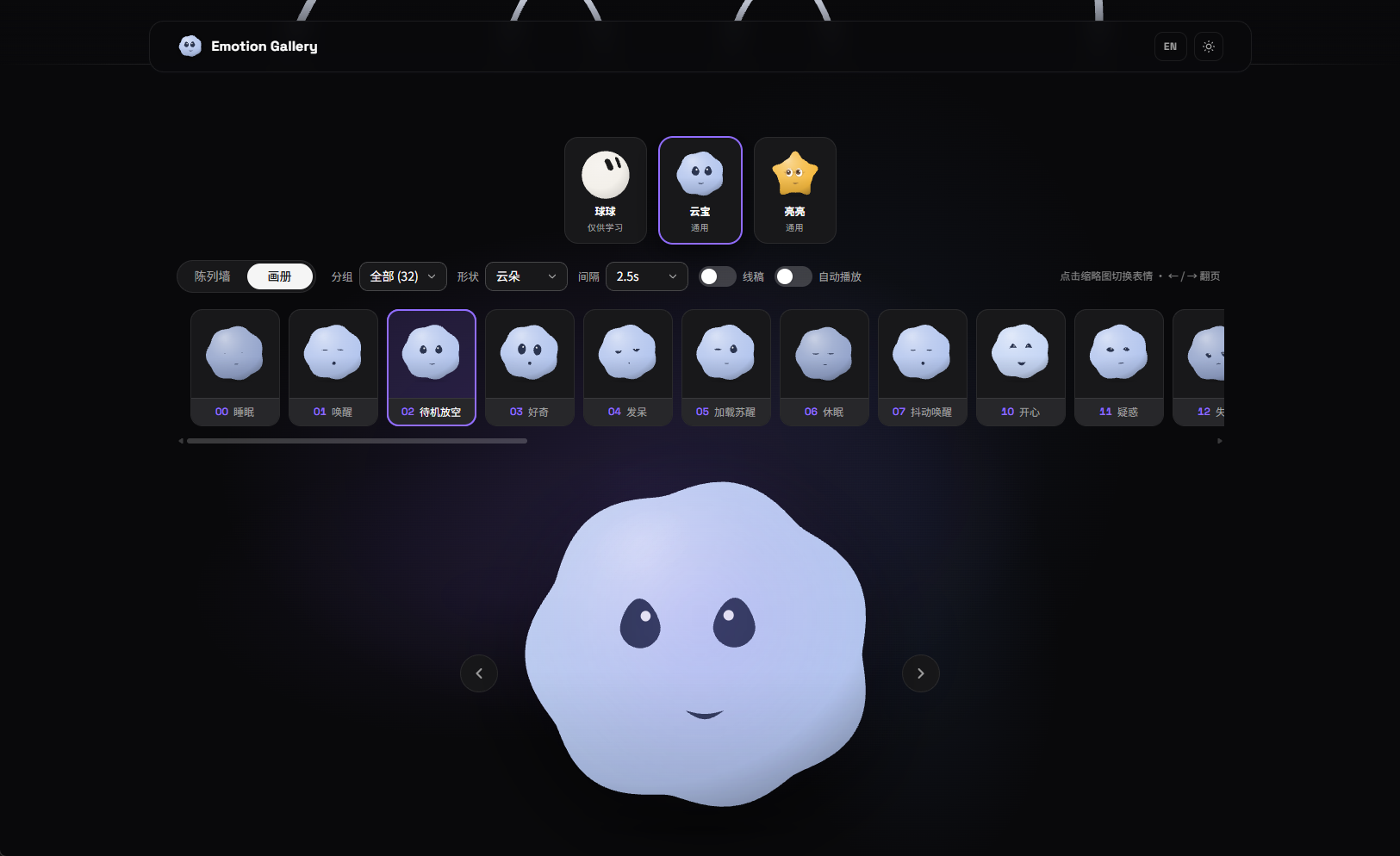
The engine source code and expression data are dual-licensed: free for personal/non-commercial use, with a paid commercial license available. The ball-shaped character visuals (blob/wedge/gem body designs) are for personal study only and will never get a commercial license.What body shapes does the ball support?Three built-in body shapes — blob (round), wedge (triangle), and gem (diamond) — all share the same eye and animation system, which automatically adapts to each outline.
Three built-in body shapes — blob (round), wedge (triangle), and gem (diamond) — all share the same eye and animation system, which automatically adapts to each outline.How are the 32 expressions organized?The emotionId uses a tens-digit prefix grouping: 00-09 are lifecycle states, 10-29 are emotional reactions, 30-49 are agent/task states, and 50+ is reserved for custom expressions, so integrators can hardcode IDs safely since numbers are never reused.
The emotionId uses a tens-digit prefix grouping: 00-09 are lifecycle states, 10-29 are emotional reactions, 30-49 are agent/task states, and 50+ is reserved for custom expressions, so integrators can hardcode IDs safely since numbers are never reused.Can I create my own custom expressions?Yes — every expression is a pure data configuration (eye-ring pool + animation primitives + keyframe sequence), and the engine supports runtime registration plus import/export of configs without touching engine code.
Yes — every expression is a pure data configuration (eye-ring pool + animation primitives + keyframe sequence), and the engine supports runtime registration plus import/export of configs without touching engine code.Does it stay efficient with many instances on screen?Yes — all instances share a single requestAnimationFrame heartbeat, so adding more balls doesn't increase loop overhead, and thumbnail walls can set autostart:false and toggle rendering with setActive only when visible.
Yes — all instances share a single requestAnimationFrame heartbeat, so adding more balls doesn't increase loop overhead, and thumbnail walls can set autostart:false and toggle rendering with setActive only when visible.What are similar projects?live2d-widget, bloub, anime, lottie-web, svg.js, hairline, drawably, vivus
live2d-widget, bloub, anime, lottie-web, svg.js, hairline, drawably, vivusWhich topics is it in?grok-bot, svg-animation, desktop-pet, widget, vanilla-javascript, zero-dependency, bot, grok, svg, electron, chatbot, animation
grok-bot, svg-animation, desktop-pet, widget, vanilla-javascript, zero-dependency, bot, grok, svg, electron, chatbot, animation