
16.5K ·GitHub
这是什么?
 一个简历生成工具:在数据文件里描述一次你的简历内容,就能得到多份设计精美的简历,可以在浏览器里预览并导出为 PDF。基于 Vue 和 LESS 开发。
一个简历生成工具:在数据文件里描述一次你的简历内容,就能得到多份设计精美的简历,可以在浏览器里预览并导出为 PDF。基于 Vue 和 LESS 开发。这是一个我访问的网站,还是需要我自己运行的程序?需要你自己运行:它是一个本地的 Node.js 应用。你把它克隆下来,用 'npm run dev' 启动开发服务器,然后在浏览器里通过 localhost:8080 使用。
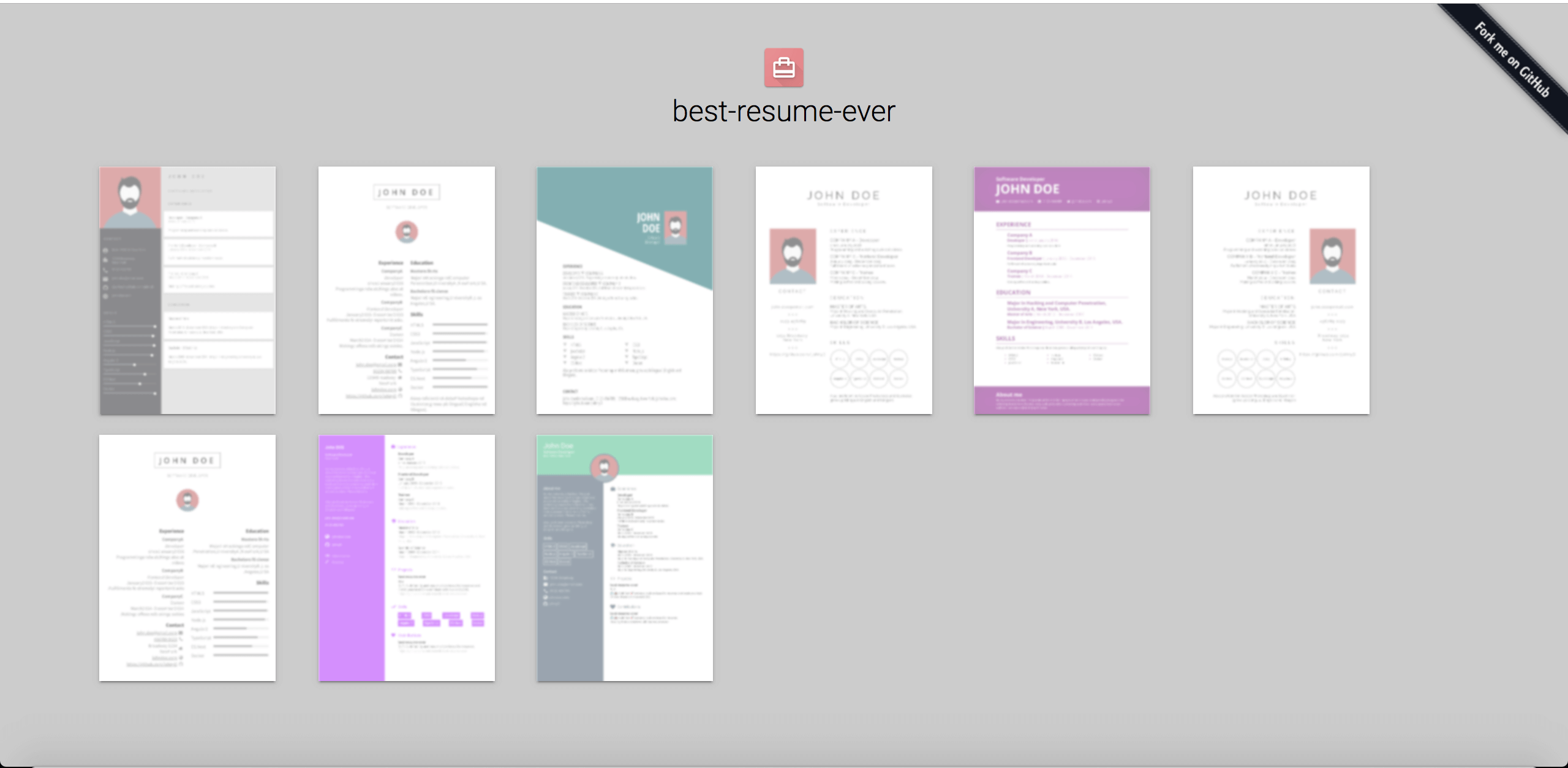
需要你自己运行:它是一个本地的 Node.js 应用。你把它克隆下来,用 'npm run dev' 启动开发服务器,然后在浏览器里通过 localhost:8080 使用。我怎么把它跑起来?克隆仓库,cd 进入目录并运行 'npm install',然后启动 'npm run dev'——8080 端口的页面会展示所有布局的预览,点击其中一个就会在同一个窗口里打开简历。
克隆仓库,cd 进入目录并运行 'npm install',然后启动 'npm run dev'——8080 端口的页面会展示所有布局的预览,点击其中一个就会在同一个窗口里打开简历。我的电脑上需要先装什么?只需要 Node.js:README 要求 8.5.0 或更高版本,包的元数据现在要求 Node 18+ 并搭配 npm 6+。
只需要 Node.js:README 要求 8.5.0 或更高版本,包的元数据现在要求 Node 18+ 并搭配 npm 6+。预览服务器还在运行时能导出 PDF 吗?不能——要先停掉 'npm run dev'。开发服务器还在运行时执行 'npm run export' 会报错,因为这两个 npm 命令会同时运行。
不能——要先停掉 'npm run dev'。开发服务器还在运行时执行 'npm run export' 会报错,因为这两个 npm 命令会同时运行。我在哪里填写自己的信息和照片?所有内容都在 resume/ 目录里:把你的信息填进 data.yml,再把你的照片复制到该目录并重命名为 id.jpg,替换默认的头像。
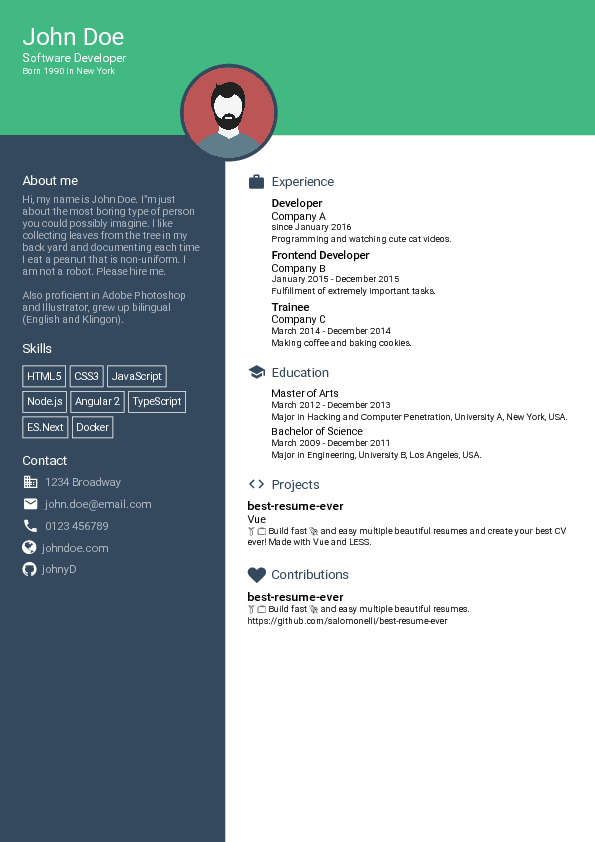
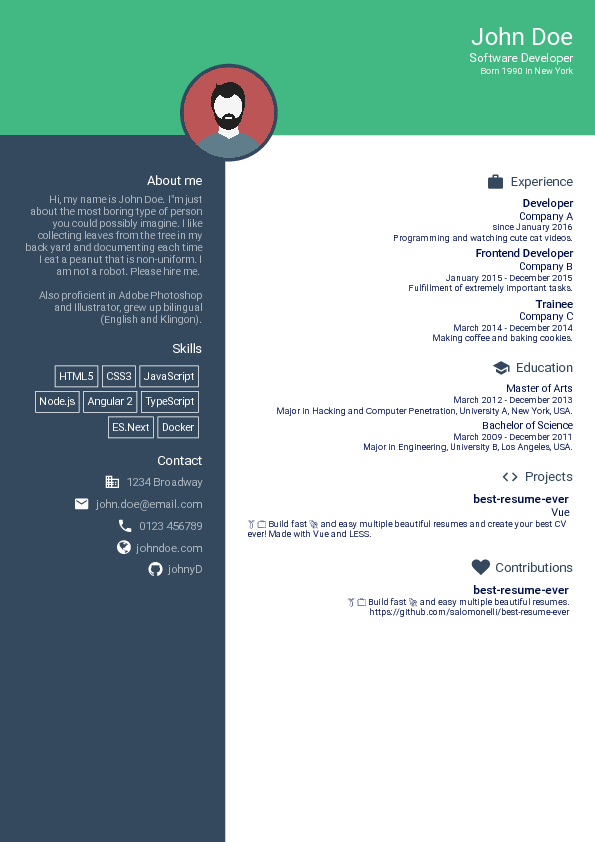
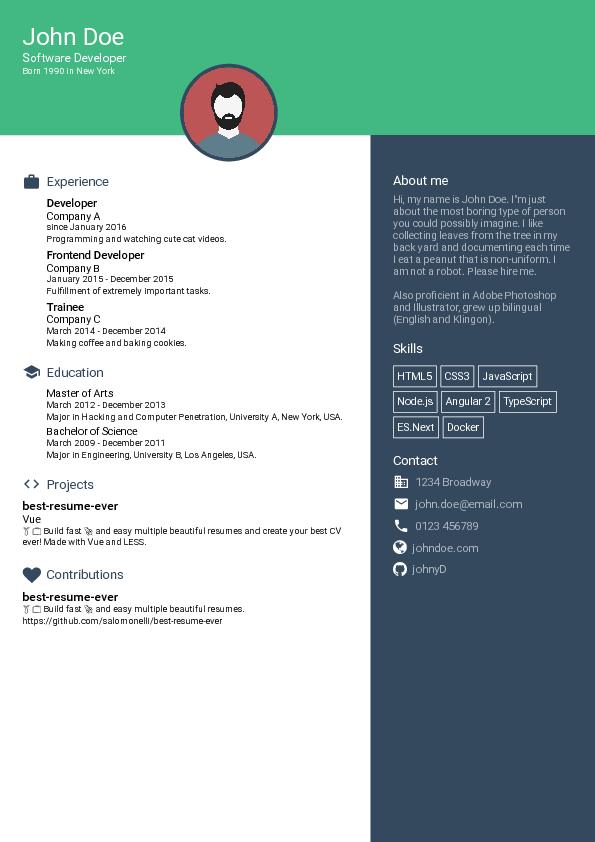
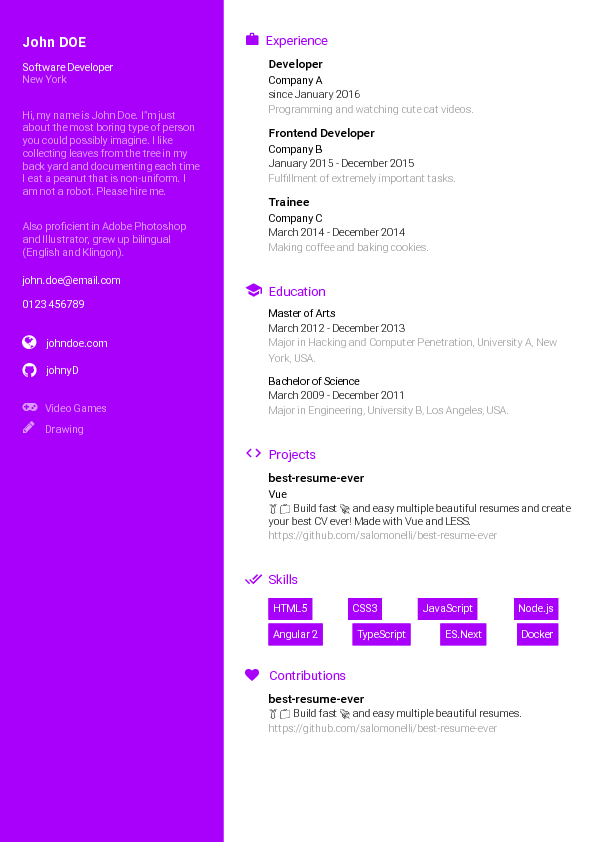
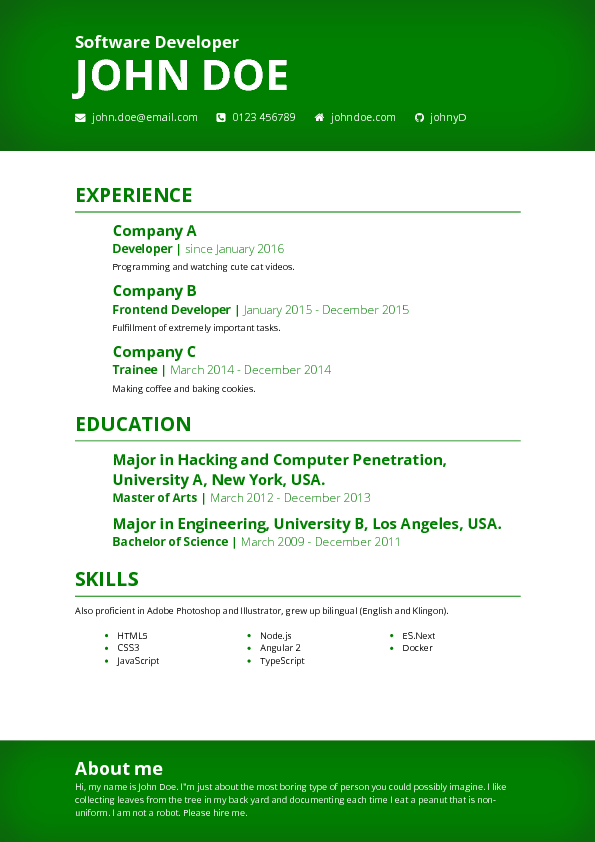
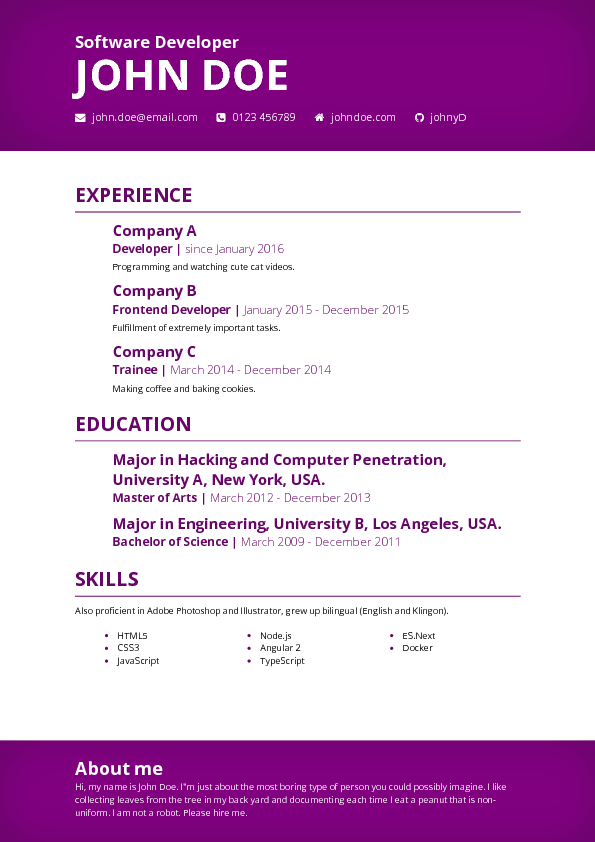
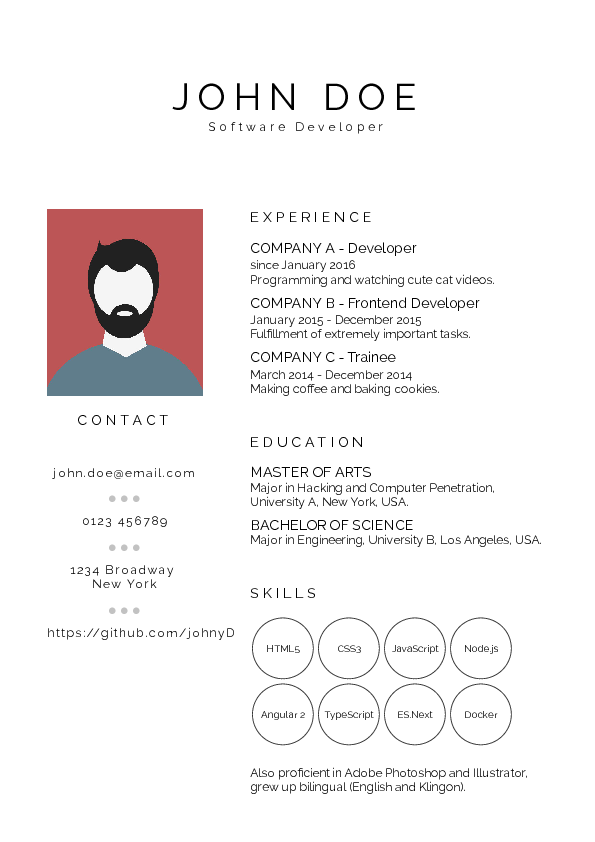
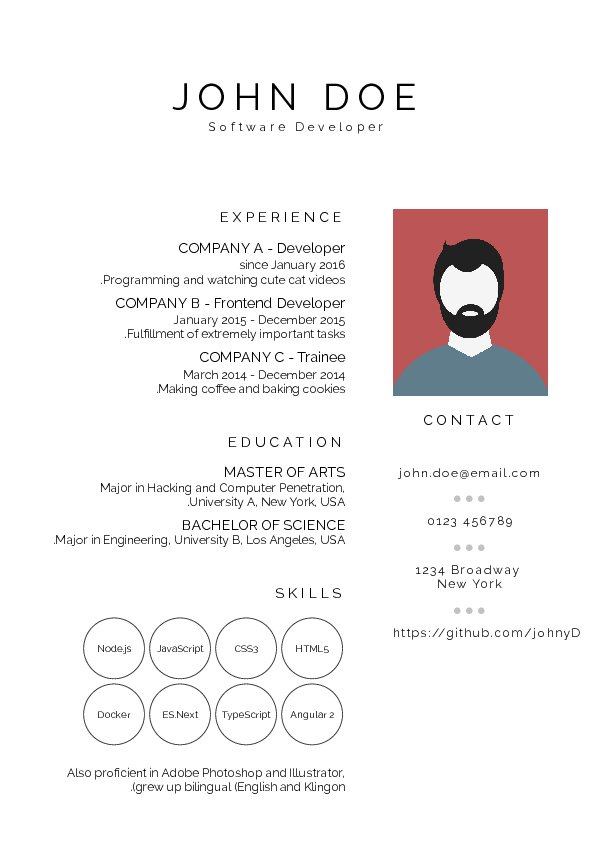
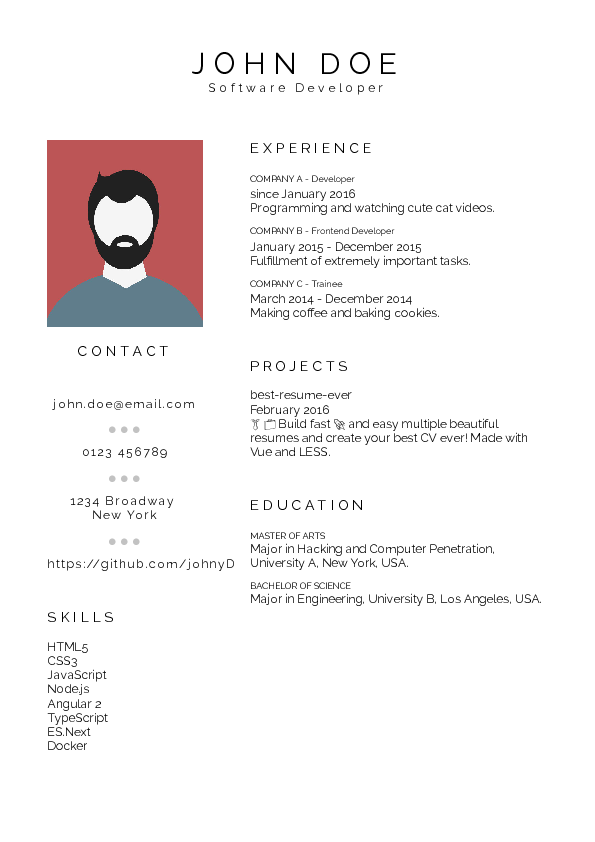
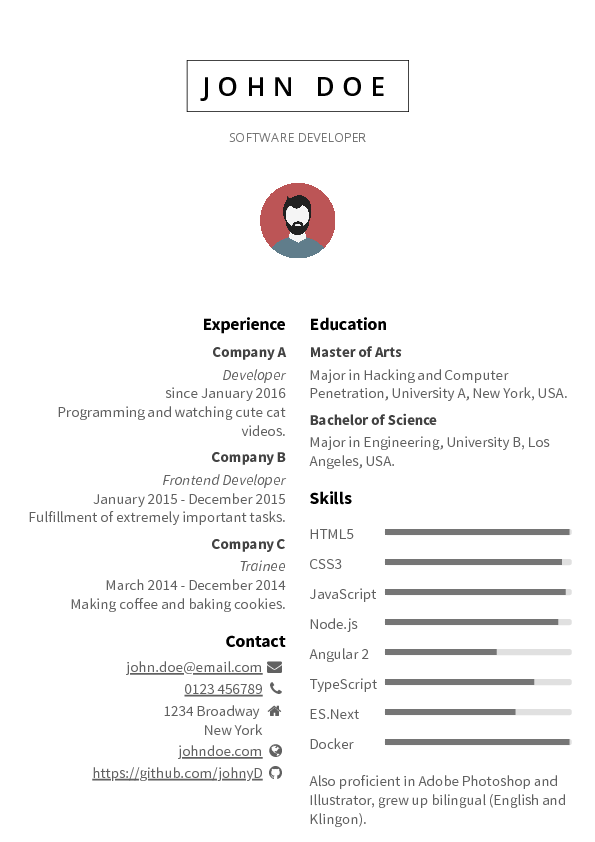
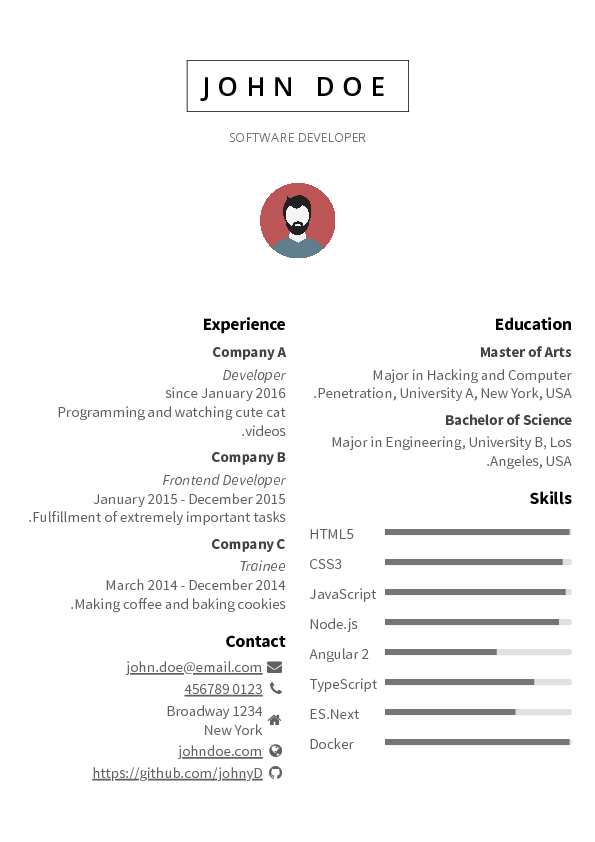
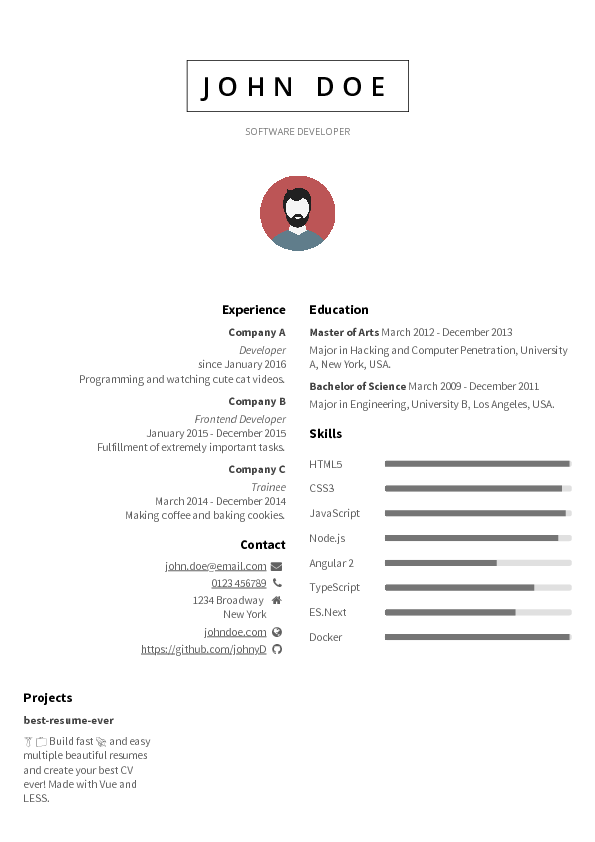
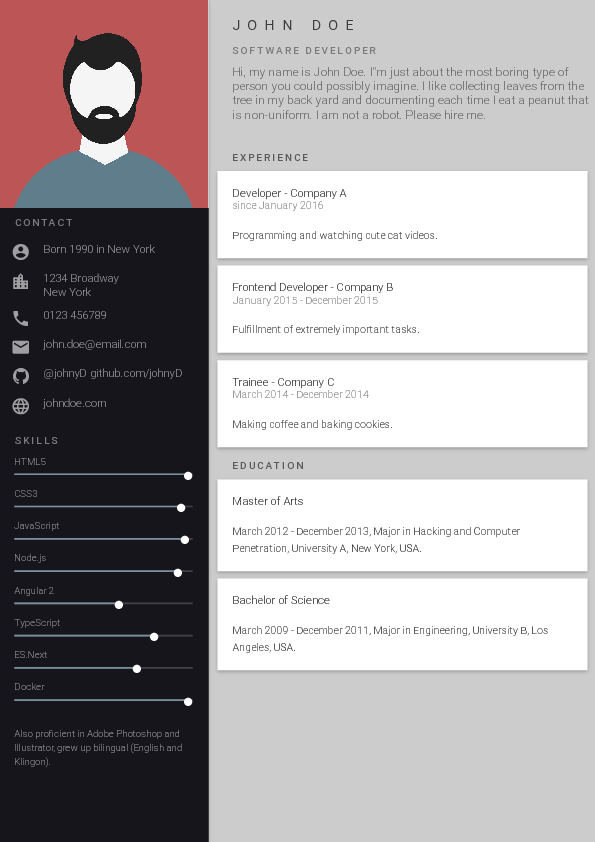
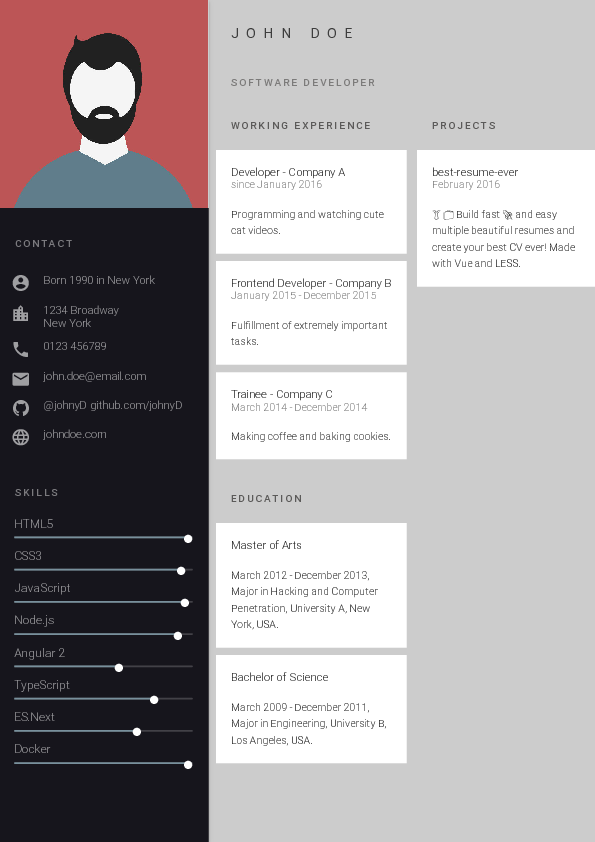
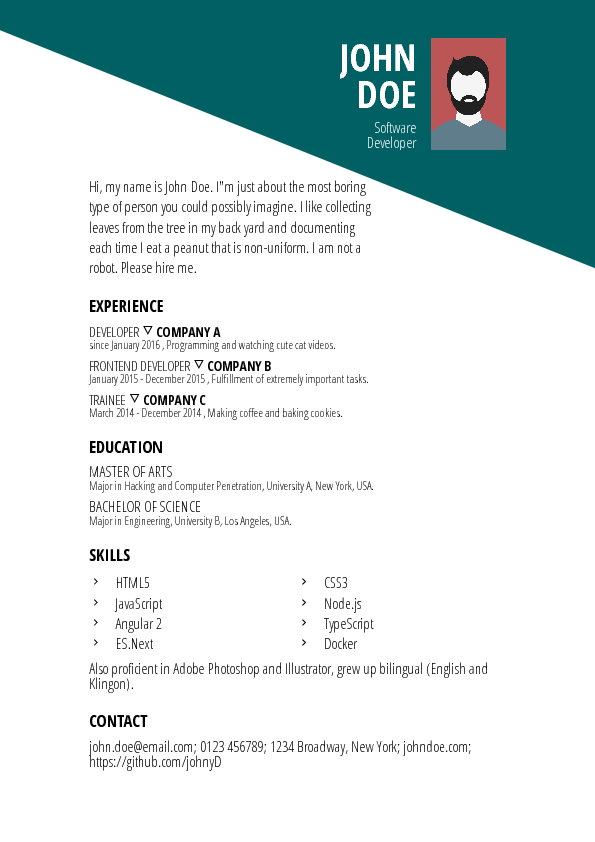
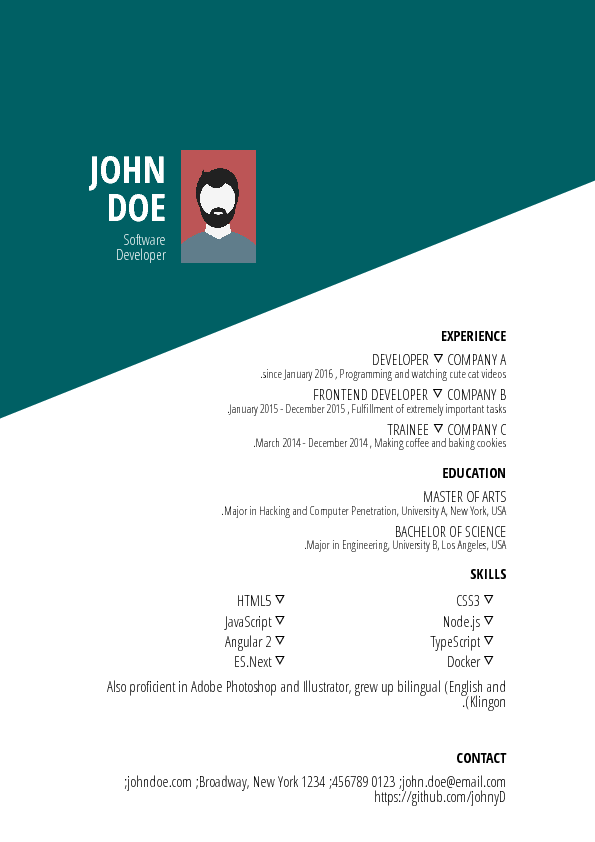
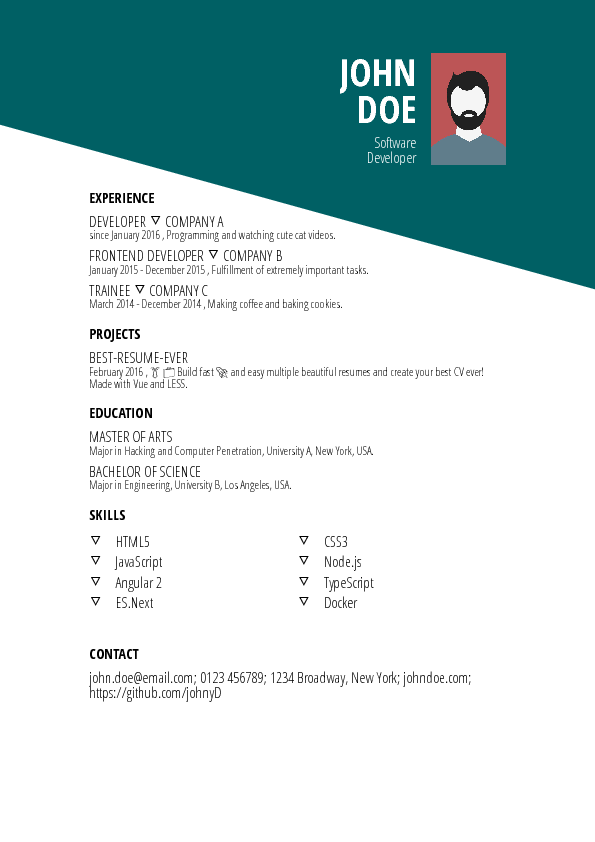
所有内容都在 resume/ 目录里:把你的信息填进 data.yml,再把你的照片复制到该目录并重命名为 id.jpg,替换默认的头像。有哪些布局可以选?README 展示了 Cool、Creative、Green、Purple、Side Bar(左右两款)、Material、Dark 和 Oblique 等设计——你在浏览器里点击某个布局就能预览。
README 展示了 Cool、Creative、Green、Purple、Side Bar(左右两款)、Material、Dark 和 Oblique 等设计——你在浏览器里点击某个布局就能预览。它是怎么把我的简历变成 PDF 文件的?导出基于 Puppeteer(一个无头 Chrome 自动化库),并把所有生成好的简历写入 pdf/ 文件夹。
导出基于 Puppeteer(一个无头 Chrome 自动化库),并把所有生成好的简历写入 pdf/ 文件夹。我可以自己设计模板吗?可以——开发者文档介绍了如何创建和更新模板。如果你修改的是现有模板,项目希望你把修改作为新模板提交,而不是直接改动原模板。
可以——开发者文档介绍了如何创建和更新模板。如果你修改的是现有模板,项目希望你把修改作为新模板提交,而不是直接改动原模板。What are similar projects?rendercv, Resume-Matcher, Awesome-CV, ASu-resume-skills, fe-interview, resume.github.com, ai-job-search, career-ops
rendercv, Resume-Matcher, Awesome-CV, ASu-resume-skills, fe-interview, resume.github.com, ai-job-search, career-opsWhich topics is it in?resume-builder, cv, resume, job-search, material-design, design, pdf, vue, css, web-app, productivity, gui
resume-builder, cv, resume, job-search, material-design, design, pdf, vue, css, web-app, productivity, gui