
16.5K ·GitHub
Что это такое?
 Конструктор резюме: вы один раз описываете своё CV в файле с данными и получаете несколько красиво оформленных резюме, которые можно посмотреть в браузере и экспортировать в PDF. Сделано на Vue и LESS.
Конструктор резюме: вы один раз описываете своё CV в файле с данными и получаете несколько красиво оформленных резюме, которые можно посмотреть в браузере и экспортировать в PDF. Сделано на Vue и LESS.Это сайт, куда я захожу, или программа, которую я запускаю сам?Программа, которую вы запускаете сами: это локальное приложение на Node.js. Вы клонируете его, запускаете dev-сервер командой 'npm run dev' и работаете с ним в браузере по адресу localhost:8080.
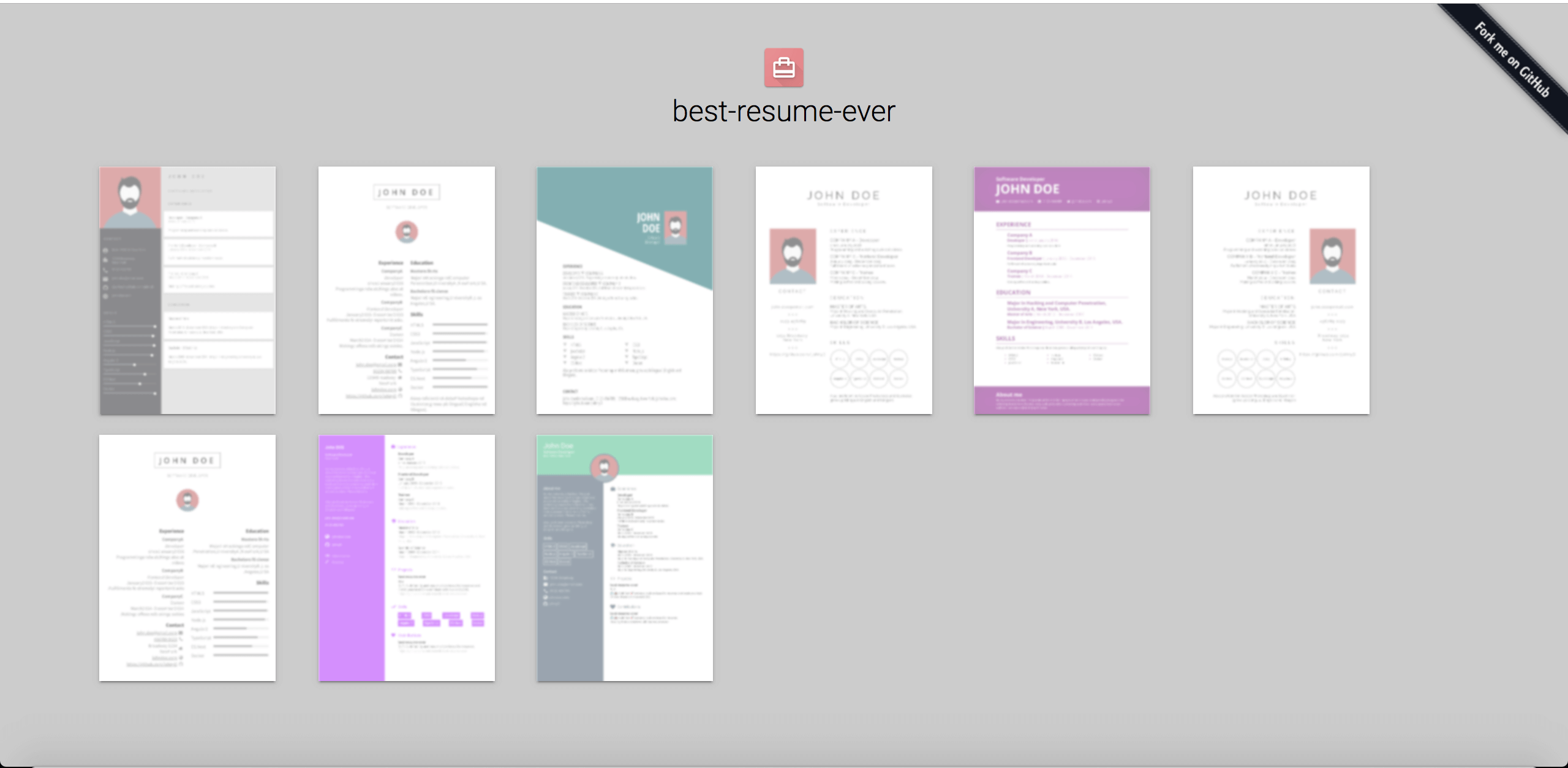
Программа, которую вы запускаете сами: это локальное приложение на Node.js. Вы клонируете его, запускаете dev-сервер командой 'npm run dev' и работаете с ним в браузере по адресу localhost:8080.Как его запустить?Склонируйте репозиторий, перейдите в него командой cd и выполните 'npm install', затем запустите 'npm run dev' — на странице по порту 8080 будут превью всех макетов, а клик по макету откроет резюме в том же окне.
Склонируйте репозиторий, перейдите в него командой cd и выполните 'npm install', затем запустите 'npm run dev' — на странице по порту 8080 будут превью всех макетов, а клик по макету откроет резюме в том же окне.Что должно быть установлено на моём компьютере заранее?Единственное требование — Node.js: в README указана версия 8.5.0 или выше, а в метаданных пакета сейчас требуется Node 18+ с npm 6+.
Единственное требование — Node.js: в README указана версия 8.5.0 или выше, а в метаданных пакета сейчас требуется Node 18+ с npm 6+.Могу ли я экспортировать PDF, пока сервер предпросмотра ещё работает?Нет — сначала остановите 'npm run dev'. Если запустить 'npm run export' при работающем dev-сервере, возникнут ошибки, потому что две команды npm выполняются одновременно.
Нет — сначала остановите 'npm run dev'. Если запустить 'npm run export' при работающем dev-сервере, возникнут ошибки, потому что две команды npm выполняются одновременно.Куда вписать свои данные и фото?Всё находится в каталоге resume/: отредактируйте файл data.yml, внеся туда свою информацию, и скопируйте туда свою фотографию под именем id.jpg, заменив стандартное фото профиля.
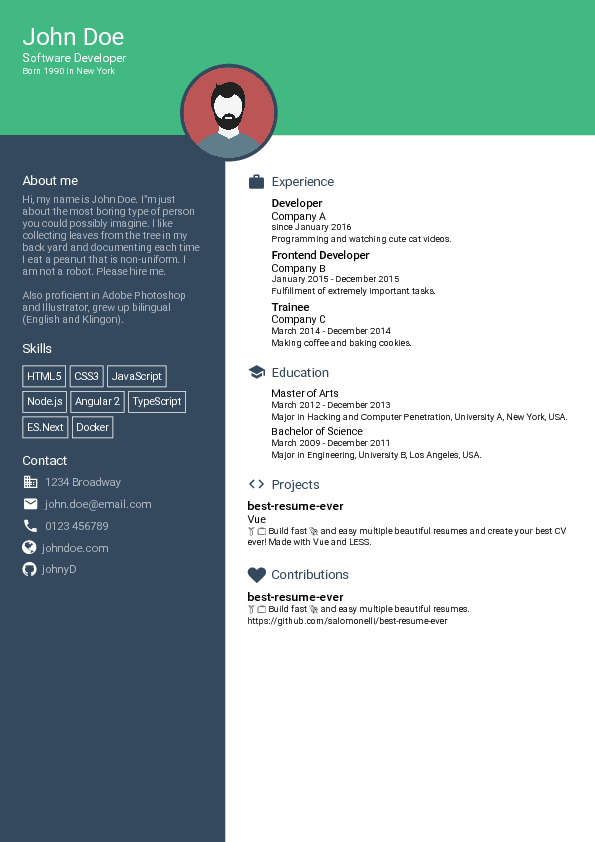
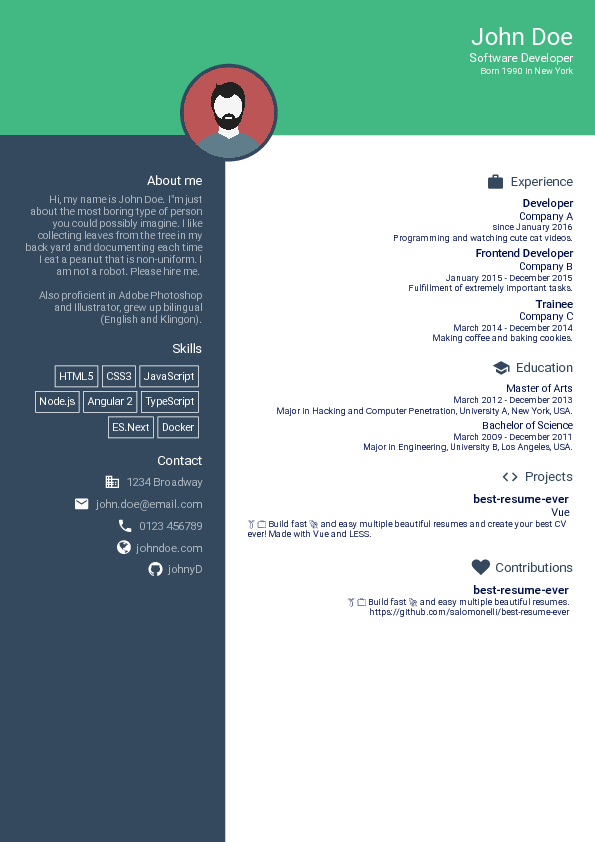
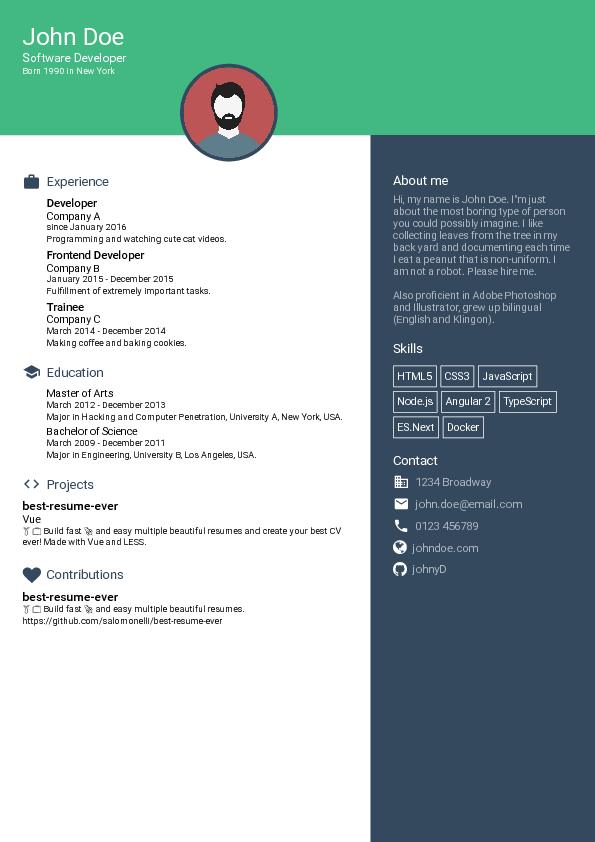
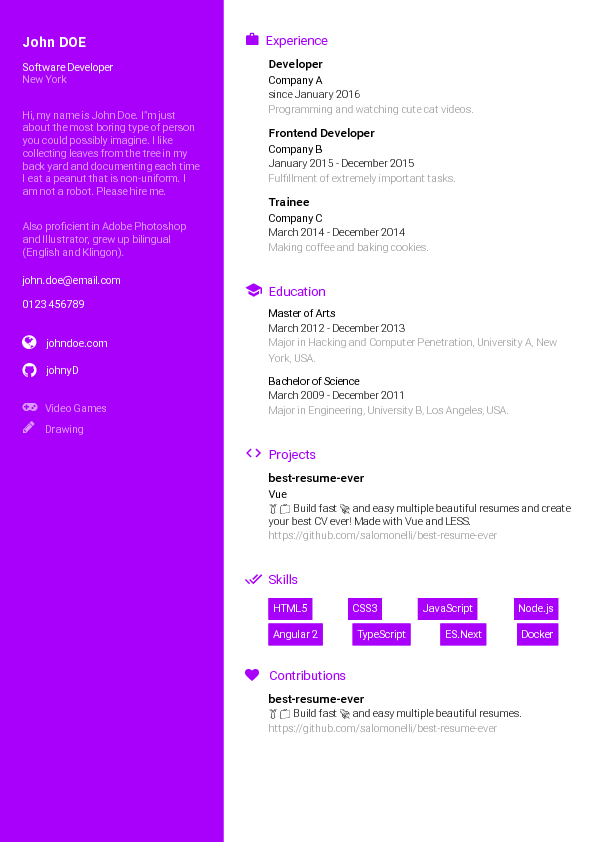
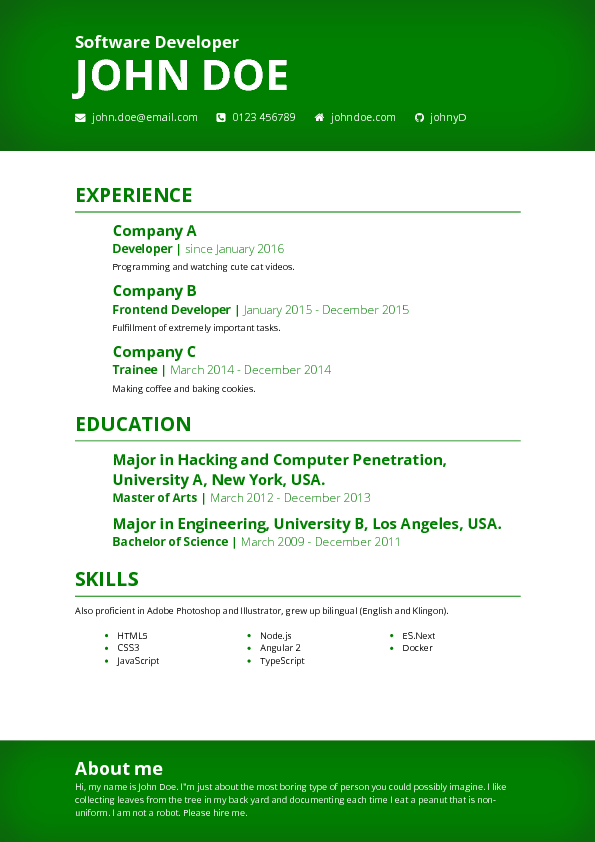
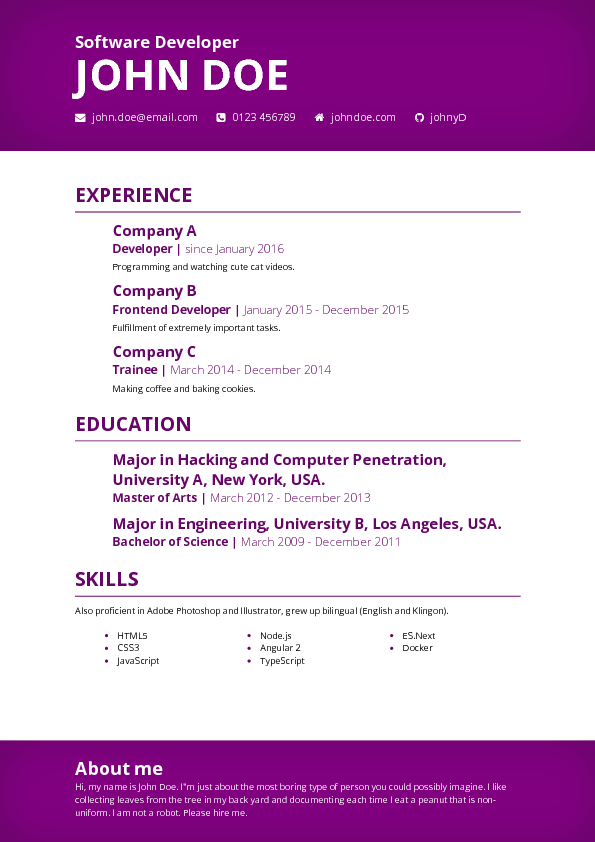
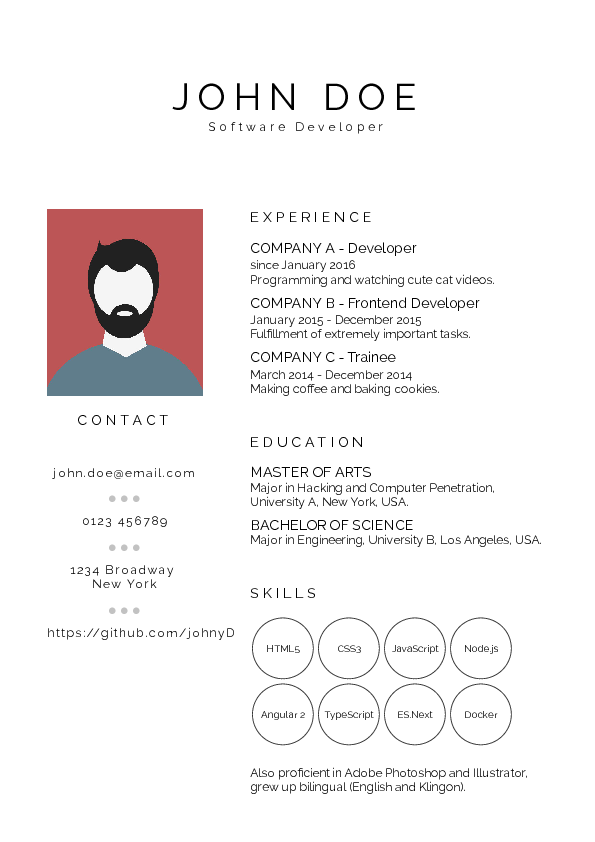
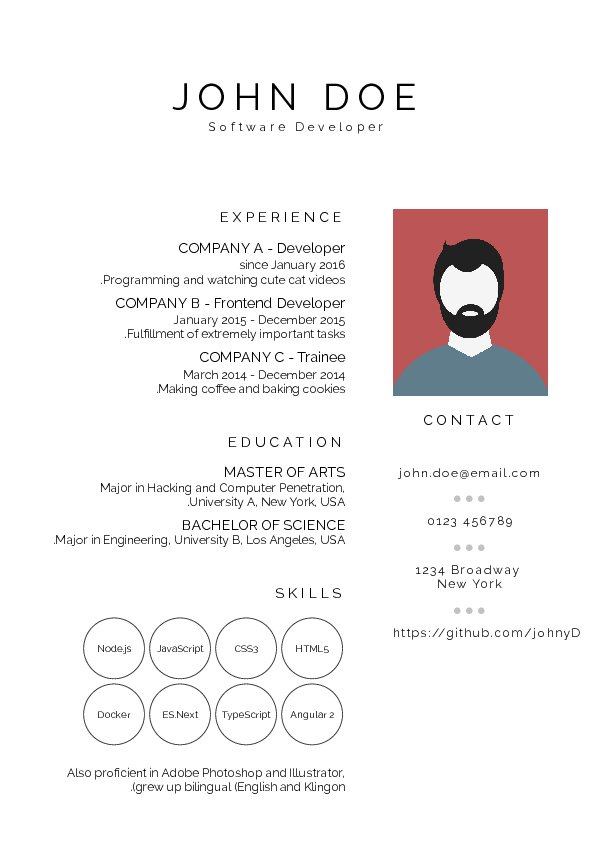
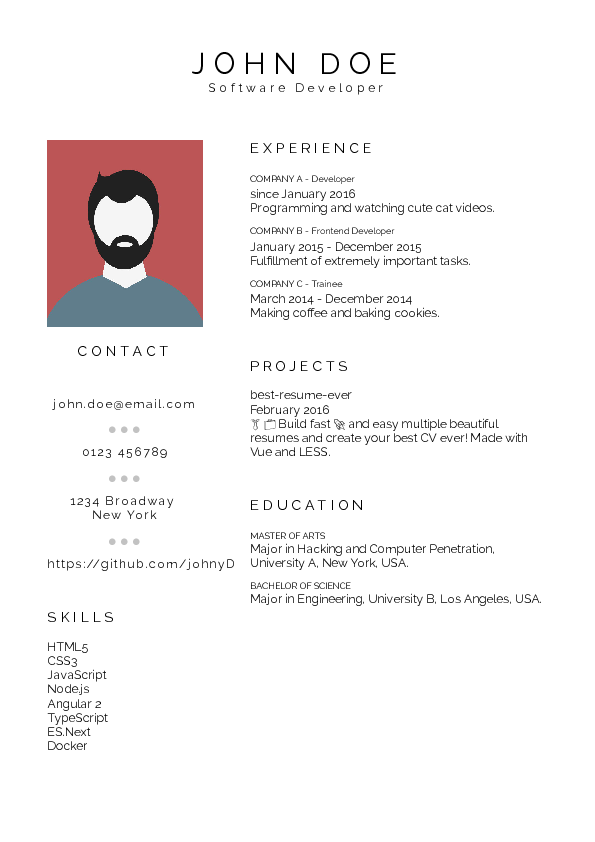
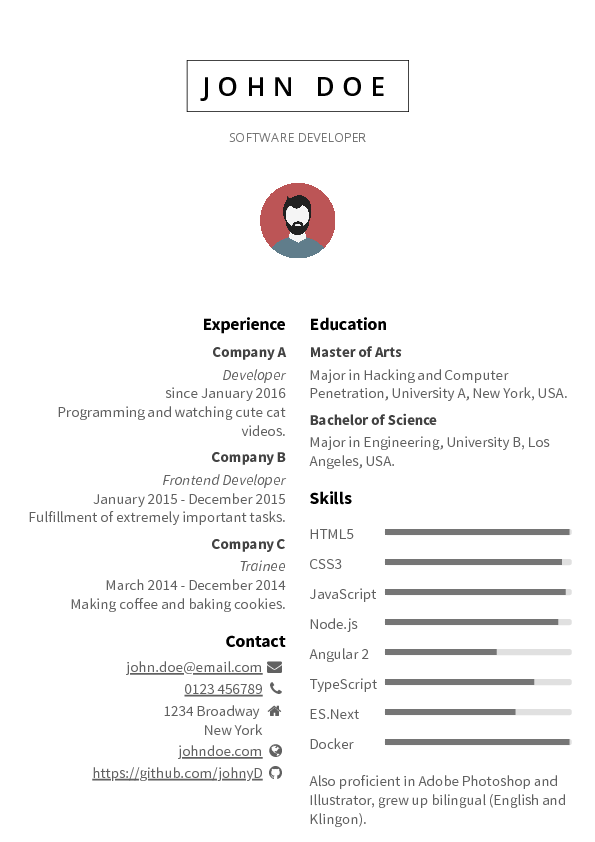
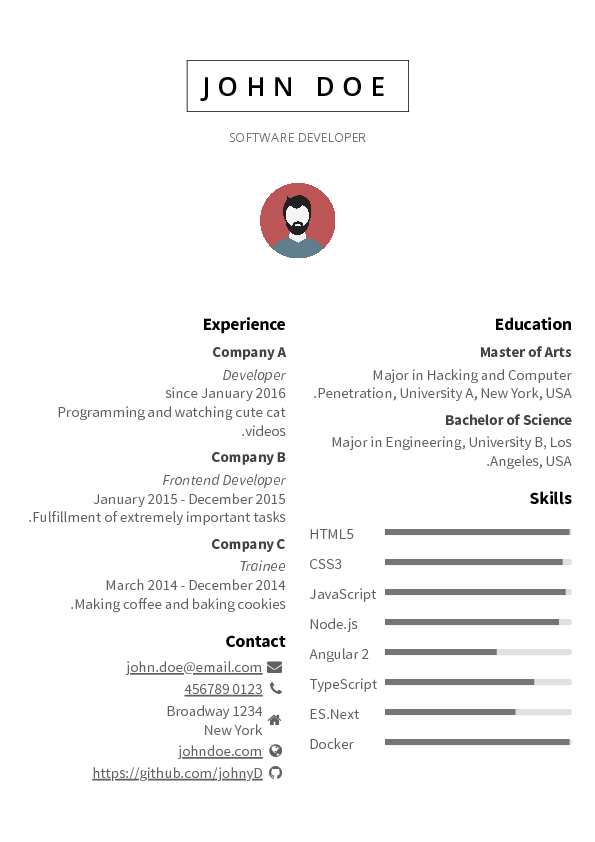
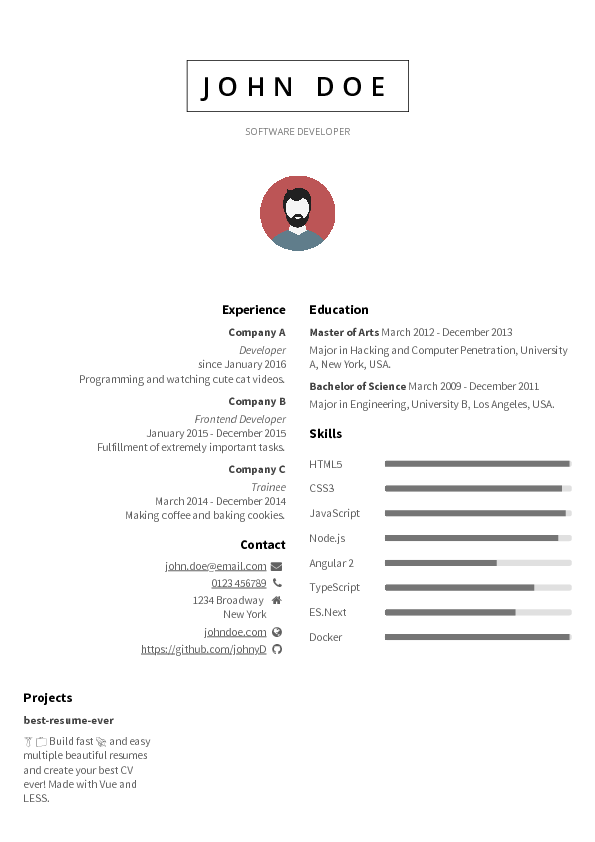
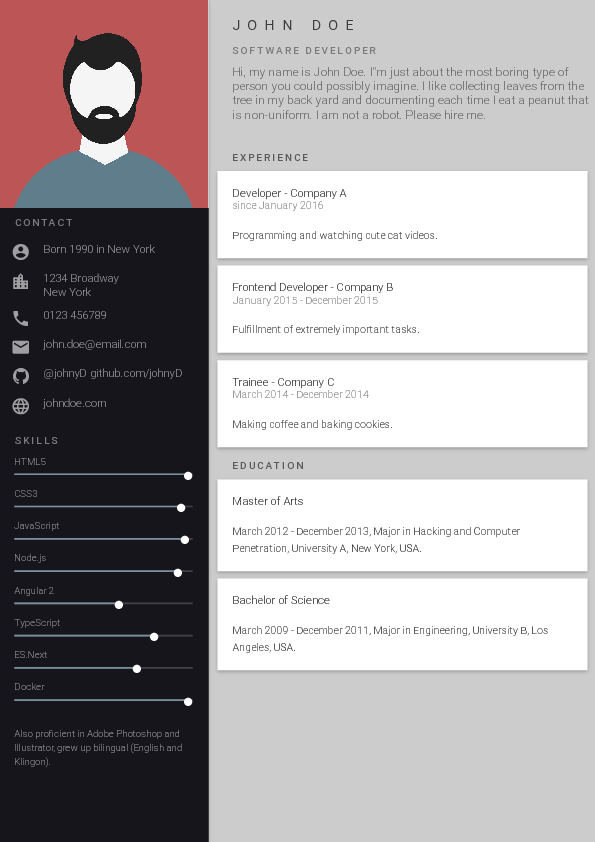
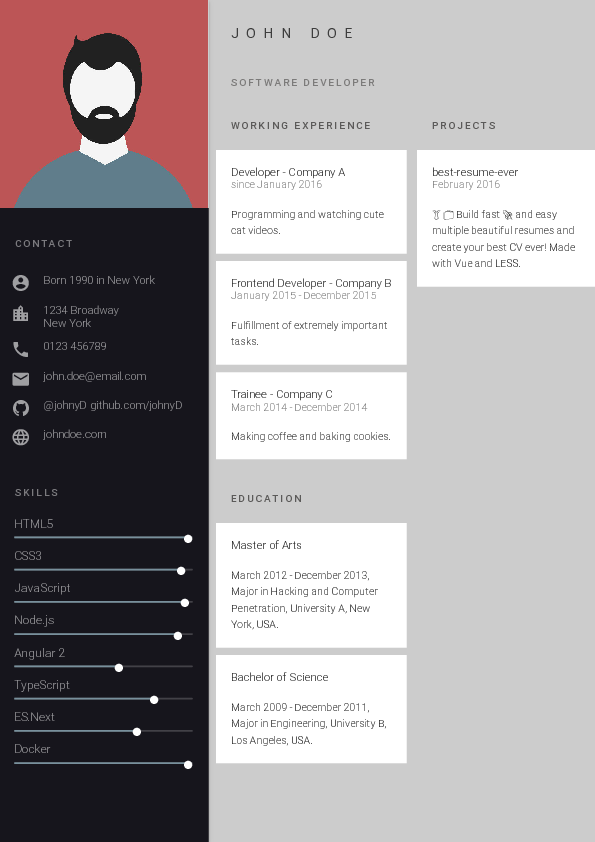
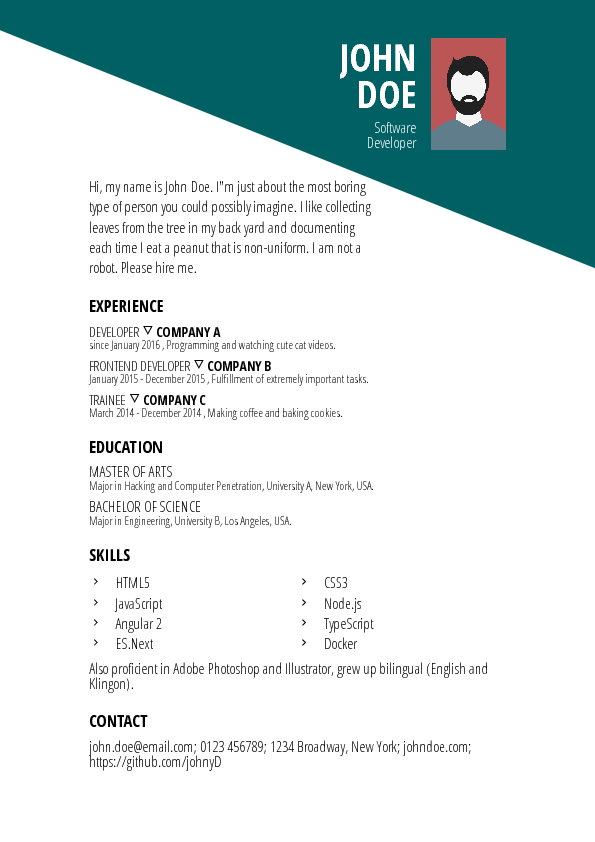
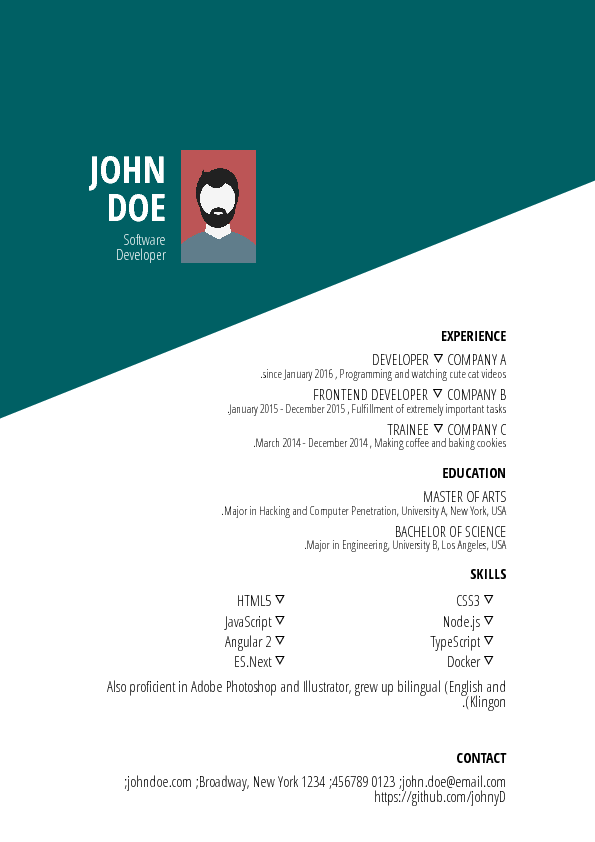
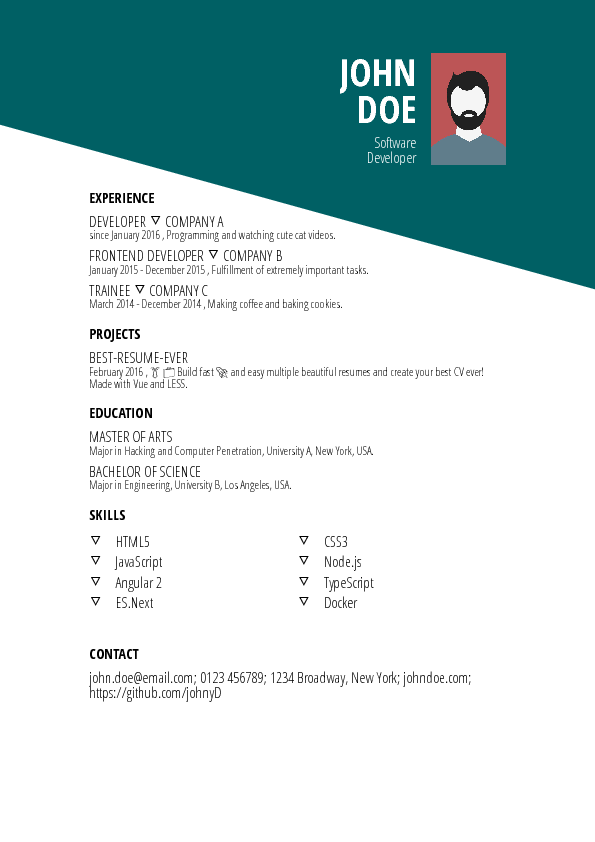
Всё находится в каталоге resume/: отредактируйте файл data.yml, внеся туда свою информацию, и скопируйте туда свою фотографию под именем id.jpg, заменив стандартное фото профиля.Какие макеты можно выбрать?В README показаны дизайны вроде Cool, Creative, Green, Purple, Side Bar (слева и справа), Material, Dark и Oblique — вы кликаете по макету в браузере, чтобы посмотреть, как он выглядит.
В README показаны дизайны вроде Cool, Creative, Green, Purple, Side Bar (слева и справа), Material, Dark и Oblique — вы кликаете по макету в браузере, чтобы посмотреть, как он выглядит.Как из моего резюме получается PDF-файл?Экспорт работает на Puppeteer — библиотеке для автоматизации headless Chrome — и сохраняет все готовые резюме в папку pdf/.
Экспорт работает на Puppeteer — библиотеке для автоматизации headless Chrome — и сохраняет все готовые резюме в папку pdf/.Могу ли я сделать свой собственный шаблон?Да — в документации для разработчиков описано создание и обновление шаблонов. Если вы меняете существующий, проект просит оформить ваши правки как новый шаблон.
Да — в документации для разработчиков описано создание и обновление шаблонов. Если вы меняете существующий, проект просит оформить ваши правки как новый шаблон.What are similar projects?rendercv, Resume-Matcher, Awesome-CV, ASu-resume-skills, fe-interview, resume.github.com, ai-job-search, career-ops
rendercv, Resume-Matcher, Awesome-CV, ASu-resume-skills, fe-interview, resume.github.com, ai-job-search, career-opsWhich topics is it in?resume-builder, cv, resume, job-search, material-design, design, pdf, vue, css, web-app, productivity, gui
resume-builder, cv, resume, job-search, material-design, design, pdf, vue, css, web-app, productivity, gui