
Rome
The agentic OS for humans and agents.




Website
·
Try Rome Cloud
·
Documentation
·
App Store
What is Rome?
Most progress in AI comes from scaling models. Rome scales the other axis, the environment: the tools, workflows, memory, and interfaces an agent works within (why this matters).
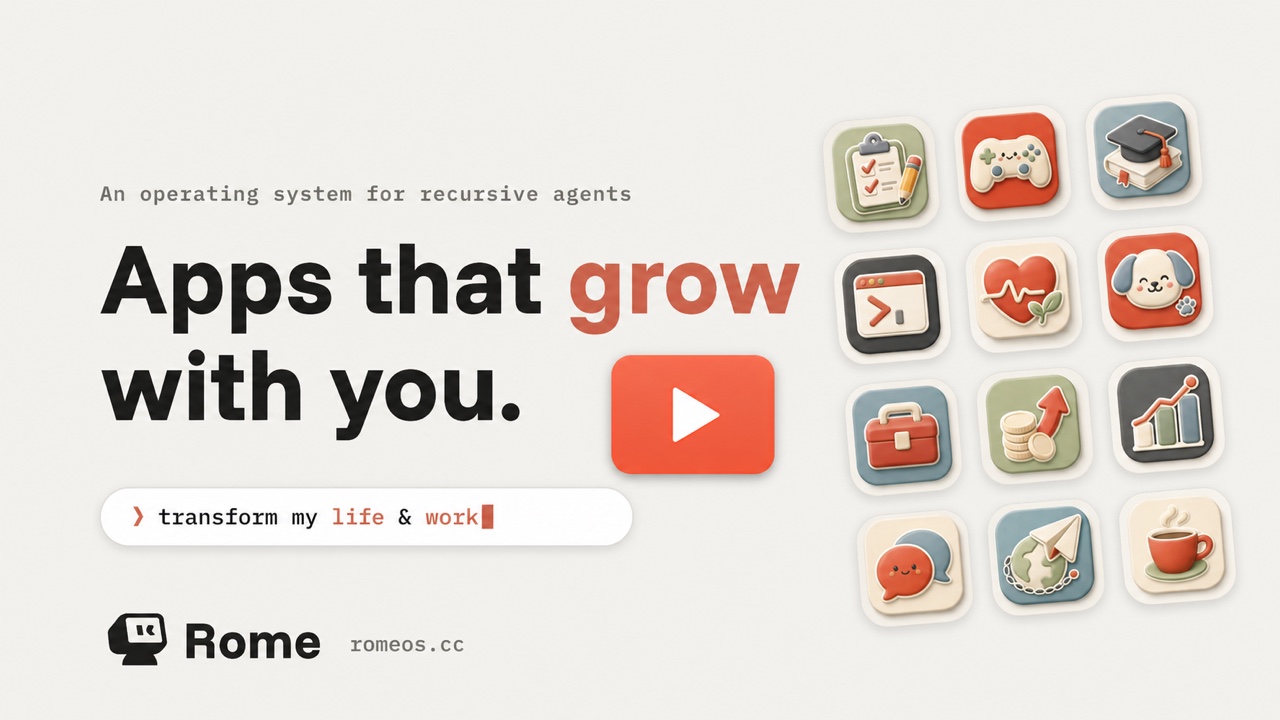
Rome is a guardrailed environment where human and agent collaborate, and the collaboration compounds. Agents build their own harnesses, design their own SOPs, and orchestrate workflows under your guidance. Proven capabilities stick. Every interaction raises the ceiling for the next.
Get started
Rome Cloud
Rome Cloud provisions a private Rome environment for each guardian. It is currently
available as a preview.
Join the preview →
Run with Docker
One script checks for Docker, pulls the published image, and starts Rome:
curl -fsSL https://raw.githubusercontent.com/rome-os/rome/main/scripts/quickstart-docker.sh | bash
Or clone the repository and run the script from it:
git clone https://github.com/rome-os/rome.git
cd rome
./scripts/quickstart-docker.sh
The dashboard comes up at http://localhost:7663, bound to loopback only.
First-run onboarding is open to whoever reaches it first, so exposing it
beyond the machine takes an explicit --bind. State lives in named Docker
volumes, so re-running the script upgrades the container without losing data.
Telemetry export stays off unless you set OTEL_EXPORTER_OTLP_ENDPOINT. Run
the script with --help for ports, profiles, and the other settings it
forwards.
Run the development environment
To run this repository from source, you need:
- Node.js 24 or newer
- Corepack and pnpm 11.6
- Docker with Docker Compose
From a checkout of this repository:
corepack enable
pnpm install
pnpm dev:all
pnpm dev:all starts the production-shaped local stack: Rome, observability,
routing, and the web development server. It connects to https://romeos.cc by
default; set ROME_DEV_PANTHEON_ORIGIN to use another Rome Cloud deployment.
The script prints the local URLs and development credentials when startup completes.
This is the contributor development path, not the final production self-hosting
distribution. See CLAUDE.md for the complete development loop,
container commands, and validation requirements.
Rome Apps
Rome App is the new way to interact with your agent.
Chat is a good place to ask for something once. Repeated work deserves a place of
its own: an inbox that remembers what was triaged, a code review loop you can
inspect, a price tracker that keeps watching, or a morning brief that arrives on
schedule.
A Rome App combines a purpose-built interface, agent reasoning, reusable
workflows, and persistent data into one installable product. It is not a thin
wrapper around a prompt. The app remains useful after the conversation ends,
after the browser closes, and when the user comes back tomorrow.
| Purpose-built UI & UX |
AI-native |
Persistent by default |
Community-powered |
| An interface designed for the job |
Agents are part of how the product works |
Data and workflows carry forward |
Install, share, and learn from other builders |
A useful rule of thumb: a workflow is a verb; an app is a noun. Use a
workflow to perform a task and return a result. Build an app when the work needs
a home of its own, with user-editable data, multiple actions, or a persistent
agent.
Rome can build the missing app
When there is not an app for what you need, describe it to Rome in plain
language. Rome can turn that request into a short specification, scaffold the
app or workflow, build it into your instance, and keep iterating with you in the
same conversation.
The result is ordinary, git-tracked source code rather than hidden model state.
Keep it private, adapt it as your needs change, or publish it for others to
install from the App Store. This creates Rome's self-evolution loop:
Describe a need → Rome builds the capability → the app keeps working
       ↑                                              ↓
       └──────────── refine, reuse, and share ────────┘
Under the hood
A Rome App starts with an app.yaml manifest and can ship any mix of:
| Artifact |
Purpose |
| Actions |
Typed operations that agents, routines, and app code can invoke |
| Agents |
App-owned collaborators with their own instructions and tools |
| Skills |
Plain-language procedures loaded when an agent needs them |
| Hooks |
Extensions to message, event, and agent-turn lifecycles |
| Web UI & APIs |
Purpose-built interfaces and app-owned HTTP surfaces |
| Database & files |
Persistent, app-private state that survives across runs |
Together these form a capability: the unit Rome discovers and reuses in
later work. The app is that capability's human interface: apps organize human
interaction; capabilities organize agent action.
Apps build on two public SDKs:
@rome-os/app-runtime for backend capabilities.@rome-os/app-web-sdk for embedded web interfaces and the Rome build CLI.
Browse the Rome App Store, read the
building guide, or start with the
app quickstart.
What people do with Rome
These are the kinds of requests Rome is designed to follow through on:
Run the code review loop
“Fix all P1 and P2 review comments until there are no merge blockers left. Let me know when you finish.” |
Organize your email
“Sort my inbox. Archive the noise, flag anything urgent, and draft replies for messages that need me.” |
Track a game's price
“Track the price of this game and let me know when it drops below $30.” |
Interview your customers
“Interview five customers about onboarding. Ask follow-up questions and summarize what we should improve.” |
Rome can handle one-off tasks, scheduled work, long-running follow-through, and
purpose-built app experiences without forcing everything into one chat window.
How Rome compares
Rome sits where two product waves meet: persistent agents and personal
software. The agent products share Rome's thesis that agents should persist
and improve. There the comparison is what accumulates, what runs when work
repeats, and where you operate the result. The personal software platforms
share Rome's thesis that software should be built per person. There the
comparison is who and what stands behind the app.
|
What accumulates |
What runs repeated work |
Where you operate it |
Hosting |
| Rome |
Actions, skills, and apps as git-tracked code, plus memory and app-private data |
A saved action, without re-running the agent |
A purpose-built app, plus chat channels (Telegram, Discord, WhatsApp) |
Self-hosted or Rome Cloud |
| Grok Bot (xAI) |
Per-bot memory, files, and preferences, plus a shared cloud computer, in xAI's cloud |
The model, every time |
A chat thread |
Hosted only |
| Hermes Agent (Nous Research) |
Bounded memory notes and skill documents, as text |
The model, or a script-only cron job* |
A chat thread (chat clients, desktop app, or CLI) |
Self-hosted |
| Manus |
Files, tools, and databases on a persistent cloud computer, plus knowledge and playbooks |
The model, or scripts left on its machine* |
A chat session, plus standalone web apps it builds |
Hosted, with app-code export |
* Hermes and Manus can schedule plain scripts that skip the model. A script
answers only to its timer. A Rome action is a building block: agents, apps,
and interfaces all call it, and it can pause for approval.
Grok Bot gives your named agents an always-on cloud computer, tool
connections, scheduling, and agent-to-agent delegation. Each bot keeps its own
memory, files, and preferences, while all of an account's bots share one cloud
computer. Everything lives in xAI's hosted stack, bound to one vendor's
models, so leaving means losing what accumulated. The interface is a messenger
thread: a good place to ask for something
once and a poor place to operate: inbox triage needs a queue with statuses, a
price tracker needs a table with history and thresholds, and approvals need a
review queue that shows what will change. In chat, state is invisible until you
ask, and every check runs the agent again. Rome gives repeated work an app, in
an environment that is open, exportable, and model-agnostic.
Hermes Agent is the closest in spirit: MIT-licensed, self-hostable, with
curated memory, self-written skill documents, and a skill marketplace. What
persists is text that informs the next reasoning run, plus script-only cron
jobs that skip the model but answer only to their timer. Rome persists
software: executable actions, app-private databases, and purpose-built
interfaces. An action is a building block rather than a loose script: agents,
routines, and app interfaces all call the same one, it can pause for
approval, and every run is recorded. Rome already
discovers and composes capabilities from earlier work, and its agenda extends
to consolidating, refactoring, and retiring what goes stale
(VISION.md). And Hermes offers one general interface to the agent
(chat clients, a desktop app, the terminal), while Rome grows a purpose-built
app for each repeated workload.
Manus delegates a goal to an agent on a persistent cloud computer: files
stay, installed tools stay, and scheduled jobs, long-running bots, and
databases can live on the machine. It also builds full-stack web apps whose
code you can export and host anywhere. The difference is what that persistence
is made of. A Manus schedule re-runs the agent at metered cost or fires a
script parked on the machine, reusable only by finding the file again, while
a Rome action is a named operation that every surface can call. A Manus app
is a deliverable that stands apart from the agent, while a Rome app is also a
capability the agent discovers and reuses in later work. And the Manus agent itself, with its knowledge,
playbooks, and machine, runs only in its cloud, while Rome self-hosts.
Wabi approaches from the personal software side: a social platform where
anyone prompts a mini app into existence, then shares and remixes it, with
Wabi hosting everything. It validates half of Rome's bet, software built per
person rather than for the average user. But there is no worker behind the
app: a Wabi app is the end product, and you still operate it yourself. A Rome
app is the interface to a capability, and the capability faces both ways: you
work through its views, and agents work through its actions, skills, and data
in later tasks. Every new Wabi app grows your library, and every new Rome
capability also extends what the agent can do next. Wabi asks you to describe
an app, while Rome asks you to describe an outcome and leaves an app behind
when the work deserves one.
The difference is the unit of compounding. Grok Bot compounds hosted bot
state, Hermes compounds the agent's notes, Manus compounds a machine and its
files, and Wabi compounds a network of shareable apps. Rome compounds the
environment: executable, composable capability owned by you (why that is the
durable asset). Building blocks compose: a capability built for
one task becomes a part in a more ambitious one, so each request can ask for
more than the last. An inventory-aging action and a customer-churn skill,
built for separate tasks, later combine to clear seasonal inventory without a
broad markdown.
Proven actions close the cost and reliability gap, purpose-built apps close
the interface gap, and maintenance keeps the environment coherent as it
grows. Because the environment is open, git-tracked, and exportable, it
survives a model swap. Users stay for the compounding, not the lock-in.
Repository map
Rome is a pnpm monorepo.
| Path |
What lives there |
packages/core/ |
Agent runtime, sessions, actions, events, channels, policies, memory, and persistence |
packages/web/ |
Guardian-only web dashboard |
packages/desktop/ |
Electron shell and local Rome runtime |
rome_apps/ |
First-party Rome Apps loaded through the same app model |
packages/app-runtime-sdk/ |
Public backend SDK for Rome Apps |
packages/app-web-sdk/ |
Public web SDK and app build tooling |
docs/ |
Product concepts, architecture, decision records, and operations |
Common checks:
pnpm typecheck
pnpm test:unit
pnpm lint
pnpm build
Documentation
Give your agents a place to grow.
Start with one workflow. Rome keeps what works and compounds from there.

 Rome 是一个可自托管的智能体操作系统,人类和智能体在一个带护栏的环境中协作,该环境会不断积累工具、工作流、记忆和界面。它被定位为 xAI 的 Grok Bot 和 Meta 的 Muse 的开源替代品。