What is this?
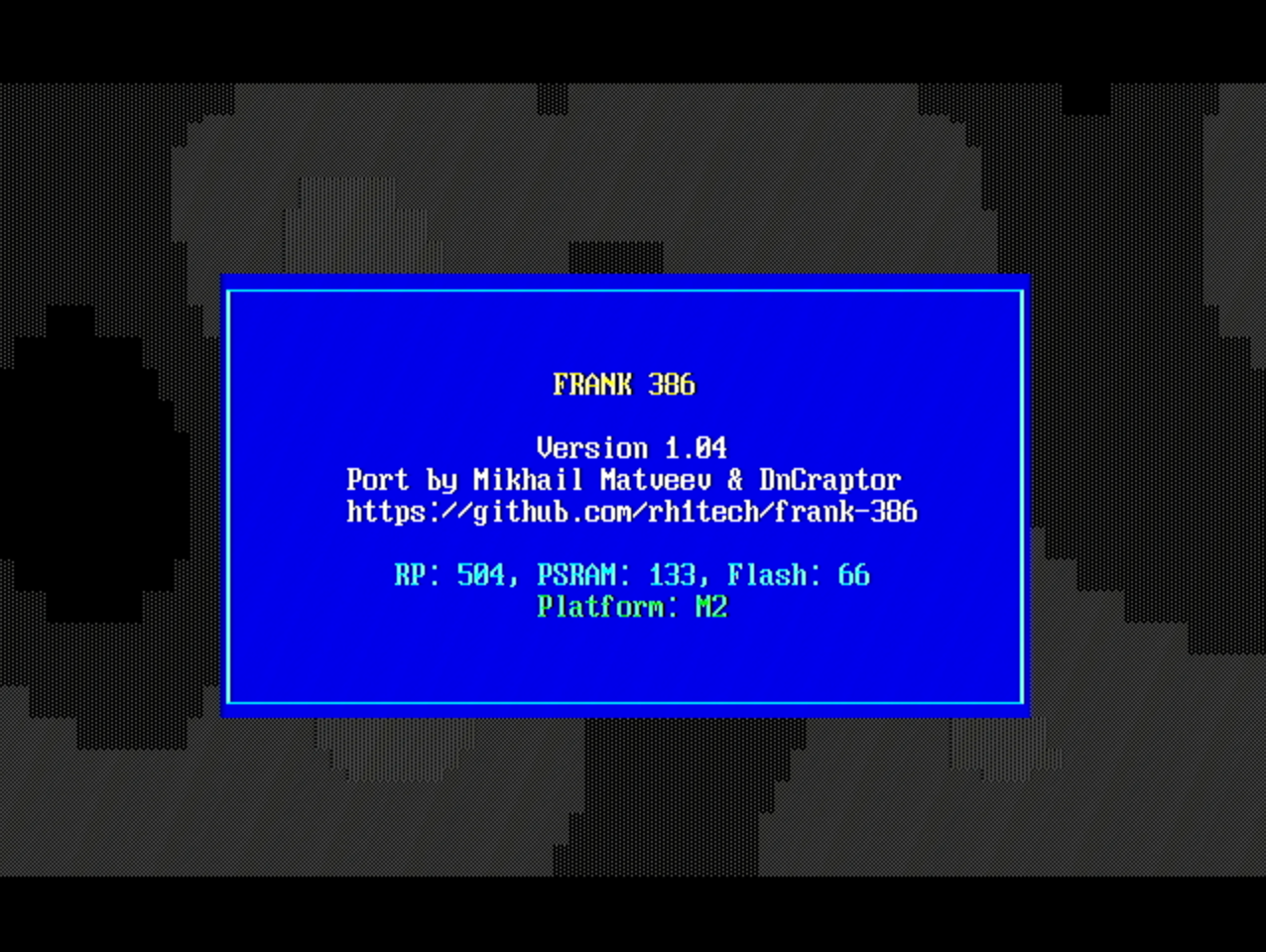
 FRANK 386 is an i386 PC emulator that runs as firmware on the Raspberry Pi Pico 2 (RP2350), turning the board into a tiny retro PC with VGA/HDMI video, SD-card storage, keyboard and mouse input, and sound. It is a port of Chunhui He's Tiny386.
FRANK 386 is an i386 PC emulator that runs as firmware on the Raspberry Pi Pico 2 (RP2350), turning the board into a tiny retro PC with VGA/HDMI video, SD-card storage, keyboard and mouse input, and sound. It is a port of Chunhui He's Tiny386.So it's not a program I install on my computer — the Pico board itself becomes the PC?Exactly. You flash it onto an RP2350 board as firmware, and the microcontroller alone emulates the entire machine — CPU, video, sound cards and disk drives. No host computer is involved at runtime.
Exactly. You flash it onto an RP2350 board as firmware, and the microcontroller alone emulates the entire machine — CPU, video, sound cards and disk drives. No host computer is involved at runtime.How do I get it running?Flash the .uf2 firmware built for your board onto the RP2350, then prepare a FAT32 SD card with a 386/ directory holding SeaBIOS and VGA BIOS files, your disk images, and a config.ini that points to them.
Flash the .uf2 firmware built for your board onto the RP2350, then prepare a FAT32 SD card with a 386/ directory holding SeaBIOS and VGA BIOS files, your disk images, and a config.ini that points to them.What hardware do I need besides the board?8MB of PSRAM is required for extended memory, plus a VGA or HDMI connector, an SD card module wired in SPI mode, and a PS/2 or USB keyboard. Audio output through an I2S DAC or PWM is optional.
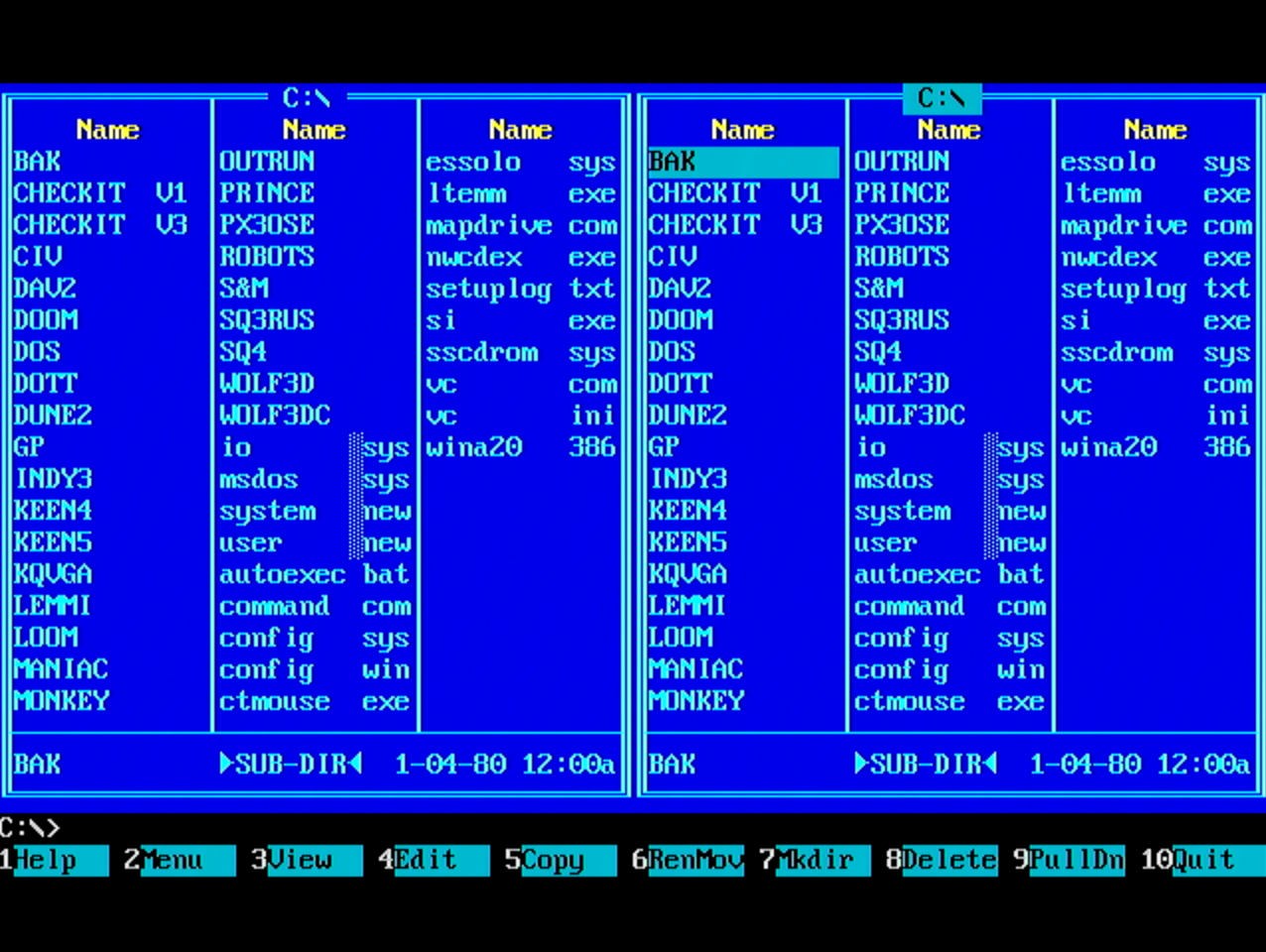
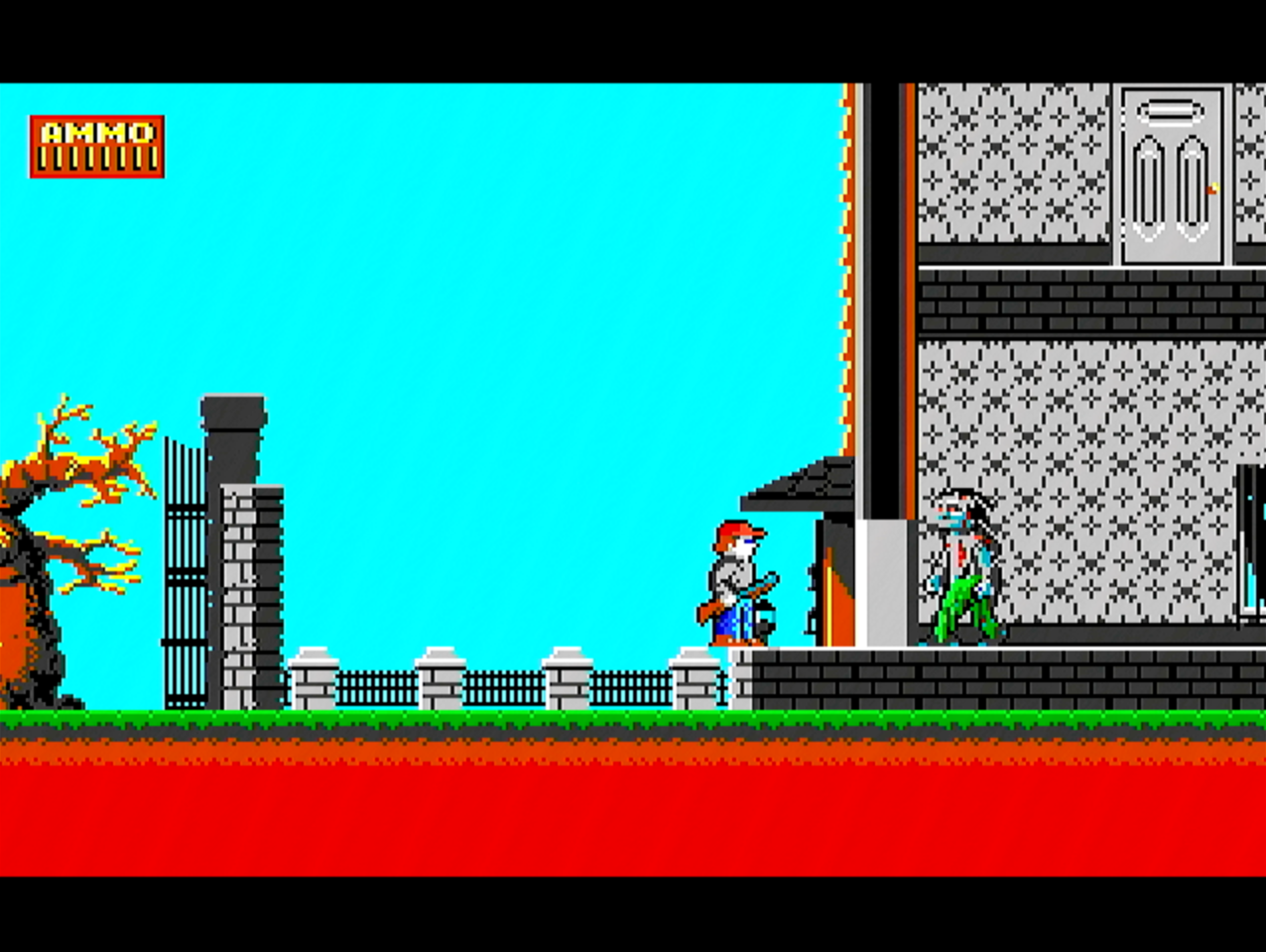
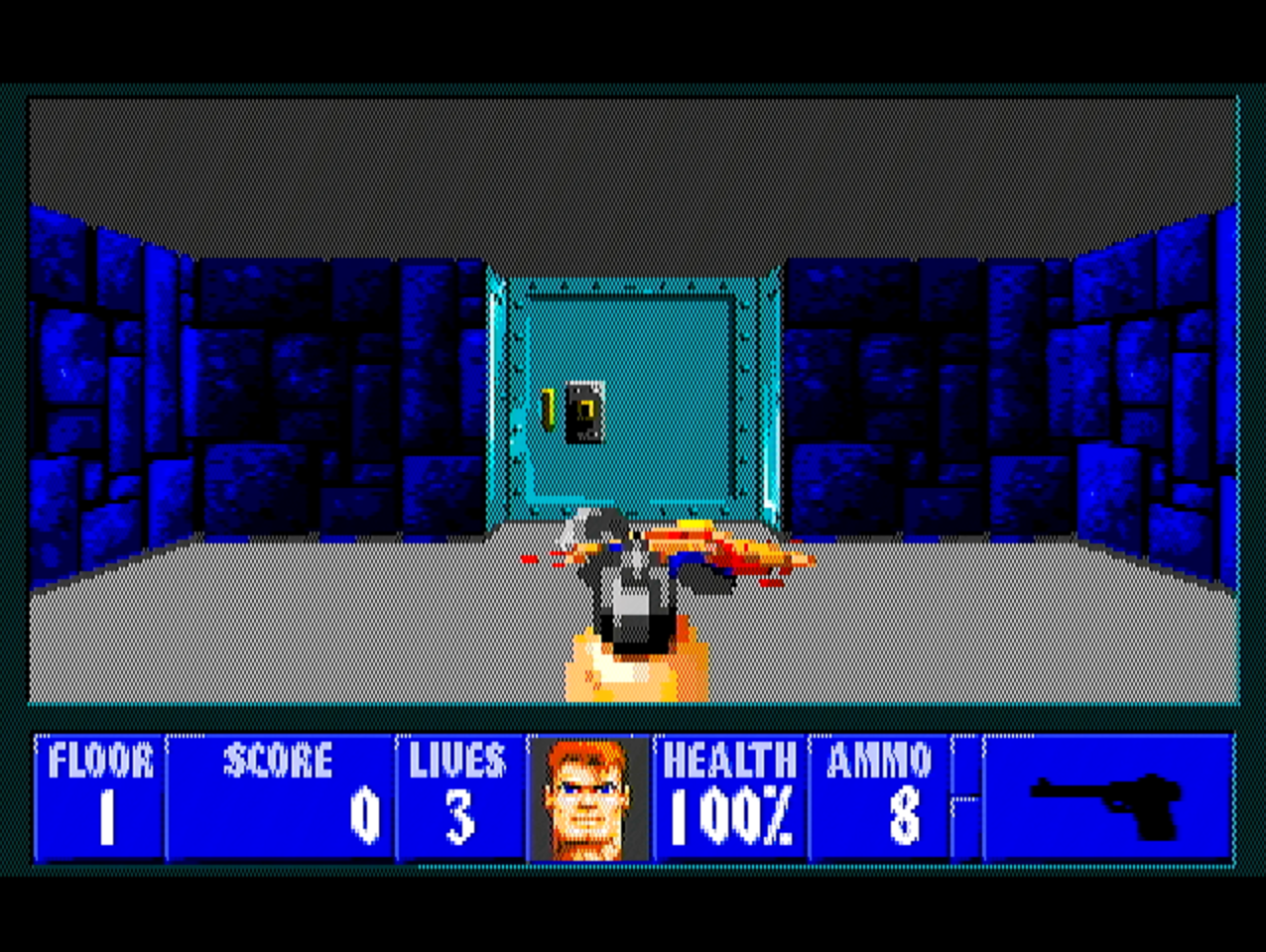
8MB of PSRAM is required for extended memory, plus a VGA or HDMI connector, an SD card module wired in SPI mode, and a PS/2 or USB keyboard. Audio output through an I2S DAC or PWM is optional.How capable a PC is it, and what can it actually run?Think early-90s hardware: full i386 and partial i486/i586 emulation with an optional x87 FPU, up to 8MB of RAM, and graphics up to 640x480. Within that it boots DOS, Windows 3.x, Windows 95 and Linux.
Think early-90s hardware: full i386 and partial i486/i586 emulation with an optional x87 FPU, up to 8MB of RAM, and graphics up to 640x480. Within that it boots DOS, Windows 3.x, Windows 95 and Linux.Which boards can I flash it onto?Four GPIO layouts are supported: FRANK, Murmulator (M1 and M2 variants), Olimex PICO-PC, and Waveshare RP2350-PiZero. Release builds produce a separate .uf2 file for each board.
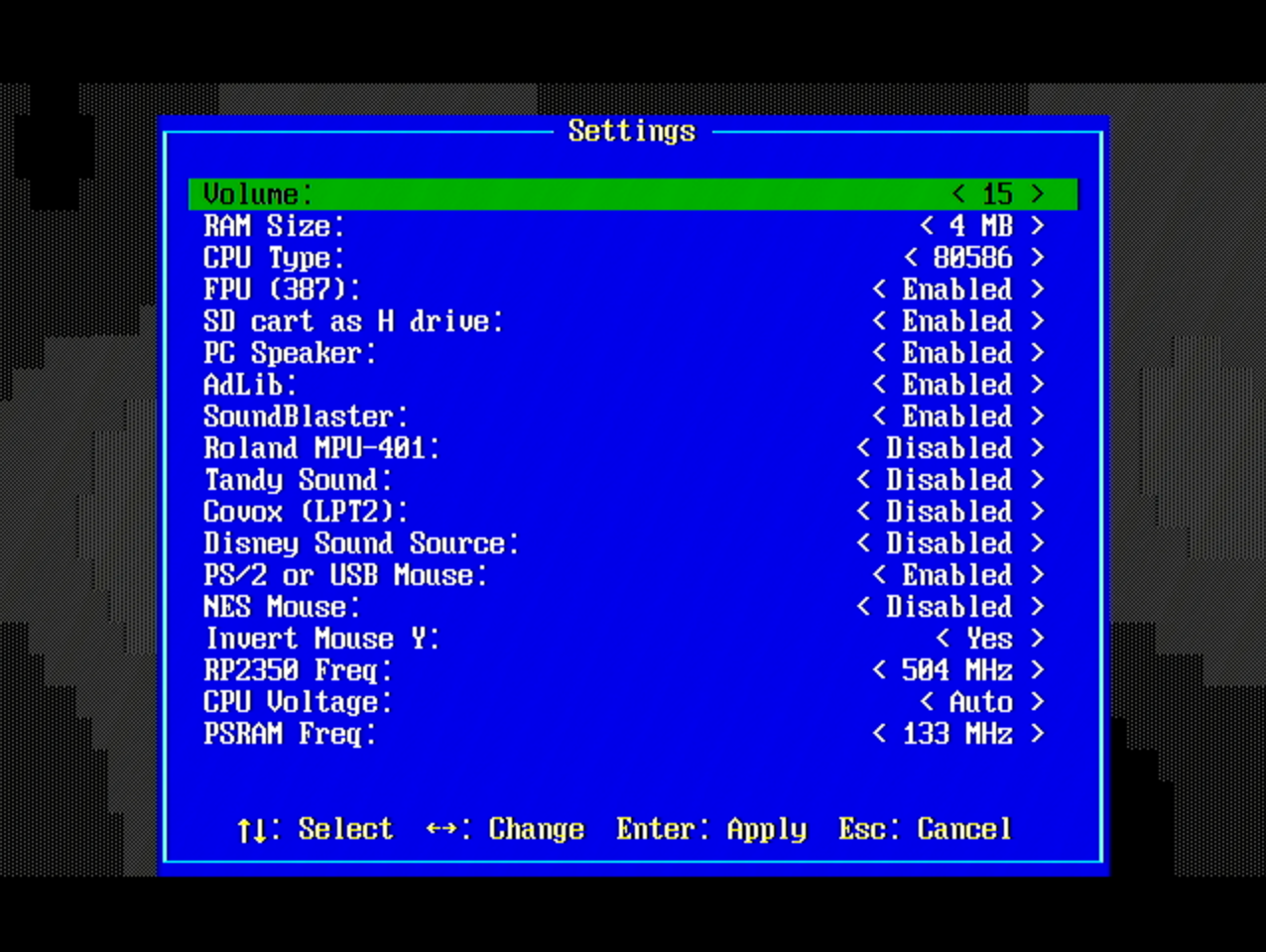
Four GPIO layouts are supported: FRANK, Murmulator (M1 and M2 variants), Olimex PICO-PC, and Waveshare RP2350-PiZero. Release builds produce a separate .uf2 file for each board.What sound hardware does it emulate?AdLib OPL2, Sound Blaster 16, PC Speaker, Tandy, Covox, Disney Sound Source and MPU-401 — all toggleable in the settings menu (Win+F11).
AdLib OPL2, Sound Blaster 16, PC Speaker, Tandy, Covox, Disney Sound Source and MPU-401 — all toggleable in the settings menu (Win+F11).Can I swap disks without rebooting?Yes — Win+F12 opens a runtime Disk Manager for inserting and ejecting floppy (A:, B:), hard disk (C:, D:) and CD-ROM (E:) images, and changes are saved back to config.ini automatically.
Yes — Win+F12 opens a runtime Disk Manager for inserting and ejecting floppy (A:, B:), hard disk (C:, D:) and CD-ROM (E:) images, and changes are saved back to config.ini automatically.Does Windows 95 run without tricks?Almost — two known quirks: pass setup /im to skip the memory check during installation, and apply patcher9x if startup stops on a protection error.
Almost — two known quirks: pass setup /im to skip the memory check during installation, and apply patcher9x if startup stops on a protection error.What are similar projects?tinygo, muse-gadget-sdk, Marlin, RetroPie-Setup, micropython, coyopedal, mu300-linux, zephyr
tinygo, muse-gadget-sdk, Marlin, RetroPie-Setup, micropython, coyopedal, mu300-linux, zephyrWhich topics is it in?bare-metal, x86, arm, microcontroller, emulation, retrogaming, embedded-systems, emulator, cmake, virtualization, firmware, raspberry-pi
bare-metal, x86, arm, microcontroller, emulation, retrogaming, embedded-systems, emulator, cmake, virtualization, firmware, raspberry-pi