









Что это такое?
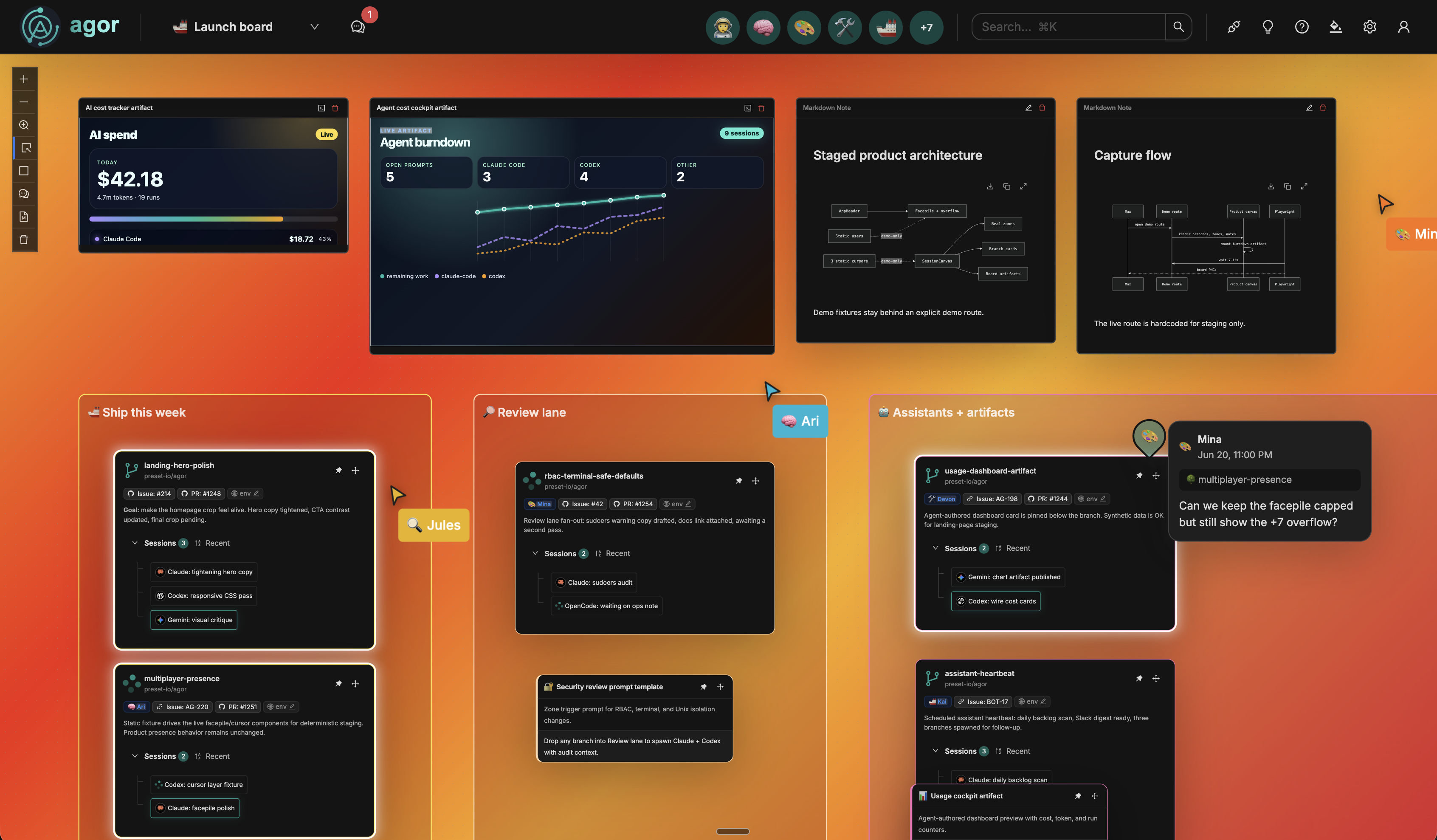
 Agor — это веб-рабочее пространство, которое объединяет команды и ИИ-агентов для программирования на живых пространственных досках: можно запускать агентов вроде Claude Code, Codex и Gemini в изолированных git-ветках, разделяя при этом память, навыки и среды разработки.
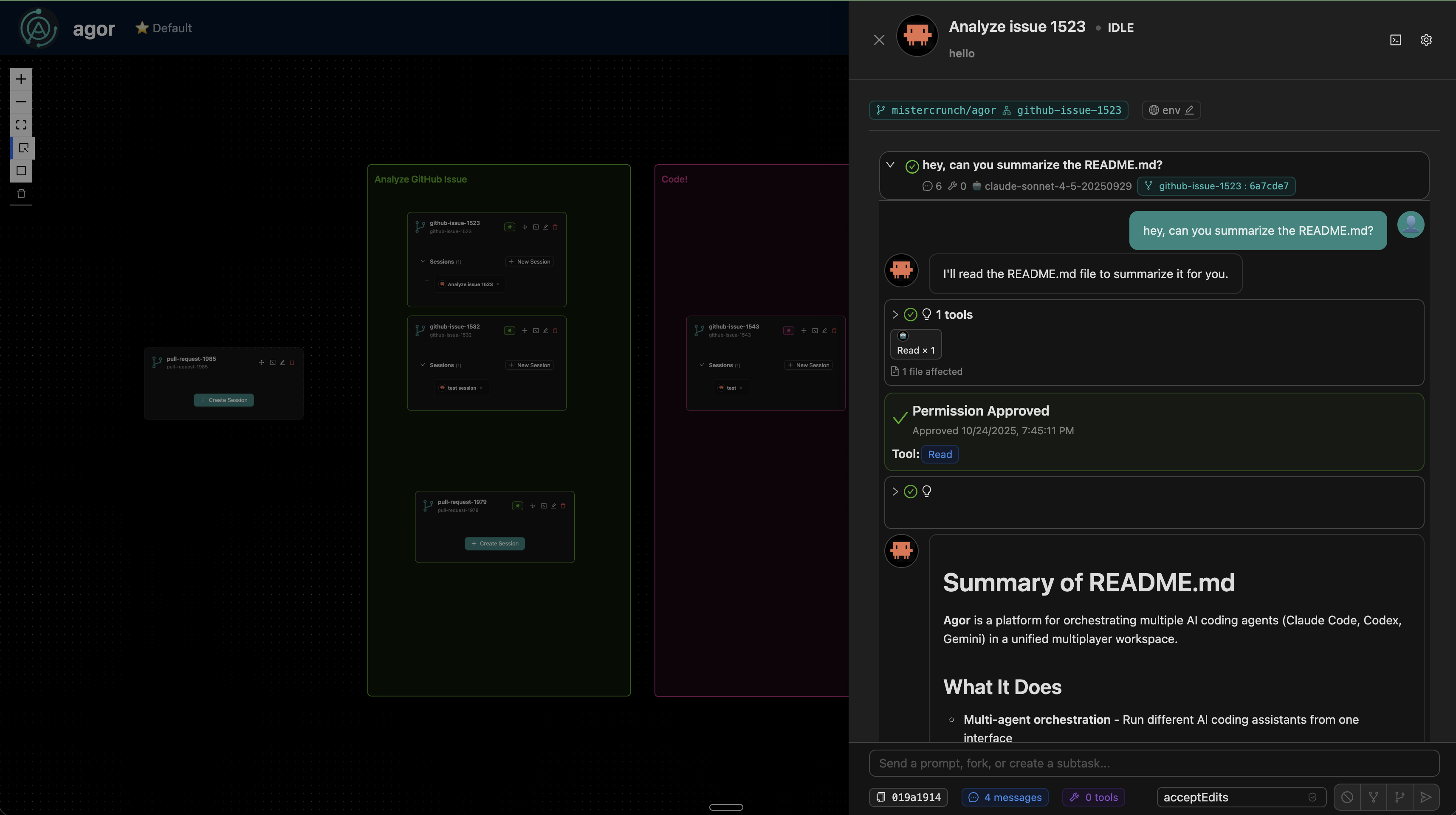
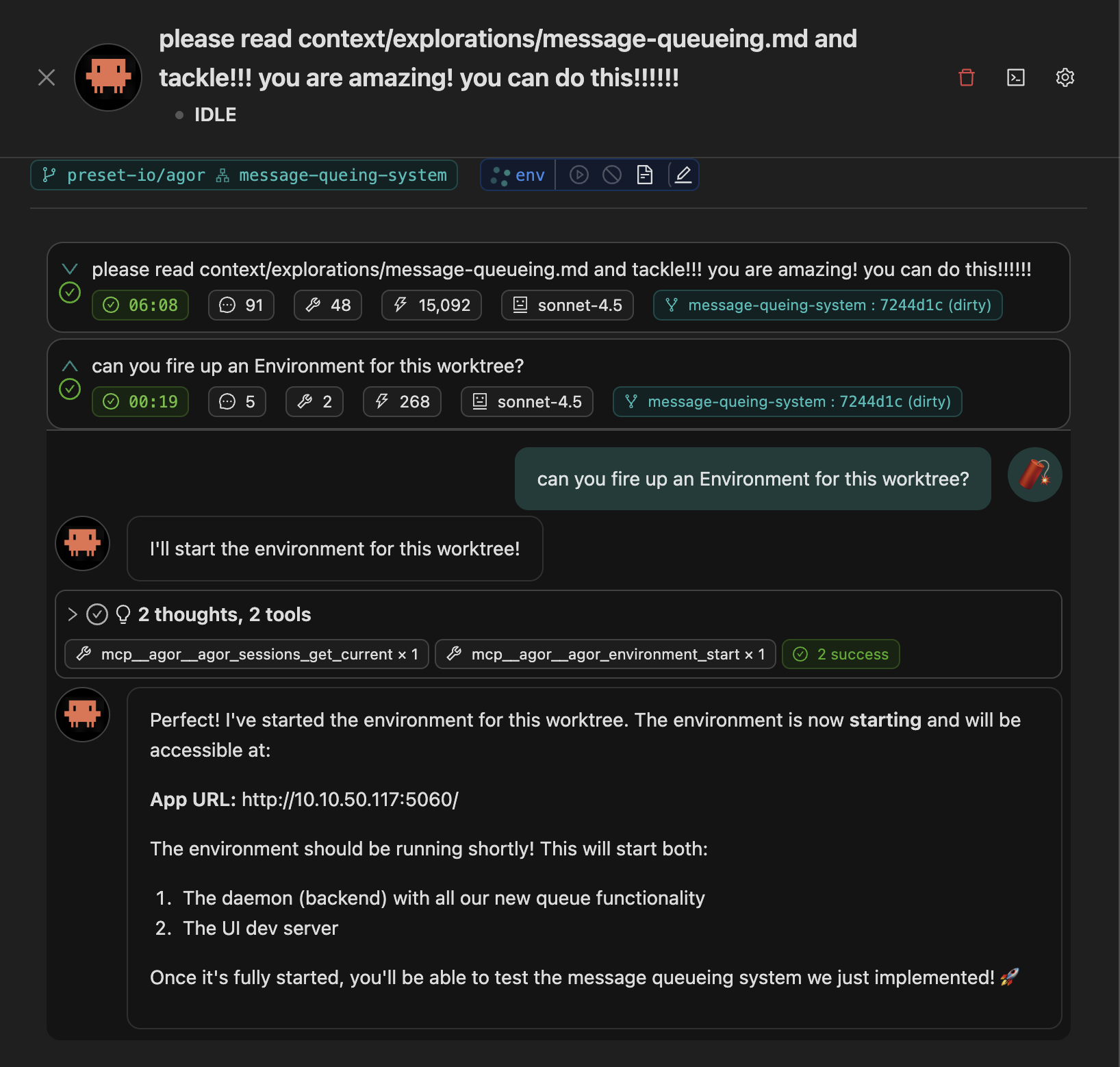
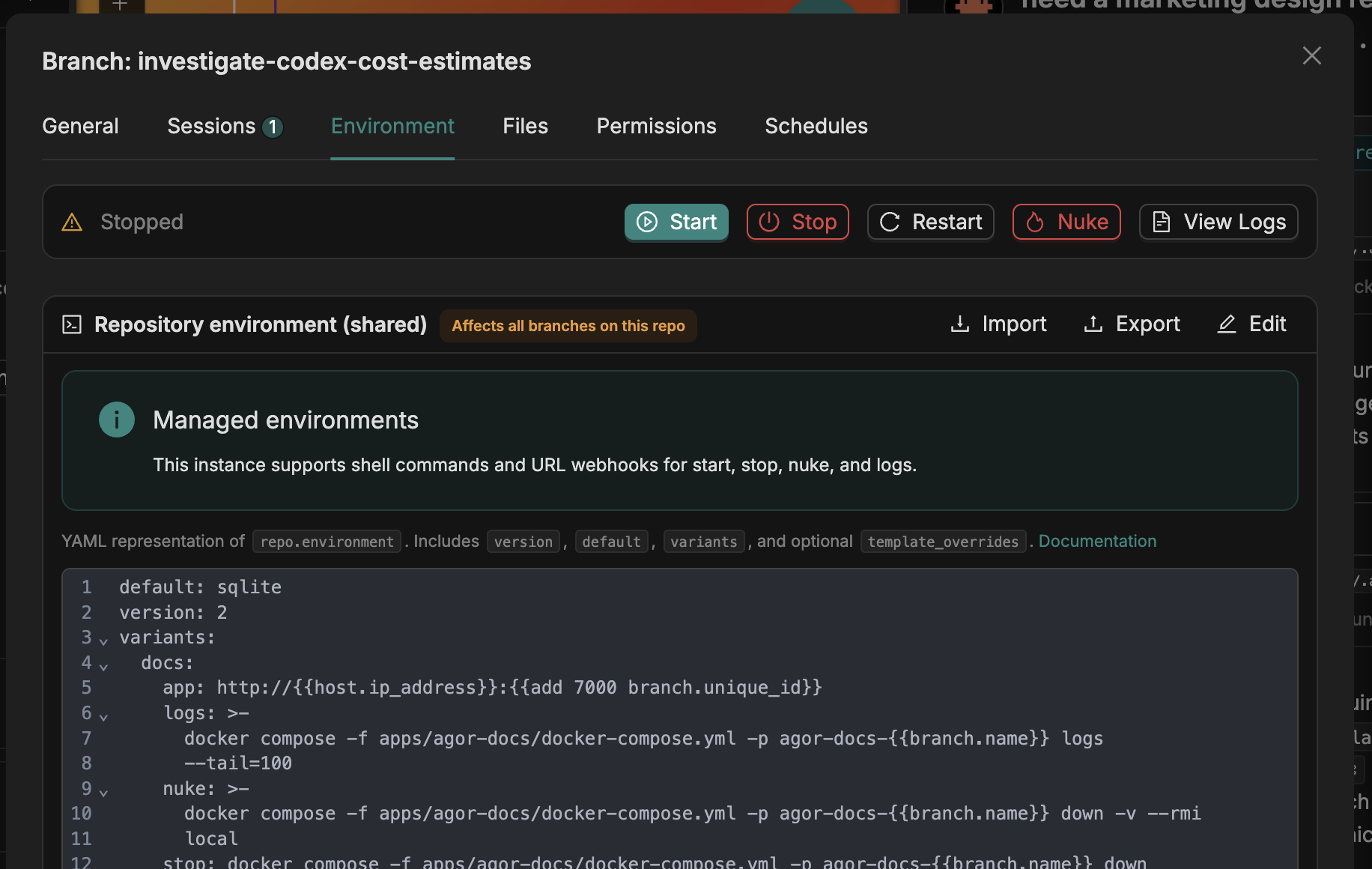
Agor — это веб-рабочее пространство, которое объединяет команды и ИИ-агентов для программирования на живых пространственных досках: можно запускать агентов вроде Claude Code, Codex и Gemini в изолированных git-ветках, разделяя при этом память, навыки и среды разработки.Это чат-приложение или полноценная среда разработки?Это скорее среда разработки, а не просто окно чата: каждая единица работы — это git-ветка со своей изолированной рабочей директорией, dev-сервером и историей переписки, и всё это размещено на 2D-канвасе-доске.
Это скорее среда разработки, а не просто окно чата: каждая единица работы — это git-ветка со своей изолированной рабочей директорией, dev-сервером и историей переписки, и всё это размещено на 2D-канвасе-доске.Как его запустить?Установите и запустите Agor через npm — это займёт несколько минут; затем мастер настройки создаст вашу первую доску и поможет завести первого ИИ-напарника. Если не хочется ставить Node напрямую, есть вариант с Docker Compose.
Установите и запустите Agor через npm — это займёт несколько минут; затем мастер настройки создаст вашу первую доску и поможет завести первого ИИ-напарника. Если не хочется ставить Node напрямую, есть вариант с Docker Compose.Что должно быть установлено и какие CLI у агентов для кодинга он поддерживает?Нужны Node.js 22.12+ и Git в PATH (для HTTPS-ремоутов нужно системное хранилище доверенных CA-сертификатов, для SSH-ремоутов — настроенные ключи). Agor при этом управляет уже имеющимися CLI/SDK агентов, а не использует собственную модель — Claude Code, Codex, Gemini, OpenCode, Copilot и Cursor (бета) взаимозаменяемы в рамках каждой сессии.
Нужны Node.js 22.12+ и Git в PATH (для HTTPS-ремоутов нужно системное хранилище доверенных CA-сертификатов, для SSH-ремоутов — настроенные ключи). Agor при этом управляет уже имеющимися CLI/SDK агентов, а не использует собственную модель — Claude Code, Codex, Gemini, OpenCode, Copilot и Cursor (бета) взаимозаменяемы в рамках каждой сессии.Какие шероховатости стоит ожидать сейчас?Кое-что пока в ранней стадии: универсальная сущность «Cards» для задач, не связанных с кодом, помечена как Beta, и поддержка Cursor в качестве среды запуска агентов тоже в бете.
Кое-что пока в ранней стадии: универсальная сущность «Cards» для задач, не связанных с кодом, помечена как Beta, и поддержка Cursor в качестве среды запуска агентов тоже в бете.Можно ли разместить его у себя со своей базой данных?Да, Agor может работать на вашей собственной инфраструктуре, с вашими репозиториями и базой данных LibSQL или Postgres, с явными режимами выполнения: доверенный локальный, изолированный (sandbox) или делегированный. А если не хочется поддерживать всё самому, доступна Agor Cloud в открытой бете.
Да, Agor может работать на вашей собственной инфраструктуре, с вашими репозиториями и базой данных LibSQL или Postgres, с явными режимами выполнения: доверенный локальный, изолированный (sandbox) или делегированный. А если не хочется поддерживать всё самому, доступна Agor Cloud в открытой бете.Agor полностью open source?Нет — он распространяется по лицензии Business Source License 1.1, то есть с открытым исходным кодом (source-available), но это не open source в строгом смысле. Внутреннее и коммерческое использование на своём хостинге разрешено, однако нельзя перепродавать функциональность оркестрации самого Agor как хостинговый продукт, и каждая версия переходит на Apache 2.0 примерно через четыре года после релиза.
Нет — он распространяется по лицензии Business Source License 1.1, то есть с открытым исходным кодом (source-available), но это не open source в строгом смысле. Внутреннее и коммерческое использование на своём хостинге разрешено, однако нельзя перепродавать функциональность оркестрации самого Agor как хостинговый продукт, и каждая версия переходит на Apache 2.0 примерно через четыре года после релиза.Что такое Boards и Zones?Boards — это живой 2D-канвас для упорядочивания веток и сессий агентов; если перетащить ветку в Zone, срабатывает шаблонный промпт, привязанный к соответствующему этапу работы.
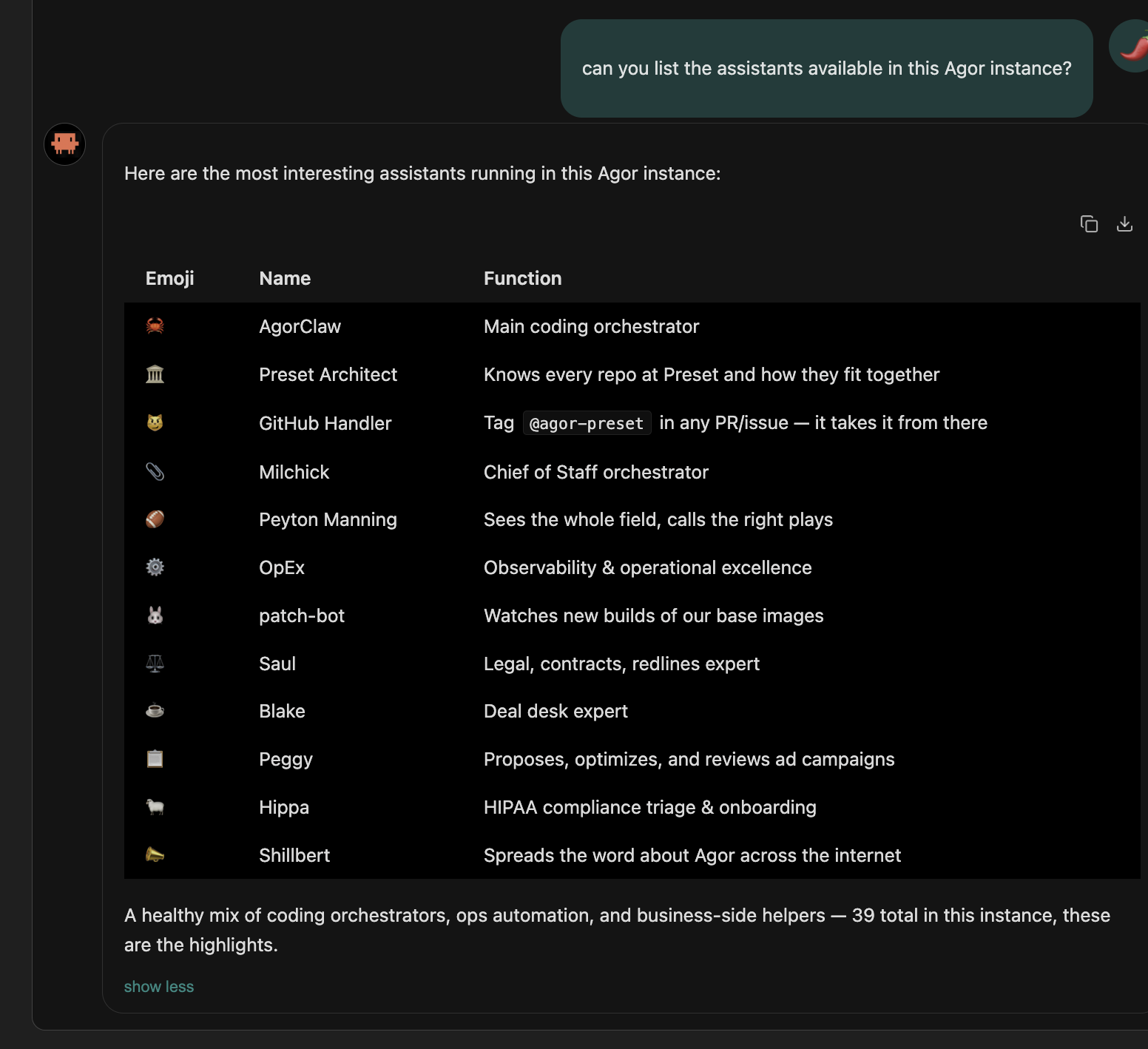
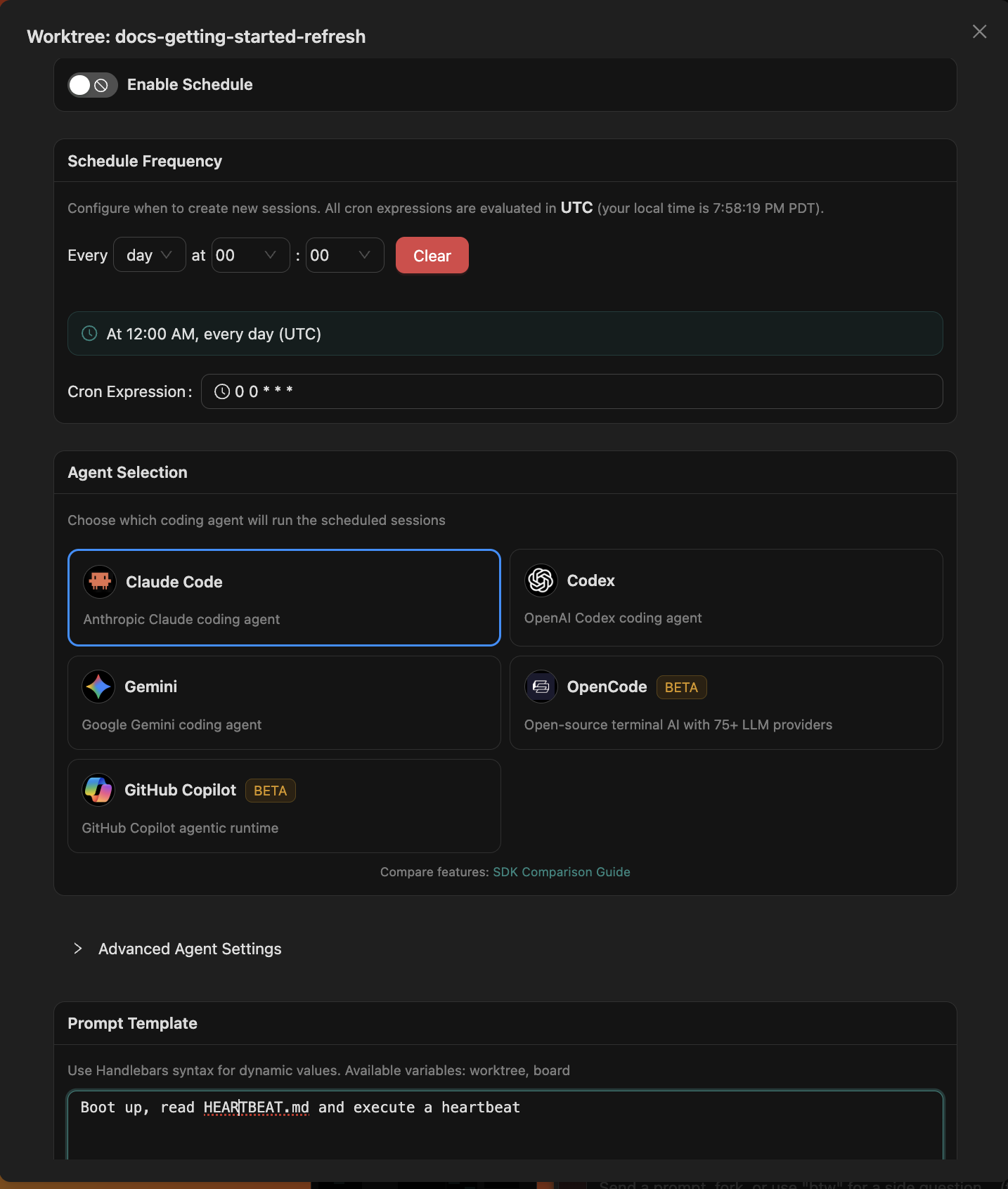
Boards — это живой 2D-канвас для упорядочивания веток и сессий агентов; если перетащить ветку в Zone, срабатывает шаблонный промпт, привязанный к соответствующему этапу работы.Чем ИИ-напарник отличается от обычной сессии агента?Напарник постоянный: у него есть собственное пространство имён в базе знаний (Knowledge-base) для долговременной памяти, ему можно передать навыки и MCP-инструменты, до него можно достучаться через Slack/GitHub, и его можно запускать по расписанию в стиле cron.
Напарник постоянный: у него есть собственное пространство имён в базе знаний (Knowledge-base) для долговременной памяти, ему можно передать навыки и MCP-инструменты, до него можно достучаться через Slack/GitHub, и его можно запускать по расписанию в стиле cron.Могут ли агенты управлять самим Agor?Да — Agor предоставляет себя через MCP, так что агенты могут изучать свои сессии и ветки, а затем форкать, порождать новые, ставить по расписанию и отчитываться о своей работе.
Да — Agor предоставляет себя через MCP, так что агенты могут изучать свои сессии и ветки, а затем форкать, порождать новые, ставить по расписанию и отчитываться о своей работе.Which topics is it in?coding-assistant, multiplayer, scheduler, devtools, agentic, gemini-cli, rbac, canvas, slack, ai-coding, agent-memory, github
coding-assistant, multiplayer, scheduler, devtools, agentic, gemini-cli, rbac, canvas, slack, ai-coding, agent-memory, github