




28.7K ·GitHub
What is this?
 Awesome CV is a LaTeX template for a CV, résumé or cover letter, inspired by Fancy CV. The markup is clean and semantic, so it is easy to customize into your own outstanding job application.
Awesome CV is a LaTeX template for a CV, résumé or cover letter, inspired by Fancy CV. The markup is clean and semantic, so it is easy to customize into your own outstanding job application.So it's not an app — what exactly do I get?It is a set of LaTeX source files: you edit the .tex markup and compile it into a polished PDF. You can work in any LaTeX editor or in the browser on Overleaf.
It is a set of LaTeX source files: you edit the .tex markup and compile it into a polished PDF. You can work in any LaTeX editor or in the browser on Overleaf.What is the quickest way to try it without installing anything?Fastest: open the ready-to-edit Résumé or Cover Letter template on Overleaf.com and type over the sample. Otherwise, clone the repo and compile the .tex sources with a local TeX distribution to get your PDF.
Fastest: open the ready-to-edit Résumé or Cover Letter template on Overleaf.com and type over the sample. Otherwise, clone the repo and compile the .tex sources with a local TeX distribution to get your PDF.What do I need on my machine to build it locally?A full TeX distribution — TeX Live is recommended and available for Windows, Mac and Unix-like systems (e.g. sudo apt-get install texlive-full). If you would rather not install TeX at all, you can build via Docker.
A full TeX distribution — TeX Live is recommended and available for Windows, Mac and Unix-like systems (e.g. sudo apt-get install texlive-full). If you would rather not install TeX at all, you can build via Docker.Are there any gotchas with the lazy paths?They lag behind: Overleaf does not guarantee an up-to-date copy of the source, and texlive-full from apt is generally a few years behind — installing TeX from upstream gives you the most recent version.
They lag behind: Overleaf does not guarantee an up-to-date copy of the source, and texlive-full from apt is generally a few years behind — installing TeX from upstream gives you the most recent version.Am I allowed to modify it for my own resume — any strings attached?Yes — the author says you are free to take the .tex files and modify them into your own resume; the repo itself is licensed LPPL-1.3c. Just do not reuse his personal resume content without permission.
Yes — the author says you are free to take the .tex files and modify them into your own resume; the repo itself is licensed LPPL-1.3c. Just do not reuse his personal resume content without permission.Can I tweak the design — fonts and icons?Yes, easy customization is a stated design goal thanks to the clean semantic markup. The template ships with FontAwesome 6 icons and uses the Roboto typeface (the default on Android and ChromeOS), plus Source Sans Pro.
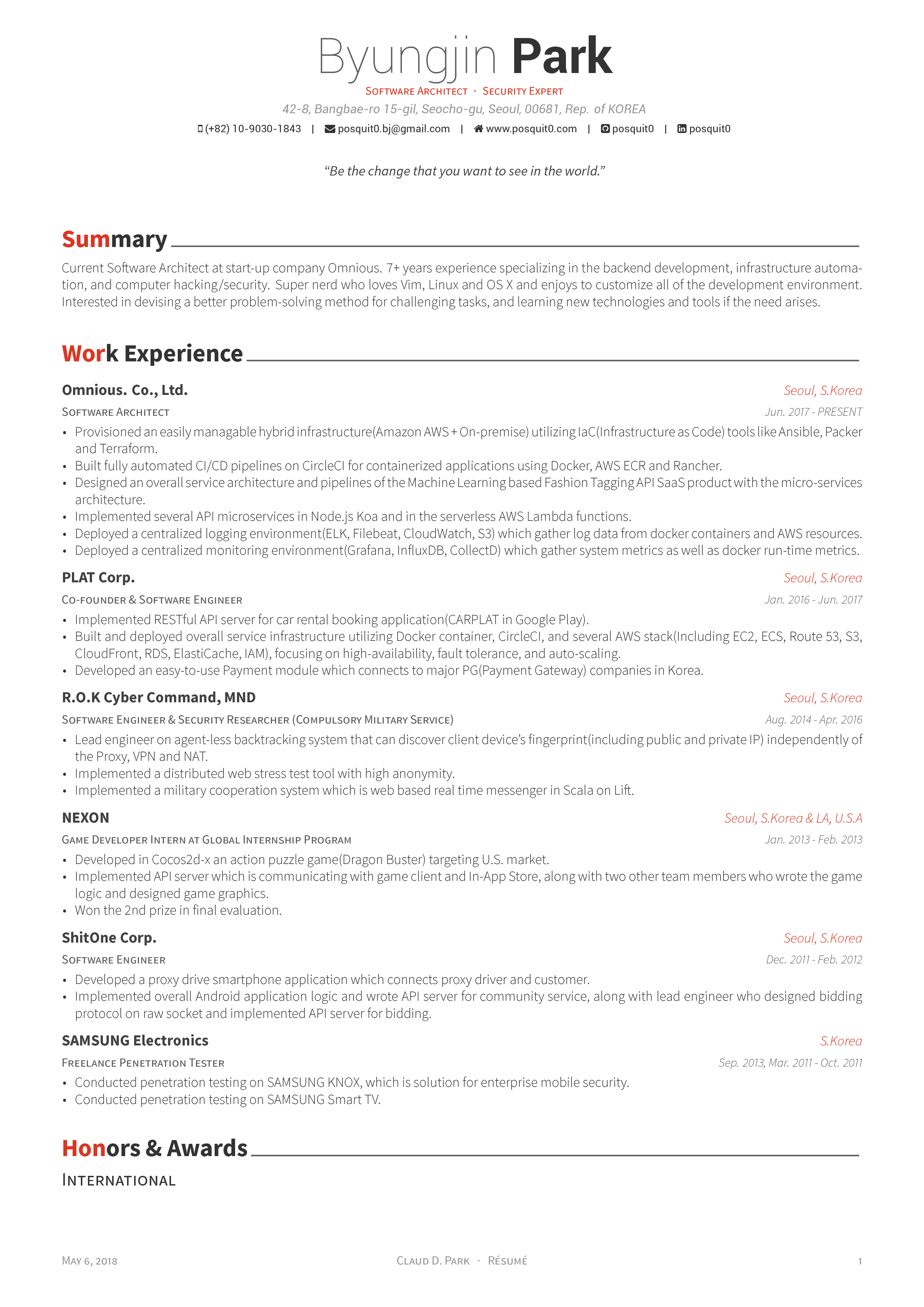
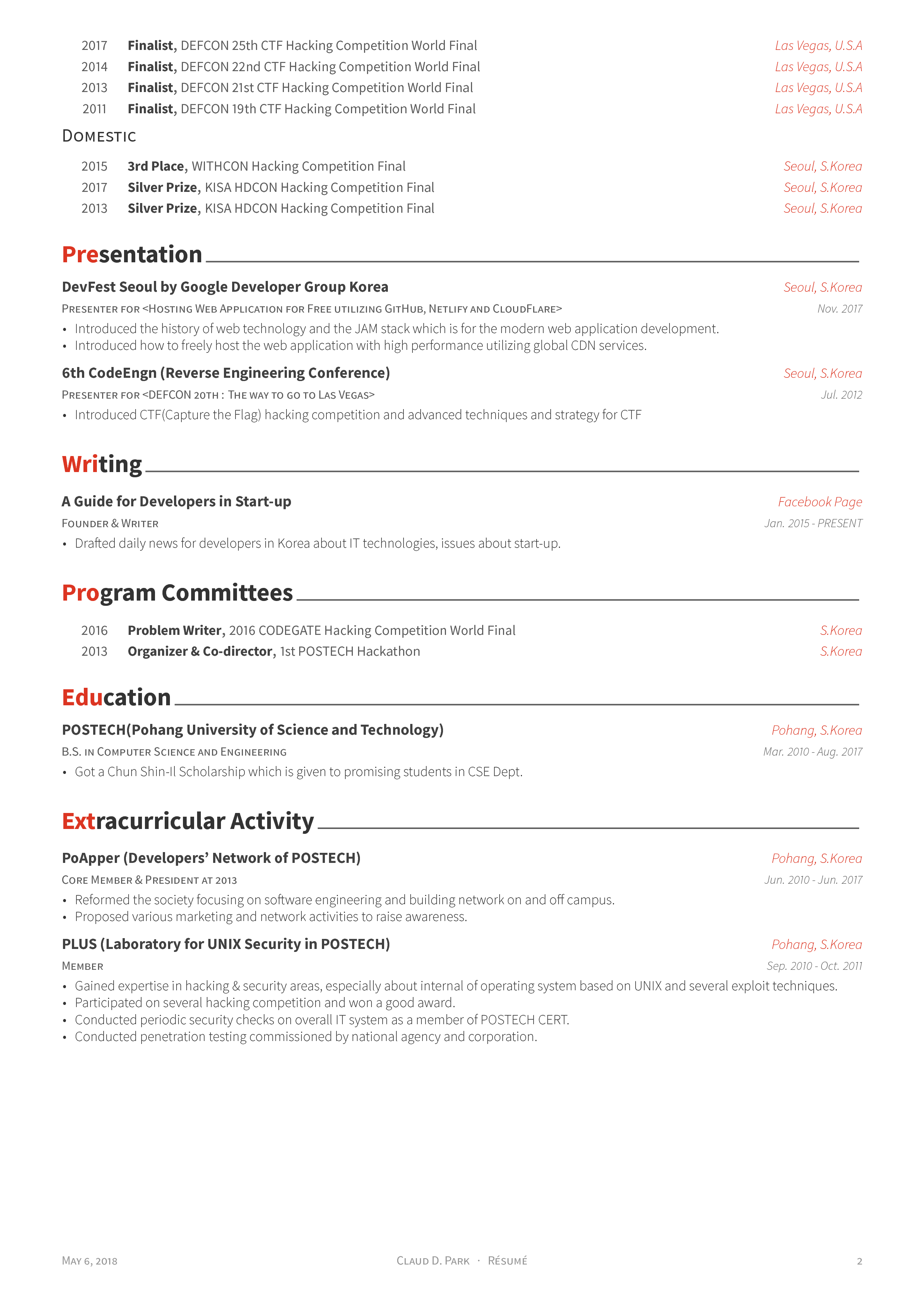
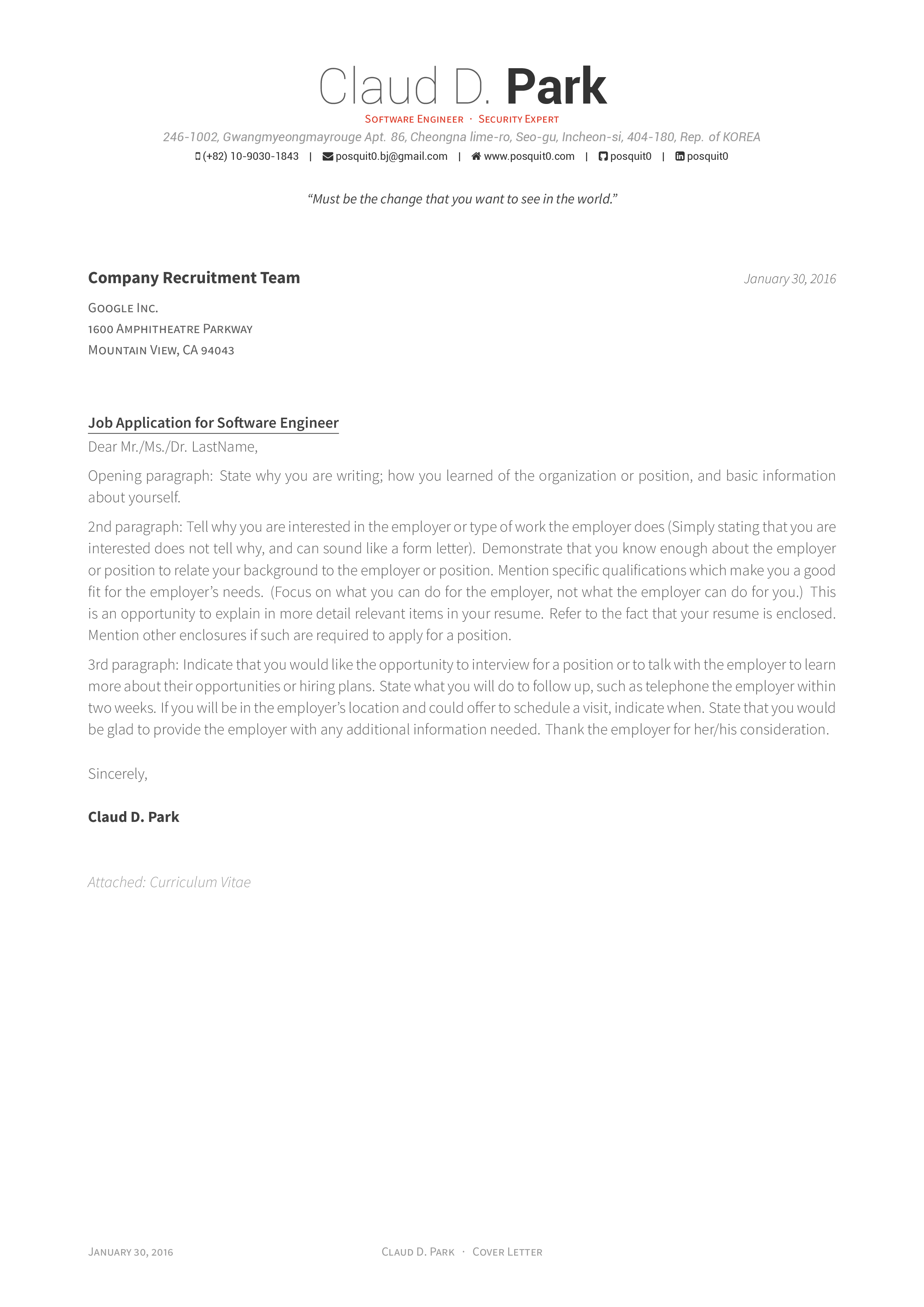
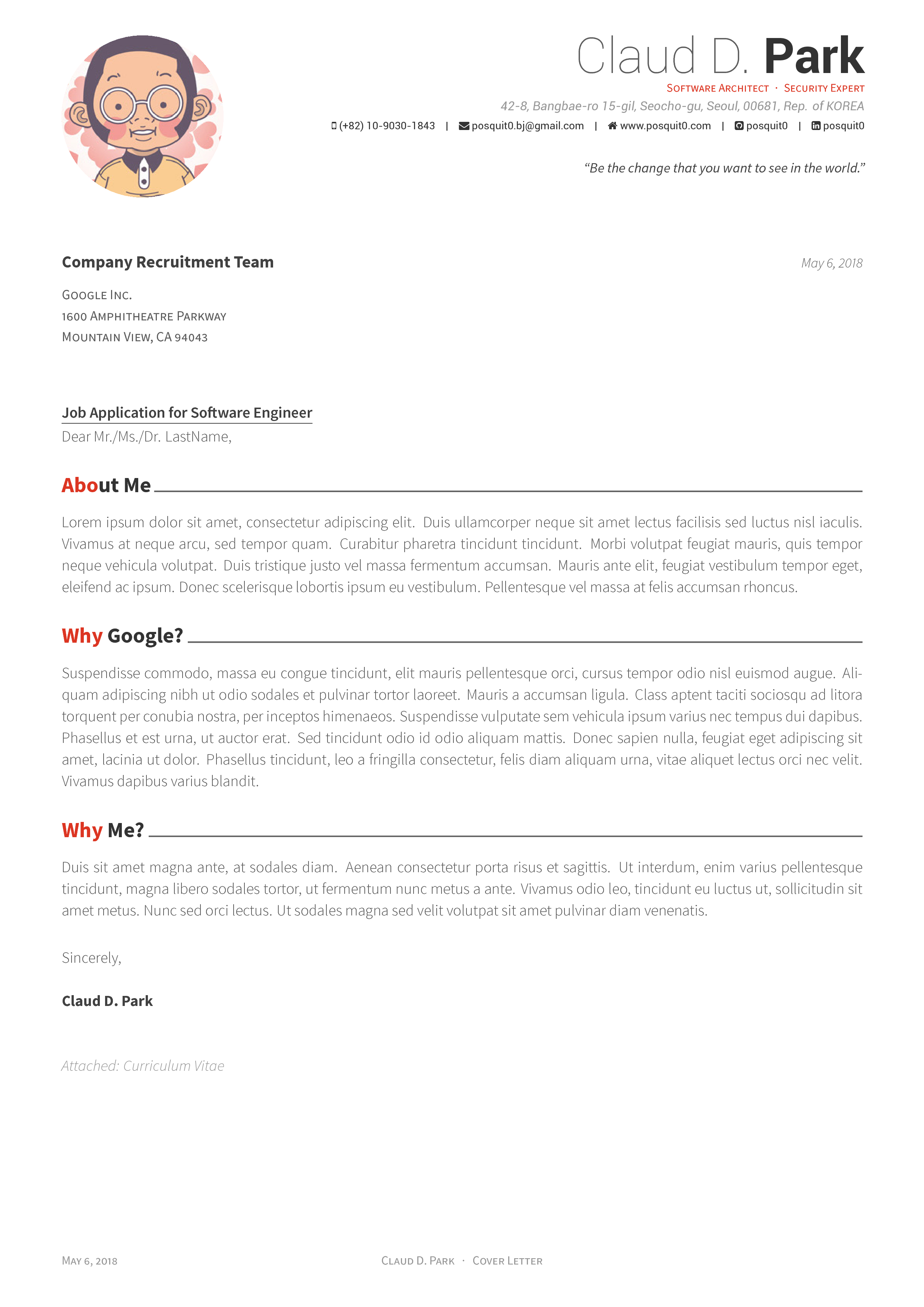
Yes, easy customization is a stated design goal thanks to the clean semantic markup. The template ships with FontAwesome 6 icons and uses the Roboto typeface (the default on Android and ChromeOS), plus Source Sans Pro.What does the finished document look like?The README previews a two-page résumé PDF and a cover letter in two variants — with and without sections — so you can judge the layout before committing to it.
The README previews a two-page résumé PDF and a cover letter in two variants — with and without sections — so you can judge the layout before committing to it.Is there a matching theme for a personal site?Yes — the same author made Awesome Identity, a single-page Hugo theme to introduce yourself, which is listed under See Also.
Yes — the same author made Awesome Identity, a single-page Hugo theme to introduce yourself, which is listed under See Also.Is it really free to use?Completely — the project survives on donations, and the author asks users to consider PayPal (paypal.me/posquit0) to keep development going.
Completely — the project survives on donations, and the author asks users to consider PayPal (paypal.me/posquit0) to keep development going.What are similar projects?rendercv, ai-job-search, career-ops, vintage-latex, best-resume-ever, Resume-Matcher, designcraft, job-ops
rendercv, ai-job-search, career-ops, vintage-latex, best-resume-ever, Resume-Matcher, designcraft, job-opsWhich topics is it in?cv, tex, resume, latex, job-search, font, typography, academic, template, document-processing, career, design
cv, tex, resume, latex, job-search, font, typography, academic, template, document-processing, career, design