








2.8K ·GitHub
这是什么?
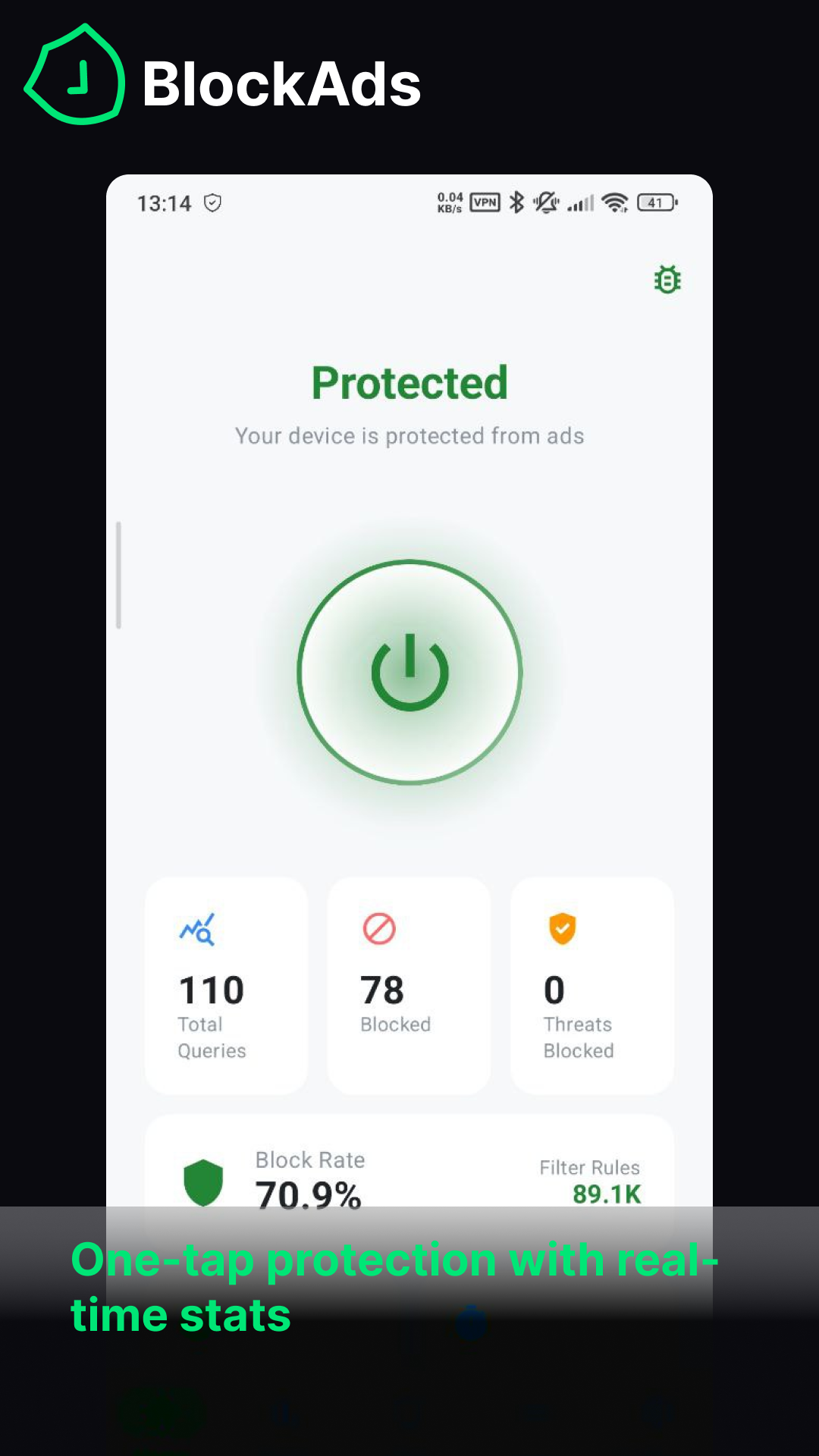
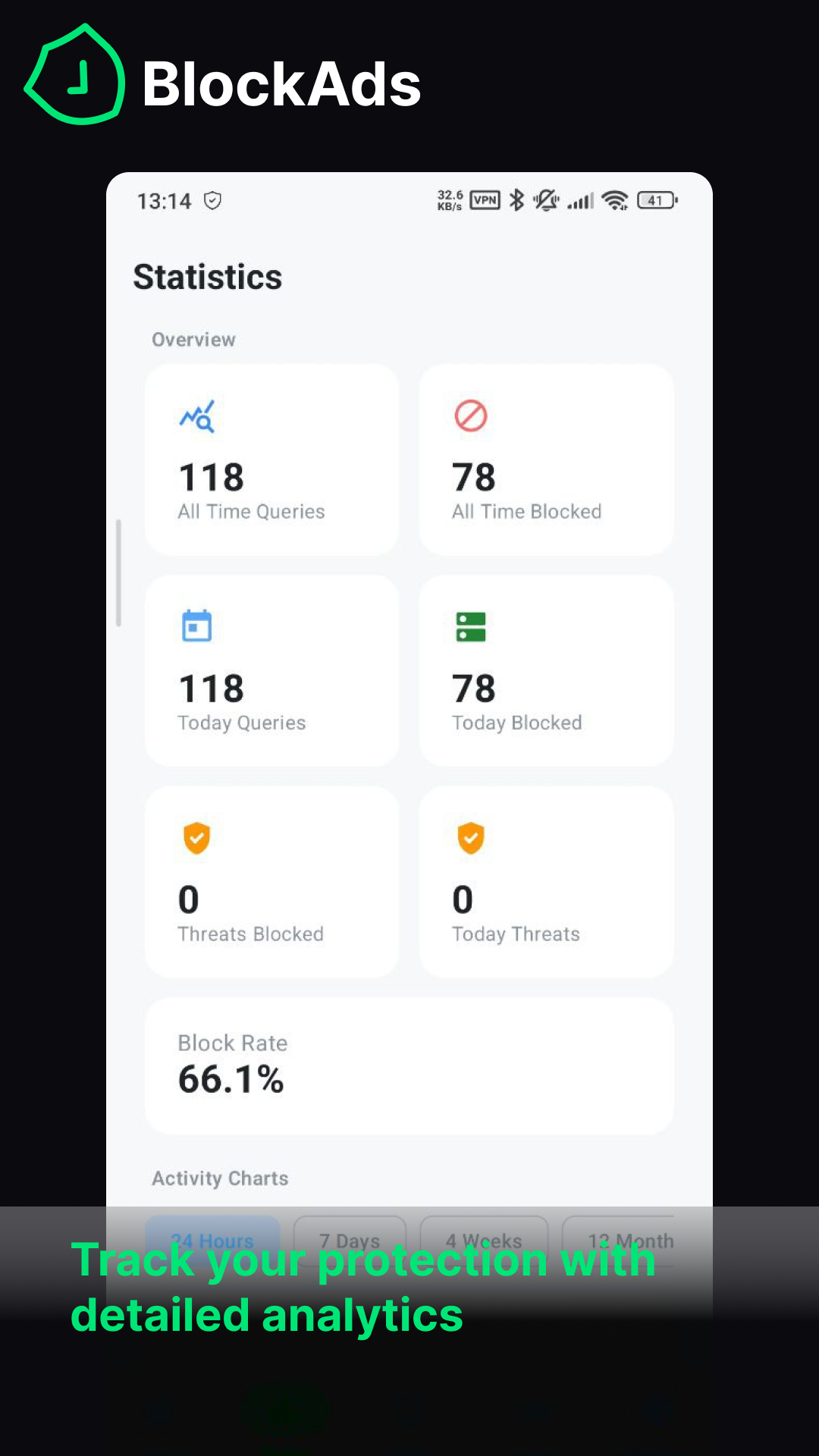
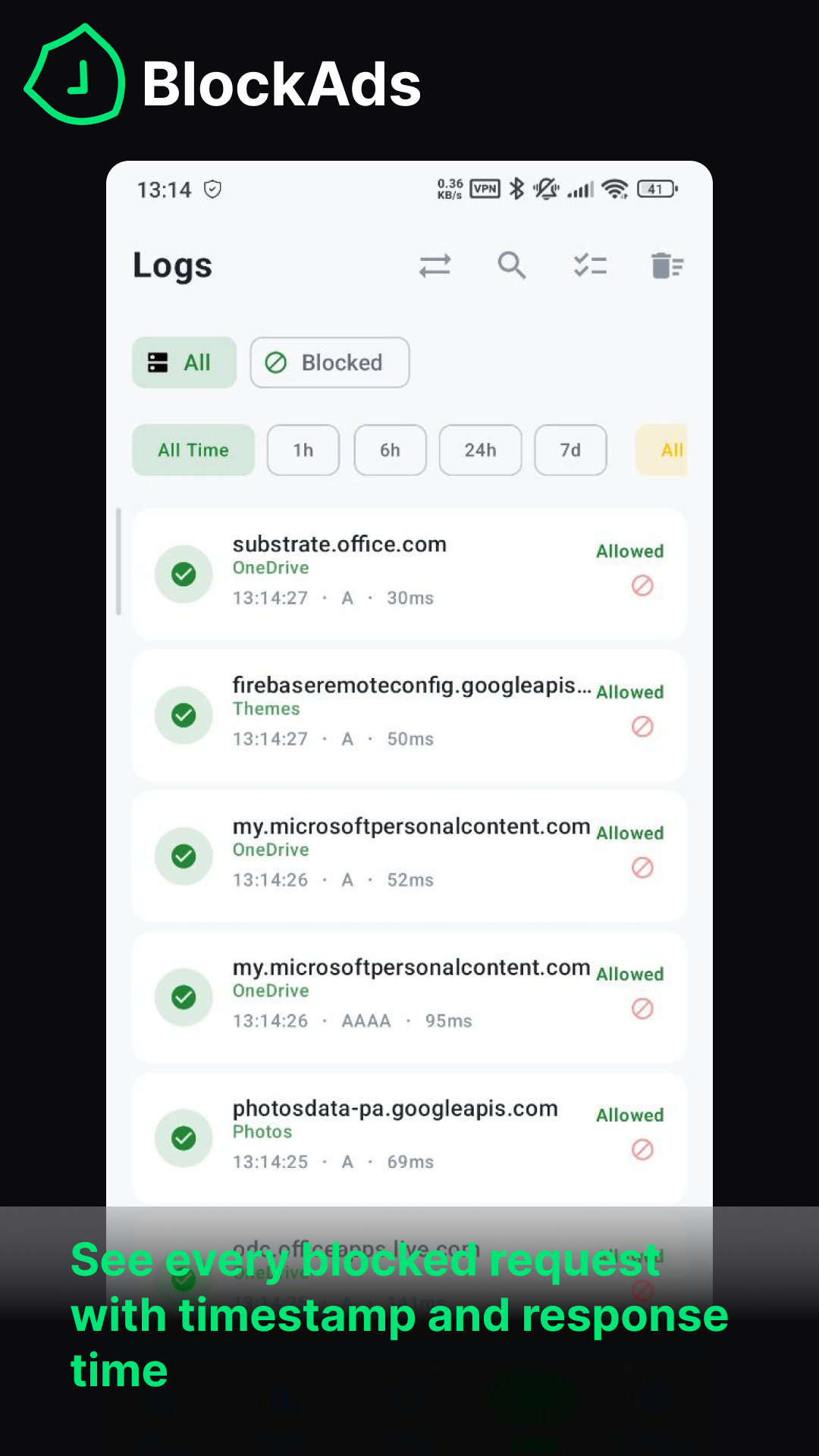
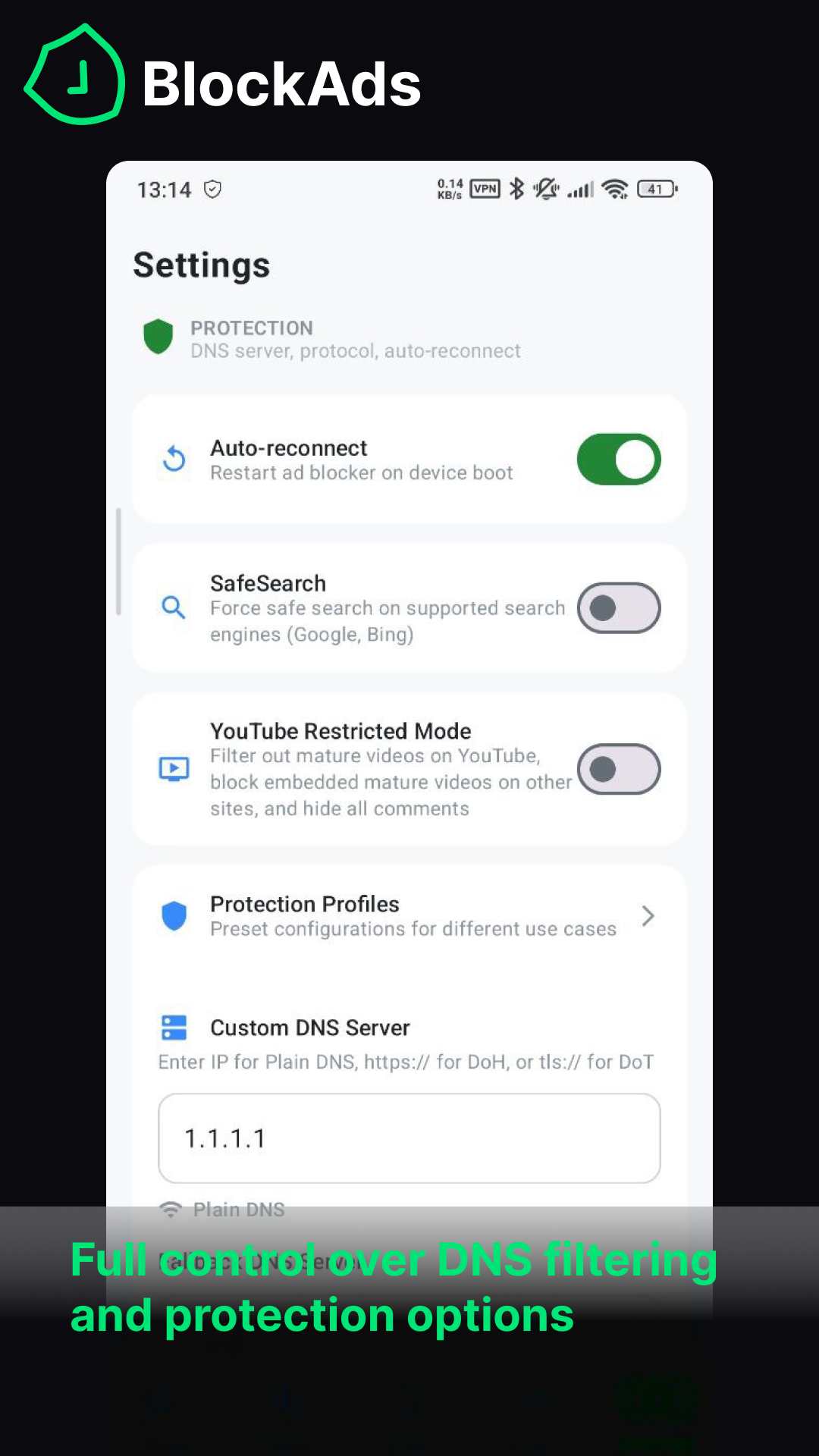
 BlockAds 是一款免费开源的 Android 应用。它通过运行本地 VPN 过滤 DNS 查询,在全系统范围内拦截广告、追踪器和恶意软件。无需 root 权限,数据也不会离开设备。
我该怎么把它跑起来?克隆仓库,用 Android Studio 打开项目,同步 Gradle,然后在真机或模拟器上运行。你也可以通过命令行构建。
克隆仓库,用 Android Studio 打开项目,同步 Gradle,然后在真机或模拟器上运行。你也可以通过命令行构建。编译这个项目需要装 Go 或 Android NDK 吗?不需要。Gradle 会自动从 GitHub Releases 拉取预编译好、带校验和固定的 tunnel.aar。只有想自己修改 Go 隧道代码时,才需要 Go 和 NDK。否则,Android Studio、JDK 17+ 和 Android SDK 36 就够了。
不需要。Gradle 会自动从 GitHub Releases 拉取预编译好、带校验和固定的 tunnel.aar。只有想自己修改 Go 隧道代码时,才需要 Go 和 NDK。否则,Android Studio、JDK 17+ 和 Android SDK 36 就够了。HTTPS 过滤功能有什么限制吗?HTTPS 过滤功能运行的是用户态 TCP/IP 协议栈,只拦截来自指定浏览器的数据流。此外,一份精选的 284 个银行、支付和政务域名列表,以及使用证书固定的应用,都会完全绕过拦截,以免它们出错。
HTTPS 过滤功能运行的是用户态 TCP/IP 协议栈,只拦截来自指定浏览器的数据流。此外,一份精选的 284 个银行、支付和政务域名列表,以及使用证书固定的应用,都会完全绕过拦截,以免它们出错。我的浏览数据会去哪里?所有数据都保留在设备上。DNS 匹配在本地完成,崩溃报告和遥测功能严格采用选择加入,需要你主动开启。
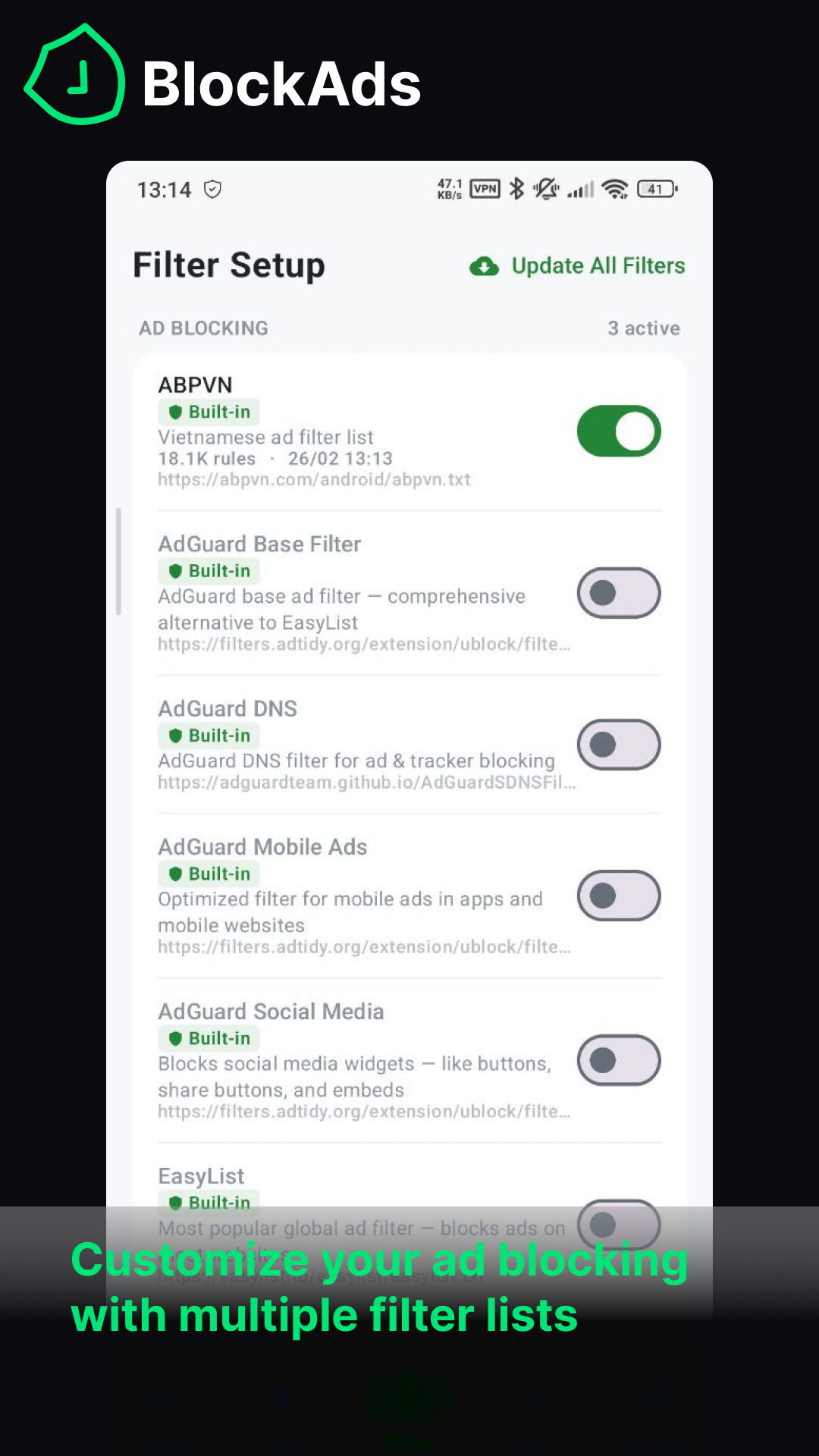
所有数据都保留在设备上。DNS 匹配在本地完成,崩溃报告和遥测功能严格采用选择加入,需要你主动开启。内置了哪些过滤规则列表?它内置了多个精选列表,例如 StevenBlack、AdGuard DNS 和 EasyList。它还提供区域感知的默认设置,会根据设备语言自动启用匹配的过滤规则。
它内置了多个精选列表,例如 StevenBlack、AdGuard DNS 和 EasyList。它还提供区域感知的默认设置,会根据设备语言自动启用匹配的过滤规则。我得给手机 root 才能用吗?不需要。默认的 Vpn Mode 通过 Android 的 VpnService 在全系统范围内拦截广告,无需 root。另外还提供基于 iptables 的 Root Proxy Mode,供已 root 的设备使用。
不需要。默认的 Vpn Mode 通过 Android 的 VpnService 在全系统范围内拦截广告,无需 root。另外还提供基于 iptables 的 Root Proxy Mode,供已 root 的设备使用。它怎么过滤 HTTPS 流量,又不会破坏浏览器的安全提示?它会安装一个本地 CA 证书,并进行安装校验和自动刷新检查。这样,它的用户态 TCP 协议栈就能处理来自指定浏览器的 HTTPS 数据流。它还会注入外观过滤用的 CSS 规则,以及 EasyList/AdGuard 的 scriptlet。
它会安装一个本地 CA 证书,并进行安装校验和自动刷新检查。这样,它的用户态 TCP 协议栈就能处理来自指定浏览器的 HTTPS 数据流。它还会注入外观过滤用的 CSS 规则,以及 EasyList/AdGuard 的 scriptlet。我能在去广告的同时导入自己的 WireGuard 配置吗?可以。WireGuard 配置导入是内置功能,你可以把自己的 WireGuard 配置和 BlockAds 的过滤功能结合使用。
可以。WireGuard 配置导入是内置功能,你可以把自己的 WireGuard 配置和 BlockAds 的过滤功能结合使用。有哪些类似的项目?mlmvpn_android, rethink-app, Open-Box, Levyra-deepsound, wmkeyboard, LocationSpoofer, vivi-music, hilight-studio
mlmvpn_android, rethink-app, Open-Box, Levyra-deepsound, wmkeyboard, LocationSpoofer, vivi-music, hilight-studio它属于哪些主题?adblocker, malware-detection, transparent-proxy, no-root, anti-tracking, phishing, root, firewall, wireguard, jetpack-compose, dns, vpn
adblocker, malware-detection, transparent-proxy, no-root, anti-tracking, phishing, root, firewall, wireguard, jetpack-compose, dns, vpn