1.1K ·GitHub
What is this?
 A toolkit that adds ChatGPT-specific capabilities to the Model Context Protocol (MCP), letting plugin developers build features like sidebar entrypoints, custom file viewers, composer mentions, and rich forms that feel like native parts of ChatGPT.
A toolkit that adds ChatGPT-specific capabilities to the Model Context Protocol (MCP), letting plugin developers build features like sidebar entrypoints, custom file viewers, composer mentions, and rich forms that feel like native parts of ChatGPT.Is this a standalone app or something I add to my own MCP server?It's a specification plus SDKs you add to an MCP server you already have (TypeScript: @openai/mcp-extensions, Python: openai-mcp-extensions), not a standalone application.
It's a specification plus SDKs you add to an MCP server you already have (TypeScript: @openai/mcp-extensions, Python: openai-mcp-extensions), not a standalone application.How do I add these extensions to my plugin?First build a basic MCP plugin following the plugin documentation, then install the matching SDK (@openai/mcp-extensions for TypeScript or openai-mcp-extensions for Python) and implement extensions from the spec.
First build a basic MCP plugin following the plugin documentation, then install the matching SDK (@openai/mcp-extensions for TypeScript or openai-mcp-extensions for Python) and implement extensions from the spec.Do I need an existing MCP server before using this?Yes, you need a working MCP plugin/server first; this package only layers ChatGPT-specific extensions on top of it.
Yes, you need a working MCP plugin/server first; this package only layers ChatGPT-specific extensions on top of it.Does this work with any MCP client, or only ChatGPT?The extensions are ChatGPT-specific — sidebar entrypoints, composer mentions, and the other showcased features are ChatGPT UI integrations, not generic MCP client behavior.
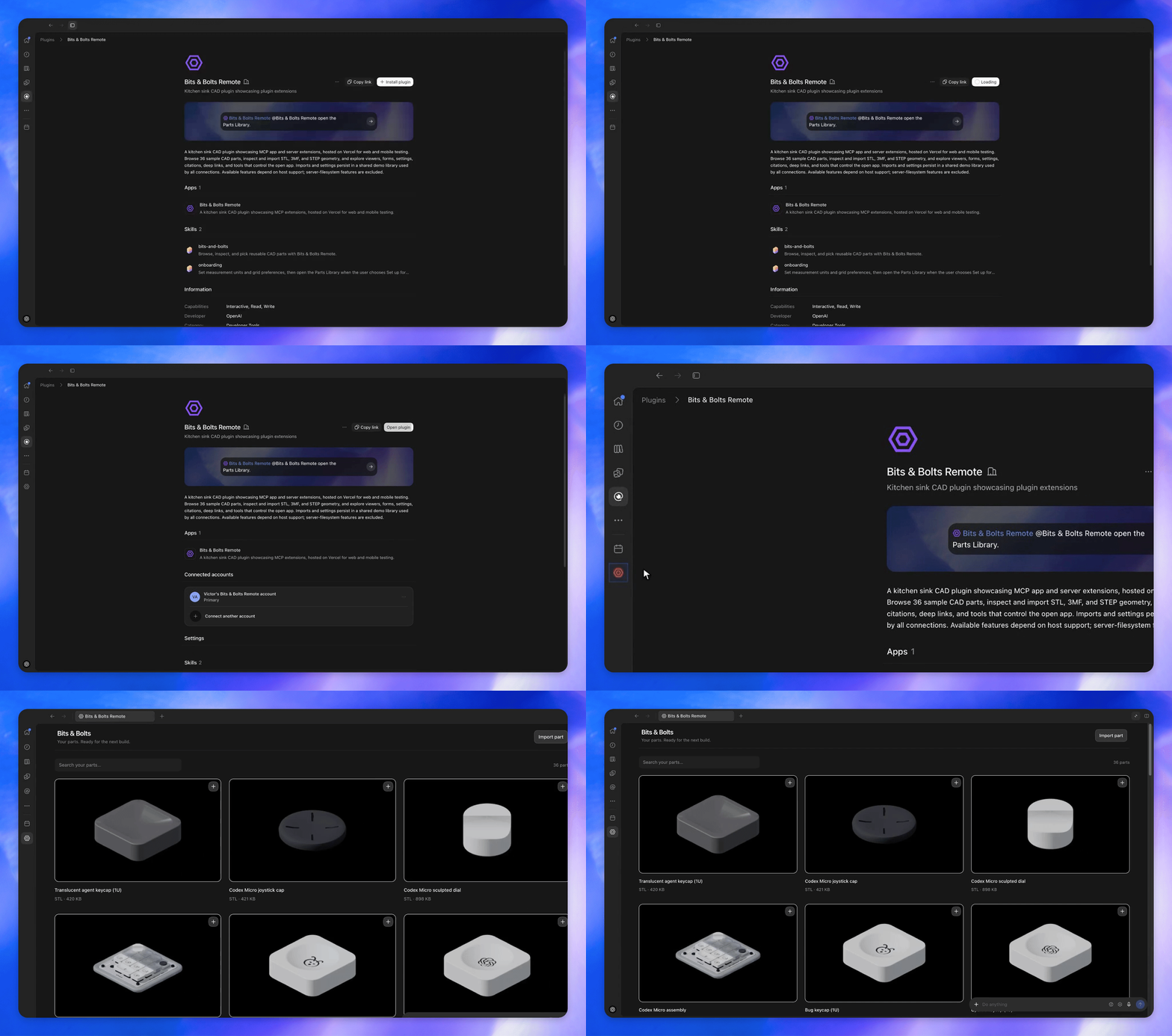
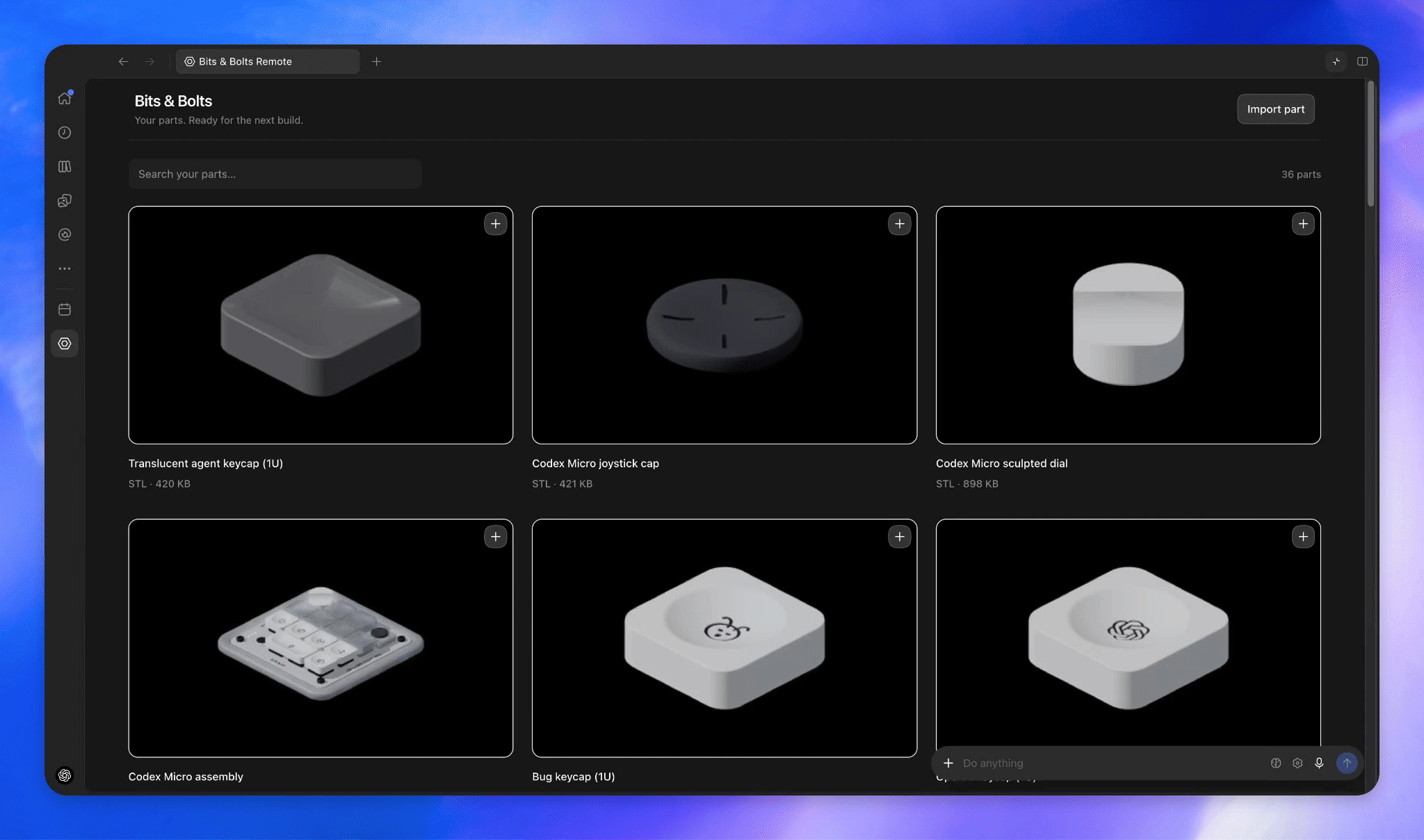
The extensions are ChatGPT-specific — sidebar entrypoints, composer mentions, and the other showcased features are ChatGPT UI integrations, not generic MCP client behavior.What is the Bits & Bolts plugin shown in the examples?It is the demo plugin used throughout the README to showcase each extension — a CAD parts library you can browse from ChatGPT's sidebar after installing it.
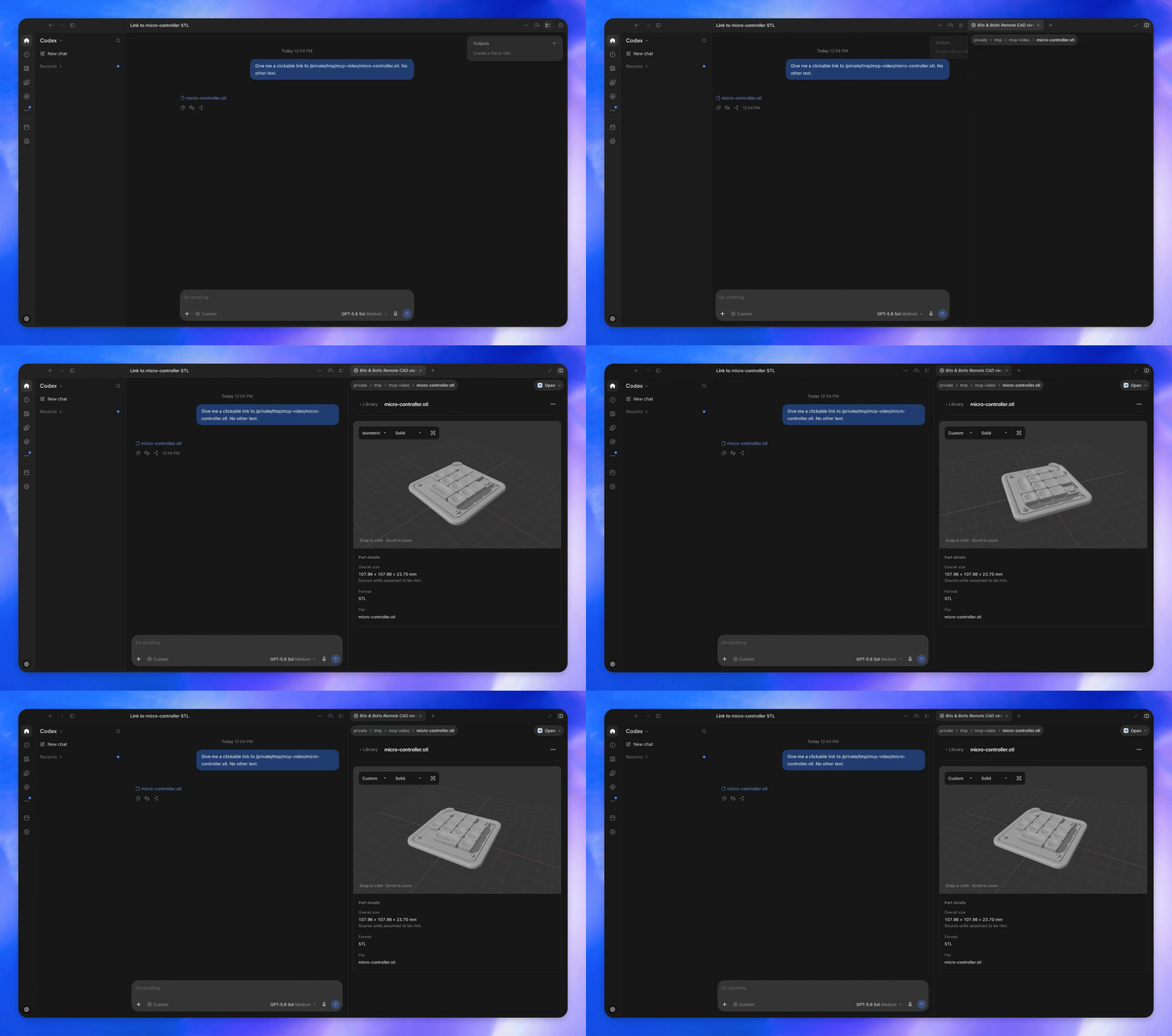
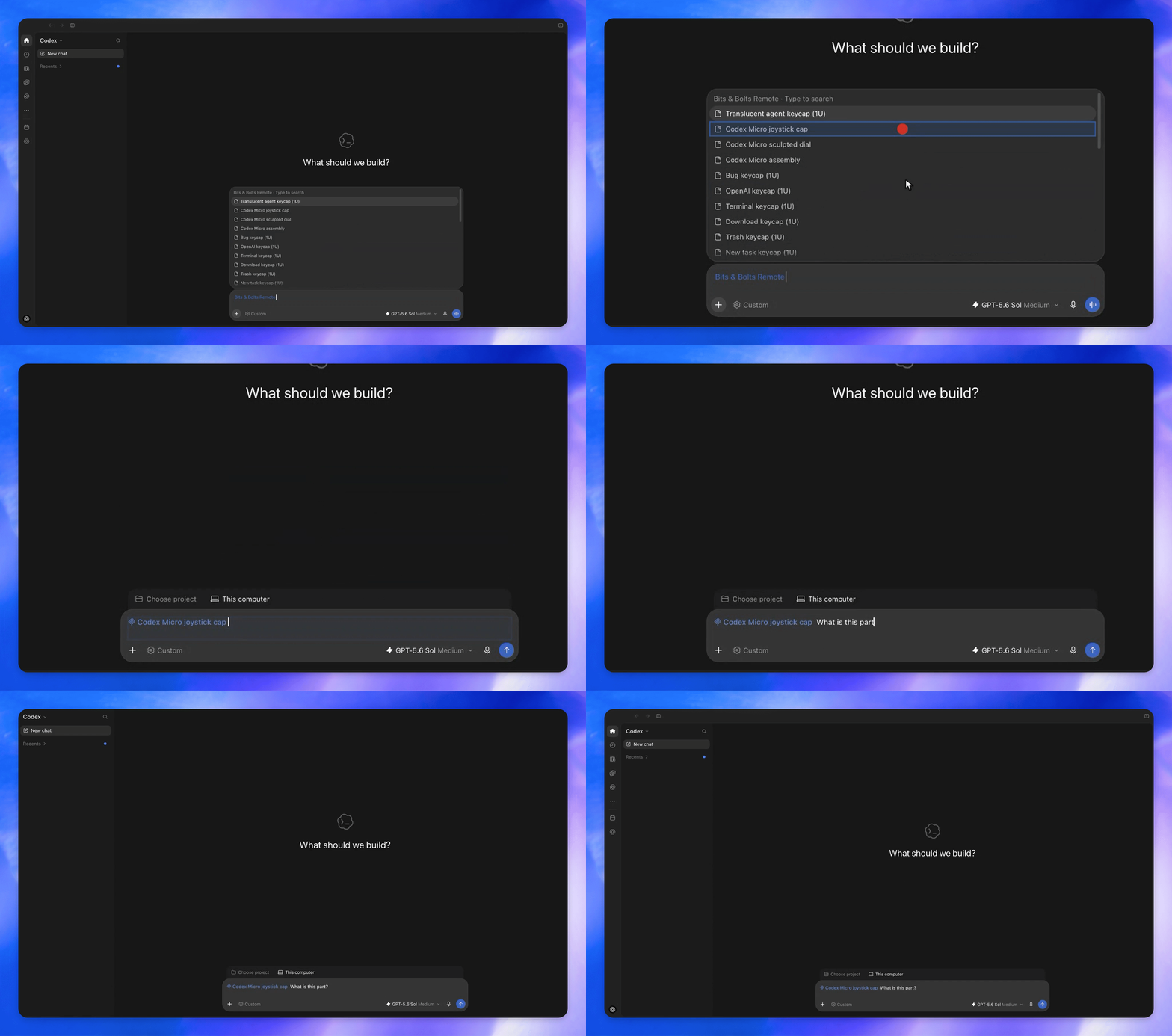
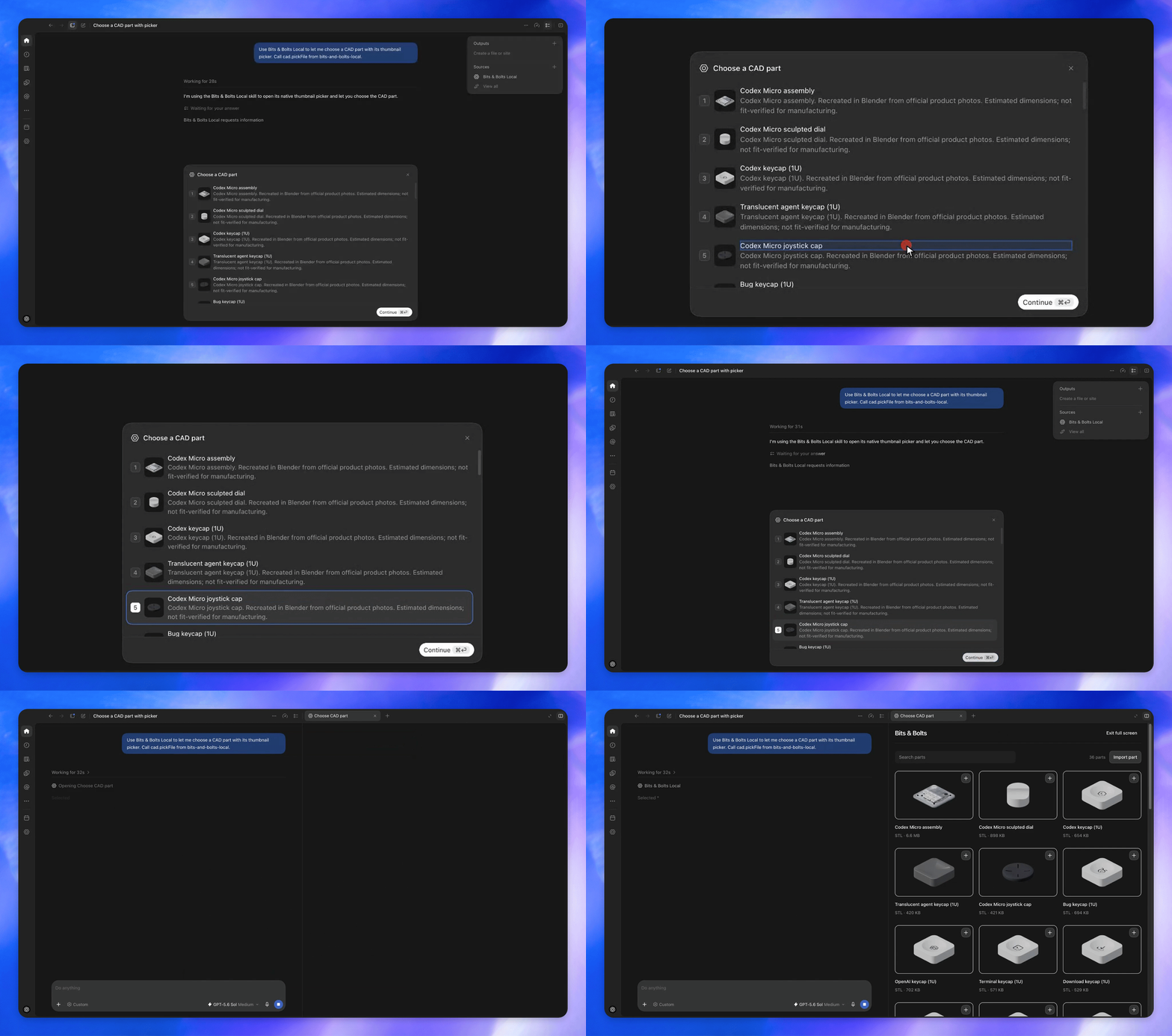
It is the demo plugin used throughout the README to showcase each extension — a CAD parts library you can browse from ChatGPT's sidebar after installing it.What kinds of UI extensions can I build?Sidebar entrypoints to open your app, custom viewers for specific file types, composer mentions to search your plugin's resources, and extended forms such as thumbnail-based selection fields.
Sidebar entrypoints to open your app, custom viewers for specific file types, composer mentions to search your plugin's resources, and extended forms such as thumbnail-based selection fields.Where is the full list of supported extensions documented?The README points to a spec document that lists all supported extensions in detail, referenced in the 'Explore supported extensions' step.
The README points to a spec document that lists all supported extensions in detail, referenced in the 'Explore supported extensions' step.What are similar projects?headroom, evenfire, servers, gitagent, turnstone, aisuite, claude-context, tambo
headroom, evenfire, servers, gitagent, turnstone, aisuite, claude-context, tamboWhich topics is it in?spec, pypi, extension, plugin-system, chatgpt, model-context-protocol, sdk, mcp-server, plugin, openai, framework, agent
spec, pypi, extension, plugin-system, chatgpt, model-context-protocol, sdk, mcp-server, plugin, openai, framework, agent