noVNC: HTML VNC client library and application


Description
noVNC is both a HTML VNC client JavaScript library and an application built on
top of that library. noVNC runs well in any modern browser including mobile
browsers (iOS and Android).
Many companies, projects and products have integrated noVNC including
OpenStack,
OpenNebula,
LibVNCServer, and
ThinLinc. See
the Projects and companies wiki page
for a more complete list with additional info and links.
Table of contents
The project website is found at novnc.com.
If you are a noVNC developer/integrator/user (or want to be) please join the
noVNC discussion group.
Bugs and feature requests can be submitted via
github issues. If you have questions
about using noVNC then please first use the
discussion group.
We also have a wiki with lots of
helpful information.
If you are looking for a place to start contributing to noVNC, a good place to
start would be the issues that are marked as
"patchwelcome".
Please check our
contribution guide though.
If you want to show appreciation for noVNC you could donate to a great non-
profits such as:
Compassion International,
SIL,
Habitat for Humanity,
Electronic Frontier Foundation,
Against Malaria Foundation,
Nothing But Nets, etc.
Features
- Supports all modern browsers including mobile (iOS, Android)
- Supported authentication methods: none, classical VNC, RealVNC's
RSA-AES, Tight, VeNCrypt Plain, XVP, Apple's Diffie-Hellman,
UltraVNC's MSLogonII
- Supported VNC encodings: raw, copyrect, rre, hextile, tight, tightPNG,
ZRLE, JPEG, Zlib, H.264
- Supports scaling, clipping and resizing the desktop
- Supports back & forward mouse buttons
- Local cursor rendering
- Clipboard copy/paste with full Unicode support
- Translations
- Touch gestures for emulating common mouse actions
- Licensed mainly under the MPL 2.0, see
the license document for details
Screenshots
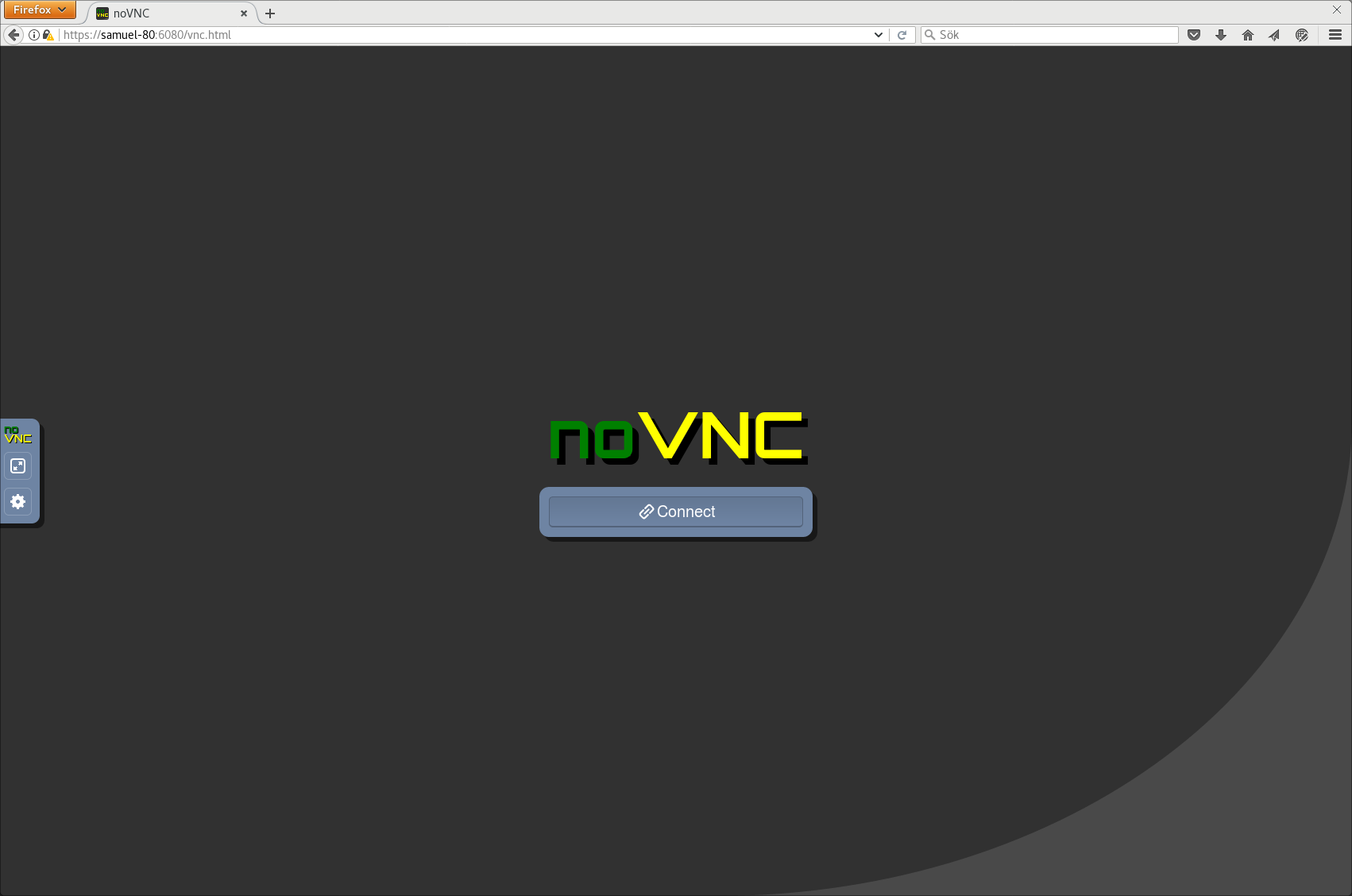
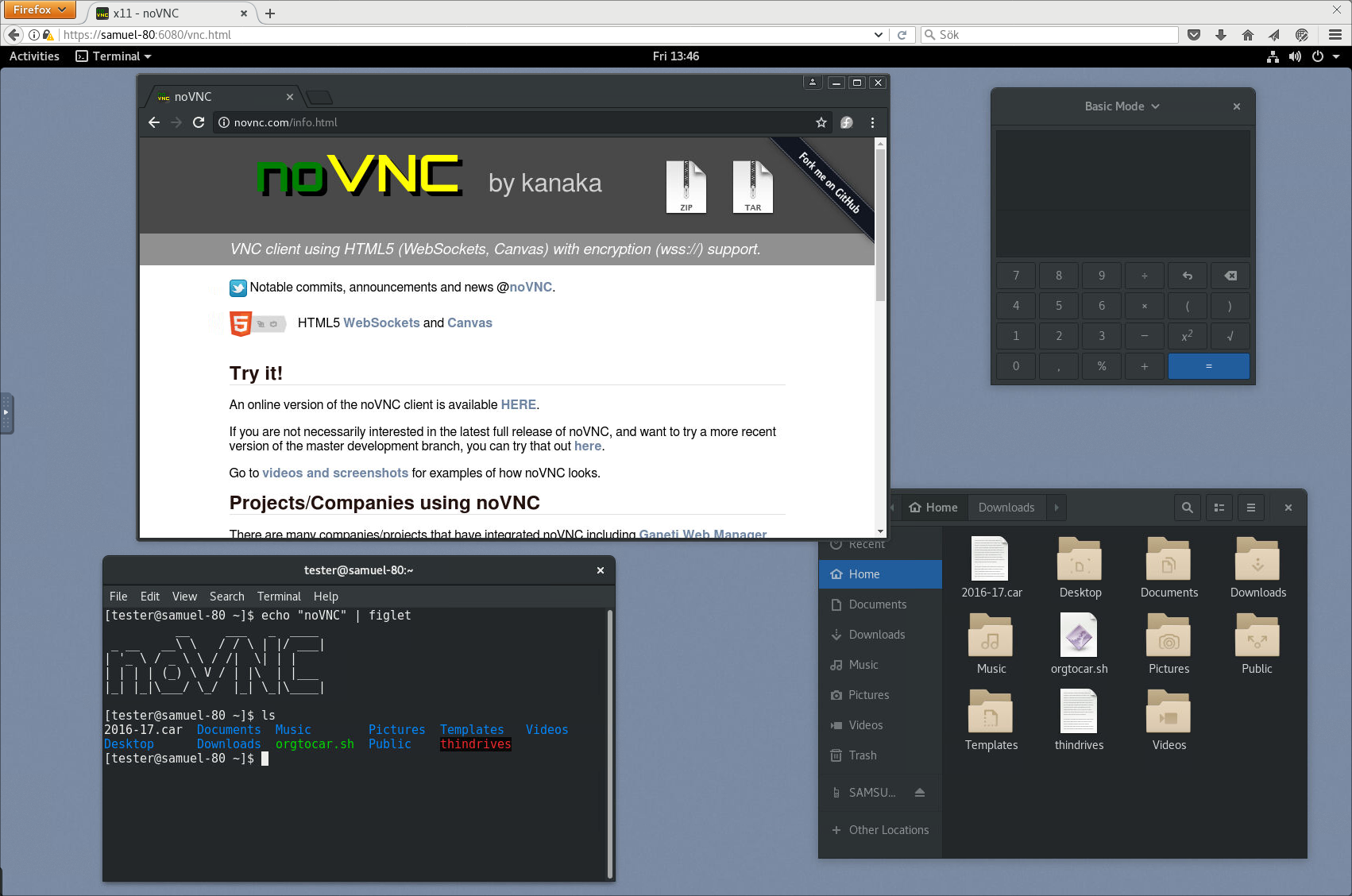
Running in Firefox before and after connecting:
See more screenshots
here.
Browser requirements
noVNC uses many modern web technologies so a formal requirement list is
not available. However these are the minimum versions we are currently
aware of:
- Chrome 89, Firefox 89, Safari 15, Opera 75, Edge 89
Server requirements
noVNC follows the standard VNC protocol, but unlike other VNC clients it does
require WebSockets support. Many servers include support (e.g.
x11vnc/libvncserver,
QEMU, and
MobileVNC), but for the others you need to
use a WebSockets to TCP socket proxy. noVNC has a sister project
websockify that provides a simple such
proxy.
Quick start
Use the novnc_proxy script to automatically download and start websockify, which
includes a mini-webserver and the WebSockets proxy. The --vnc option is
used to specify the location of a running VNC server:
./utils/novnc_proxy --vnc localhost:5901
If you don't need to expose the web server to public internet, you can
bind to localhost:
./utils/novnc_proxy --vnc localhost:5901 --listen localhost:6081
Point your browser to the cut-and-paste URL that is output by the novnc_proxy
script. Hit the Connect button, enter a password if the VNC server has one
configured, and enjoy!
Installation from snap package
Running the command below will install the latest release of noVNC from snap:
sudo snap install novnc
Running noVNC from snap directly
You can run the snap package installed novnc directly with, for example:
novnc --listen 6081 --vnc localhost:5901 # /snap/bin/novnc if /snap/bin is not in your PATH
If you want to use certificate files, due to standard snap confinement restrictions you need to have them in the /home/<user>/snap/novnc/current/ directory. If your username is jsmith an example command would be:
novnc --listen 8443 --cert ~jsmith/snap/novnc/current/self.crt --key ~jsmith/snap/novnc/current/self.key --vnc ubuntu.example.com:5901
Running noVNC from snap as a service (daemon)
The snap package also has the capability to run a 'novnc' service which can be
configured to listen on multiple ports connecting to multiple VNC servers
(effectively a service running multiple instances of novnc).
Instructions (with example values):
List current services (out-of-box this will be blank):
sudo snap get novnc services
Key             Value
services.n6080  {...}
services.n6081  {...}
Create a new service that listens on port 6082 and connects to the VNC server
running on port 5902 on localhost:
sudo snap set novnc services.n6082.listen=6082 services.n6082.vnc=localhost:5902
(Any services you define with 'snap set' will be automatically started)
Note that the name of the service, 'n6082' in this example, can be anything
as long as it doesn't start with a number or contain spaces/special characters.
View the configuration of the service just created:
sudo snap get novnc services.n6082
Key                    Value
services.n6082.listen  6082
services.n6082.vnc     localhost:5902
Disable a service (note that because of a limitation in snap it's currently not
possible to unset config variables, setting them to blank values is the way
to disable a service):
sudo snap set novnc services.n6082.listen='' services.n6082.vnc=''
(Any services you set to blank with 'snap set' like this will be automatically stopped)
Verify that the service is disabled (blank values):
sudo snap get novnc services.n6082
Key                    Value
services.n6082.listen
services.n6082.vnc
Integration and deployment
Please see our other documents for how to integrate noVNC in your own software,
or deploying the noVNC application in production environments:
- Embedding - For the noVNC application
- Library - For the noVNC JavaScript library
Authors/Contributors
See AUTHORS for a (full-ish) list of authors. If you're not on
that list and you think you should be, feel free to send a PR to fix that.
Do you want to be on this list? Check out our
contribution guide and
start hacking!

 noVNC 是一个基于 HTML5 的 VNC 客户端,无需任何插件,就能直接在网页浏览器中连接并控制远程桌面。OpenStack、OpenNebula 和 ThinLinc 等项目都用它提供基于浏览器的远程访问功能。