

What is this?
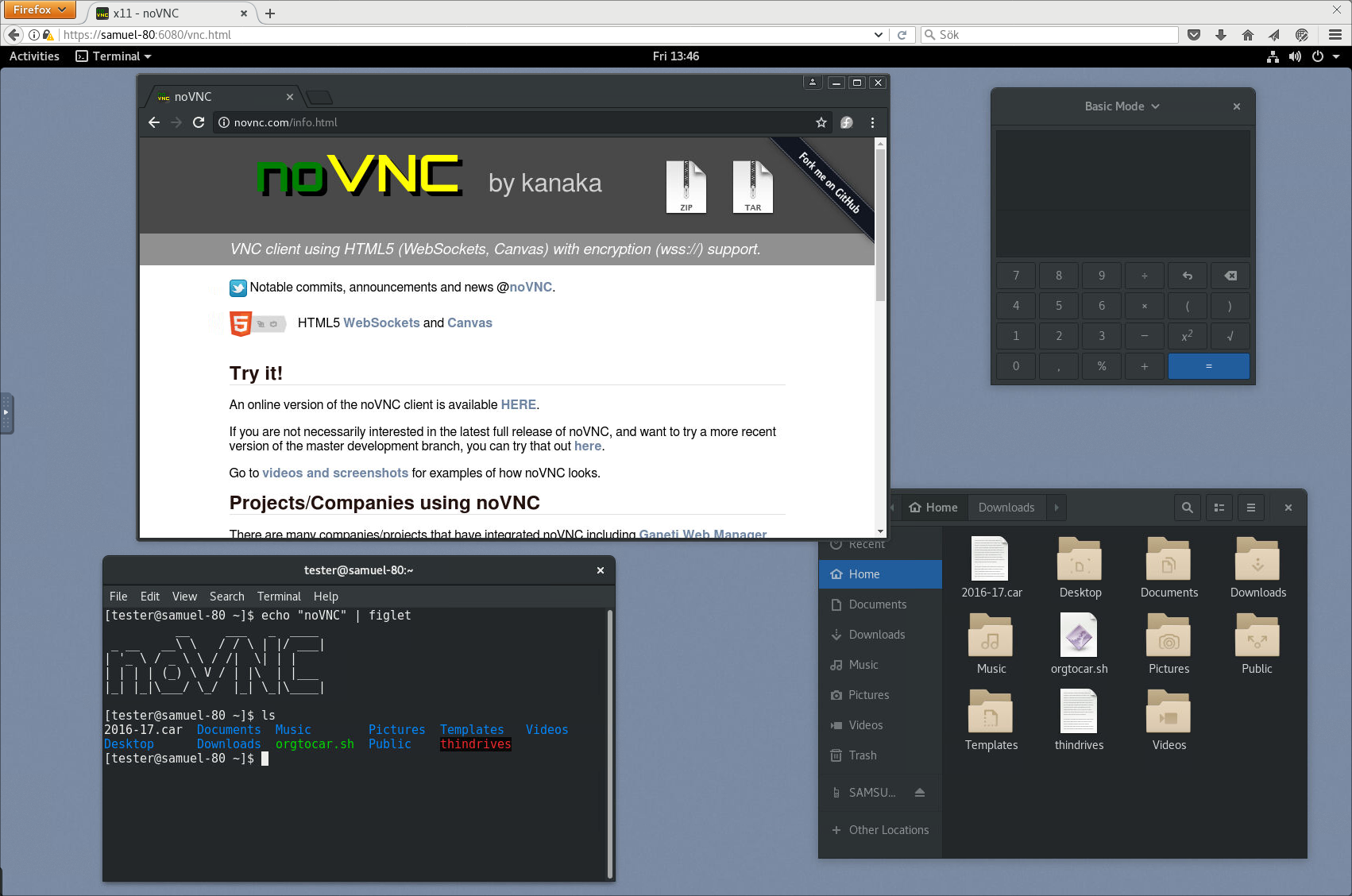
 noVNC is an HTML5 VNC client that lets you connect to and control a remote desktop straight from a web browser, with no plugins needed. It powers browser-based remote access in projects like OpenStack, OpenNebula and ThinLinc.
noVNC is an HTML5 VNC client that lets you connect to and control a remote desktop straight from a web browser, with no plugins needed. It powers browser-based remote access in projects like OpenStack, OpenNebula and ThinLinc.Is noVNC just a JavaScript library, or something I can run directly?It's both: a reusable JavaScript/HTML5 VNC client library you can embed in your own app, plus a ready-to-run web application built on top of that same library.
It's both: a reusable JavaScript/HTML5 VNC client library you can embed in your own app, plus a ready-to-run web application built on top of that same library.How do I get it running?Run the bundled novncproxy script pointed at your VNC server, for example './utils/novncproxy --vnc localhost:5901', then open the URL it prints in your browser and hit Connect. It's also installable as a snap package via 'sudo snap install novnc'.
Run the bundled novncproxy script pointed at your VNC server, for example './utils/novncproxy --vnc localhost:5901', then open the URL it prints in your browser and hit Connect. It's also installable as a snap package via 'sudo snap install novnc'.What do I need on the server side to connect?The VNC server must speak WebSockets, not just raw TCP, since noVNC does require WebSockets support. Servers like x11vnc/libvncserver, QEMU and MobileVNC support this directly; for others you run noVNC's sister project websockify as a WebSockets-to-TCP proxy in front of a regular VNC server.
The VNC server must speak WebSockets, not just raw TCP, since noVNC does require WebSockets support. Servers like x11vnc/libvncserver, QEMU and MobileVNC support this directly; for others you run noVNC's sister project websockify as a WebSockets-to-TCP proxy in front of a regular VNC server.Will it work in any browser?It needs a fairly modern browser since it leans on current web tech: the project lists minimum versions of Chrome 89, Firefox 89, Safari 15, Opera 75 and Edge 89.
It needs a fairly modern browser since it leans on current web tech: the project lists minimum versions of Chrome 89, Firefox 89, Safari 15, Opera 75 and Edge 89.What VNC authentication methods does noVNC support?It supports none, classic VNC auth, RealVNC's RSA-AES, Tight, VeNCrypt Plain, XVP, Apple's Diffie-Hellman, and UltraVNC's MSLogonII.
It supports none, classic VNC auth, RealVNC's RSA-AES, Tight, VeNCrypt Plain, XVP, Apple's Diffie-Hellman, and UltraVNC's MSLogonII.What VNC encodings can noVNC decode?It handles raw, copyrect, rre, hextile, tight, tightPNG, ZRLE, JPEG, Zlib and H.264 encodings.
It handles raw, copyrect, rre, hextile, tight, tightPNG, ZRLE, JPEG, Zlib and H.264 encodings.Does it work well on phones and tablets?Yes, it runs in mobile browsers on iOS and Android and includes touch gestures that emulate common mouse actions like clicking and dragging.
Yes, it runs in mobile browsers on iOS and Android and includes touch gestures that emulate common mouse actions like clicking and dragging.Can I run noVNC as a background service for multiple VNC servers?The snap package can run a persistent 'novnc' service configured to listen on several ports and connect each one to a different VNC server, effectively running multiple noVNC instances at once.
The snap package can run a persistent 'novnc' service configured to listen on several ports and connect each one to a different VNC server, effectively running multiple noVNC instances at once.What are similar projects?xpra, interact.js, Termix, phaser, fastclick, websocket, feathers, fleetbase
xpra, interact.js, Termix, phaser, fastclick, websocket, feathers, fleetbaseWhich topics is it in?vnc, touch, websockets, remote-desktop, html5, protocol, canvas, i18n, websocket, real-time, authentication, proxy
vnc, touch, websockets, remote-desktop, html5, protocol, canvas, i18n, websocket, real-time, authentication, proxy