



17.3K ·GitHub
What is this?
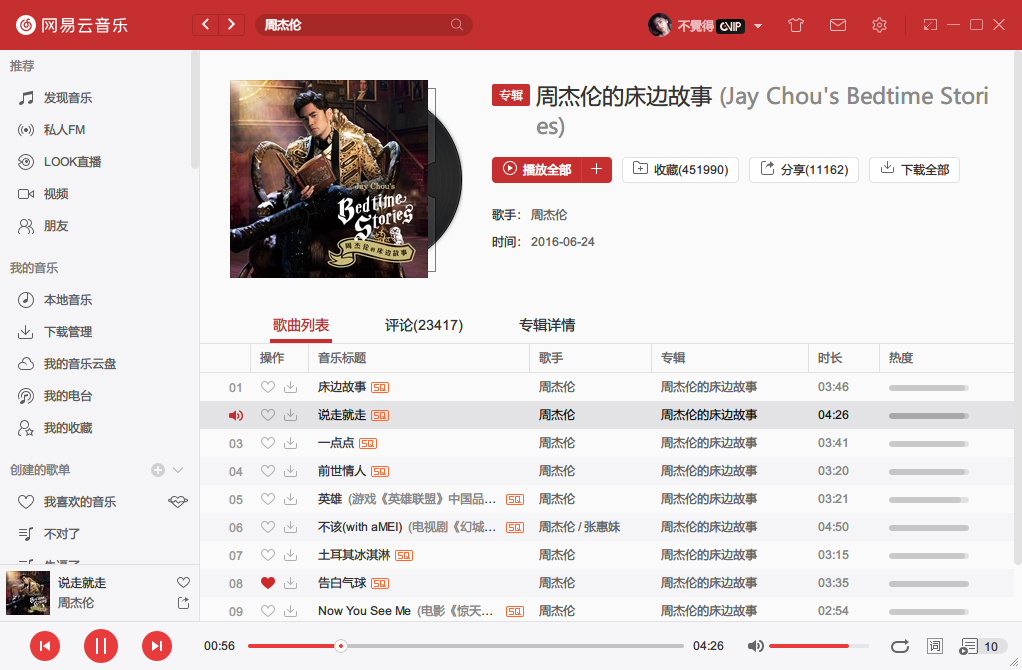
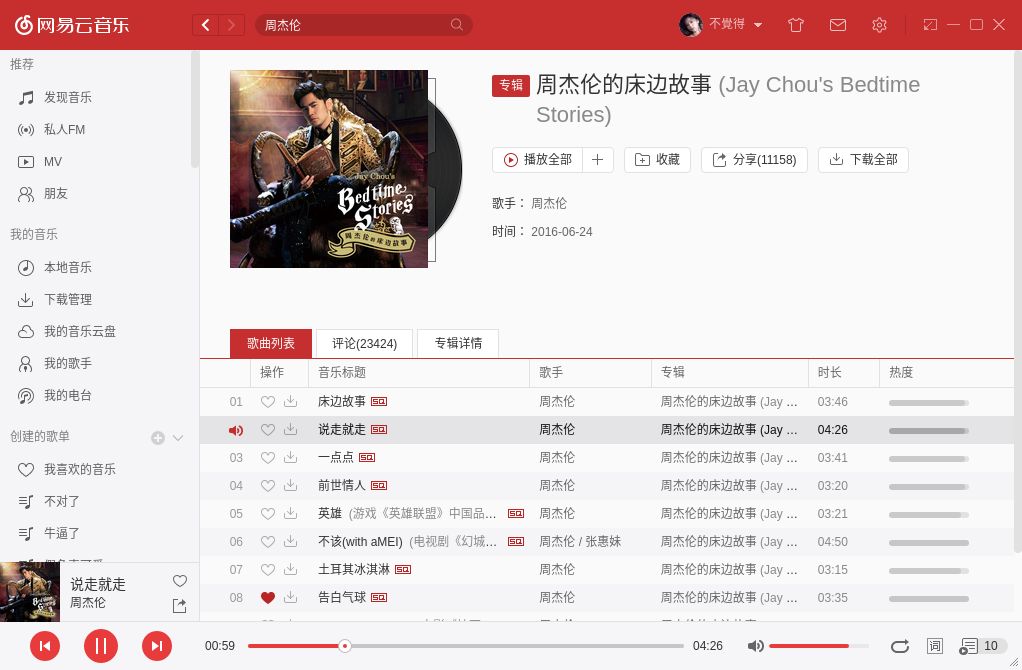
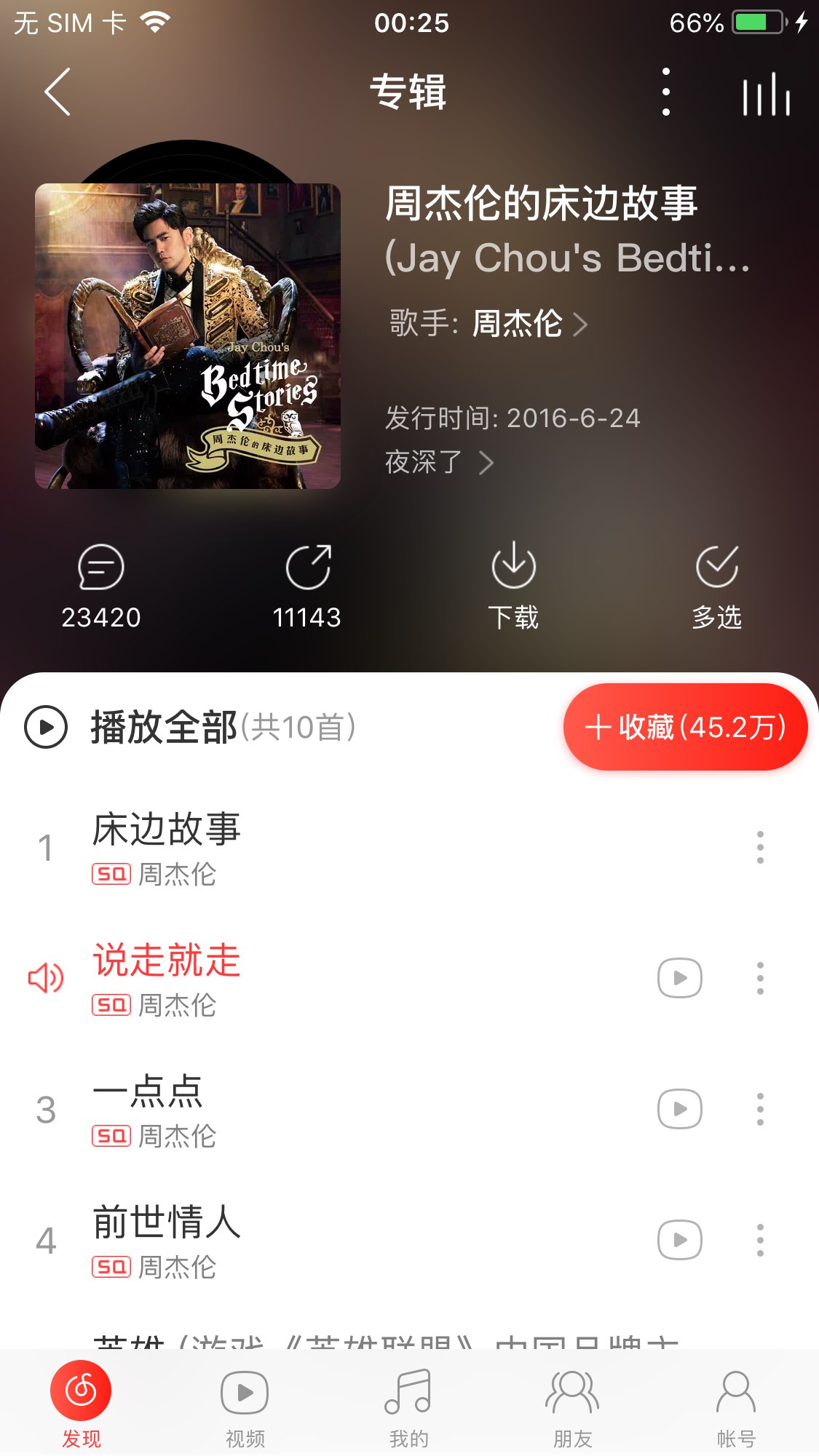
 UnblockNeteaseMusic revives greyed-out, unavailable songs in Netease Cloud Music: it swaps dead song links for playable ones taken from other sources such as QQ Music, Kuwo and Migu.
UnblockNeteaseMusic revives greyed-out, unavailable songs in Netease Cloud Music: it swaps dead song links for playable ones taken from other sources such as QQ Music, Kuwo and Migu.So what do I actually install — a modified player?Neither — it is a standalone proxy server written in JavaScript that you run yourself. Your existing Netease client just routes its traffic through it like an ordinary HTTP/HTTPS system proxy, and the server rewrites song links on the fly.
Neither — it is a standalone proxy server written in JavaScript that you run yourself. Your existing Netease client just routes its traffic through it like an ordinary HTTP/HTTPS system proxy, and the server rewrites song links on the fly.How do I get it running and connect my player to it?Start the server with npx or Docker (a compose file ships with the repo), then point your client at it: add hosts rules (requires listening on port 80), set the PAC script http://Name:PORT/proxy.pac, or enter the proxy manually in client settings.
Start the server with npx or Docker (a compose file ships with the repo), then point your client at it: add hosts rules (requires listening on port 80), set the PAC script http://Name:PORT/proxy.pac, or enter the proxy manually in client settings.Are there clients where it no longer works?The HTTPS-downgrade trick no longer works on the newest Linux and macOS clients, and proxy password authentication is broken in the Windows client and macOS system settings. UWP also needs loopback enabled manually when the proxy runs on localhost.
The HTTPS-downgrade trick no longer works on the newest Linux and macOS clients, and proxy password authentication is broken in the Windows client and macOS system settings. UWP also needs loopback enabled manually when the proxy runs on localhost.Which music clients does it work with?Desktop clients for Windows, UWP, Linux and macOS, plus Android, iOS and the web player. Newer Linux and macOS builds, iOS and web need a self-signed certificate (MITM) or a special HTTPS endpoint, and the web version also needs a helper script.
Desktop clients for Windows, UWP, Linux and macOS, plus Android, iOS and the web player. Newer Linux and macOS builds, iOS and web need a self-signed certificate (MITM) or a special HTTPS endpoint, and the web version also needs a helper script.Which alternative music sources does it use, and which are on by default?It can pull playable links from QQ, Xiami, Baidu, Kugou, Kuwo, Migu and JOOX. Only sources 1, 5 and 6 are enabled by default, which in that order means QQ, Kuwo and Migu.
It can pull playable links from QQ, Xiami, Baidu, Kugou, Kuwo, Migu and JOOX. Only sources 1, 5 and 6 are enabled by default, which in that order means QQ, Kuwo and Migu.How does it unlock songs blocked outside mainland China?It adds an X-Real-IP parameter to requests to bypass overseas restrictions; you can also pin a specific Netease server IP or chain the traffic through an upstream HTTP/HTTPS proxy.
It adds an X-Real-IP parameter to requests to bypass overseas restrictions; you can also pin a specific Netease server IP or chain the traffic through an upstream HTTP/HTTPS proxy.Can I use it from my own code instead of proxying a whole client?Yes — besides the hosts, PAC and manual-proxy methods, the README lists calling its interface directly and using the project as a dependency library.
Yes — besides the hosts, PAC and manual-proxy methods, the README lists calling its interface directly and using the project as a dependency library.What are similar projects?folia-major, go-music-dl, warp-masque-actions, video_vip, Arachnidium, YesPlayMusic, listen1_desktop, moshi
folia-major, go-music-dl, warp-masque-actions, video_vip, Arachnidium, YesPlayMusic, listen1_desktop, moshi