





16.1K ·GitHub
What is this?
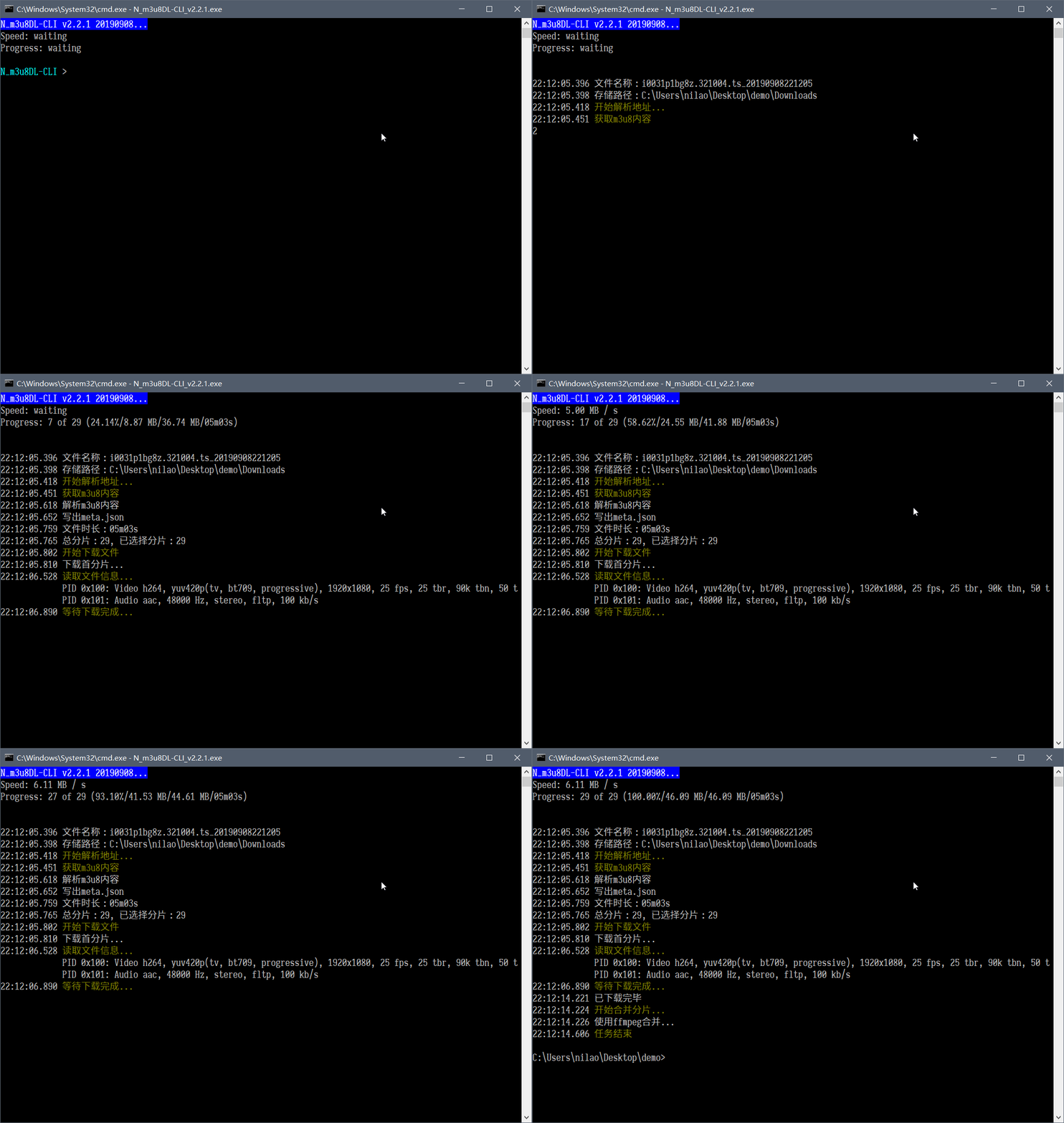
 It's a free, open-source command-line downloader for m3u8/HLS/DASH video streams, written in C# on .NET Framework. Give it an m3u8 link or a local file and it saves the video as mp4 or ts.
It's a free, open-source command-line downloader for m3u8/HLS/DASH video streams, written in C# on .NET Framework. Give it an m3u8 link or a local file and it saves the video as mp4 or ts.Is it just a command-line thing, or does it have a GUI?It's a pure CLI tool, but you don't have to memorize flags: SimpleG is a small helper GUI that generates the common parameters, and web pages can also launch it directly via the m3u8dl:// protocol.
It's a pure CLI tool, but you don't have to memorize flags: SimpleG is a small helper GUI that generates the common parameters, and web pages can also launch it directly via the m3u8dl:// protocol.How do I get it running?Download a build from the GitHub Releases page (auto-built test builds are published too) and run the exe from a terminal, passing your m3u8 URL — everything is controlled through command-line options.
Download a build from the GitHub Releases page (auto-built test builds are published too) and run the exe from a terminal, passing your m3u8 URL — everything is controlled through command-line options.Do I need ffmpeg or anything else installed?Nothing extra is required to download. For merging segments you can use plain binary concat, or ffmpeg if you have it — only the ffmpeg merge mode needs it installed.
Nothing extra is required to download. For merging segments you can use plain binary concat, or ffmpeg if you have it — only the ffmpeg merge mode needs it installed.Are there streams it can't download or decrypt?Yes — it explicitly does not decrypt Youku videos or Balloon Cloud (气球云) videos, so streams protected by those systems won't download.
Yes — it explicitly does not decrypt Youku videos or Balloon Cloud (气球云) videos, so streams protected by those systems won't download.Does it work on Mac or Linux too?No — it's built on .NET Framework, runs on Windows only, and the project is in maintenance mode. For Linux or macOS the author points to the successor N_m3u8DL-RE, which supports Win/Linux/Mac.
No — it's built on .NET Framework, runs on Windows only, and the project is in maintenance mode. For Linux or macOS the author points to the successor N_m3u8DL-RE, which supports Win/Linux/Mac.Can it handle encrypted streams?Yes — segments encrypted with AES-128-CBC are decrypted automatically during the download, so you get a playable file with no extra steps.
Yes — segments encrypted with AES-128-CBC are decrypted automatically during the download, so you get a playable file with no extra steps.Can it record live streams?Yes, live stream recording is supported in beta. It also understands Master Lists and can download just a chosen time range or specific segments from an m3u8.
Yes, live stream recording is supported in beta. It also understands Master Lists and can download just a chosen time range or specific segments from an m3u8.Does it support resuming interrupted downloads?Yes — downloads are multi-threaded with resume support and rate limiting. You can also set custom HTTP headers and a specific HTTP proxy; it auto-uses the system proxy by default unless you disable that.
Yes — downloads are multi-threaded with resume support and rate limiting. You can also set custom HTTP headers and a specific HTTP proxy; it auto-uses the system proxy by default unless you disable that.Why is this project in maintenance mode?The author restarted from scratch as N_m3u8DL-RE, dropping the legacy .NET Framework base. That successor runs on Windows, Linux and Mac and receives the richer new features, while this CLI stays Windows-only.
The author restarted from scratch as N_m3u8DL-RE, dropping the legacy .NET Framework base. That successor runs on Windows, Linux and Mac and receives the richer new features, while this CLI stays Windows-only.What are similar projects?streamfirefly, streambert, res-downloader, livego, cat-catch, yoinks, pytube, you-get
streamfirefly, streambert, res-downloader, livego, cat-catch, yoinks, pytube, you-getWhich topics is it in?resumable, livestream, m3u8, hls, video-downloader, subtitles, video-streaming, downloader, video-processing, dotnet, ffmpeg, c#
resumable, livestream, m3u8, hls, video-downloader, subtitles, video-streaming, downloader, video-processing, dotnet, ffmpeg, c#