



 Chrome
 Internet Explorer
 Edge
Edge Safari
 Firefox
What is this?
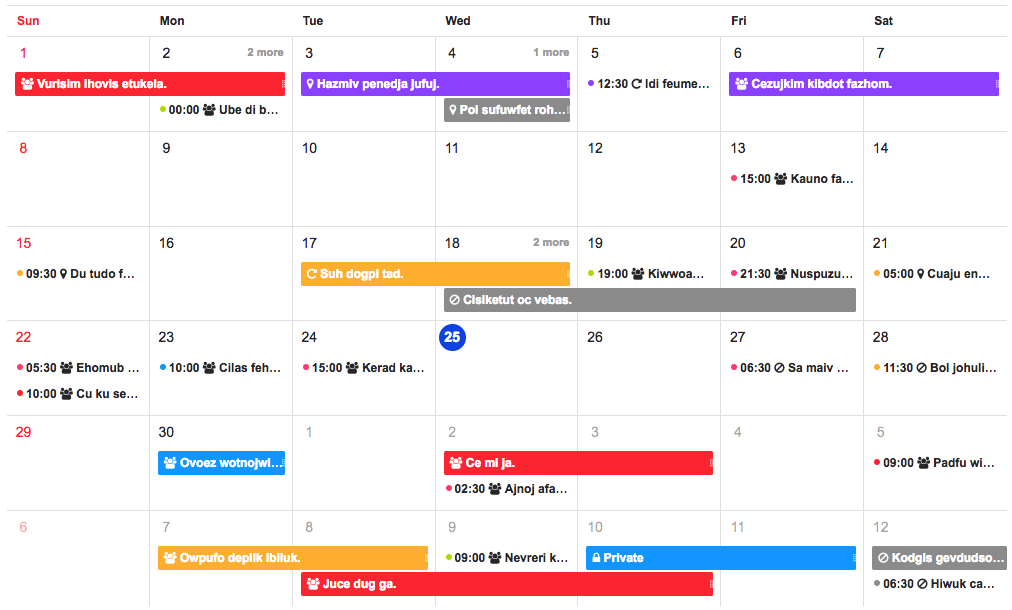
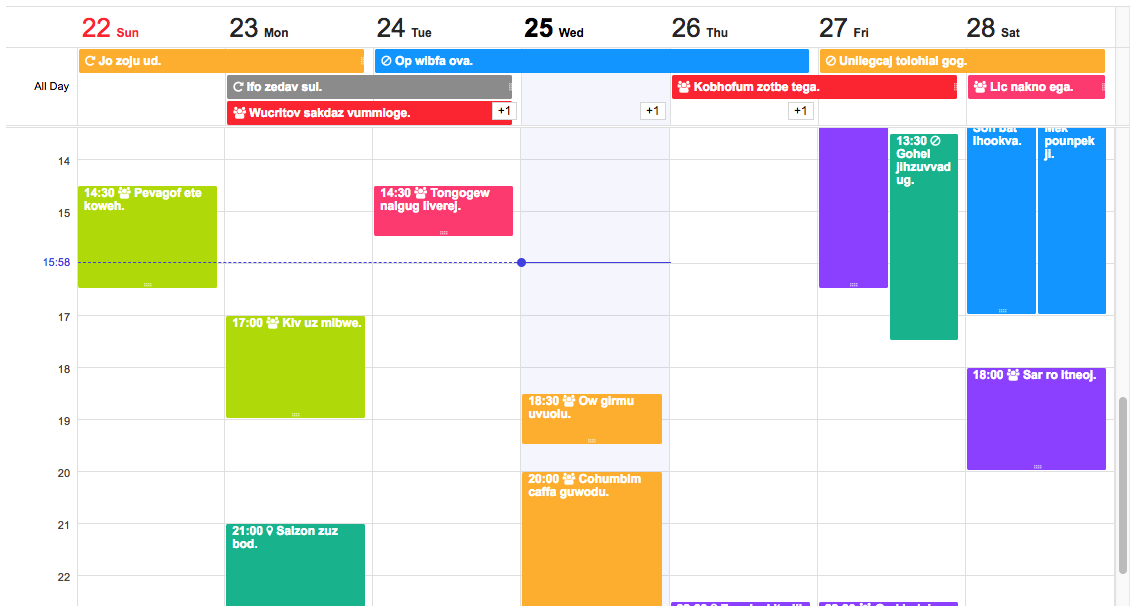
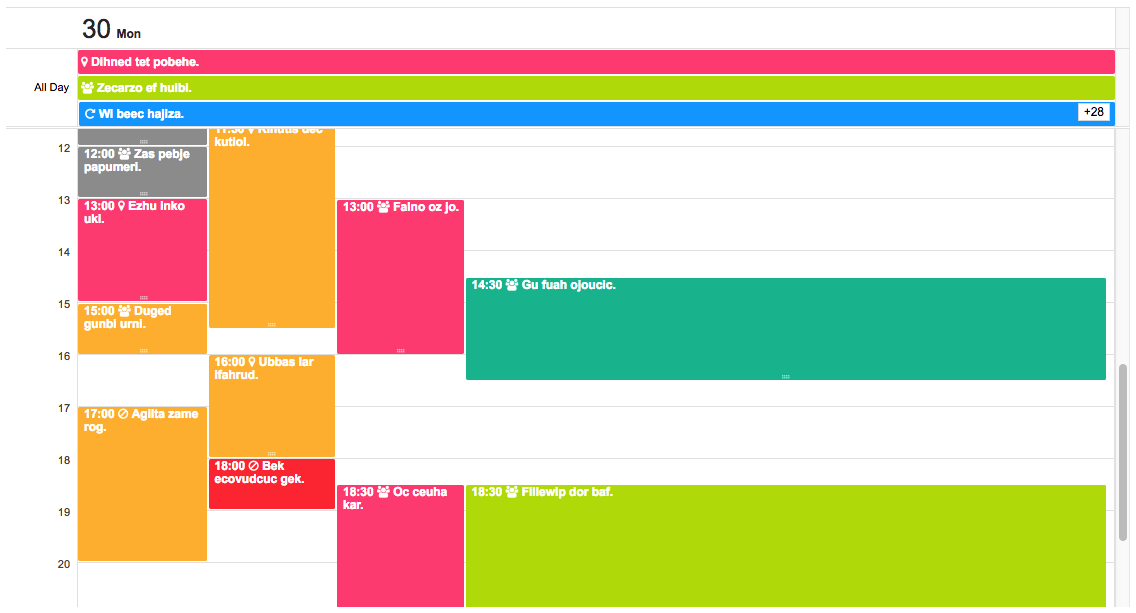
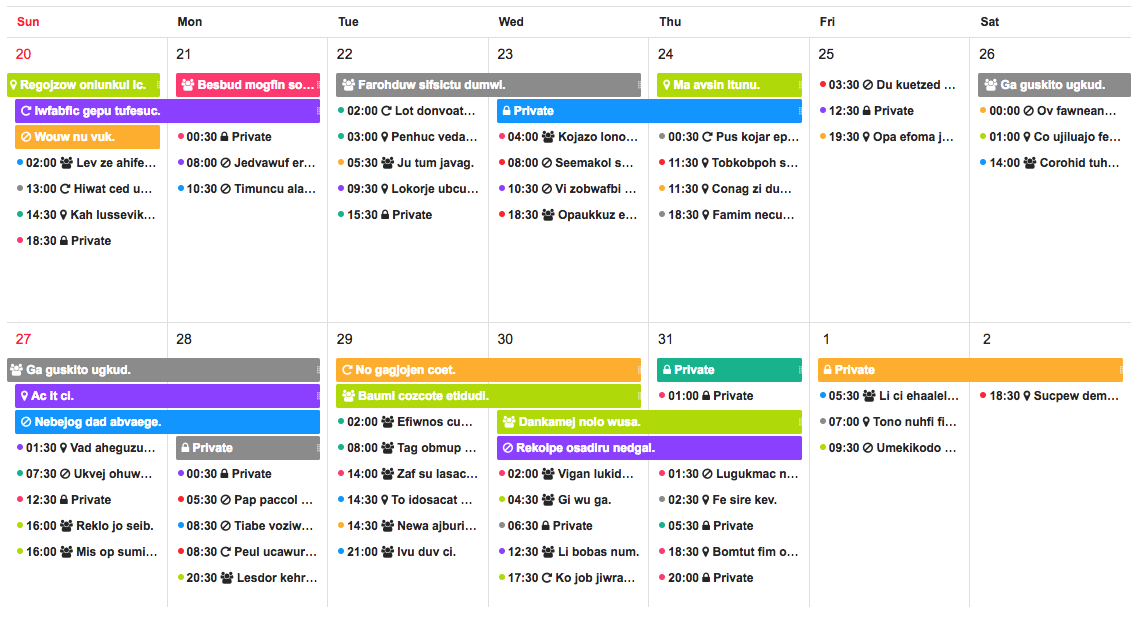
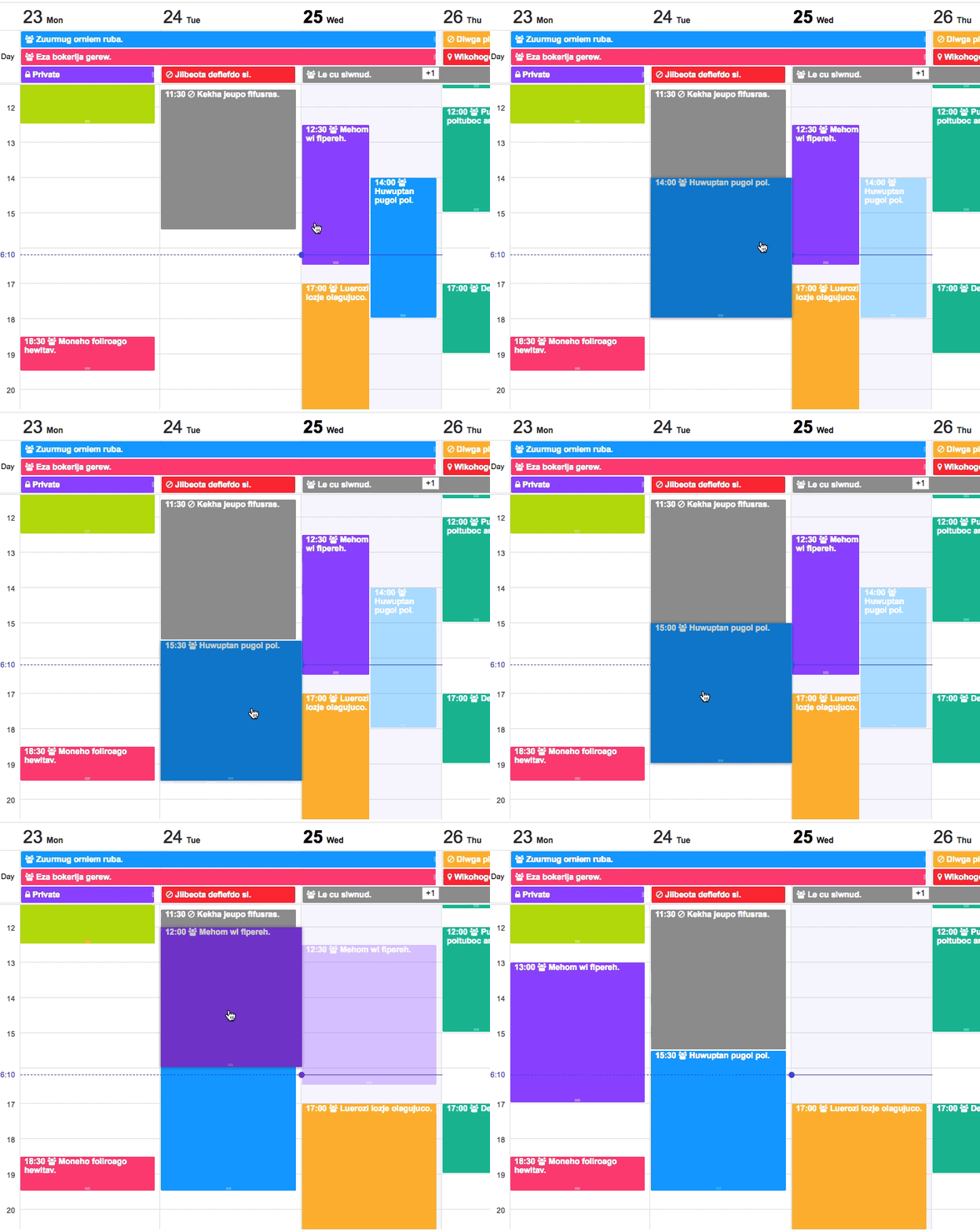
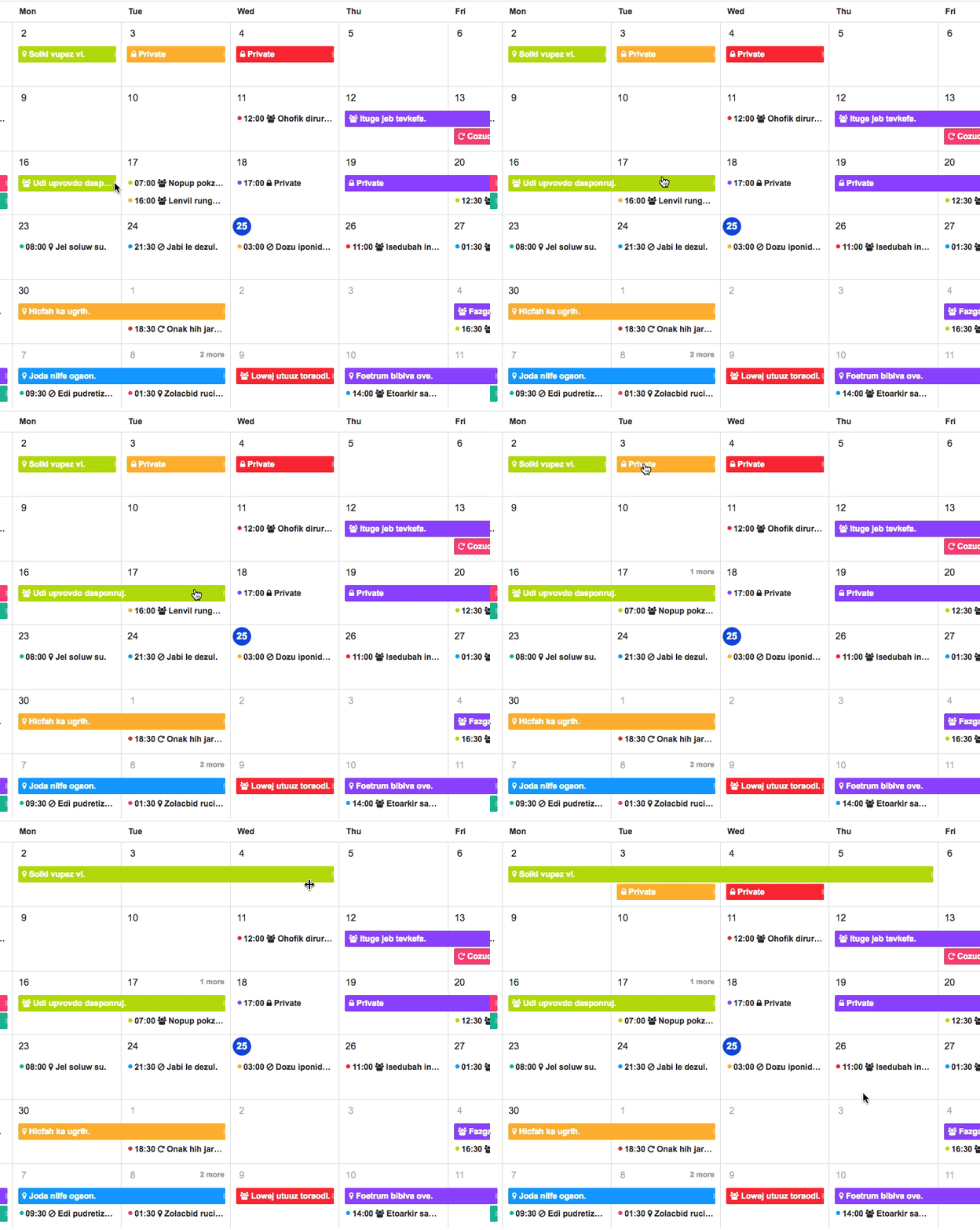
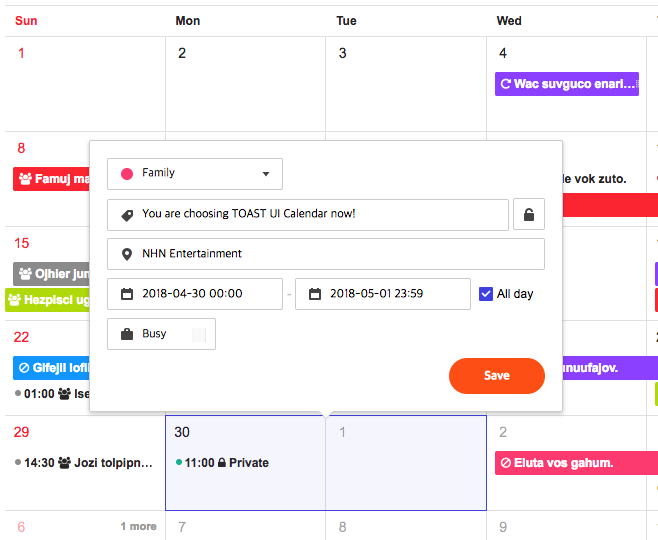
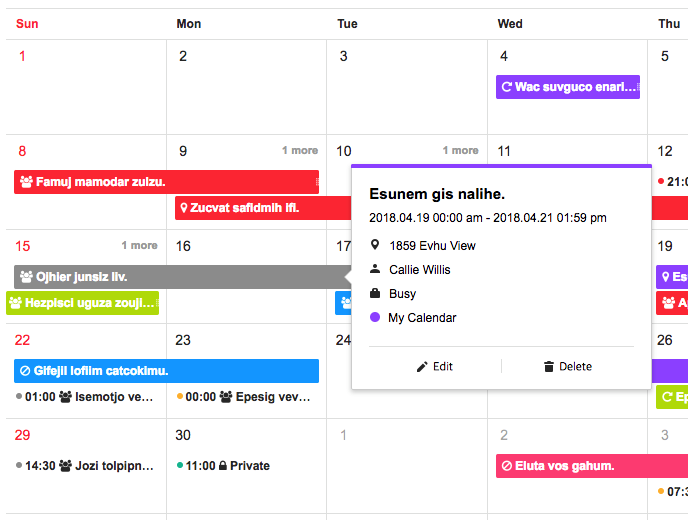
 TOAST UI Calendar is a full-featured JavaScript calendar component that renders monthly, weekly, and daily views with drag-and-drop scheduling, provided as a plain JS library plus official React and Vue wrapper components.
TOAST UI Calendar is a full-featured JavaScript calendar component that renders monthly, weekly, and daily views with drag-and-drop scheduling, provided as a plain JS library plus official React and Vue wrapper components.Is this a plain JavaScript library or do I need a specific framework?It ships as a plain JavaScript component ('@toast-ui/calendar') with official wrapper packages for React ('@toast-ui/react-calendar') and Vue ('@toast-ui/vue-calendar'), so you can use it regardless of your frontend framework.
It ships as a plain JavaScript component ('@toast-ui/calendar') with official wrapper packages for React ('@toast-ui/react-calendar') and Vue ('@toast-ui/vue-calendar'), so you can use it regardless of your frontend framework.How do I add it to my project?Install the package matching your stack from npm ('@toast-ui/calendar', '@toast-ui/react-calendar', or '@toast-ui/vue-calendar') and follow the linked English or Korean usage docs to instantiate the calendar.
Install the package matching your stack from npm ('@toast-ui/calendar', '@toast-ui/react-calendar', or '@toast-ui/vue-calendar') and follow the linked English or Korean usage docs to instantiate the calendar.What does it rely on under the hood?It's built on Preact and Immer, uses DOMPurify for sanitizing rendered HTML, and optionally pairs with 'tui-date-picker' and 'tui-time-picker' for date/time pickers.
It's built on Preact and Immer, uses DOMPurify for sanitizing rendered HTML, and optionally pairs with 'tui-date-picker' and 'tui-time-picker' for date/time pickers.Is this still maintained?No — the repository is archived, meaning it no longer receives updates, new features, or bug fixes.
No — the repository is archived, meaning it no longer receives updates, new features, or bug fixes.Which browsers does it support?Latest Chrome, Edge, Safari, and Firefox, plus Internet Explorer 11 and above.
Latest Chrome, Edge, Safari, and Firefox, plus Internet Explorer 11 and above.Does it send any usage data back to the developers?Yes — by default it uses Google Analytics to collect the hostname of sites that use it, solely to measure how widely the library is adopted, and this tracking can be disabled via the docs.
Yes — by default it uses Google Analytics to collect the hostname of sites that use it, solely to measure how widely the library is adopted, and this tracking can be disabled via the docs.What view types does it offer?It supports monthly views (6-week, 3-week, 2-week), weekly, daily, and dedicated views for milestone and task schedules.
It supports monthly views (6-week, 3-week, 2-week), weekly, daily, and dedicated views for milestone and task schedules.Can I customize how the calendar looks?Yes — you can apply a custom theme and customize the date/schedule cell UI, including custom grid cell headers and footers.
Yes — you can apply a custom theme and customize the date/schedule cell UI, including custom grid cell headers and footers.Who uses this in production?NHN Dooray! (project, messenger, mail, calendar, drive, wiki, contacts), NCP's Commerce Platform, Shopby, and Payco Shopping are listed as production users.
NHN Dooray! (project, messenger, mail, calendar, drive, wiki, contacts), NCP's Commerce Platform, Shopby, and Payco Shopping are listed as production users.What other tools are in the same family?NHN Cloud's TOAST UI family also includes TOAST UI Grid, Chart, Editor, and Image-Editor.
NHN Cloud's TOAST UI family also includes TOAST UI Grid, Chart, Editor, and Image-Editor.What are similar projects?fullcalendar, shoelace, react-grid-layout, polymer, loadersz-core, material-components-web, shaders, react-bootstrap
fullcalendar, shoelace, react-grid-layout, polymer, loadersz-core, material-components-web, shaders, react-bootstrapWhich topics is it in?schedule, date, scheduling, task, web-components, calendar, task-management, drag-and-drop, component-library, javascript-library, vue, ui-components
schedule, date, scheduling, task, web-components, calendar, task-management, drag-and-drop, component-library, javascript-library, vue, ui-components