What is this?
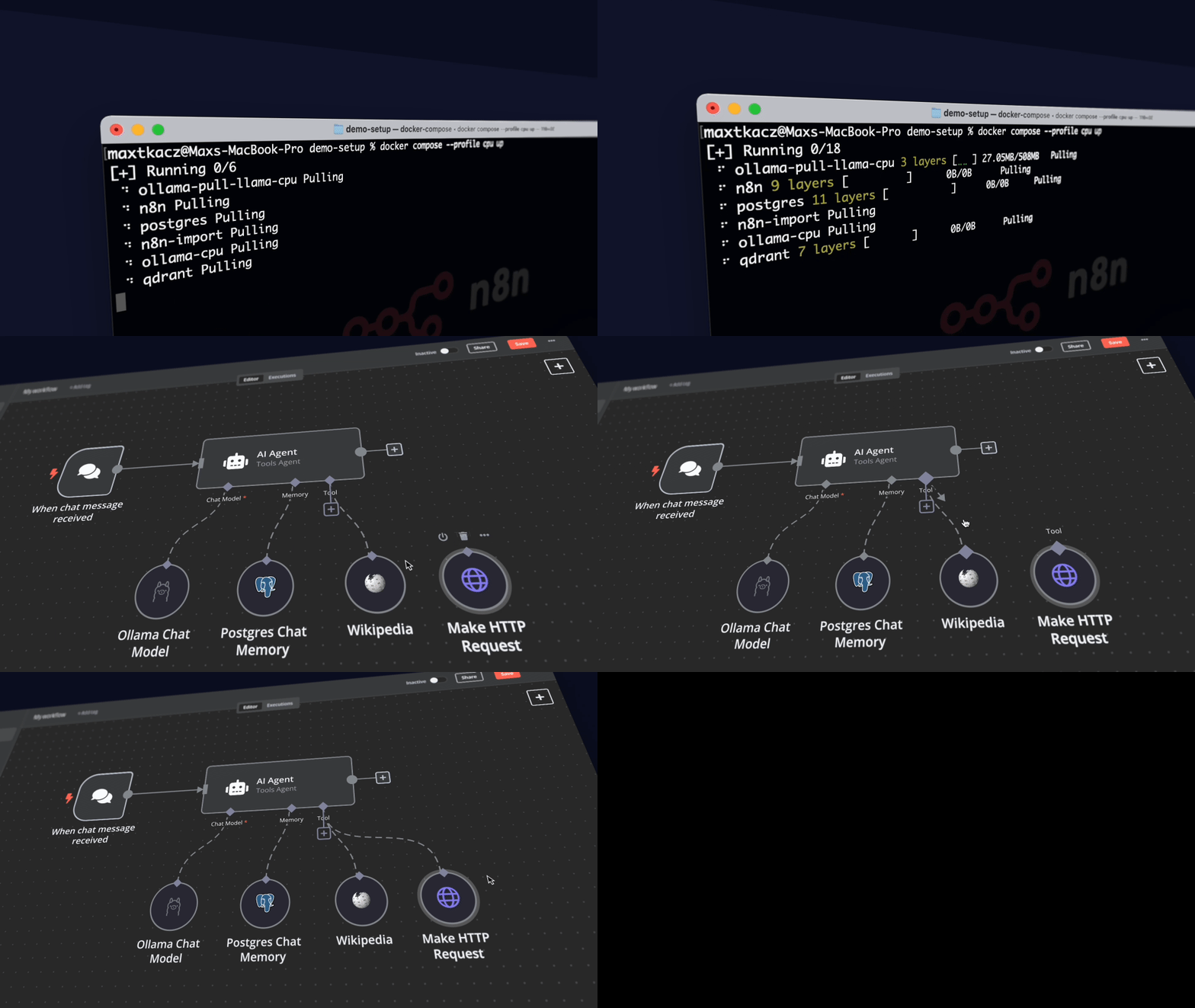
 A Docker Compose template that spins up a complete local AI and low-code development environment, bundling n8n, Ollama, Qdrant, and PostgreSQL so you can build self-hosted AI workflows without sending data to external services.
A Docker Compose template that spins up a complete local AI and low-code development environment, bundling n8n, Ollama, Qdrant, and PostgreSQL so you can build self-hosted AI workflows without sending data to external services.Is this a single app or a stack of tools?It is a Docker Compose stack combining four tools: n8n (low-code workflow automation), Ollama (local LLM runner), Qdrant (vector store), and PostgreSQL (database).
It is a Docker Compose stack combining four tools: n8n (low-code workflow automation), Ollama (local LLM runner), Qdrant (vector store), and PostgreSQL (database).How do I get it running?Clone the repository and start it with Docker Compose; there are separate run commands depending on whether you have an Nvidia GPU, an AMD GPU on Linux, or no GPU at all.
Clone the repository and start it with Docker Compose; there are separate run commands depending on whether you have an Nvidia GPU, an AMD GPU on Linux, or no GPU at all.Do I need Docker before trying this?Yes, Docker and Docker Compose are required since the whole stack is defined and launched as a compose file.
Yes, Docker and Docker Compose are required since the whole stack is defined and launched as a compose file.Can I use my Mac's GPU for faster inference?No. On Apple Silicon Macs you can't expose the GPU to the Docker instance, so you either run everything on CPU inside Docker or run Ollama natively on the Mac and point n8n to it.
No. On Apple Silicon Macs you can't expose the GPU to the Docker instance, so you either run everything on CPU inside Docker or run Ollama natively on the Mac and point n8n to it.Is this ready for production use?No, it's meant as a starting point for proof-of-concept projects, not a hardened production deployment.
No, it's meant as a starting point for proof-of-concept projects, not a hardened production deployment.What platforms can I run this on?It runs anywhere Docker Compose runs — Linux, macOS, and Windows — though GPU acceleration specifics differ per OS.
It runs anywhere Docker Compose runs — Linux, macOS, and Windows — though GPU acceleration specifics differ per OS.Does my data stay local?Yes, the whole point of the kit is to keep workflows and data self-hosted, for example summarizing company PDFs without data leaks.
Yes, the whole point of the kit is to keep workflows and data self-hosted, for example summarizing company PDFs without data leaks.What can I actually build with this kit?Examples include AI agents for scheduling appointments, secure company PDF summarization, smarter Slack bots, and private financial document analysis.
Examples include AI agents for scheduling appointments, secure company PDF summarization, smarter Slack bots, and private financial document analysis.Can I access my own files from n8n workflows?Yes, the kit mounts a shared folder to the n8n container at /data/shared, usable with nodes like Read/Write Files from Disk, Local File Trigger, and Execute Command.
Yes, the kit mounts a shared folder to the n8n container at /data/shared, usable with nodes like Read/Write Files from Disk, Local File Trigger, and Execute Command.Are there pre-built workflow templates to start from?Yes, n8n's AI template gallery offers templates like a Tax Code Assistant, Financial Documents Assistant, and PDF chat workflows that can be imported directly.
Yes, n8n's AI template gallery offers templates like a Tax Code Assistant, Financial Documents Assistant, and PDF chat workflows that can be imported directly.What role does Qdrant play in the stack?Qdrant is the open-source vector store used for retrieval-augmented generation (RAG), storing embeddings for things like document search and chat-with-PDF workflows.
Qdrant is the open-source vector store used for retrieval-augmented generation (RAG), storing embeddings for things like document search and chat-with-PDF workflows.What are similar projects?sim, nocobase, m_flow, JeecgBoot, LongMemory, astron-agent, DB-GPT, open-webui
sim, nocobase, m_flow, JeecgBoot, LongMemory, astron-agent, DB-GPT, open-webuiWhich topics is it in?n8n, starter-kit, low-code, self-hosting, template, vector-database, workflow-automation, agent-orchestration, knowledge-base, ollama, rag, postgresql
n8n, starter-kit, low-code, self-hosting, template, vector-database, workflow-automation, agent-orchestration, knowledge-base, ollama, rag, postgresql