
Что это такое?
 Бесплатный двухдневный воркшоп от Microsoft, который учит фронтенд-разработке: от основ HTML/CSS/JS до TypeScript, React и Redux, а в процессе вы создаёте небольшое рабочее веб-приложение.
Бесплатный двухдневный воркшоп от Microsoft, который учит фронтенд-разработке: от основ HTML/CSS/JS до TypeScript, React и Redux, а в процессе вы создаёте небольшое рабочее веб-приложение.Это готовое приложение или практический курс?Это двухдневный практический курс под руководством инструктора, состоящий из пошаговых папок с уроками, демонстрациями и упражнениями; вы не просто читаете документацию, а пишете код в предоставленных папках шагов или в CodePen.
Это двухдневный практический курс под руководством инструктора, состоящий из пошаговых папок с уроками, демонстрациями и упражнениями; вы не просто читаете документацию, а пишете код в предоставленных папках шагов или в CodePen.Как его запустить?Клонируйте репозиторий, выполните 'npm install' в папке frontend-bootcamp, затем 'npm start', чтобы запустить клиент и сервер для разработки одновременно.
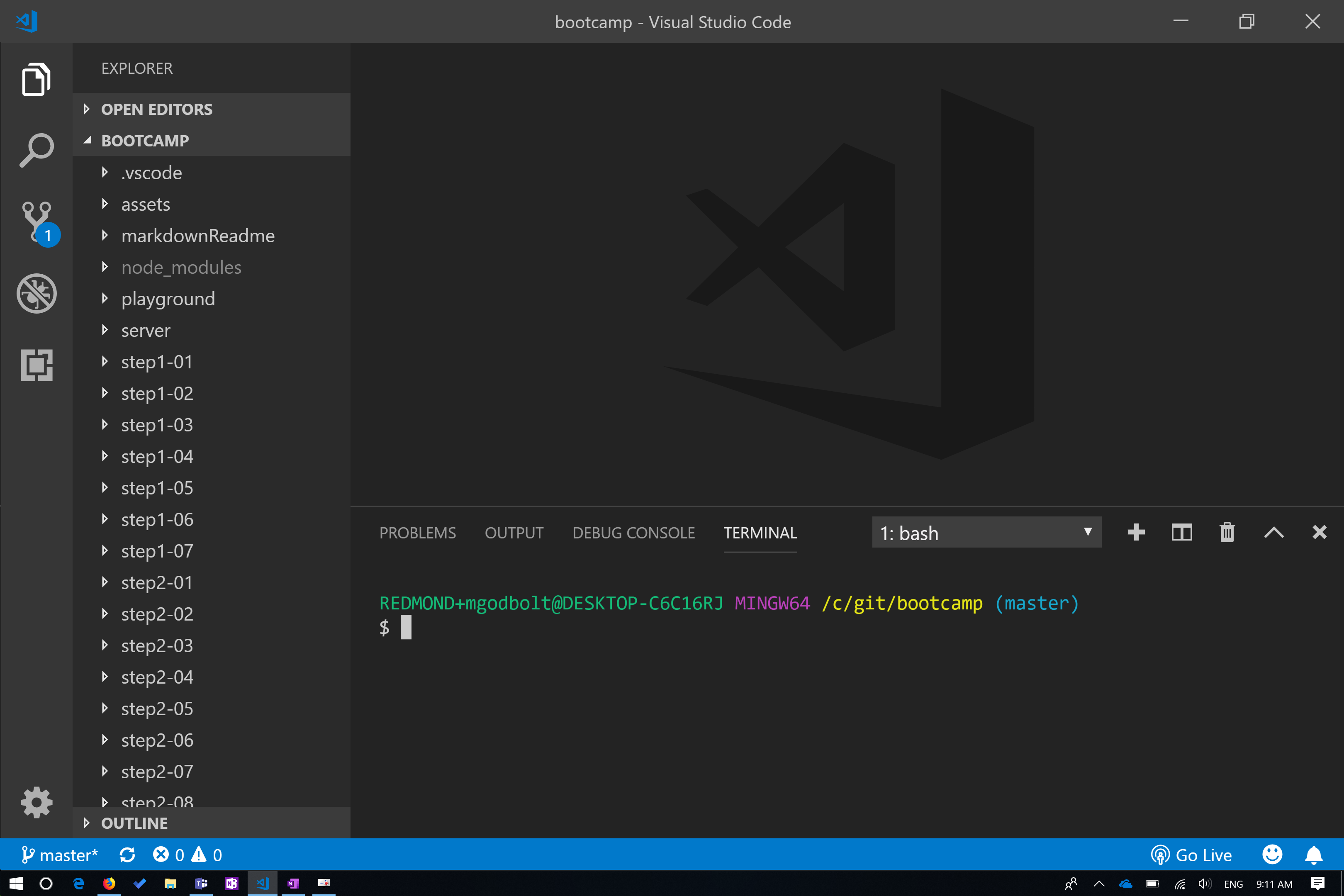
Клонируйте репозиторий, выполните 'npm install' в папке frontend-bootcamp, затем 'npm start', чтобы запустить клиент и сервер для разработки одновременно.Что нужно установить заранее?Перед началом понадобятся Node/NPM (LTS, версия 10), Git, Visual Studio Code и расширение для браузера React Developer Tools.
Перед началом понадобятся Node/NPM (LTS, версия 10), Git, Visual Studio Code и расширение для браузера React Developer Tools.Этот воркшоп ещё поддерживается?Репозиторий теперь архивирован на GitHub, то есть программа заморожена и не получит дальнейших обновлений или исправлений.
Репозиторий теперь архивирован на GitHub, то есть программа заморожена и не получит дальнейших обновлений или исправлений.Для кого предназначен этот воркшоп?Он рассчитан как на начинающих, так и на опытных разработчиков, но максимальную пользу вы получите, если уже есть какой-то опыт в программировании и веб-разработке.
Он рассчитан как на начинающих, так и на опытных разработчиков, но максимальную пользу вы получите, если уже есть какой-то опыт в программировании и веб-разработке.Какие темы охватывают два дня курса?В первый день рассматриваются HTML, CSS, JavaScript и введение в React и TypeScript; во второй день идут основы TypeScript, библиотека компонентов Fluent UI (office-ui-fabric-react), темы оформления, React Context и Redux (хранилище и привязки).
В первый день рассматриваются HTML, CSS, JavaScript и введение в React и TypeScript; во второй день идут основы TypeScript, библиотека компонентов Fluent UI (office-ui-fabric-react), темы оформления, React Context и Redux (хранилище и привязки).Есть ли бонусные уроки помимо основной программы?Да, есть бонусные материалы о вызове сервисов из Redux и о тестировании React-компонентов с помощью Jest.
Да, есть бонусные материалы о вызове сервисов из Redux и о тестировании React-компонентов с помощью Jest.Какую библиотеку UI использует курс для компонентов?Курс использует библиотеку office-ui-fabric-react (Fluent UI) от Microsoft вместе с пакетами Fluent theme и theme samples.
Курс использует библиотеку office-ui-fabric-react (Fluent UI) от Microsoft вместе с пакетами Fluent theme и theme samples.Где почитать подробнее о темах курса?В README есть ссылки на MDN Web Docs, официальную документацию React и руководство 'Thinking in React' для более глубокого изучения.
В README есть ссылки на MDN Web Docs, официальную документацию React и руководство 'Thinking in React' для более глубокого изучения.What are similar projects?30-Days-Of-JavaScript, TypeScript-React-Starter, 30-Days-Of-React, react-redux-links, front-end-guide, Web-Dev-For-Beginners, 50projects50days, JavaScript30
30-Days-Of-JavaScript, TypeScript-React-Starter, 30-Days-Of-React, react-redux-links, front-end-guide, Web-Dev-For-Beginners, 50projects50days, JavaScript30Which topics is it in?css-in-js, jest, redux, state-management, microsoft, course, beginner-friendly, testing, css, html, learning, web-development
css-in-js, jest, redux, state-management, microsoft, course, beginner-friendly, testing, css, html, learning, web-development