

ML-For-Beginners README

The project's README from github.com/microsoft/ML-For-Beginners. As one markdown file: README.md.

GitHub license GitHub contributors GitHub issues GitHub pull-requests PRs Welcome

GitHub watchers GitHub forks GitHub stars

🌐 Multi-Language Support

Supported via GitHub Action (Automated & Always Up-to-Date)

Arabic | Bengali | Bulgarian | Burmese (Myanmar) | Chinese (Simplified) | Chinese (Traditional, Hong Kong) | Chinese (Traditional, Macau) | Chinese (Traditional, Taiwan) | Croatian | Czech | Danish | Dutch | Estonian | Finnish | French | German | Greek | Hebrew | Hindi | Hungarian | Indonesian | Italian | Japanese | Kannada | Khmer | Korean | Lithuanian | Malay | Malayalam | Marathi | Nepali | Nigerian Pidgin | Norwegian | Persian (Farsi) | Polish | Portuguese (Brazil) | Portuguese (Portugal) | Punjabi (Gurmukhi) | Romanian | Russian | Serbian (Cyrillic) | Slovak | Slovenian | Spanish | Swahili | Swedish | Tagalog (Filipino) | Tamil | Telugu | Thai | Turkish | Ukrainian | Urdu | Vietnamese

Prefer to Clone Locally?

This repository includes 50+ language translations which significantly increases the download size. To clone without translations, use sparse checkout:

Bash / macOS / Linux:

git clone --filter=blob:none --sparse https://github.com/microsoft/ML-For-Beginners.git
cd ML-For-Beginners
git sparse-checkout set --no-cone '/*' '!translations' '!translated_images'

CMD (Windows):

git clone --filter=blob:none --sparse https://github.com/microsoft/ML-For-Beginners.git
cd ML-For-Beginners
git sparse-checkout set --no-cone "/*" "!translations" "!translated_images"

This gives you everything you need to complete the course with a much faster download.

Join Our Community

Microsoft Foundry Discord

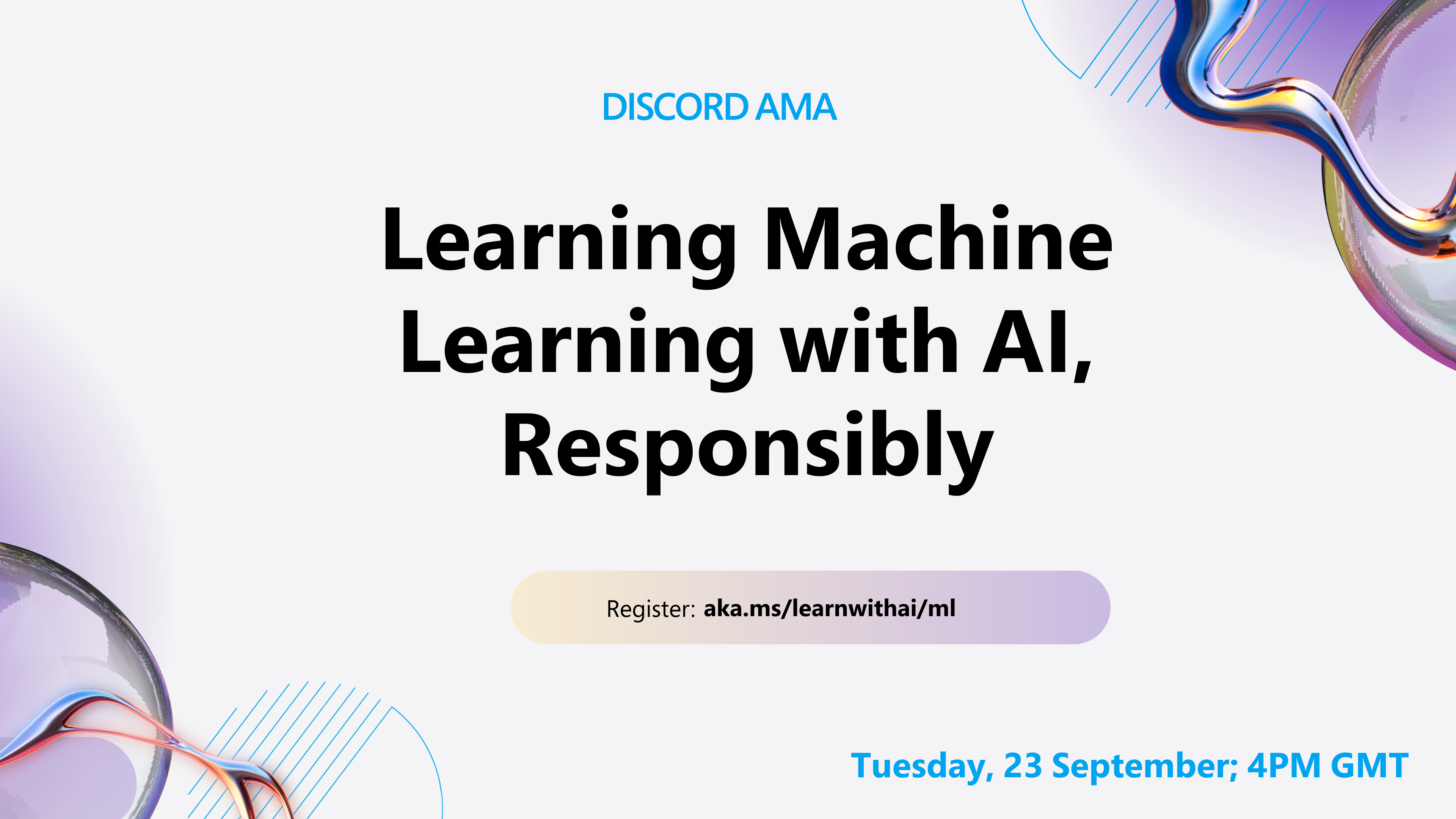
We have a Discord learn with AI series ongoing, learn more and join us at Learn with AI Series from 18 - 30 September, 2025. You will get tips and tricks of using GitHub Copilot for Data Science.

Learn with AI series

Machine Learning for Beginners - A Curriculum

🌍 Travel around the world as we explore Machine Learning by means of world cultures 🌍

Cloud Advocates at Microsoft are pleased to offer a 12-week, 26-lesson curriculum all about Machine Learning. In this curriculum, you will learn about what is sometimes called classic machine learning, using primarily Scikit-learn as a library and avoiding deep learning, which is covered in our AI for Beginners' curriculum. Pair these lessons with our 'Data Science for Beginners' curriculum, as well!

Travel with us around the world as we apply these classic techniques to data from many areas of the world. Each lesson includes pre- and post-lesson quizzes, written instructions to complete the lesson, a solution, an assignment, and more. Our project-based pedagogy allows you to learn while building, a proven way for new skills to 'stick'.

✍️ Hearty thanks to our authors Jen Looper, Stephen Howell, Francesca Lazzeri, Tomomi Imura, Cassie Breviu, Dmitry Soshnikov, Chris Noring, Anirban Mukherjee, Ornella Altunyan, Ruth Yakubu and Amy Boyd

🎨 Thanks as well to our illustrators Tomomi Imura, Dasani Madipalli, and Jen Looper

🙏 Special thanks 🙏 to our Microsoft Student Ambassador authors, reviewers, and content contributors, notably Rishit Dagli, Muhammad Sakib Khan Inan, Rohan Raj, Alexandru Petrescu, Abhishek Jaiswal, Nawrin Tabassum, Ioan Samuila, and Snigdha Agarwal

🤩 Extra gratitude to Microsoft Student Ambassadors Eric Wanjau, Jasleen Sondhi, and Vidushi Gupta for our R lessons!

Getting Started

Follow these steps:

  1. Fork the Repository: Click on the "Fork" button at the top-right corner of this page.
  2. Clone the Repository: git clone https://github.com/microsoft/ML-For-Beginners.git

find all additional resources for this course in our Microsoft Learn collection

🔧 Need help? Check our Troubleshooting Guide for solutions to common issues with installation, setup, and running lessons.

Students, to use this curriculum, fork the entire repo to your own GitHub account and complete the exercises on your own or with a group:

For further study, we recommend following these Microsoft Learn modules and learning paths.

Teachers, we have included some suggestions on how to use this curriculum.


Video walkthroughs

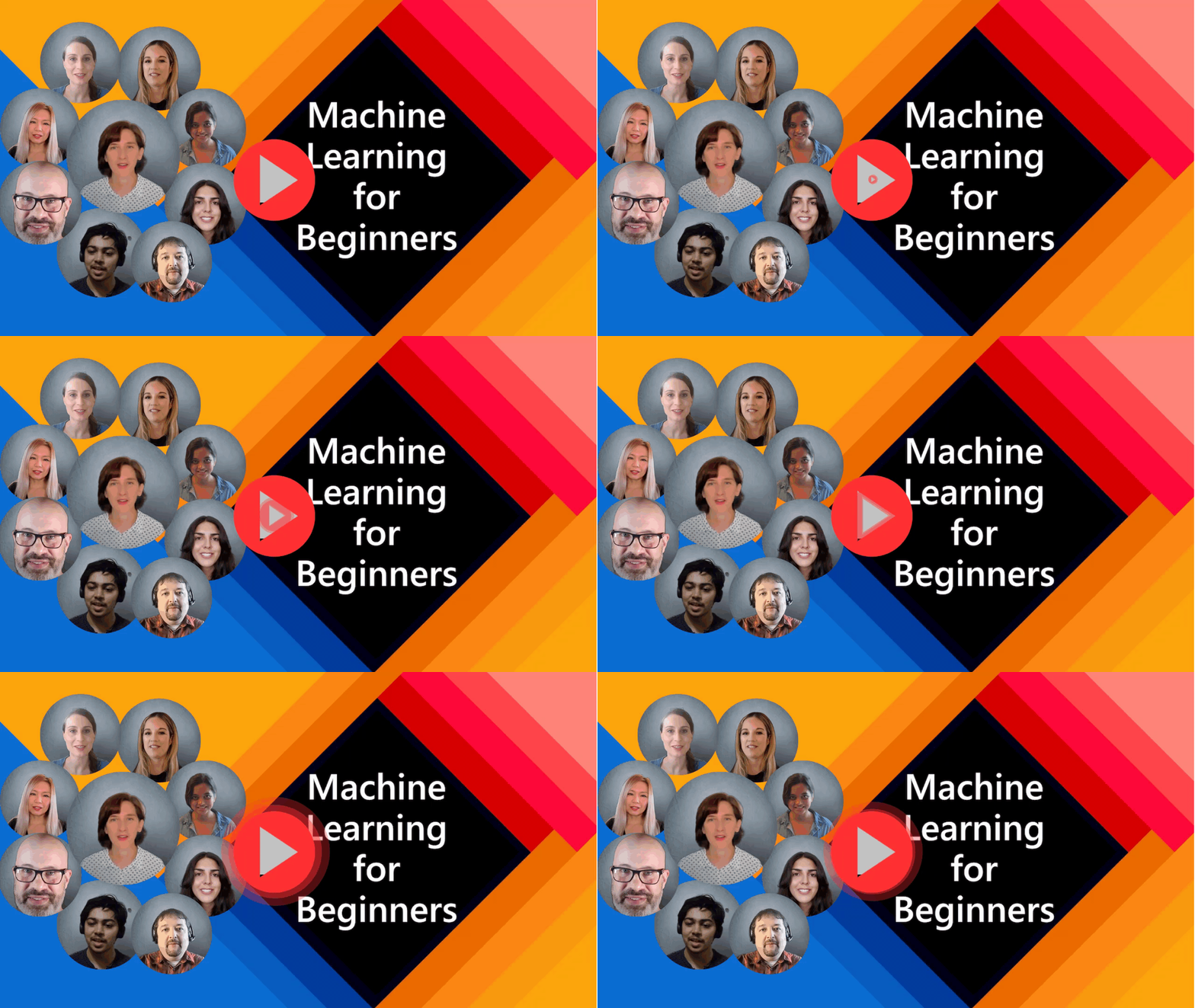
Some of the lessons are available as short form video. You can find all these in-line in the lessons, or on the ML for Beginners playlist on the Microsoft Developer YouTube channel by clicking the image below.

ML for beginners banner


Meet the Team

Promo video

Gif by Mohit Jaisal

🎥 Click the image above for a video about the project and the folks who created it!


Pedagogy

We have chosen two pedagogical tenets while building this curriculum: ensuring that it is hands-on project-based and that it includes frequent quizzes. In addition, this curriculum has a common theme to give it cohesion.

By ensuring that the content aligns with projects, the process is made more engaging for students and retention of concepts will be augmented. In addition, a low-stakes quiz before a class sets the intention of the student towards learning a topic, while a second quiz after class ensures further retention. This curriculum was designed to be flexible and fun and can be taken in whole or in part. The projects start small and become increasingly complex by the end of the 12-week cycle. This curriculum also includes a postscript on real-world applications of ML, which can be used as extra credit or as a basis for discussion.

Find our Code of Conduct, Contributing, Translations, and Troubleshooting guidelines. We welcome your constructive feedback!

Each lesson includes

A note about languages: These lessons are primarily written in Python, but many are also available in R. To complete an R lesson, go to the /solution folder and look for R lessons. They include an .rmd extension that represents an R Markdown file which can be simply defined as an embedding of code chunks (of R or other languages) and a YAML header (that guides how to format outputs such as PDF) in a Markdown document. As such, it serves as an exemplary authoring framework for data science since it allows you to combine your code, its output, and your thoughts by allowing you to write them down in Markdown. Moreover, R Markdown documents can be rendered to output formats such as PDF, HTML, or Word.

A note about quizzes: All quizzes are contained in Quiz App folder, for 52 total quizzes of three questions each. They are linked from within the lessons but the quiz app can be run locally; follow the instruction in the quiz-app folder to locally host or deploy to Azure.

Lesson Number Topic Lesson Grouping Learning Objectives Linked Lesson Author
01 Introduction to machine learning Introduction Learn the basic concepts behind machine learning Lesson Muhammad
02 The History of machine learning Introduction Learn the history underlying this field Lesson Jen and Amy
03 Fairness and machine learning Introduction What are the important philosophical issues around fairness that students should consider when building and applying ML models? Lesson Tomomi
04 Techniques for machine learning Introduction What techniques do ML researchers use to build ML models? Lesson Chris and Jen
05 Introduction to regression Regression Get started with Python and Scikit-learn for regression models Python • R Jen • Eric Wanjau
06 North American pumpkin prices 🎃 Regression Visualize and clean data in preparation for ML Python • R Jen • Eric Wanjau
07 North American pumpkin prices 🎃 Regression Build linear and polynomial regression models Python • R Jen and Dmitry • Eric Wanjau
08 North American pumpkin prices 🎃 Regression Build a logistic regression model Python • R Jen • Eric Wanjau
09 A Web App 🔌 Web App Build a web app to use your trained model Python Jen
10 Introduction to classification Classification Clean, prep, and visualize your data; introduction to classification Python • R Jen and Cassie • Eric Wanjau
11 Delicious Asian and Indian cuisines 🍜 Classification Introduction to classifiers Python • R Jen and Cassie • Eric Wanjau
12 Delicious Asian and Indian cuisines 🍜 Classification More classifiers Python • R Jen and Cassie • Eric Wanjau
13 Delicious Asian and Indian cuisines 🍜 Classification Build a recommender web app using your model Python Jen
14 Introduction to clustering Clustering Clean, prep, and visualize your data; Introduction to clustering Python • R Jen • Eric Wanjau
15 Exploring Nigerian Musical Tastes 🎧 Clustering Explore the K-Means clustering method Python • R Jen • Eric Wanjau
16 Introduction to natural language processing ☕️ Natural language processing Learn the basics about NLP by building a simple bot Python Stephen
17 Common NLP Tasks ☕️ Natural language processing Deepen your NLP knowledge by understanding common tasks required when dealing with language structures Python Stephen

ML-For-Beginners (microsoft/ML-For-Beginners)

data-science
Searching Database…

What is this?A free 12-week, 26-lesson curriculum from Microsoft that teaches classic machine learning (not deep learning) using Scikit-learn, with each lesson tied to real-world data from different world cultures.
Is this a coding library or a course?It is a self-paced course made of Jupyter notebook lessons, quizzes, assignments and sample projects, not a software package you install into your own code.
How do I start taking the course?Fork the repository on GitHub, clone it to your machine, then work through each lesson folder: pre-lecture quiz, reading, activities, challenge, and post-lecture quiz.
Do I need anything installed before starting?Lessons are primarily written in Python with Scikit-learn, and many also have an R version using R Markdown files; a web app lesson needs Node/JS setup for the local quiz app.
Does cloning the repo take long?Yes, the repo ships with 50+ language translations that bloat the download significantly, so Windows/macOS/Linux users are advised to use sparse checkout to clone without translations for a faster download.
Who is this course for, and do I need ML experience first?It targets complete beginners to machine learning; deep learning is deliberately excluded and covered instead in Microsoft's separate 'AI for Beginners' curriculum.
How is the curriculum structured topic-wise?It moves through introductory ML concepts, then regression, classification, clustering, NLP, time series, and reinforcement learning, each illustrated with a themed real-world dataset like pumpkin prices or Nigerian music.
What happens after each lesson?Students take a pre-lecture quiz, read the lesson, do hands-on activities, complete a challenge and assignment, then take a post-lecture quiz, following a project-based pedagogy.
Can I take the quizzes without the full repo?Yes, all 52 quizzes live in a separate Quiz App folder that can be run locally or deployed to Azure independently of the main lessons.
Are the lessons available in languages other than English?Yes, translations into 50+ languages (Arabic, Chinese, Spanish, Russian, Japanese, and many more) are automatically generated and kept up to date via a GitHub Action.
Creator
microsoft
Size
2.2 GB
Stars
91.6K
Updated
CommitSep 14
Age
5y
Commits · 90 Days
