








What is this?
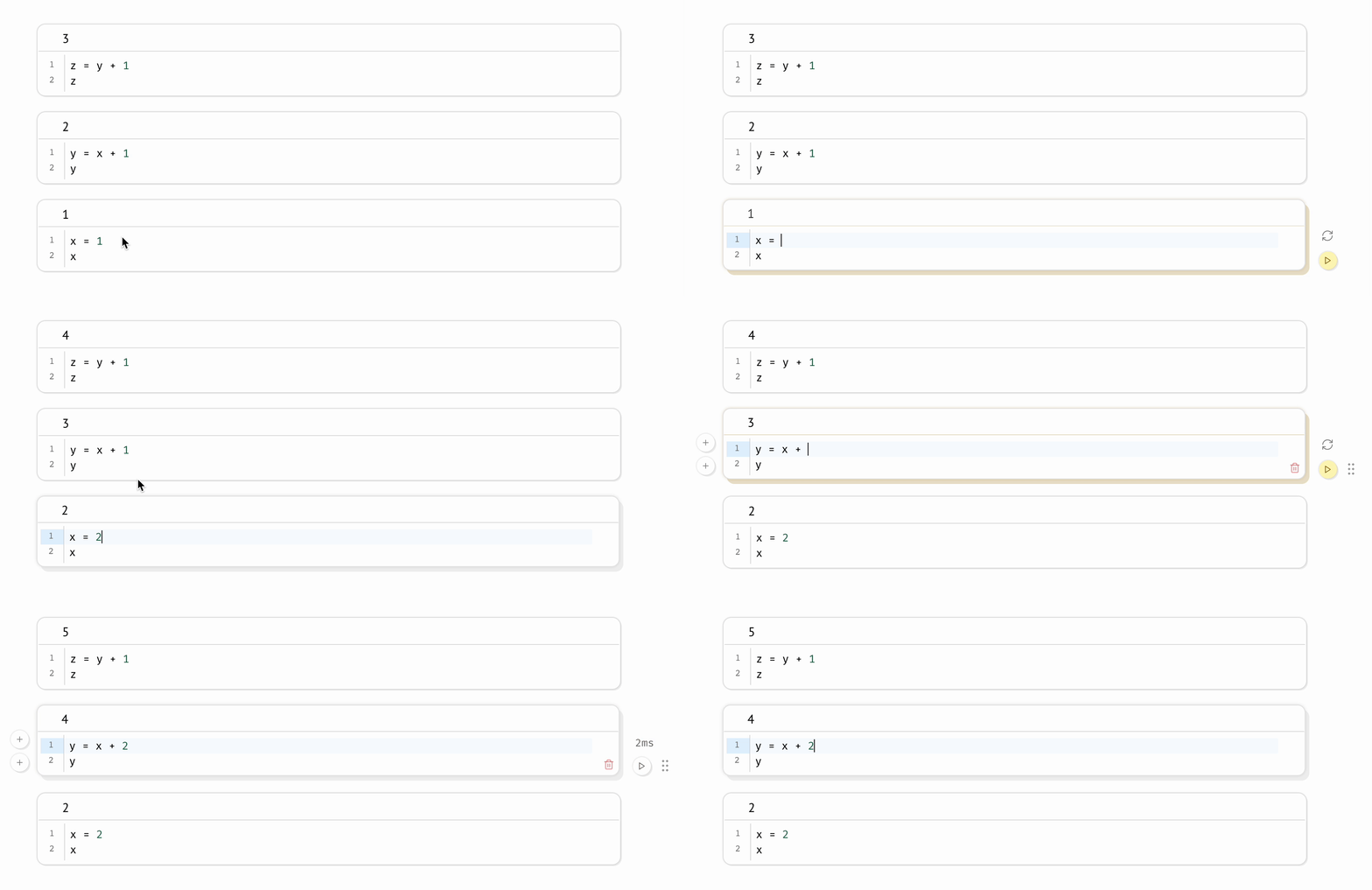
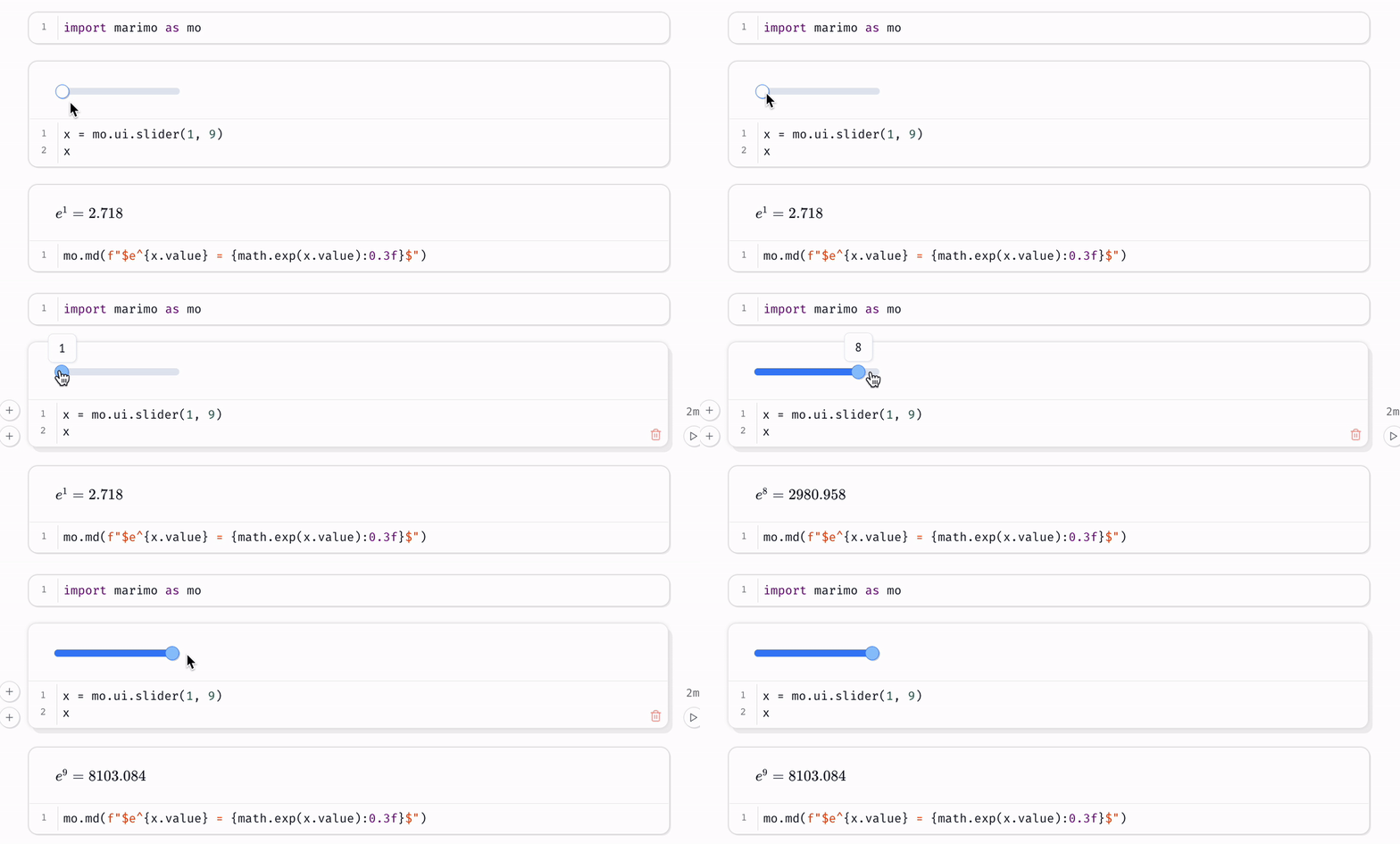
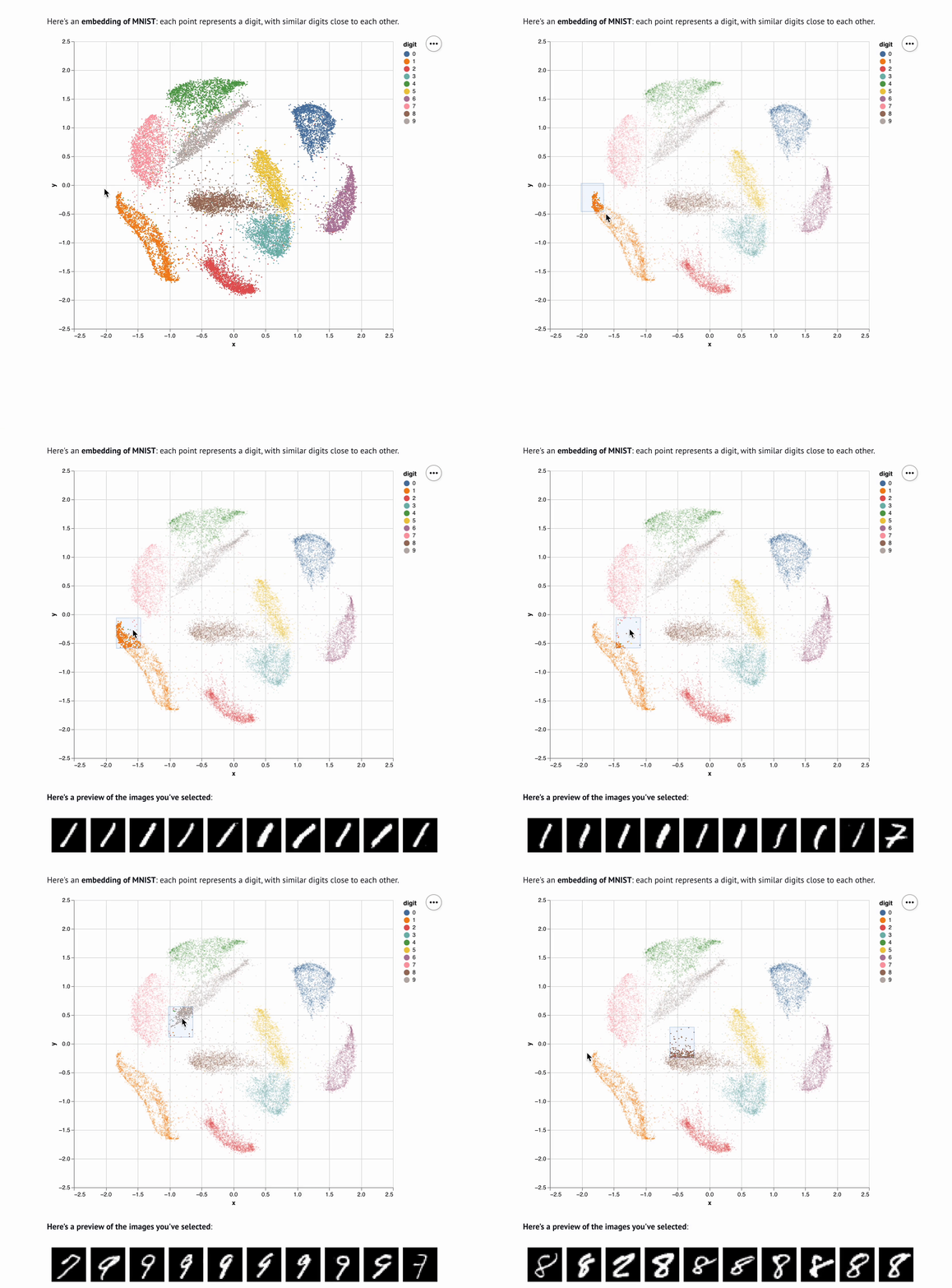
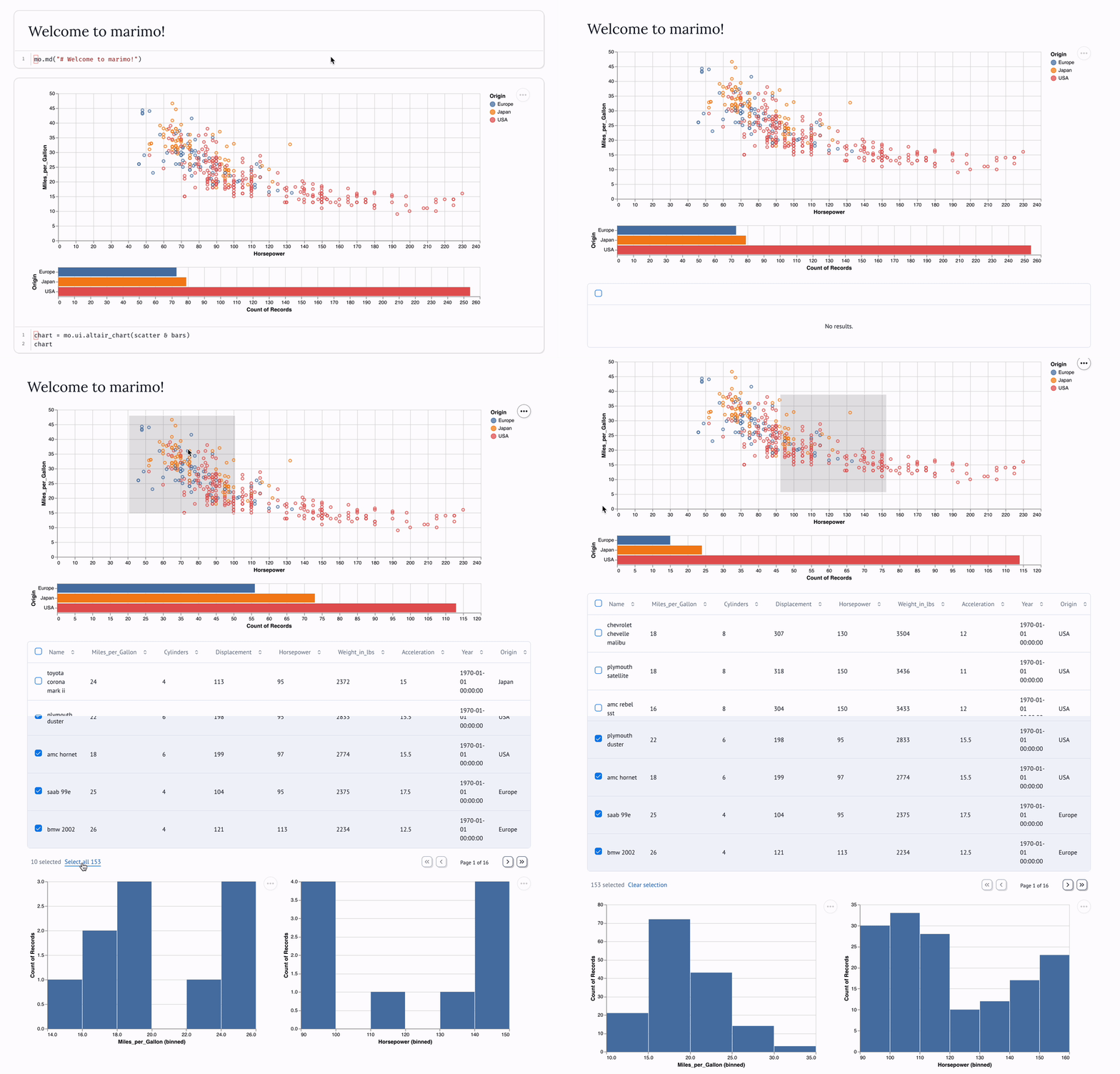
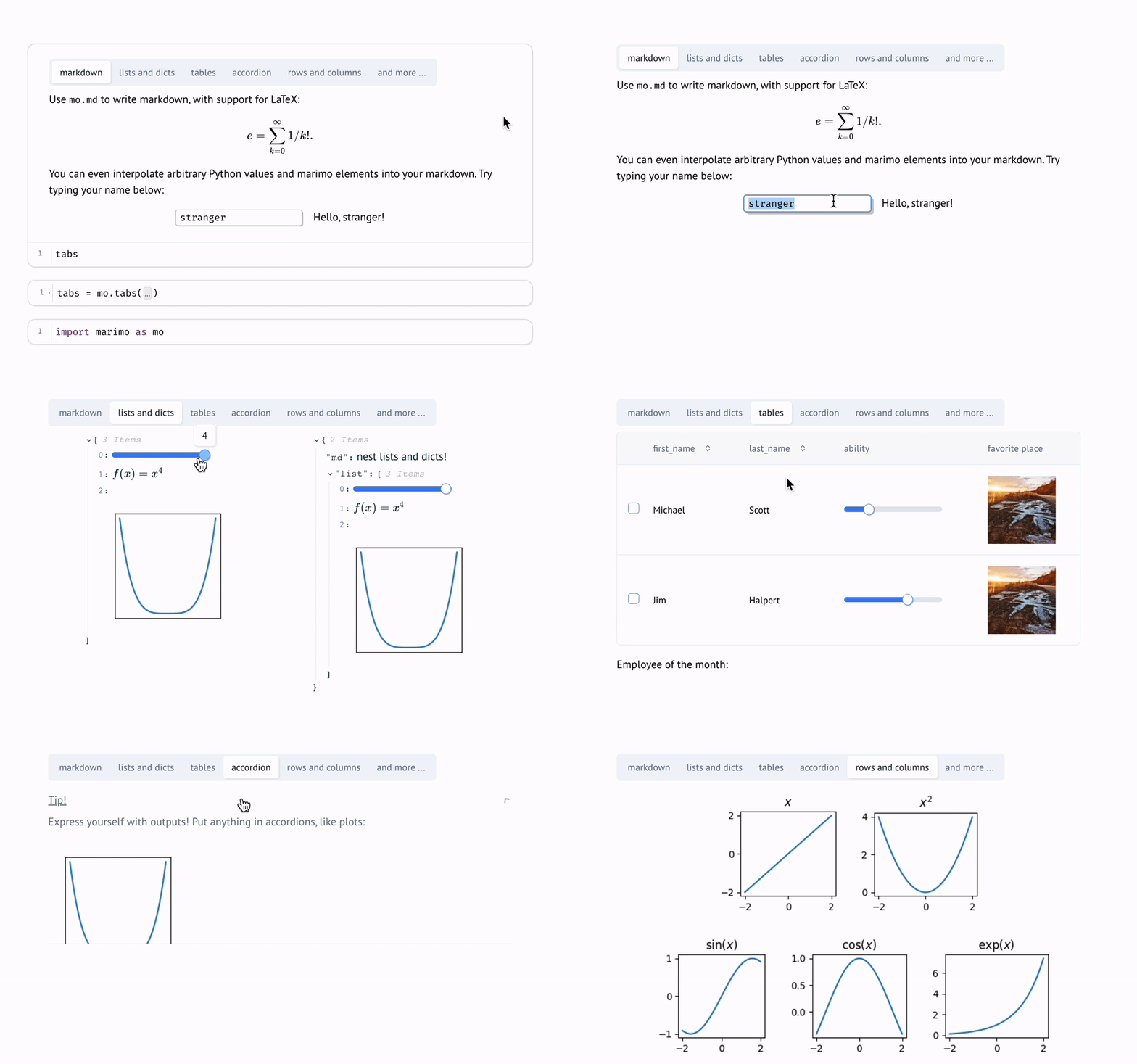
 A reactive Python notebook: run a cell or touch a UI element and dependent cells re-run automatically, keeping code and outputs consistent. Notebooks are pure Python files that can run as scripts or deploy as web apps.
A reactive Python notebook: run a cell or touch a UI element and dependent cells re-run automatically, keeping code and outputs consistent. Notebooks are pure Python files that can run as scripts or deploy as web apps.How is it different from Jupyter?Jupyter stores notebooks as JSON and hidden state builds up as you re-run cells by hand. marimo executes cells in a deterministic order driven by variable references, scrubs deleted cells from memory, and saves git-friendly .py files.
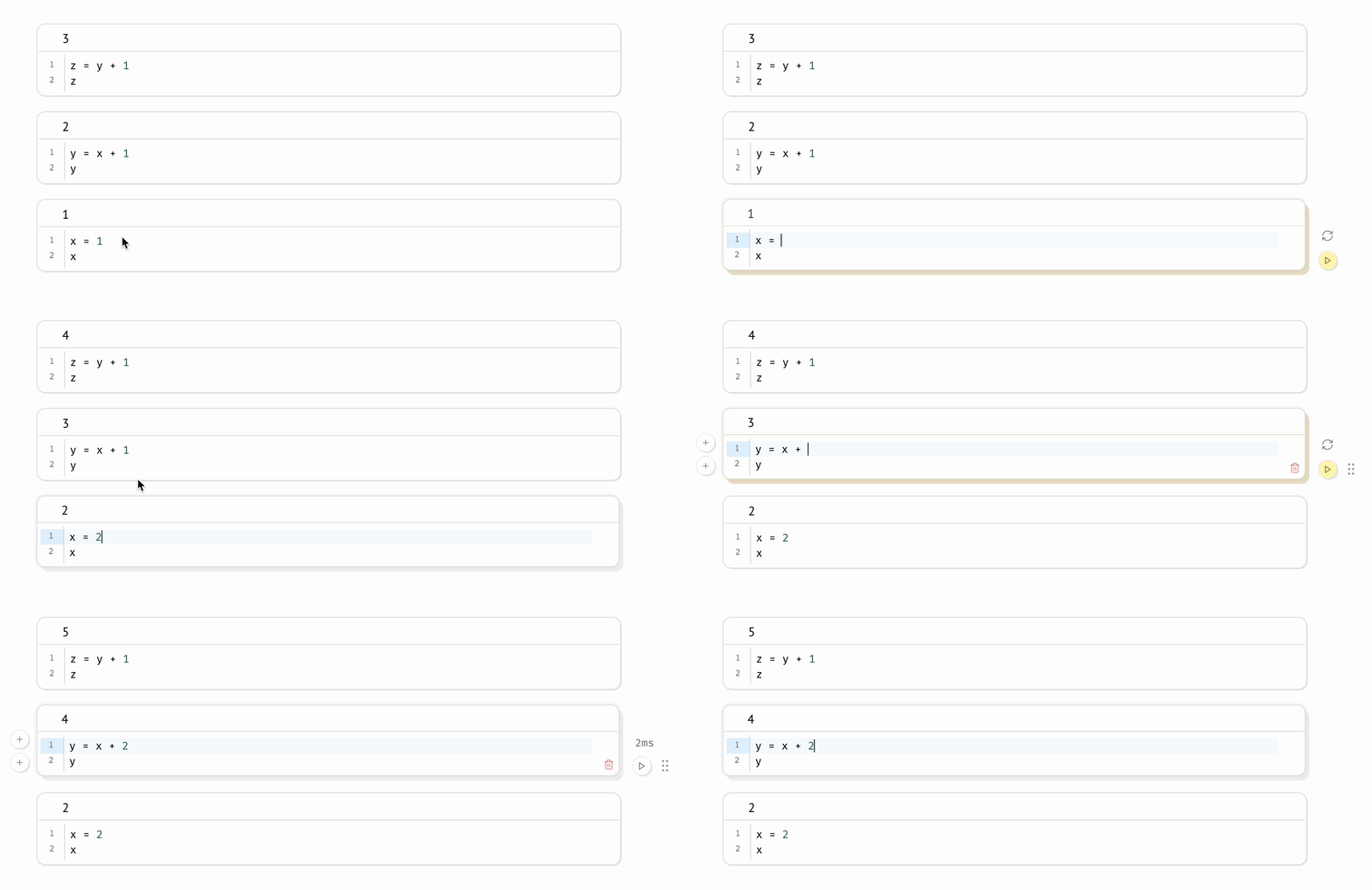
Jupyter stores notebooks as JSON and hidden state builds up as you re-run cells by hand. marimo executes cells in a deterministic order driven by variable references, scrubs deleted cells from memory, and saves git-friendly .py files.How do I get it running?Install with pip, then 'marimo edit' opens a notebook in your browser and 'marimo run' serves it as a web app. For zero setup, try it on molab, the project's free cloud notebook service.
Install with pip, then 'marimo edit' opens a notebook in your browser and 'marimo run' serves it as a web app. For zero setup, try it on molab, the project's free cloud notebook service.What do I need installed besides Python?Just Python. The base pip install covers notebooks; an extended install unlocks SQL cells and AI completion. Built-in package management installs packages on import and can auto-install requirements in isolated venv sandboxes.
Just Python. The base pip install covers notebooks; an extended install unlocks SQL cells and AI completion. Built-in package management installs packages on import and can auto-install requirements in isolated venv sandboxes.If one cell takes an hour, will every small edit re-run the whole notebook?No — you can set the runtime to lazy mode, where affected cells are marked stale instead of executed, so slow cells only run when you explicitly run them.
No — you can set the runtime to lazy mode, where affected cells are marked stale instead of executed, so slow cells only run when you explicitly run them.Is this aimed at data scientists, or Python developers in general?Anyone doing computational work in Python — data science, machine learning, research, teaching. marimo is a NumFOCUS-affiliated project meant for doing research, sharing experiments, and teaching computational science.
Anyone doing computational work in Python — data science, machine learning, research, teaching. marimo is a NumFOCUS-affiliated project meant for doing research, sharing experiments, and teaching computational science.Does it matter which OS I'm on?It's pip-installed Python, so macOS, Linux, and Windows all work, with the editor UI served in your browser. Deployed notebooks can even run entirely in the browser via WASM.
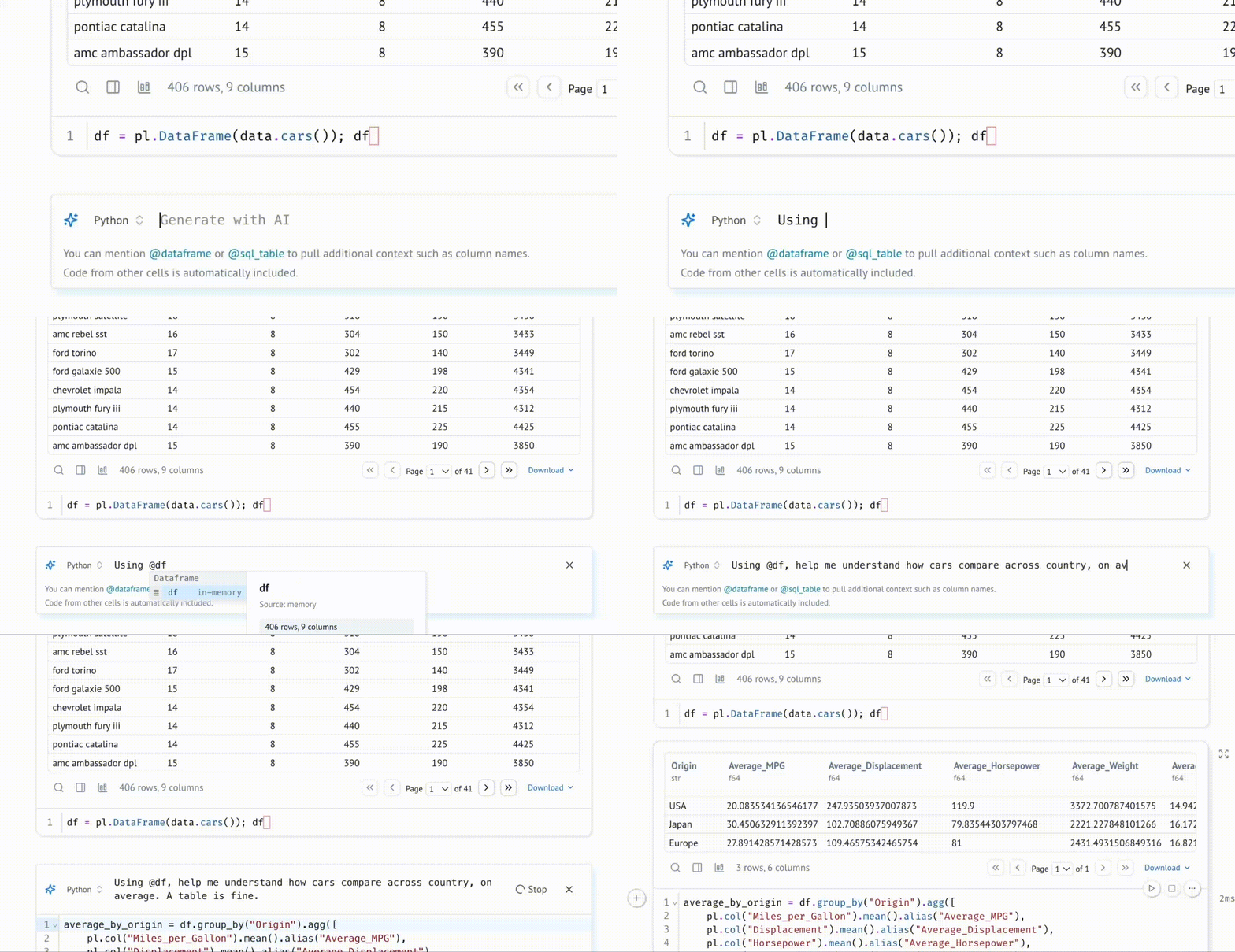
It's pip-installed Python, so macOS, Linux, and Windows all work, with the editor UI served in your browser. Deployed notebooks can even run entirely in the browser via WASM.What does AI-native mean here — is my code sent off to a cloud model?Only if you opt in. You can pair coding agents like Claude Code, Codex, or OpenCode with notebooks via marimo pair, or use the built-in assistant with your own API keys or local models.
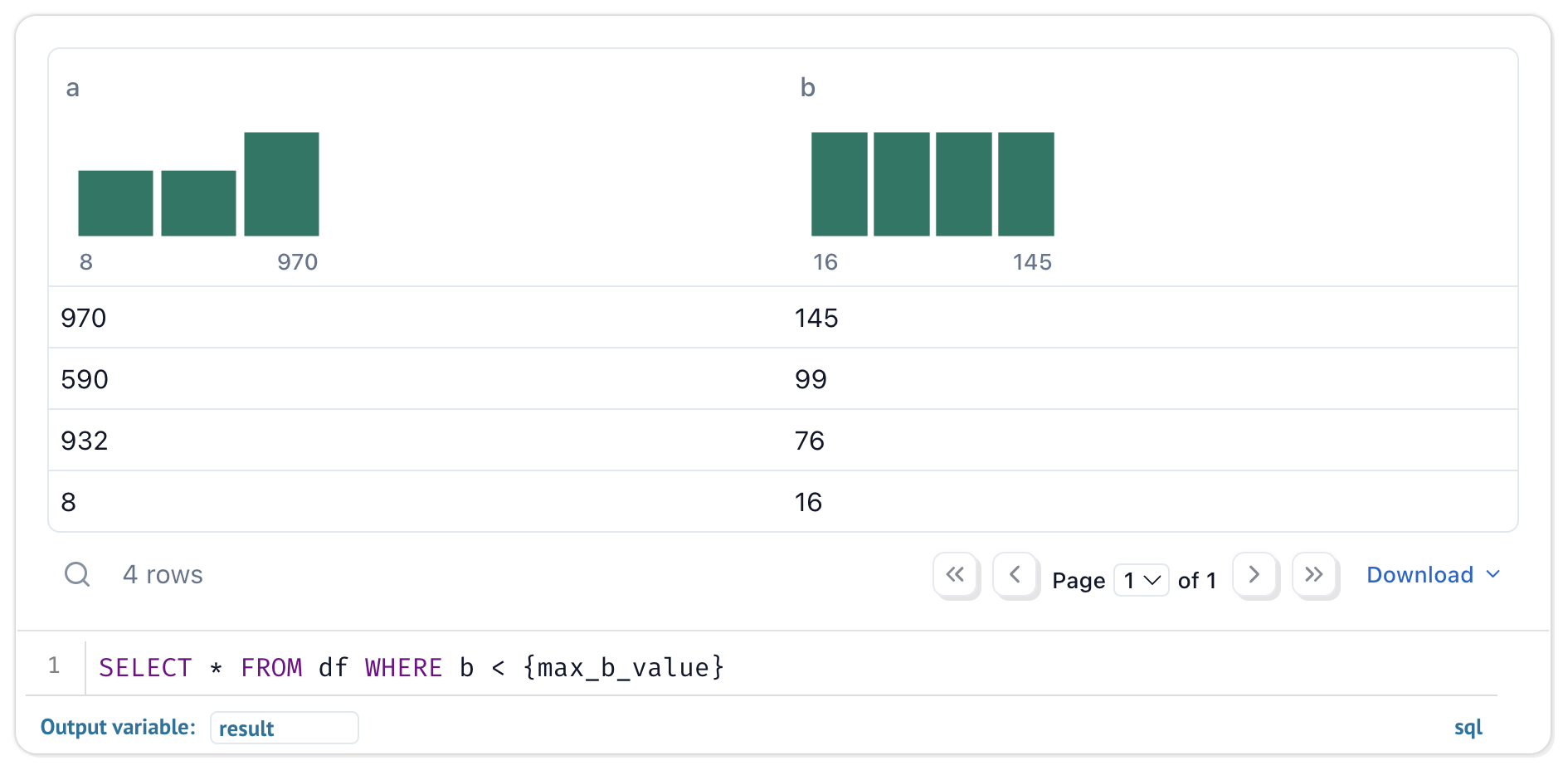
Only if you opt in. You can pair coding agents like Claude Code, Codex, or OpenCode with notebooks via marimo pair, or use the built-in assistant with your own API keys or local models.Is it Python-only, or can I query data with SQL?SQL is first-class: a built-in engine queries dataframes, databases, warehouses, lakehouses, CSVs, and Google Sheets, returning results as Python dataframes. Queries can depend on Python values, and the saved notebook stays pure Python.
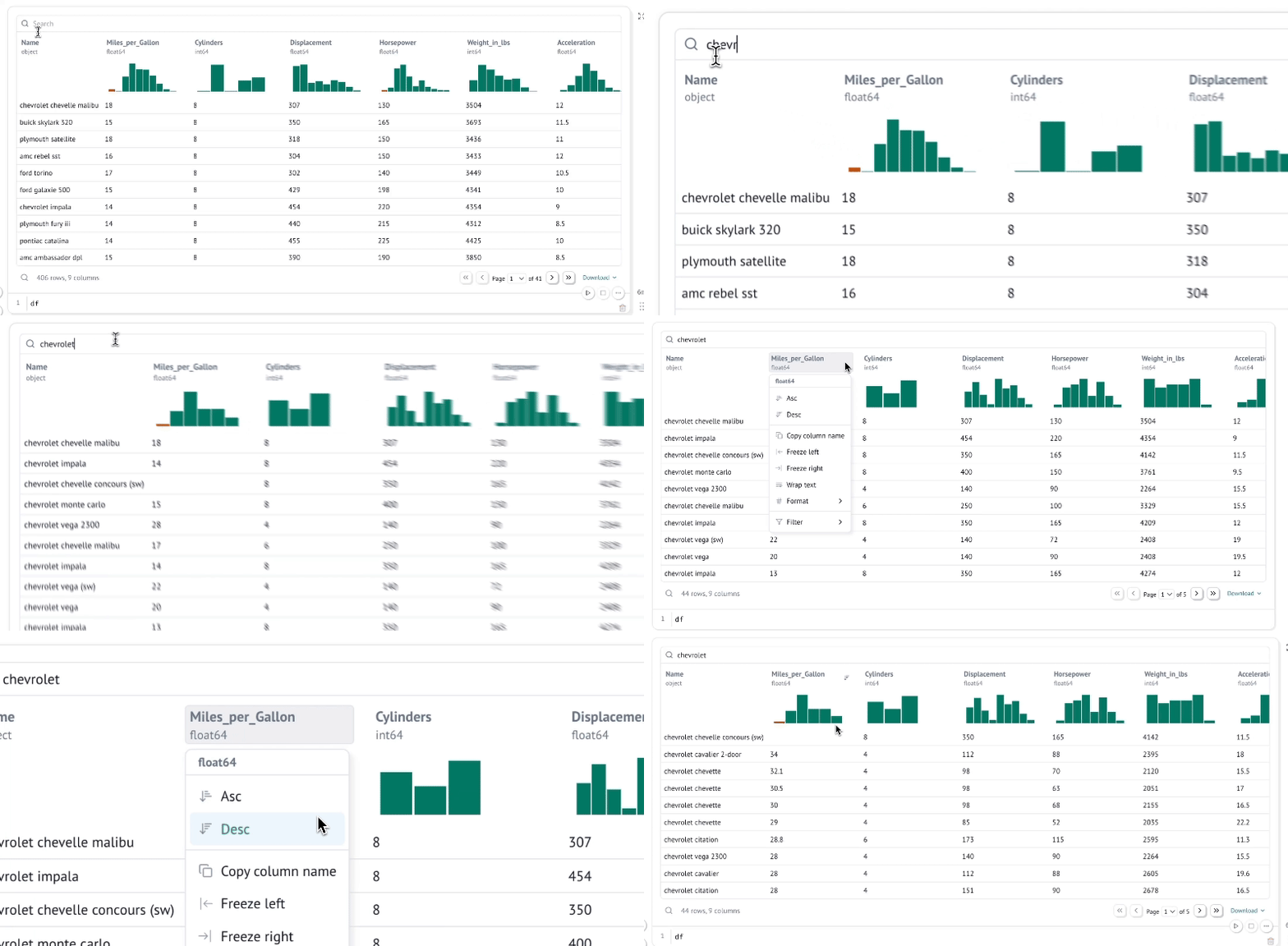
SQL is first-class: a built-in engine queries dataframes, databases, warehouses, lakehouses, CSVs, and Google Sheets, returning results as Python dataframes. Queries can depend on Python values, and the saved notebook stays pure Python.Can I share a notebook with someone who shouldn't see the code?Yes — 'marimo run' deploys it as an interactive web app with the Python hidden and uneditable. UI elements like sliders, dropdowns, and dataframe transformers keep working without callbacks, and notebooks can also be exported as slides.
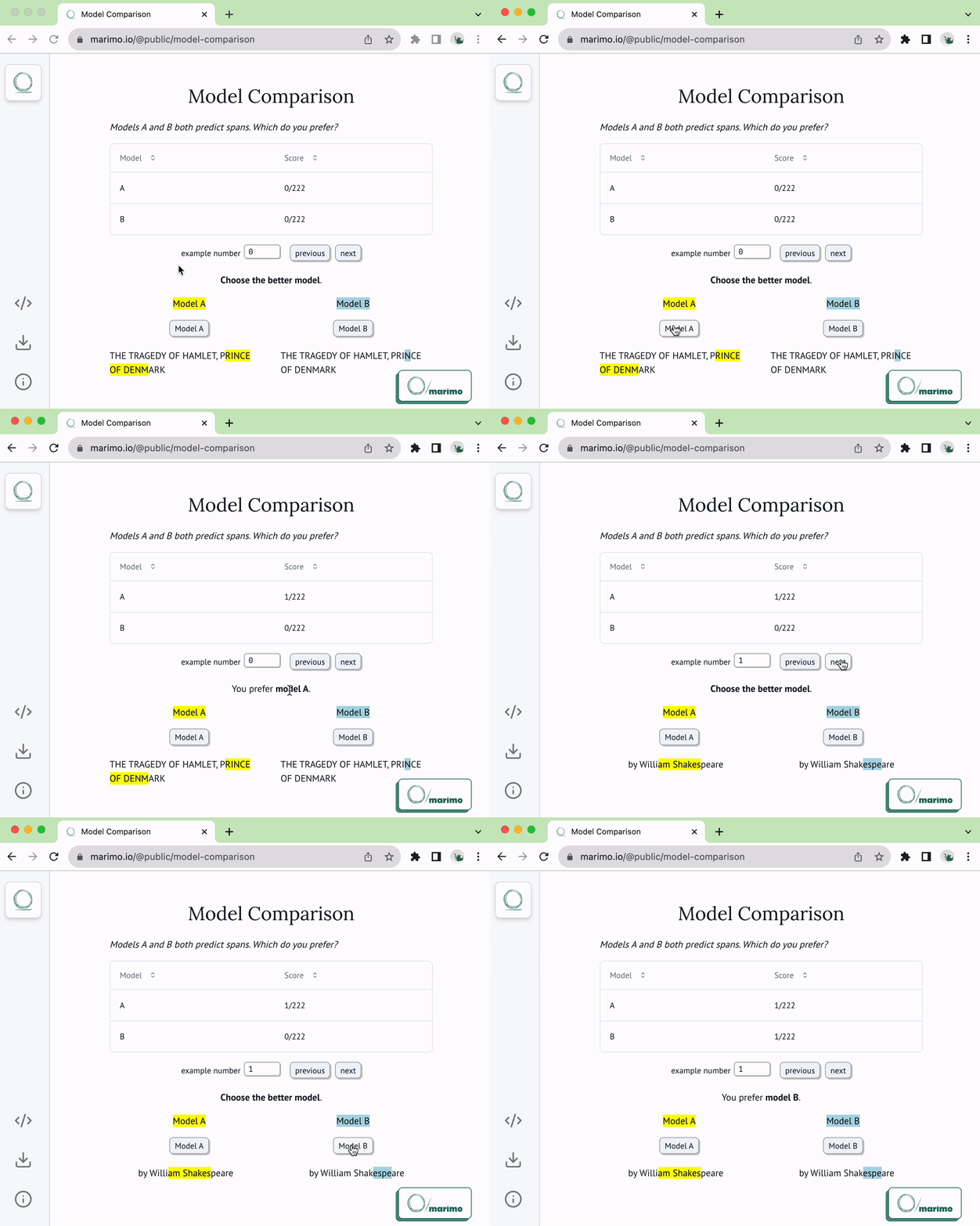
Yes — 'marimo run' deploys it as an interactive web app with the Python hidden and uneditable. UI elements like sliders, dropdowns, and dataframe transformers keep working without callbacks, and notebooks can also be exported as slides.Can notebook code be reused and tested like a normal Python module?Yes — functions and classes can be imported from one notebook into another, and you can run pytest on notebooks.
Yes — functions and classes can be imported from one notebook into another, and you can run pytest on notebooks.I have a pile of old Jupyter notebooks — do I have to rewrite them?No — a CLI command and a web interface convert Jupyter notebooks to marimo automatically.
No — a CLI command and a web interface convert Jupyter notebooks to marimo automatically.What are similar projects?notebook, bokeh, prettymaps, pygwalker, PRML, Probabilistic-Programming-and-Bayesian-Methods-for-Hackers, PaperBanana, kubeflow
notebook, bokeh, prettymaps, pygwalker, PRML, Probabilistic-Programming-and-Bayesian-Methods-for-Hackers, PaperBanana, kubeflowWhich topics is it in?notebooks, plotting, dag, notebook, streamlit, pipeline, reactive, jupyter, jupyter-notebook, vscode-extension, interactive, editor
notebooks, plotting, dag, notebook, streamlit, pipeline, reactive, jupyter, jupyter-notebook, vscode-extension, interactive, editor