

cindy README

README проекта с github.com/makecindy/cindy. Одним файлом markdown: README.md.

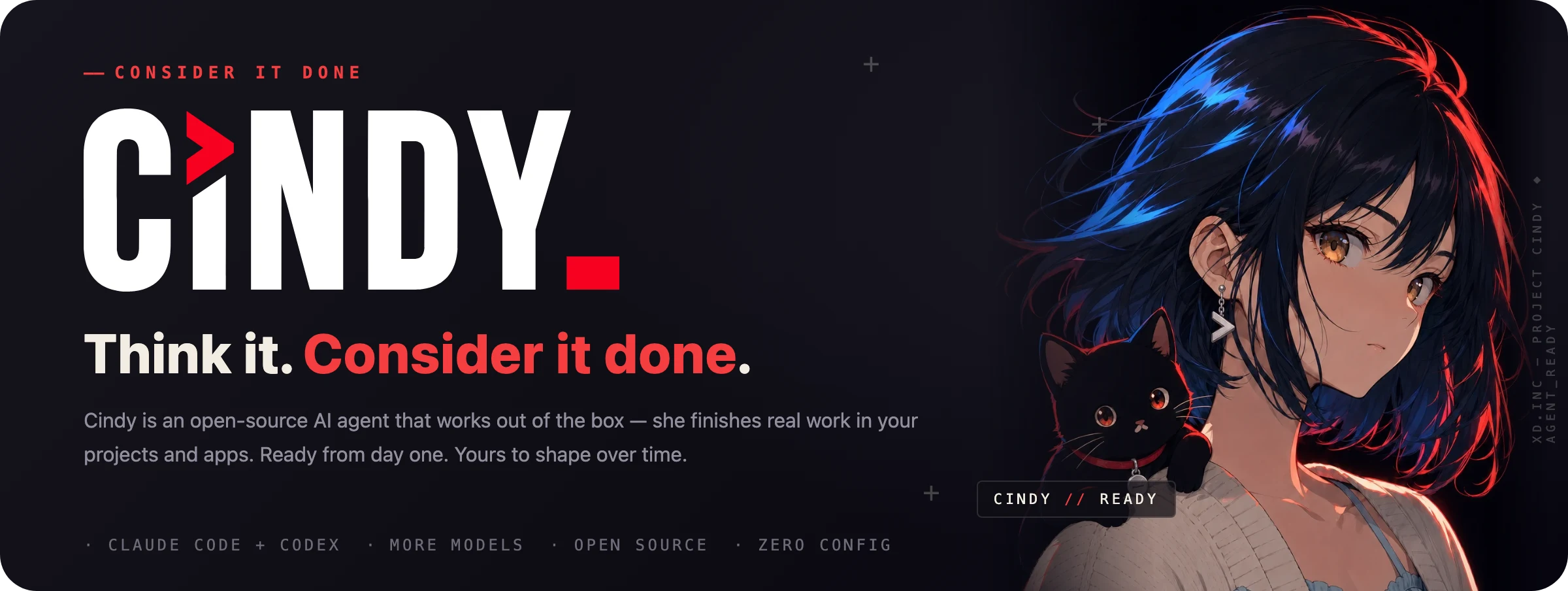
CINDY — Consider it done. The open-source AI agent that works out of the box, doing real work on your own computer.

English · 简体中文

License CI

Download Cindy  ·  Website  ·  Build with us  ·  Get help

★ GitHub Trending #1 · 2026.10.26

Cindy is an open-source AI agent, ready out of the box and yours to shape. Connect your computers and phone, bring the models and subscriptions you already use, and build a companion that knows how you like to work.

All your devices. One Cindy.

Your work computer, home desktop, laptop and phone belong together.

Your computer becomes your server: no server rental or self-hosting setup.

How connections and data work

For remote access to your computers, keep them online, sign in with the same account and enable the relevant permissions. Model sharing requires allowing remote access to that provider; remote desktop also needs its own permissions. Project files stay on their computer — remote access is not whole-disk sync. Cloud companions sync their conversations, memory, skills and shared attachments through Cindy's services; model providers process the requests sent to them. Provider and service billing still apply.

Keep your favorite agents. Get a better way to work.

Already using Claude Code or Codex? Cindy brings them together with Pi, then adds a shared interface, multi-device access, tools and a companion of your own.

Harness What it brings
Claude Code Claude Code's agent workflow, with Cindy's interface and connected tools.
Codex Codex's coding workflow, available alongside your other agents.
Pi A lean, open-source, extensible agent with support for multiple model providers.

Choose a supported harness and model combination, and change it as the work evolves. Your session stays in Cindy; switching harnesses hands off or rebuilds the engine context rather than making their internal states identical.

One agent not enough? Let her lead a team. Use different agents for planning, parallel implementation and independent review, with a shared goal and clear acceptance criteria.

Real work, in your actual tools

Work with your files, browser and apps. Ask for a change, inspect what happened, and keep working from the result. Answers can include charts, interactive controls and rich HTML, not just a wall of text.

Build a recurring routine with automations, or hand over work through connected chat channels such as Slack and Telegram. Connect more tools through Skills, plugins and MCP.

Ready from day one. Yours to shape over time.

Open source means more than visible — it means changeable. Build Cindy with us →

Start with what you already have

The client is free. Authorize a supported subscription you already pay for, including Claude Code or Codex plans, connect your own API keys, or use a local model. You can also use Cindy's managed model service. Provider limits and billing still apply; the free client does not mean unlimited model usage.

macOS · Windows · Linux · iOS · Android

Download Cindy · Service pricing

Linux users: see the Ubuntu, Arch Linux and Omarchy installation guide for installation, updates, keyring setup and migration from a manual install.

A few people noticed.

Cindy GitHub star history

Every star means something.


For developers

This repository contains Cindy's open-source desktop and mobile clients and their shared packages, organized as a pnpm monorepo.

What's in this repo

Path Description
apps/desktop Electron desktop client
apps/mobile Expo / React Native mobile client
packages/* Shared client capabilities (auth, device-link, agent orchestration, model providers, …)
apps/*-bin Tool binaries shipped with the desktop app; none are committed — claude-code, codex, and ripgrep are downloaded per platform by pnpm install, and the Android platform-tools binaries are fetched (pinned version, sha256-verified) before Windows packaging

Not in this repo: the backend service lives in a separate repository and is not part of this monorepo.

Mode Account requirement Availability
Hosted service Cindy cloud account Use Cindy's full hosted service. See pricing.
Skip Sign-In No Cindy sign-in required Choose “Skip Sign-In” on the login screen to use local agents; the app then shows the account state as “Not signed in”. Server-backed capabilities are unavailable in this state.

Prerequisites

Getting started

Contributor setup, Git LFS, dependency updates, and access requirements are maintained in CONTRIBUTING.en.md. Plugins are installed through SkillHub or manually.

Minimal entry point:

git clone https://github.com/makecindy/cindy.git
cd cindy
git lfs pull
pnpm install

Development entry points

# Mainland China Cindy account
pnpm restart:desktop:remote --region=cn

# Global Cindy account
pnpm restart:desktop:remote --region=global

Remote development uses your own Cindy cloud account and existing login state, so you can continue existing sessions and work while developing the client. Use cn for Mainland China accounts and global for everyone else; do not rely on the internal default. Full desktop, mobile, data-isolation, and validation workflows are in CONTRIBUTING.en.md.

“Skip Sign-In” on the login screen runs local agents without a Cindy account (shown in the app as “Not signed in”), not a connection to a local server. Server-backed capabilities are unavailable in this state.

About the default servers: the client connects to Cindy's official cloud services by default (endpoint manifests in config/endpoint.json and config/endpoint.global.json; desktop auto-updates also come from the official CDN). This is intentional — external developers don't need to self-host a server: sign in with your own Cindy account in a dev build and develop / test directly against the official servers.

Skill Hub migration uses two separate manifest fields: released clients keep using skillhubApiBaseUrl (the deprecated XD proxy), while current clients use cindySkillHubApiBaseUrl. The current client deliberately does not fall back to the legacy field when the new endpoint is absent.

Architecture

Contributing

Contributions go through pull requests into main. Read CONTRIBUTING.en.md first, then use .github/PULL_REQUEST_TEMPLATE.md. Every commit needs a Developer Certificate of Origin sign-off (git commit -s); a DCO check on each pull request enforces it, and no CLA is required. Please also follow CODE_OF_CONDUCT.en.md. For ordinary usage questions, see SUPPORT.en.md; report security issues privately through SECURITY.en.md.

Security

Never commit credentials or authorization files to the working tree. If you discover a security issue, follow SECURITY.en.md to report it privately rather than opening a public issue.

Privacy & telemetry

Official distribution builds include TapDB usage analytics for product-level aggregate statistics, including device identifiers, OS / app version, startup and activity events. Events are associated with your account ID after sign-in, so this is not fully anonymous. TapDB does not collect chat content, file content, or working-directory data.

You can disable usage analytics without editing code: on Desktop, use Settings → About → Usage statistics; on Mobile, use Usage statistics in Settings. The SDK checks the stored privacy-consent state and the statistics preference, which defaults to on. Accepting the Privacy Policy records consent; a one-time migration also records consent for eligible existing signed-in users.

Known Mobile exception: enterprise SSO skips the policy-acceptance step. If no analytics consent record exists and that sign-in is restored after restarting the app, the current migration can mark even a new installation as consented. With TapDB configured and statistics enabled, reporting can then start without explicit policy acceptance. See Mobile sign-in restoration and the consent migration. Turning off Usage statistics prevents reporting from being enabled by this migration.

Implementation: Desktop consent and settings, Desktop SDK, Mobile consent, and Mobile SDK.

Online heartbeats and diagnostic logs are separate mechanisms, unaffected by the usage statistics switch. Desktop sends heartbeats to Cindy services only during a verified cloud sign-in (account ID, platform, and version); local mode sends none. Desktop native crash dumps stay local and are never uploaded automatically. Diagnostic logs can be uploaded manually; a separate, default-off automatic crash log upload option is also available. Log uploads require privacy consent. See the heartbeat implementation and log upload rules.

Building from source? You are not required to keep analytics:

License / 许可证

Except as otherwise noted, the source code in this repository is licensed under the Apache License, Version 2.0. Individual source files do not carry per-file license headers; the repository-root LICENSE governs.

Model weights, datasets, prompts, trademarks, and other separately identified materials may be subject to their own license terms and are not automatically covered by the repository-level Apache-2.0 grant. Third-party open-source components retain their own copyright and license. Their attribution notices and SPDX SBOMs are managed under docs/legal/, with artifact-specific outputs in docs/legal/notices/. See NOTICE for this project's copyright and attribution information.

cindy (makecindy/cindy)

Ищем в базе…

10.3K ·GitHub
Что это такое?Cindy — это ИИ-агент с открытым исходным кодом, который работает из коробки и объединяет несколько обвязок (например, Claude Code и Codex), модели и инструменты в одного агента, выполняющего реальную работу в ваших проектах и приложениях.
Это библиотека или приложение, которое мне нужно установить?Это приложение: этот репозиторий — клиент с открытым исходным кодом, включающий десктопное приложение на Electron и мобильное приложение на Expo/React Native, организованный как монорепозиторий pnpm, а бэкенд-сервис находится в другом месте.
Как мне запустить это для разработки?Склонируйте репозиторий, убедитесь, что необходимое ПО установлено, и следуйте инструкции для контрибьюторов (установка зависимостей, Git LFS, требования к доступу) в CONTRIBUTING.en.md.
Нужна ли мне подписка Claude Code или Codex или можно использовать свою модель?Вы можете войти в официальный сервис Cindy, авторизовать уже оплачиваемый тарифный план Claude Code / Codex, подключить собственные API-ключи или вместо этого запускать локальные модели.
Есть ли в этом репозитории и бэкенд-сервис?Нет. Бэкенд, на котором работает облачный сервис Cindy, находится в отдельном закрытом репозитории и не входит в этот монорепозиторий.
На каких платформах можно запустить Cindy?Клиент для рабочего стола (Electron) работает на macOS, Windows и Linux, мобильный клиент (Expo/React Native) — на iOS и Android; есть также отдельное руководство по установке на Linux для Ubuntu, Arch и Omarchy.
Какие данные отправляет Cindy, когда я вошёл в аккаунт?В официальных сборках есть аналитика TapDB, привязанная к устройству, ОС, версии приложения и идентификатору аккаунта, а также периодический сигнал о том, что приложение онлайн (идентификатор аккаунта, платформа, версия) — содержимое чатов, файлы и данные о рабочей папке не собираются, а отчёты о сбоях хранятся только локально.
Зачем смешивать несколько обвязок и моделей?Обвязку и модель можно менять прямо во время задачи, а рабочее пространство, память, навыки и инструменты при этом сохраняются; одну задачу можно даже спланировать, выполнить параллельно и проверить на разных сочетаниях обвязки и модели.
Что будет, если я пропущу вход вместо аккаунта Cindy?«Пропустить вход» позволяет запускать локальных агентов без аккаунта Cindy (в интерфейсе отображается «Не выполнен вход»), но возможности, требующие сервера, в этом состоянии недоступны.
Может ли Cindy работать вне окна чата?Да — она может напрямую управлять вашим браузером, компьютером и телефоном, а также принимать задачи из мессенджеров и по расписанию.
Могу ли я научить Cindy новым навыкам или автоматизациям?Да — «Память» позволяет поправить её один раз, и исправление сохранится во всех обвязках; «Навыки» позволяют один раз научить рабочему процессу и повторно использовать его везде; «Автоматизация» позволяет повторяющейся работе планироваться и запускаться самой.
Какие есть похожие проекты?rakazo, holaOS, Codync, Agentlas-OS, rome, paseo, ZCode, vicoa
Автор
makecindy
Размер
1.3 GB
Звёзды
10.3K
Возраст
3 мес
Коммиты · 90 дней