
Что это?
 GNOS — это обучающая обвязка из навыков, скриптов и визуальных инструментов, которая превращает вашего агента для кодинга в учителя: вы говорите, чему хотите научиться, он планирует учебный план, создаёт уроки и отслеживает, как вы учитесь.
GNOS — это обучающая обвязка из навыков, скриптов и визуальных инструментов, которая превращает вашего агента для кодинга в учителя: вы говорите, чему хотите научиться, он планирует учебный план, создаёт уроки и отслеживает, как вы учитесь.Это отдельное приложение или оно работает через моего агента для кодинга?Это не отдельное приложение. GNOS — это папка-рабочее пространство из навыков и скриптов, которую вы открываете с агентом для кодинга (Codex, Claude Code, OpenCode или Antigravity), и уже он исполняет обучающую логику.
Это не отдельное приложение. GNOS — это папка-рабочее пространство из навыков и скриптов, которую вы открываете с агентом для кодинга (Codex, Claude Code, OpenCode или Antigravity), и уже он исполняет обучающую логику.Как начать им пользоваться?Склонируйте репозиторий один раз и используйте эту папку как рабочее пространство обучения, затем установите GNOS как плагин через Codex CLI, запустите Claude Code с плагином или просто откройте папку в OpenCode или Antigravity и попросите научить вас теме.
Склонируйте репозиторий один раз и используйте эту папку как рабочее пространство обучения, затем установите GNOS как плагин через Codex CLI, запустите Claude Code с плагином или просто откройте папку в OpenCode или Antigravity и попросите научить вас теме.Что нужно установить перед использованием?Git, Python 3 и один из поддерживаемых агентов для кодинга (Codex, Claude Code, OpenCode или Antigravity). Инструмент просмотра курсов (Pinepaper) требует Node.js/npm, а уроки в PDF или видео тянут свои дополнительные зависимости.
Git, Python 3 и один из поддерживаемых агентов для кодинга (Codex, Claude Code, OpenCode или Antigravity). Инструмент просмотра курсов (Pinepaper) требует Node.js/npm, а уроки в PDF или видео тянут свои дополнительные зависимости.Есть ли нюансы при повседневном использовании?Визуальные инструменты и генерация медиа различаются в зависимости от окружения, а в Claude Code флаг плагина действует только на сессию, поэтому команду запуска приходится повторять в начале каждой сессии.
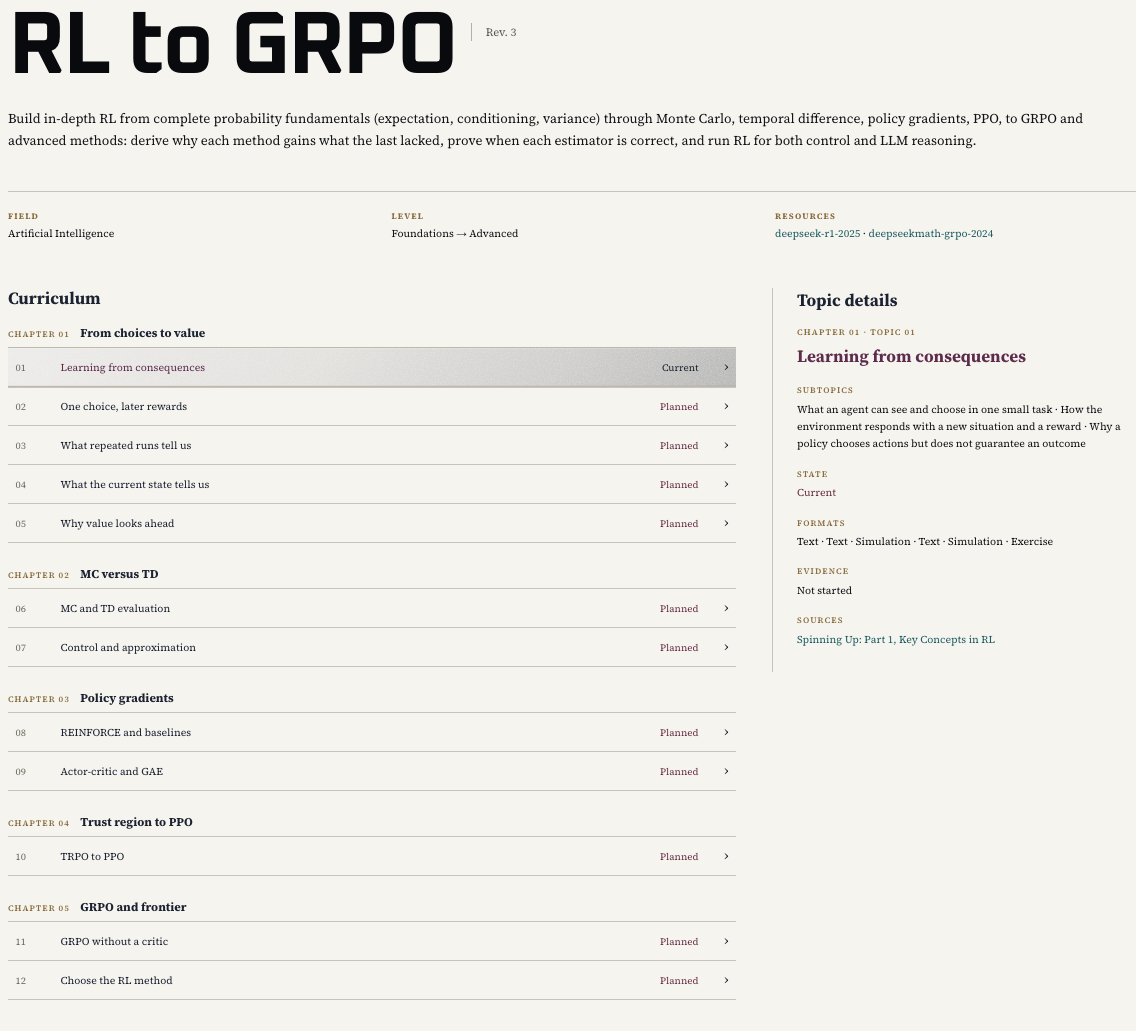
Визуальные инструменты и генерация медиа различаются в зависимости от окружения, а в Claude Code флаг плагина действует только на сессию, поэтому команду запуска приходится повторять в начале каждой сессии.Как на самом деле посмотреть курс, который он составляет?Попросите GNOS «показать свой курс в браузере» — он перенаправит запрос навыку course-viewer, который отрисует вашу программу и текущий урок в виде удобной для чтения учебной страницы с упражнениями и источниками.
Попросите GNOS «показать свой курс в браузере» — он перенаправит запрос навыку course-viewer, который отрисует вашу программу и текущий урок в виде удобной для чтения учебной страницы с упражнениями и источниками.Помнит ли он, как у меня идёт, со временем?Да. GNOS записывает, что вы пробовали, где ломались ваши рассуждения и что вы могли сделать самостоятельно, а затем использует эти данные, чтобы корректировать предстоящие уроки и упражнения.
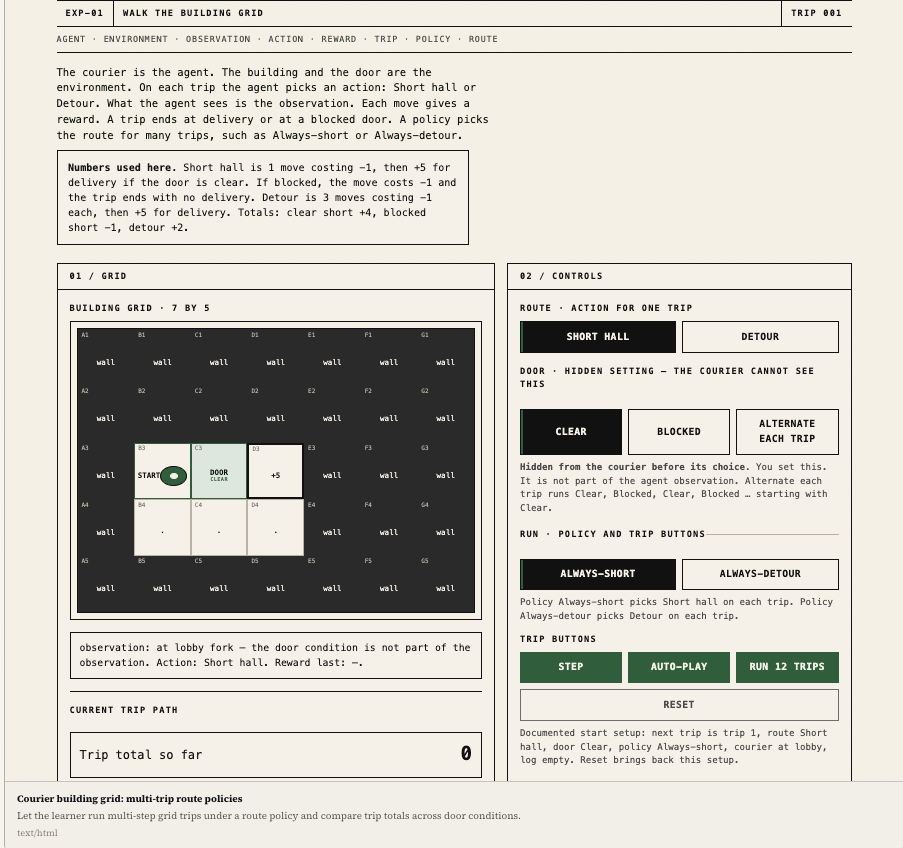
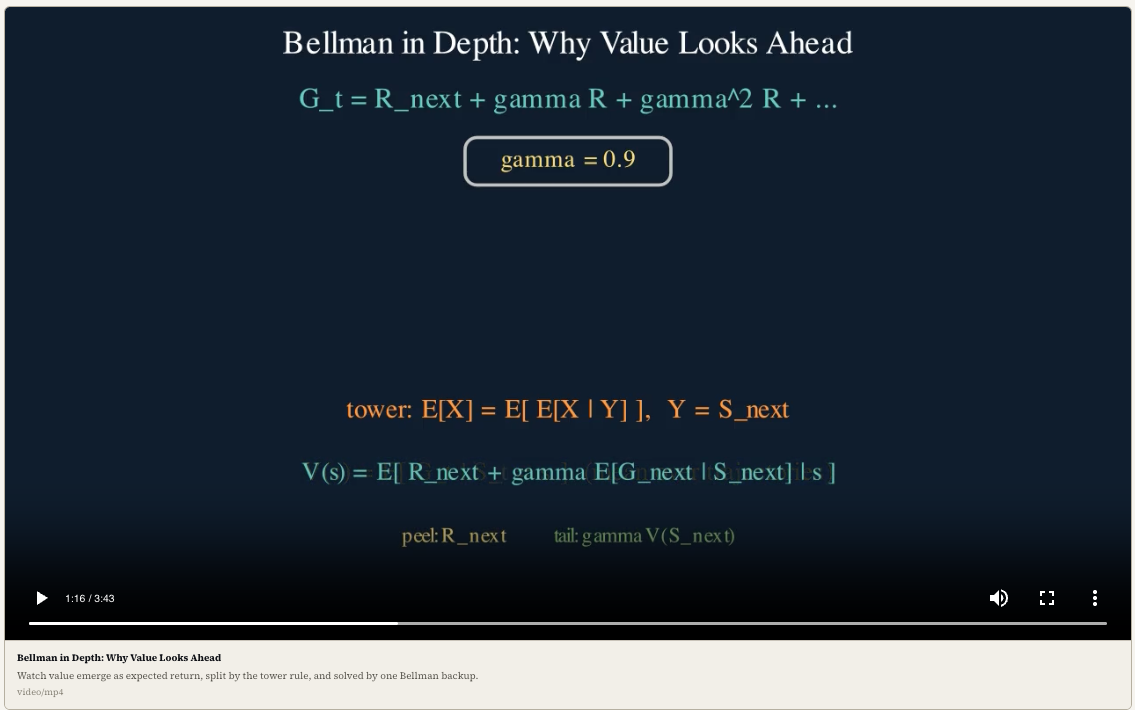
Да. GNOS записывает, что вы пробовали, где ломались ваши рассуждения и что вы могли сделать самостоятельно, а затем использует эти данные, чтобы корректировать предстоящие уроки и упражнения.Какие форматы уроков он может создавать помимо текста?В зависимости от того, что лучше объясняет идею, он может генерировать диаграммы, изображения, симуляции, видео с озвученной анимацией или раздатки в PDF вдобавок к обычным текстовым урокам.
В зависимости от того, что лучше объясняет идею, он может генерировать диаграммы, изображения, симуляции, видео с озвученной анимацией или раздатки в PDF вдобавок к обычным текстовым урокам.Почему бы просто не попросить чат-бота напрямую научить меня?Смысл в том, что правильный ответ — это ещё не обучение: GNOS добавляет связный маршрут курса, диагностику ошибок между сессиями и визуальные подсказки через предметные «голоса», направляемые SOUL.md, — того, чего обычный чат не отслеживает.
Смысл в том, что правильный ответ — это ещё не обучение: GNOS добавляет связный маршрут курса, диагностику ошибок между сессиями и визуальные подсказки через предметные «голоса», направляемые SOUL.md, — того, чего обычный чат не отслеживает.What are similar projects?visual-explainer, pstack-claude, godogen, vibe-coding-cn, openrig, agentic-awesome-skills, superpowers-zh, newsjack
visual-explainer, pstack-claude, godogen, vibe-coding-cn, openrig, agentic-awesome-skills, superpowers-zh, newsjackWhich topics is it in?teaching-tool, codex-cli, antigravity, claude-code-plugin, harness, opencode, course, video-generation, image-generation, prompt-engineering, pdf, skills
teaching-tool, codex-cli, antigravity, claude-code-plugin, harness, opencode, course, video-generation, image-generation, prompt-engineering, pdf, skills