
What is this?
 GNOS is a teaching harness made of skills, scripts, and visual tools that turns your coding agent into a teacher: you tell it what you want to learn, it plans a curriculum, builds lessons, and tracks how you learn.
GNOS is a teaching harness made of skills, scripts, and visual tools that turns your coding agent into a teacher: you tell it what you want to learn, it plans a curriculum, builds lessons, and tracks how you learn.Is this a standalone app, or does it run through my coding agent?It is not a standalone app. GNOS is a workspace folder of skills and scripts that you open with a coding agent (Codex, Claude Code, OpenCode, or Antigravity), which then executes its teaching logic.
It is not a standalone app. GNOS is a workspace folder of skills and scripts that you open with a coding agent (Codex, Claude Code, OpenCode, or Antigravity), which then executes its teaching logic.How do I get started with it?Clone the repo once and use that folder as your learning workspace, then install GNOS as a plugin through the Codex CLI, launch Claude Code with the plugin, or just open the folder in OpenCode or Antigravity and ask it to teach you a topic.
Clone the repo once and use that folder as your learning workspace, then install GNOS as a plugin through the Codex CLI, launch Claude Code with the plugin, or just open the folder in OpenCode or Antigravity and ask it to teach you a topic.What do I need installed before using it?Git, Python 3, and one of the supported coding agents (Codex, Claude Code, OpenCode, or Antigravity). The course-viewer tool (Pinepaper) needs Node.js/npm, and PDF or video lessons pull in their own extra dependencies.
Git, Python 3, and one of the supported coding agents (Codex, Claude Code, OpenCode, or Antigravity). The course-viewer tool (Pinepaper) needs Node.js/npm, and PDF or video lessons pull in their own extra dependencies.Any catches when running it day to day?Visual tools and media generation vary depending on the environment, and in Claude Code the plugin flag is session-only, so you have to repeat the launch command at the start of every session.
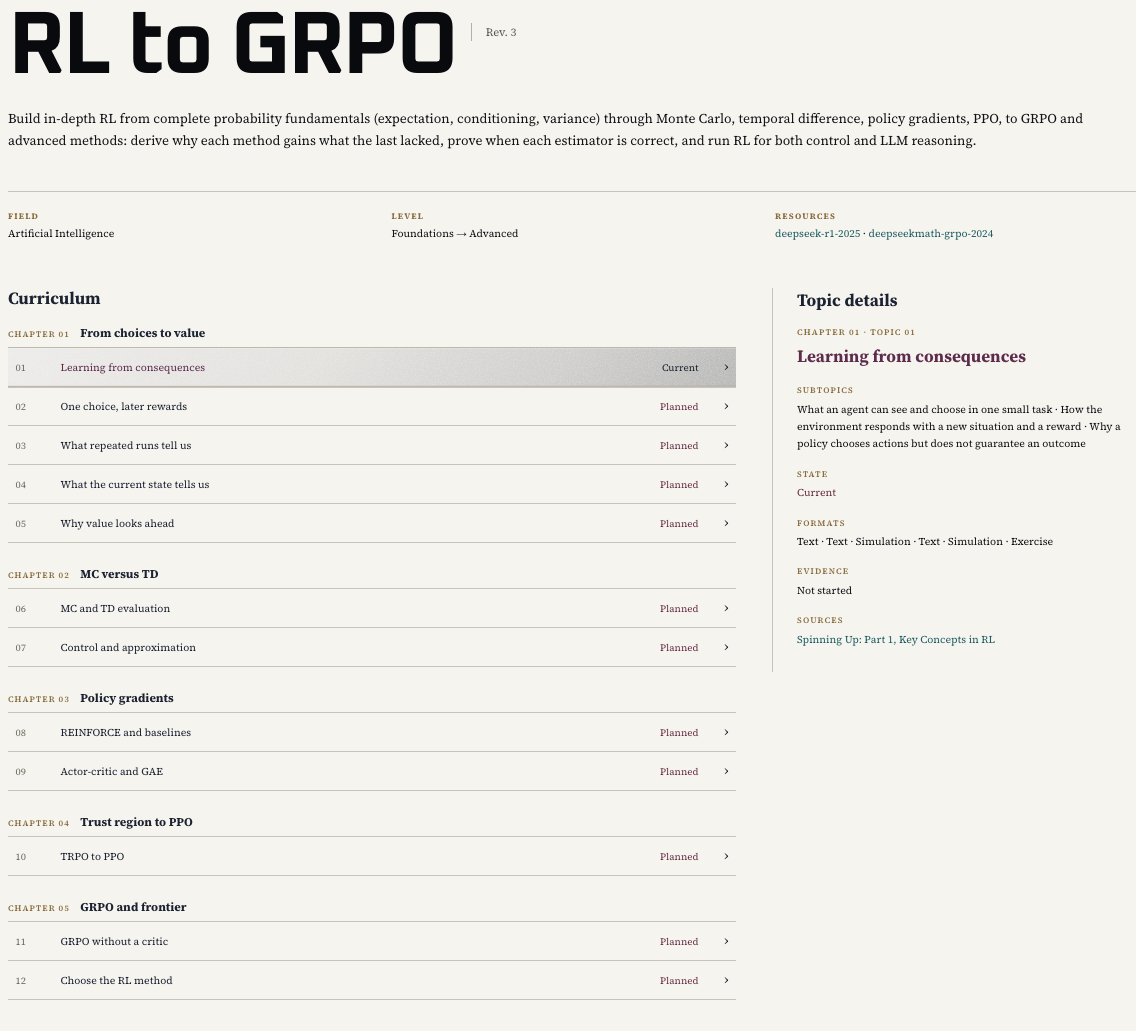
Visual tools and media generation vary depending on the environment, and in Claude Code the plugin flag is session-only, so you have to repeat the launch command at the start of every session.How do I actually view the course it builds?Ask GNOS to 'show your course in the browser' - it routes the request to its course-viewer skill, which renders your curriculum and current lesson as a readable study page with exercises and sources.
Ask GNOS to 'show your course in the browser' - it routes the request to its course-viewer skill, which renders your curriculum and current lesson as a readable study page with exercises and sources.Does it remember how I'm doing over time?Yes. GNOS records what you tried, where your reasoning broke, and what you could do independently, then uses that evidence to adjust upcoming lessons and exercises.
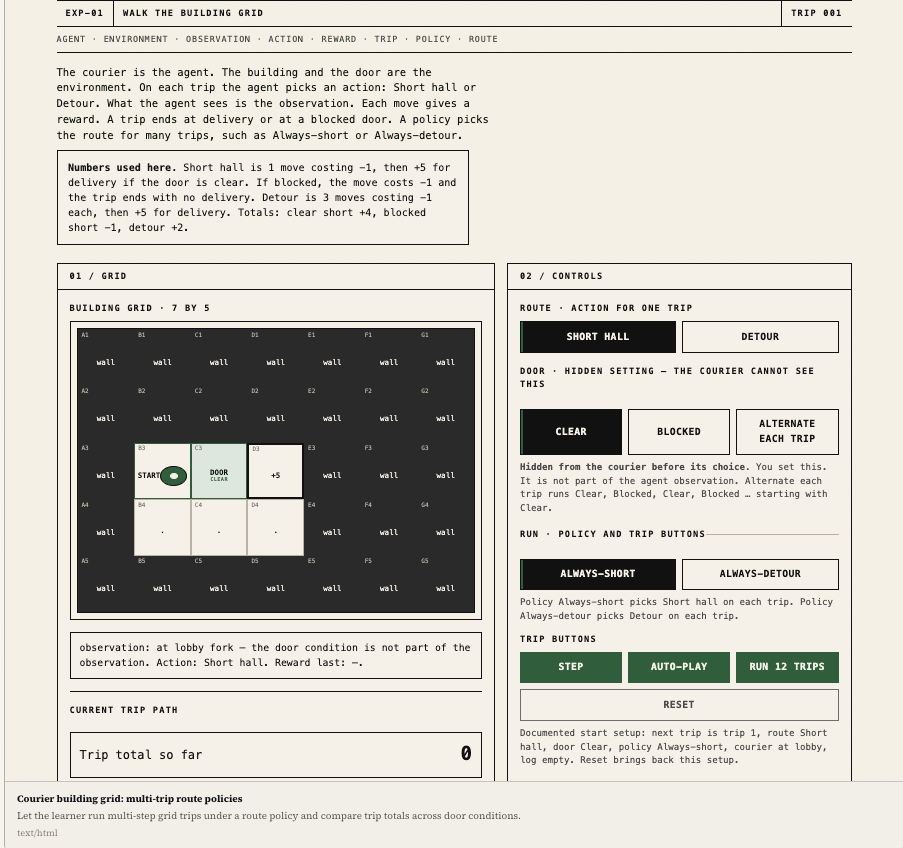
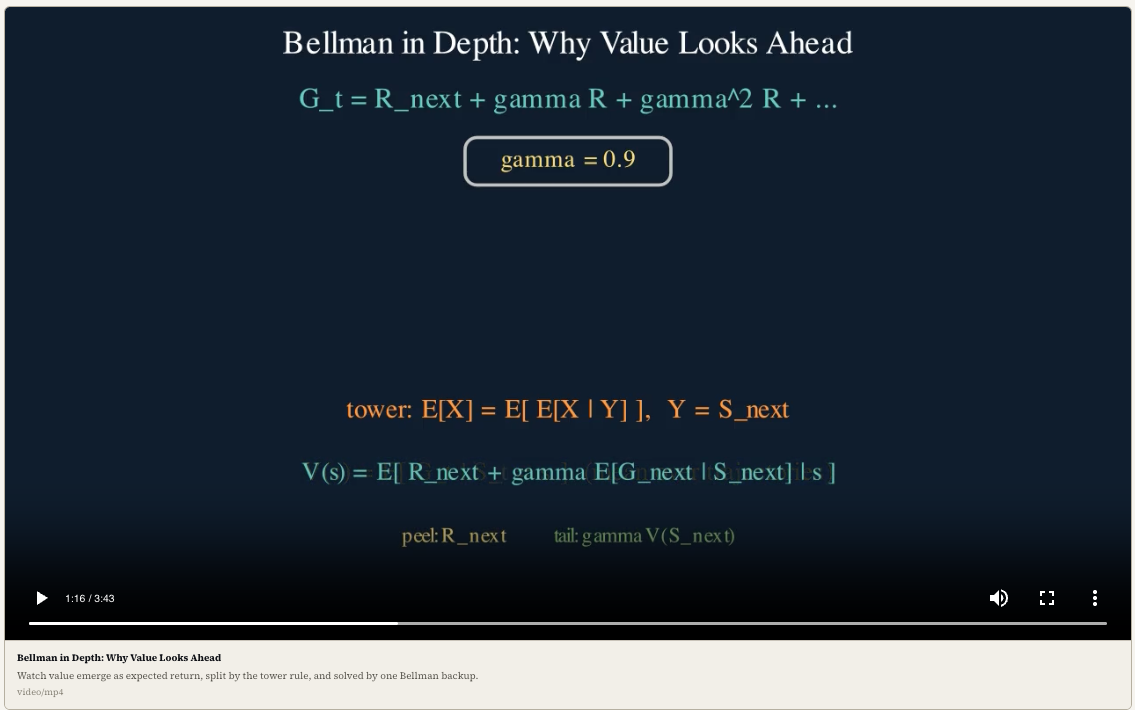
Yes. GNOS records what you tried, where your reasoning broke, and what you could do independently, then uses that evidence to adjust upcoming lessons and exercises.What lesson formats can it produce besides text?Depending on what best explains an idea, it can generate diagrams, images, simulations, narrated animation videos, or PDF handouts, in addition to normal text lessons.
Depending on what best explains an idea, it can generate diagrams, images, simulations, narrated animation videos, or PDF handouts, in addition to normal text lessons.Why not just ask a chatbot to teach me directly?The author's point is that a correct answer isn't the same as teaching: GNOS adds a coherent course route, mistake diagnosis across sessions, and visual aids via SOUL.md-guided subject voices, which plain chat doesn't track.
The author's point is that a correct answer isn't the same as teaching: GNOS adds a coherent course route, mistake diagnosis across sessions, and visual aids via SOUL.md-guided subject voices, which plain chat doesn't track.What are similar projects?visual-explainer, pstack-claude, godogen, vibe-coding-cn, openrig, agentic-awesome-skills, superpowers-zh, newsjack
visual-explainer, pstack-claude, godogen, vibe-coding-cn, openrig, agentic-awesome-skills, superpowers-zh, newsjackWhich topics is it in?teaching-tool, codex-cli, antigravity, claude-code-plugin, harness, opencode, course, video-generation, image-generation, prompt-engineering, pdf, skills
teaching-tool, codex-cli, antigravity, claude-code-plugin, harness, opencode, course, video-generation, image-generation, prompt-engineering, pdf, skills