

Что это?
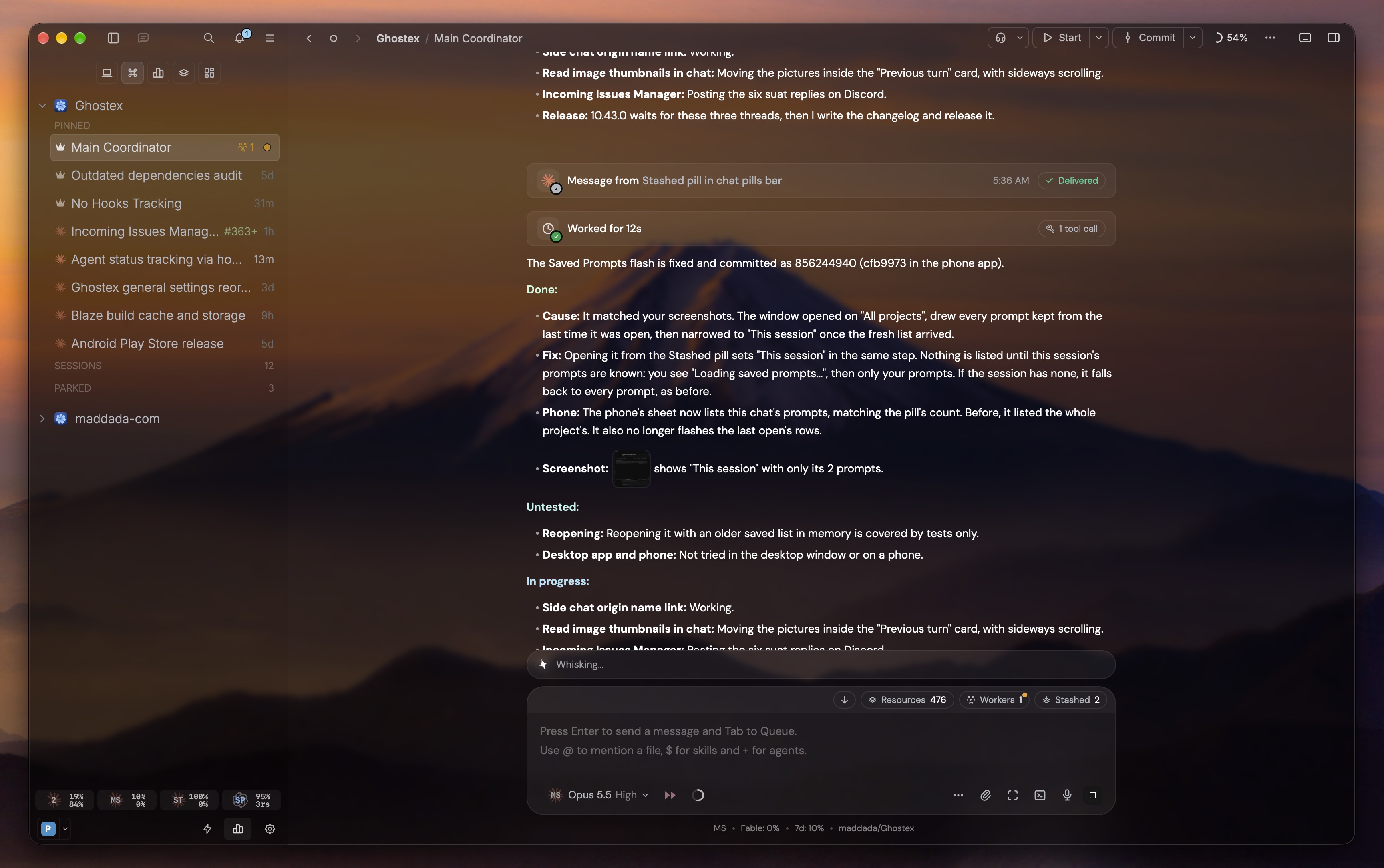
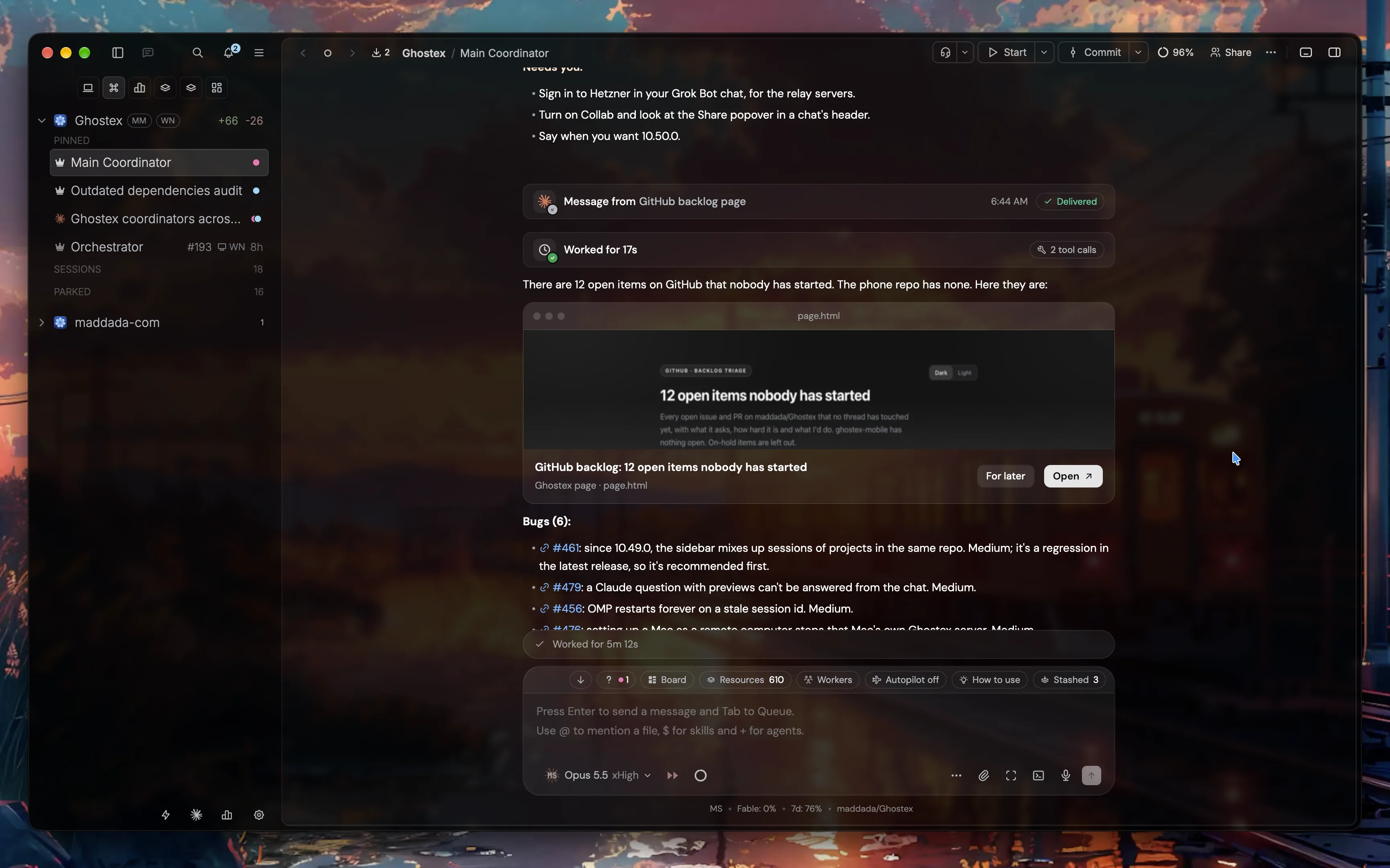
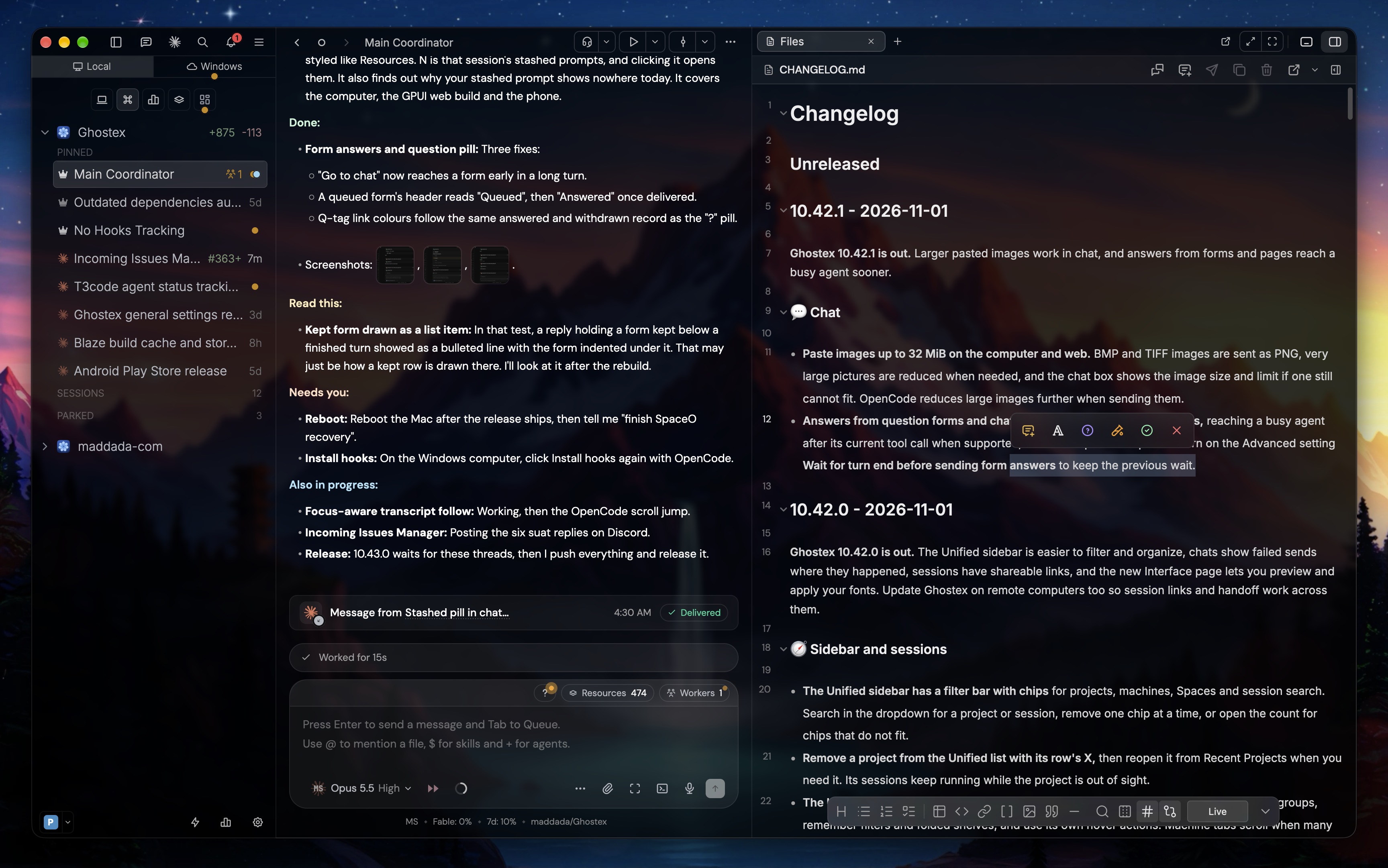
 Ghostex — это нативное настольное рабочее пространство для одновременного запуска множества агентов для программирования (Claude Code, Codex, Gemini, Cursor и других) с режимом чата, мобильным приложением-компаньоном и сессиями, которые сохраняются после перезапуска.
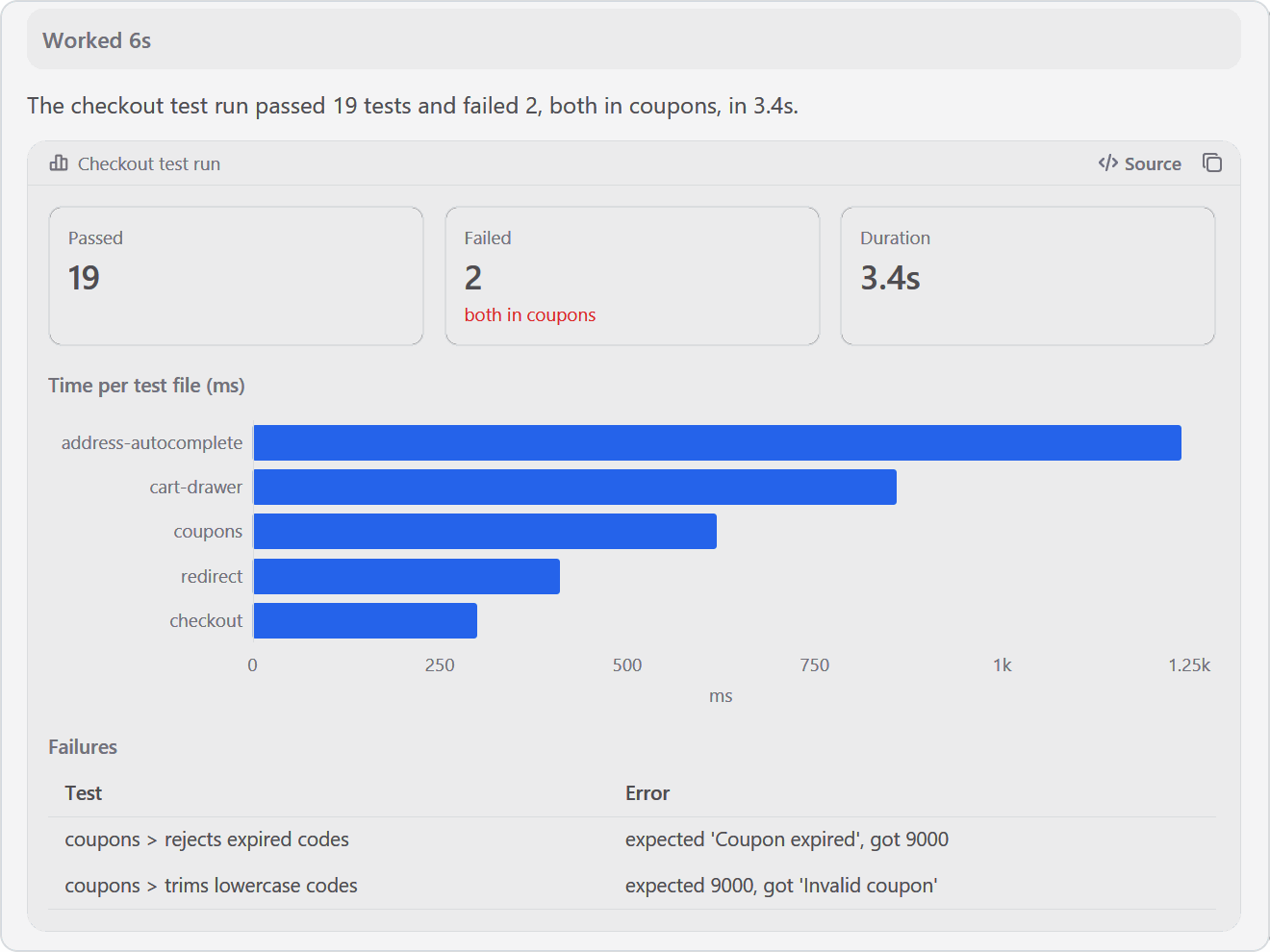
Это эмулятор терминала или полноценное рабочее пространство для агентов?Это полноценное нативное приложение, написанное на Rust и GPUI. Оно объединяет чат-интерфейс, обычный CLI-режим, встроенные панели браузера Chromium и встроенную IDE на основе VS Code. Все они работают в одном рабочем пространстве на компьютере и телефоне.
Это полноценное нативное приложение, написанное на Rust и GPUI. Оно объединяет чат-интерфейс, обычный CLI-режим, встроенные панели браузера Chromium и встроенную IDE на основе VS Code. Все они работают в одном рабочем пространстве на компьютере и телефоне.С какими агентами для программирования оно работает?Оно работает с любым агентом для программирования, которым вы уже пользуетесь, включая Claude Code, Codex, OpenCode, Pi, oh-my-pi, Gemini CLI, Grok, Cursor и Copilot CLI.
Оно работает с любым агентом для программирования, которым вы уже пользуетесь, включая Claude Code, Codex, OpenCode, Pi, oh-my-pi, Gemini CLI, Grok, Cursor и Copilot CLI.Приложение для iOS есть в App Store?Нет, сборка для iOS сейчас распространяется только через TestFlight. Чтобы получить доступ, нужно вступить в канал iOS в Discord.
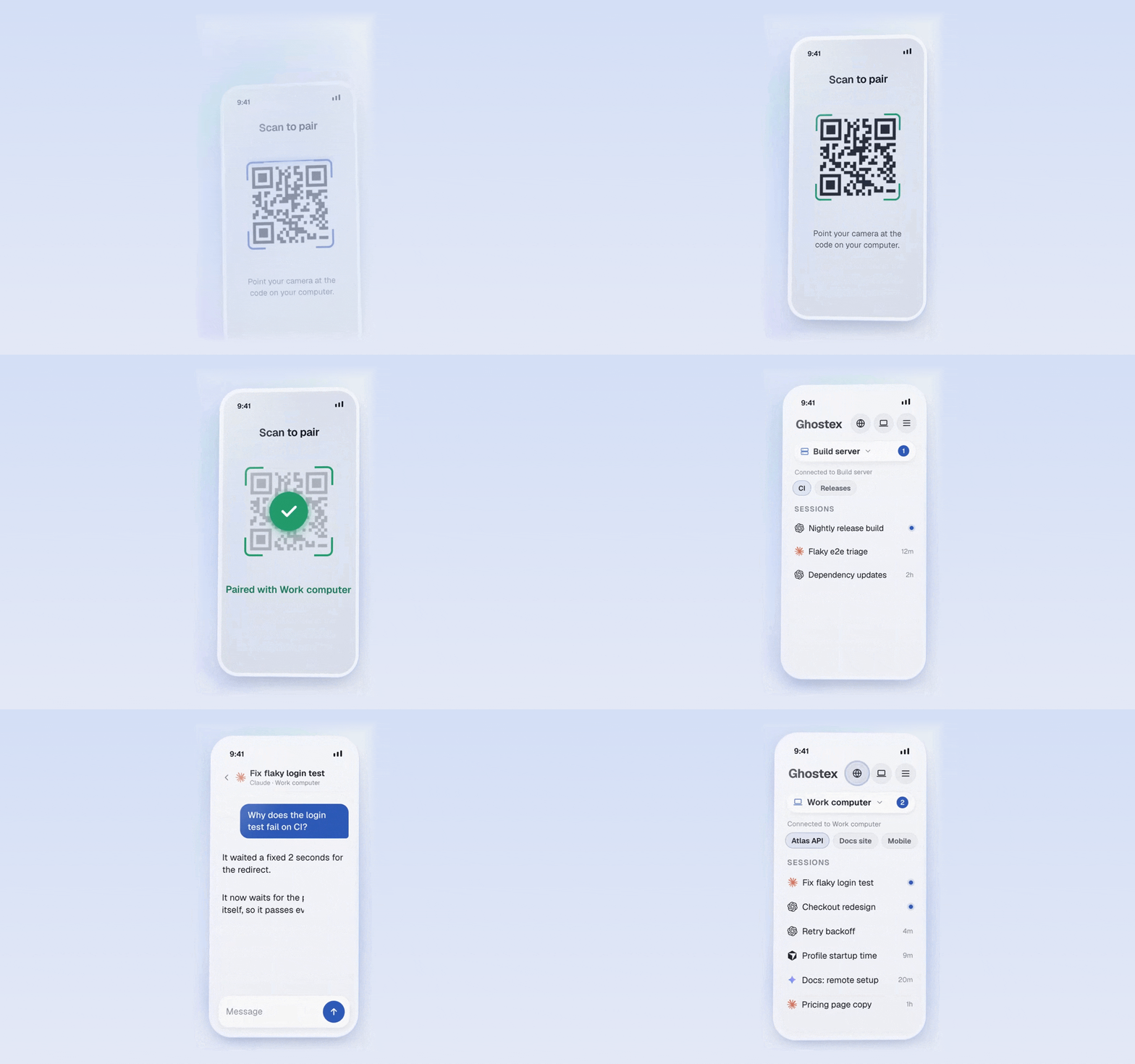
Нет, сборка для iOS сейчас распространяется только через TestFlight. Чтобы получить доступ, нужно вступить в канал iOS в Discord.Как телефонное приложение подключается к моим агентам?Мобильное приложение подключается одним сканированием QR-кода через «Easy Connect» или через вашу существующую сеть Tailscale. С его помощью можно читать расшифровки диалогов, отвечать агентам и удаленно открывать страницы localhost.
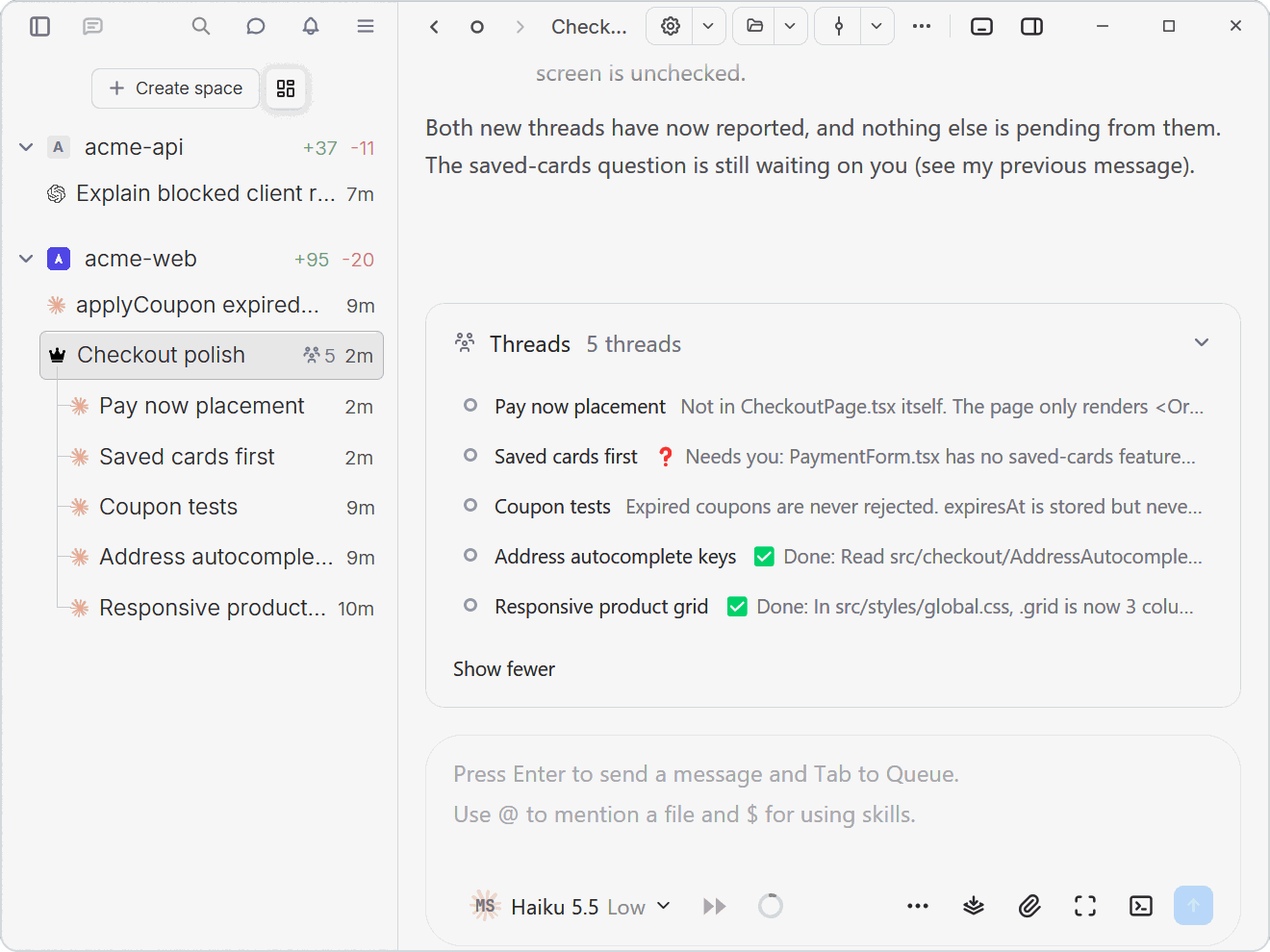
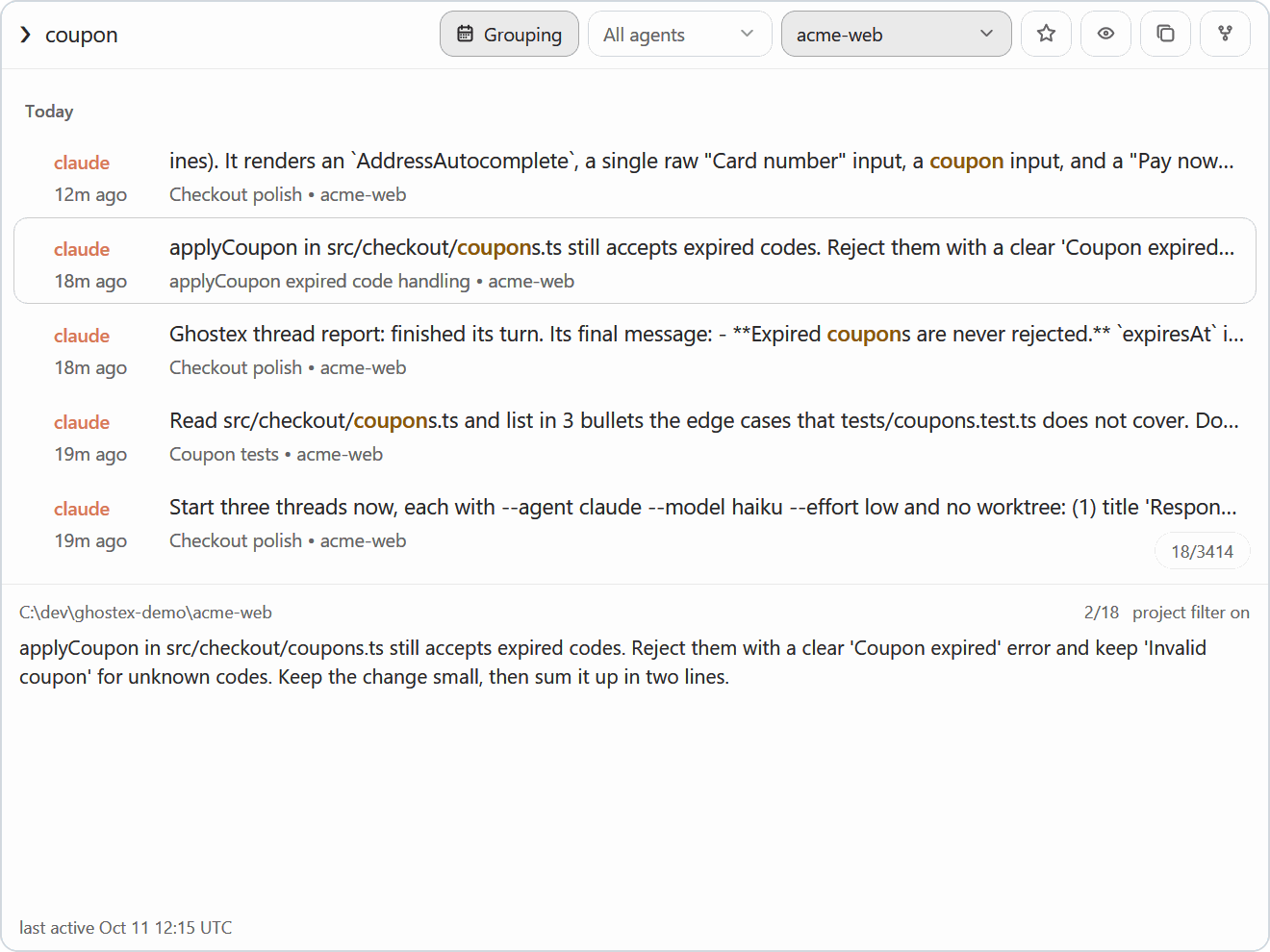
Мобильное приложение подключается одним сканированием QR-кода через «Easy Connect» или через вашу существующую сеть Tailscale. С его помощью можно читать расшифровки диалогов, отвечать агентам и удаленно открывать страницы localhost.Что значит «агенты, которые запускают агентов»?С помощью команды ghostex один агент может открывать сессии, отправлять промпты и читать ответы других агентов. Например, Claude Code может запустить подагентов Codex, управлять ими или передать работу оркестратору.
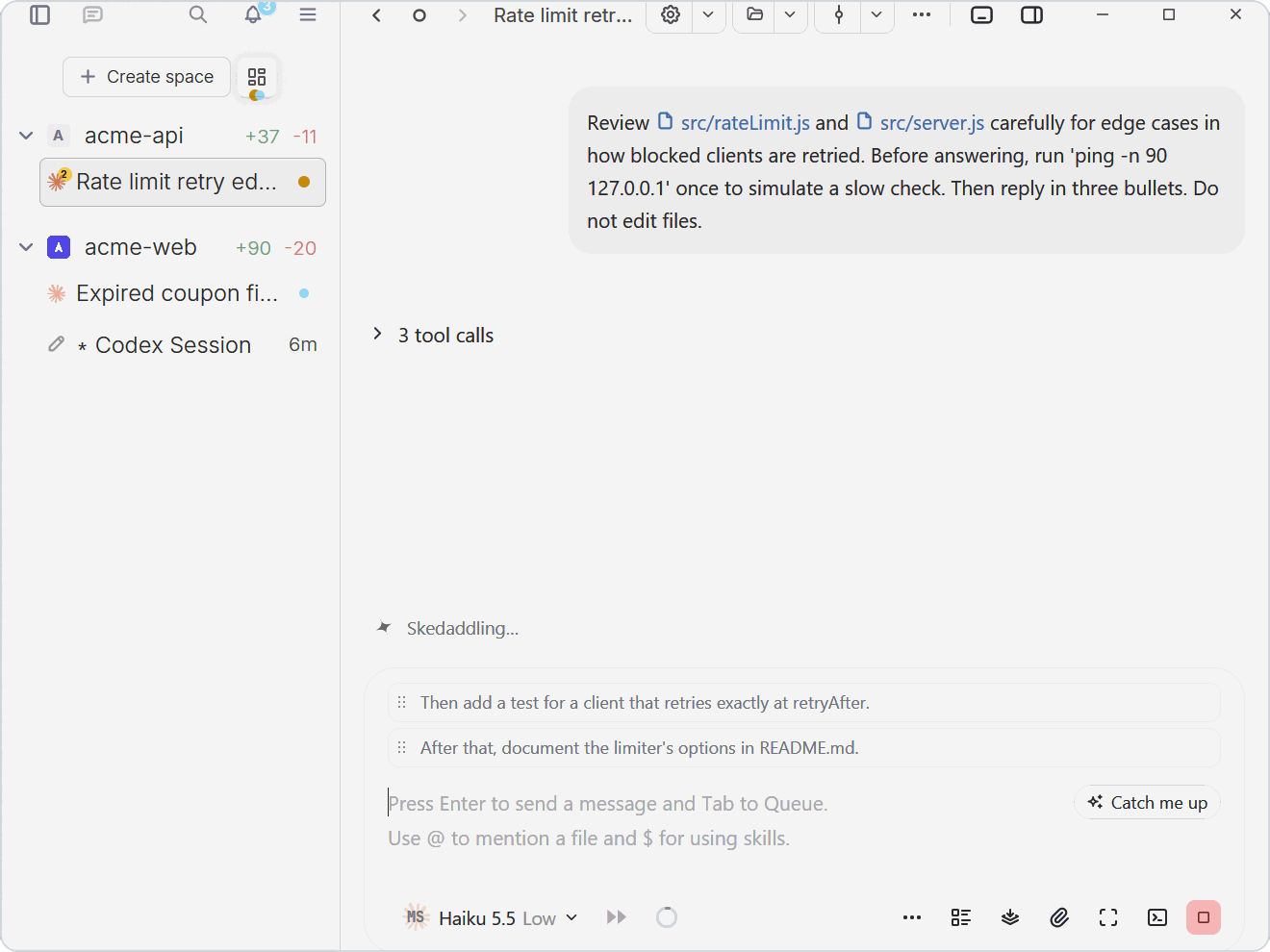
С помощью команды ghostex один агент может открывать сессии, отправлять промпты и читать ответы других агентов. Например, Claude Code может запустить подагентов Codex, управлять ими или передать работу оркестратору.Можно ли продолжать печатать, пока агент работает?Да. Нажатие Tab ставит следующий промпт в очередь над полем ввода. Он ждет, пока агент освободится. Очередь можно перетаскивать для изменения порядка, а также прервать работу агента сообщением, которое уже стоит в очереди.
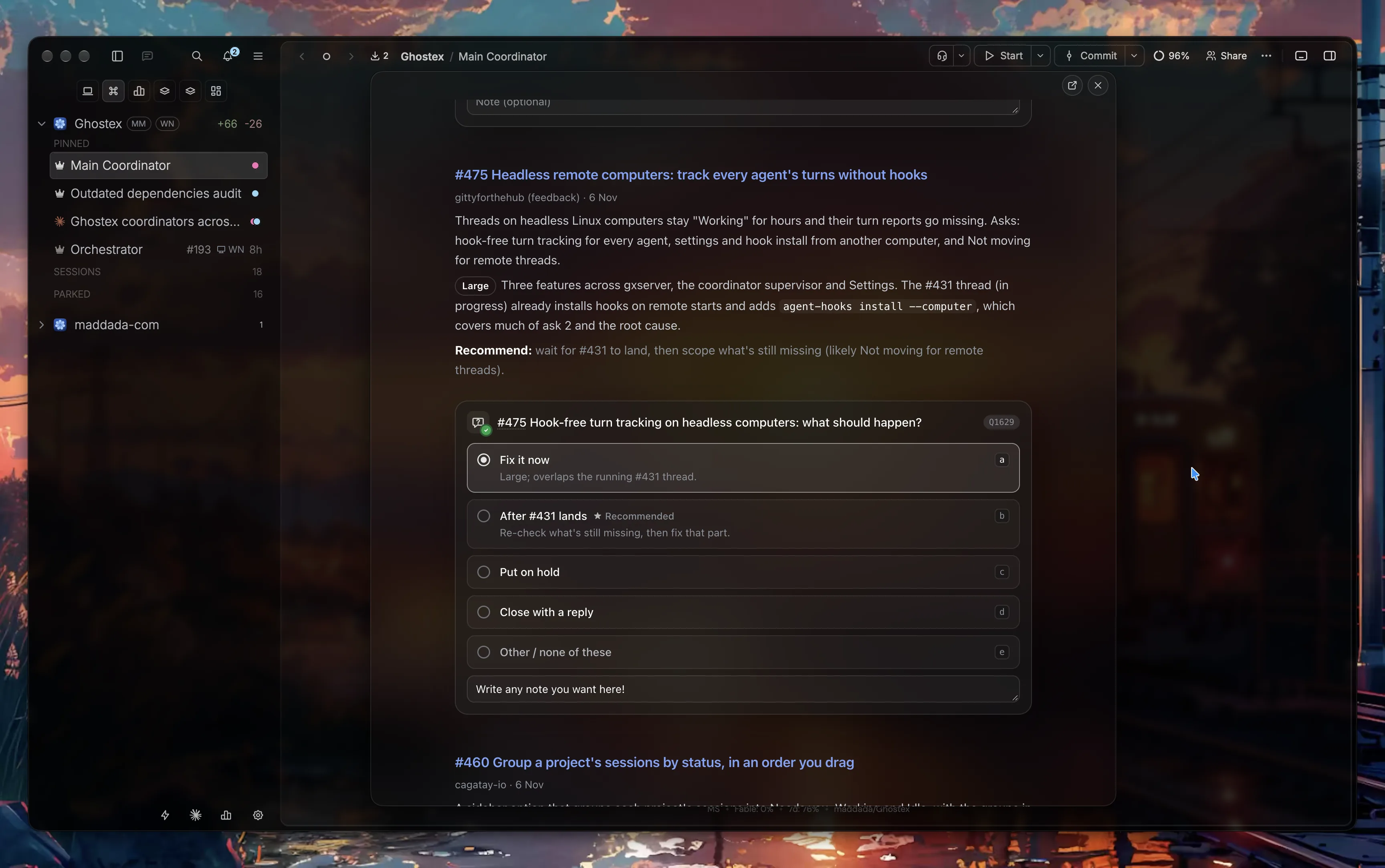
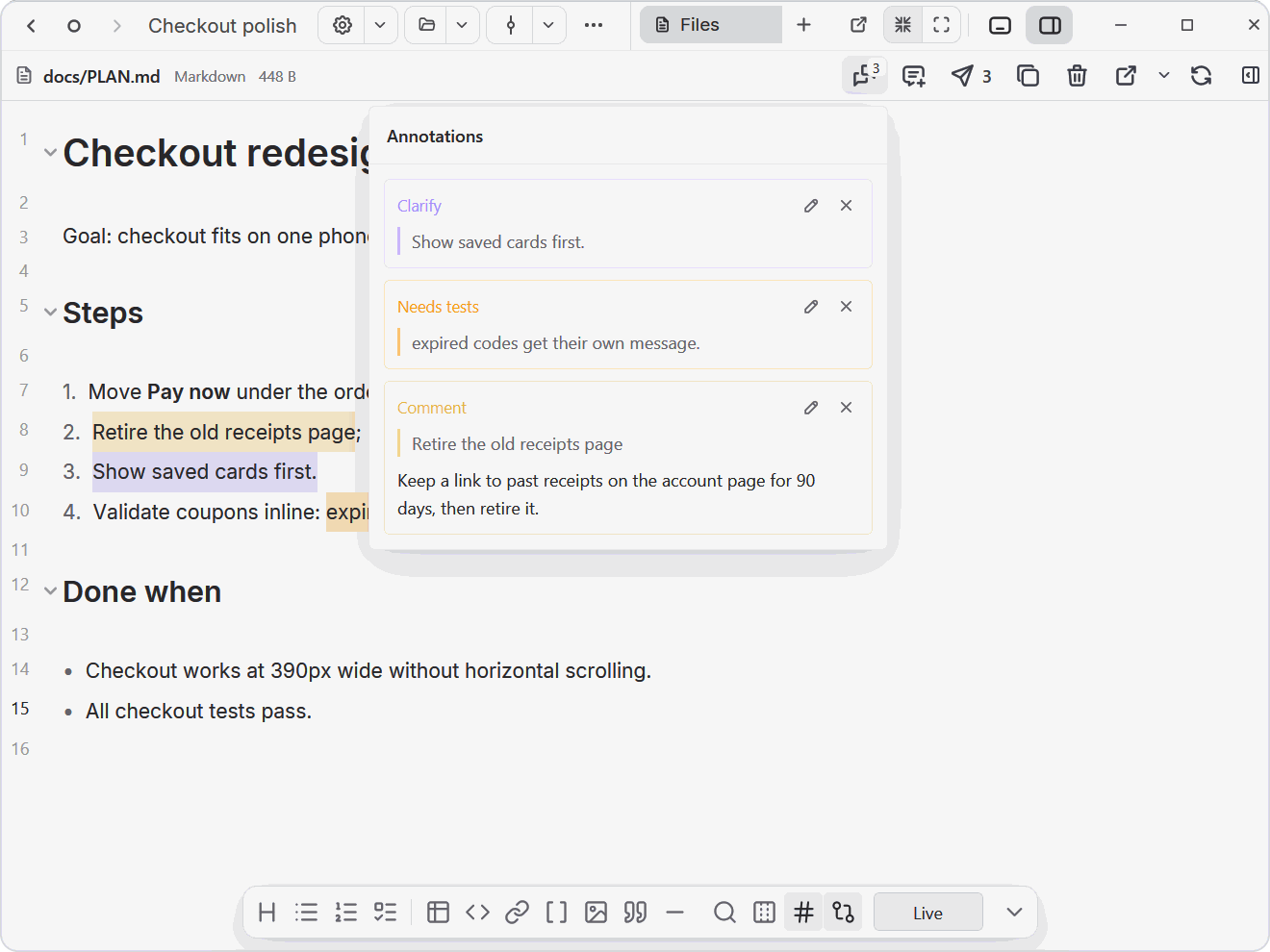
Да. Нажатие Tab ставит следующий промпт в очередь над полем ввода. Он ждет, пока агент освободится. Очередь можно перетаскивать для изменения порядка, а также прервать работу агента сообщением, которое уже стоит в очереди.Как оставить отзыв на план или диаграмму?Откройте рядом с агентом план в Markdown, HTML-прототип или диаграмму Excalidraw, выделите любой фрагмент и оставьте заметку или отметьте его как «Looks good», «Clarify» или «Needs tests». Одним кликом все заметки уходят агенту в виде пронумерованного отзыва в промпт.
Откройте рядом с агентом план в Markdown, HTML-прототип или диаграмму Excalidraw, выделите любой фрагмент и оставьте заметку или отметьте его как «Looks good», «Clarify» или «Needs tests». Одним кликом все заметки уходят агенту в виде пронумерованного отзыва в промпт.Какие дополнительные инструменты загружаются по требованию?Необязательные плагины, такие как браузер, доска Kanban, IDE и Docs, загружаются только тогда, когда вы ими пользуетесь. Также можно написать собственные плагины.
Необязательные плагины, такие как браузер, доска Kanban, IDE и Docs, загружаются только тогда, когда вы ими пользуетесь. Также можно написать собственные плагины.В каких он темах?ghostty, chromium, vscode, opencode, orchestration, agent-orchestration, mobile-app, cursor, gemini, multi-agent, desktop, ios
ghostty, chromium, vscode, opencode, orchestration, agent-orchestration, mobile-app, cursor, gemini, multi-agent, desktop, ios- Автор
- maddada
- Размер
- 463.8 MB
- Звёзды
- 1.7K
- Обновлён
- КоммитNov 18Релизv11.9.0Nov 17
- Возраст
- 6 мес
- Коммиты · 90 дней